Matchpoint: Set up Competitions
1. Untitled step

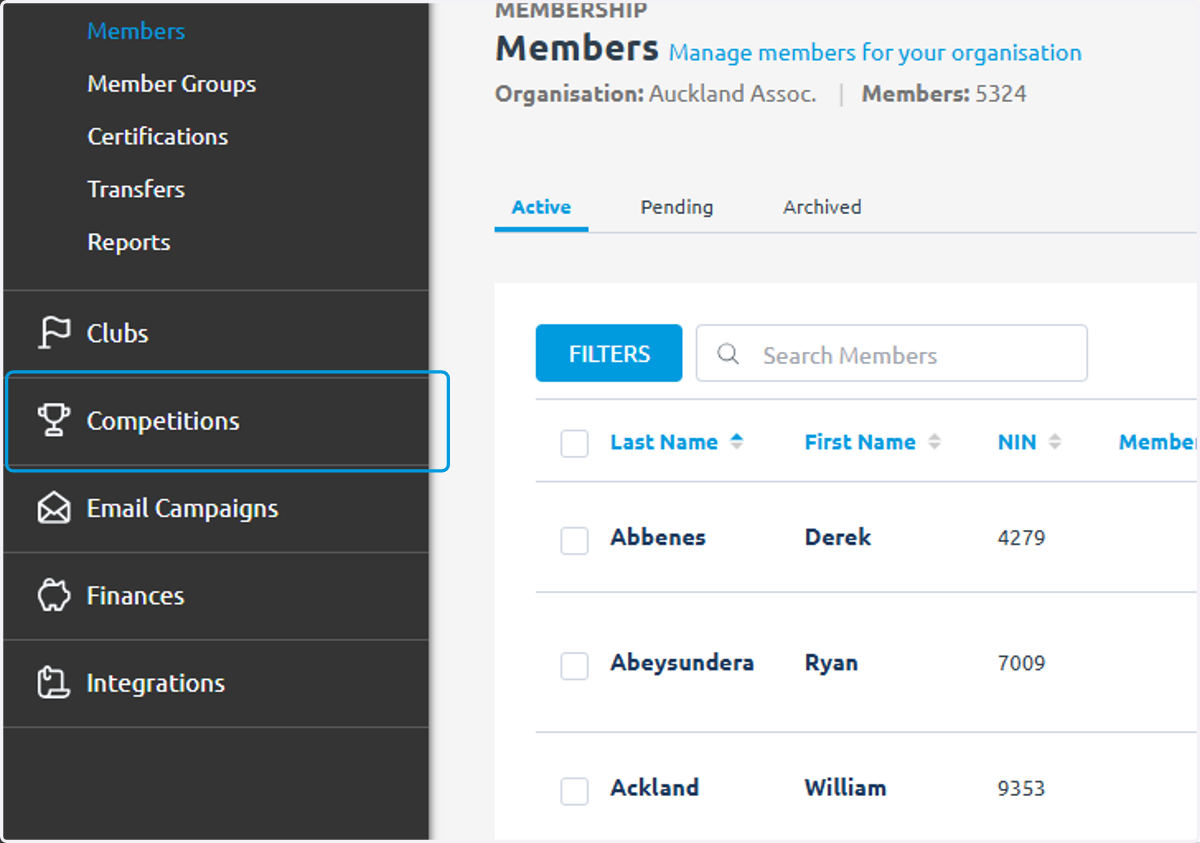
2. Click on Competitions
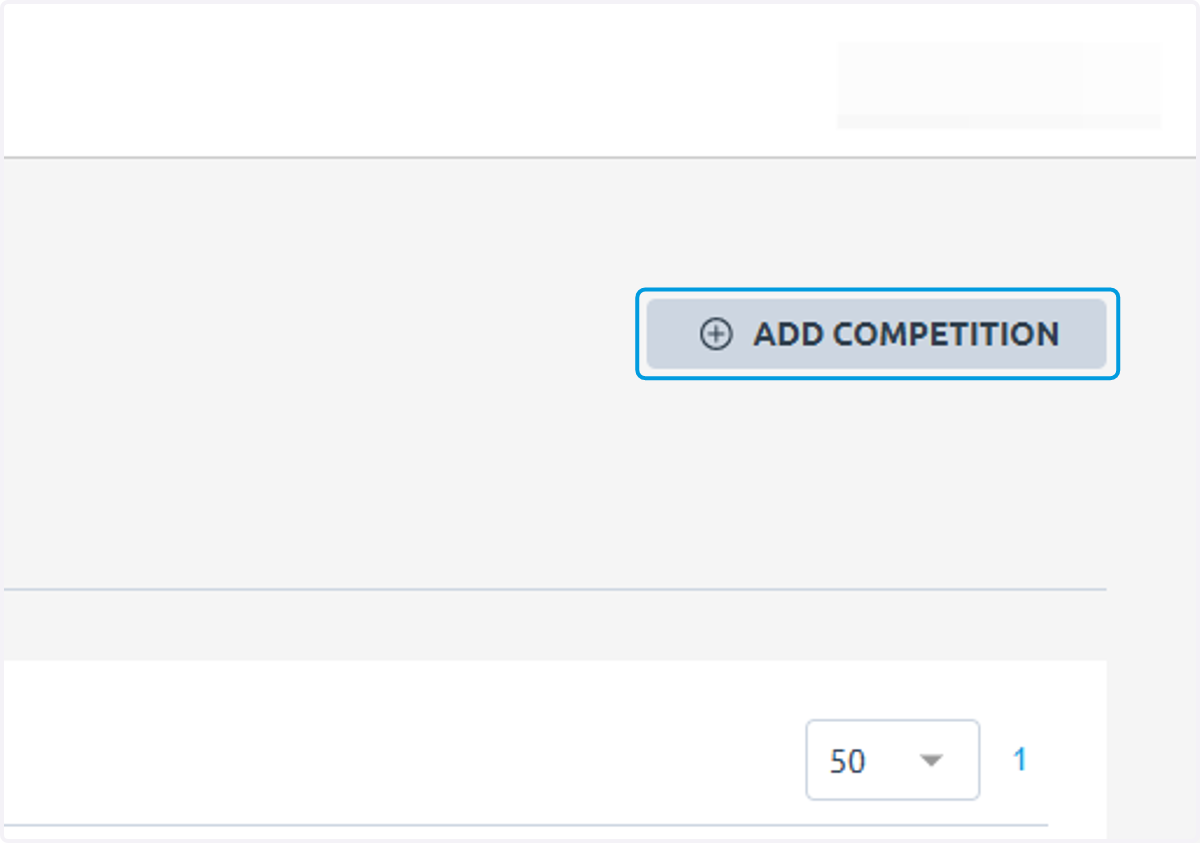
3. Click on ADD COMPETITION
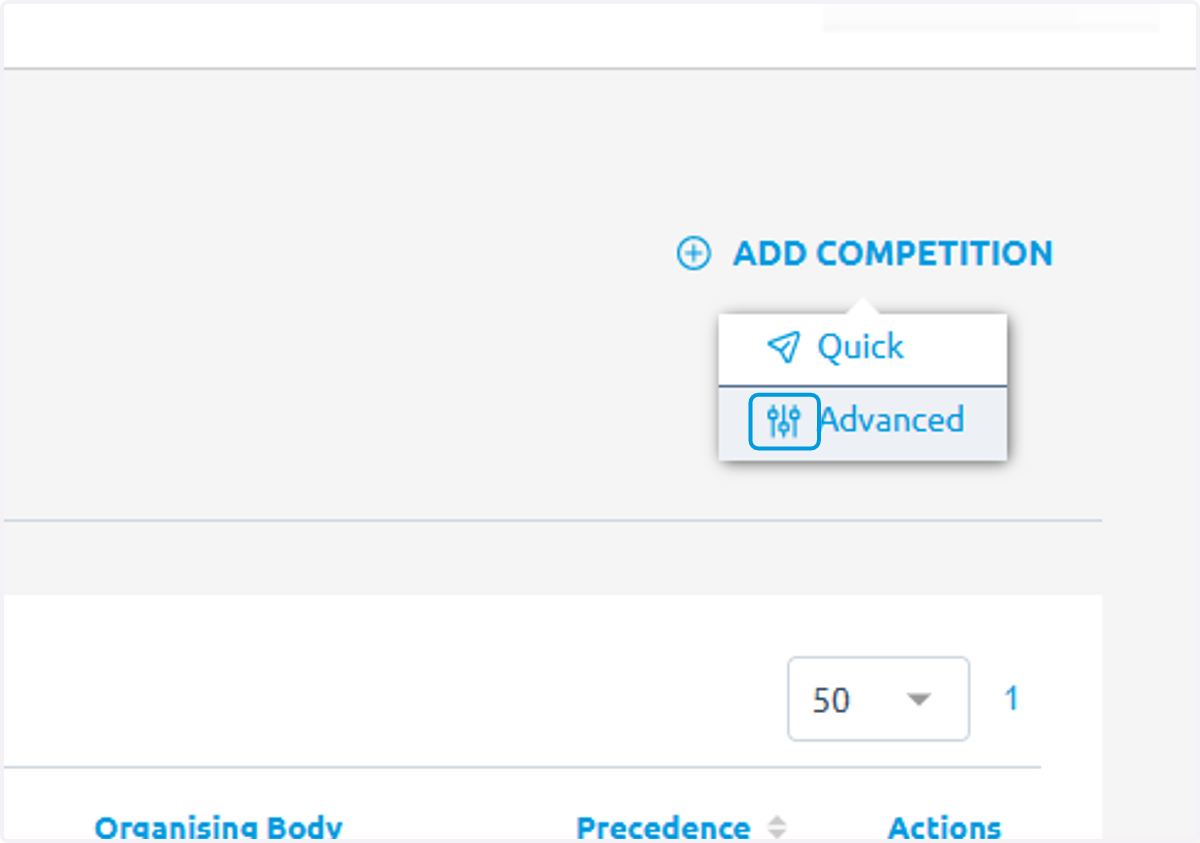
4. Click on Advanced
5. Type Competition Name
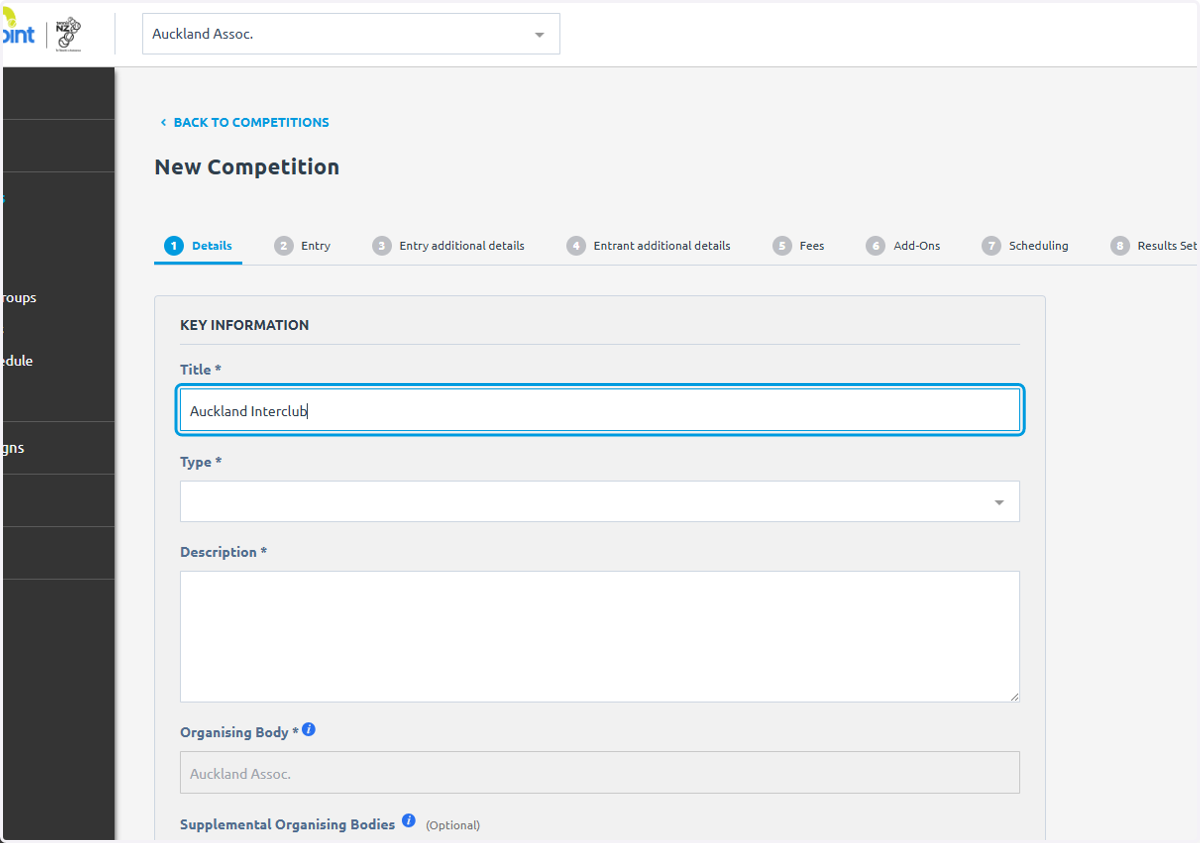
6. Click on type
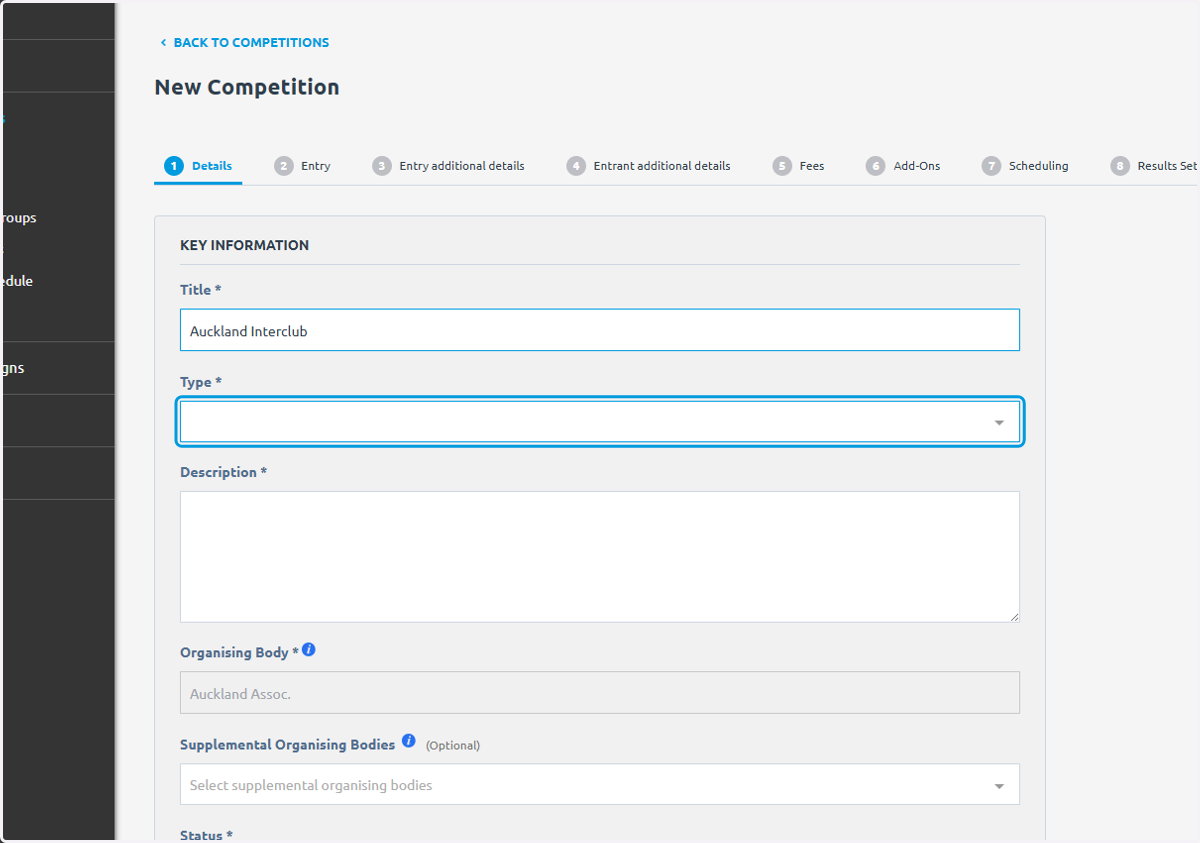
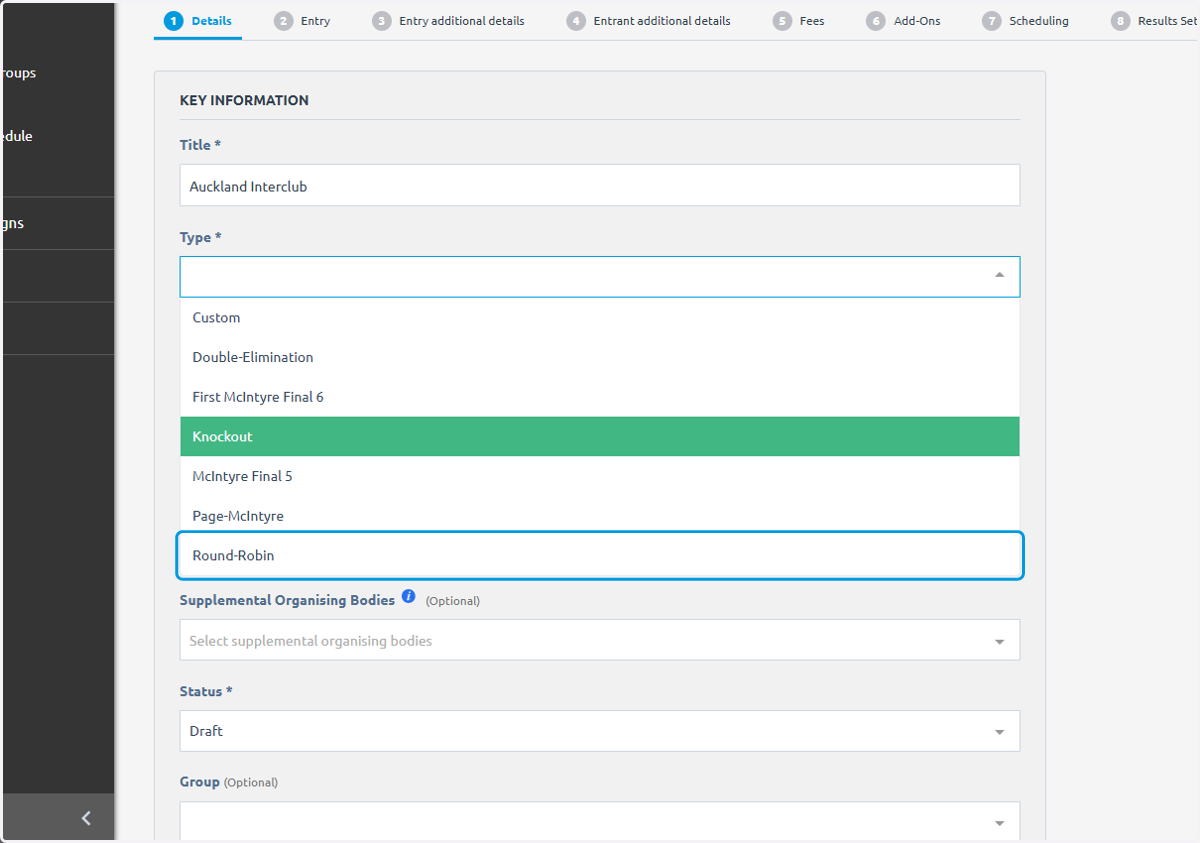
7. Click on Round-Robin
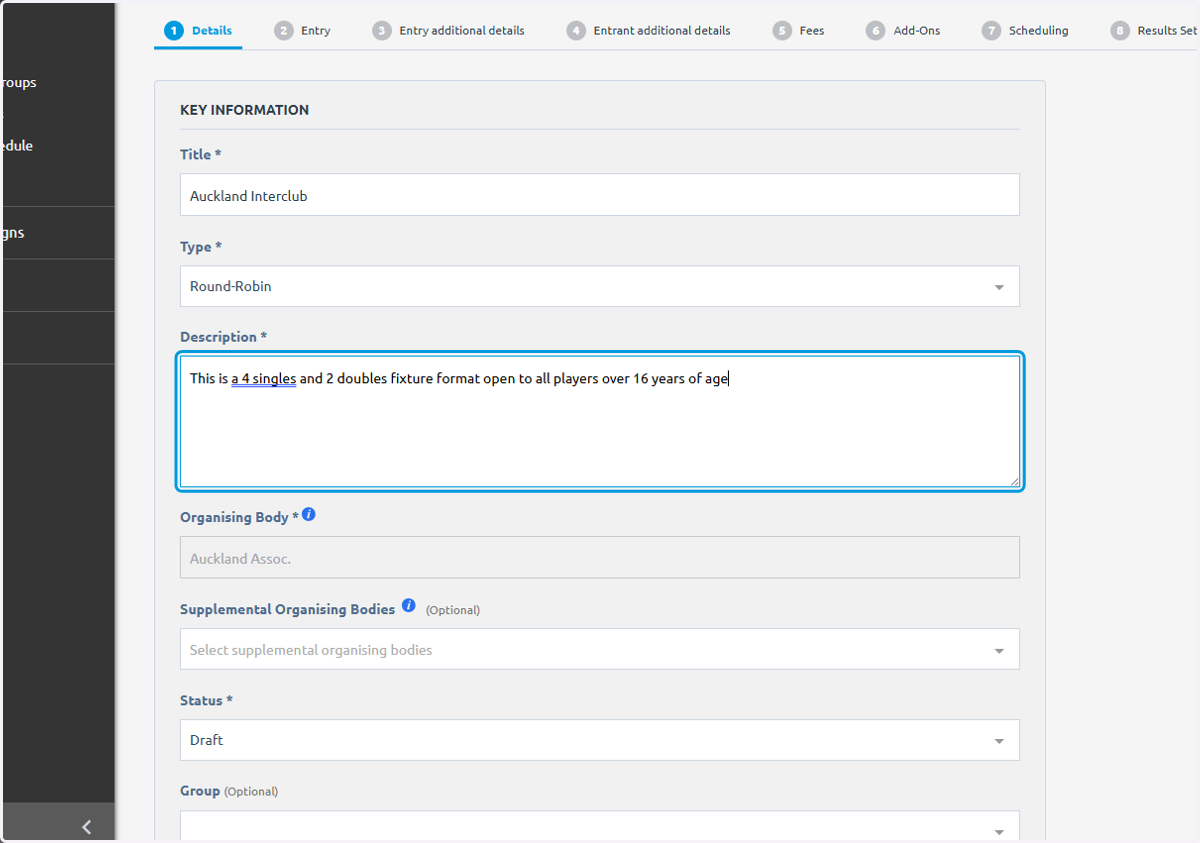
8. Write a description, this will appear at the top of the comp similar to MatchHub
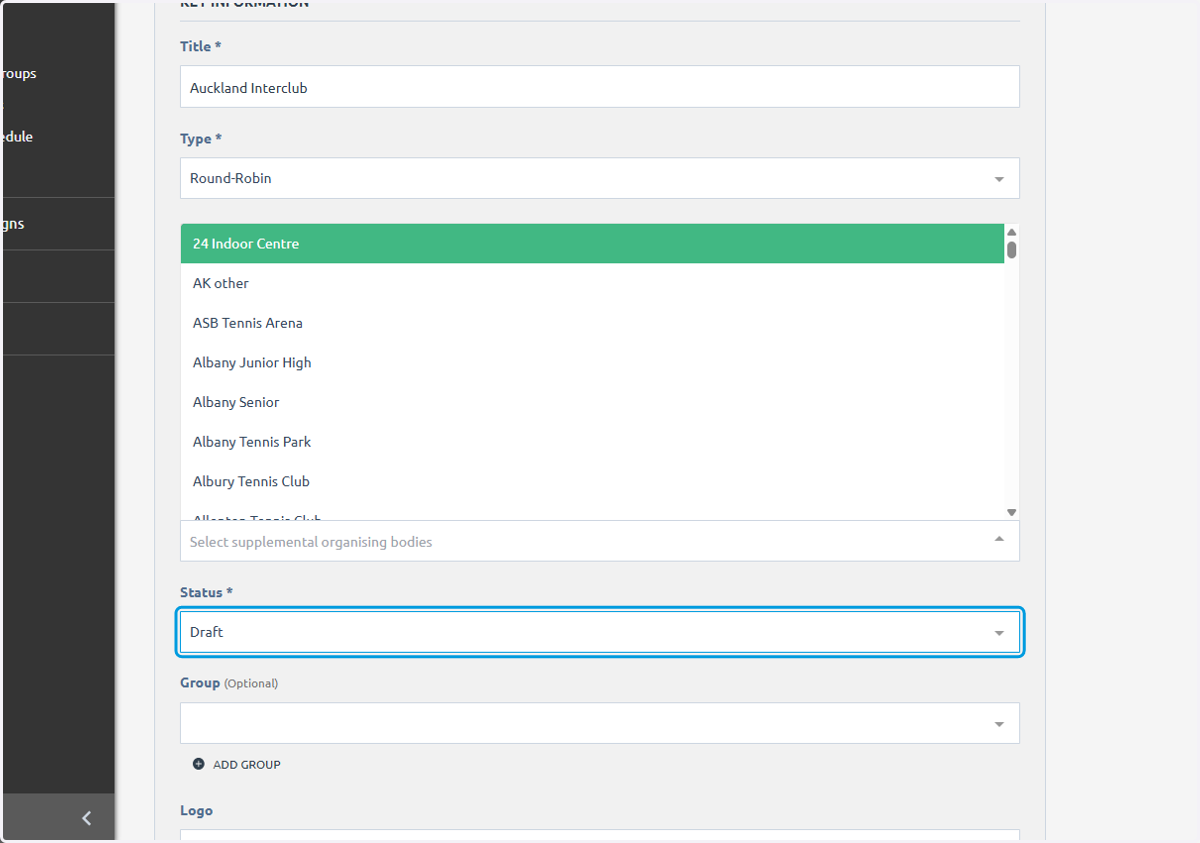
9. Click on Draft
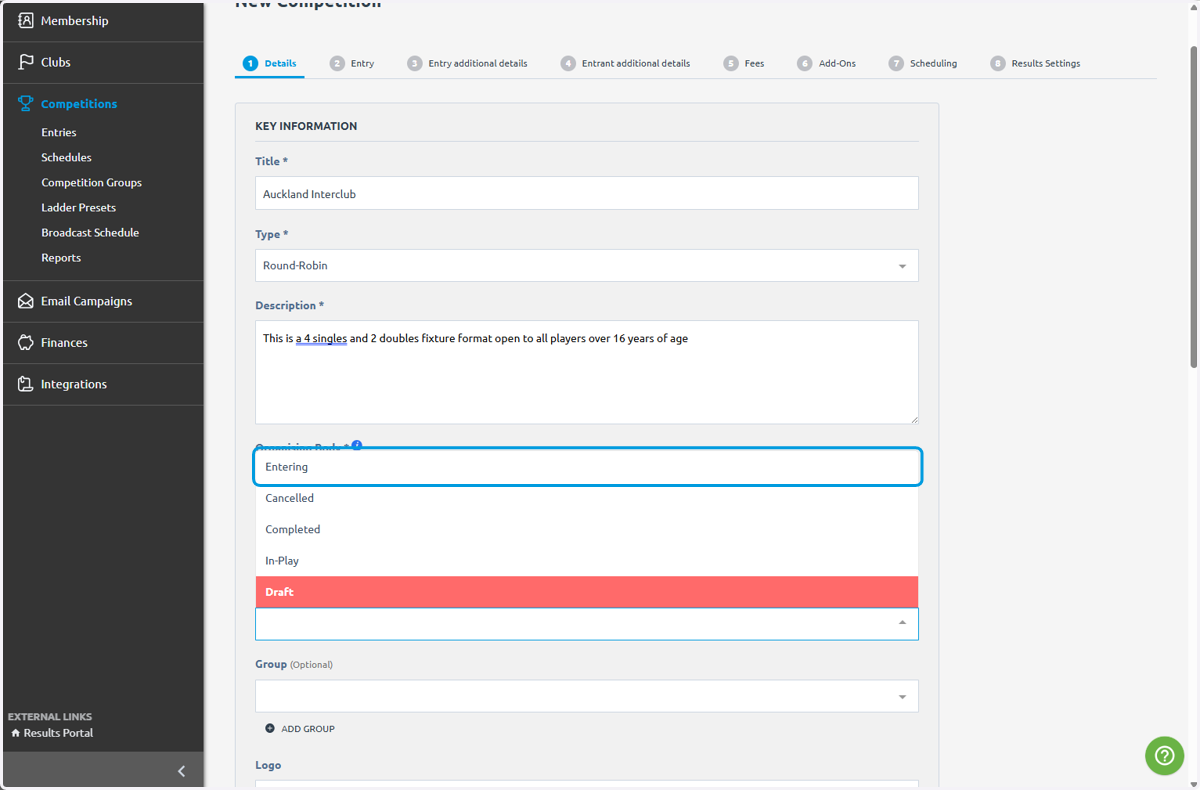
10. Click on Entering
11. Click on Yes
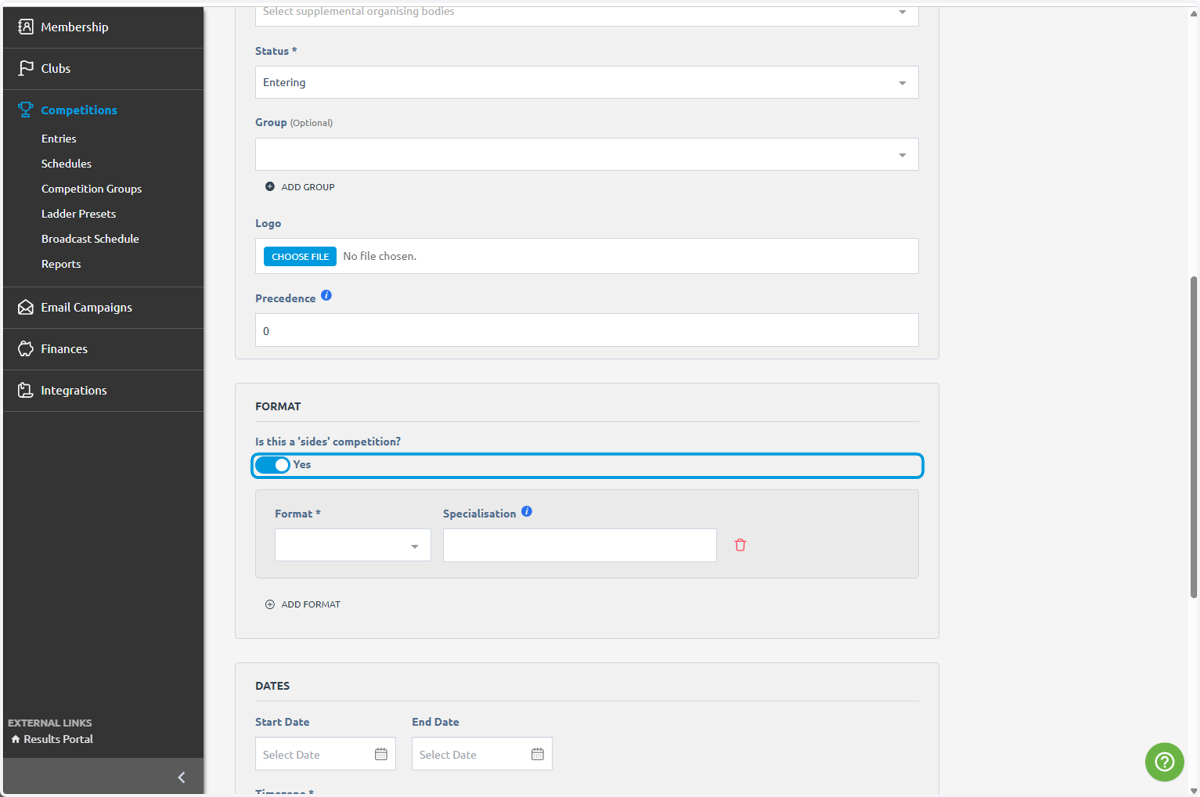
12. Click on highlight
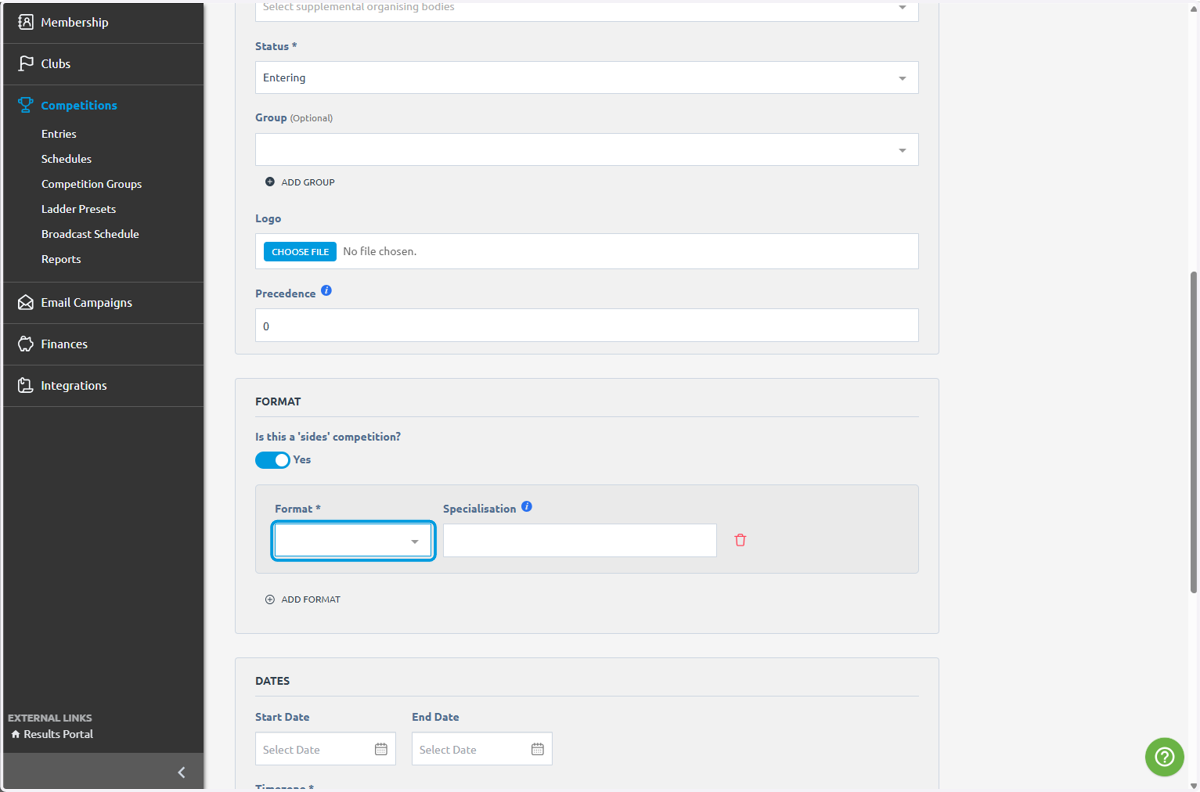
13. Click on Singles
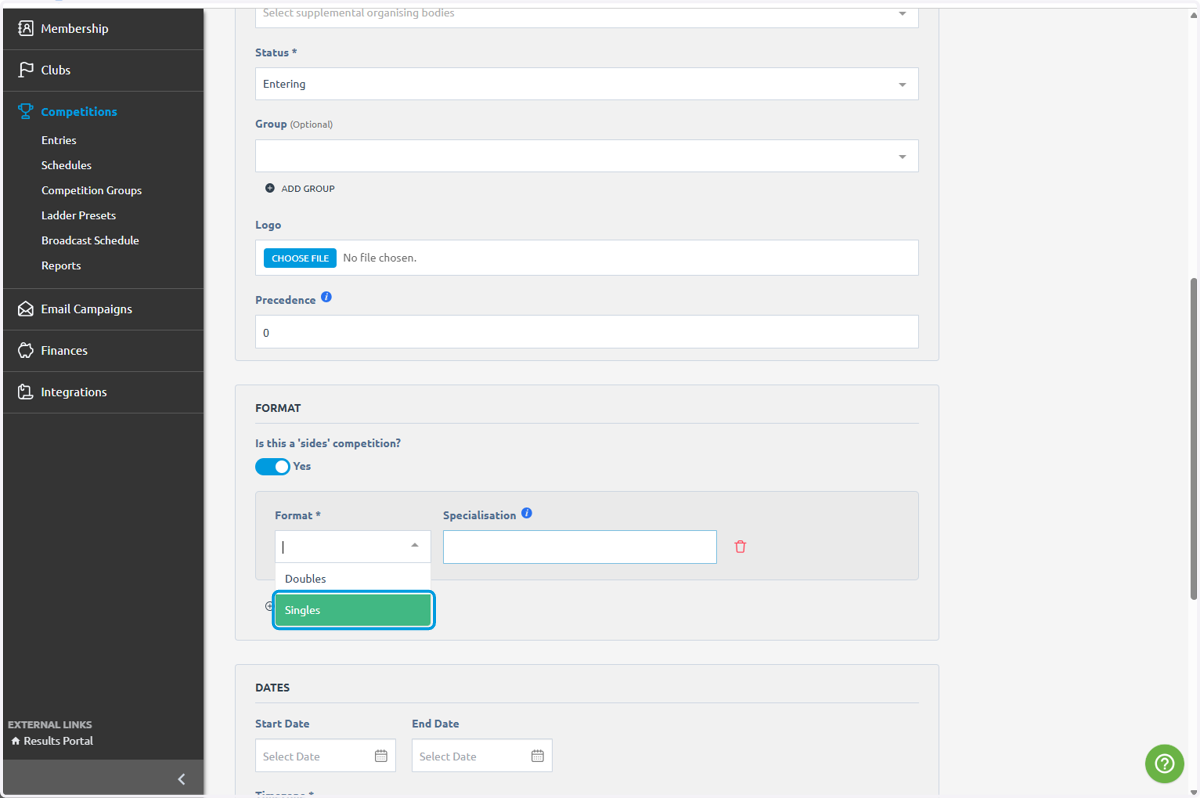
14. Type "#1 Singles"
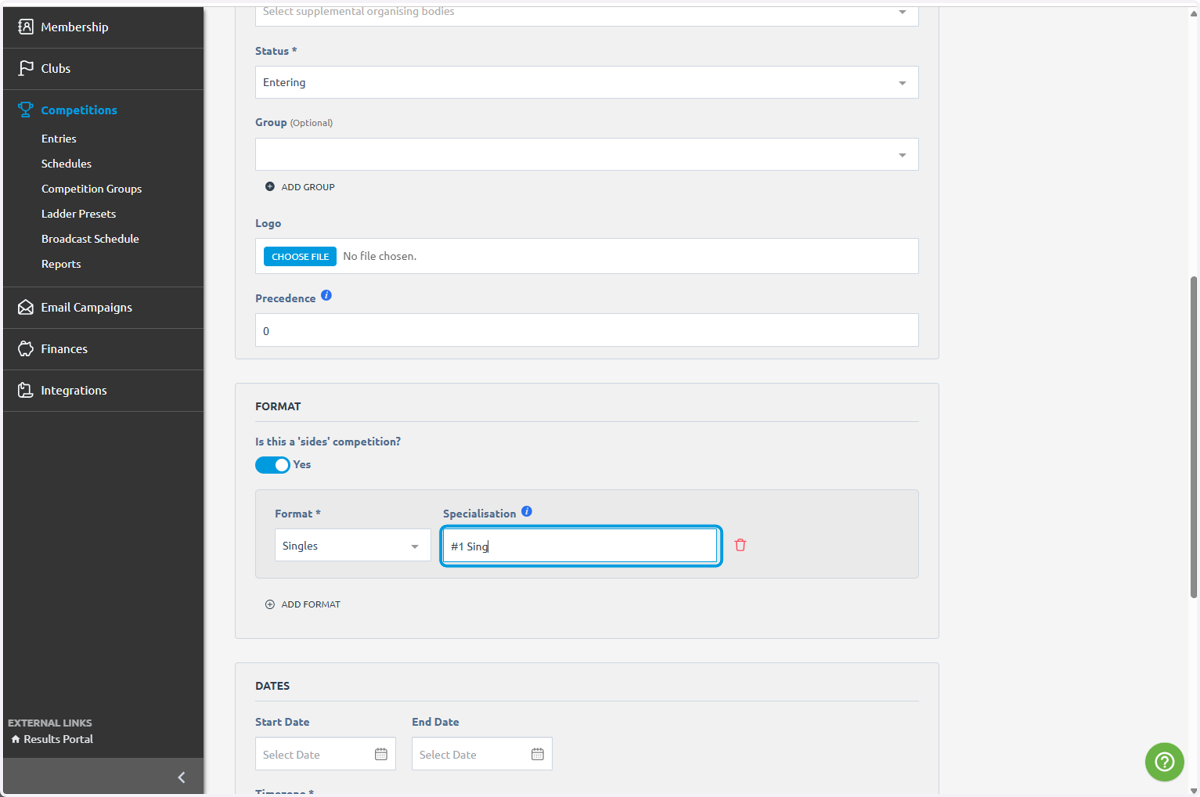
15. Click on ADD FORMAT
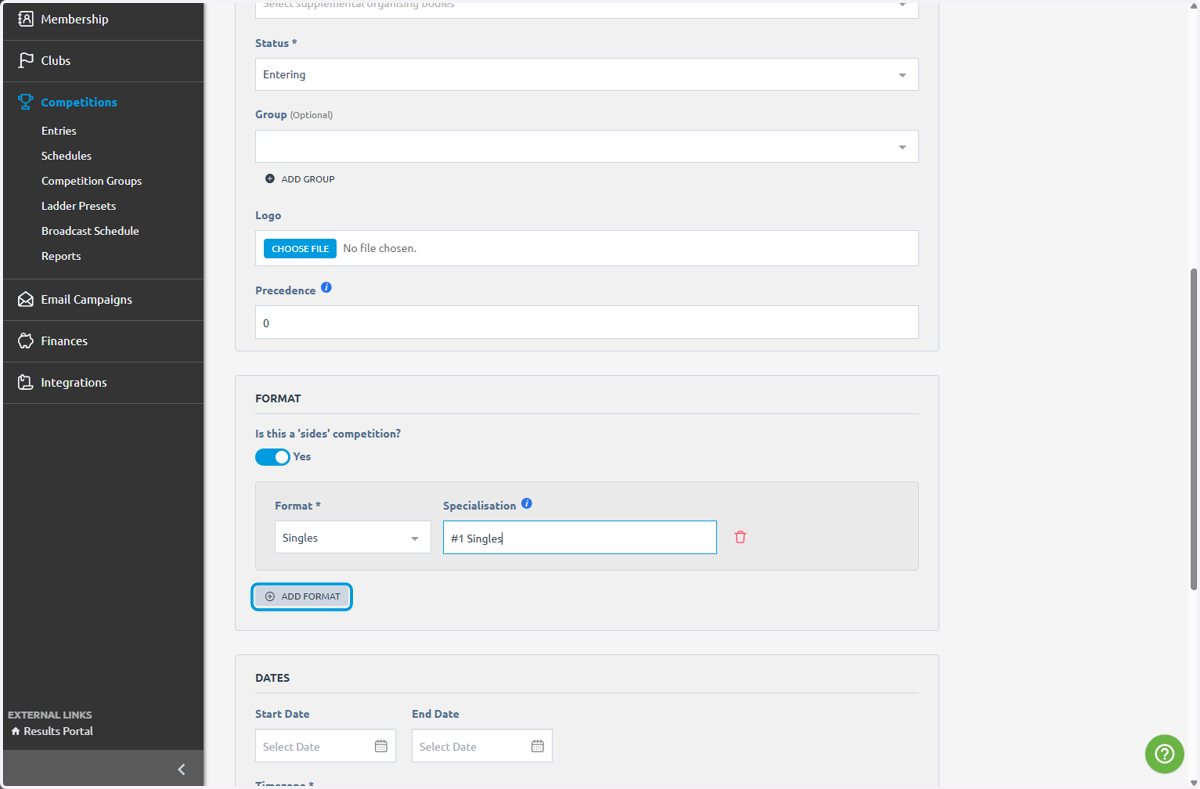
16. Click on highlight
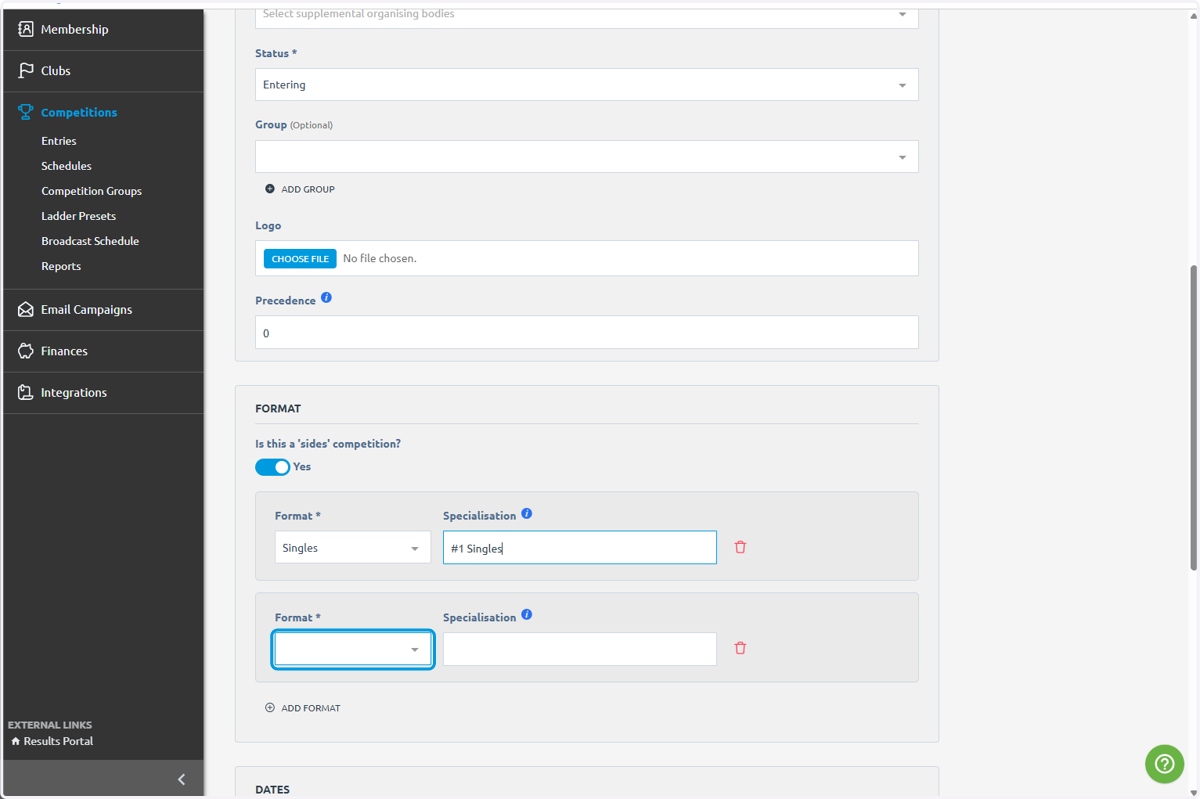
17. Click on Singles
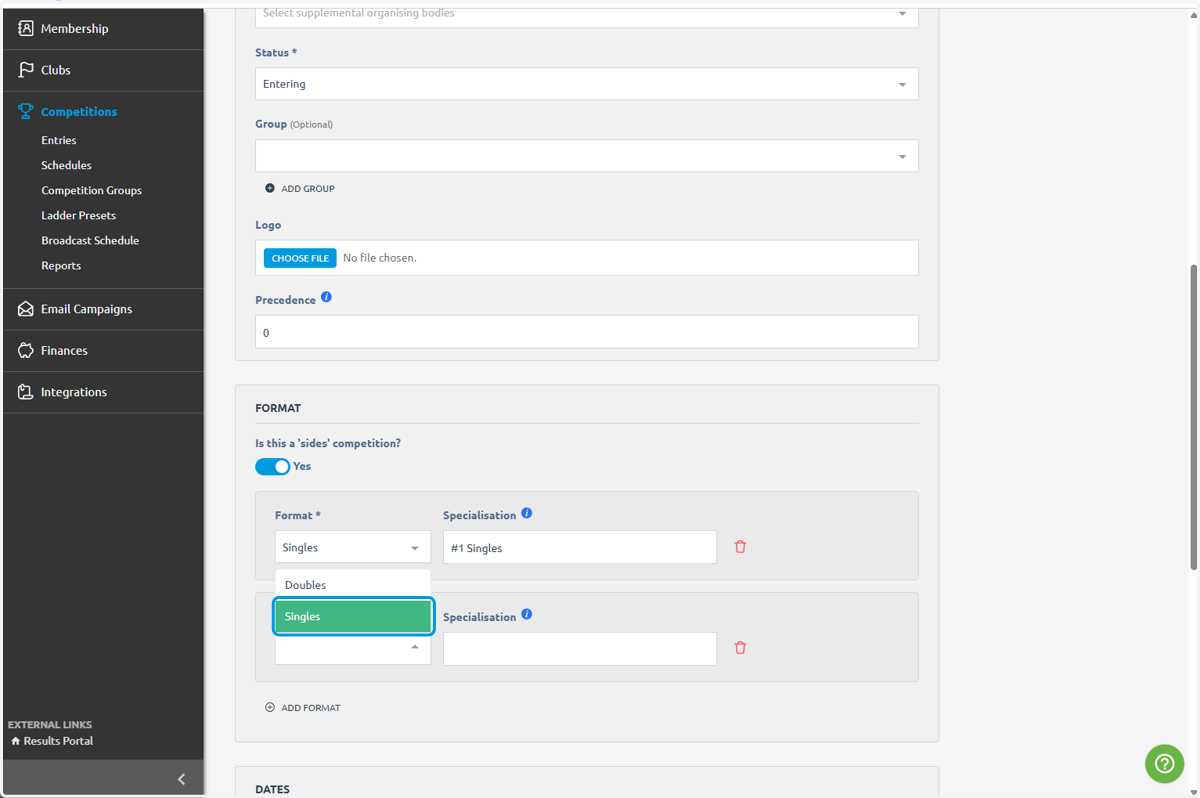
18. Type "#2 Singles"
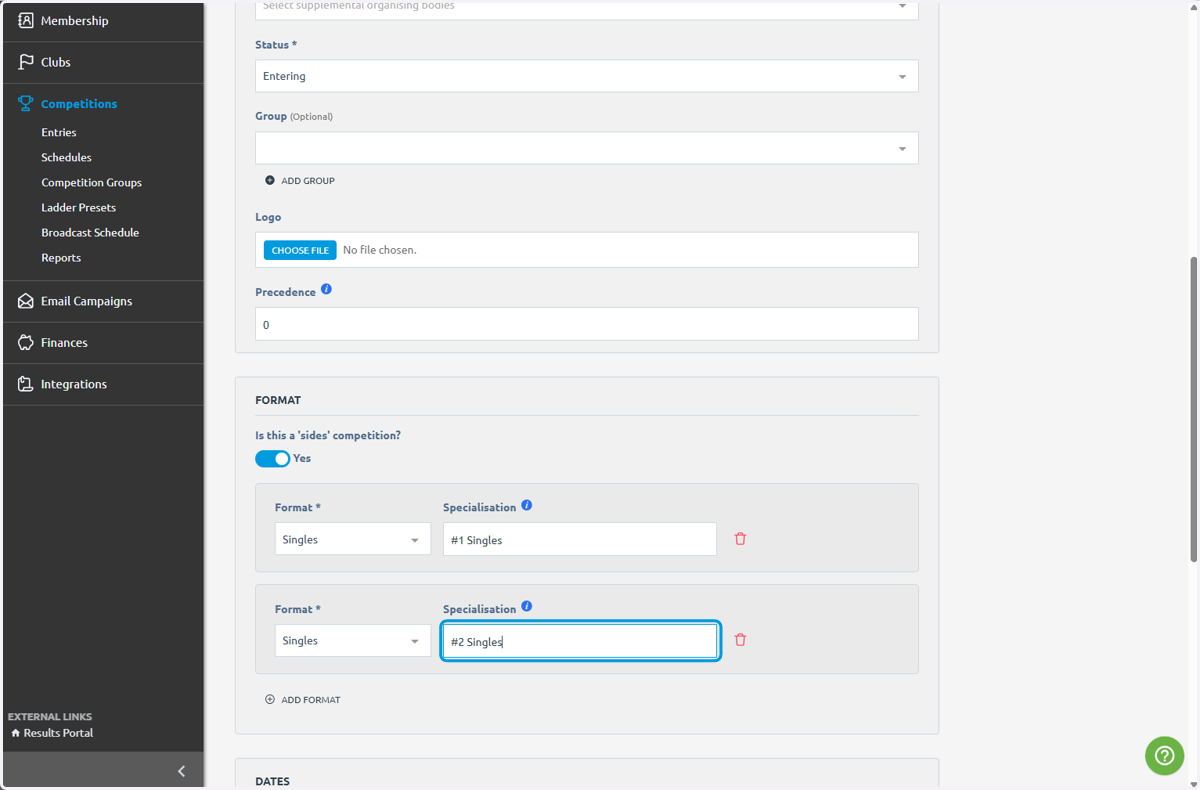
19. Click on Singles
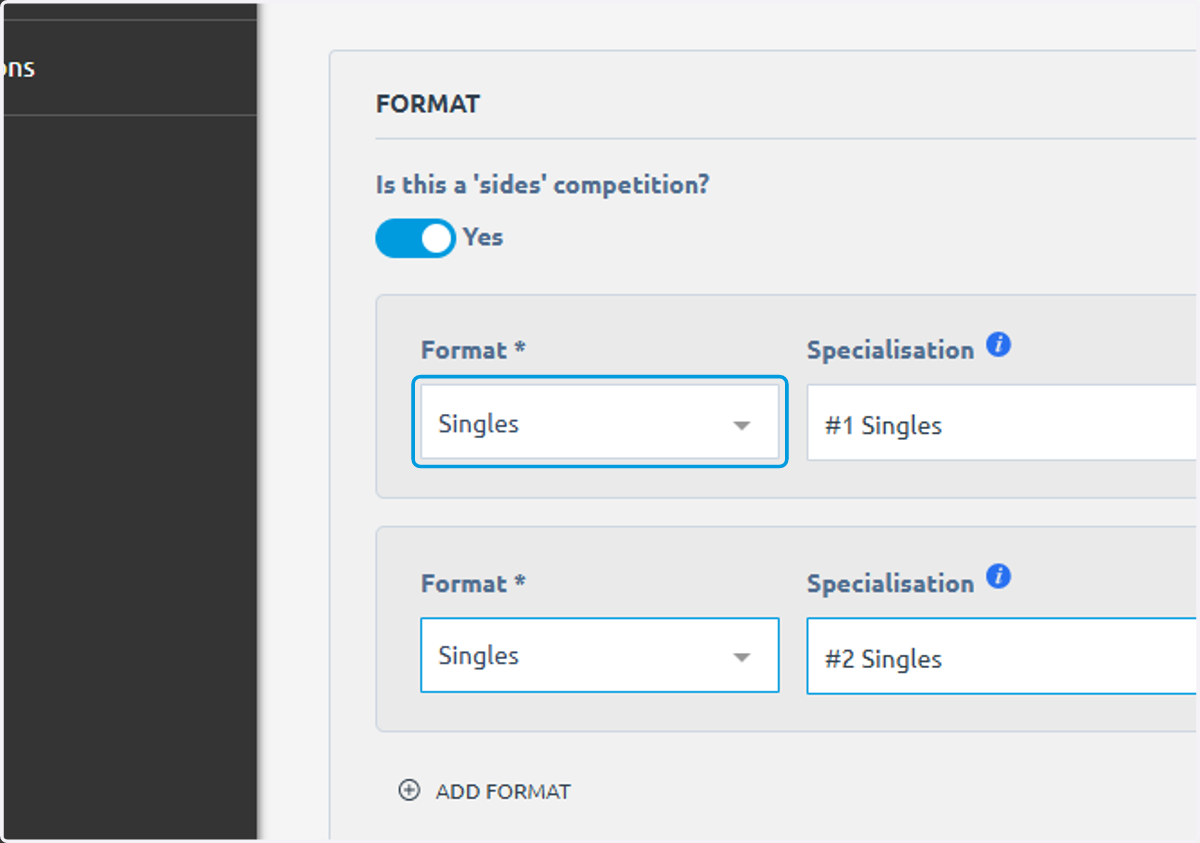
20. Click on ADD FORMAT
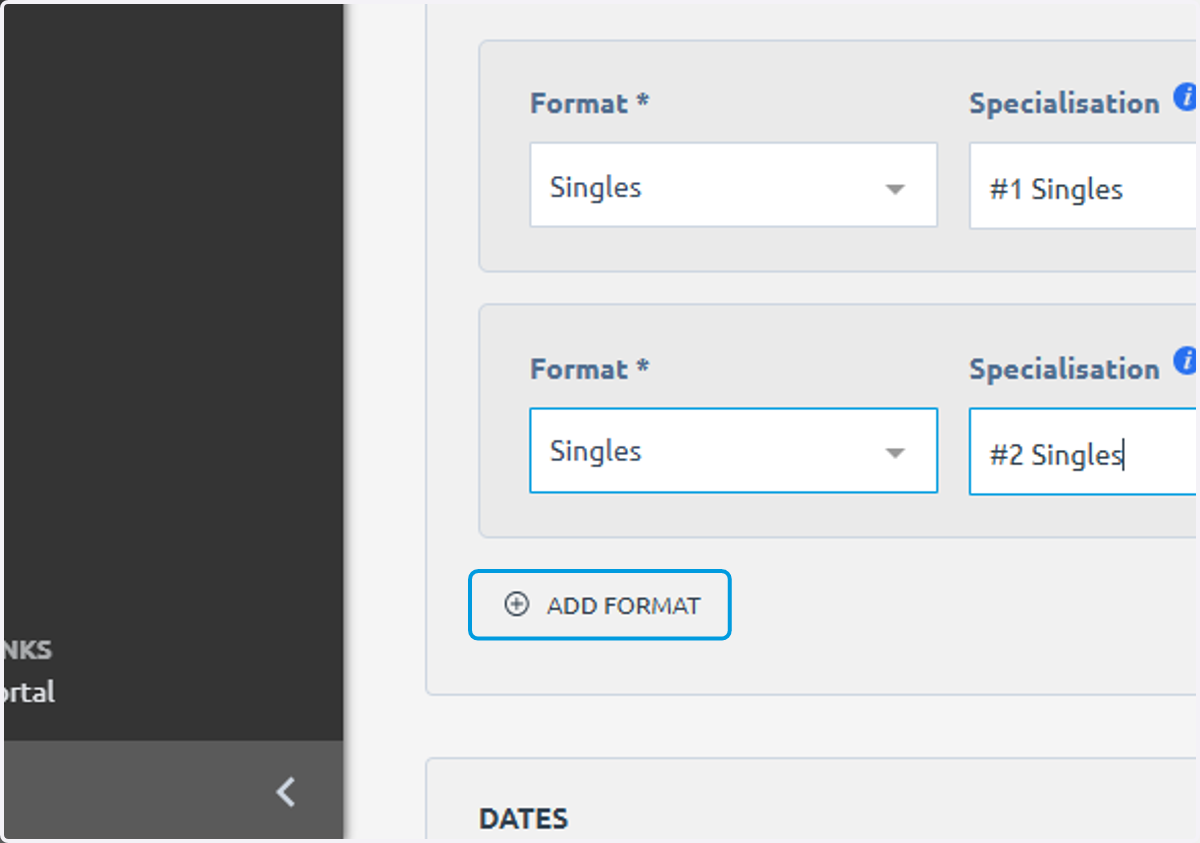
21. Click on highlight
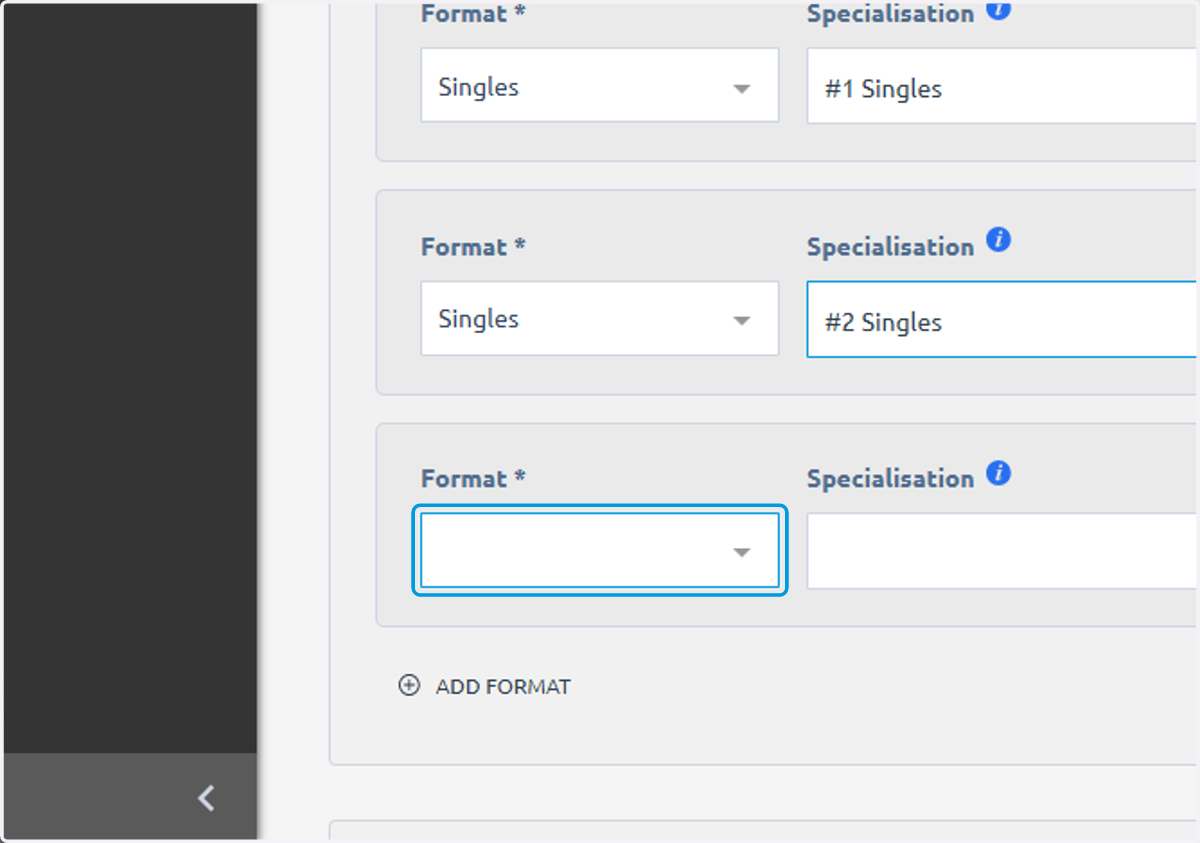
22. Click on Doubles
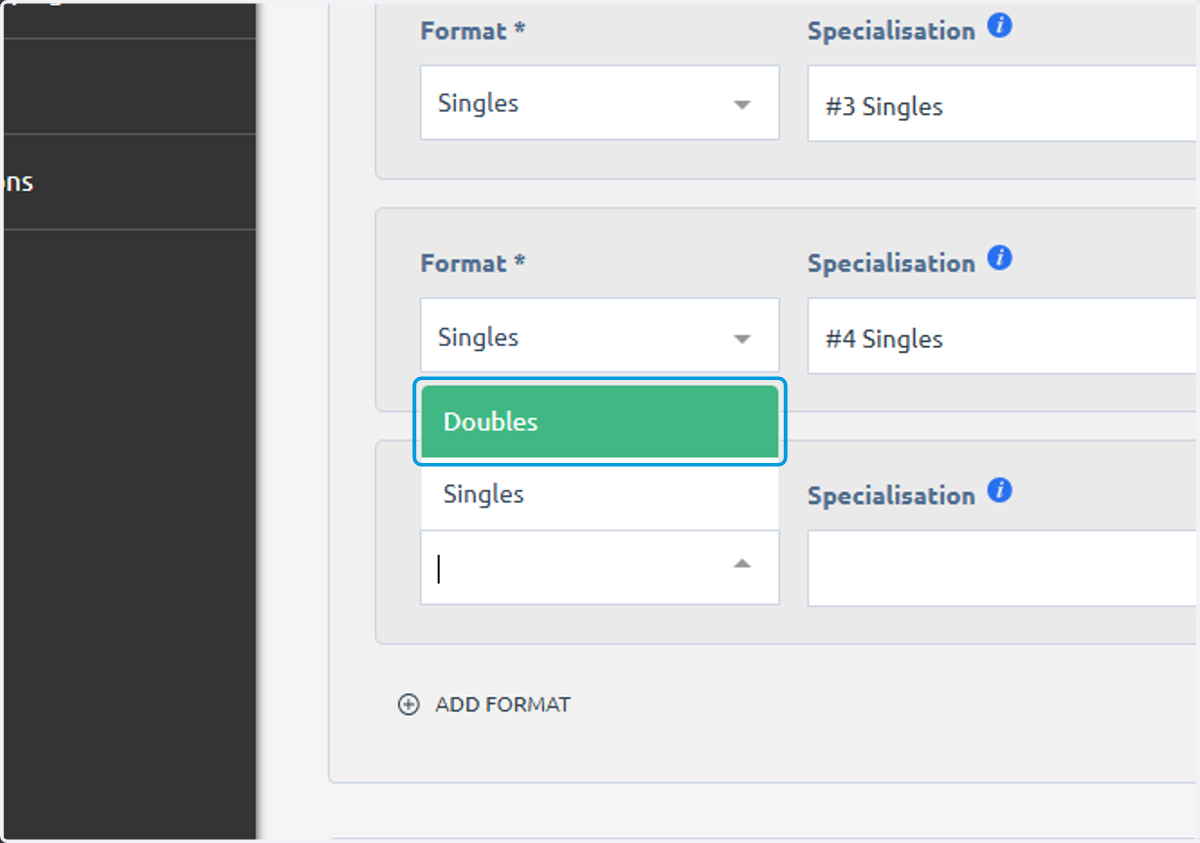
23. Type "#1 Doubles"
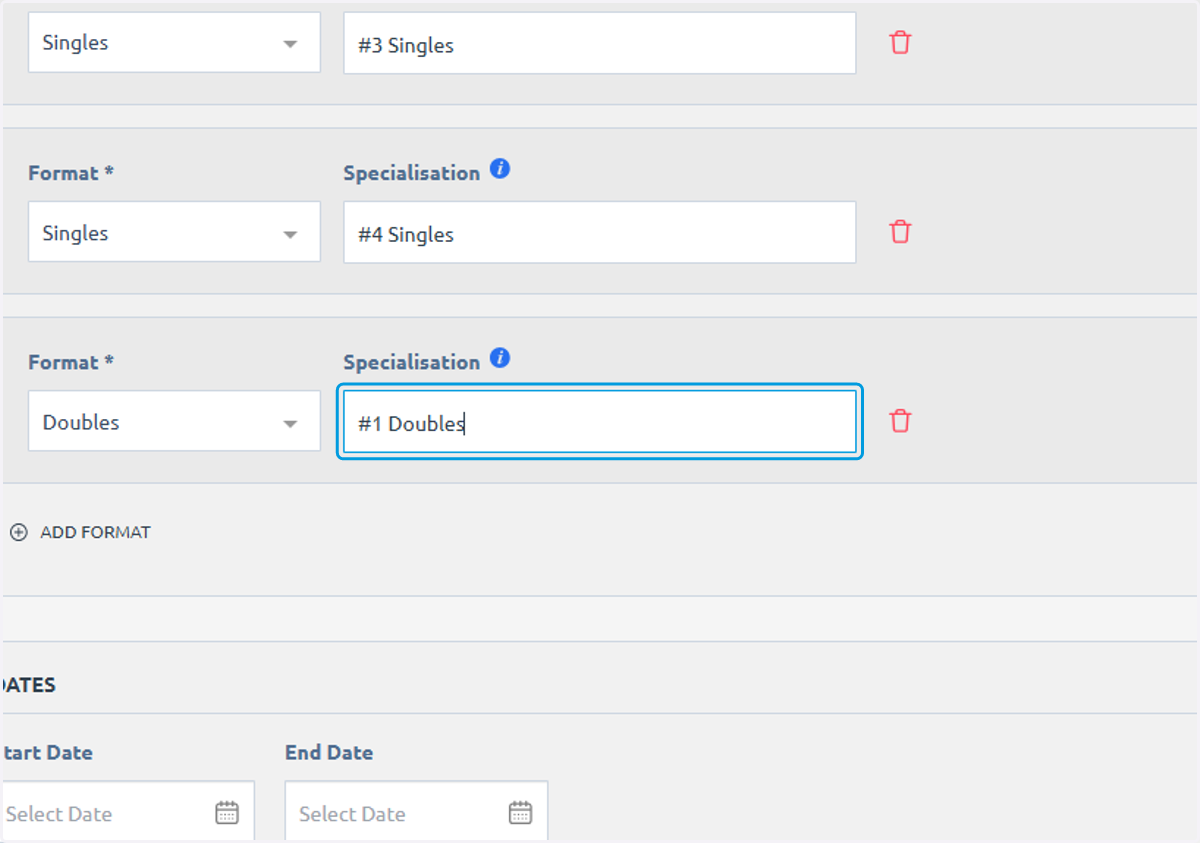
24. Click on start date
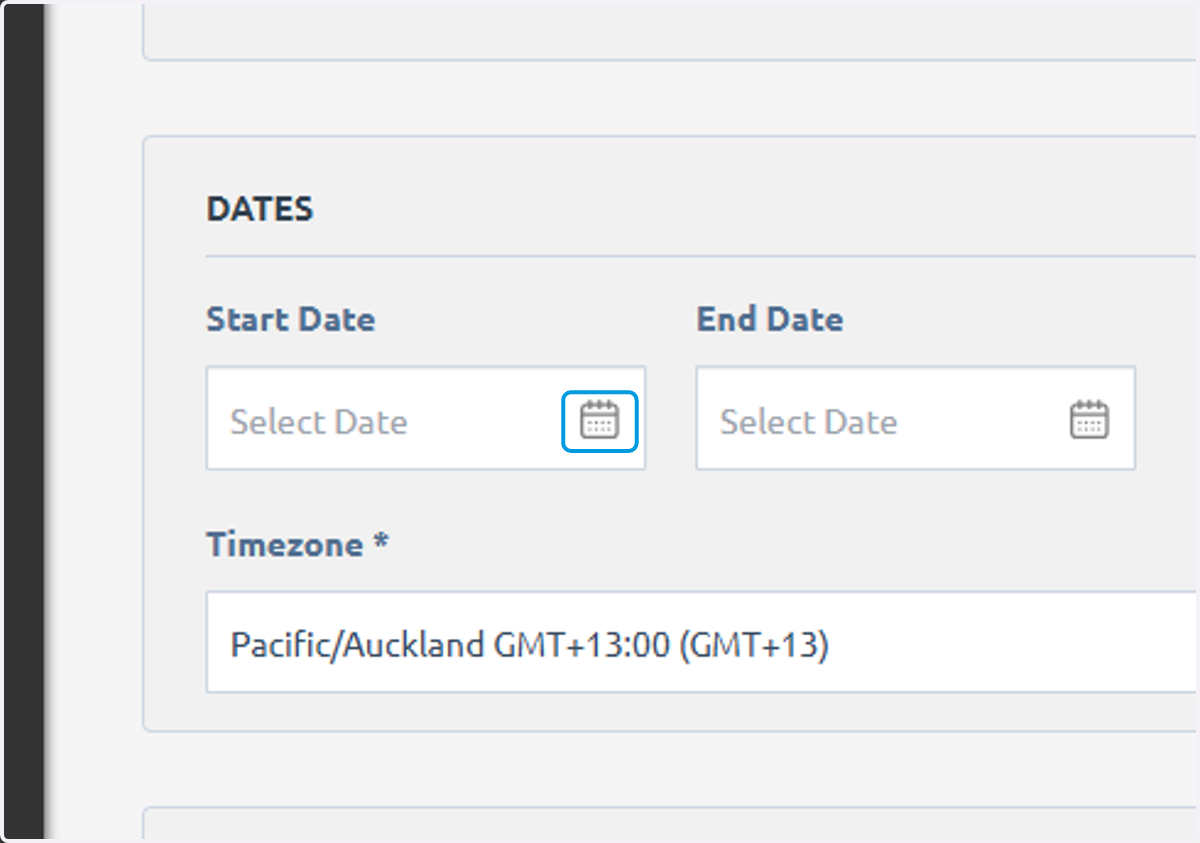
25. select date
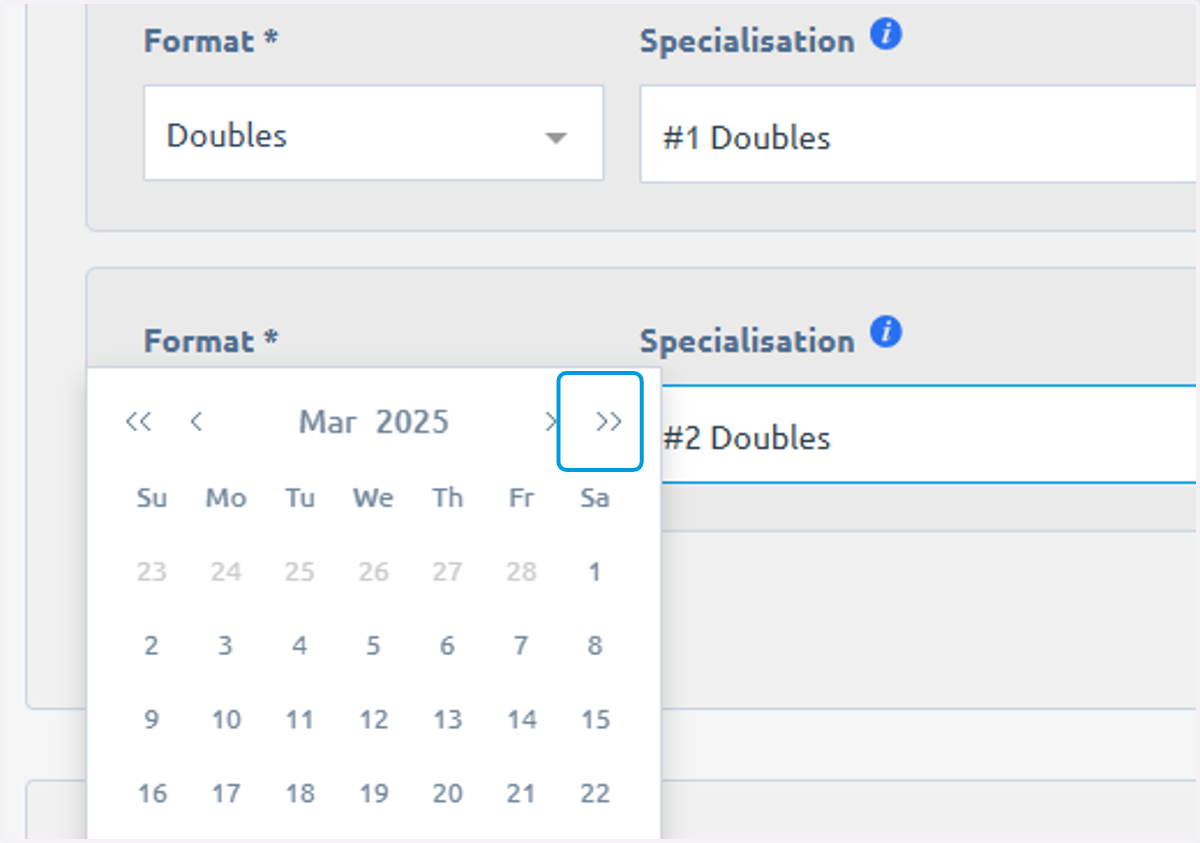
26. Select date
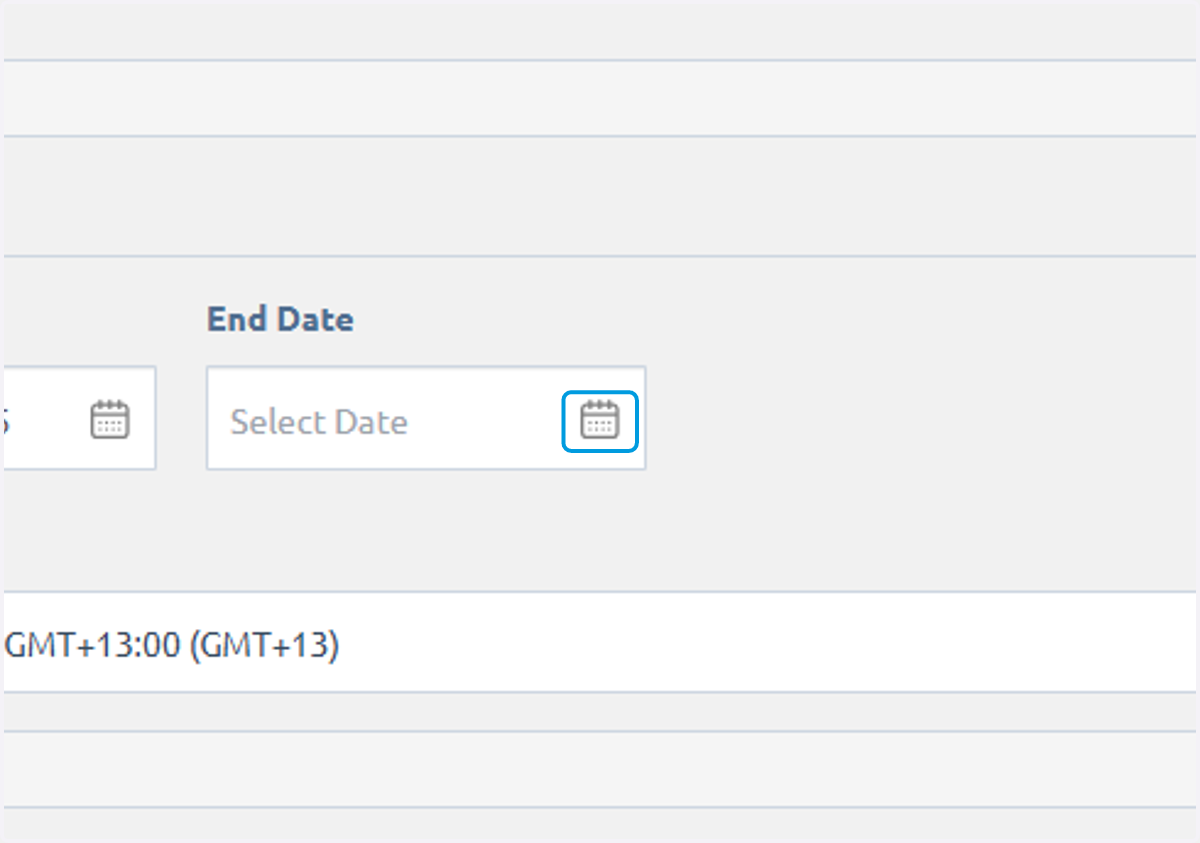
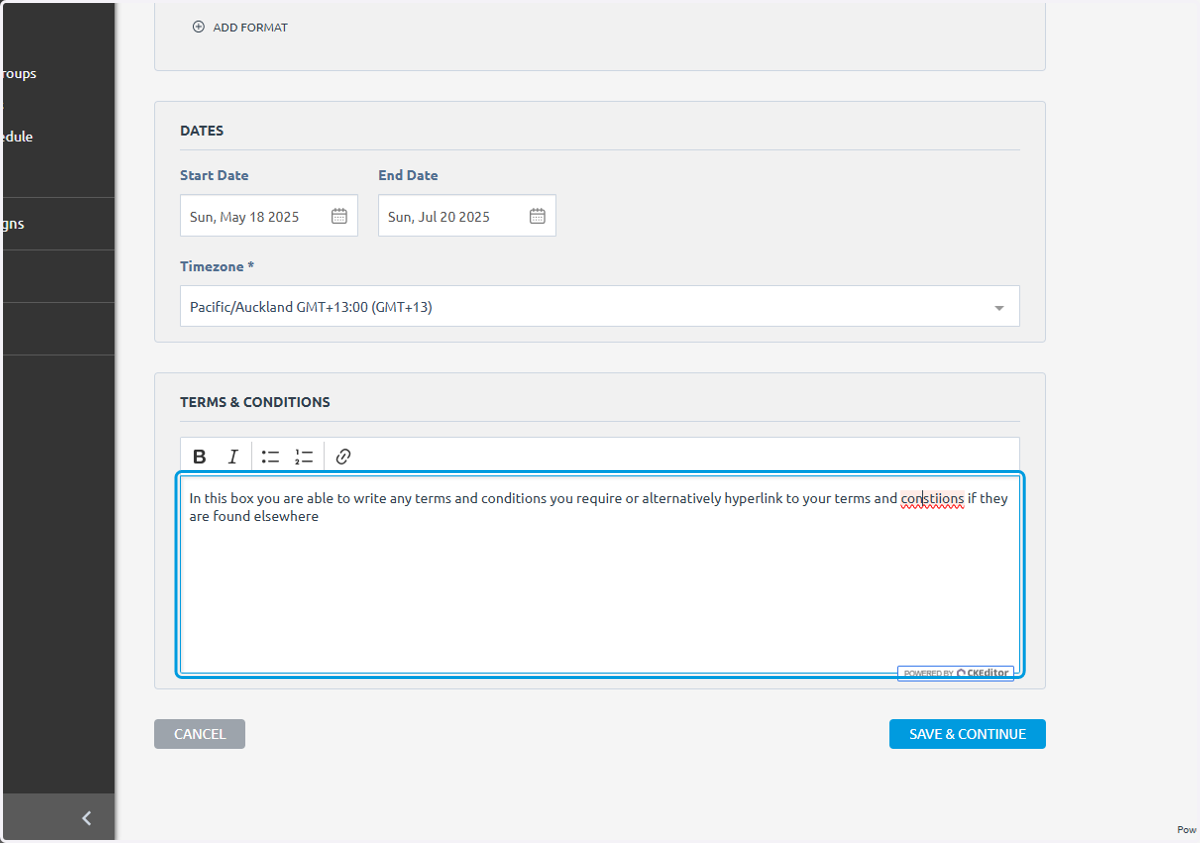
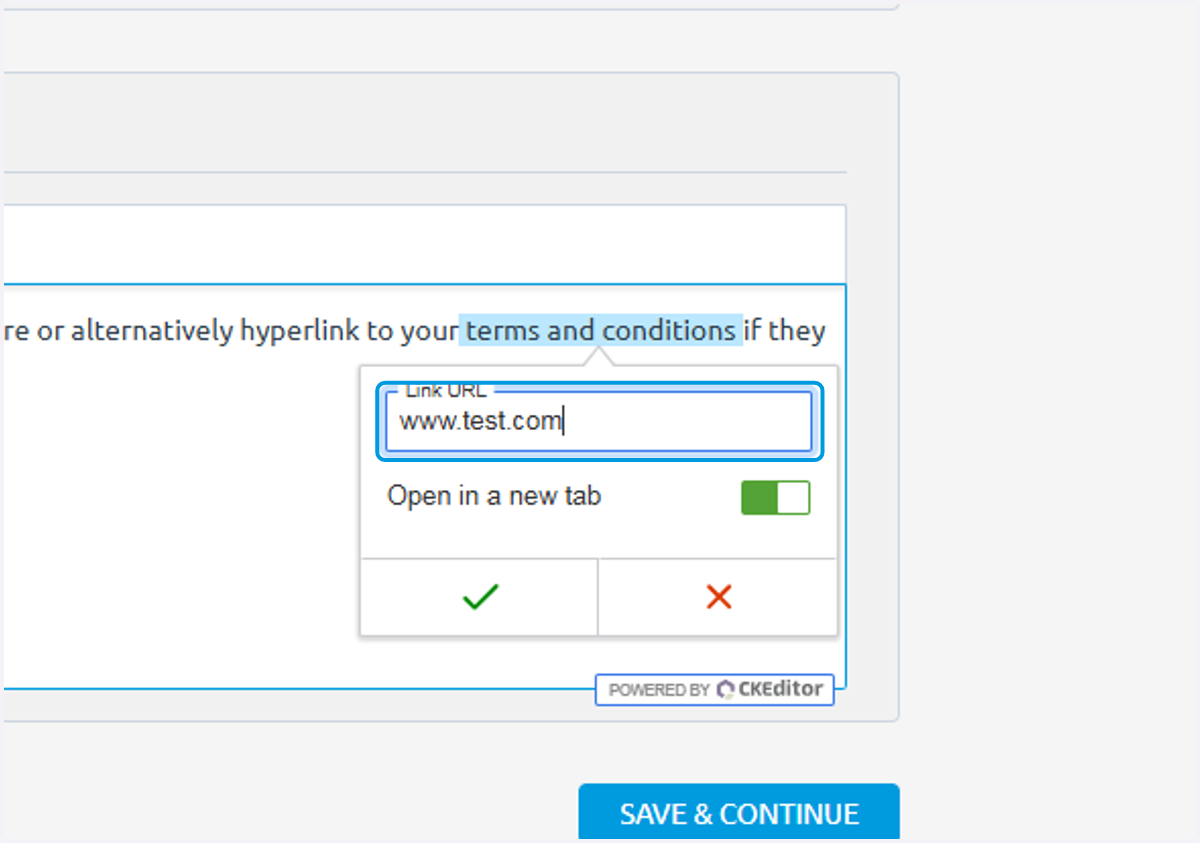
27. Edit any terms and conditions
28. You are able to hyperlink to a different webpage if you like
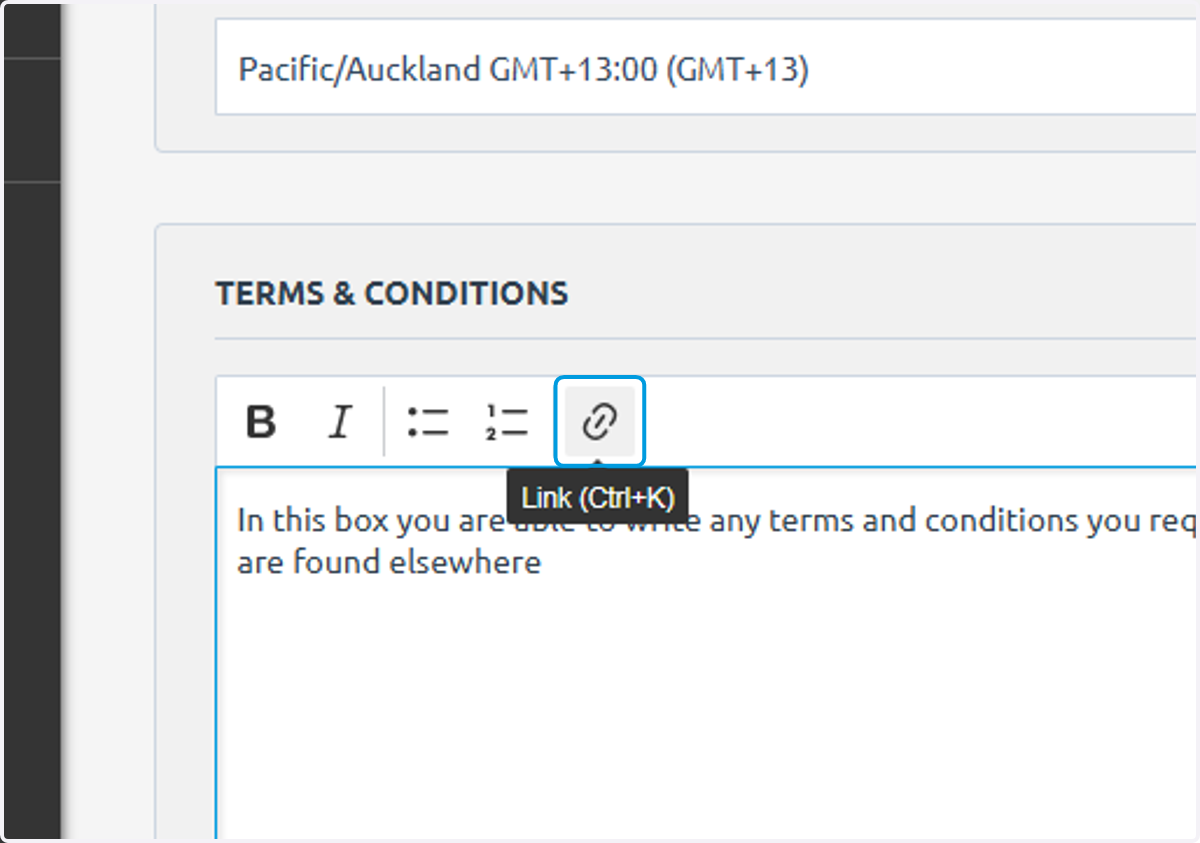
29. Type "www.test.com"
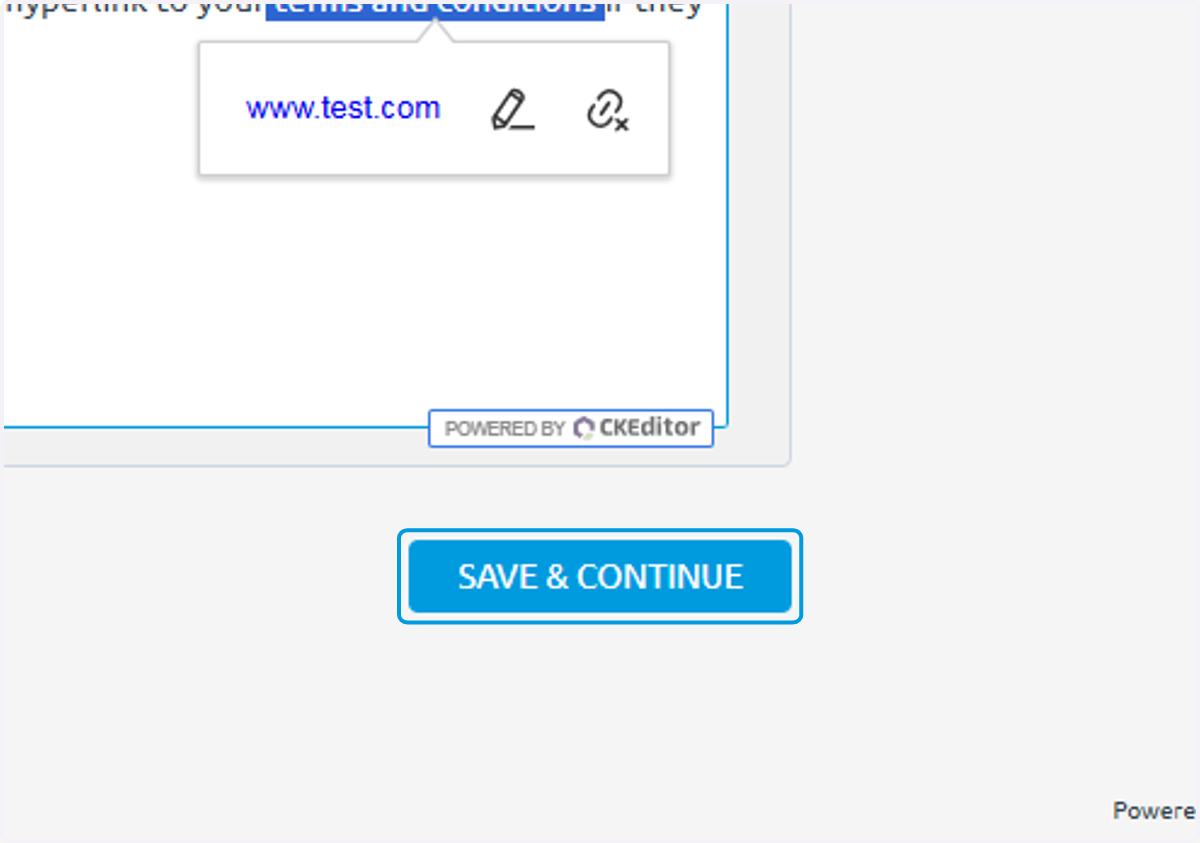
30. Click on SAVE & CONTINUE
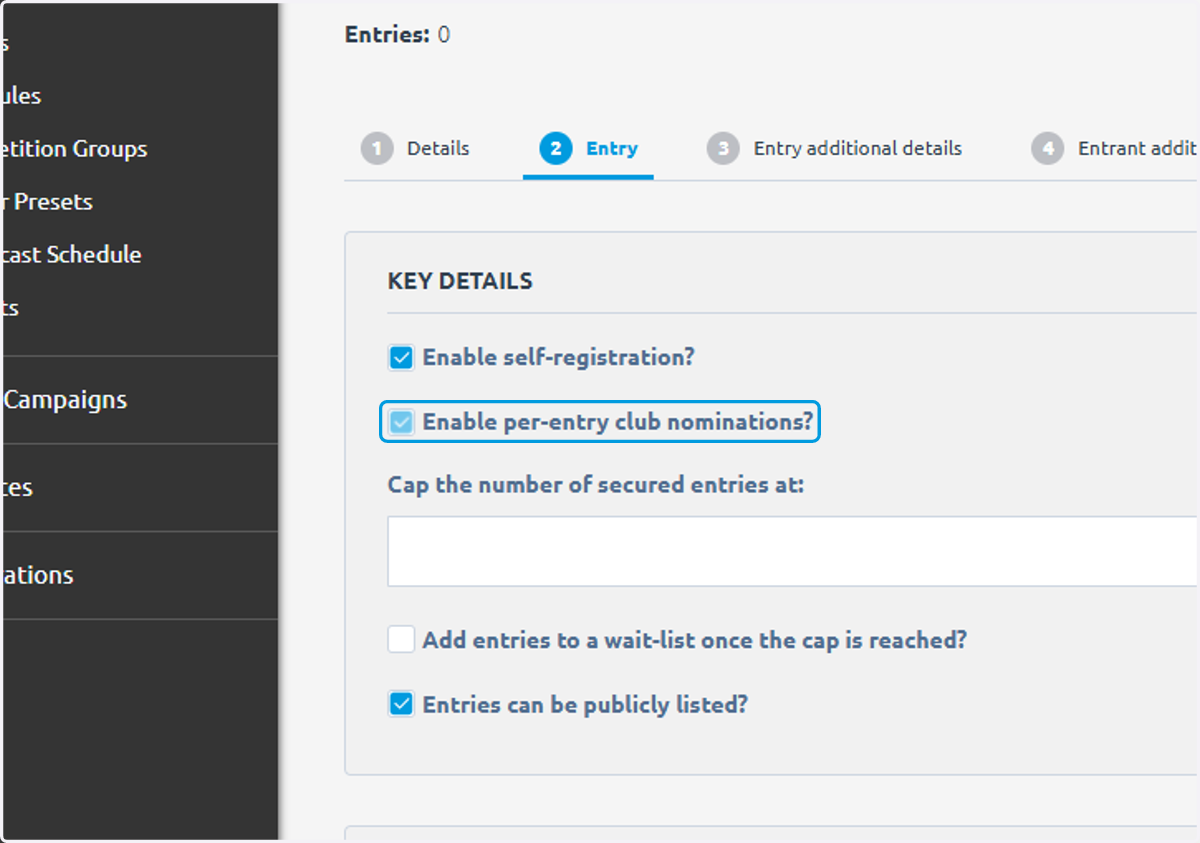
31. Check Enable per-entry club nominations?
32. Click on Entries can be publicly listed?
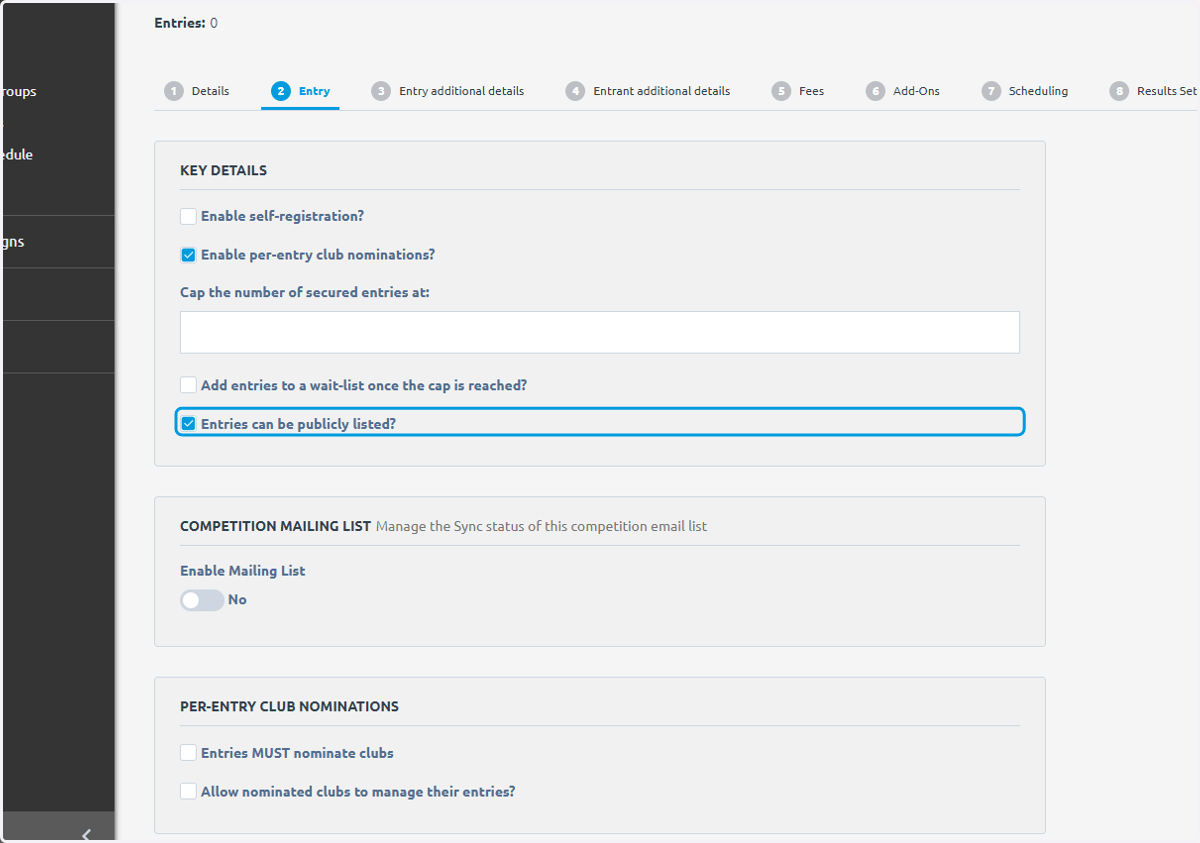
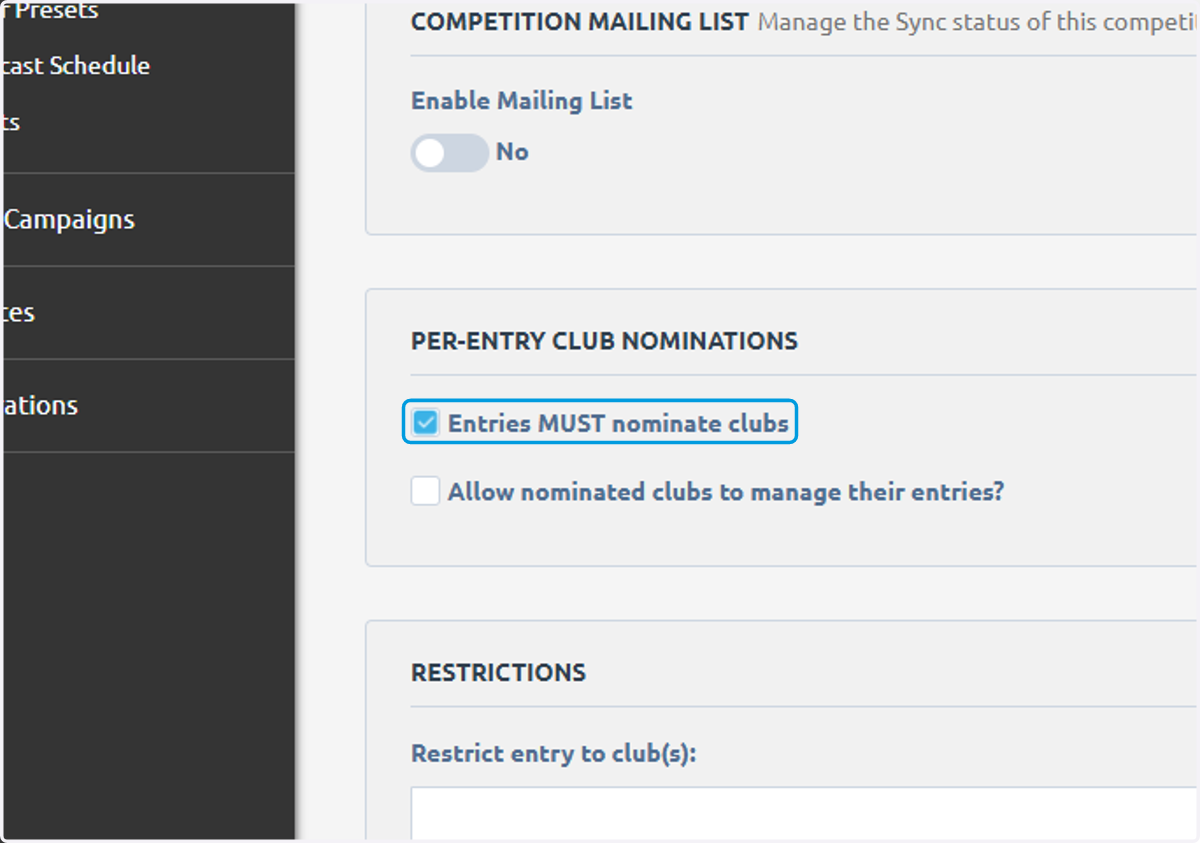
33. Check Entries MUST nominate clubs
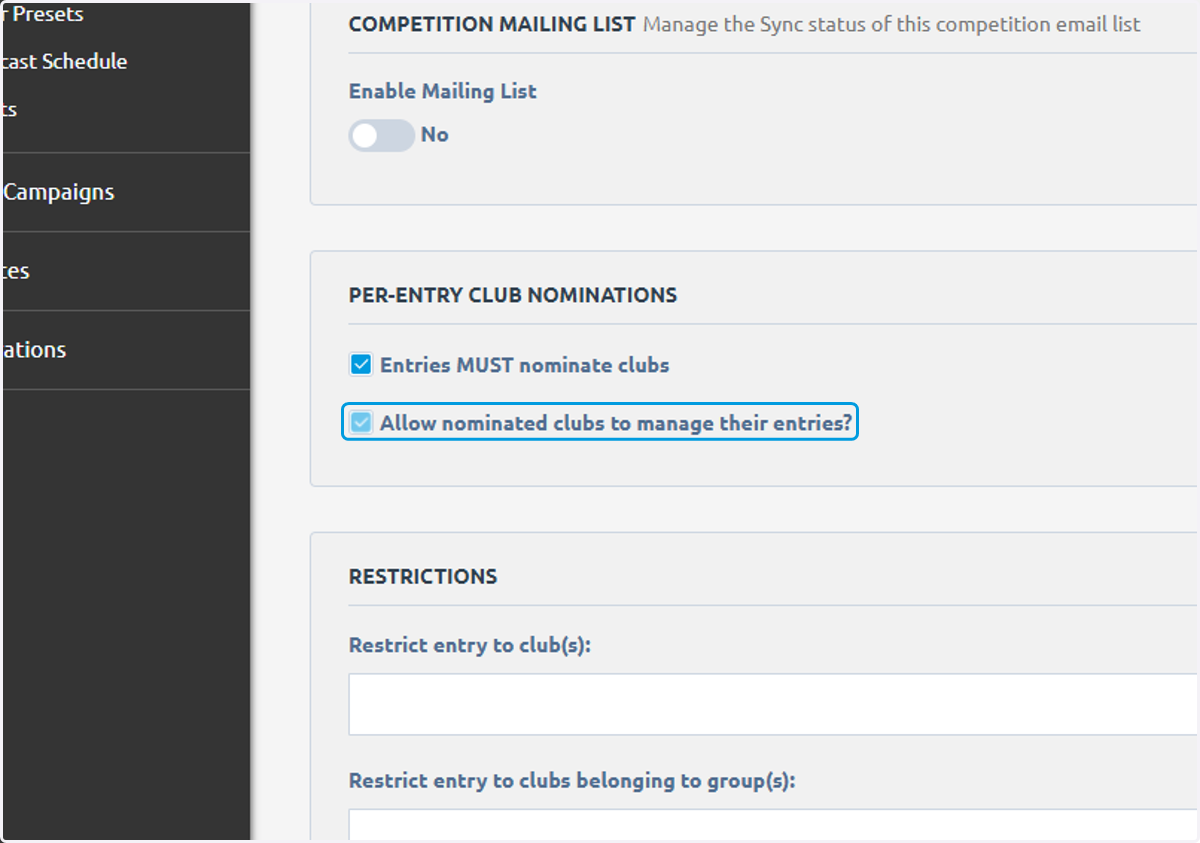
34. Check Allow nominated clubs to manage their entries?
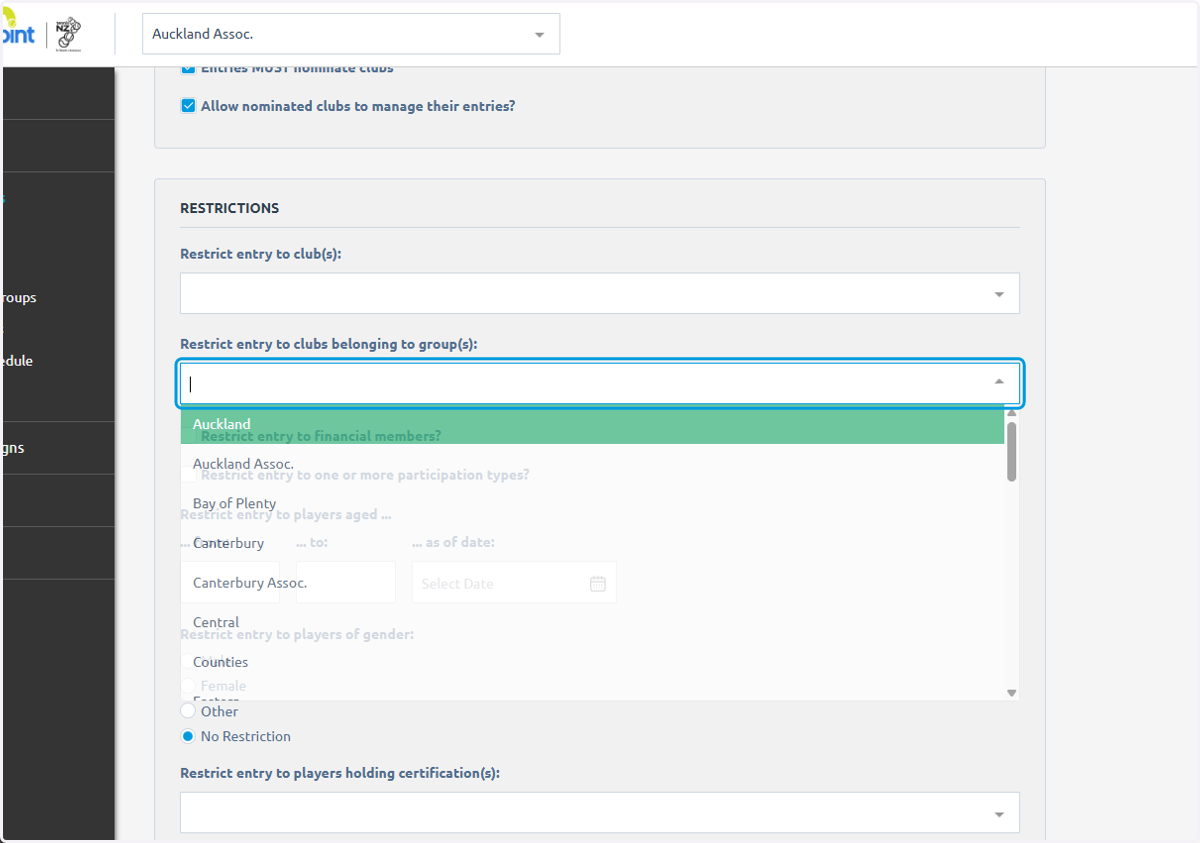
35. Click on what club groups you want to restrict entry to
36. You can also restrict by age or gender
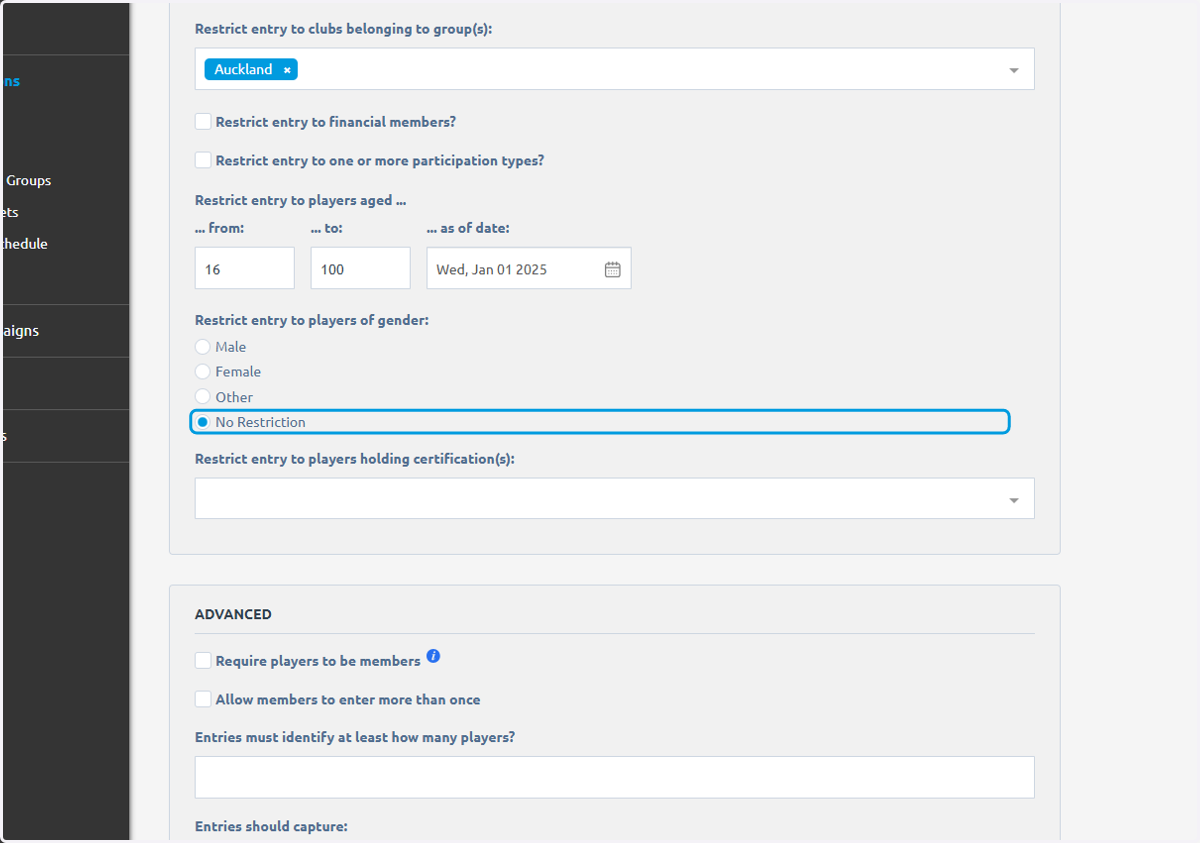
37. And determine how many players an entry must identify
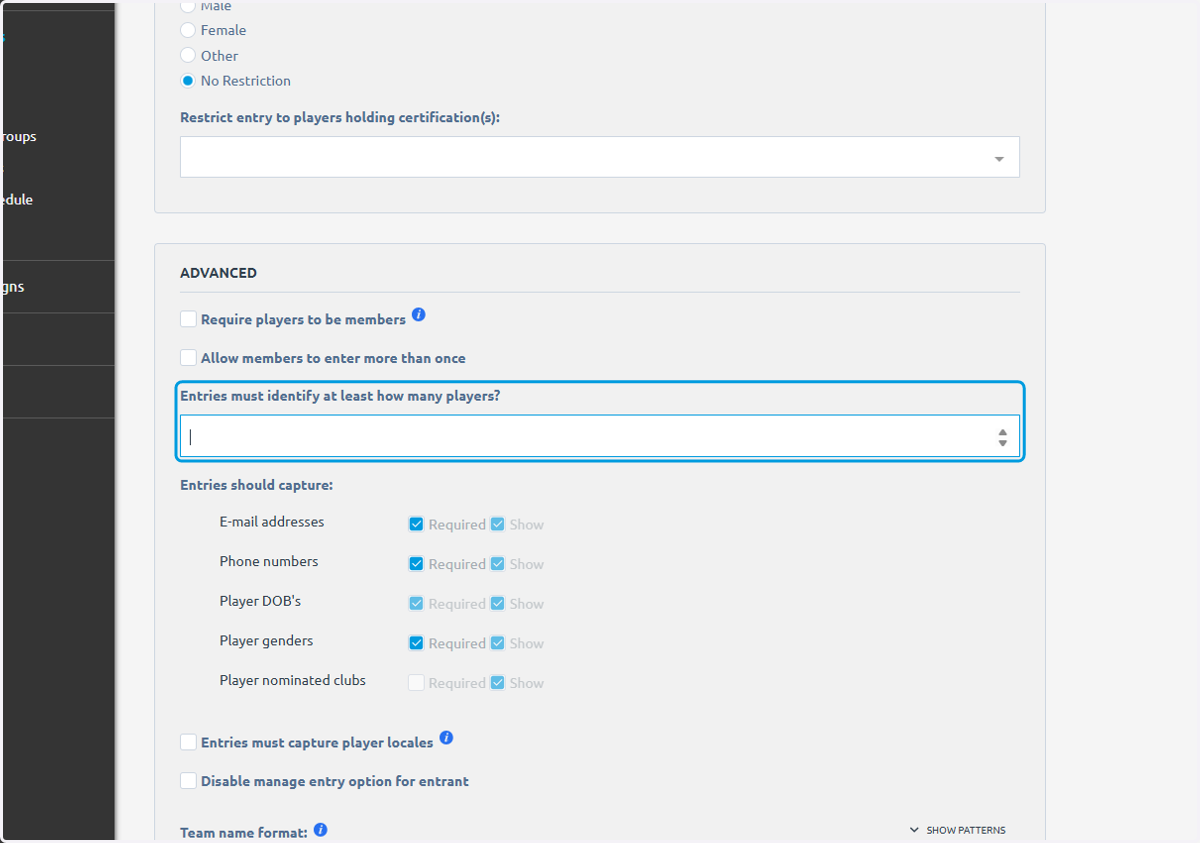
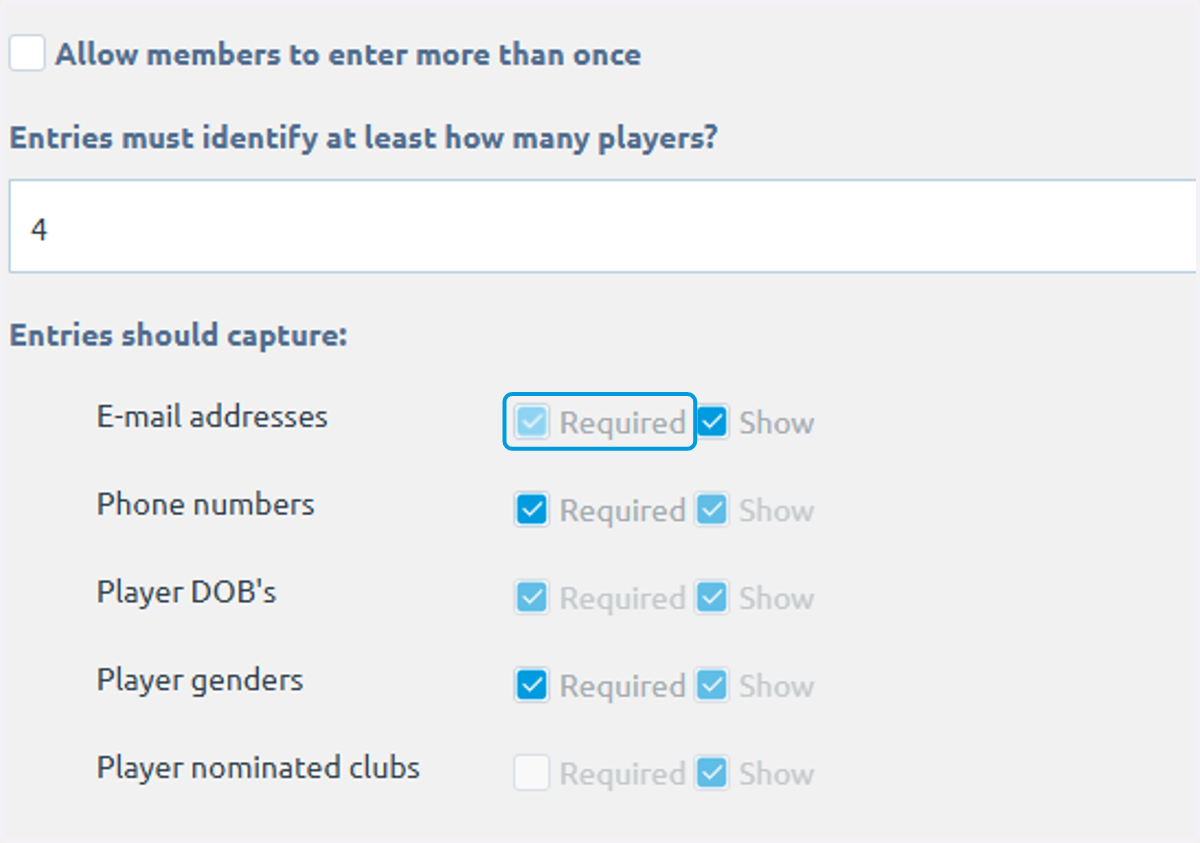
38. Uncheck Required for both email and phone number
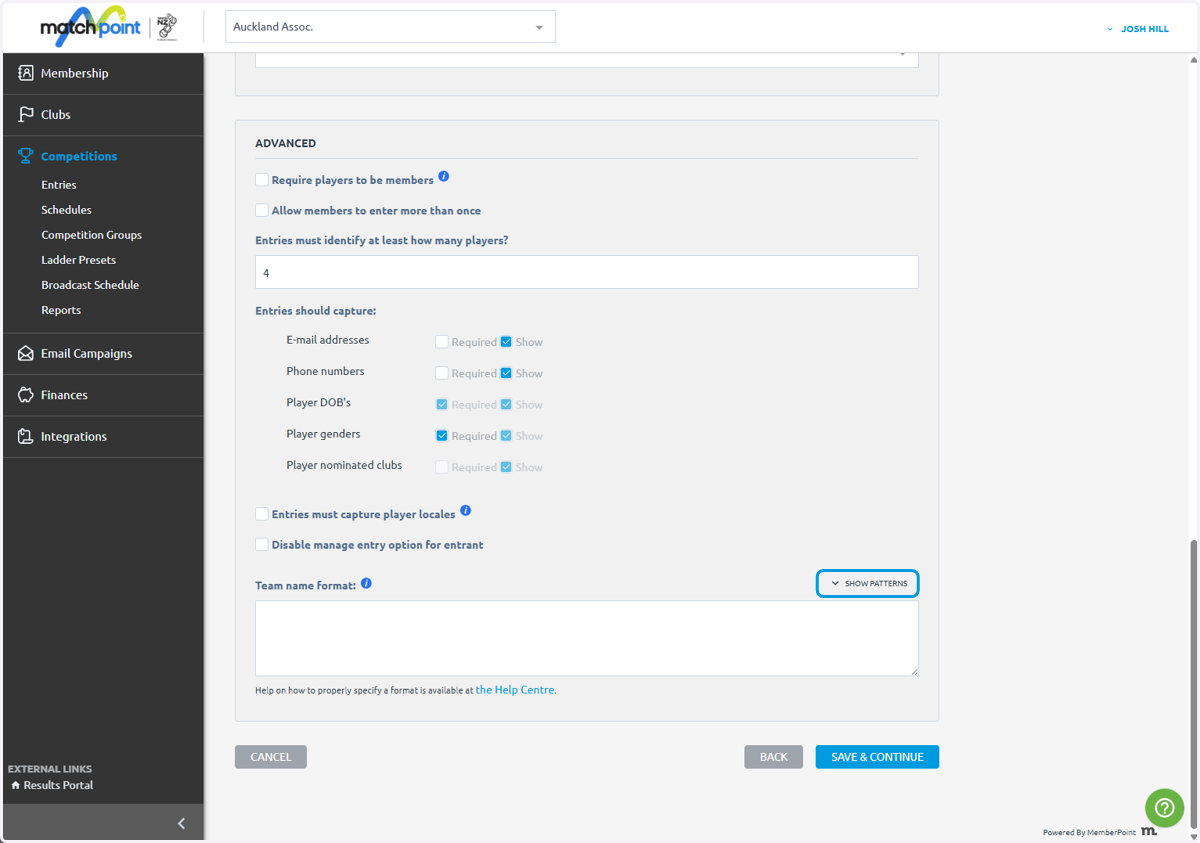
39. Click on SHOW PATTERNS
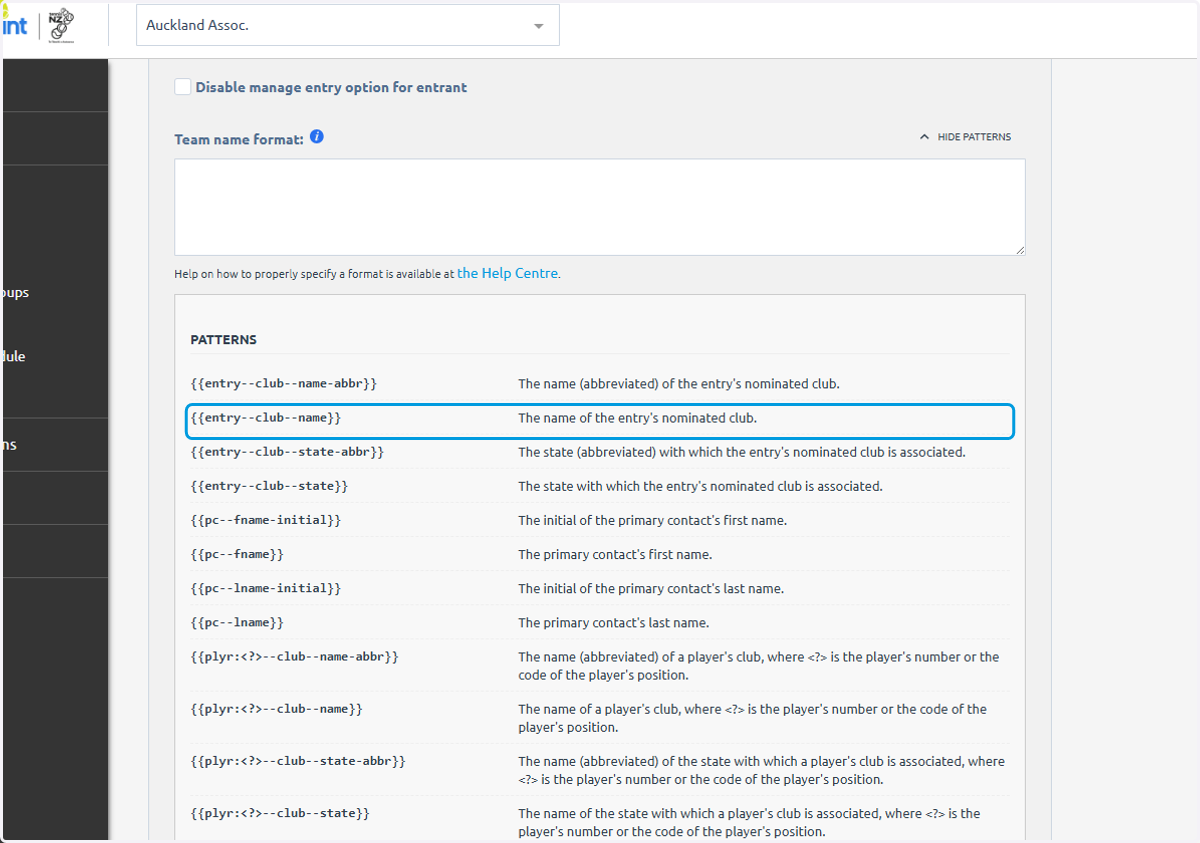
40. Click on {{entry--club--name}}…
You can select as many of these as you would like
41. Click on SAVE & CONTINUE
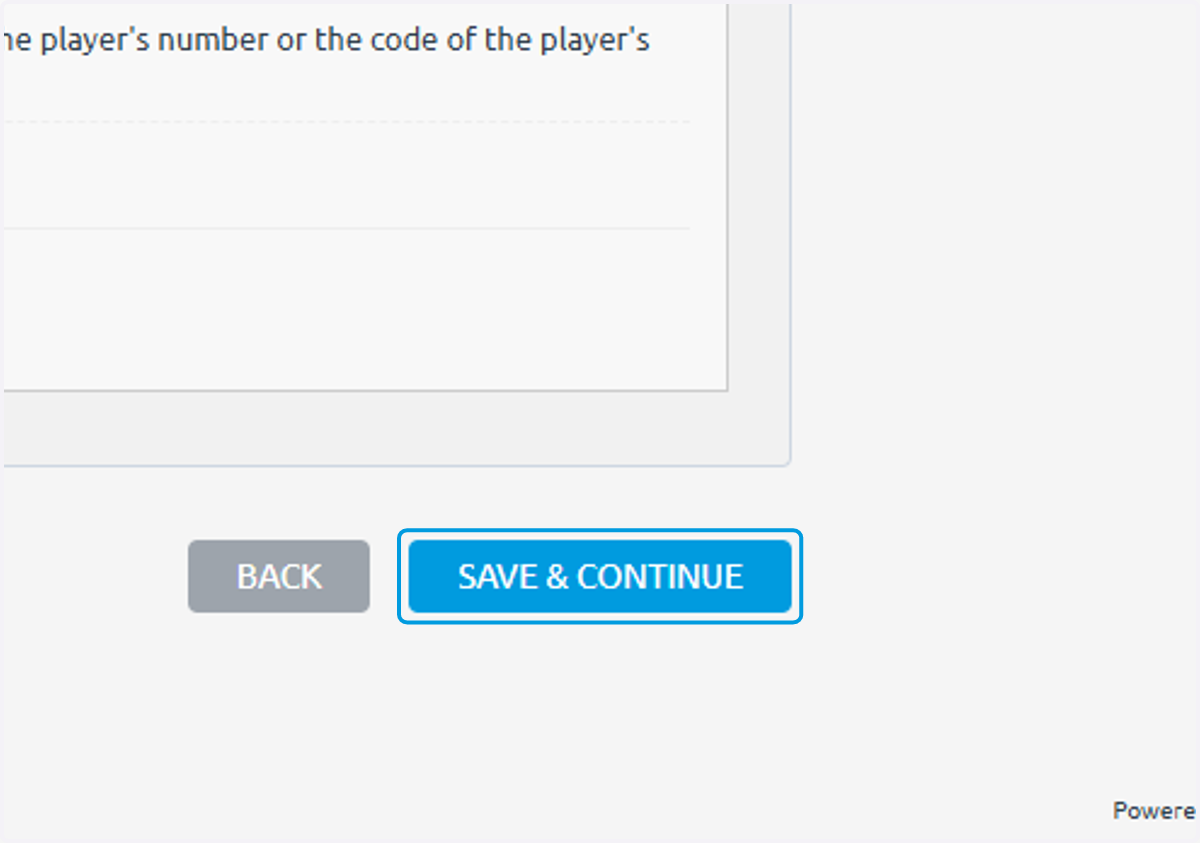
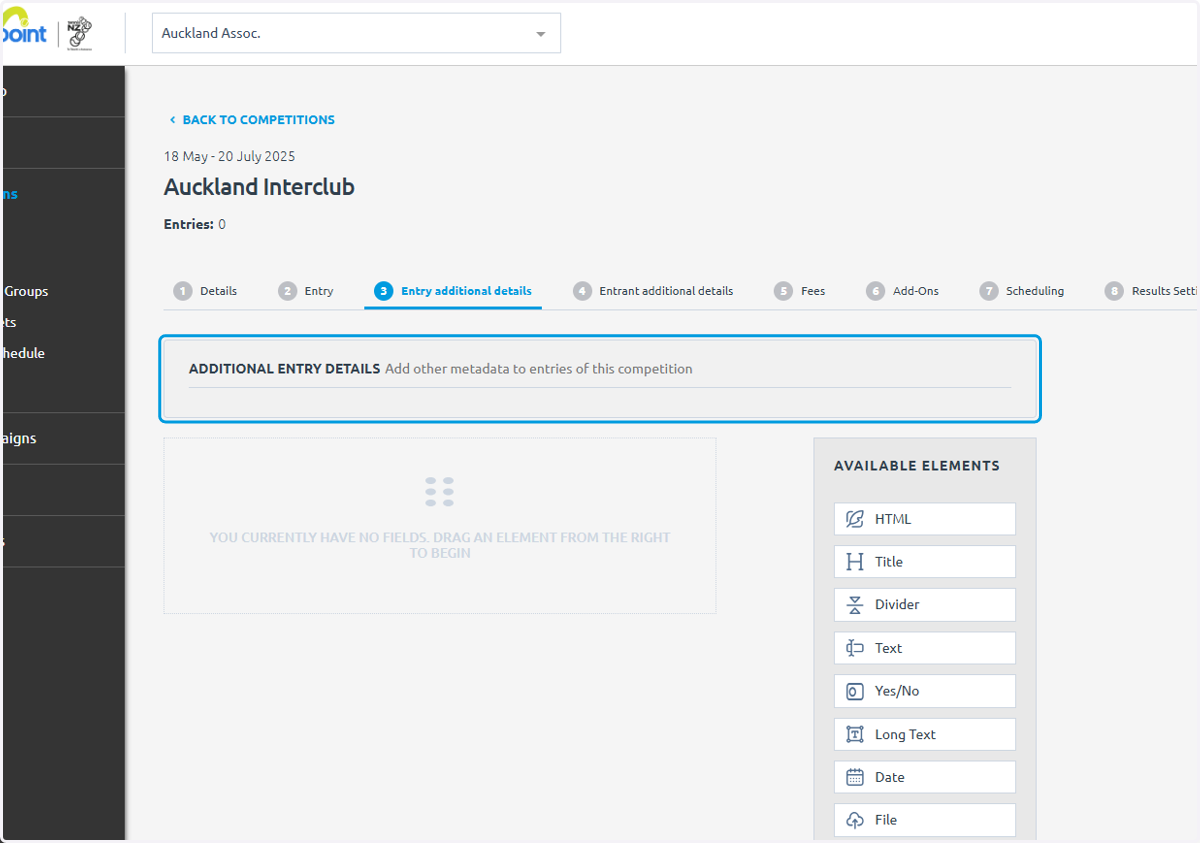
42. Click on ADDITIONAL ENTRY DETAILS…
You can build a form if you would like extra information on the team
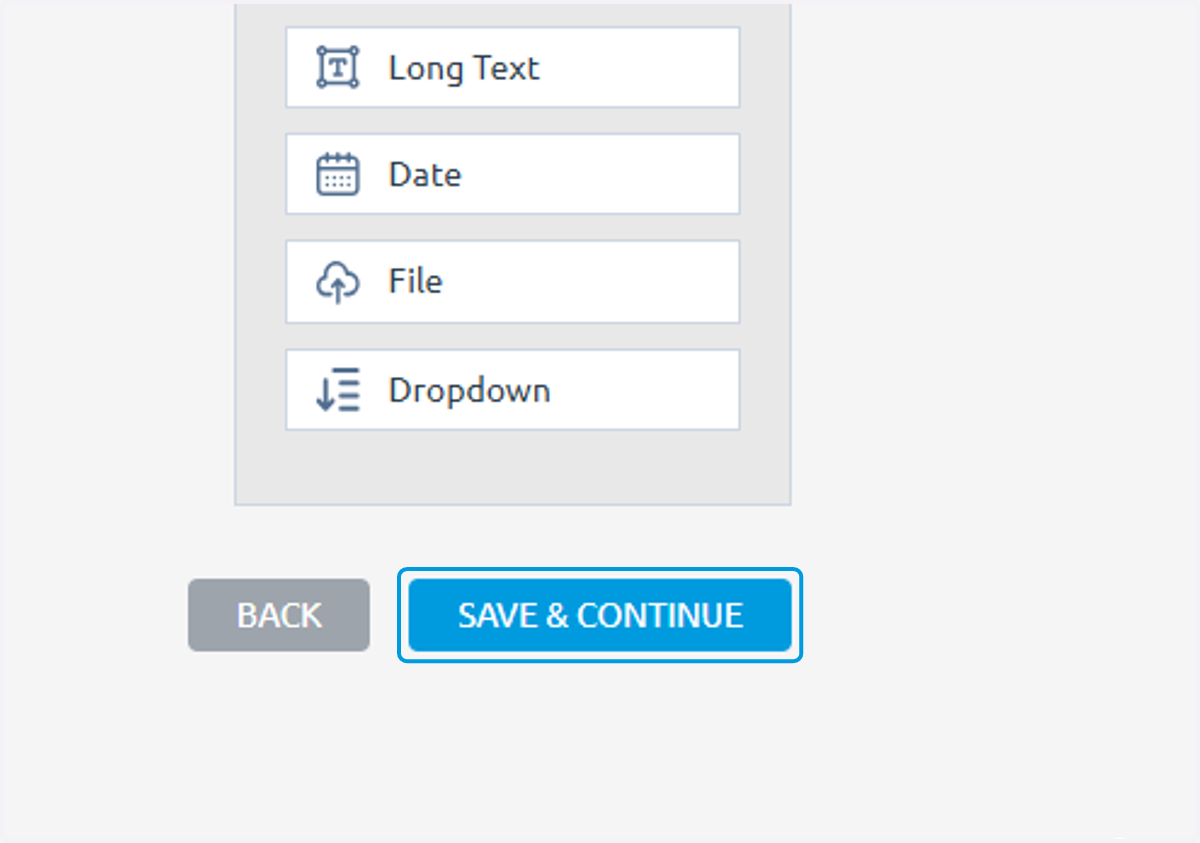
43. Click on SAVE & CONTINUE
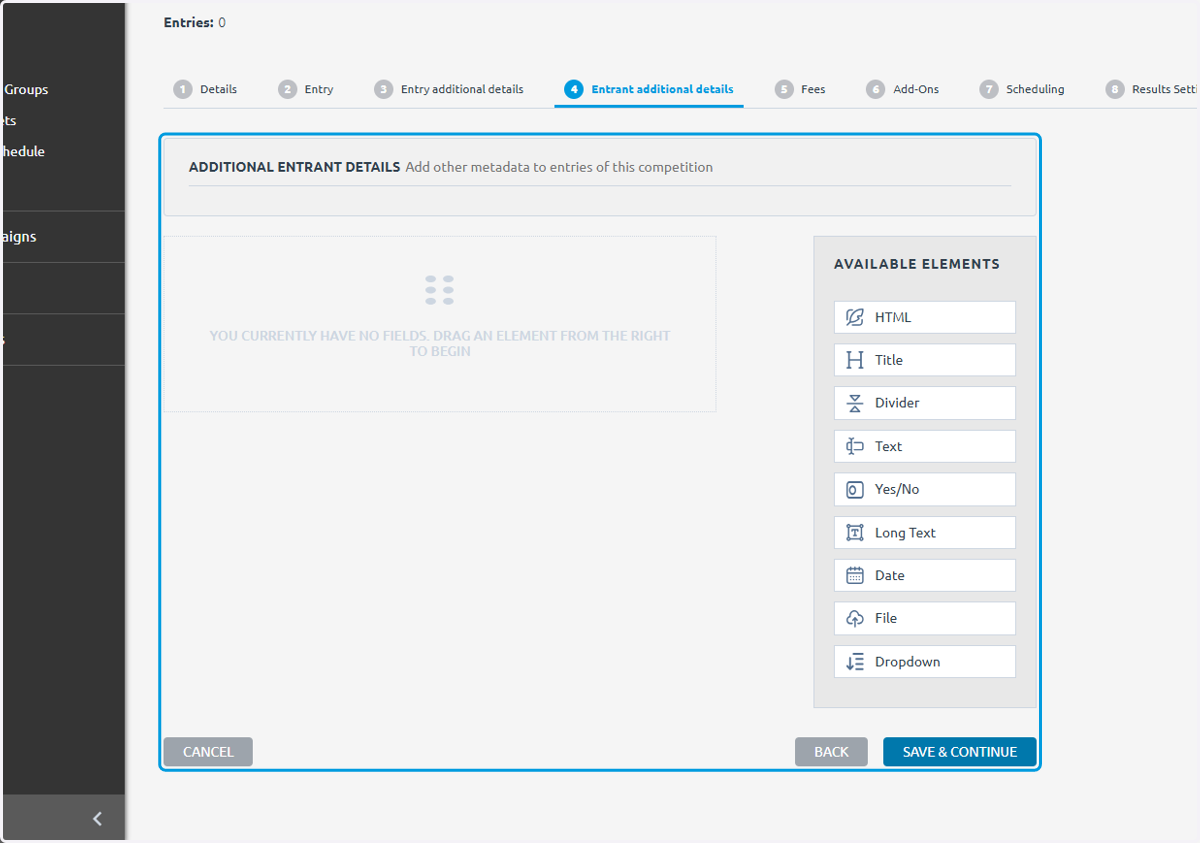
44. Click on ADDITIONAL ENTRANT DETAILS…
You can build a form here for any additional information you need on individual members of the team
45. Click on SAVE & CONTINUE
46. Click on SAVE & CONTINUE
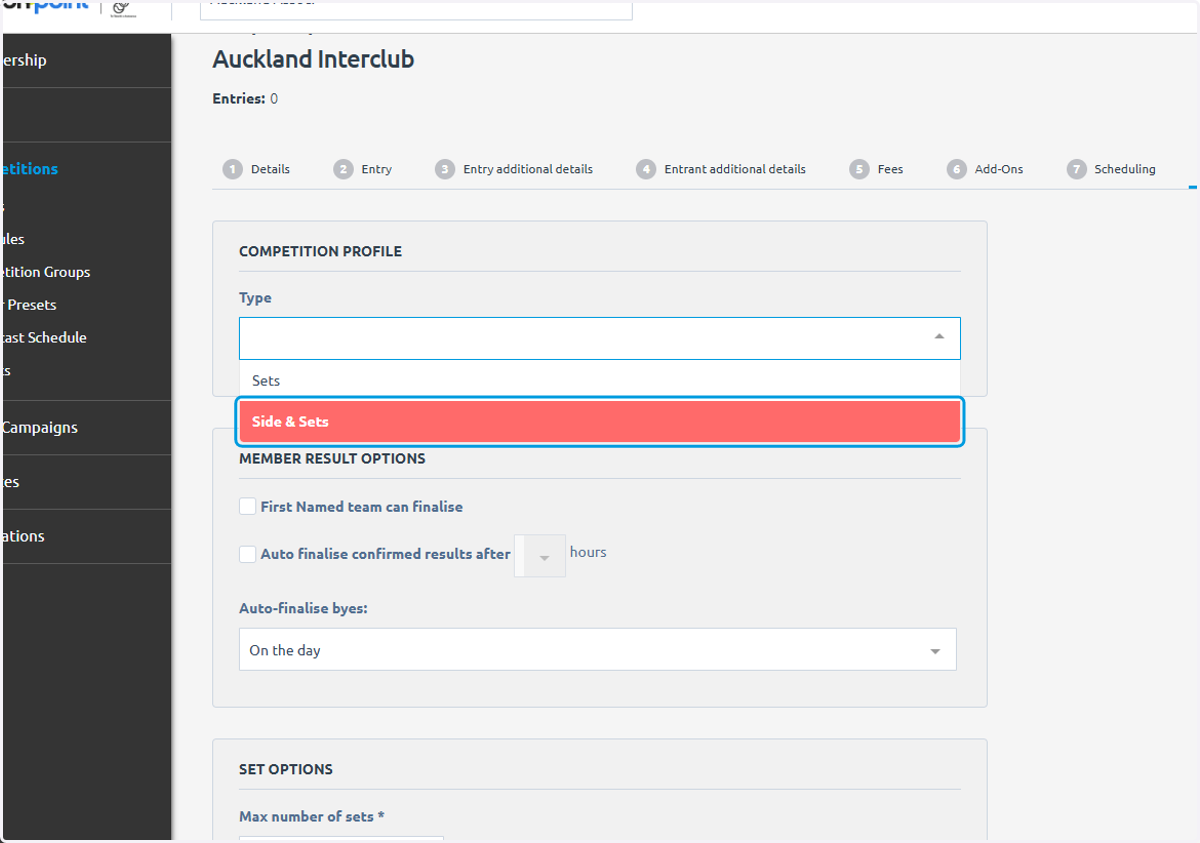
47. Click on Side & Sets
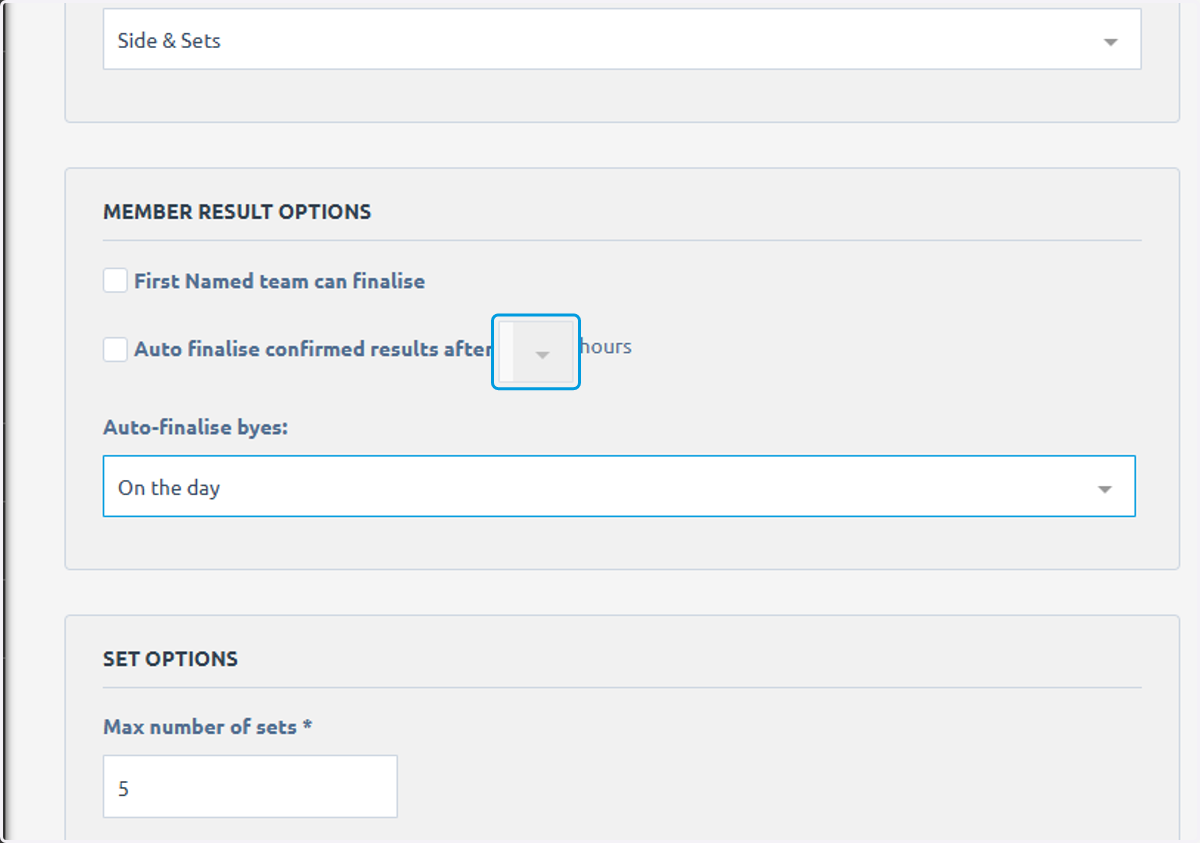
48. You can allows results to be autofinalised
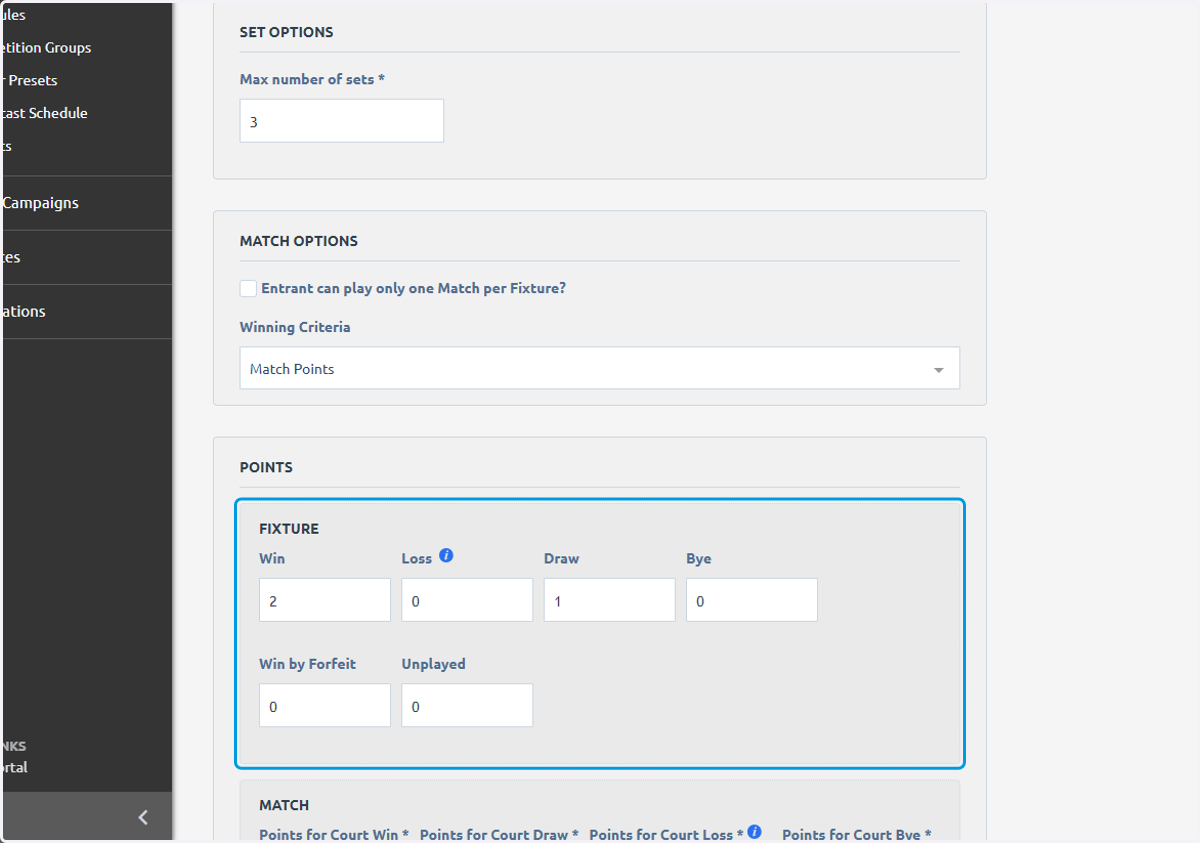
49. Input the maximum number of sets
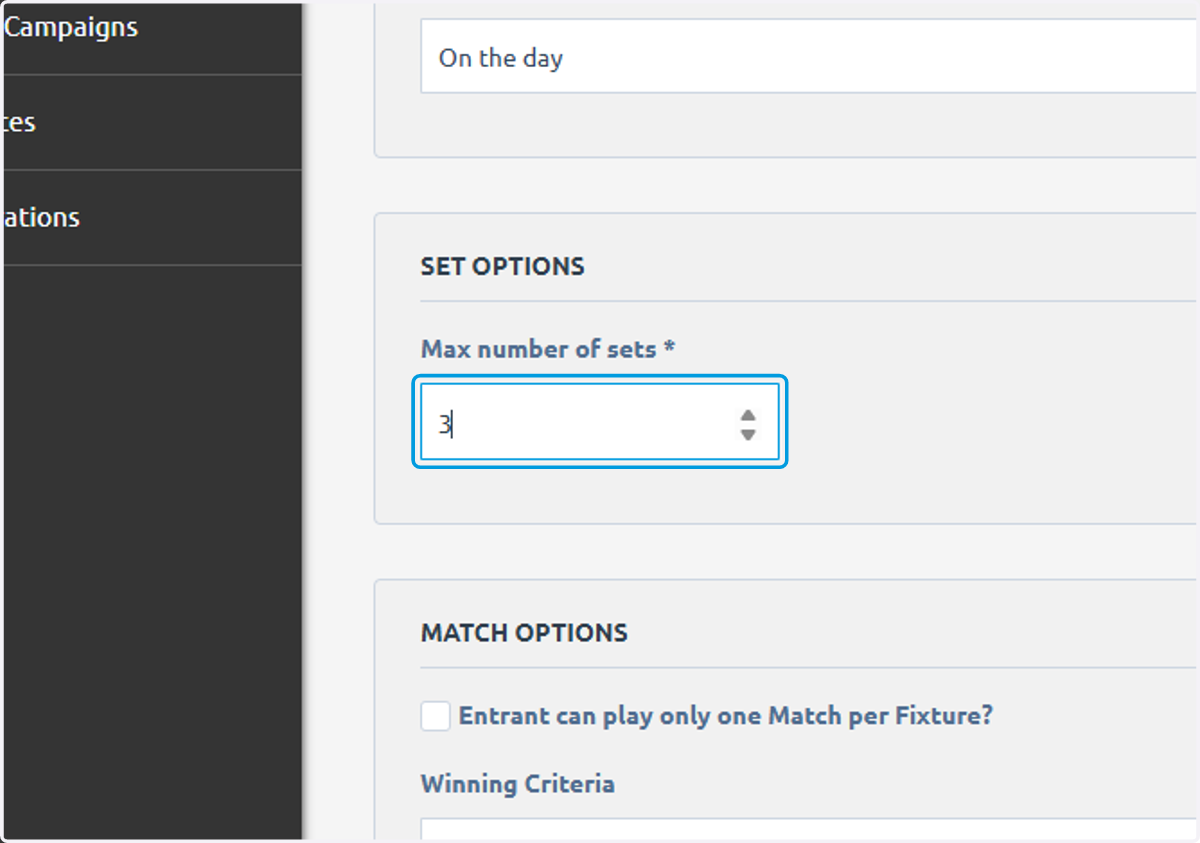
50. Typically your ladder will be based on points
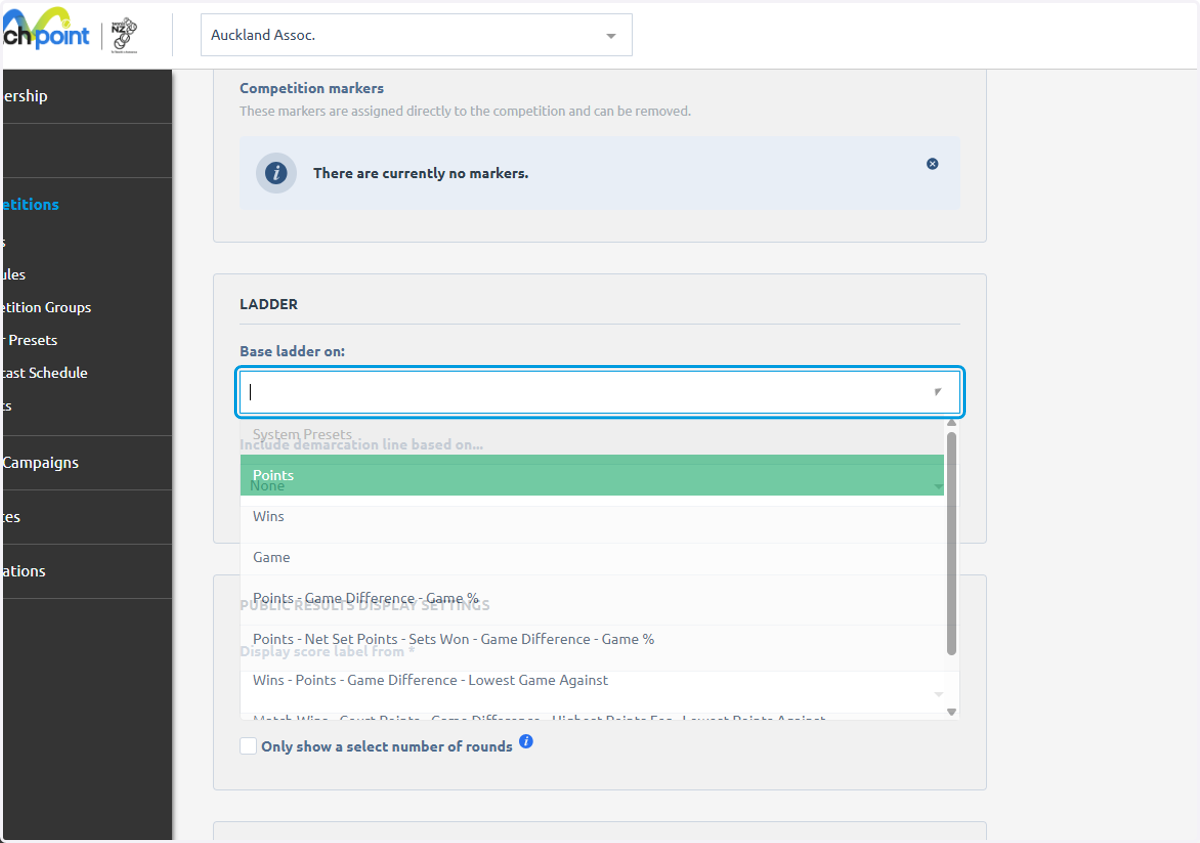
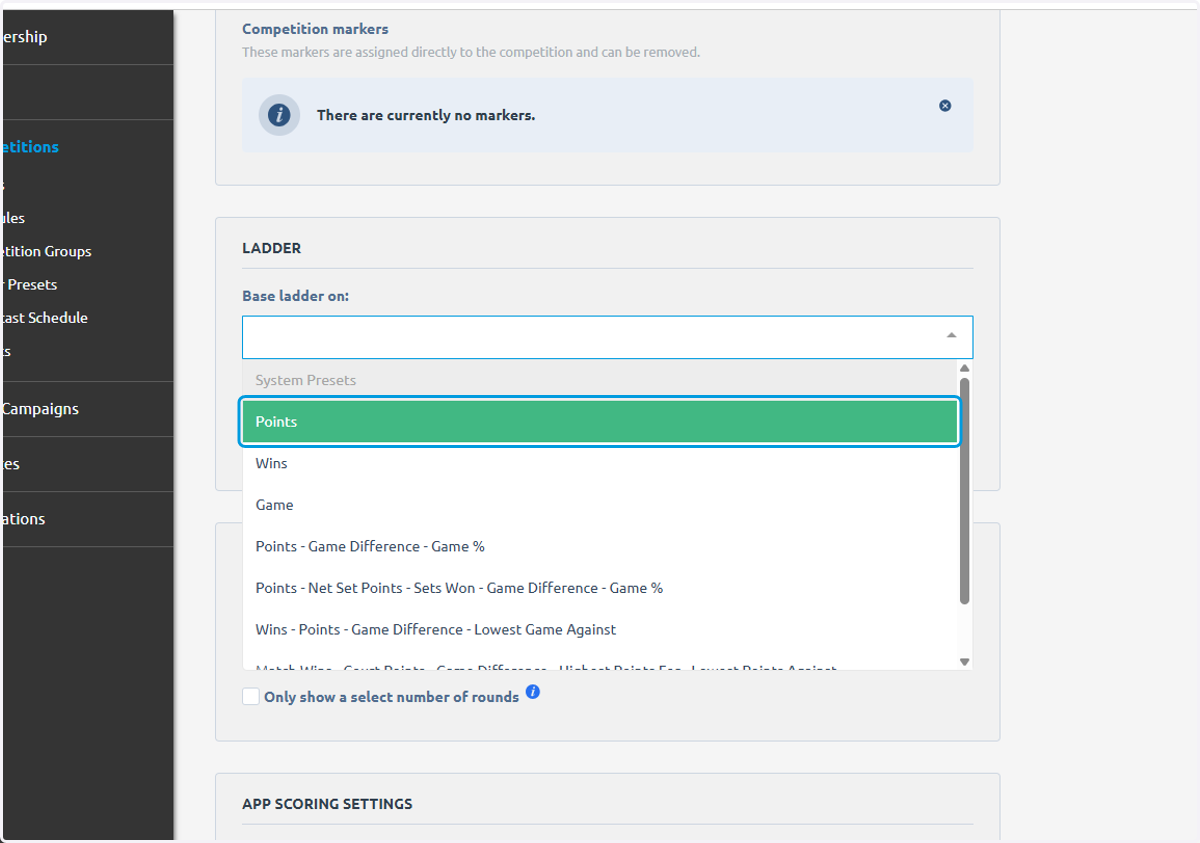
51. Click on Points
52. Click on FINISH
53. Click on Match Points
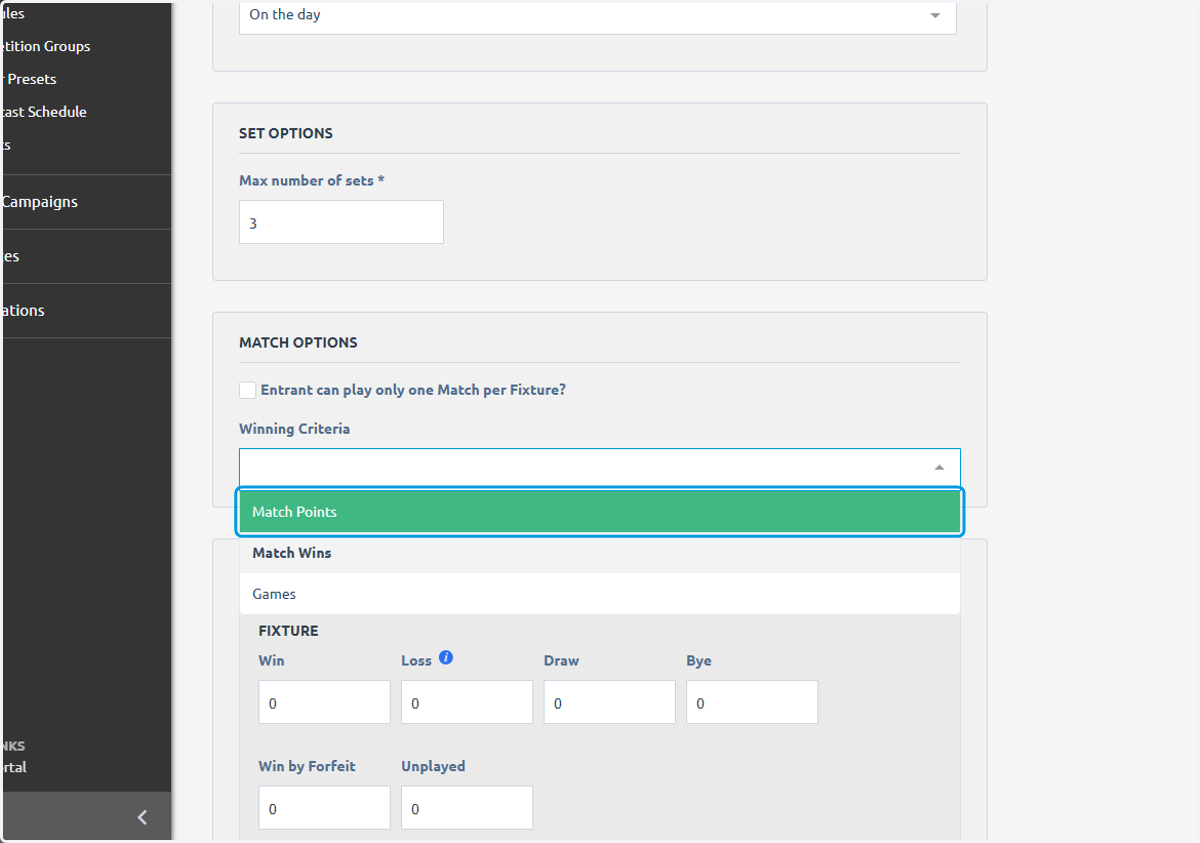
54. Click on FIXTURE…