Teacher Tools for Kiwisaver/Superannuation
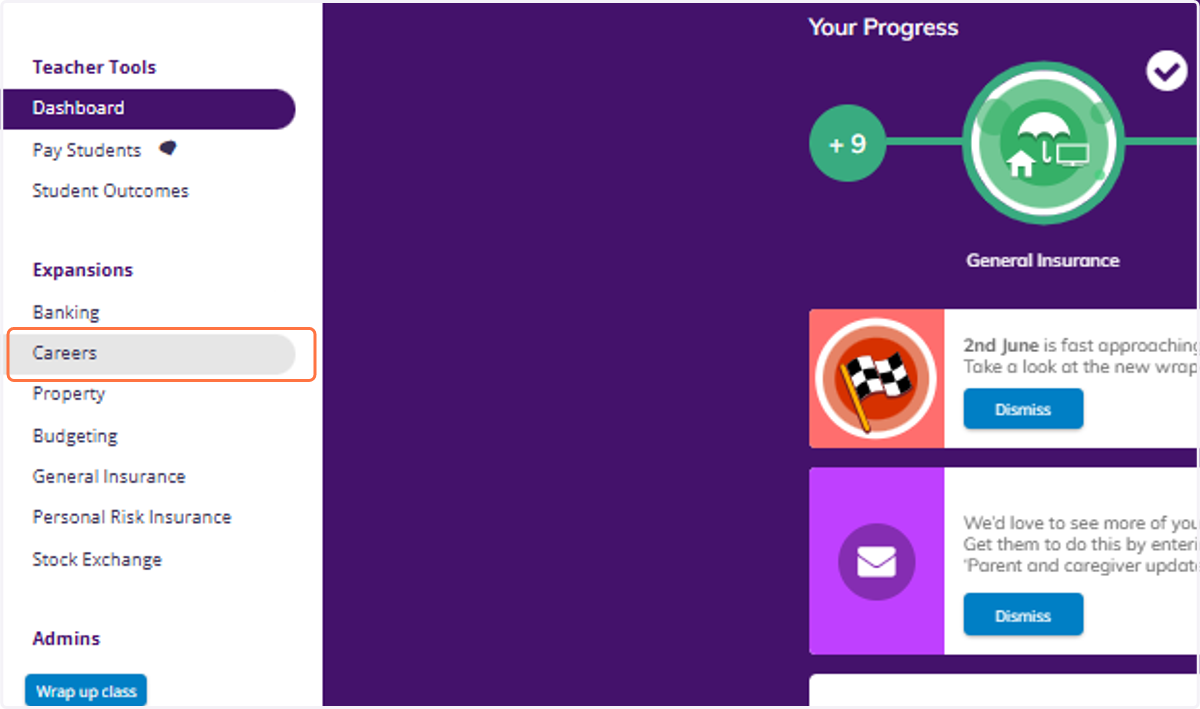
1. Click on Careers from your Teacher Dashboard
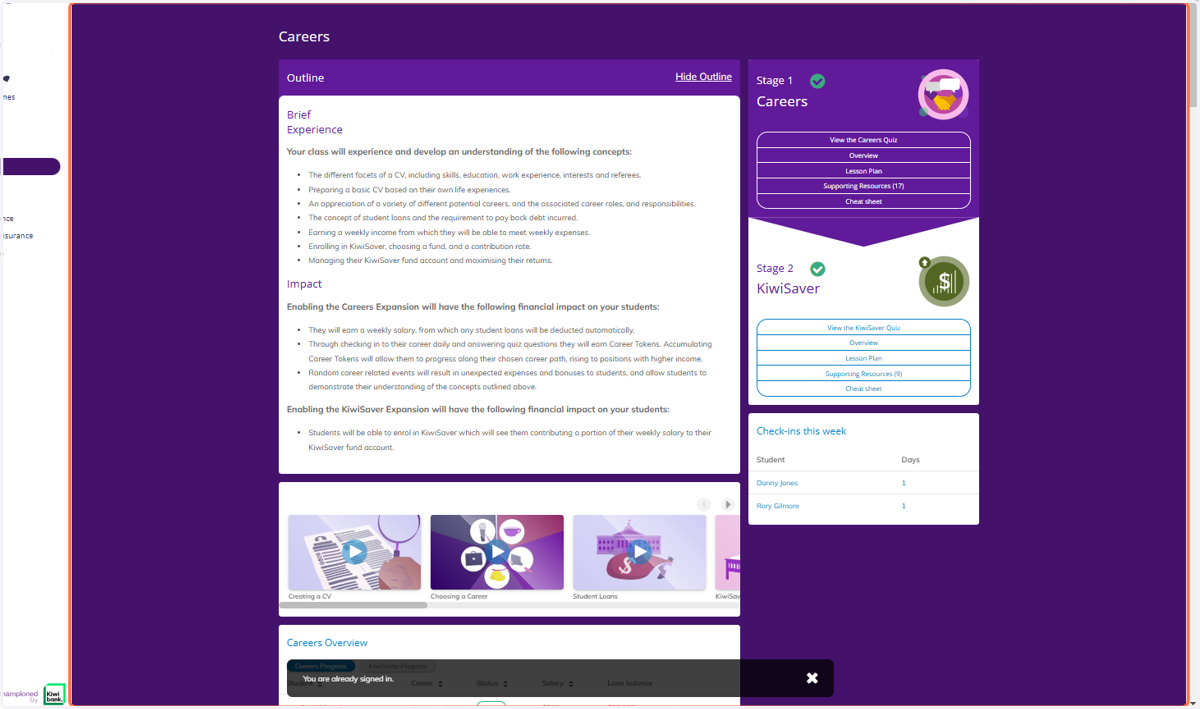
2. From the Careers section, scroll down.
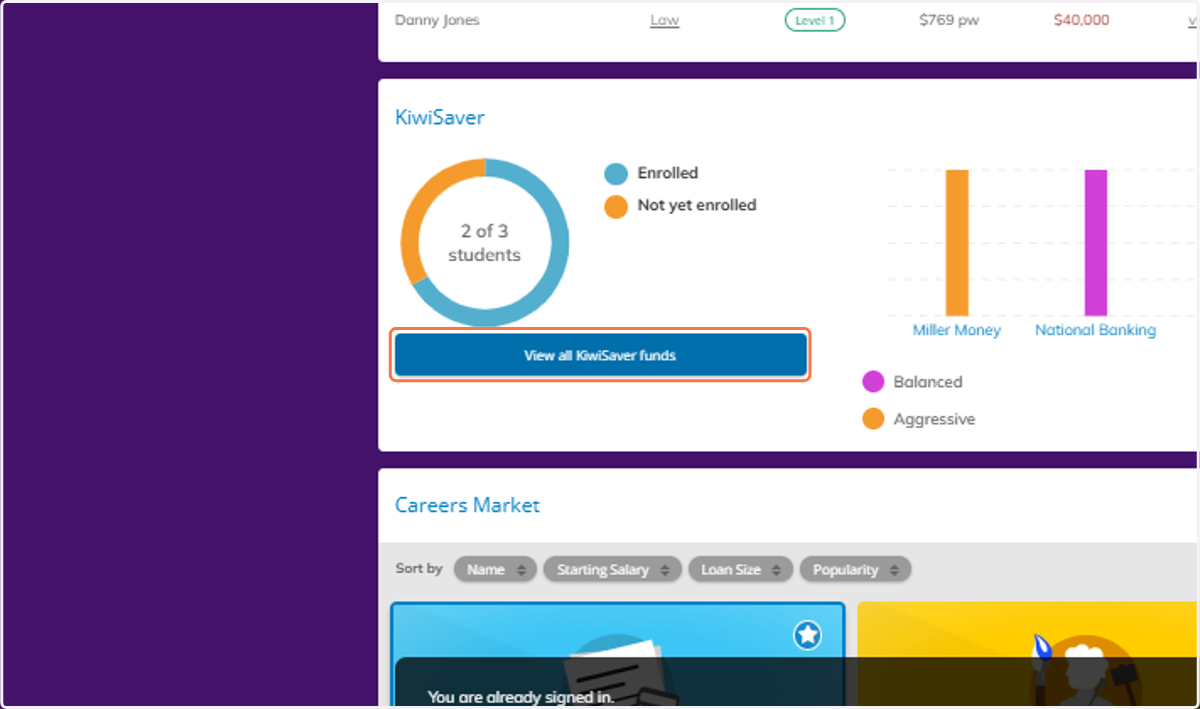
3. You will see a table with an overview of your classes interaction with Kiwisaver/Superannuation.
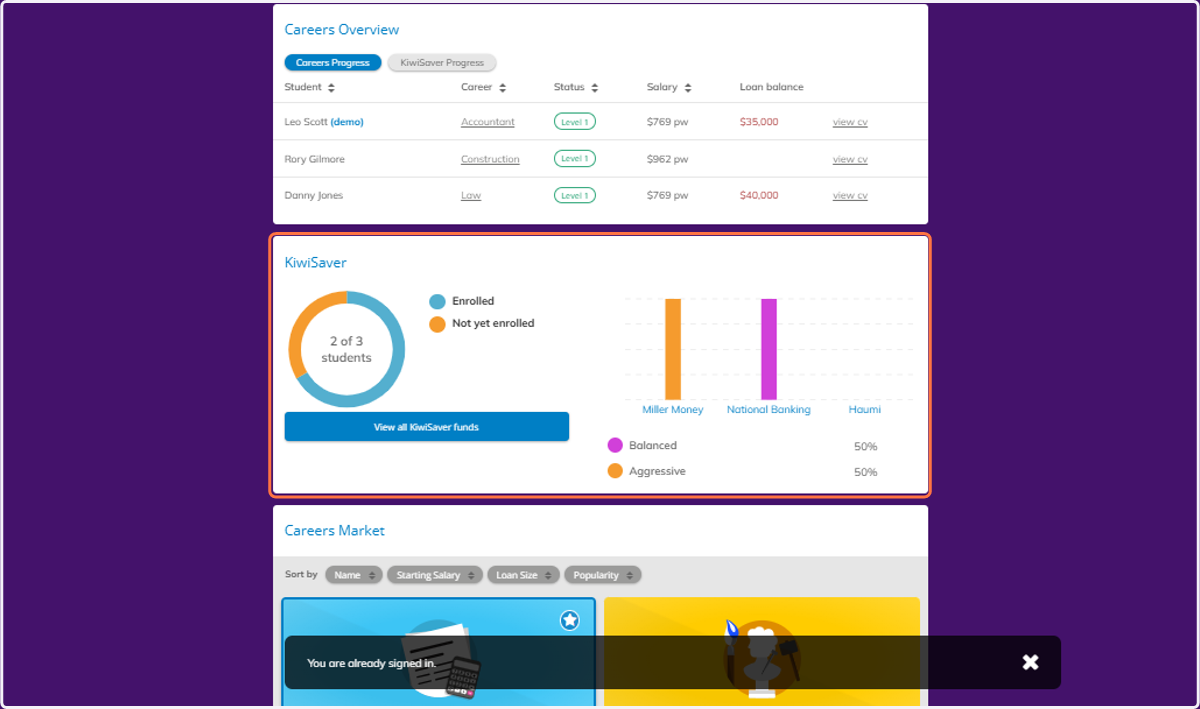
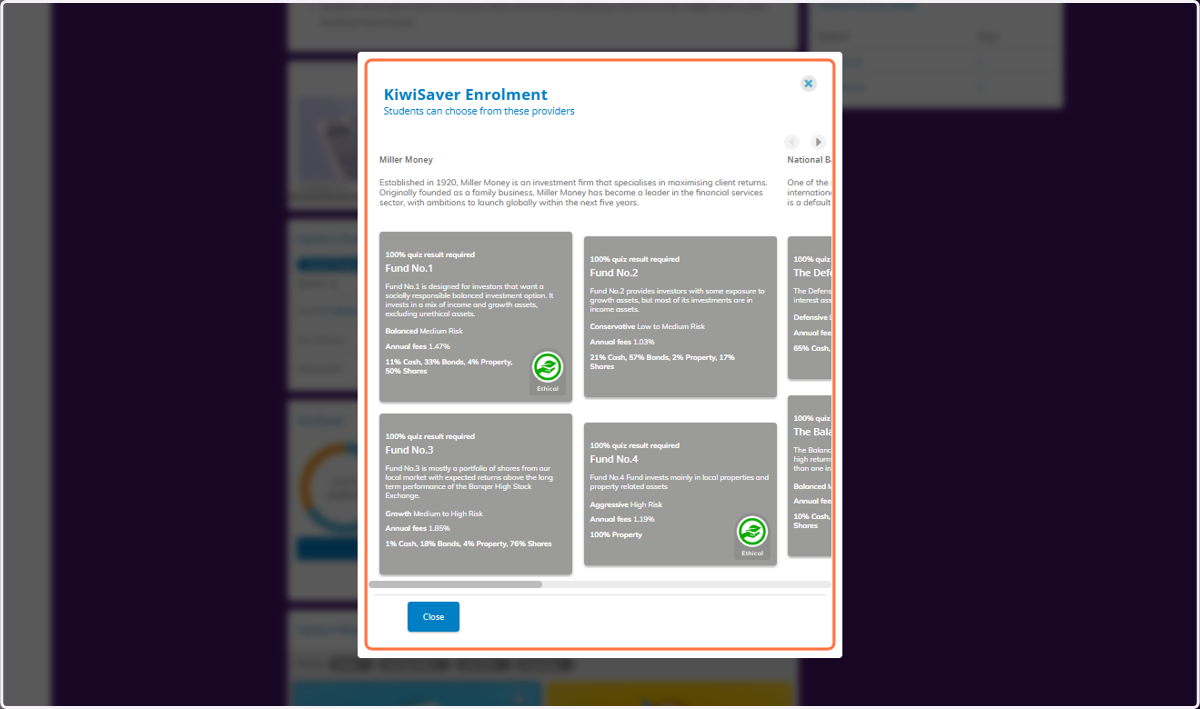
4. Click on View all KiwiSaver funds
5. You can see all of the different providers and funds that your students will be choosing from.