Comprehensive Guide to Managing Categories, Vendors, Manufacturers, and Products
How to add Category
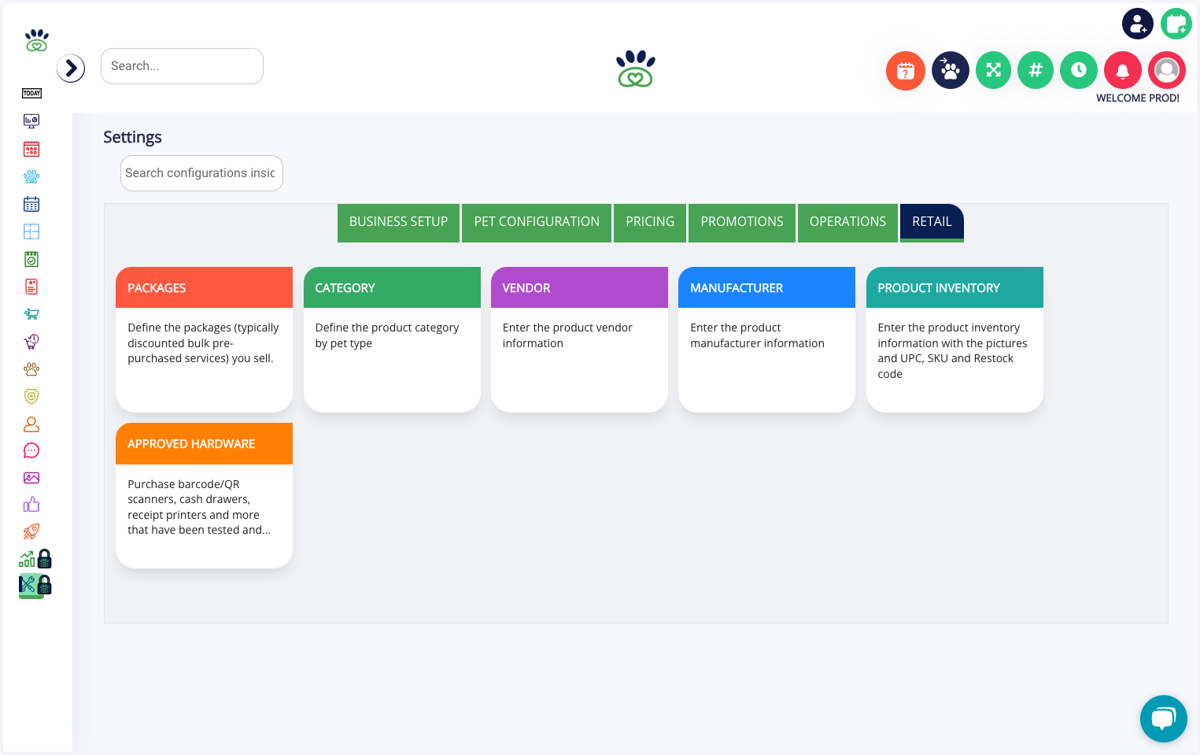
1. Click on CATEGORY…
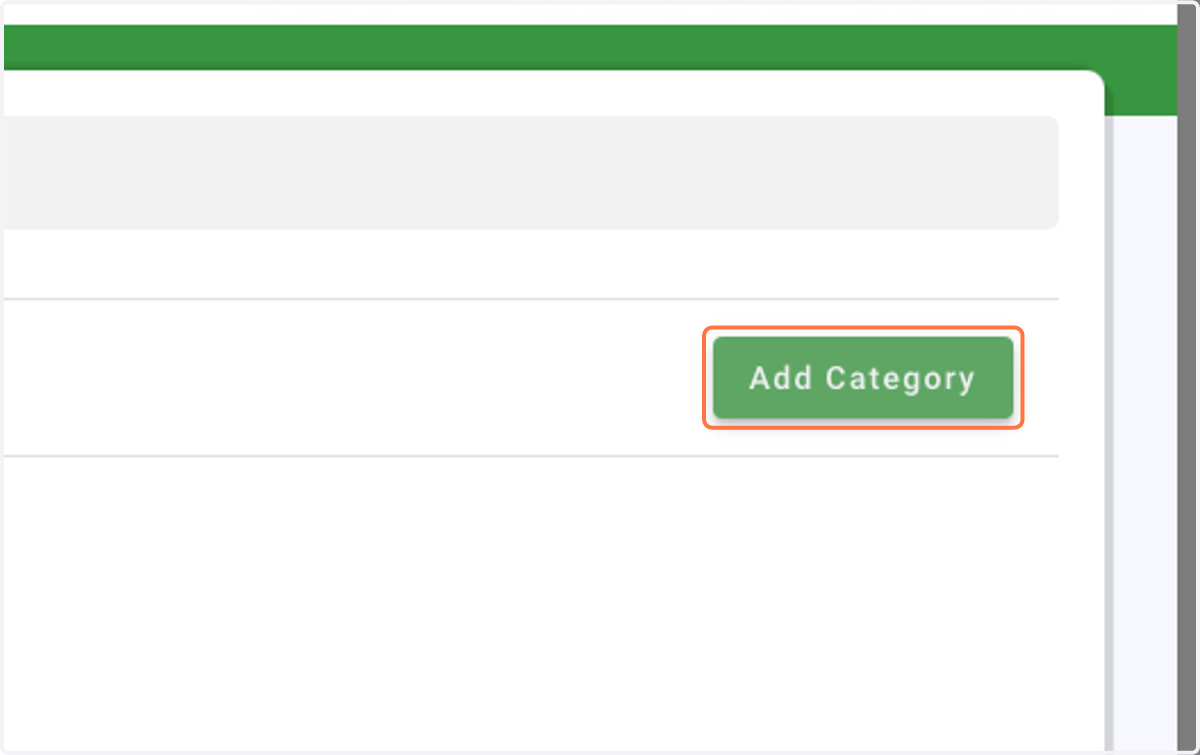
2. Click on Add Category
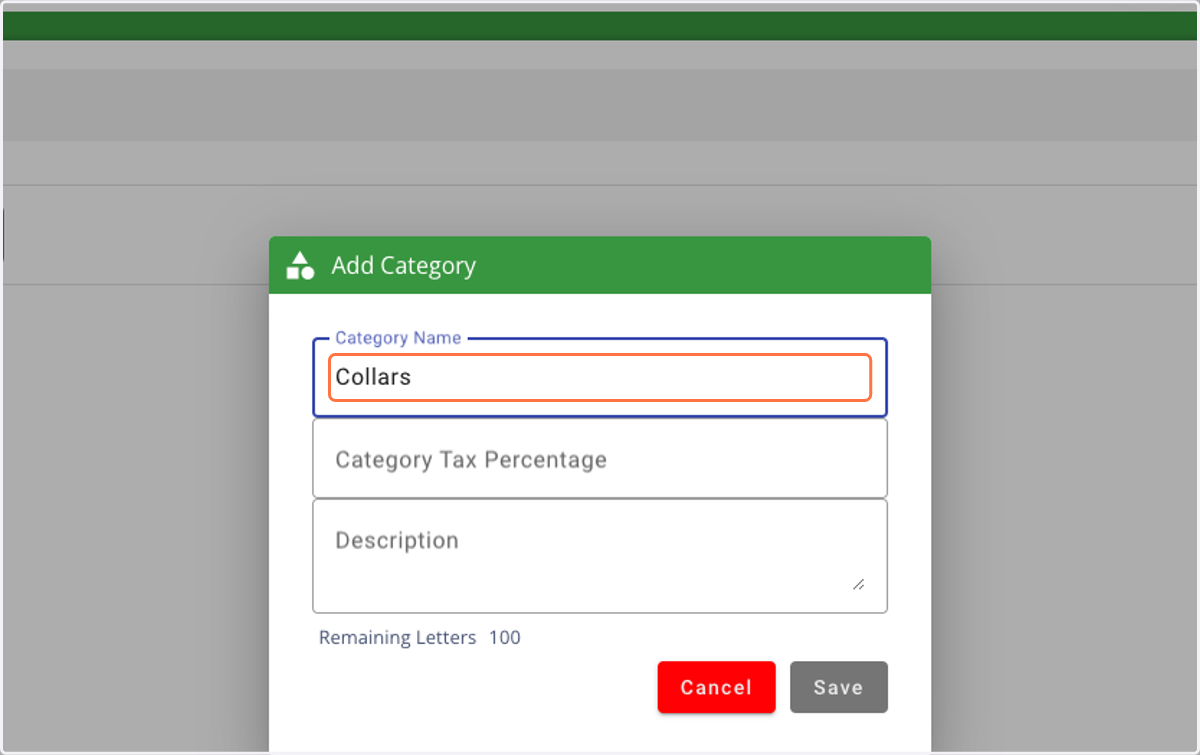
3. Add a Category Name - Things like Collars, Leashes, etc. and Tax Percentage and Description.
How to add Vendor
4. Click on VENDOR…
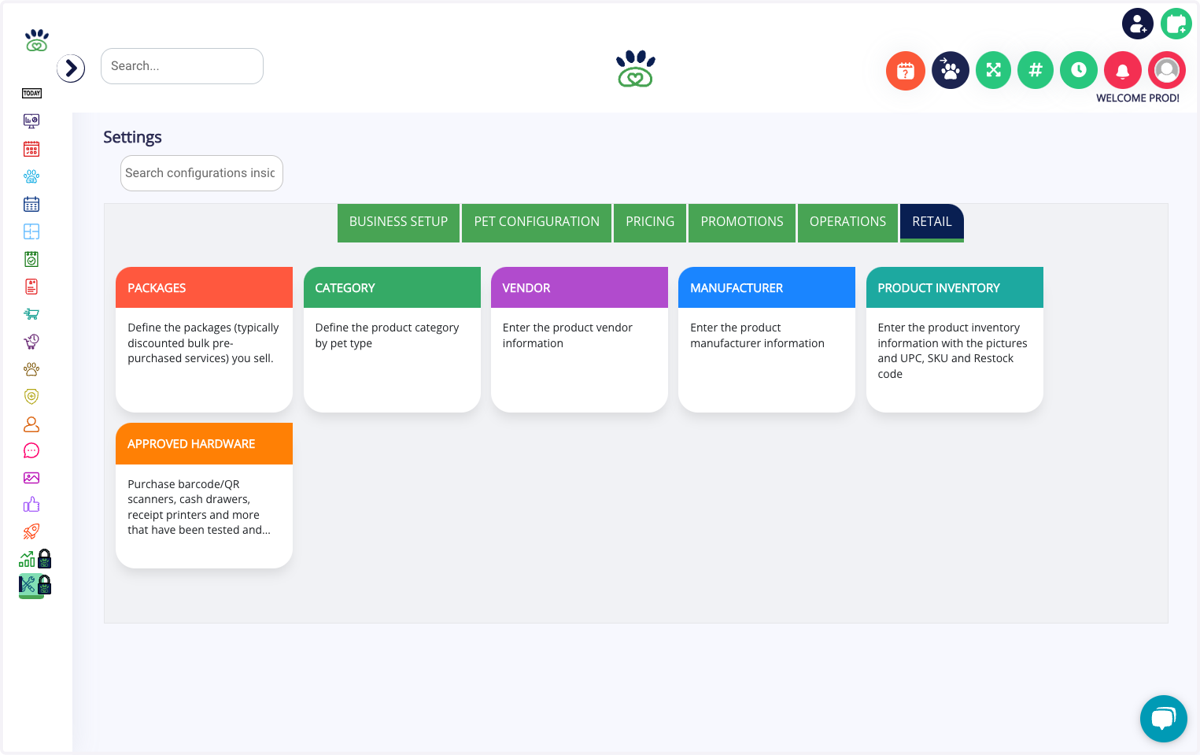
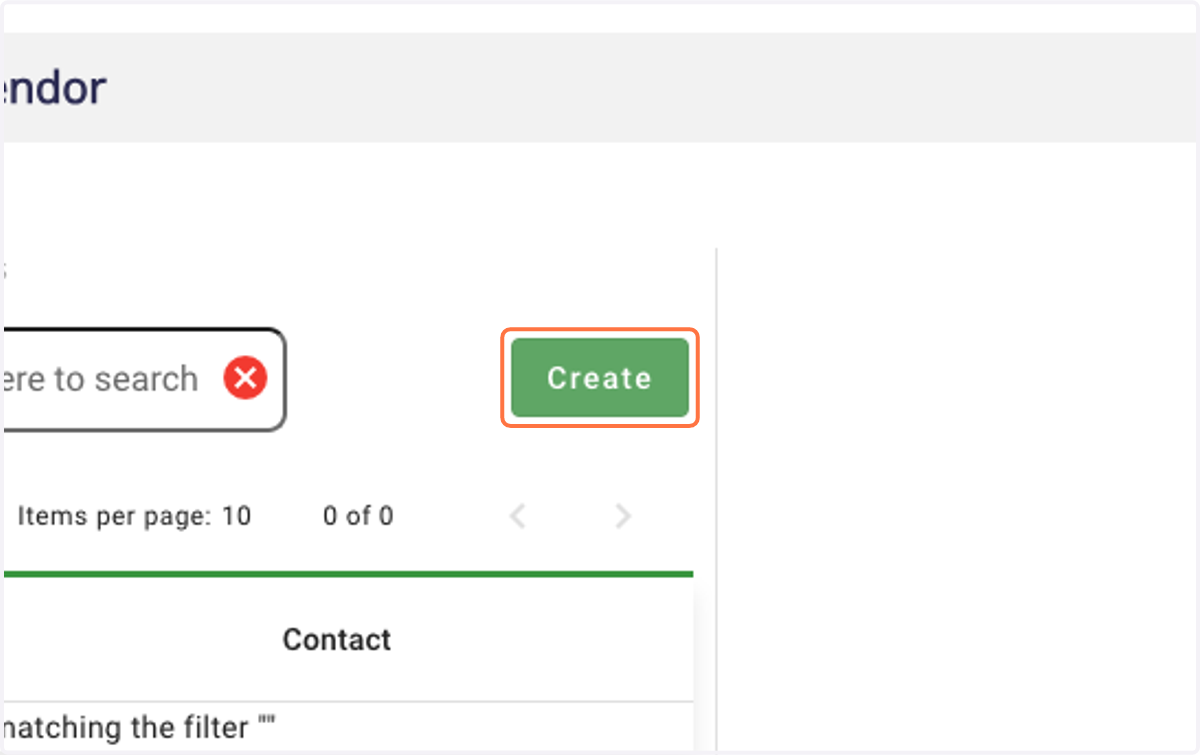
5. Add all vendor information.
How to add Manufacturer
6. Click on MANUFACTURER…
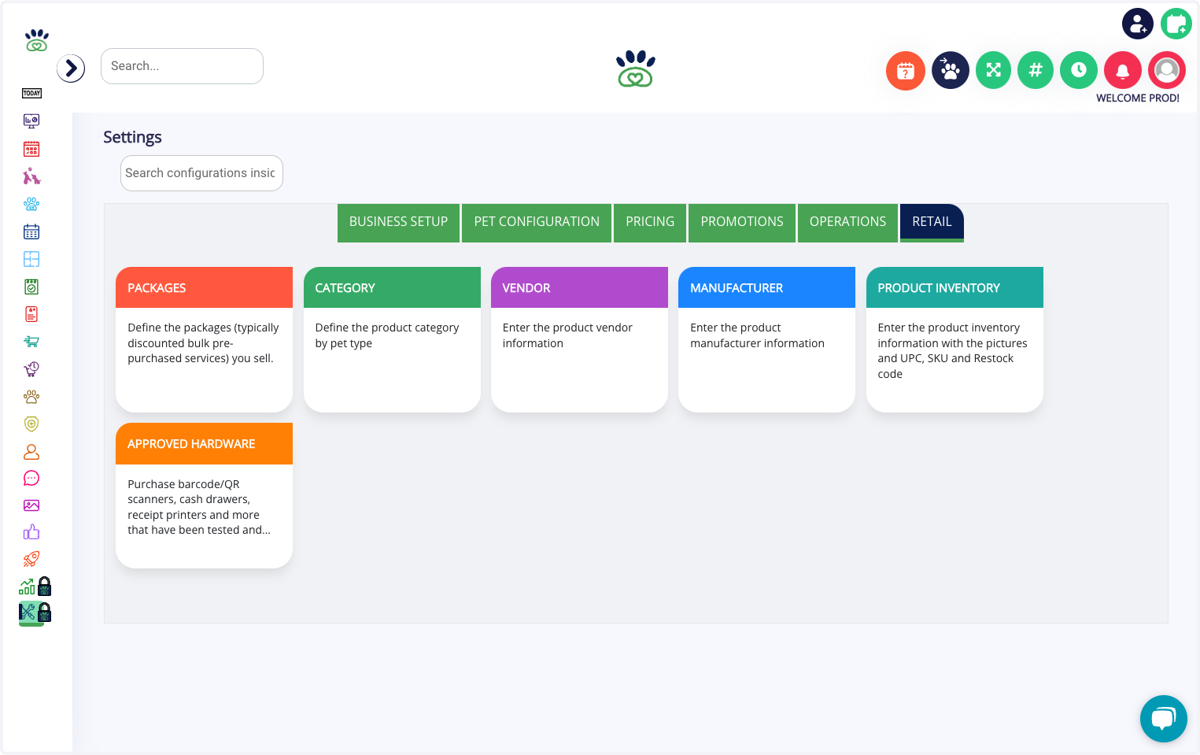
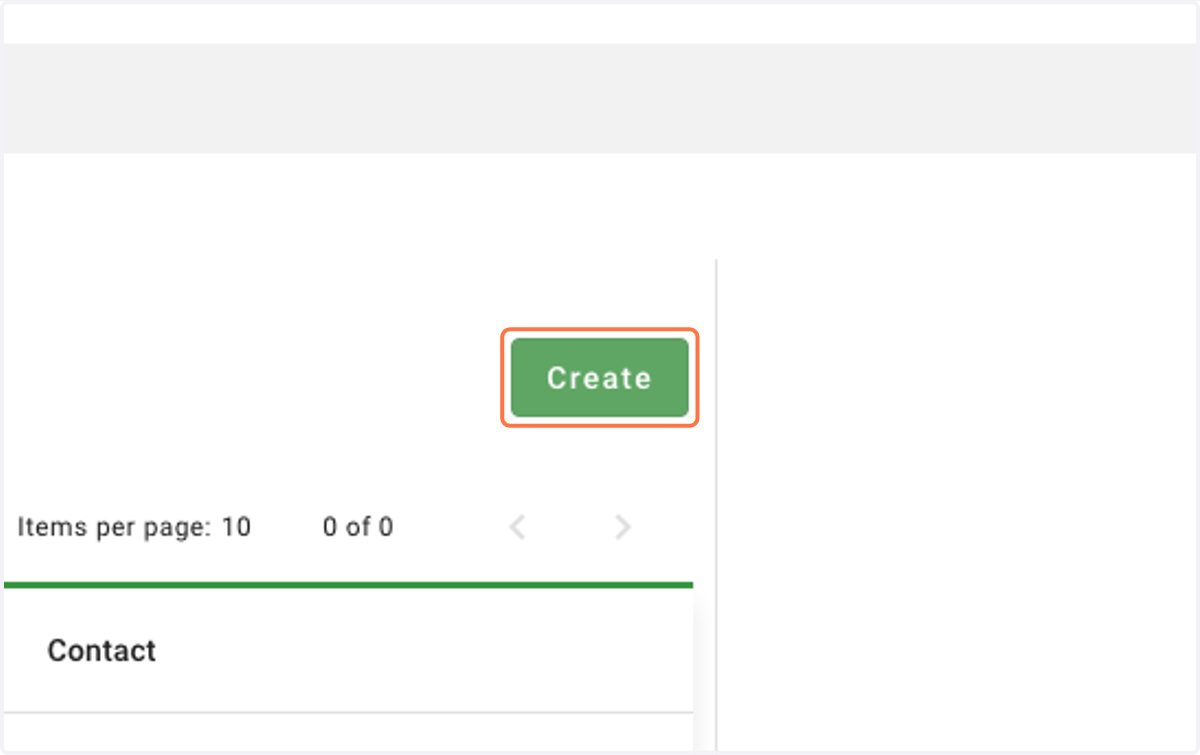
7. Add all relevant information.
How to add Products to the Product Inventory
8. Click on PRODUCT INVENTORY…
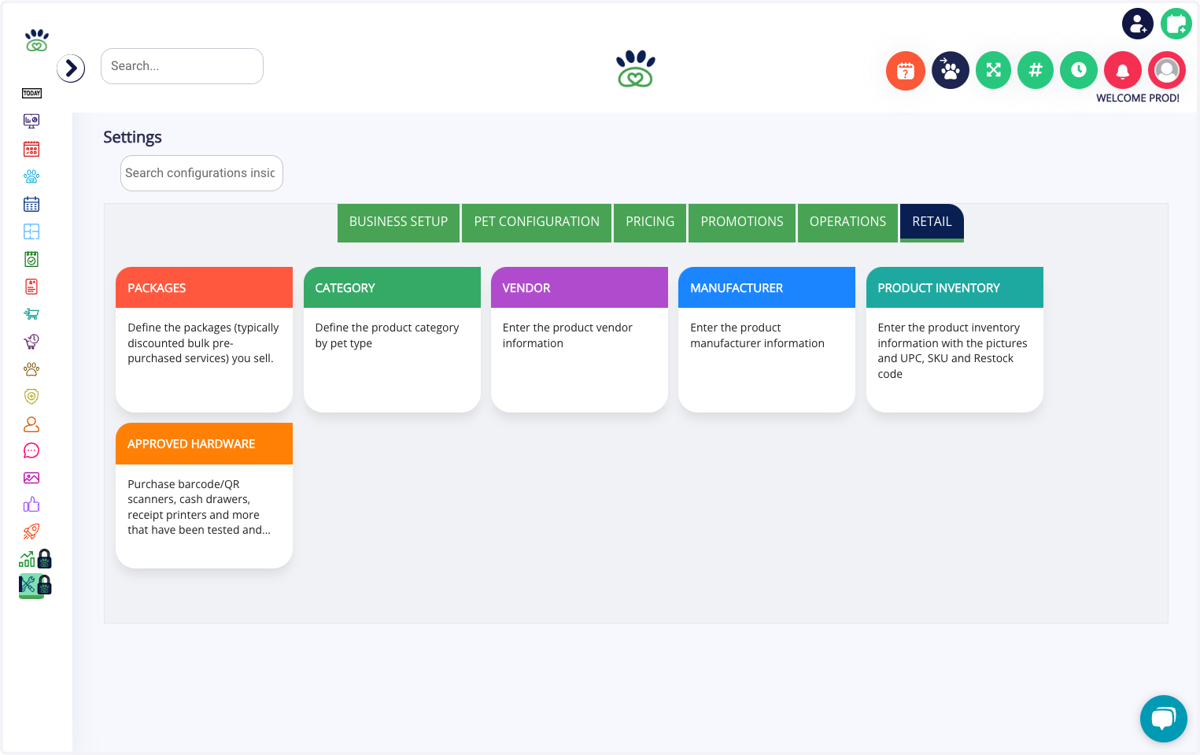
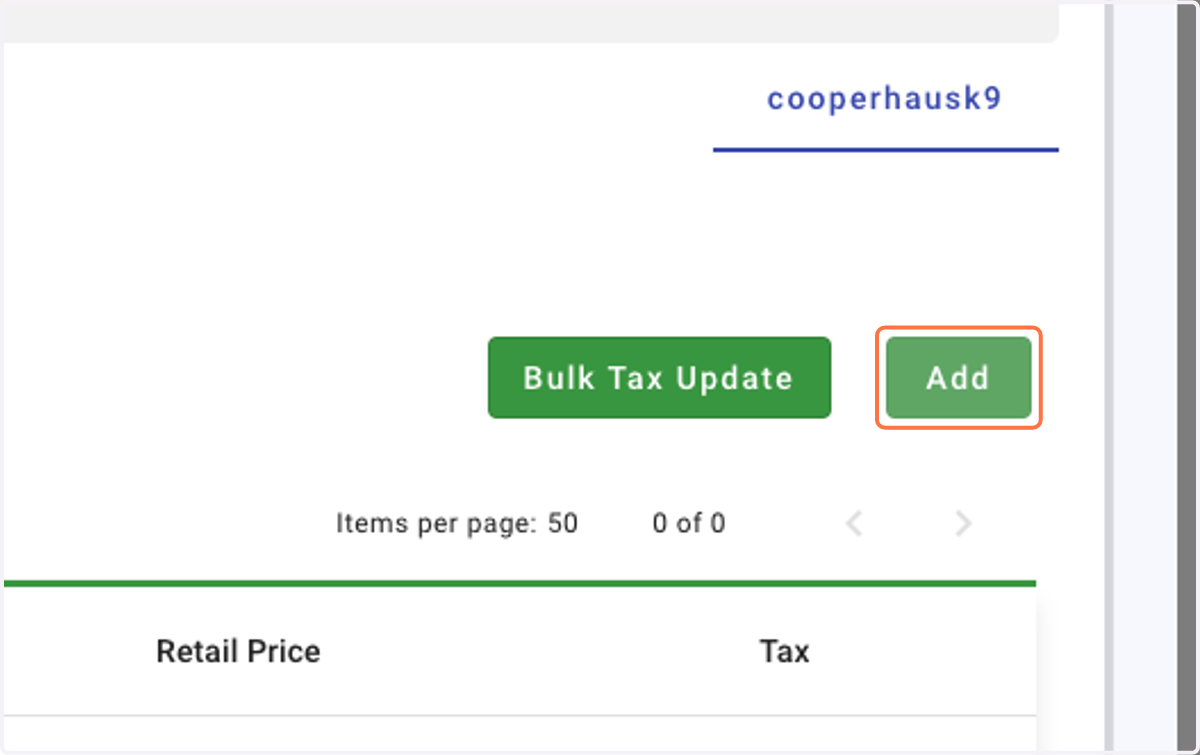
9. Add Inventory here.
10. Click on Save to Add Inventory
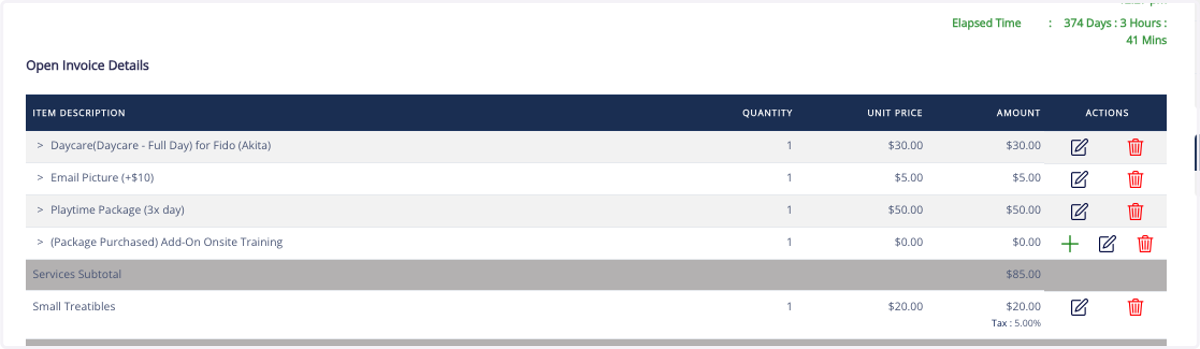
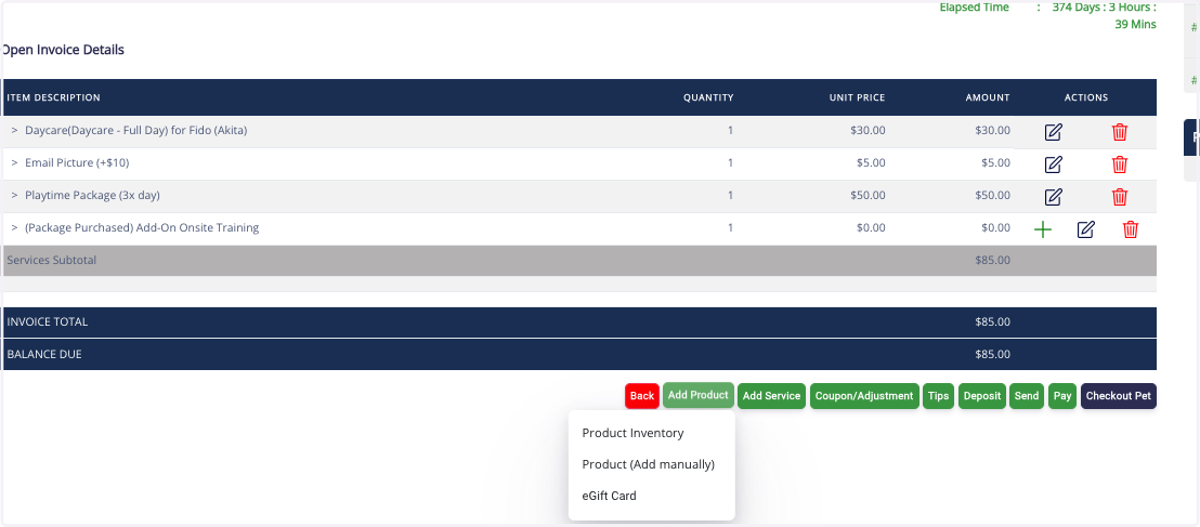
11. Add a product to the invoice.
Open the Invoice and select Add Product green button. Select Product Inventory.
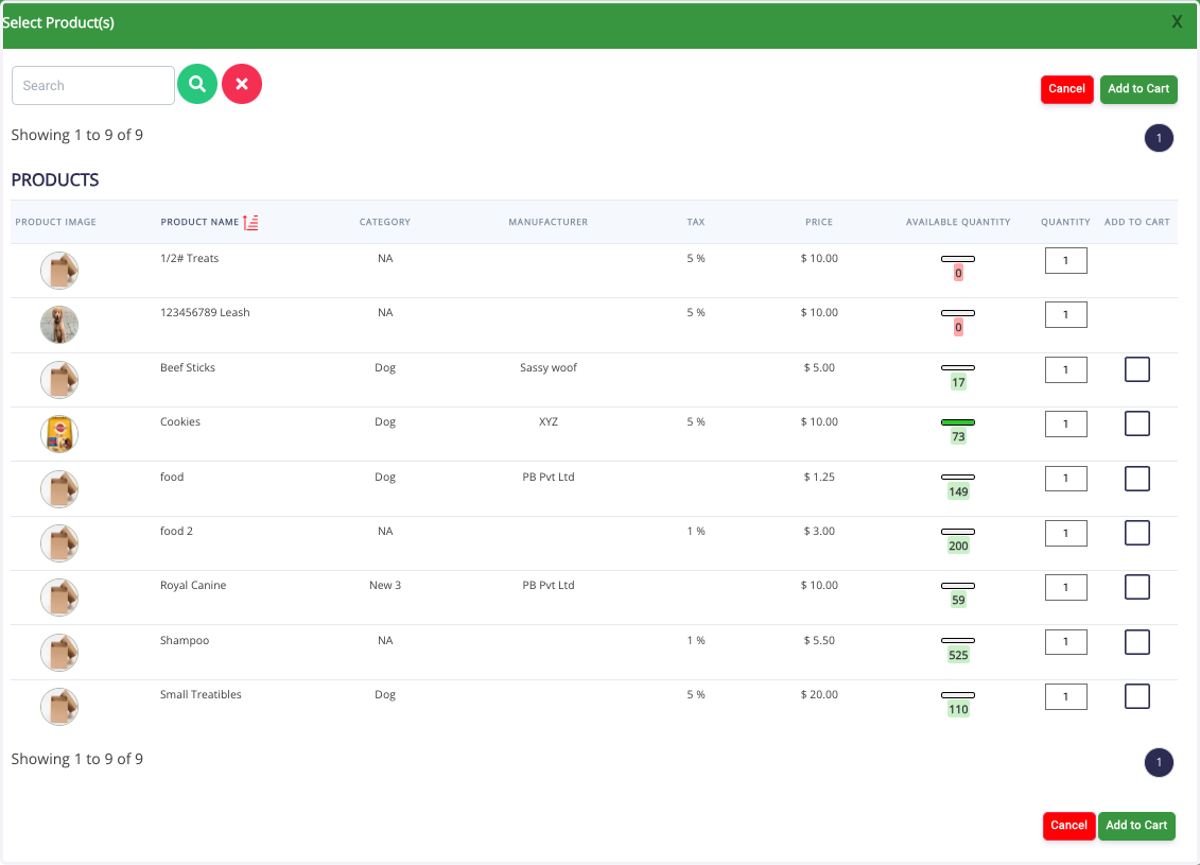
12. Add Products to Cart.
Products will populate here. Add quantity if applicable and use the checkbox for add to cart.
13. Done!
The invoice will add all selected items to the invoice. Check them out and you are done!