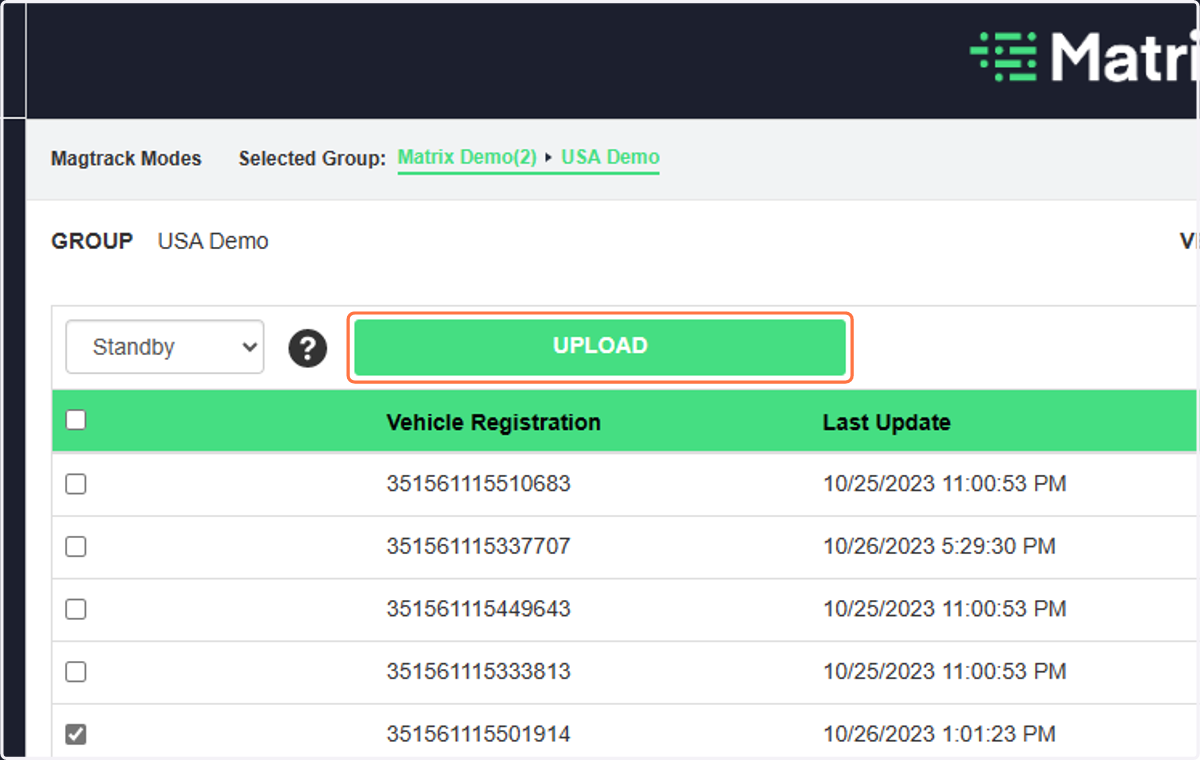
Step 3: Manage MagTrack Modes
MatrixIQ Telematics
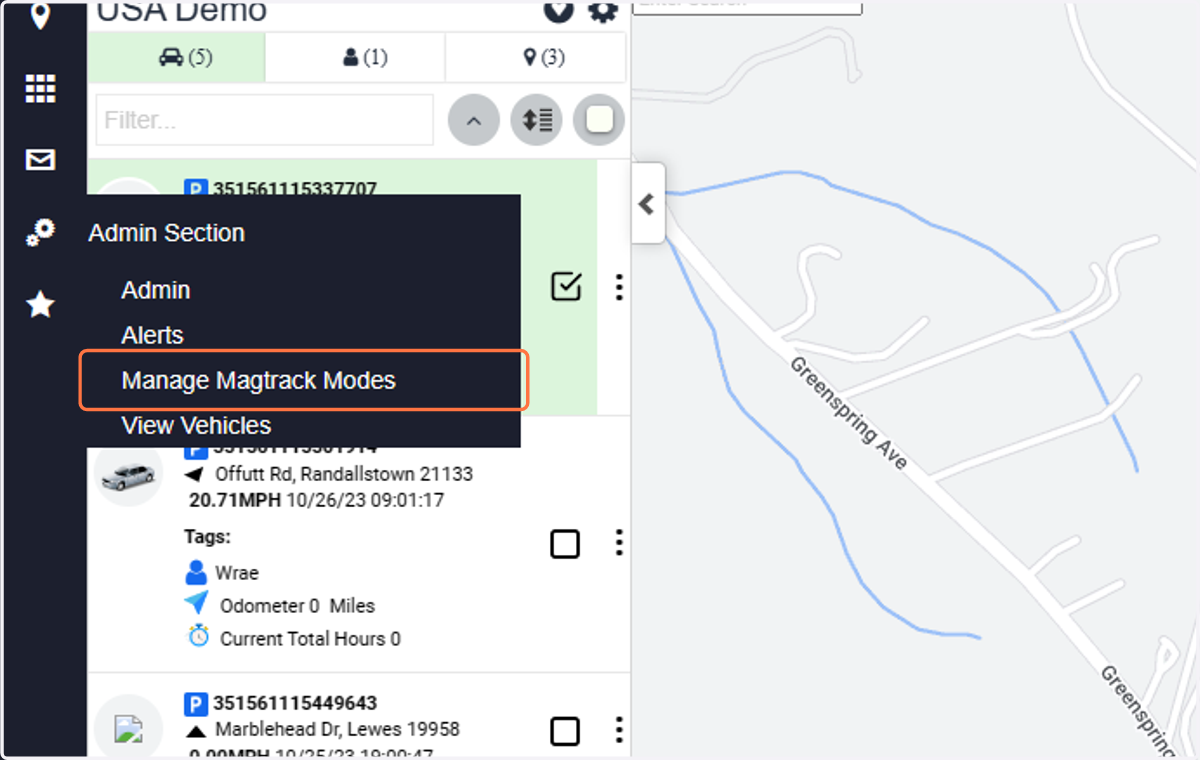
1. Click on Manage Magtrack Modes
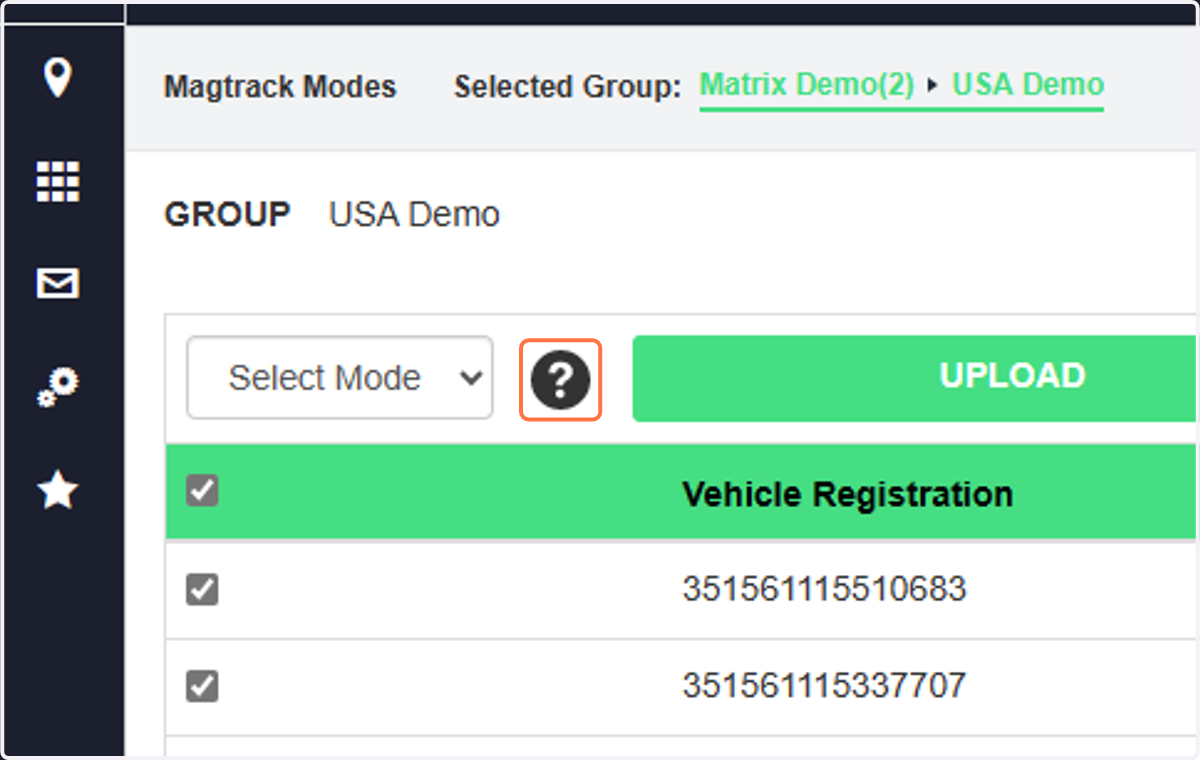
2. Click on the question mark to see the difference between modes
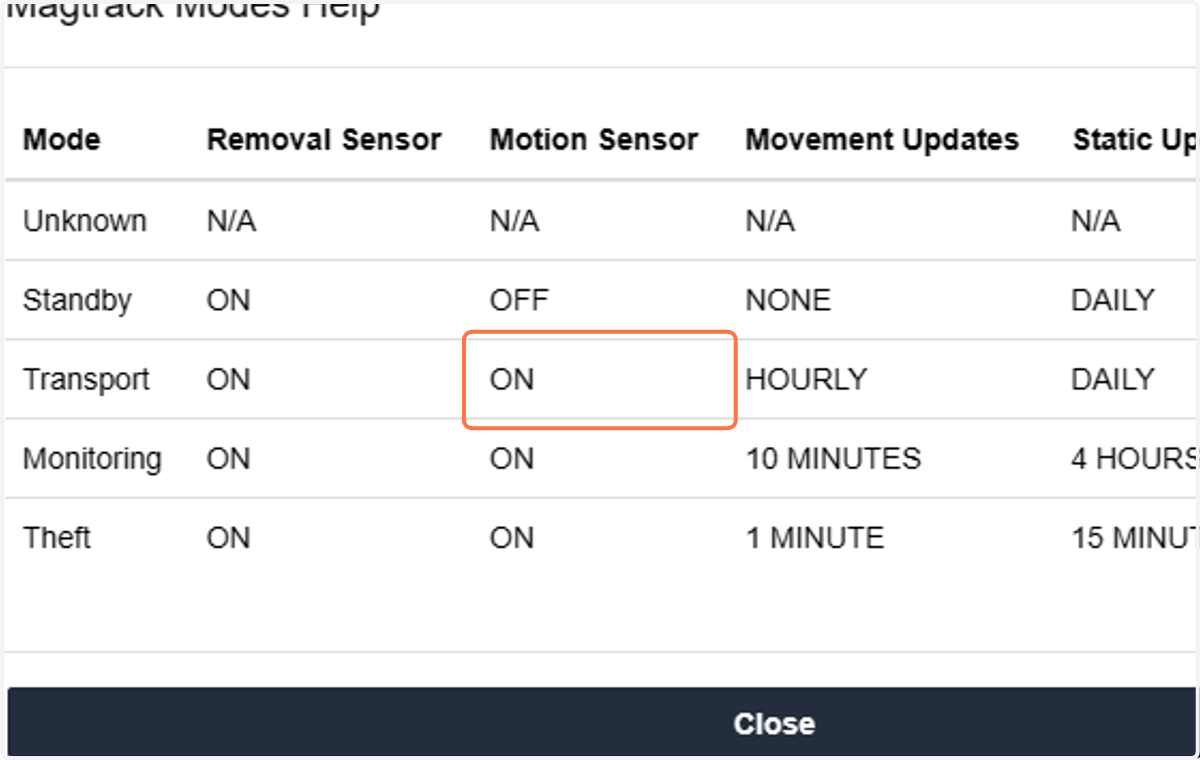
3. Click on ON
4. Close the Mode window to see all of the vehicles
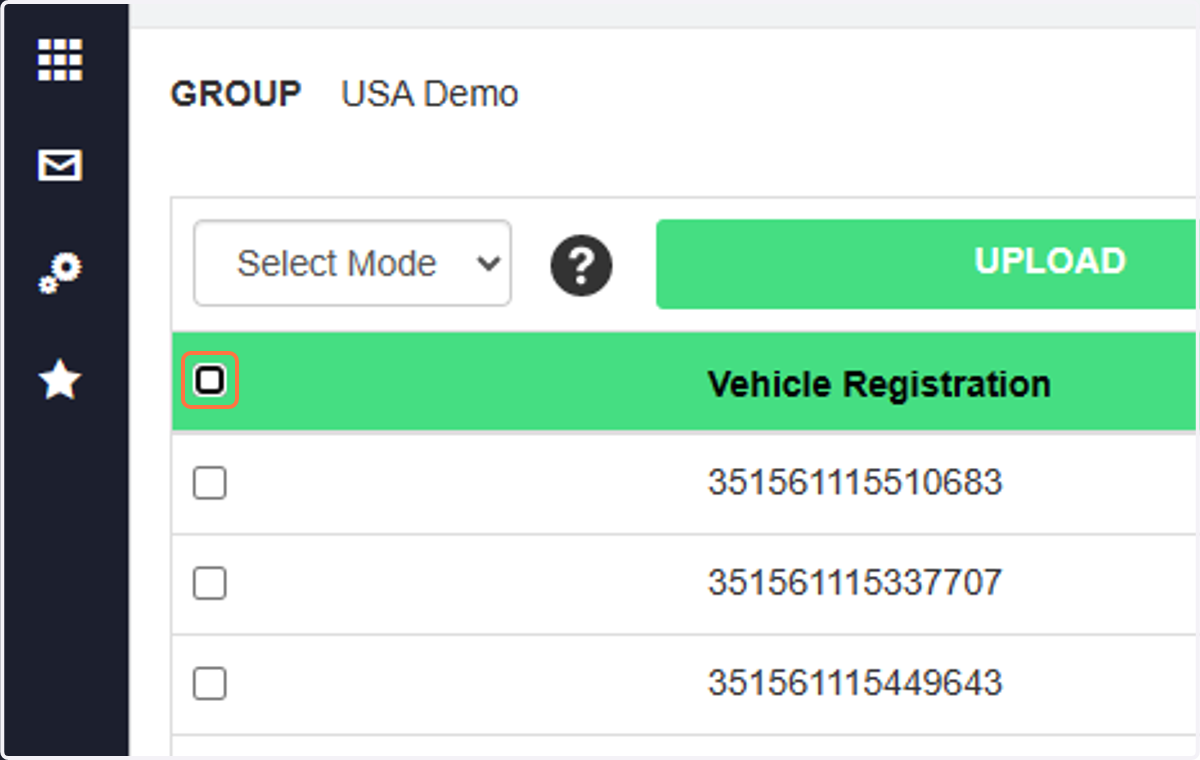
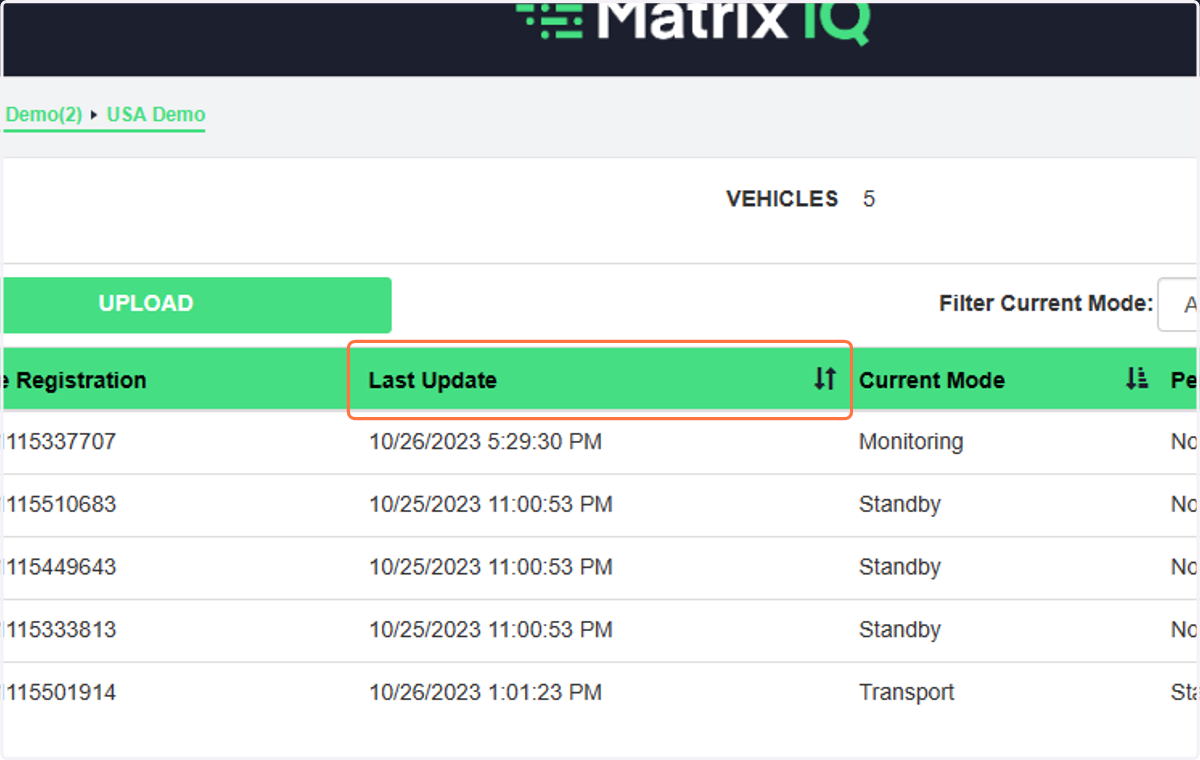
5. The Vehicle screen shows the last update, current mode, pending mode and battery level
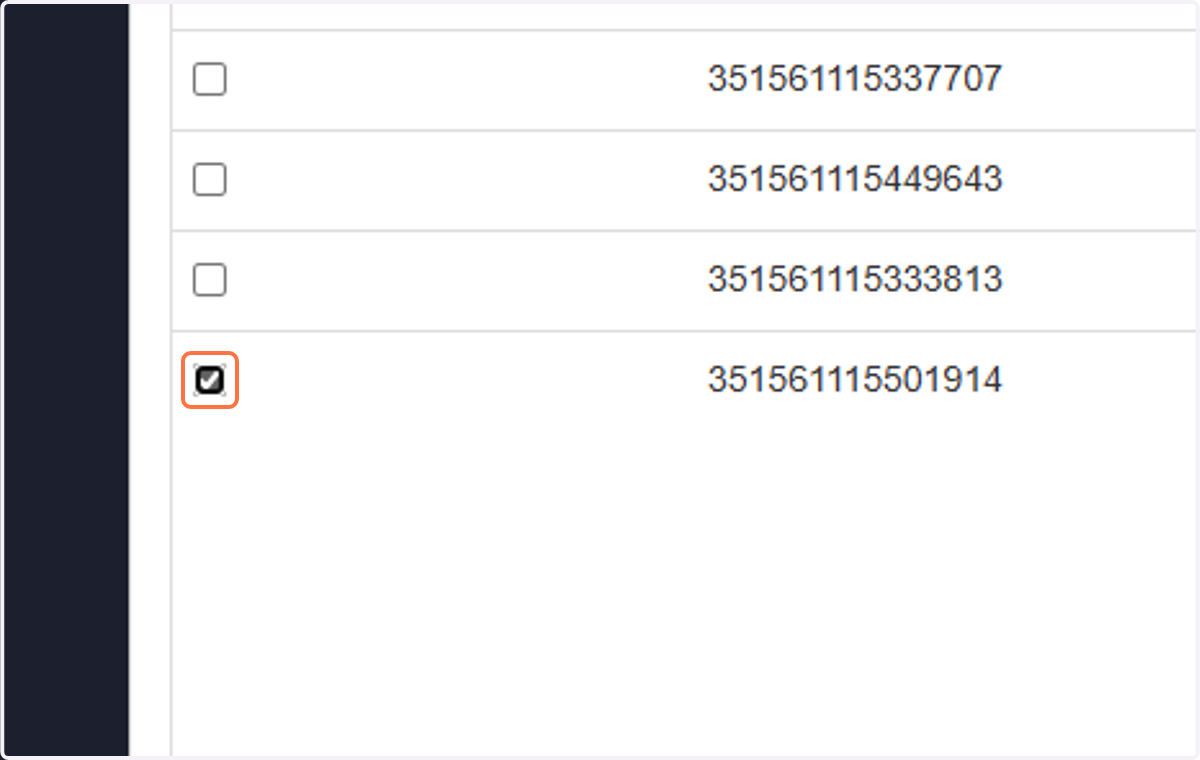
6. Check which Vehicle(s) you want to update
7. Select the Mode ...
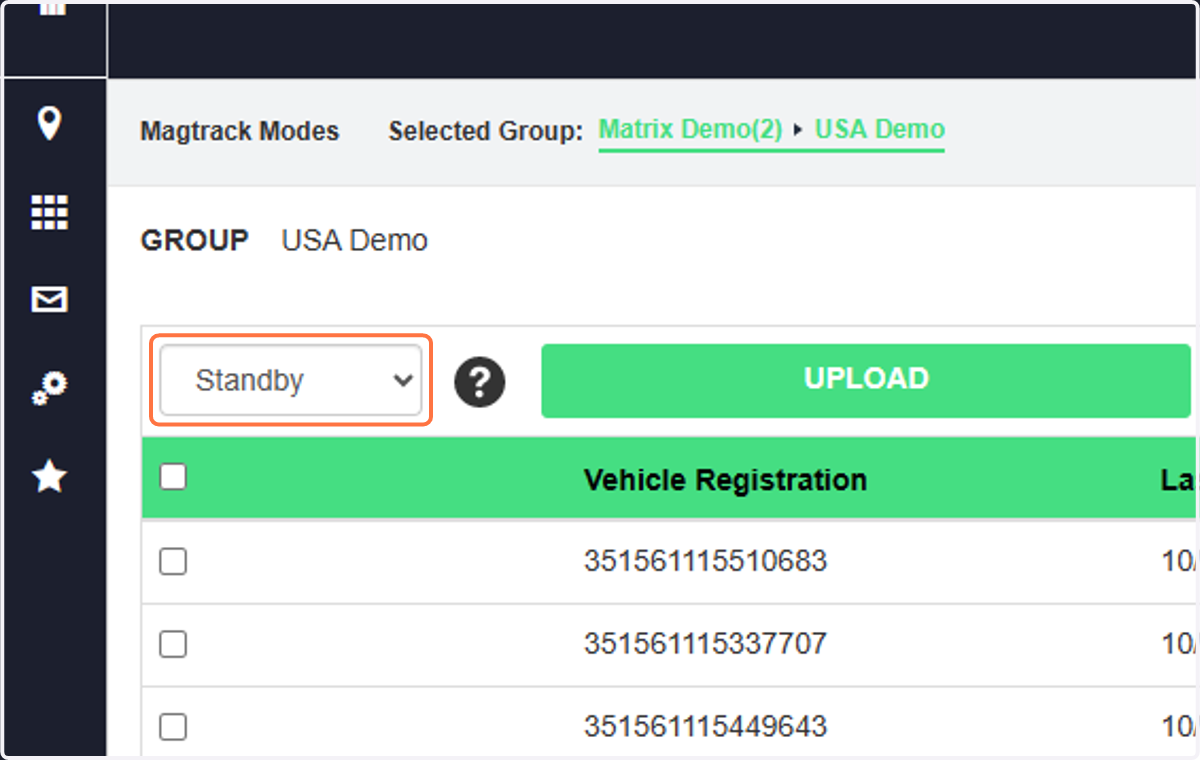
8. Click on Upload to send the change to the MagTrack device
The device will be updated at the next scheduled "ping"