Benefit Guru Referral Setup
Agency Administrators now have the ability to edit the standard language sent to Gurus invited to Enrollify at an Agency level. This update includes the new ability to send an MMS text invitation along with an email.
1. Click on "Agency Admin" tab
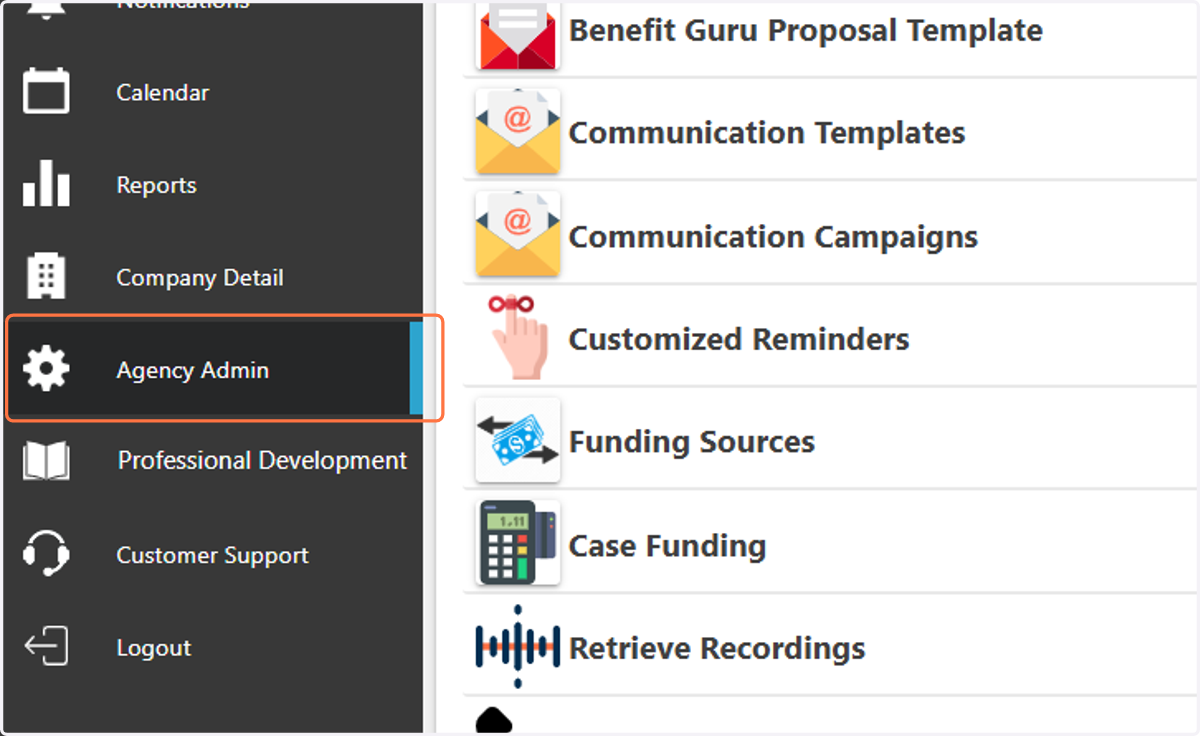
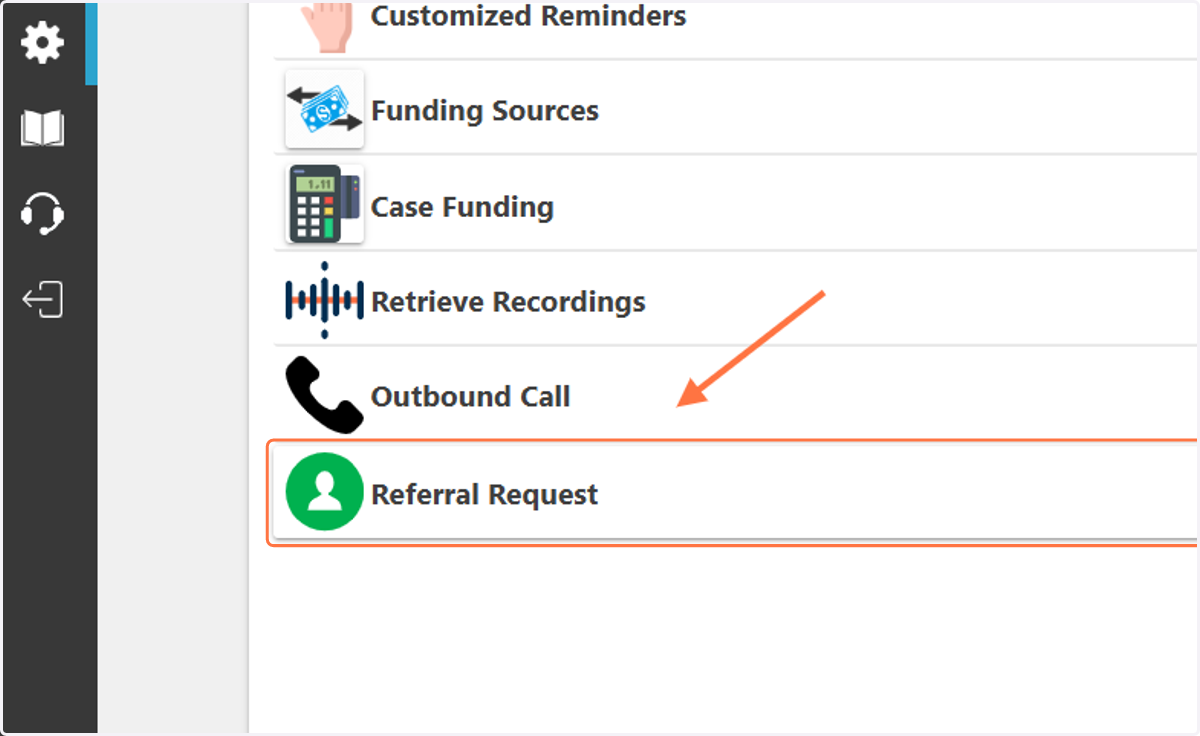
2. Click on "Referral Request"
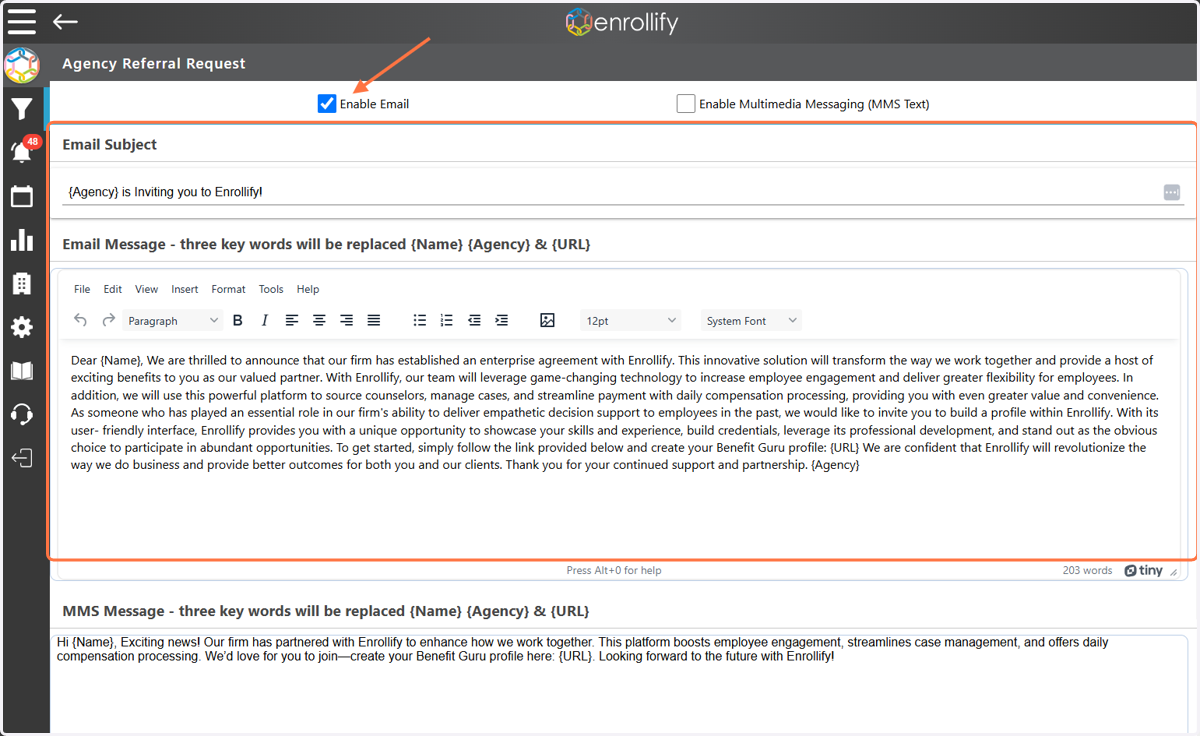
3. At the top of the page you will find the standard Enrollify email referral language, you can update this language to your liking. Ensure the 'Enable Email' box is checked to make this visible throughout your Agency.
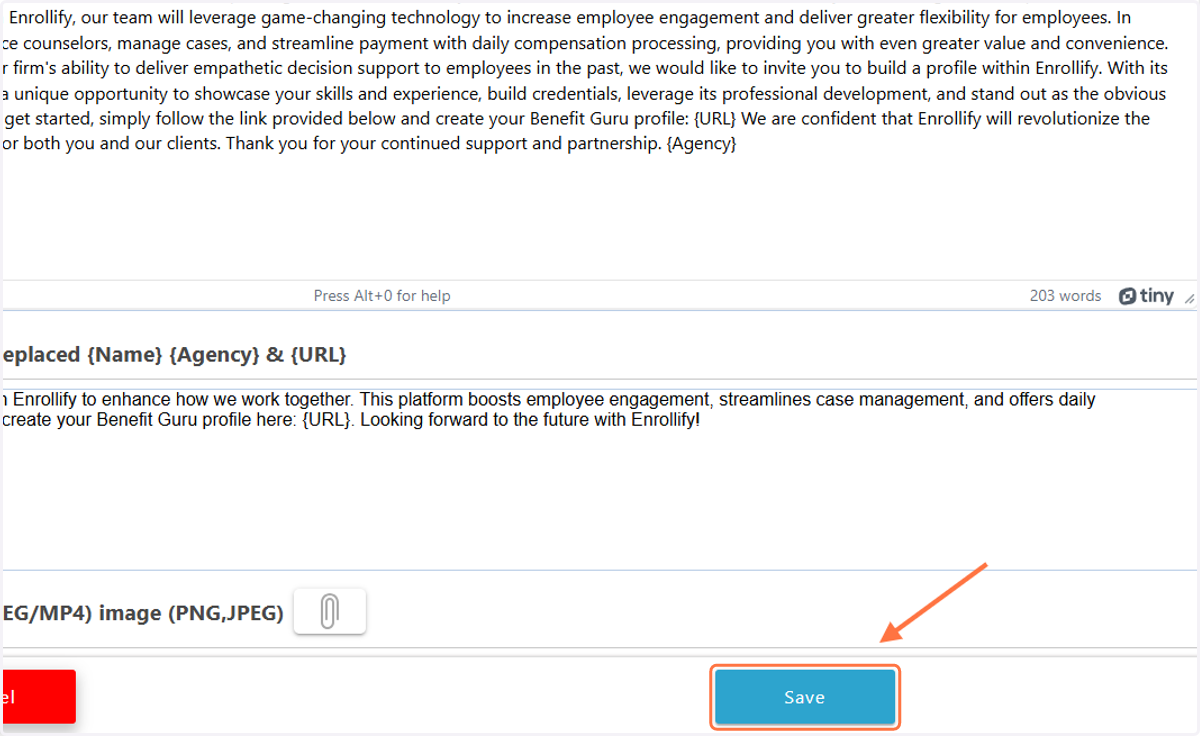
4. At the bottom of the page you will find the standard Enrollify MMS text referral language. The MMS text feature cannot be enabled until you upload a Media File to accompany it. Typically, users upload their Agency logo here.
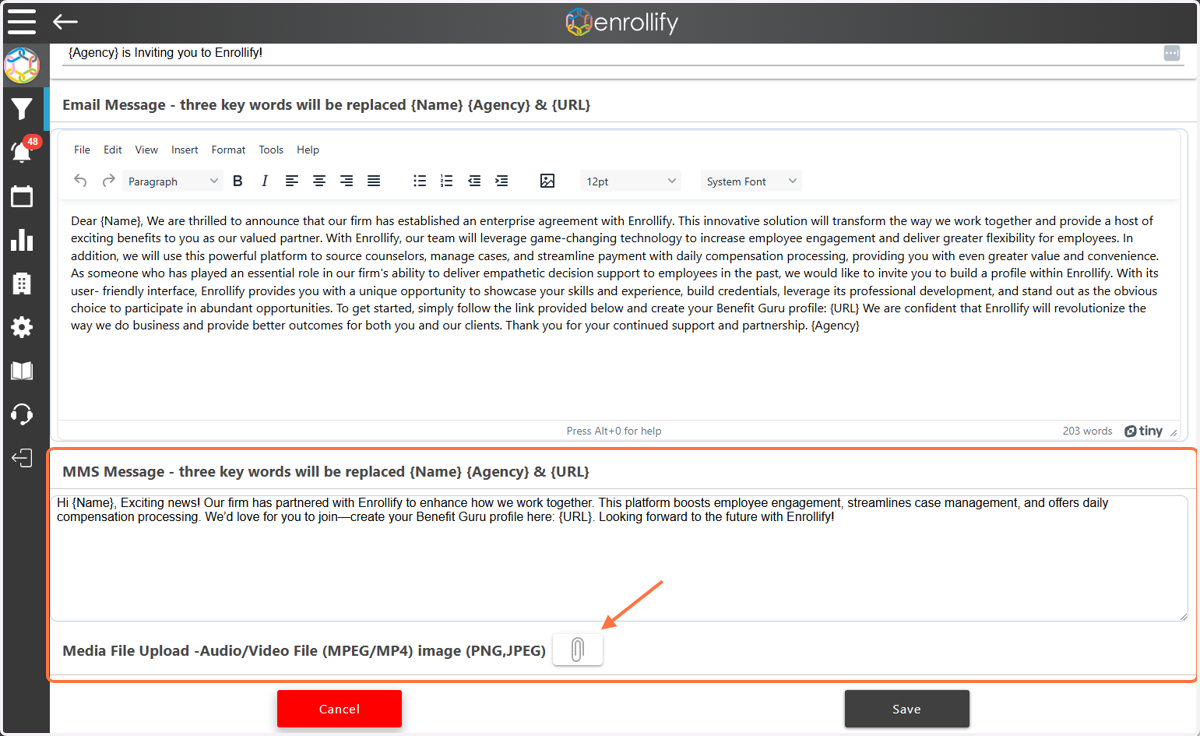
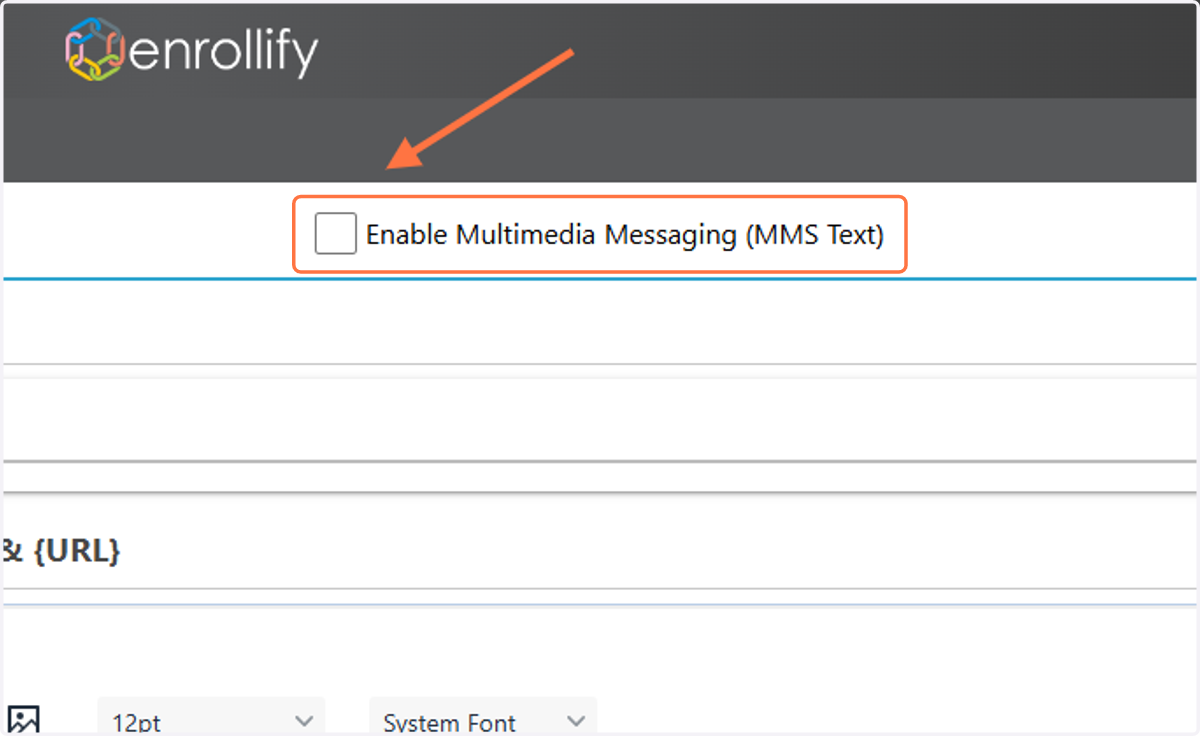
5. Once you have updated the MMS language and uploaded an image, check the "Enable MMS Text" box.
6. Once all changes have been made, click 'Save'.