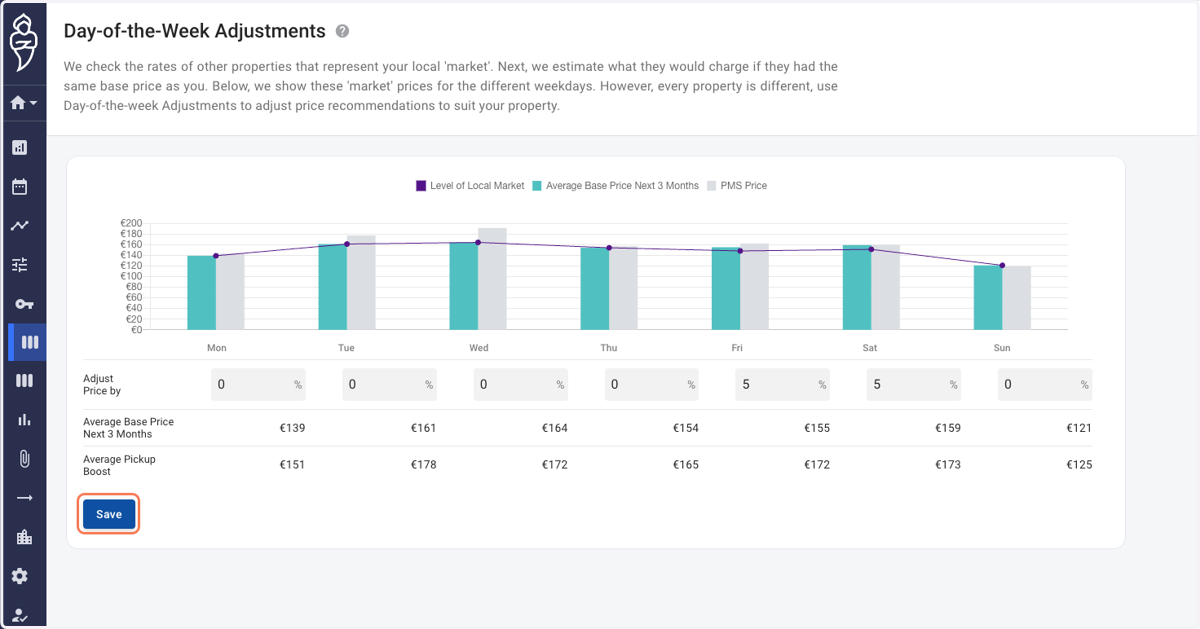
Day of the week adjustments
Roompricegenie
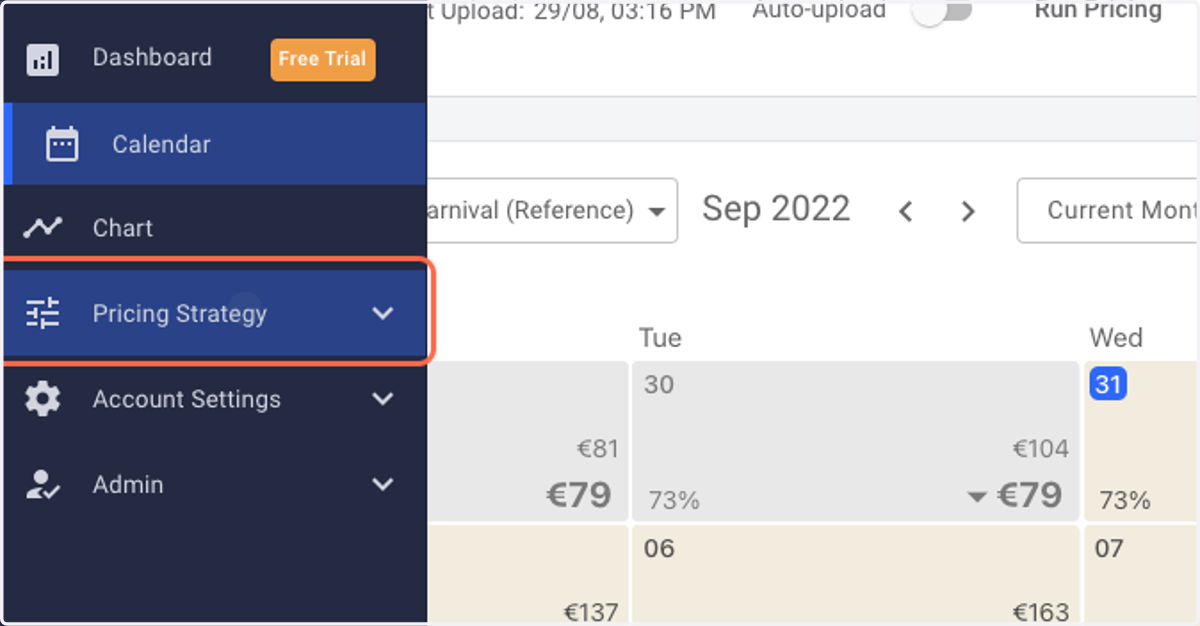
1. Log in to RoomPriceGenie and click on Pricing Strategy.
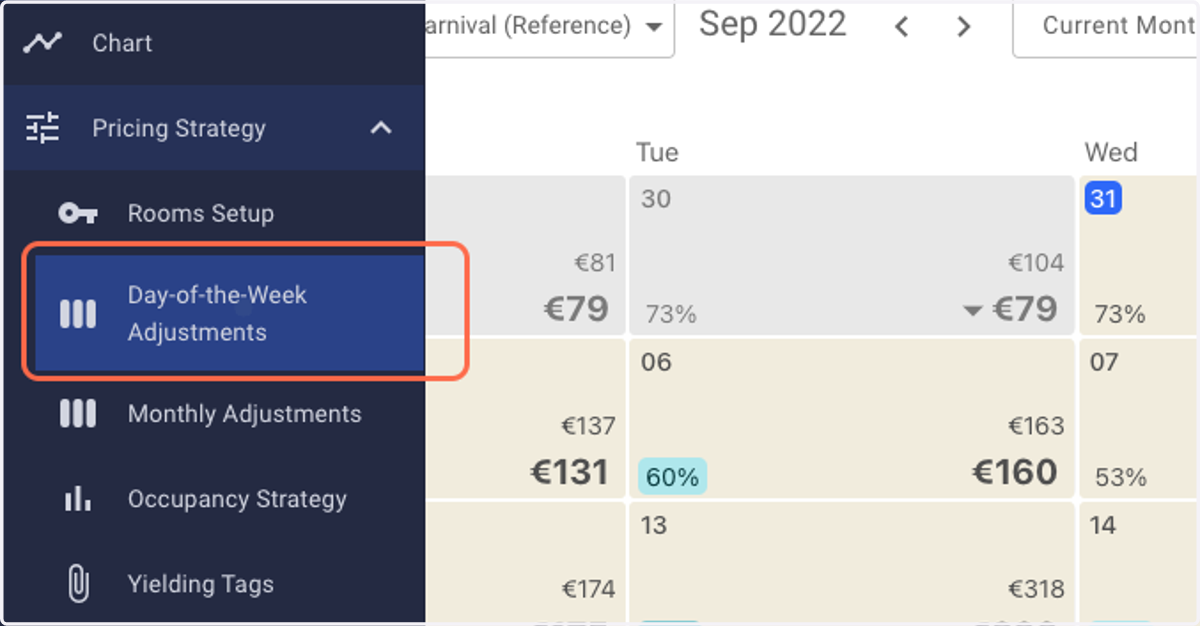
2. Click on Day-of-the-Week Adjustments.
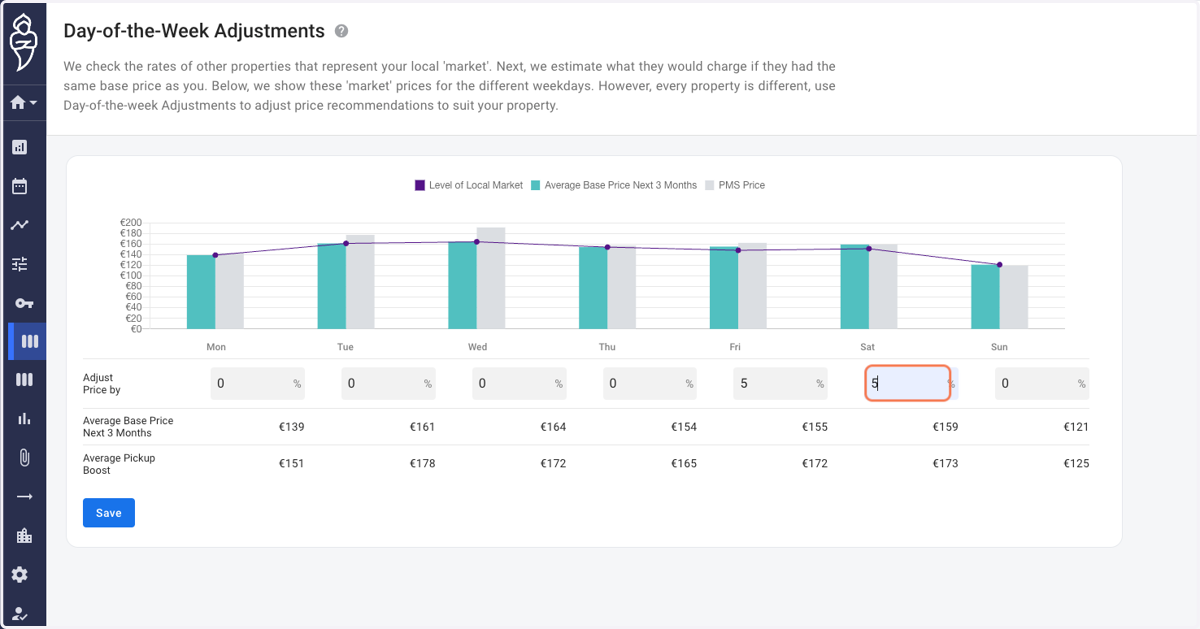
3. You shall reach the "Day-of-the-Week-Adjustments" page.
Note: The adjustments are entered in percentage terms and can be either positive or negative.
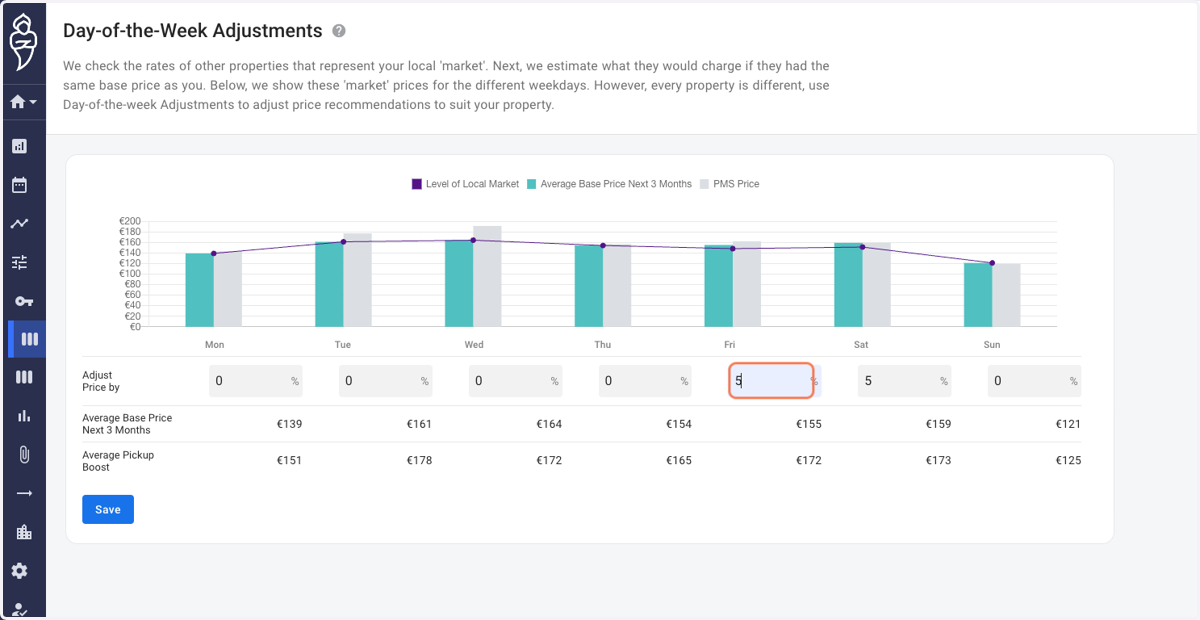
4. In the given example, we raise the price for every Friday and Saturday by 5%.
5. Click on Save.