Allstate
Login
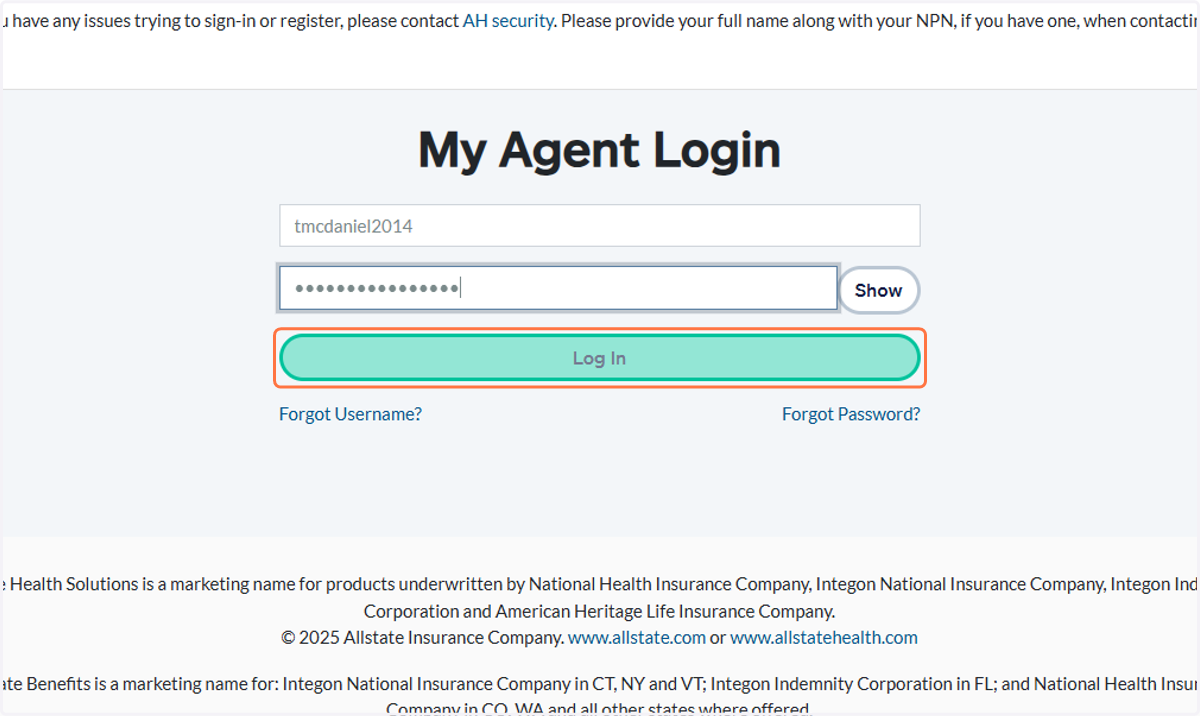
Username: tmcdaniel2014
1. Click on Log In
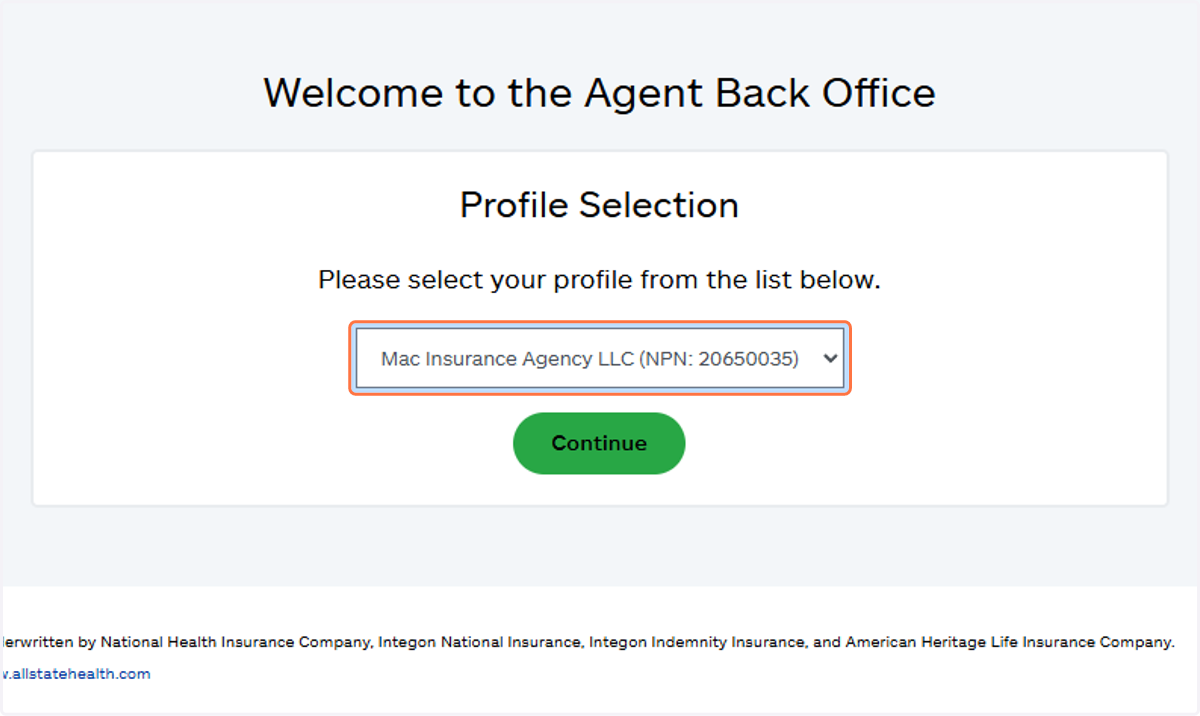
2. Select Mac Insurance Agency LLC (NPN: 20650035)
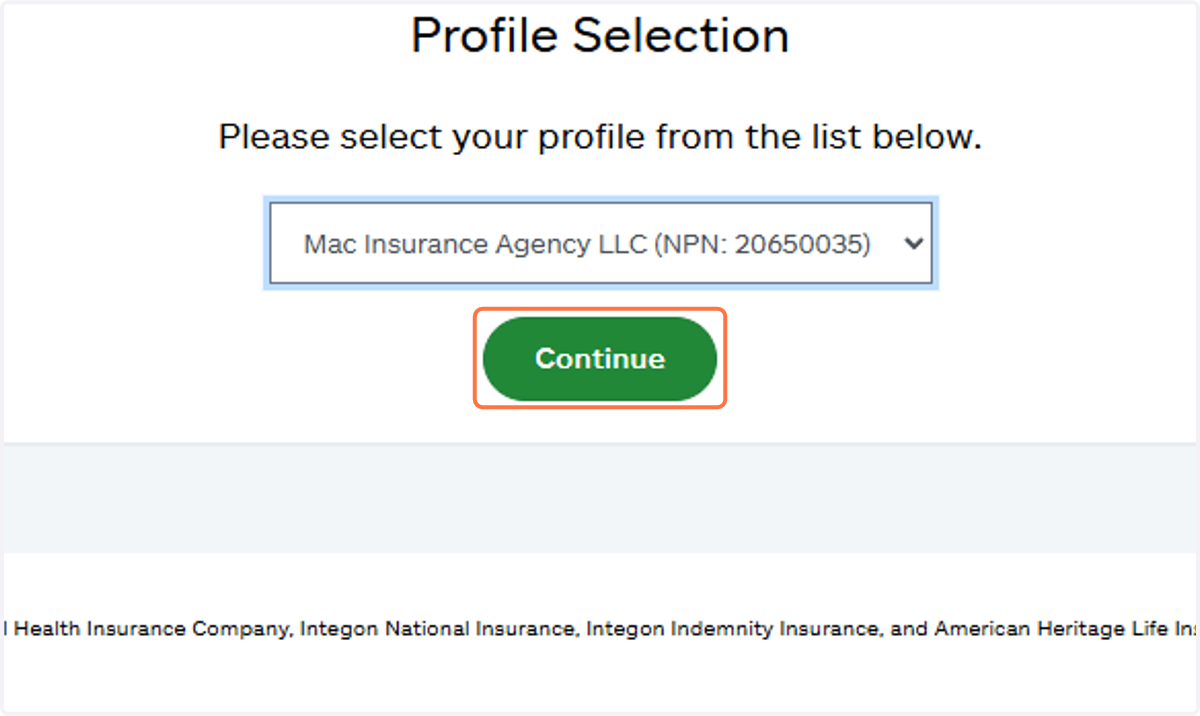
3. Click on Continue
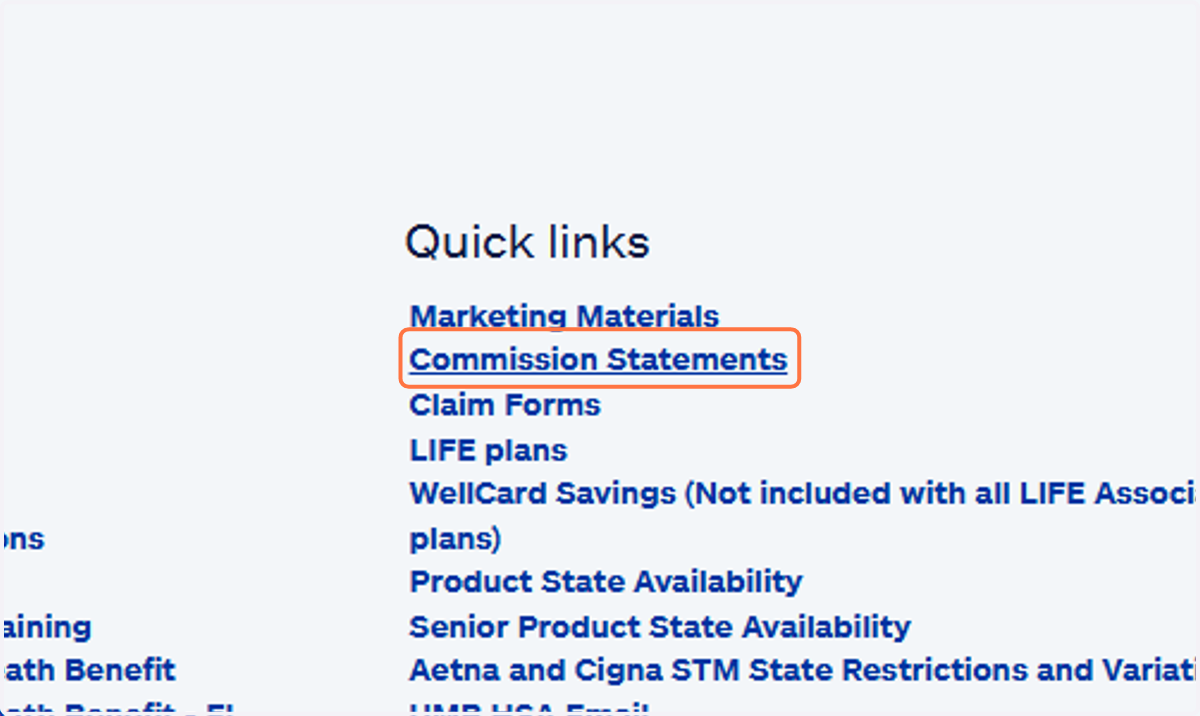
4. Click on Commission Statements
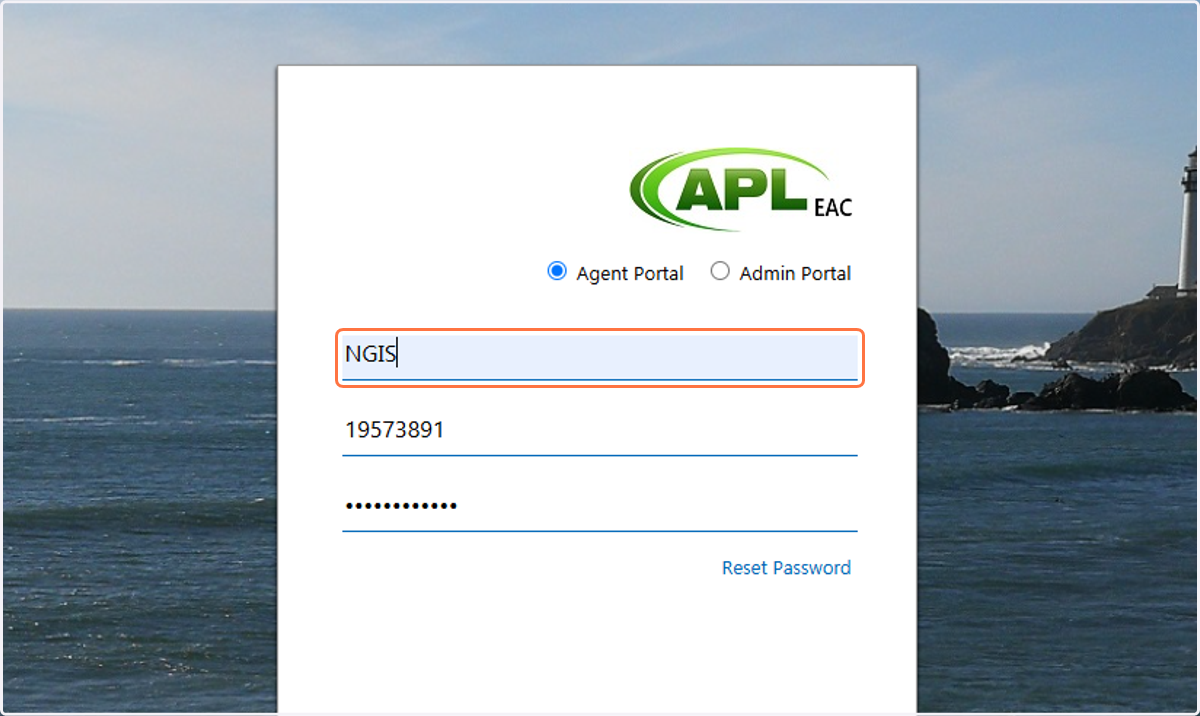
Login - eAgentCenter
5. Enter CompanyID
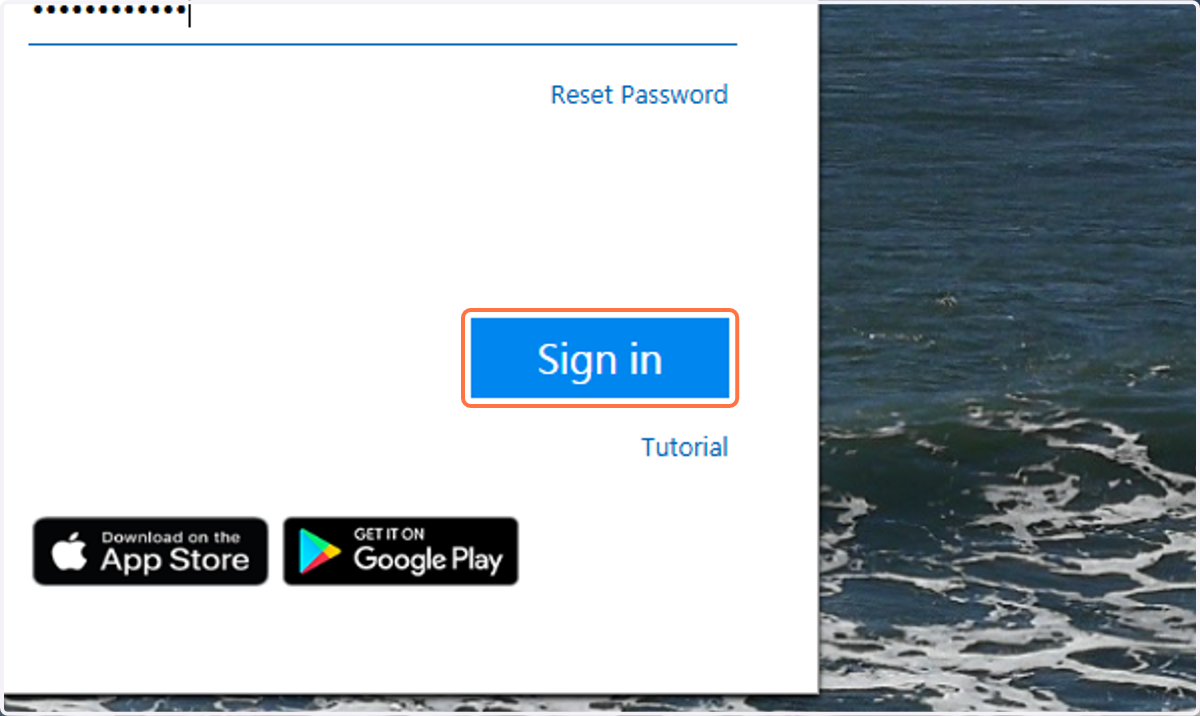
6. Click on Sign in
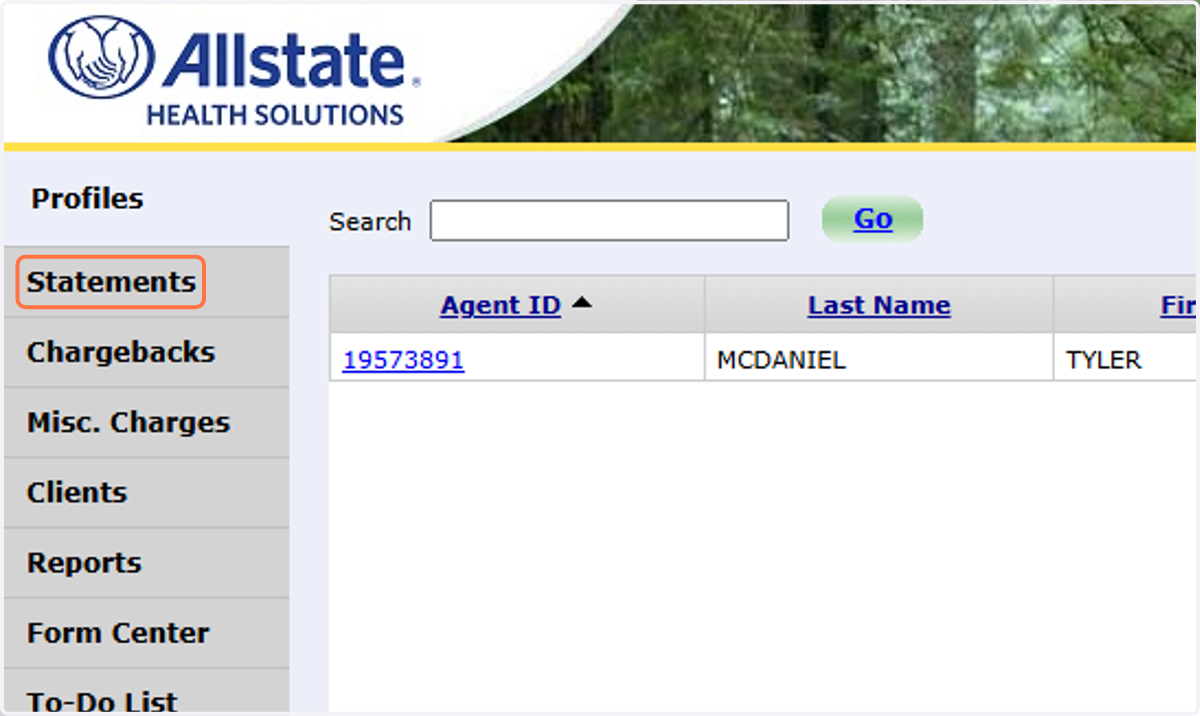
7. Click on Statements
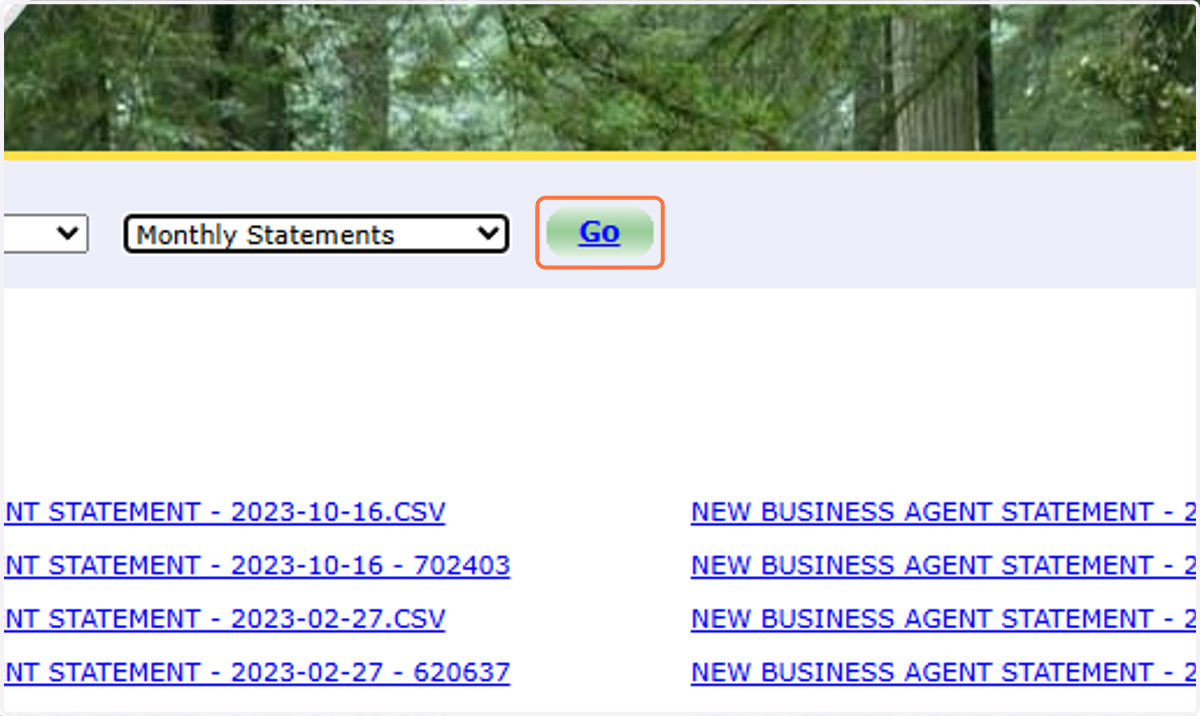
8. Select Monthly Statements
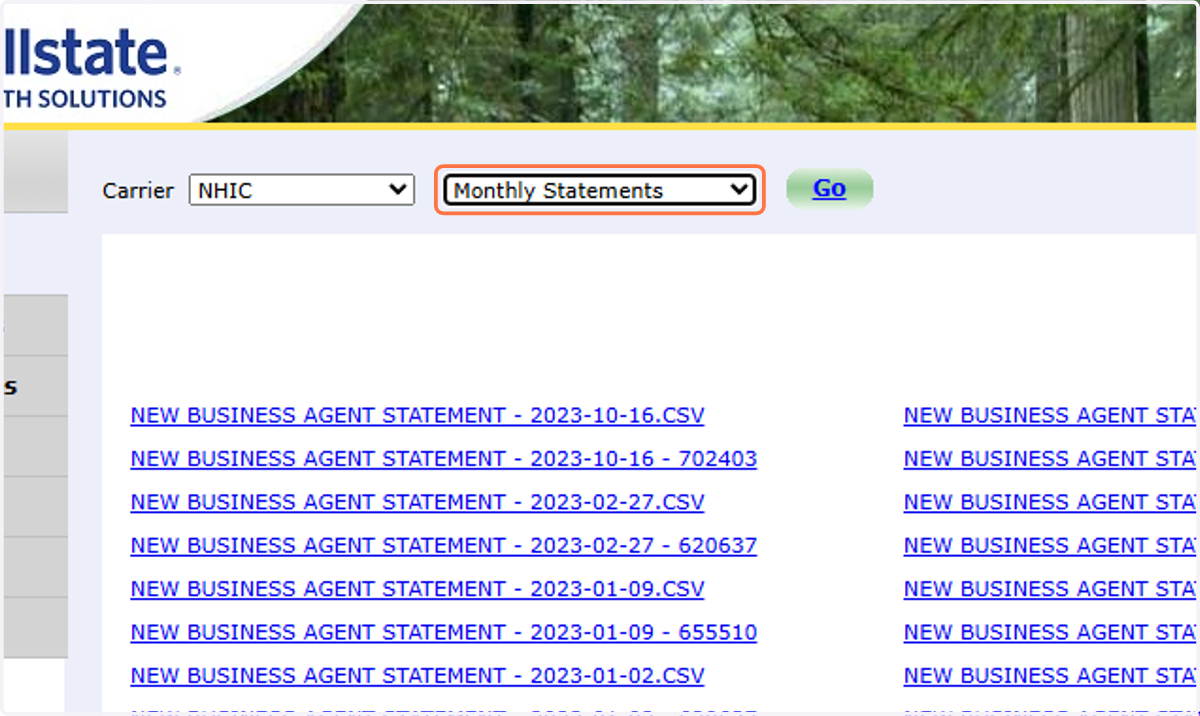
9. Click on Go
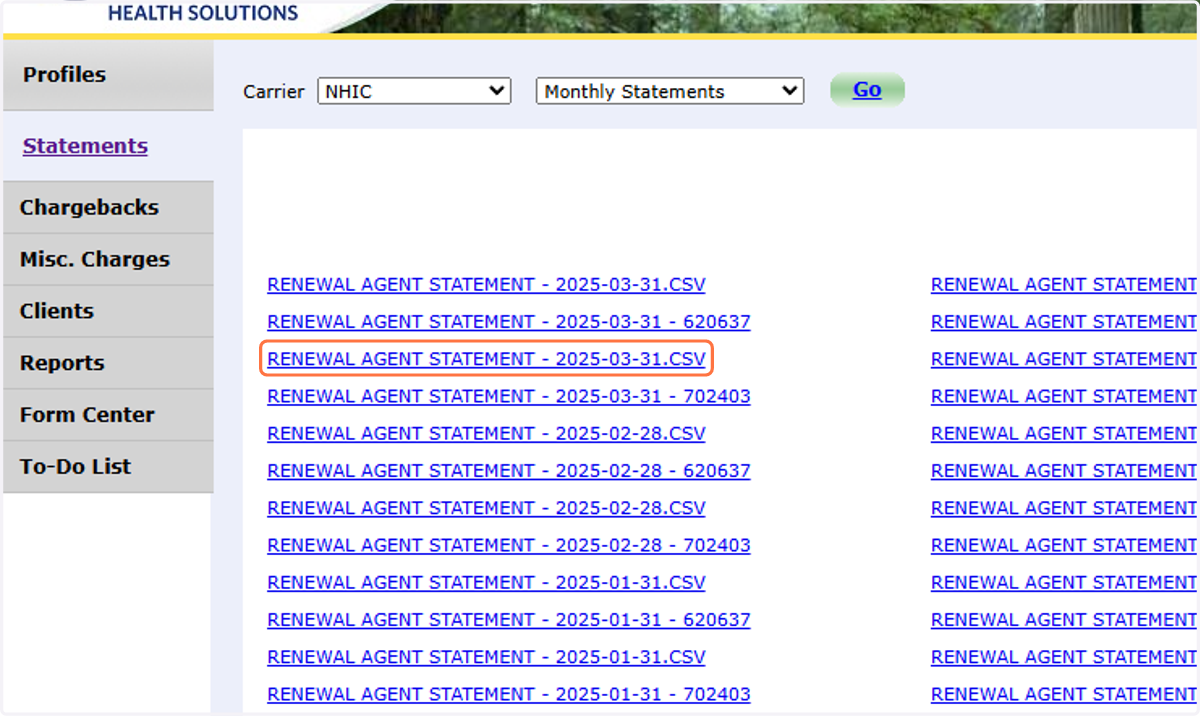
10. Download all Statements for the Month in CSV Format
11. Save file in Google Drive
The Folder is in the MAC Insurance Shared folder > Commission Statements
BE SURE TO NAME THE DOCUMENT ---> COMPANY_STATEMENT DATE
This Example would be Allstate_03.31.2025