MagicSet Purchase and Registration Guide
Visit your specific signup URL
Your organization or a MagicSet account strategist provides this.
1. Adjust requirements and then click on 'Buy Now' button
Some MagicSet pages include options for purchasing data, which will be available above the 'Buy Now' button. As you change the dropdown menu options, the price will update.
In the case of our Lightspeed package, it's simple, straightforward pricing.

2. Fill out the required fields
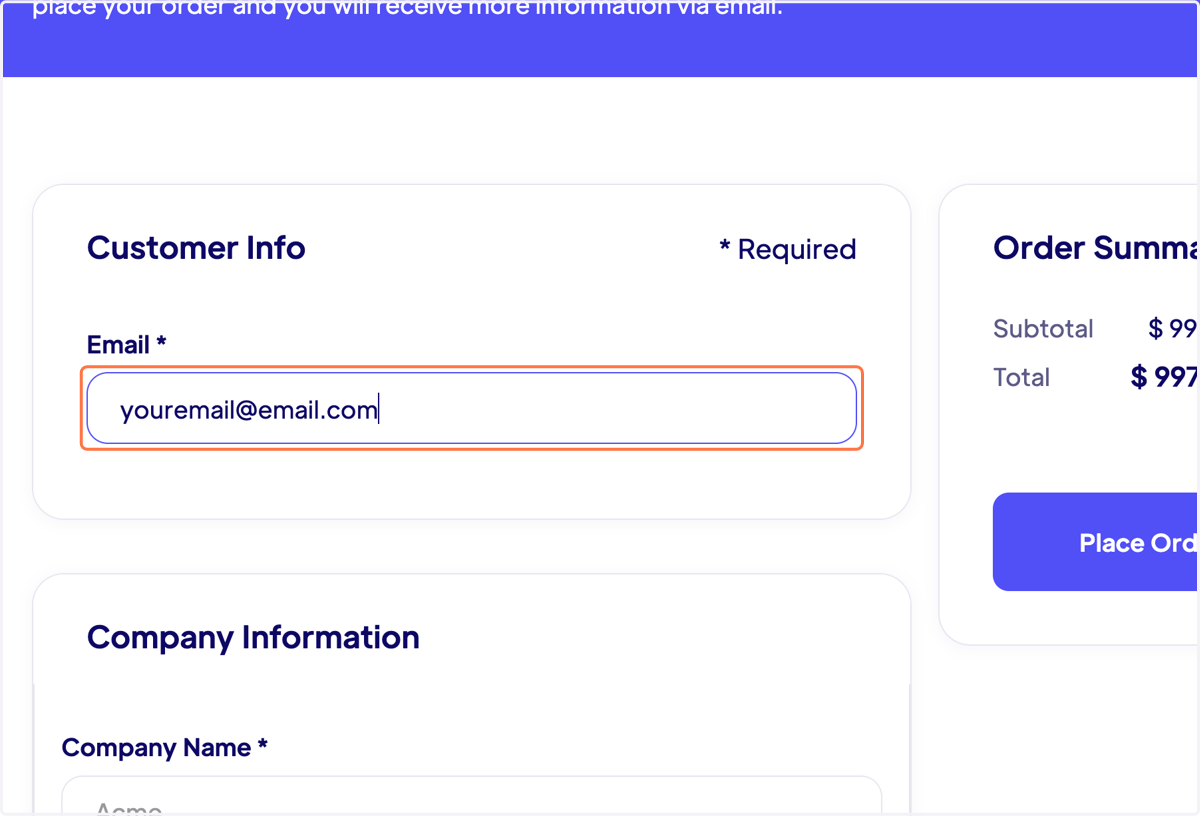
3. When filling out the required information, be accurate and comprehensive
The company name and bio are essential as they will carry into your MagicSet instance. They are used as variables in your automated campaigns. The better you brief the system, the better your campaigns will perform. Your company bio is the cornerstone of this process.
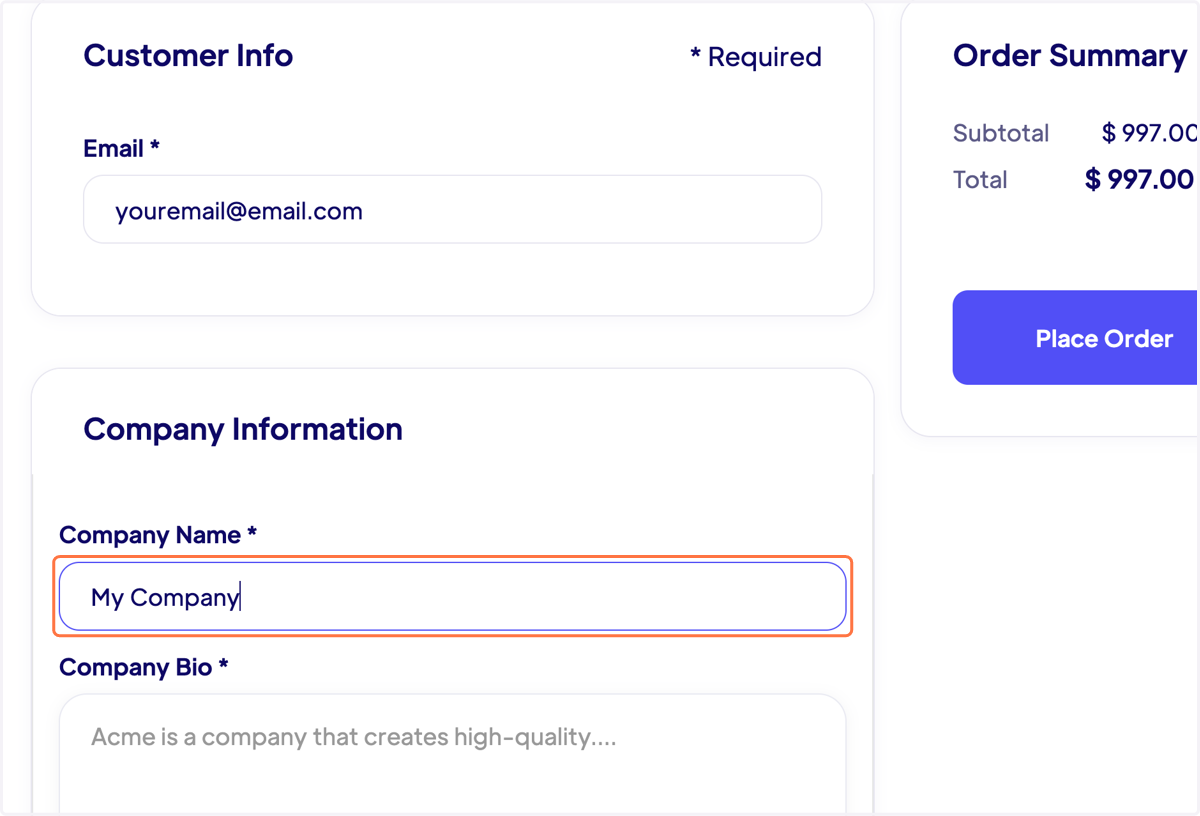
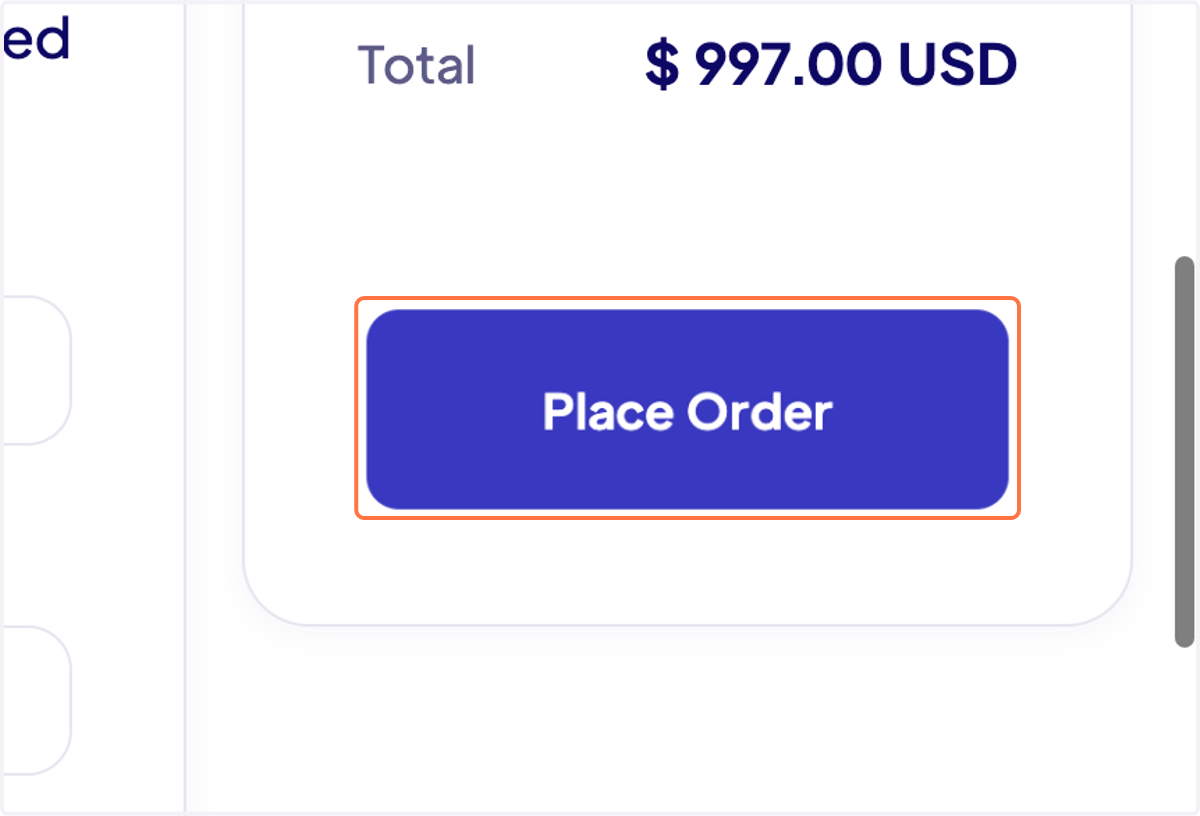
4. After all required fields are completed and the purchase information is entered, click on "Place Order" to finalize the transaction.
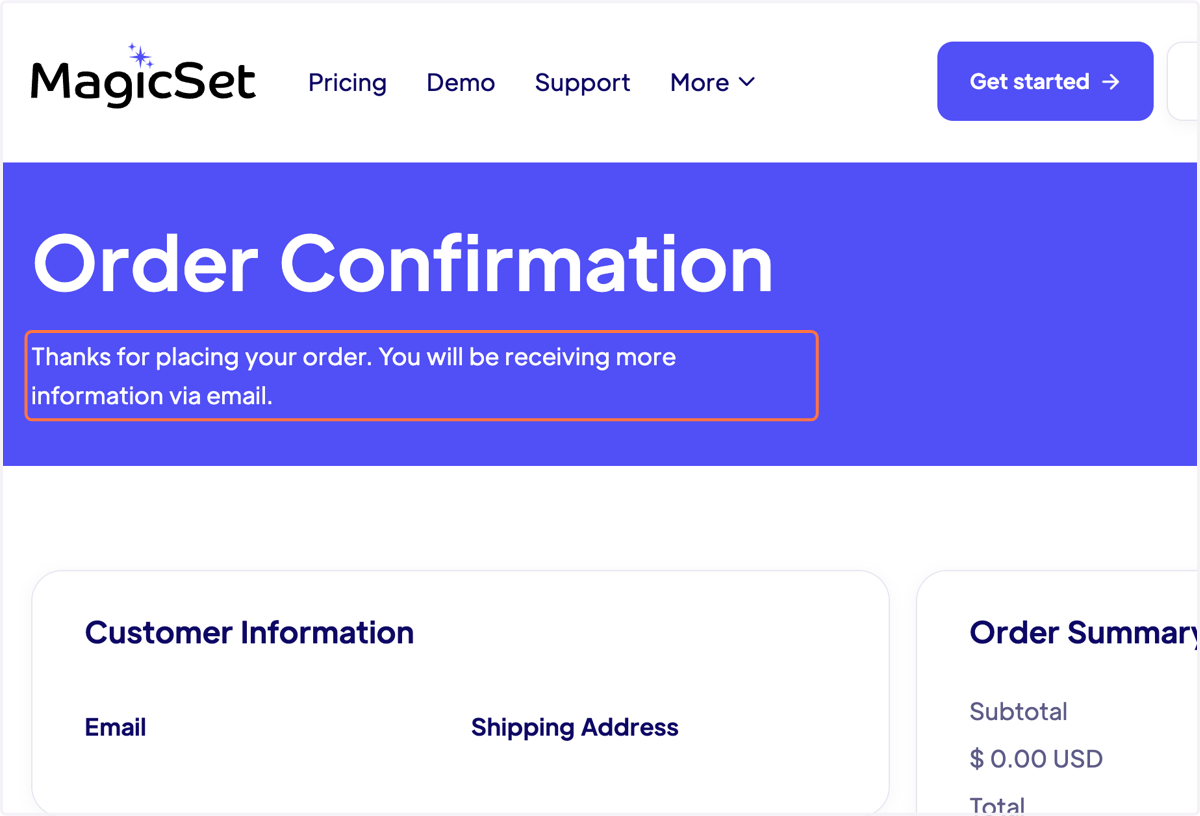
5. If all the purchase details are correct, you will receive an order confirmation
6. Check your email for the next steps
The first email you receive will be a welcome message from MagicSet. Click the provided button to set your MagicSet account password and complete your account details.

📣 Finalize your MagicSet account credentials back on the MagicSet website
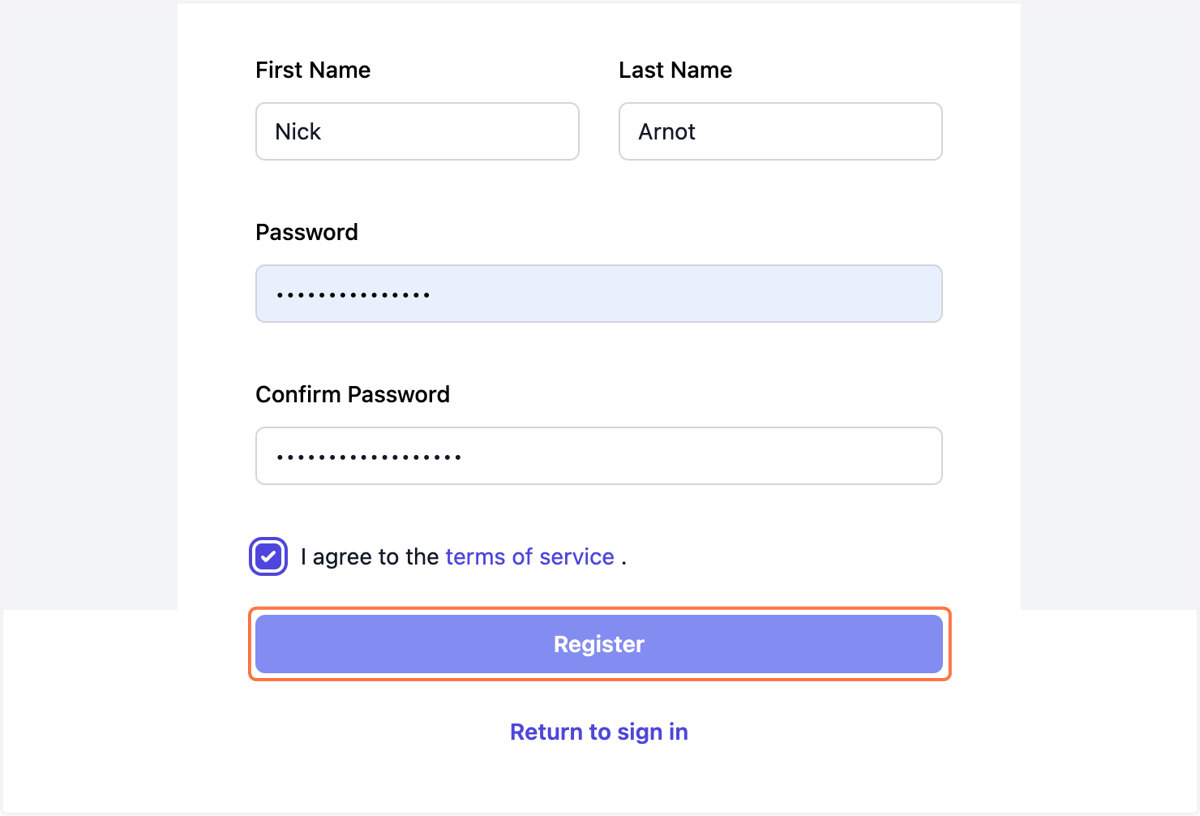
7. Complete the fields and click 'Register'
8. Confirm your email
For security purposes, we require you to verify your email address. Follow the prompts on the website and via your email to complete this step.
9. Continue to your MagicSet account!
Once you're ready, you will be welcomed into your MagicSet account. Upon first login, you will be introduced to our onboarding wizard. The wizard will walk you through the primary functionality of the application and ensure you're off to a great start!
10. Be on the lookout!
Depending on your specific onboarding package, you may receive additional email communications. These emails typically include account-specific discount codes or avenues to purchase data directly from MagicSet.