4.2 How to configure tax reports
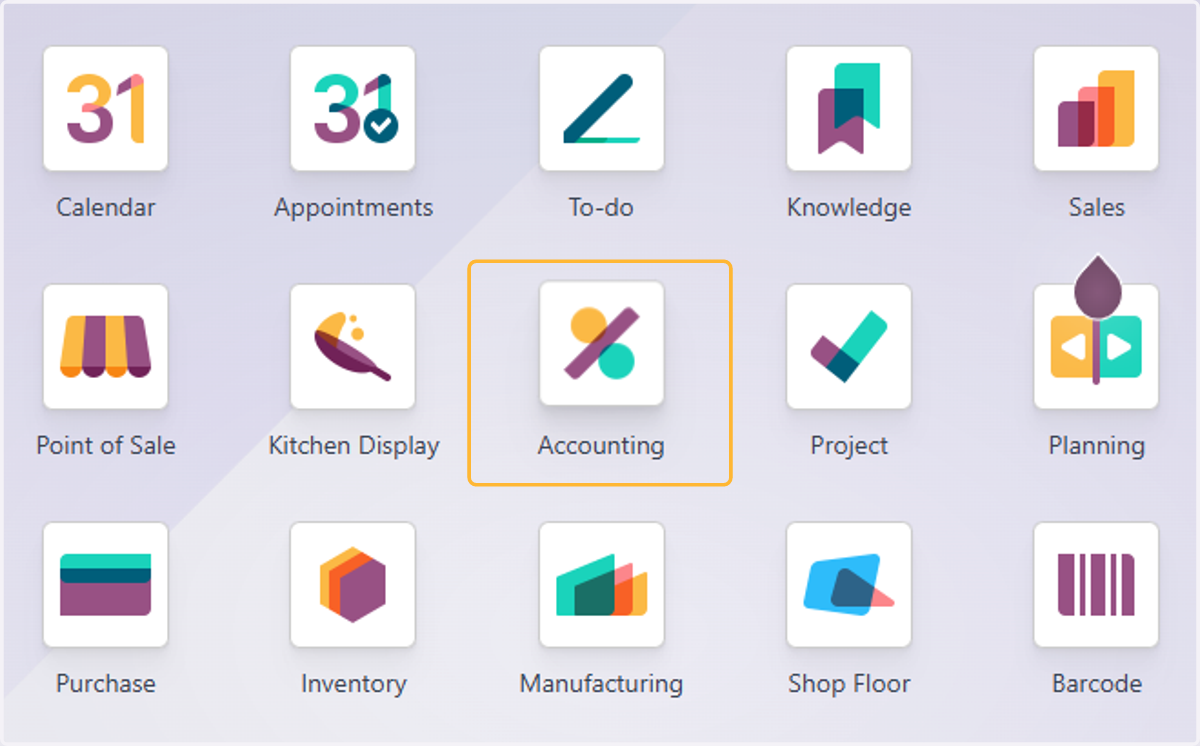
1. Click on Accounting
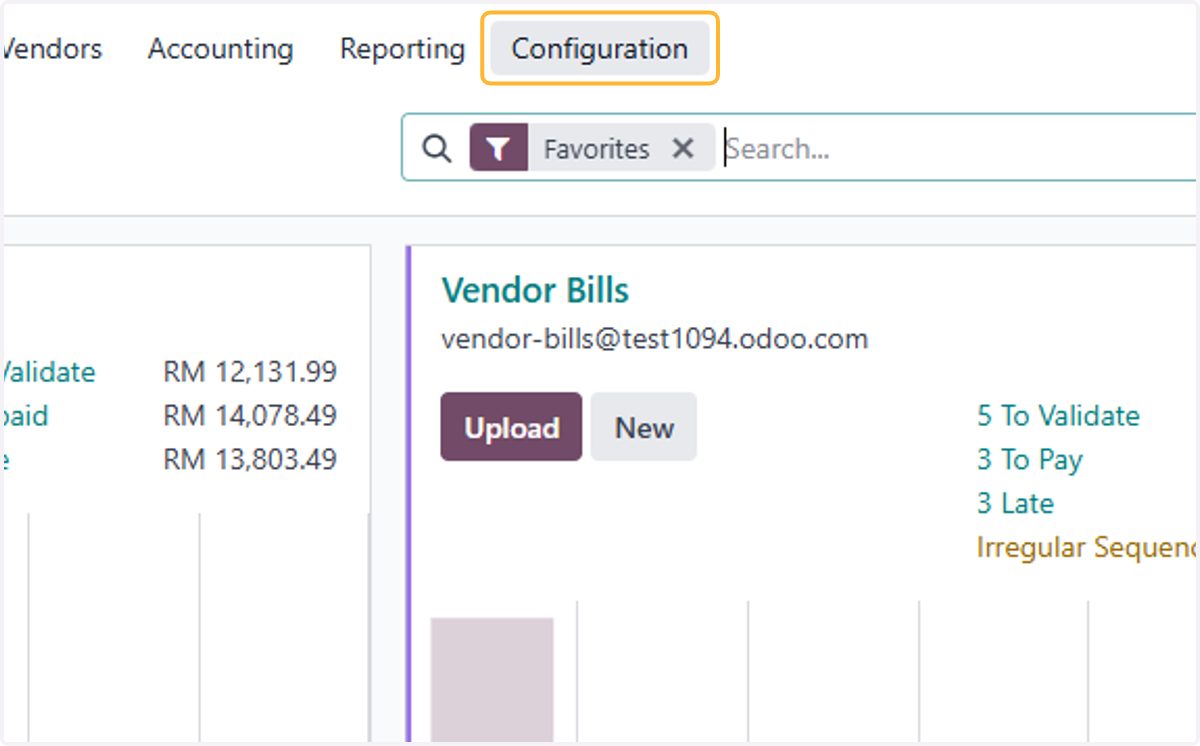
2. Click on Configuration
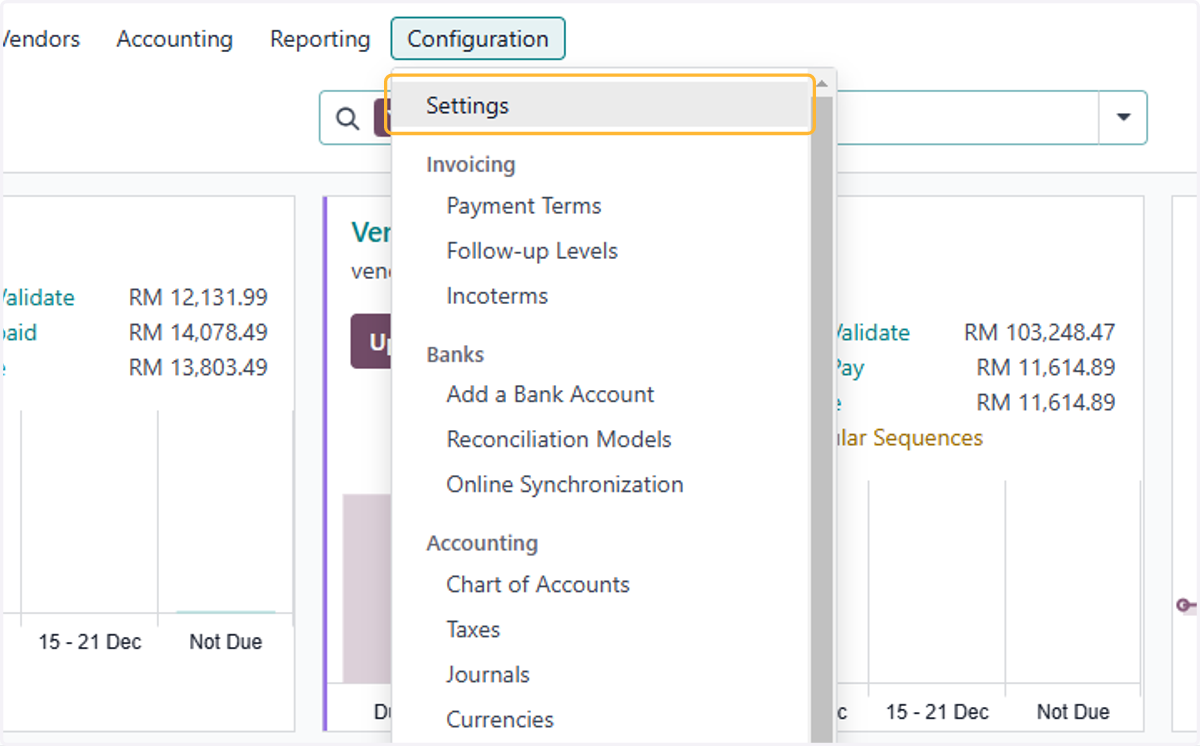
3. Click on Settings
4. Select the relevant period.
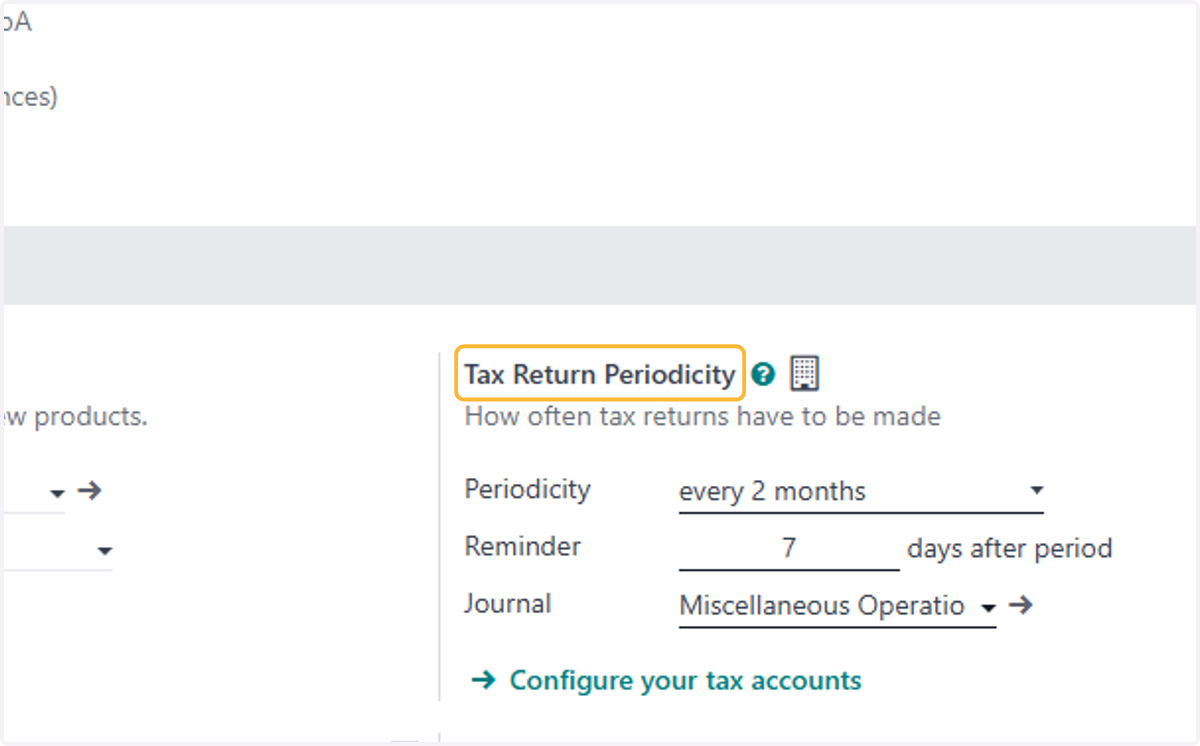
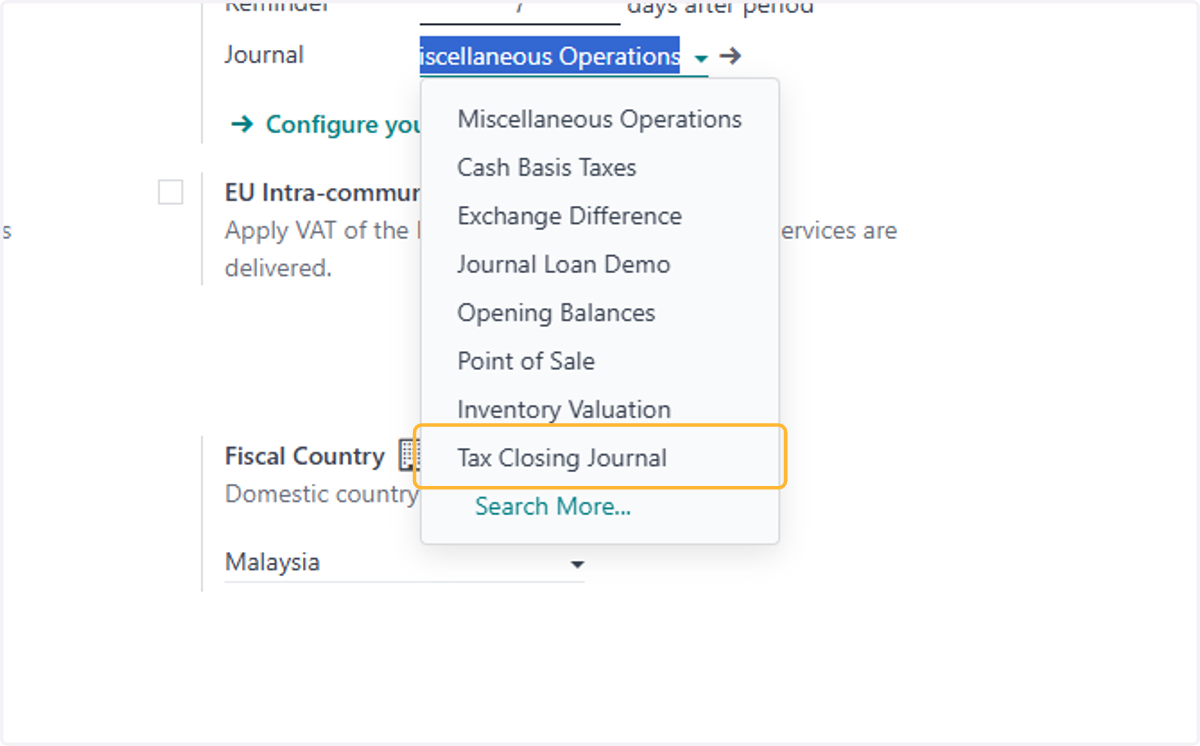
5. Select the Journal for which the closing of Tax report will be posted.
Ideally its own Journal
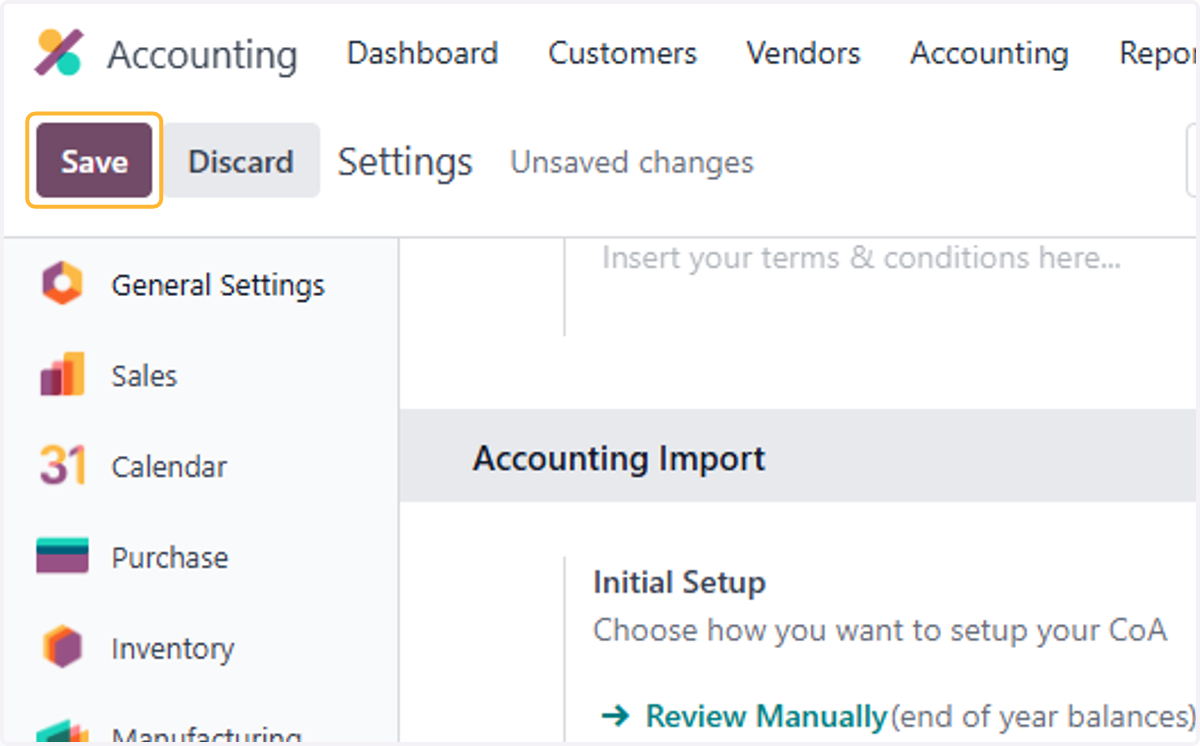
6. Click on Save
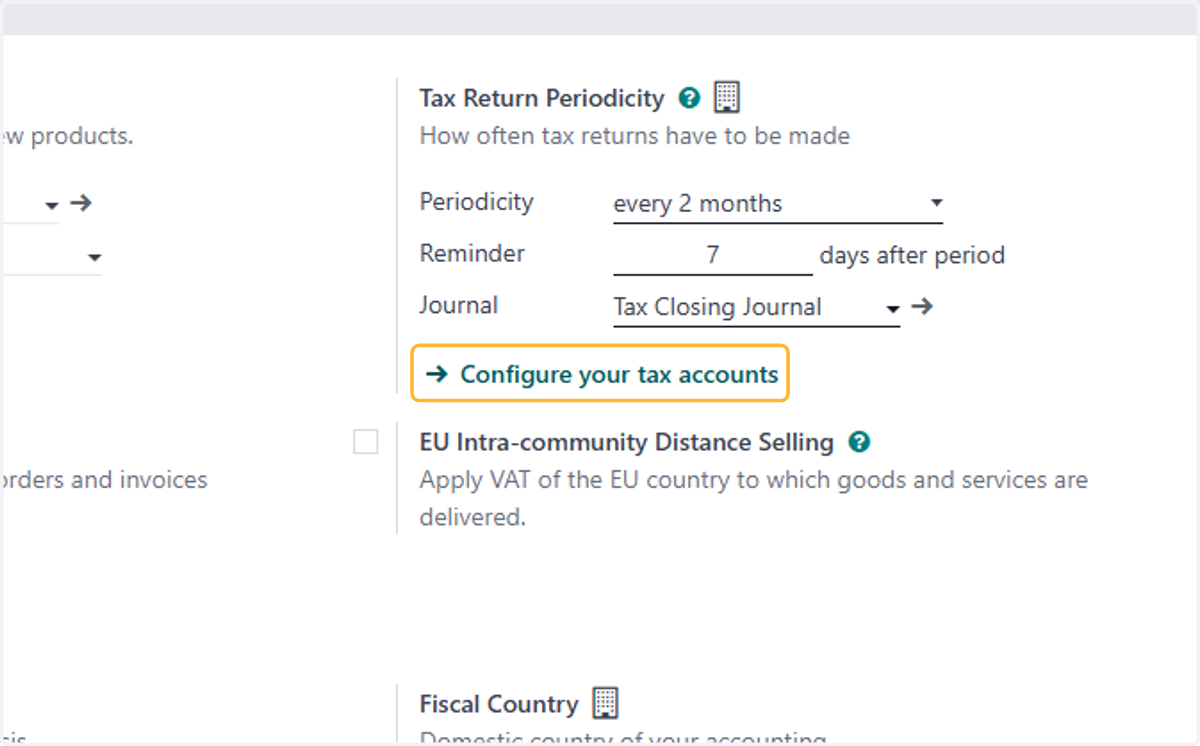
7. Click on Configure your tax accounts
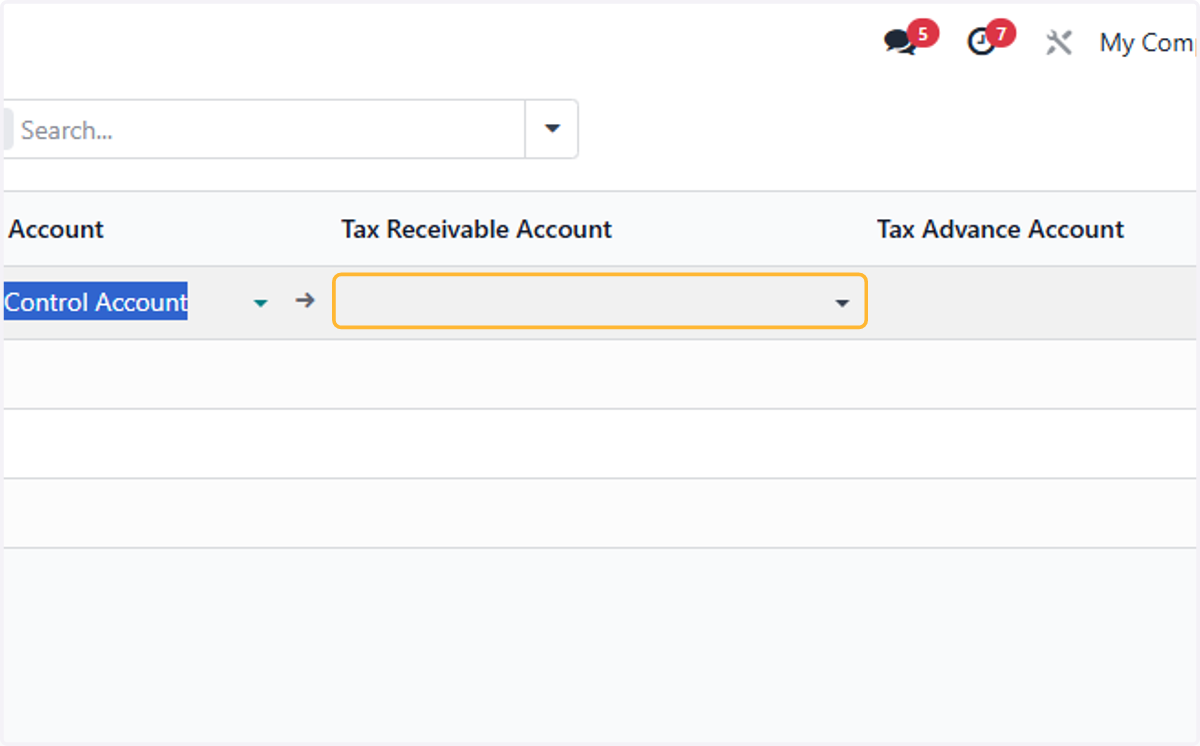
8. Select Tax payable account & Tax receivable account
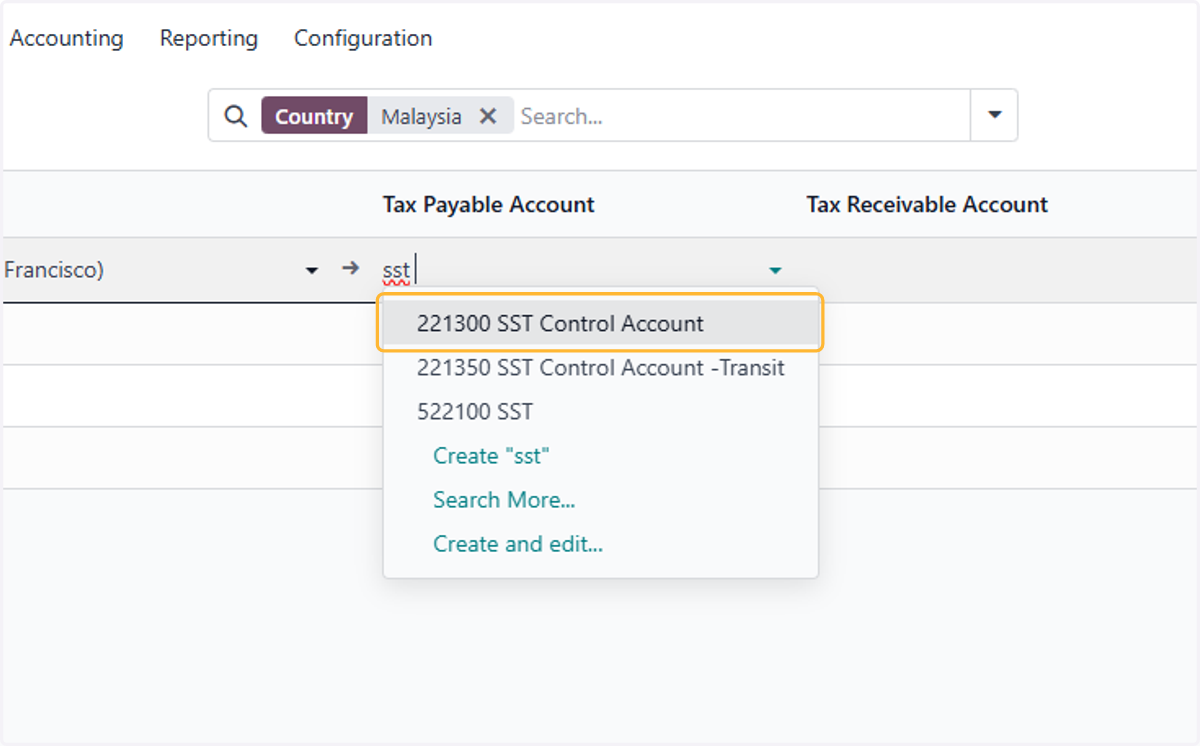
9. Select Tax payable account & Tax receivable account
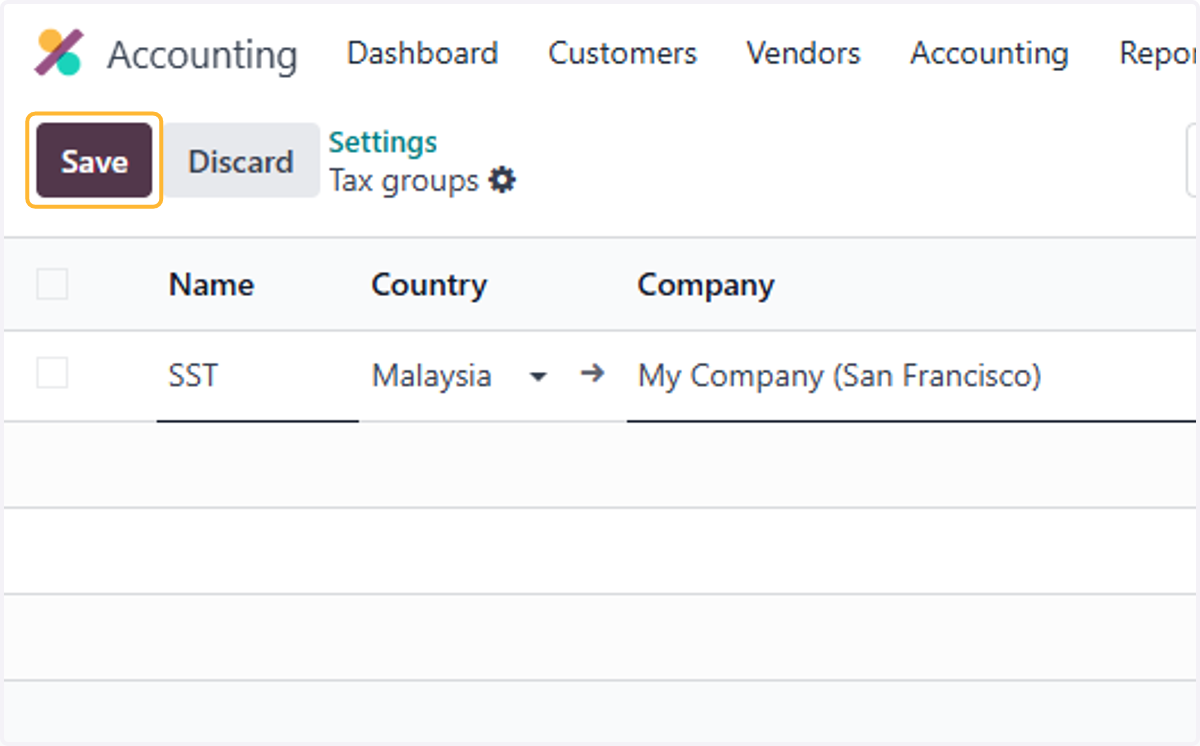
10. Click on Save
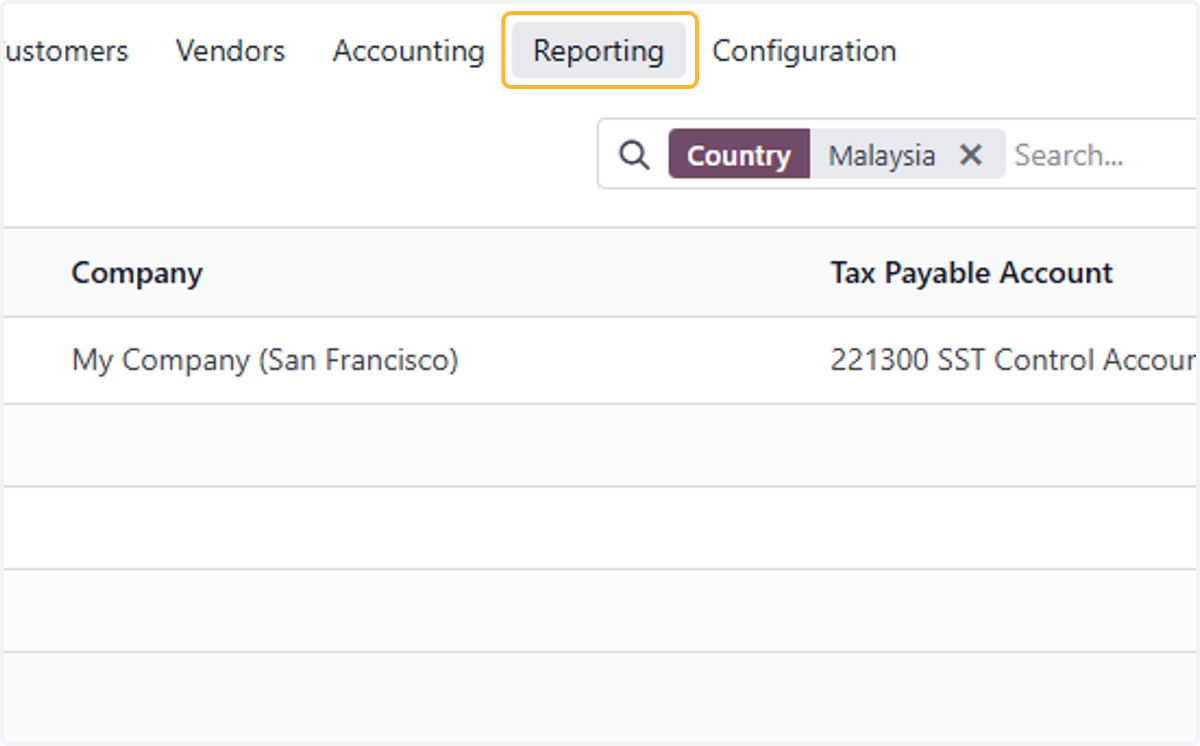
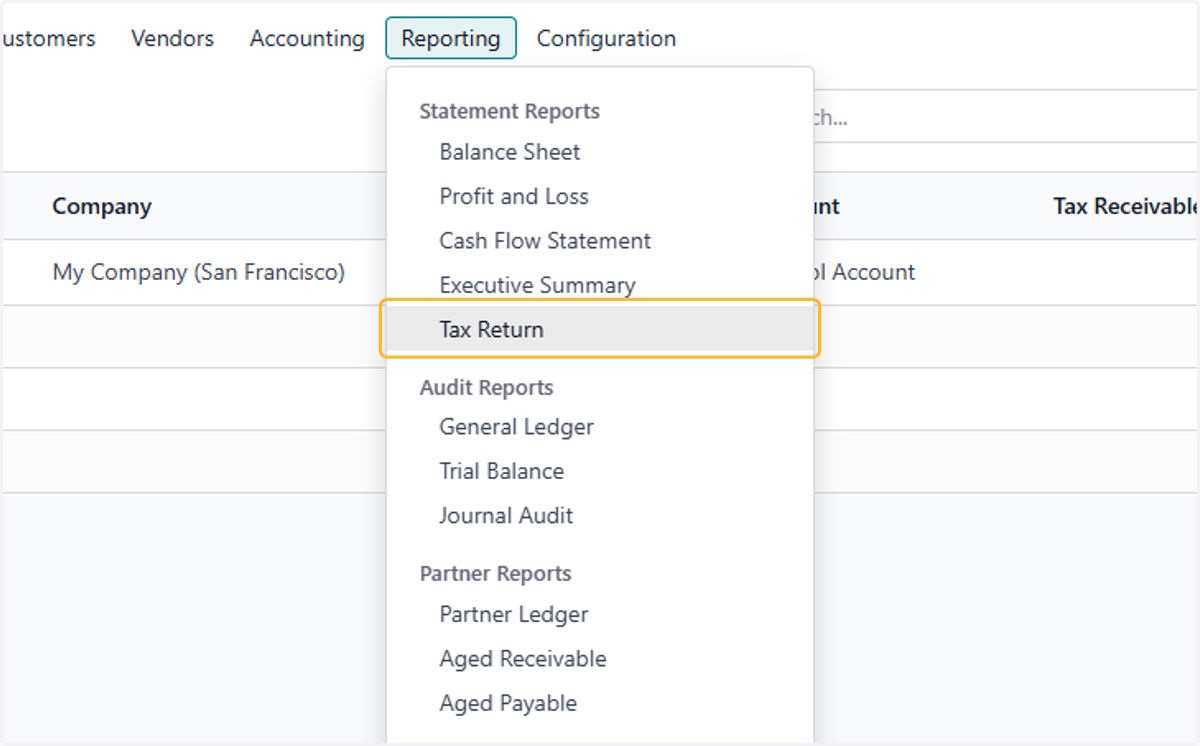
11. Click on Reporting
12. Click on Tax Return
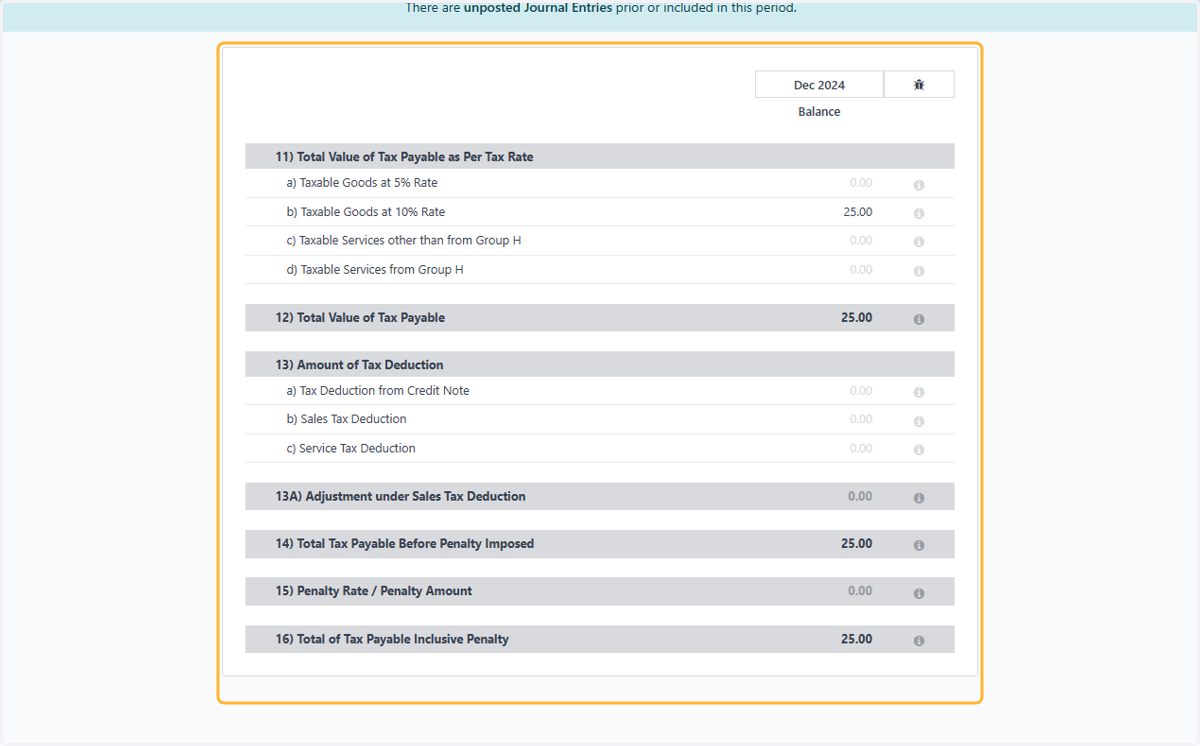
13. Check details Tax Return Report
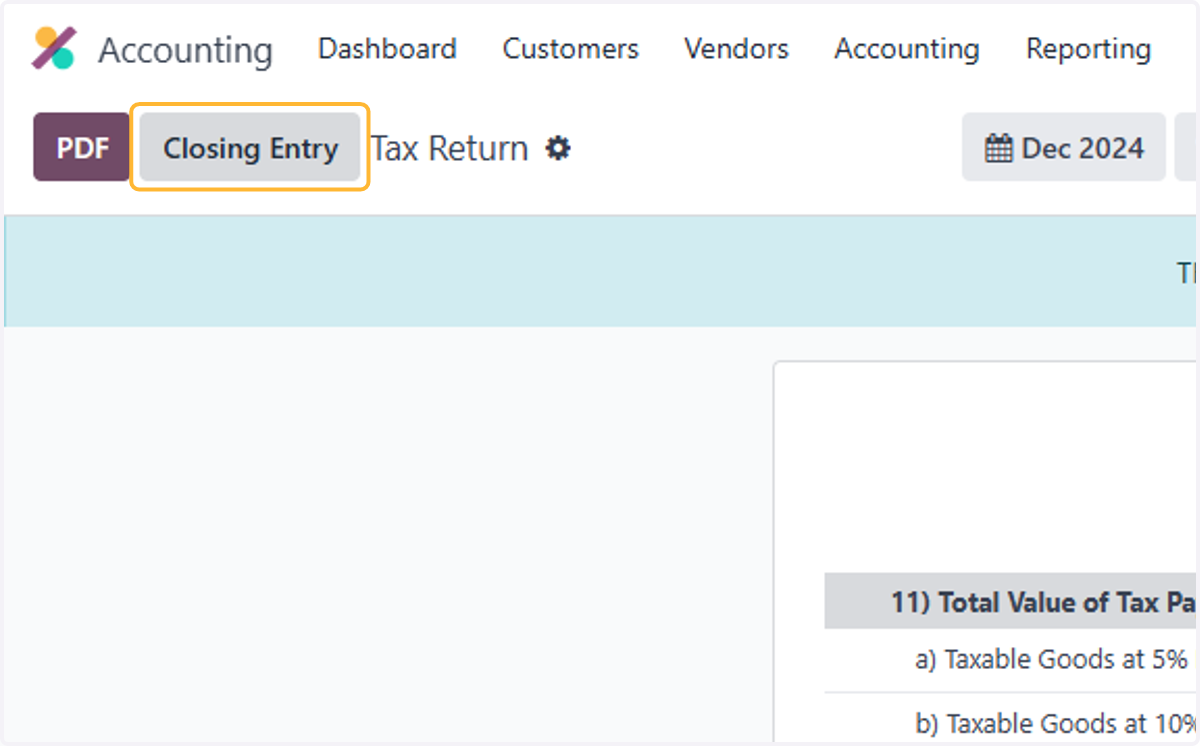
14. Once confirmed, click closing entry
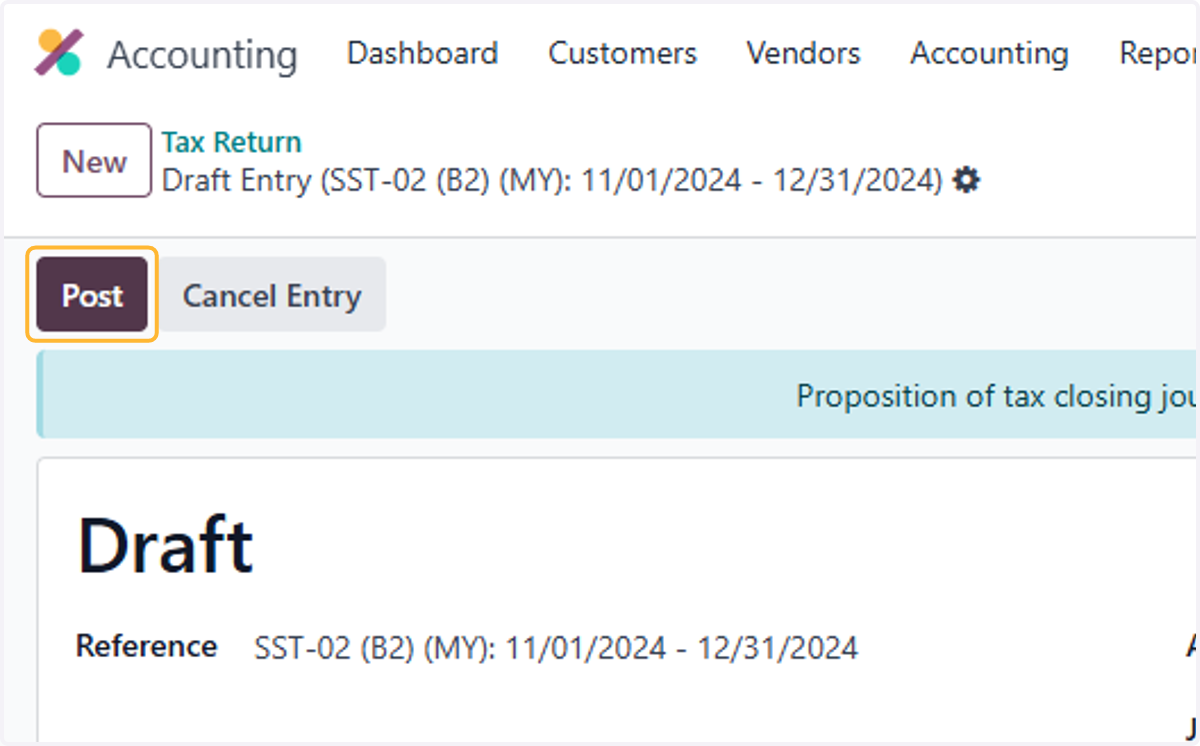
15. A double entry will be drafted to close the Tax accounts for the period
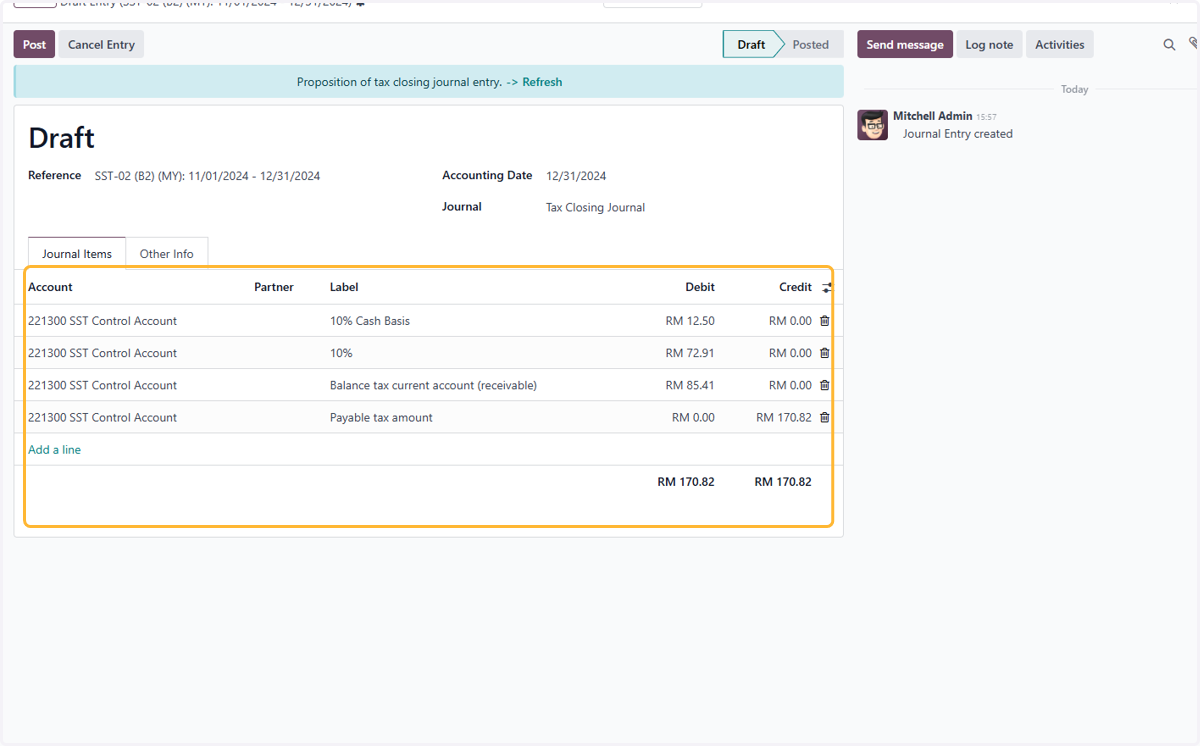
16. Click on Post