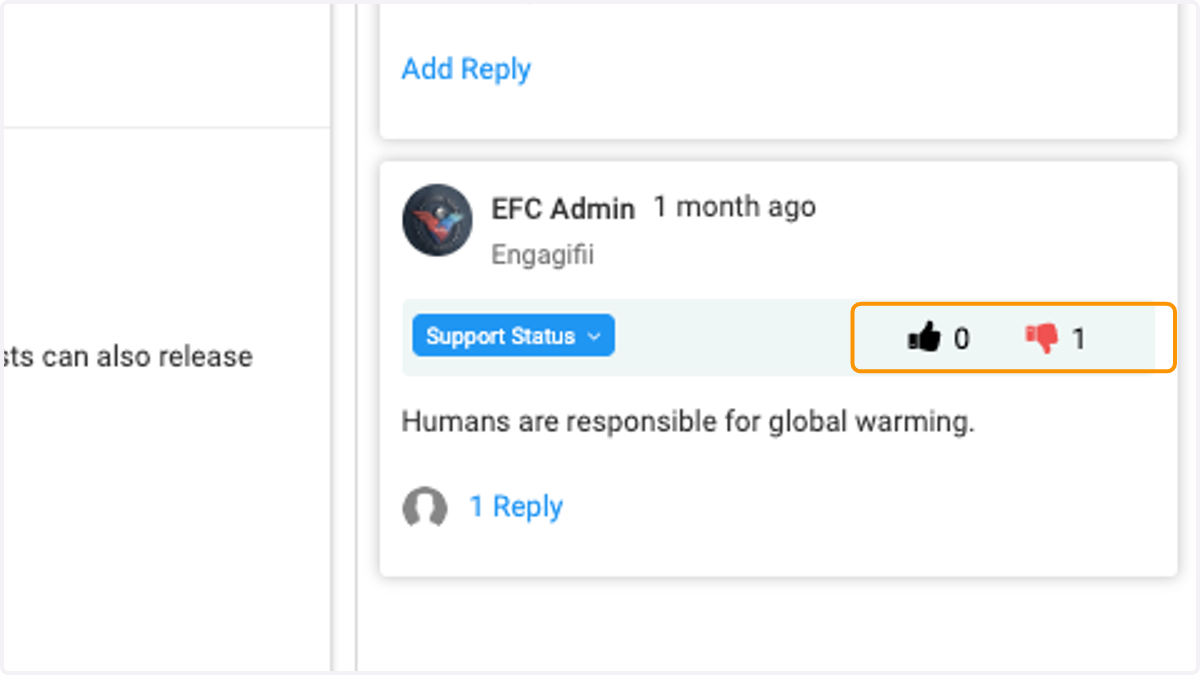
How to update support status on feedback or comments
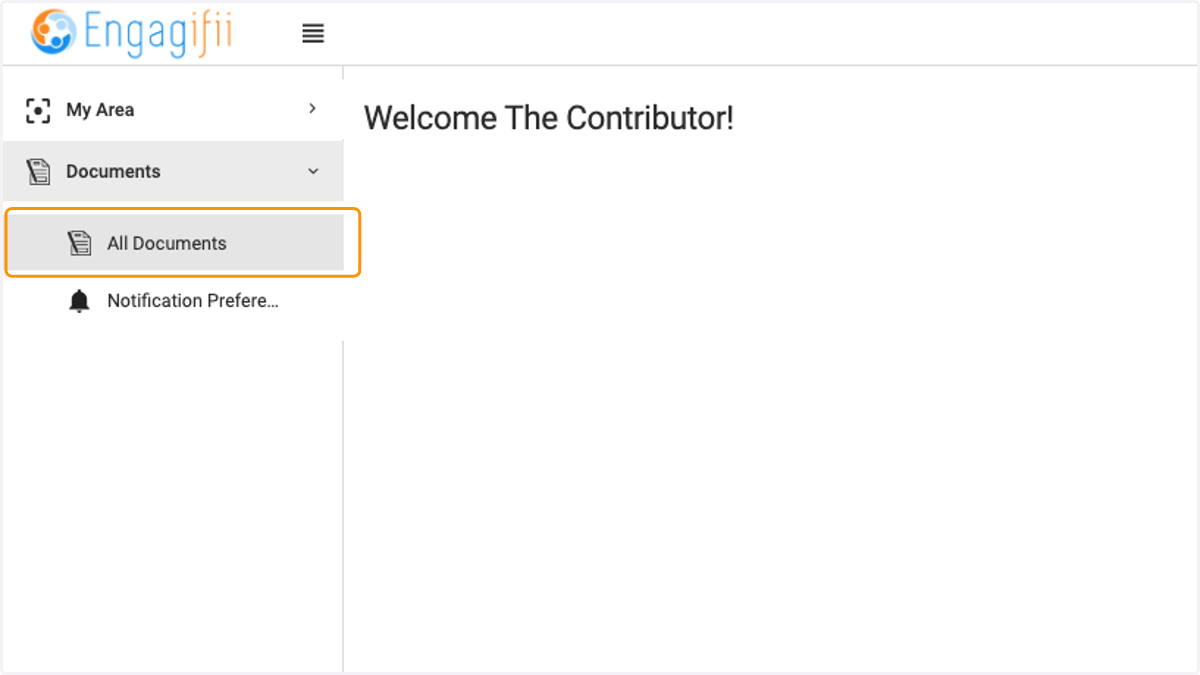
1. Click on Documents / All Documents
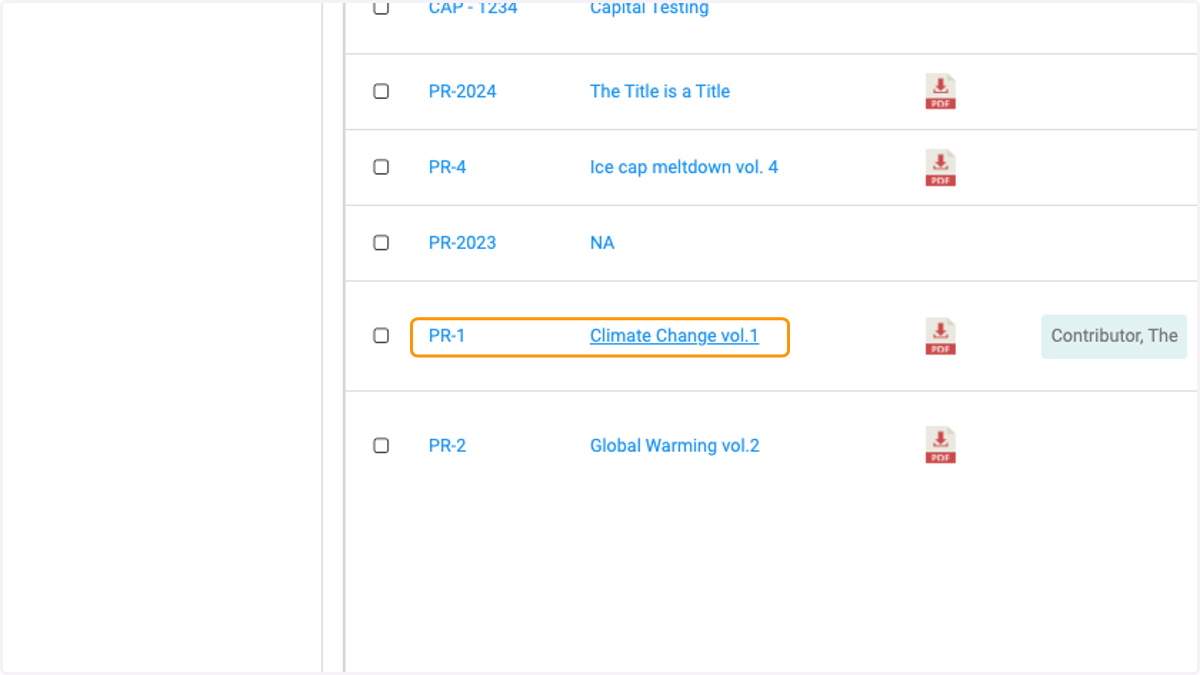
2. Click on the document you wish to provide feedback or comments on
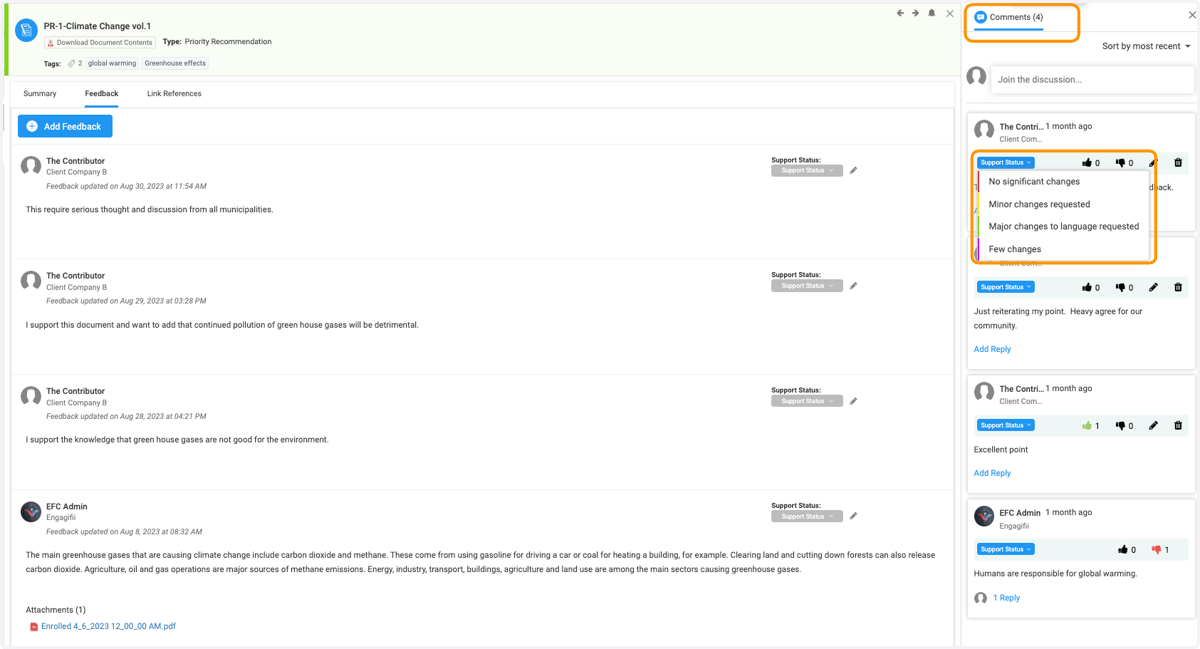
3. Click on Support Status and select status option from the drop down menu
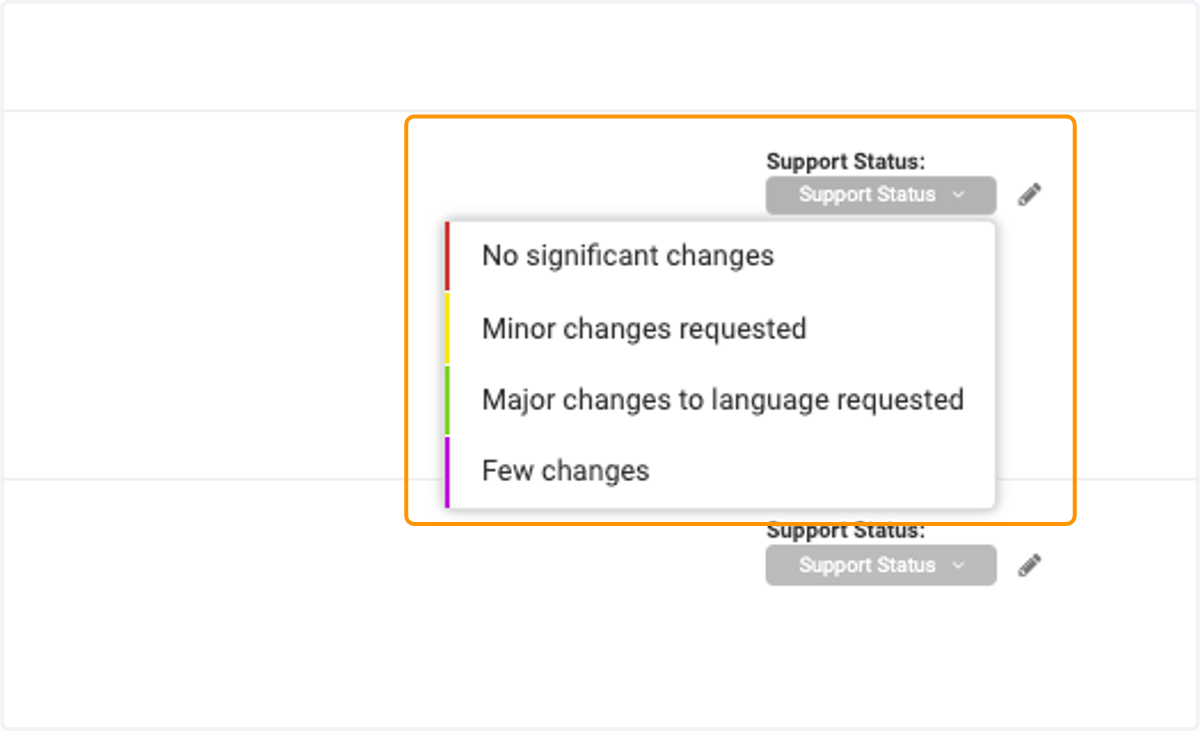
4. To update a comment status, click on the Support Status in the Comments section, and select an update.
5. Click on Thumbs Up icon to agree with comment
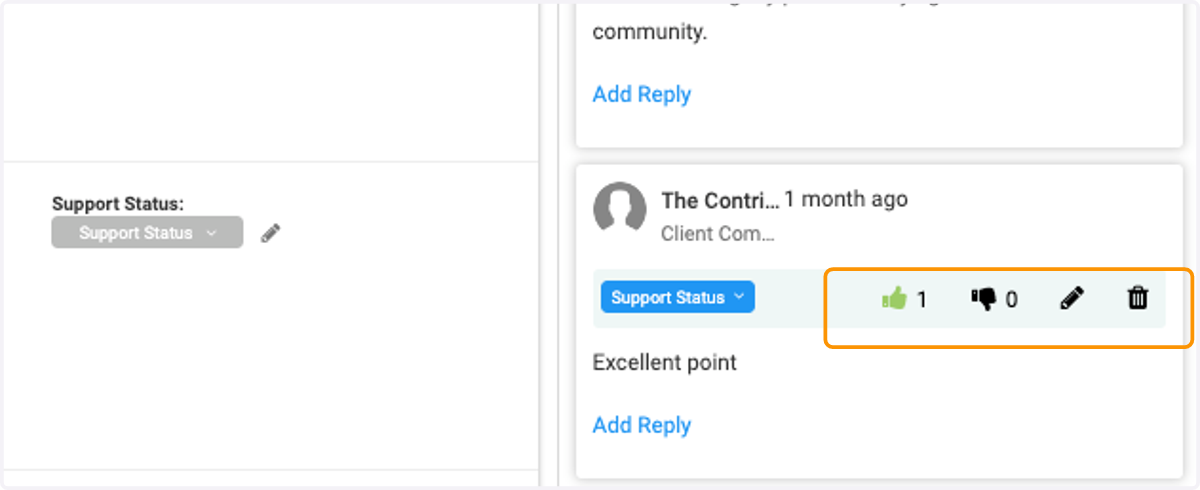
6. Click on Thumbs Down icon to disagree with comment