Managing Account-Level Automated Assets in the Platform
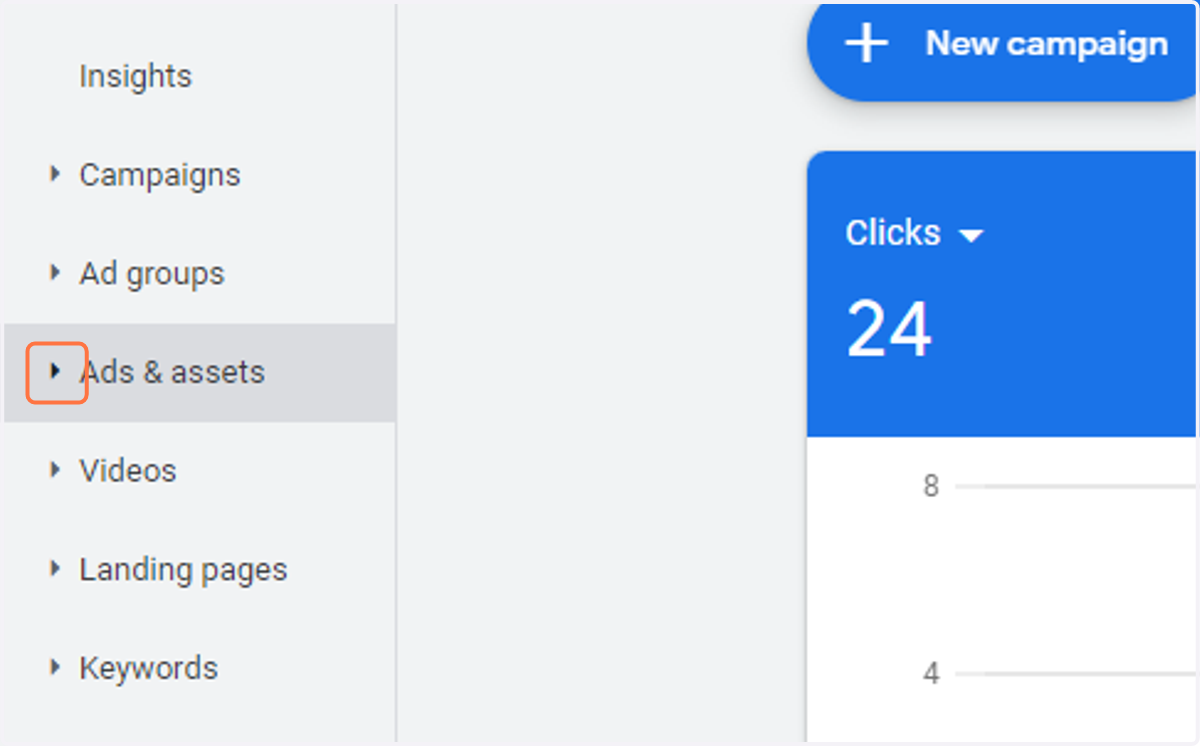
1. Click on Ads & assets
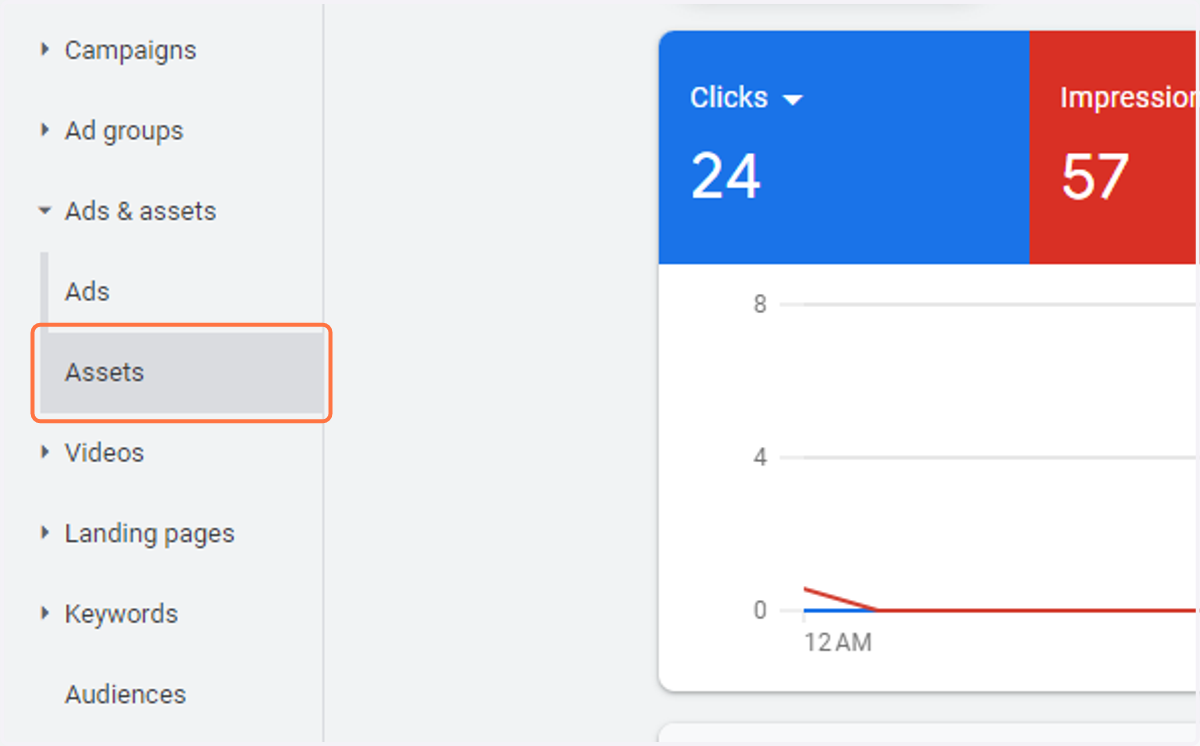
2. Click on Assets
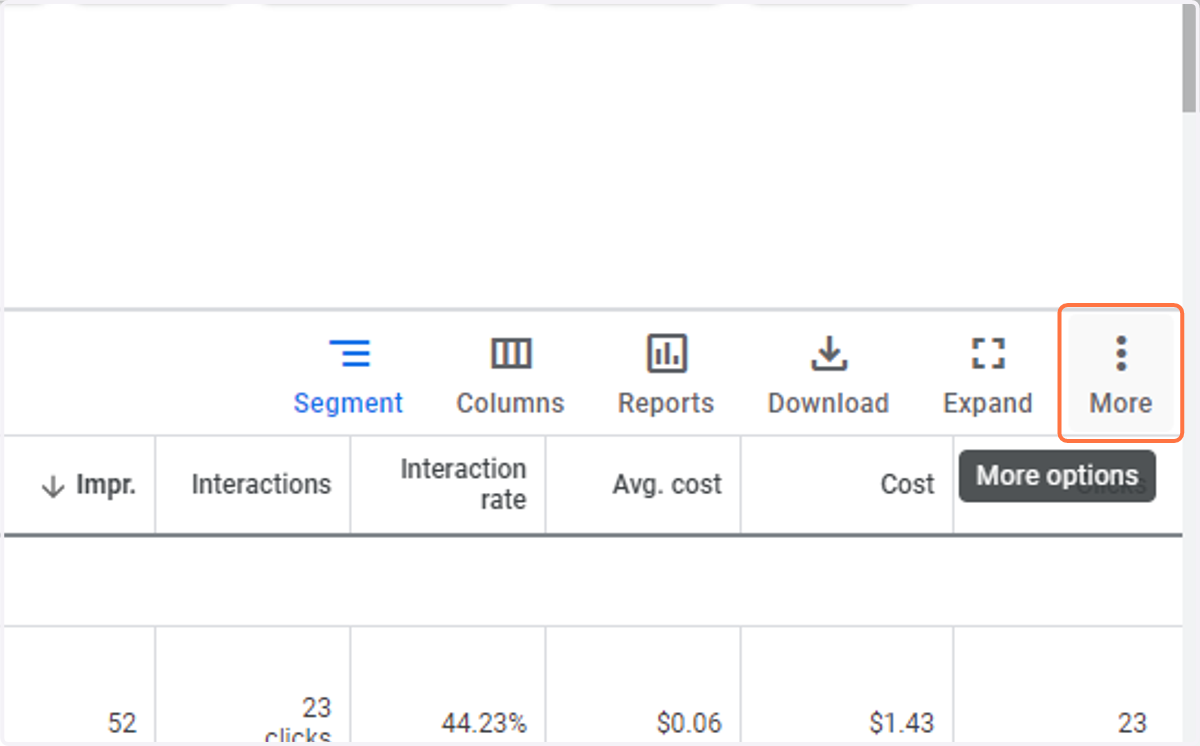
3. Click on More options
4. Click on Account-level automated assets
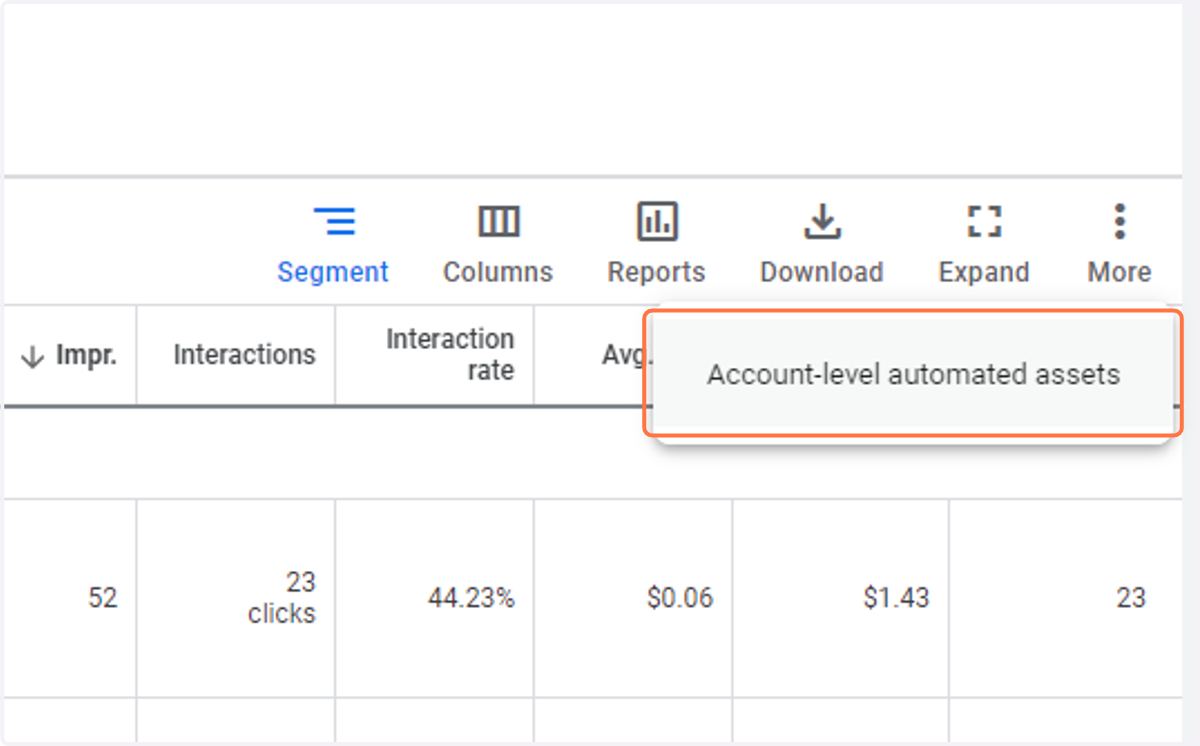
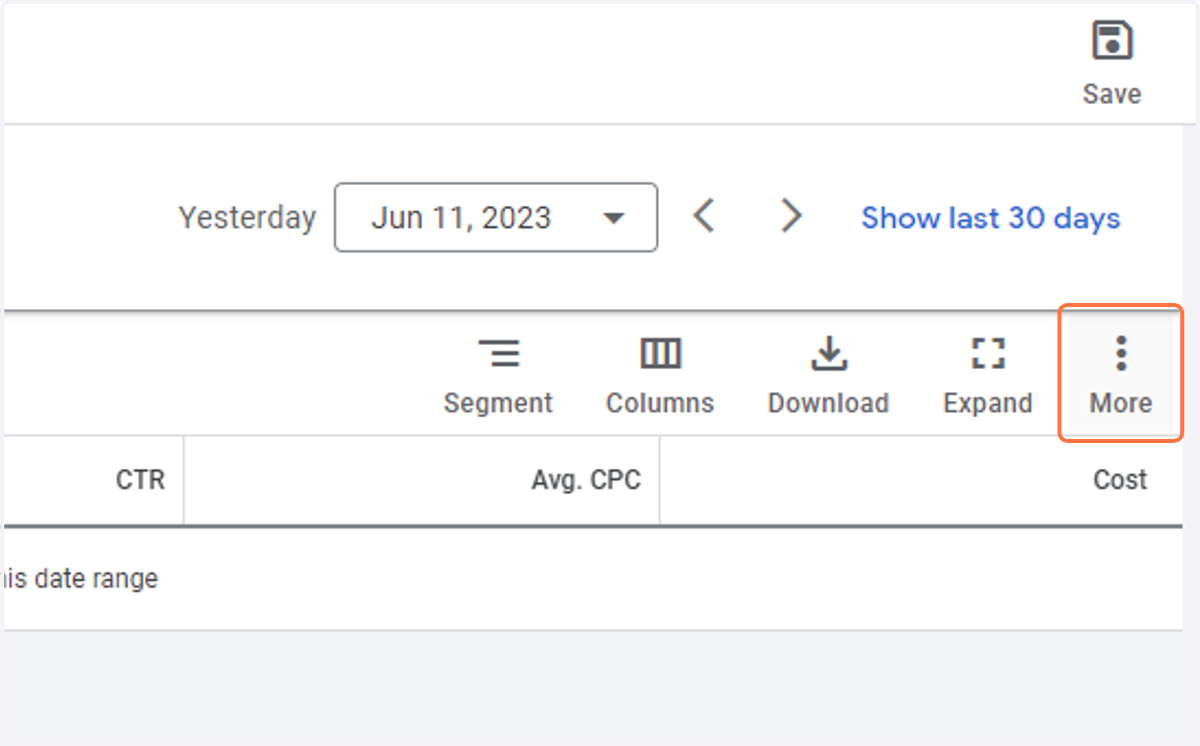
5. Click on More options
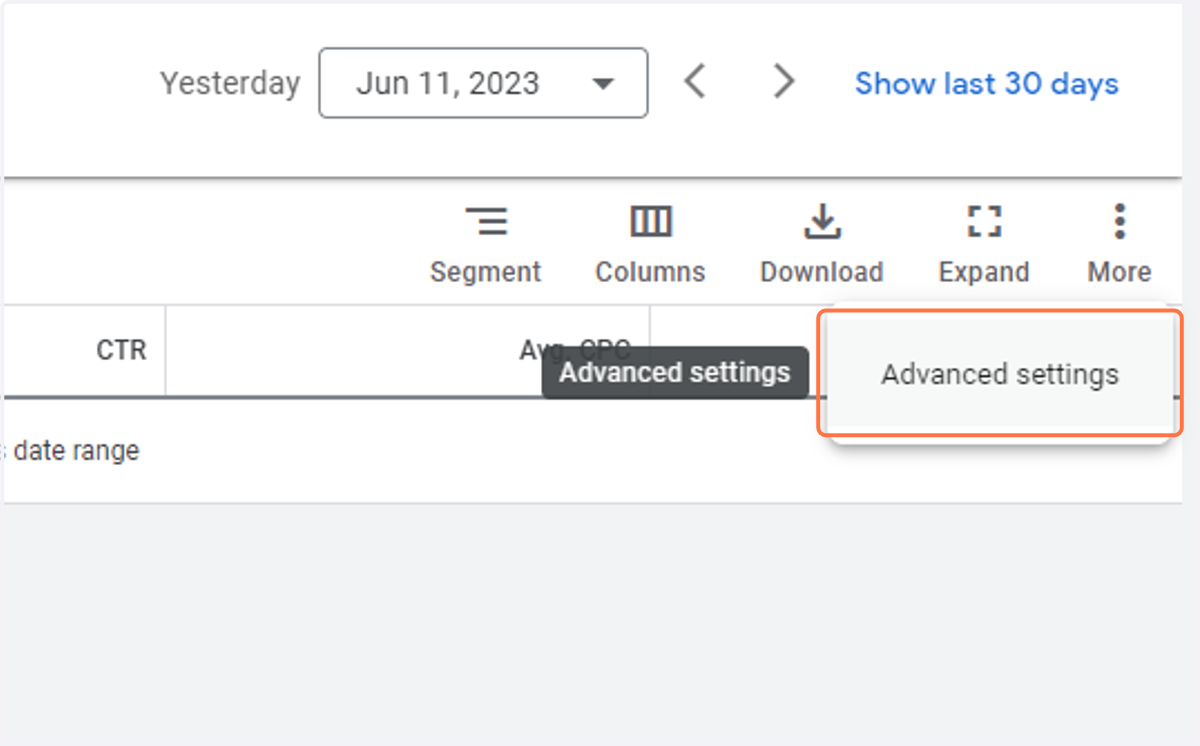
6. Click on Advanced settings
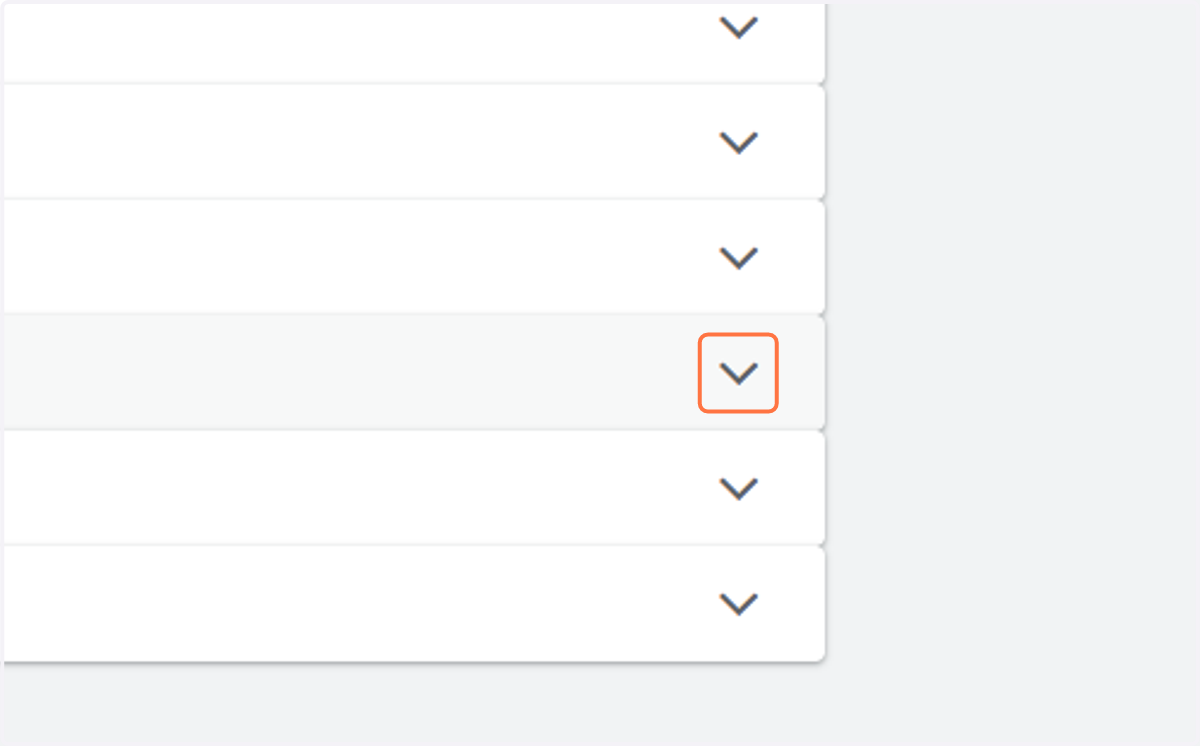
7. Click on img
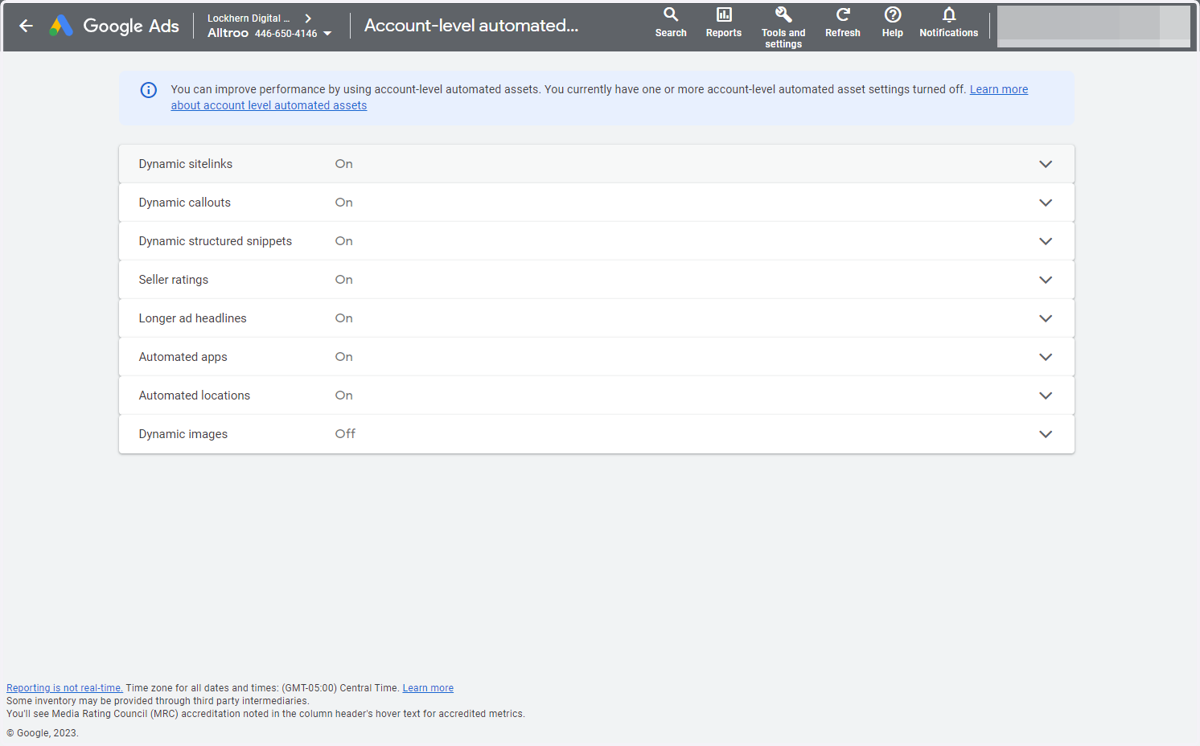
8. Click on img
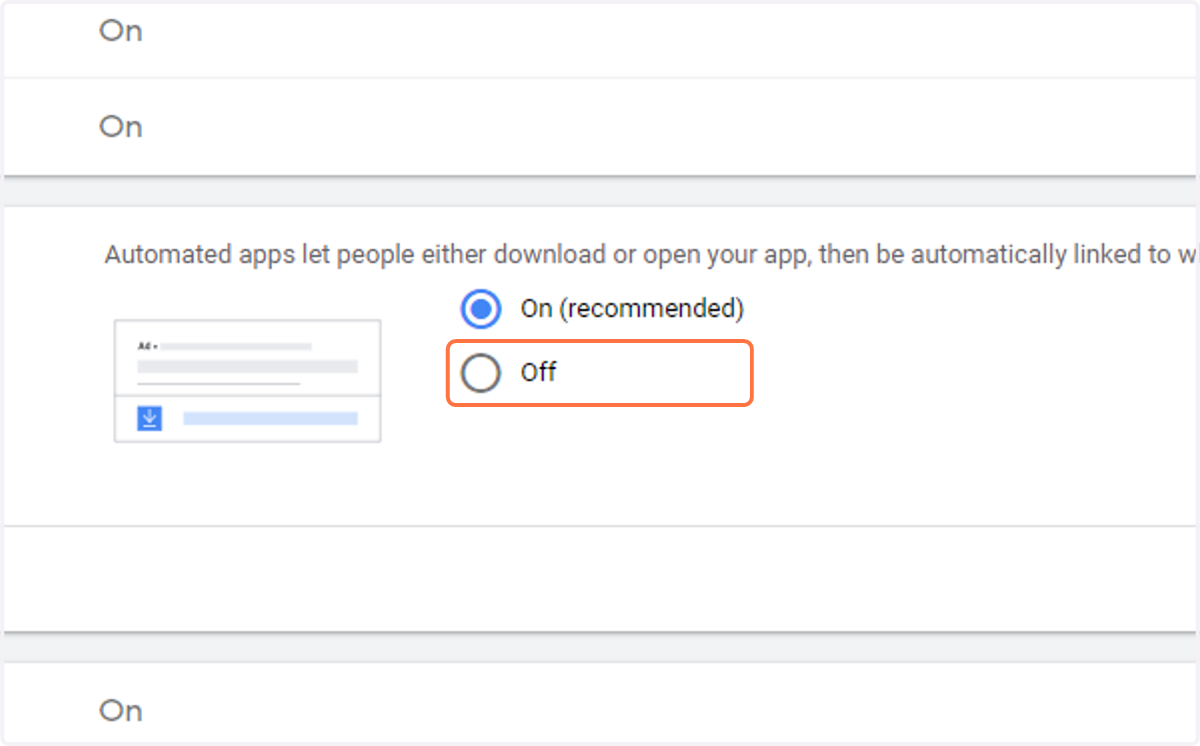
9. Click on radio
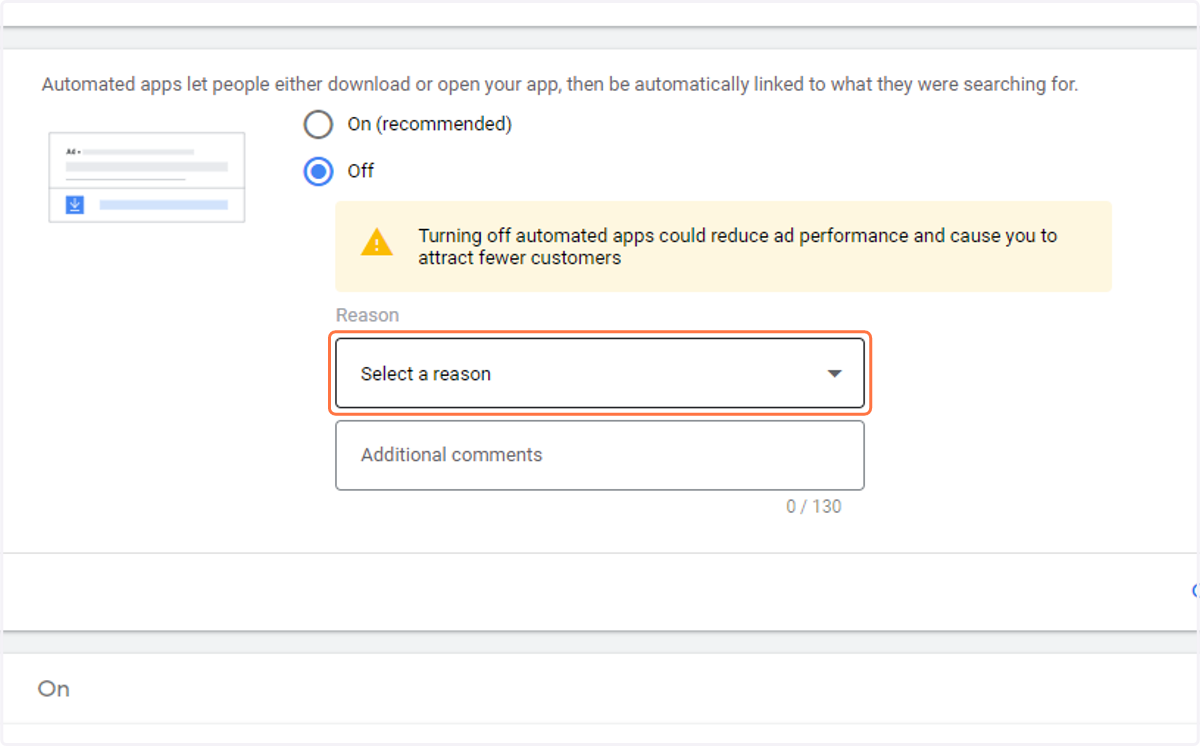
10. Click on Select a reason…
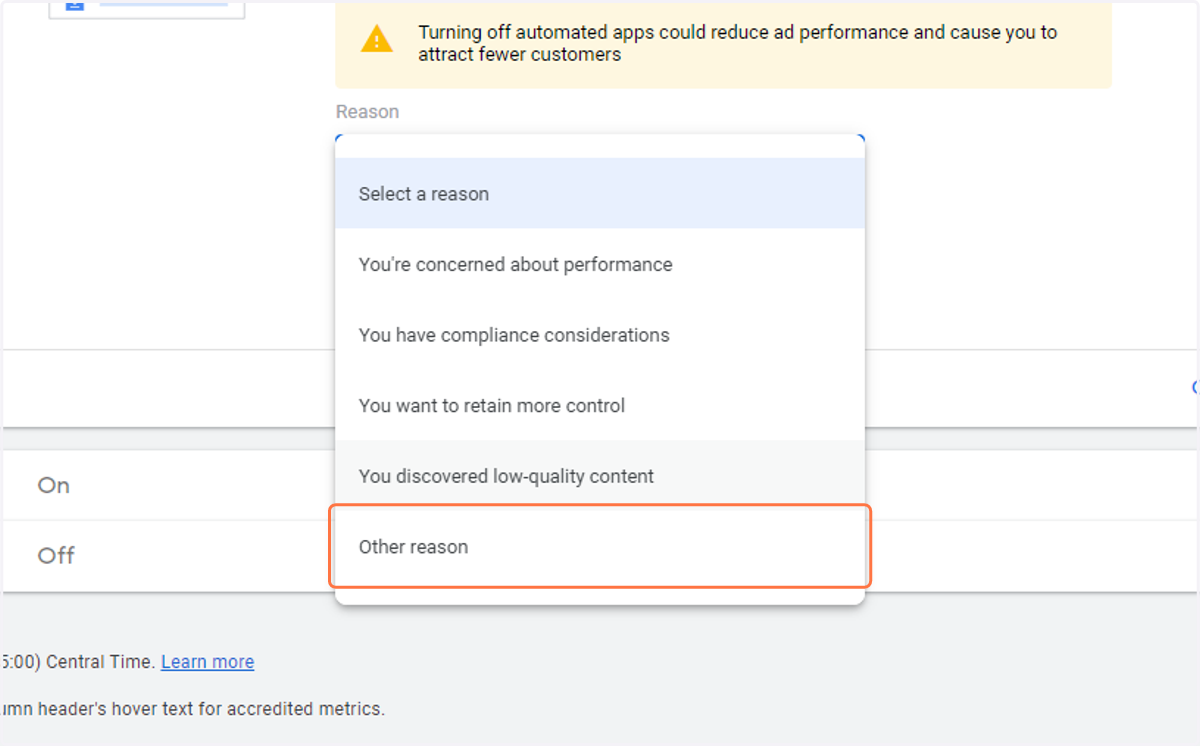
11. Click on the most applicable reason
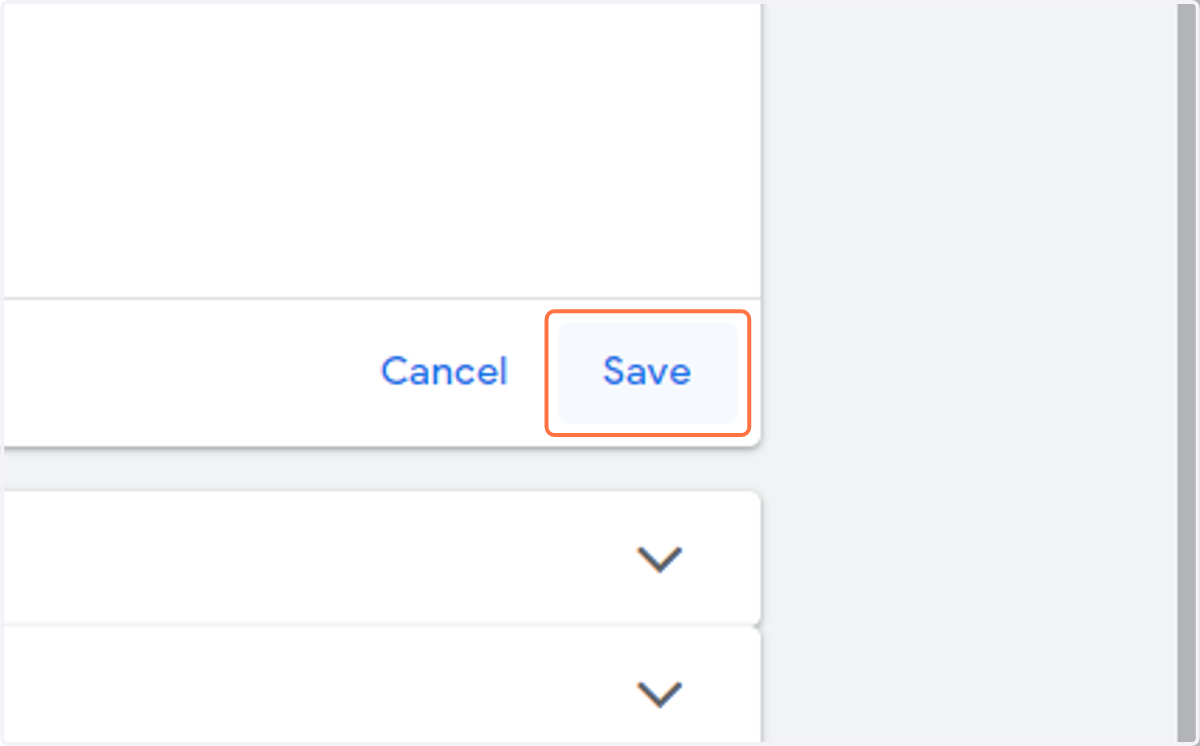
12. Click on Save