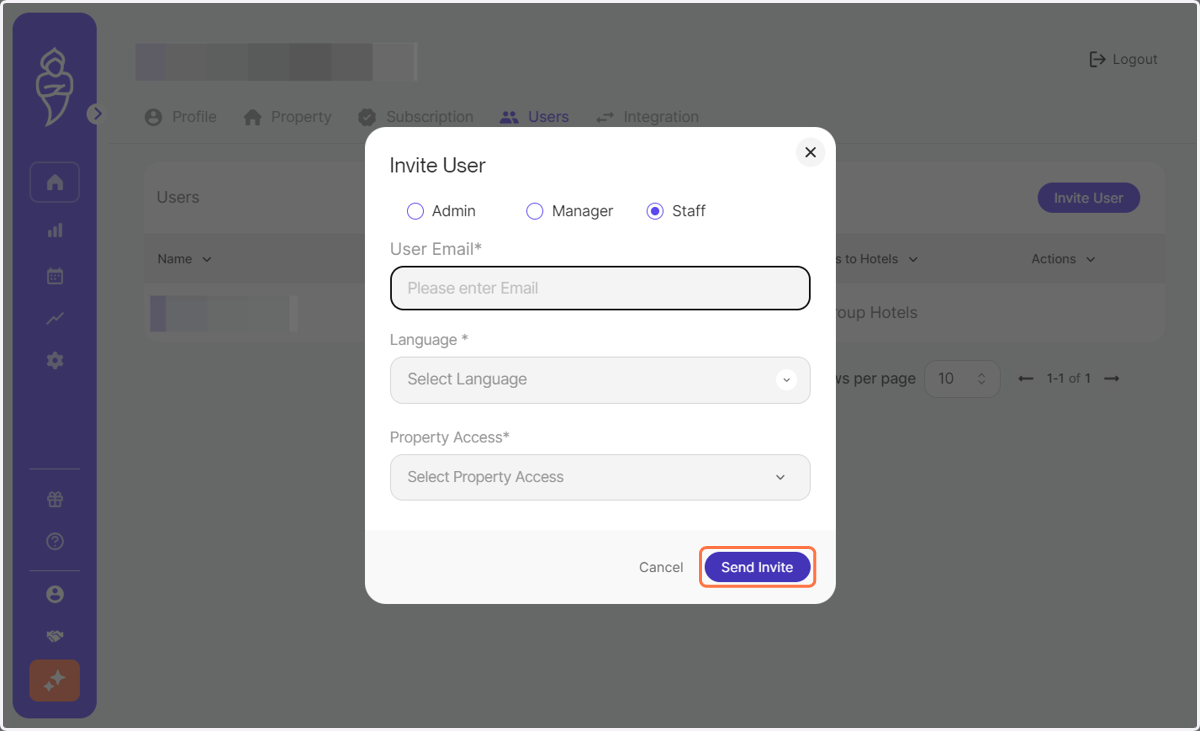
How to Invite Users to RoomPriceGenie
RoomPriceGenie
1. Log in to RoomPriceGenie and click on Account Settings.

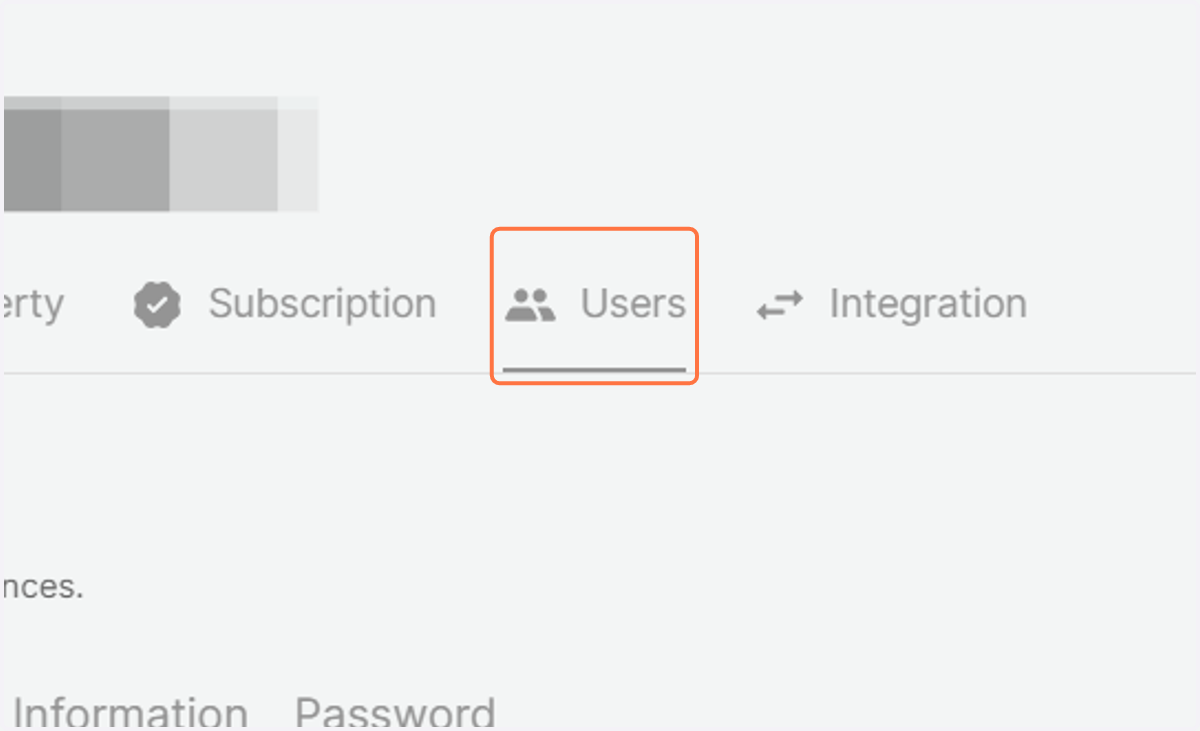
2. Click on Users.
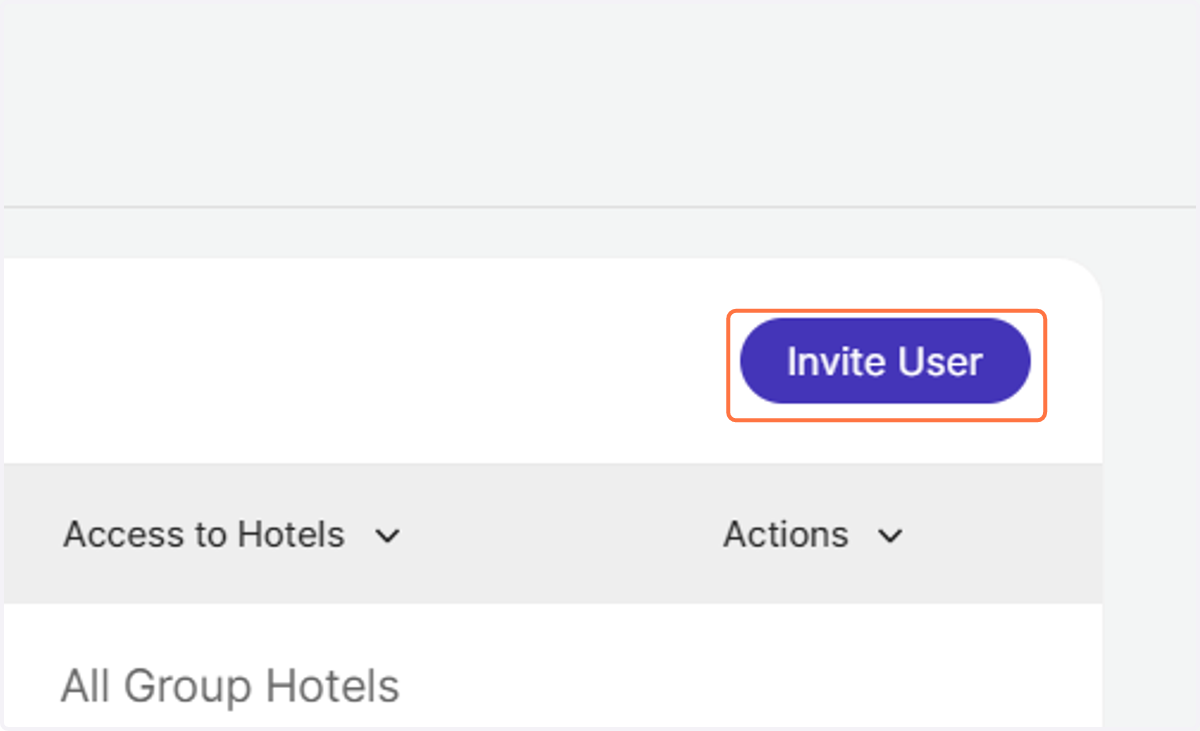
3. You shall now see a list of all authorised users. Click on 'Invite User' to add a new user.
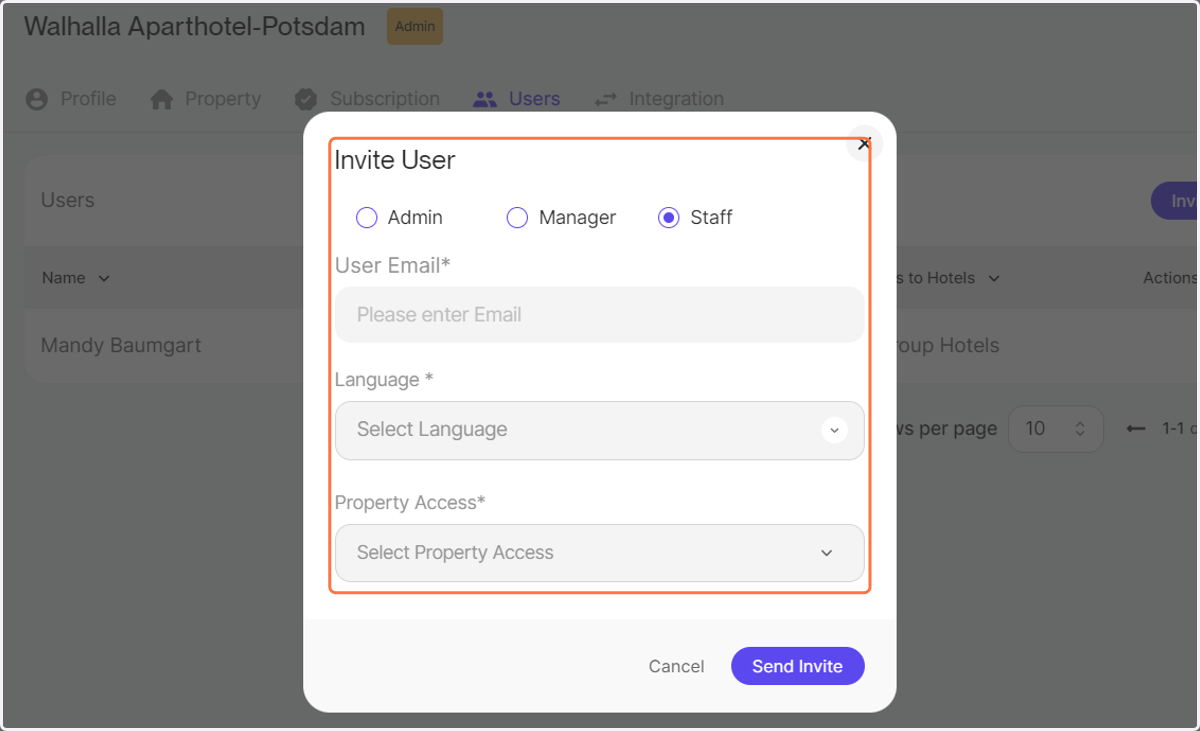
A pop-up menu shall appear in the middle of the screen.
4. Please enter the new user's role, email and select the correct property if you have an account with multiple properties.
5. Click on Send Invite.
The new user shall receive an invitation mail that they need to confirm to access their account.