Creating Year End Reports in Yardi
Yardi Systems, Inc. - Yardi Voyager
1. Click on Reports

2. Click on Receivables

3. Click on Summary By Tenant/Charge
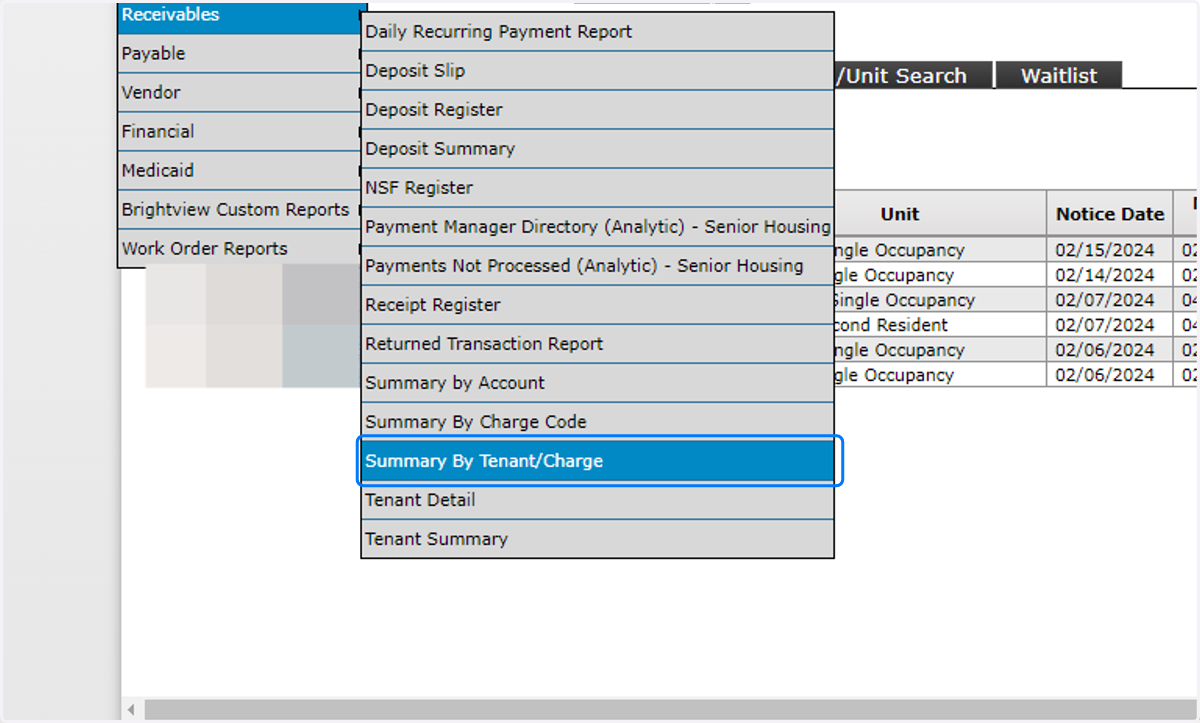
4. Click on Tenant

5. Type the tenant's name

6. Check on the desired tenant line

7. Click on OK

8. Click on mm/yy -to-

9. Type in the starting date range

10. Type in the ending date range

11. Click on Submit

12. Click on PDF
