Synchronise Payslip Employee Data
1. If your payroll has been completed, you will firstly need to unlock the pay run. If not, please skip to step 4.
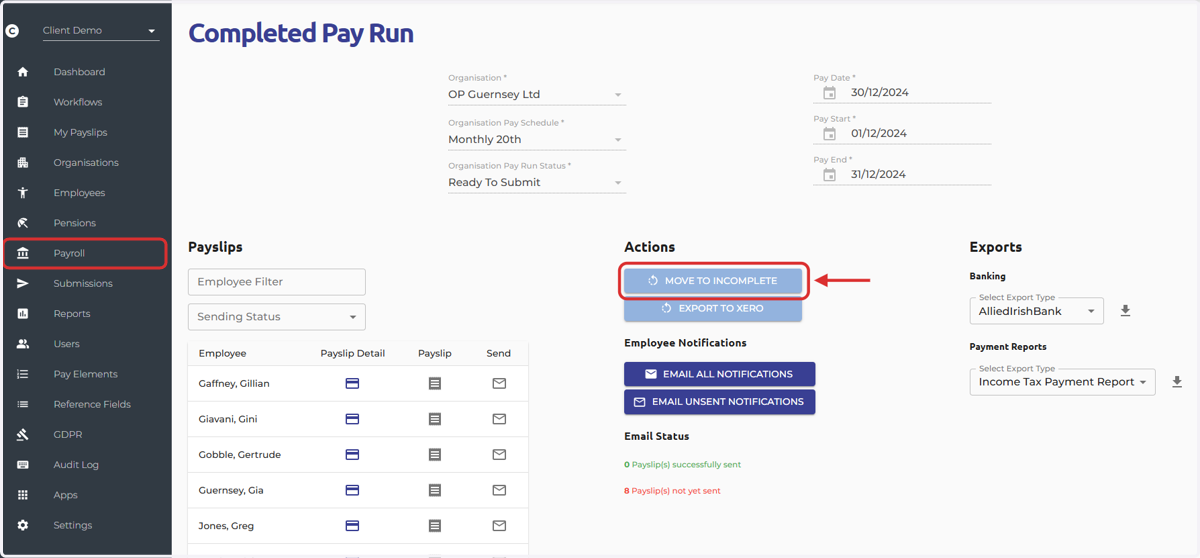
Navigate to the Payroll Screen > Complete Pay Runs > Select the eye icon next to the relevant pay run > Select 'Move To Incomplete'.
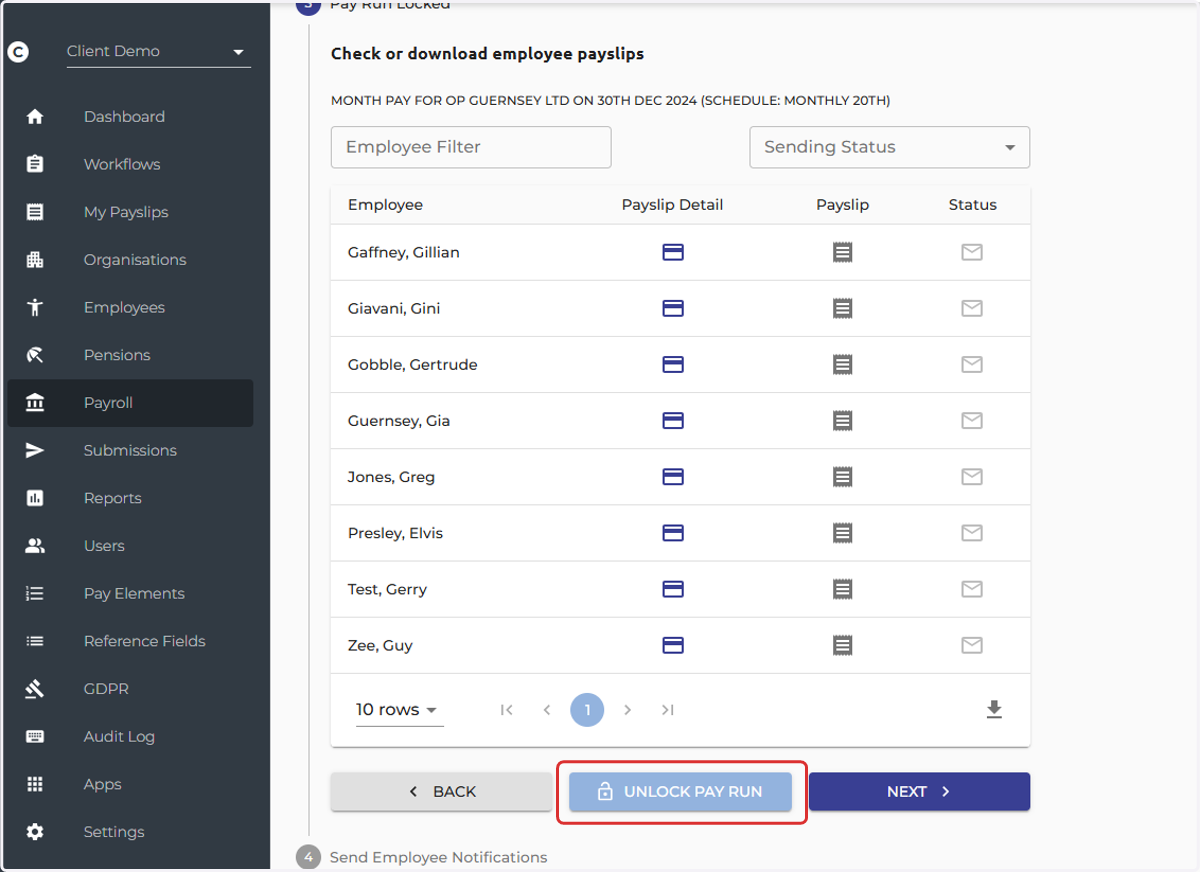
2. Navigate back to the 'Incomplete Pay Run' screen > Select 'Unlock Pay Run'
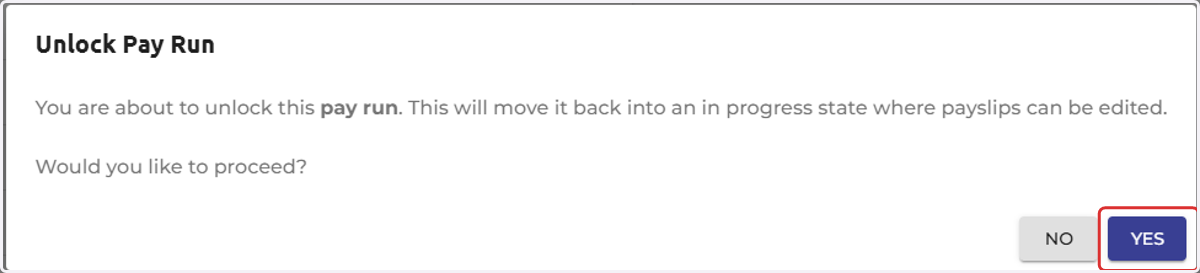
3. Select 'Yes'
4. To synchronise the employee data in a pay run, simply click the 'Synchronise Payslip Employee Data' icon in step 2 of the payroll process.
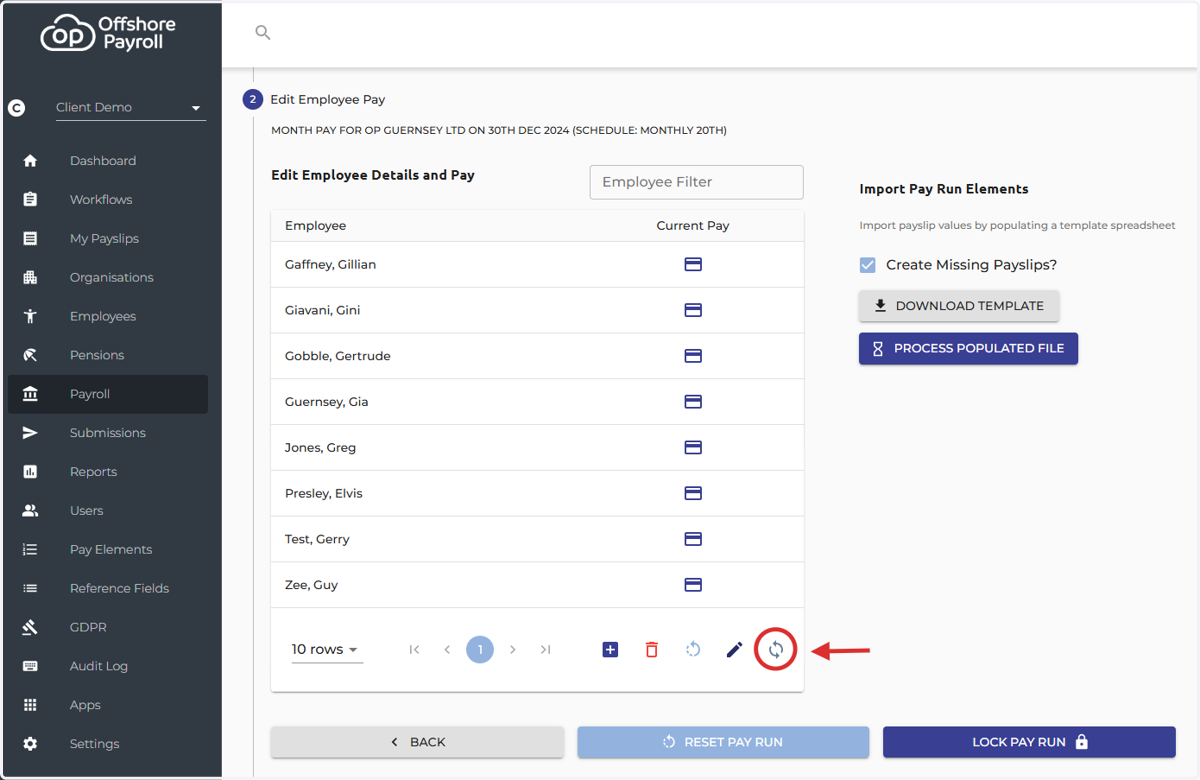
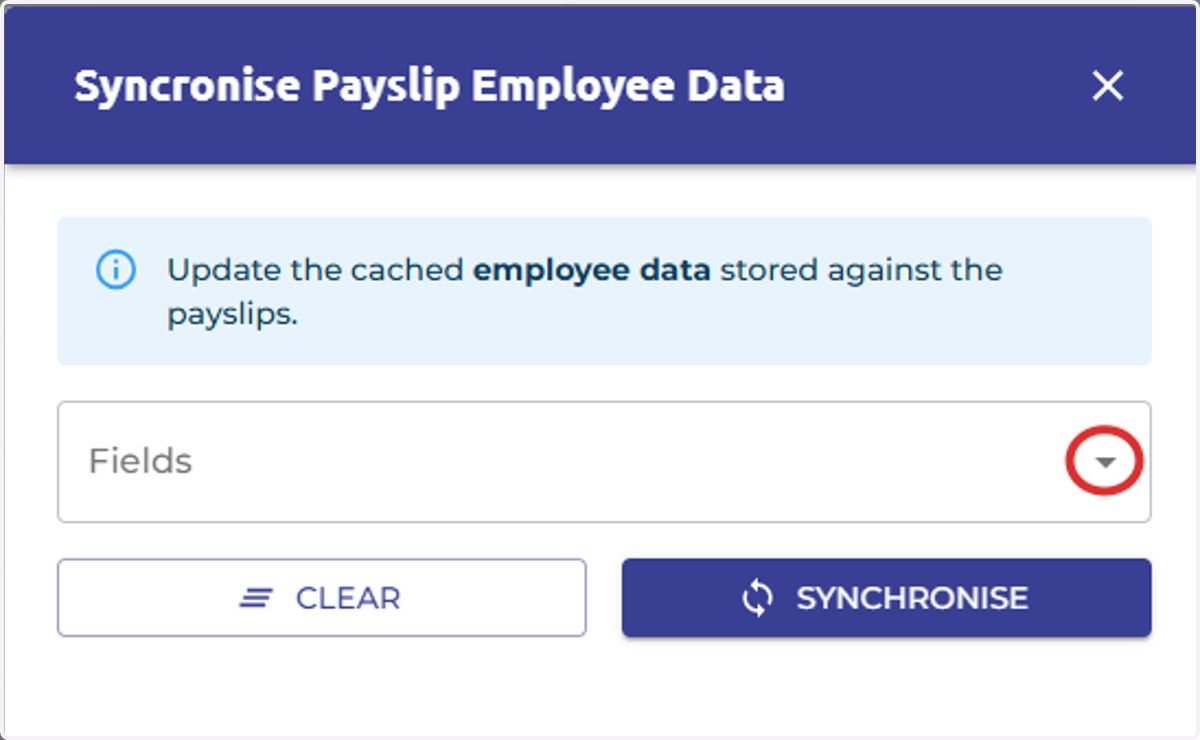
5. Select the drop down arrow in the 'Fields' box
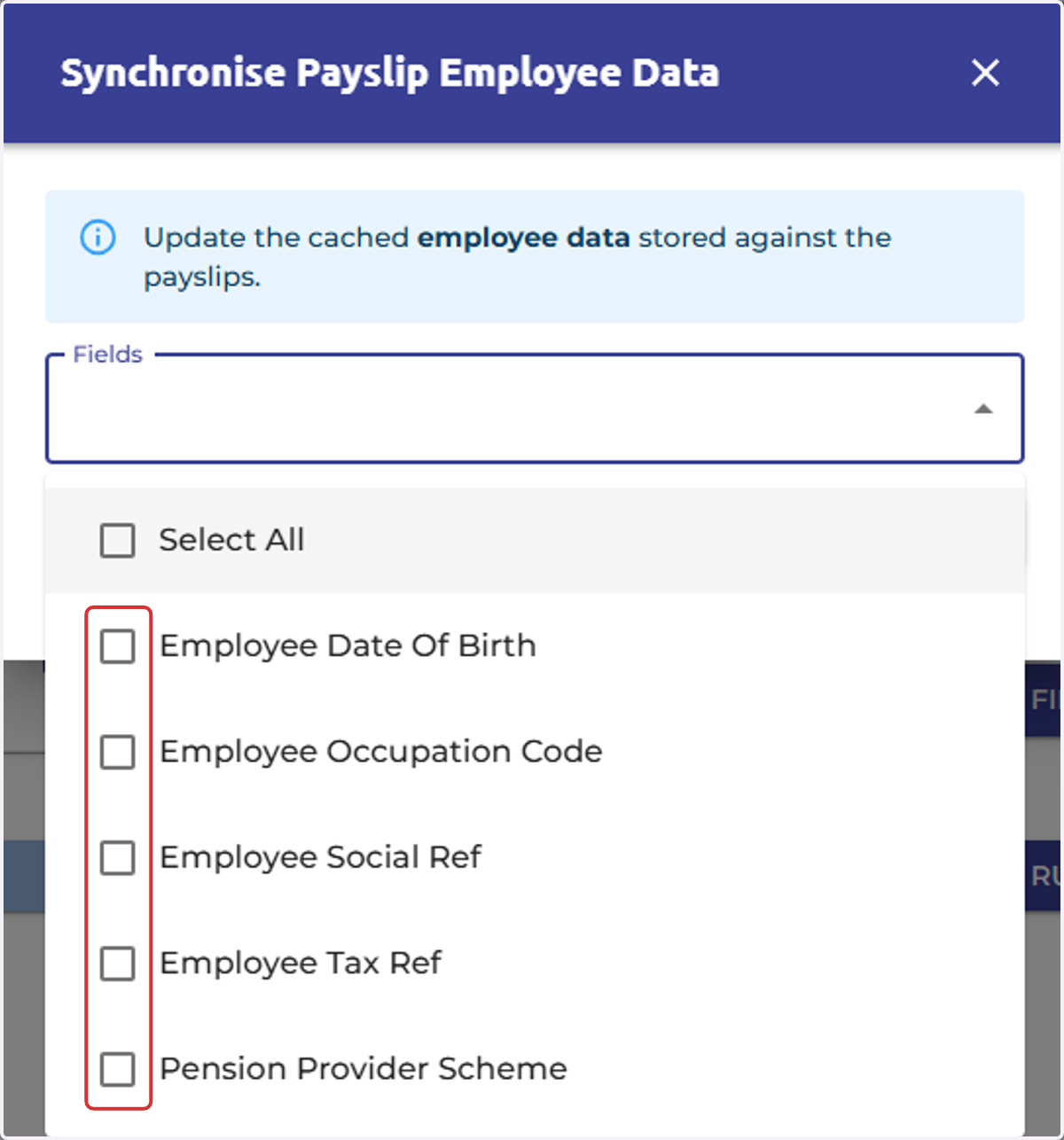
6. Tick the box next to the option, you can select multiple fields or select all.
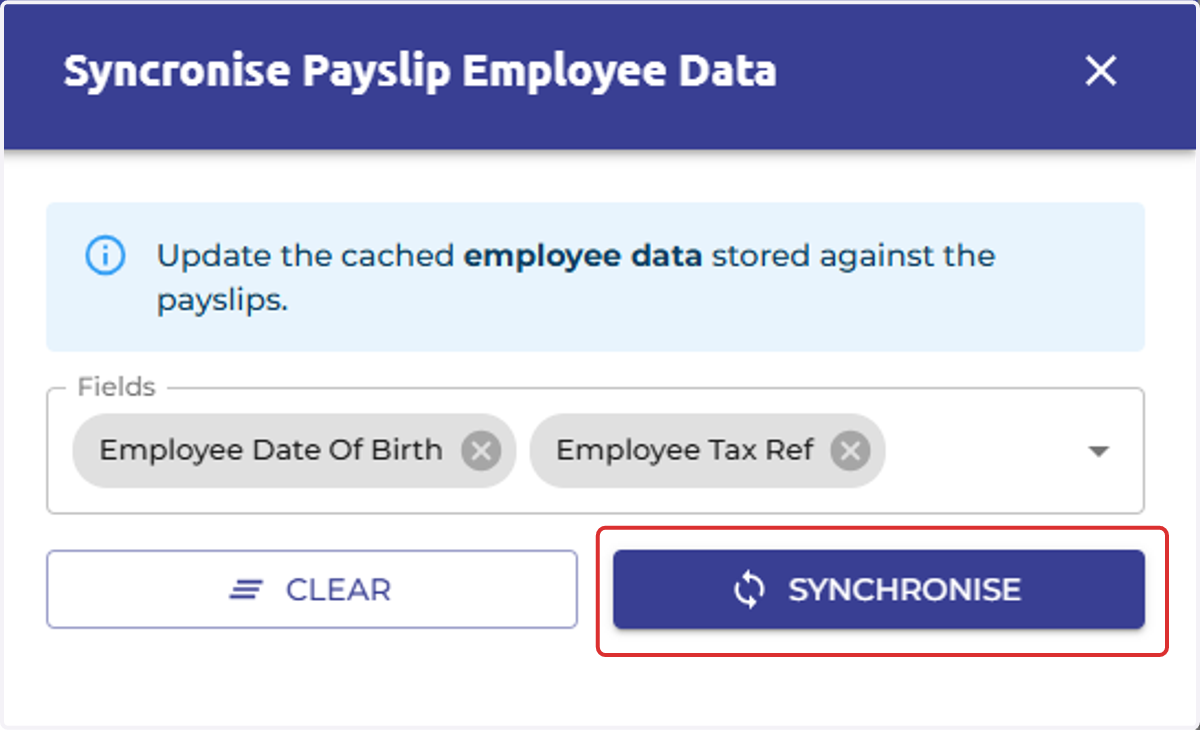
7. Select 'Synchronise' to sync the employee data to the payslips
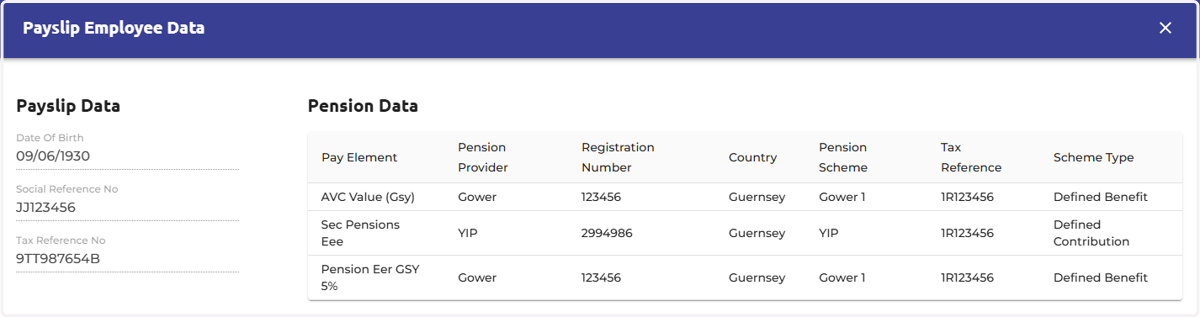
8. Each payslip now includes a new 'View Payslip Employee Data' feature, allowing you to access a dialog with cached payslip data.
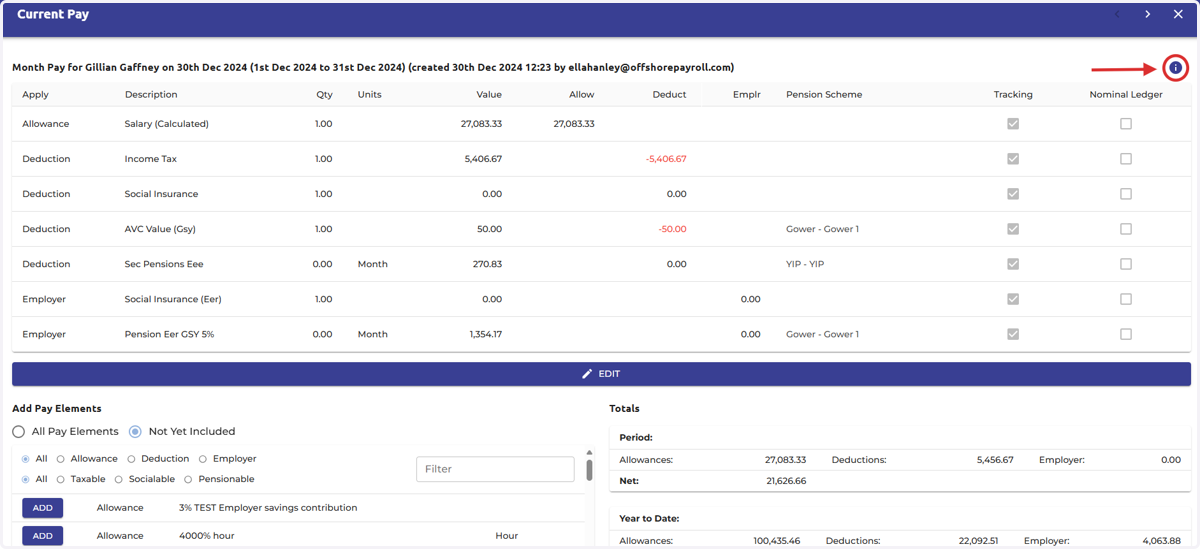
9. In this popup, you can view cached employee data. Since multiple pension schemes could be applied to the same payslip, all relevant information will be displayed in this table.
This will be helpful if you've made updates to the employee screen and want to verify that these changes have been reflected in the payslip after you've 'Synchronised' the pay run.