Resubmit a Guernsey Return
1. If you wish to re-submit you will need to contact Revenue Guernsey directly with the lodgment number and ask them to void the return. To locate the lodgemenet number of your original return, please follow the instructions below.
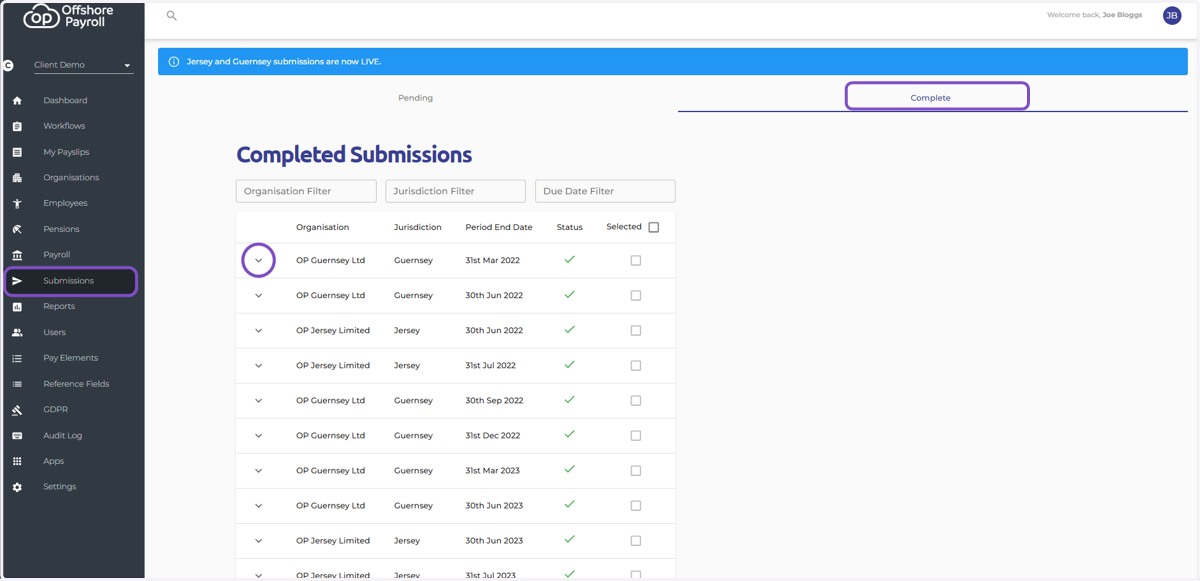
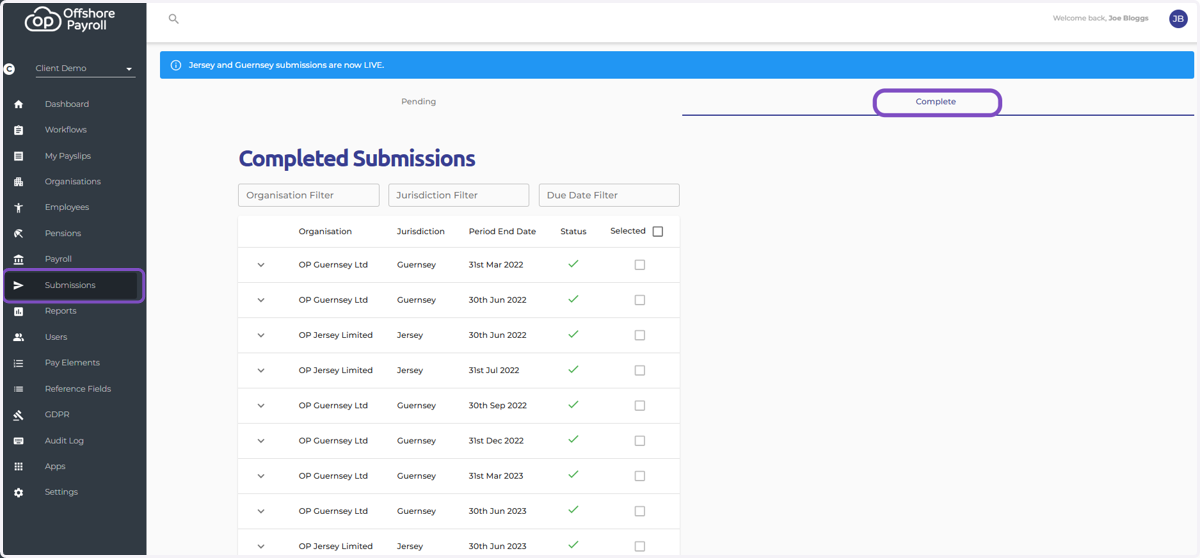
Head to the Submissions screen on the main menu on the left
Navigate to your completed submissions by selecting 'Complete'
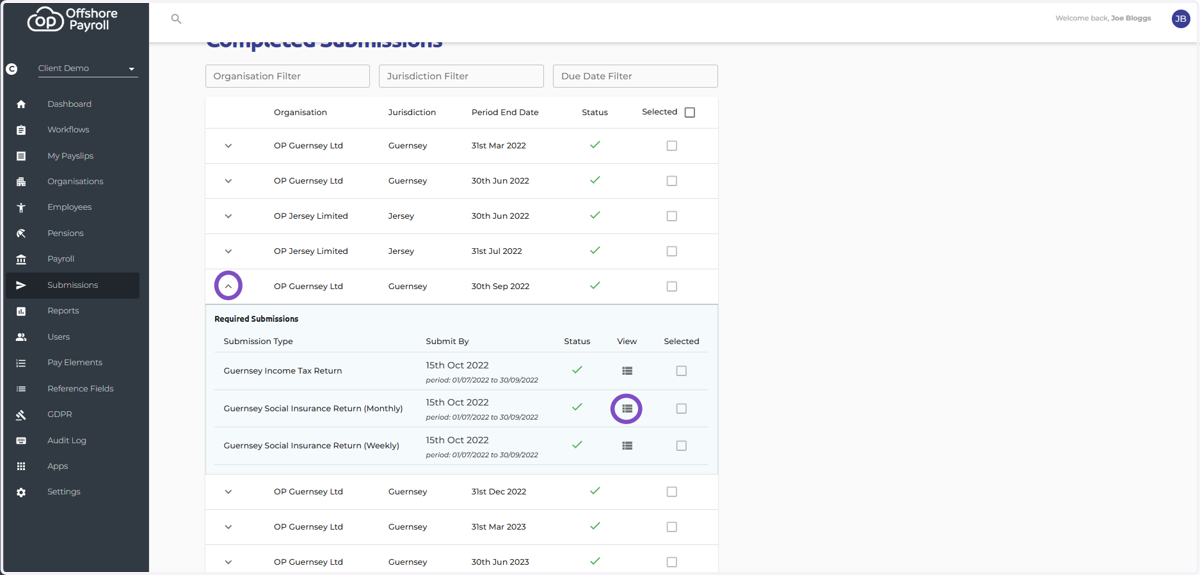
Select the down arrow next to the required submission
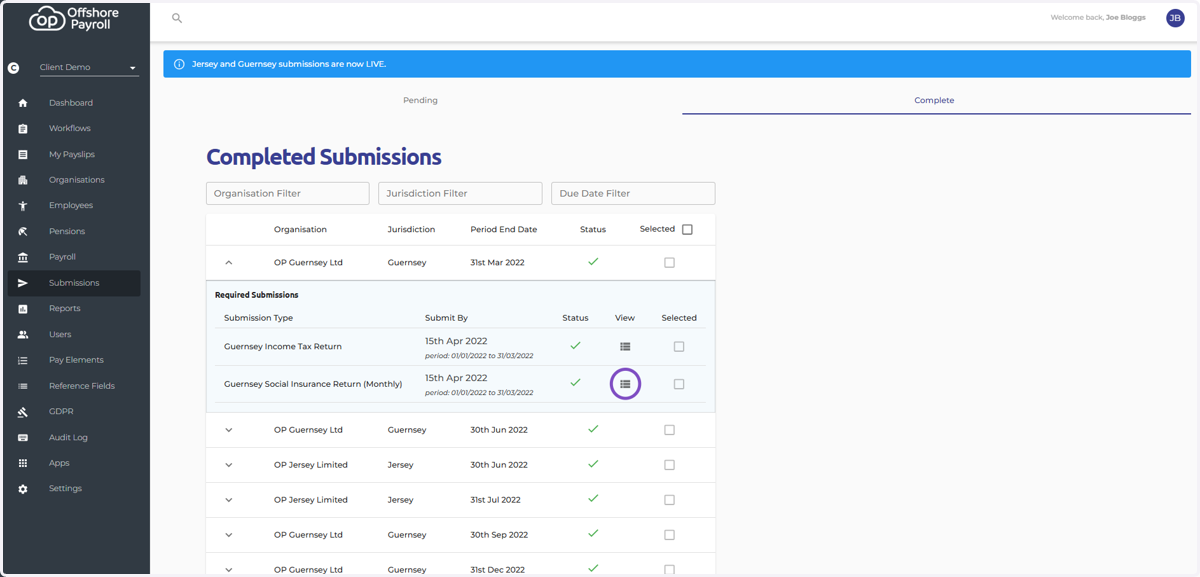
2. Select the View icon next to the return you wish to re-submit
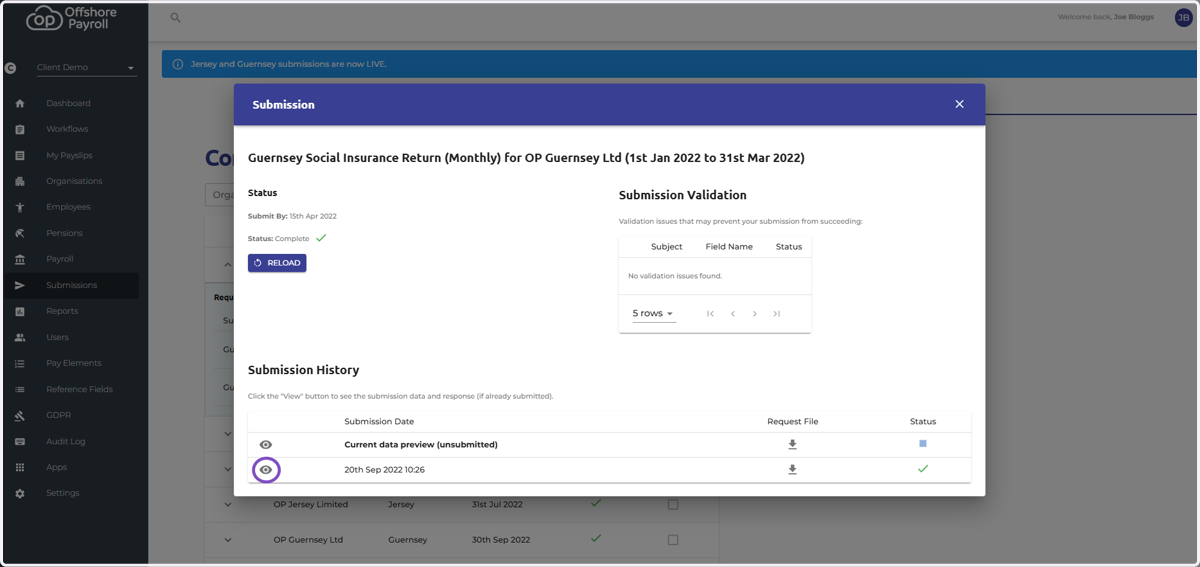
3. Select the eye icon next to the return that was successfully submitted
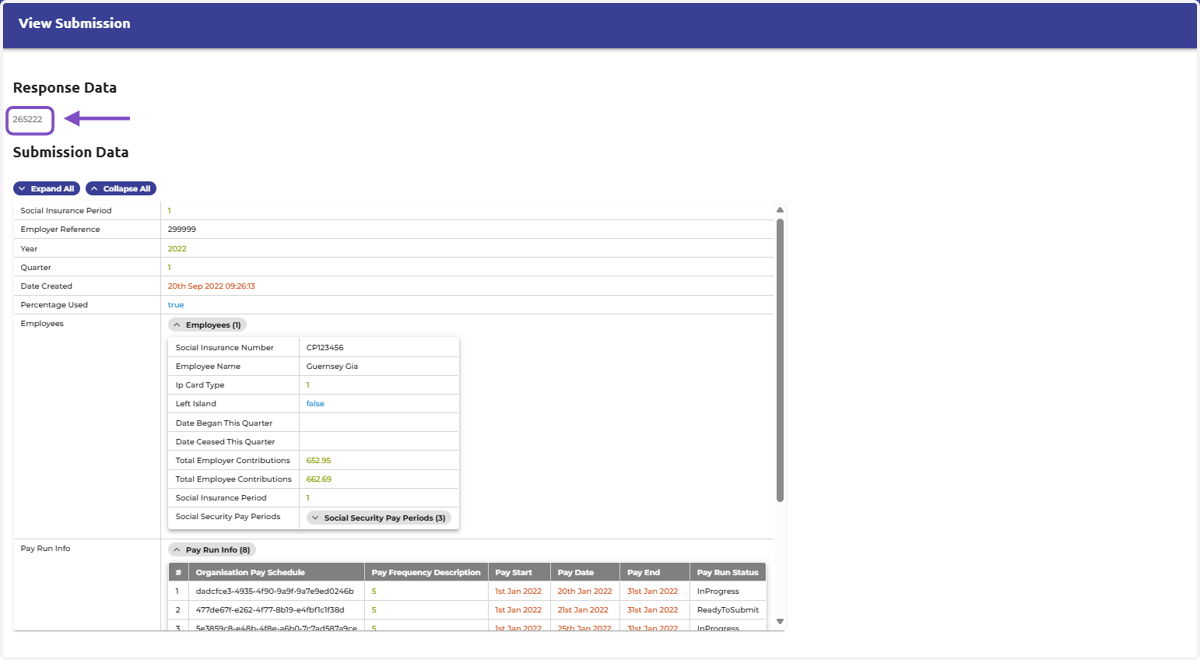
4. The lodgement number that must be sent to Revenue Guernsey is at the top of the screen underneath 'Response Data'
Each return type has a different lodgement number, if you wish to re-submit more than one return you will need to repeat this process and ask Revenue Guernsey to void each return.
5. To re-submit a Guernsey return, please follow the instructions below.
Head to the Submissions screen on the main menu on the left
Navigate to your completed submissions by selecting 'Complete'
6. Drop down the return date you wish to re-submit
Click view on the required return to resubmit (e.g. tax, social weekly or social monthly)
7. Once you are happy with the return, please click the 'download file' icon under the Request file column next to the 'Current data preview (unsubmitted)'
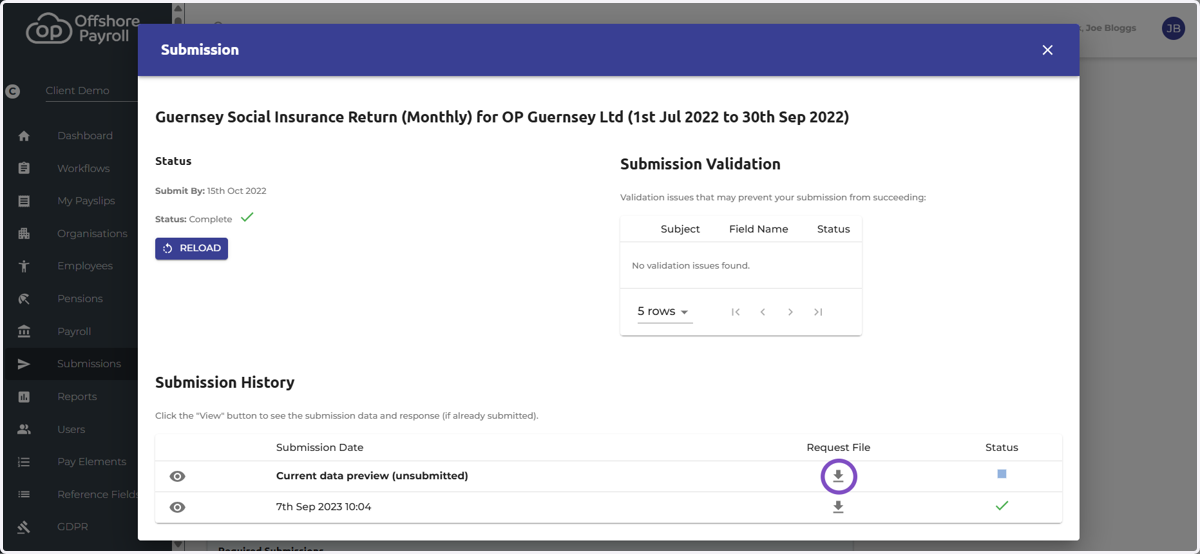
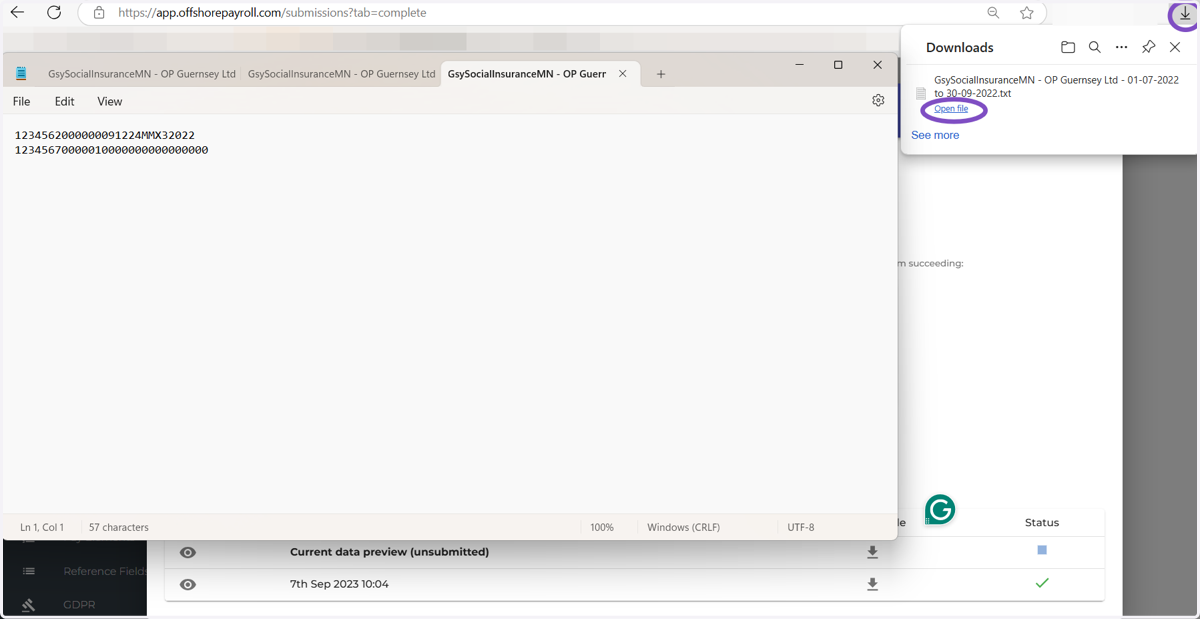
8. The TXT file should download and this should be sent to Guernsey Revenue (in line with your internal emailing or file drop policy) to process.
An example of the TXT file is shown below