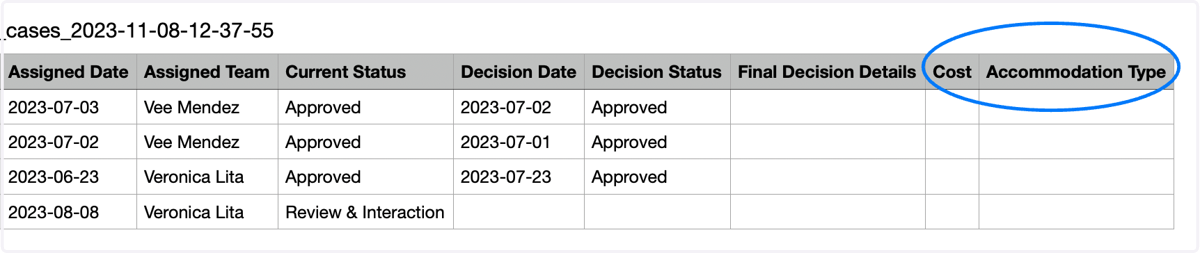
Access to Cost Incurred and Accommodation type in the Total Cases Report
This newly introduced feature allows you to seamlessly view the total cost incurred and the accommodation type granted for each case in the Total Case report making the report more comprehensive and informative.
AccommoCare
1. Click on the Reports tab in the left panel of the Accommocare Dashboard
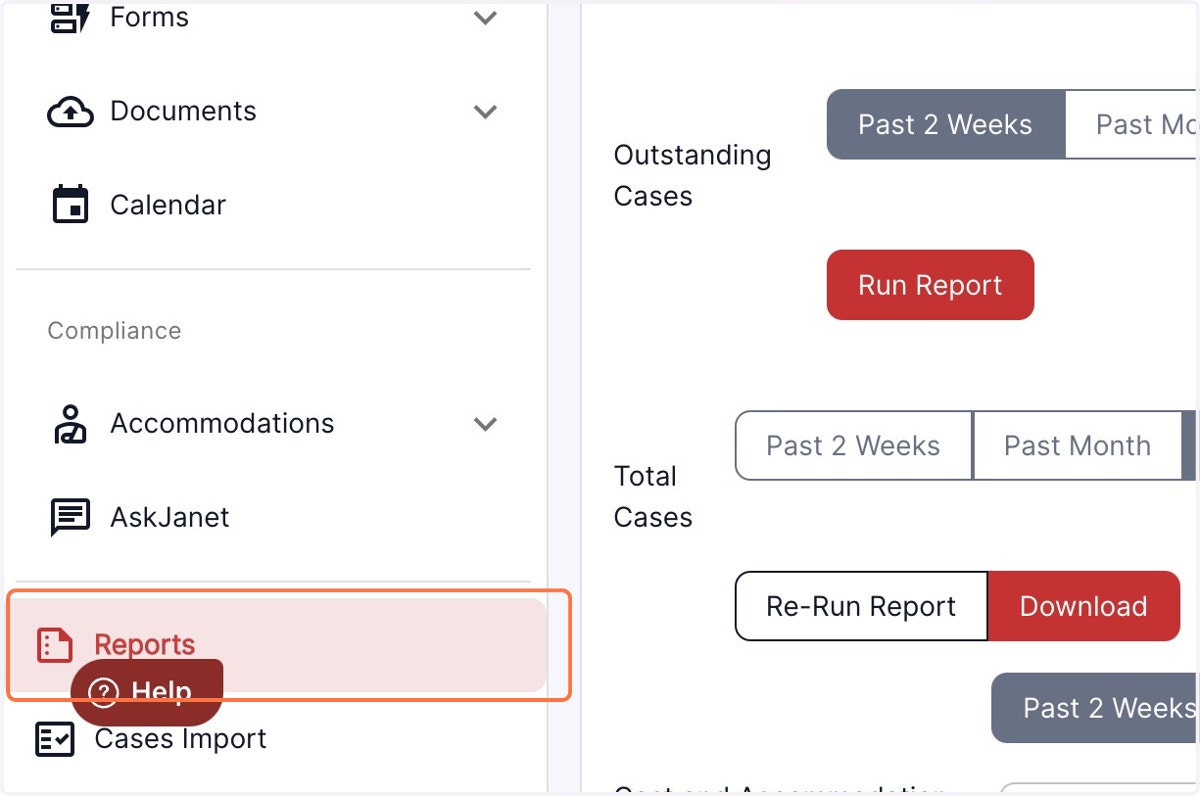
2. Scroll down to Total Cases report
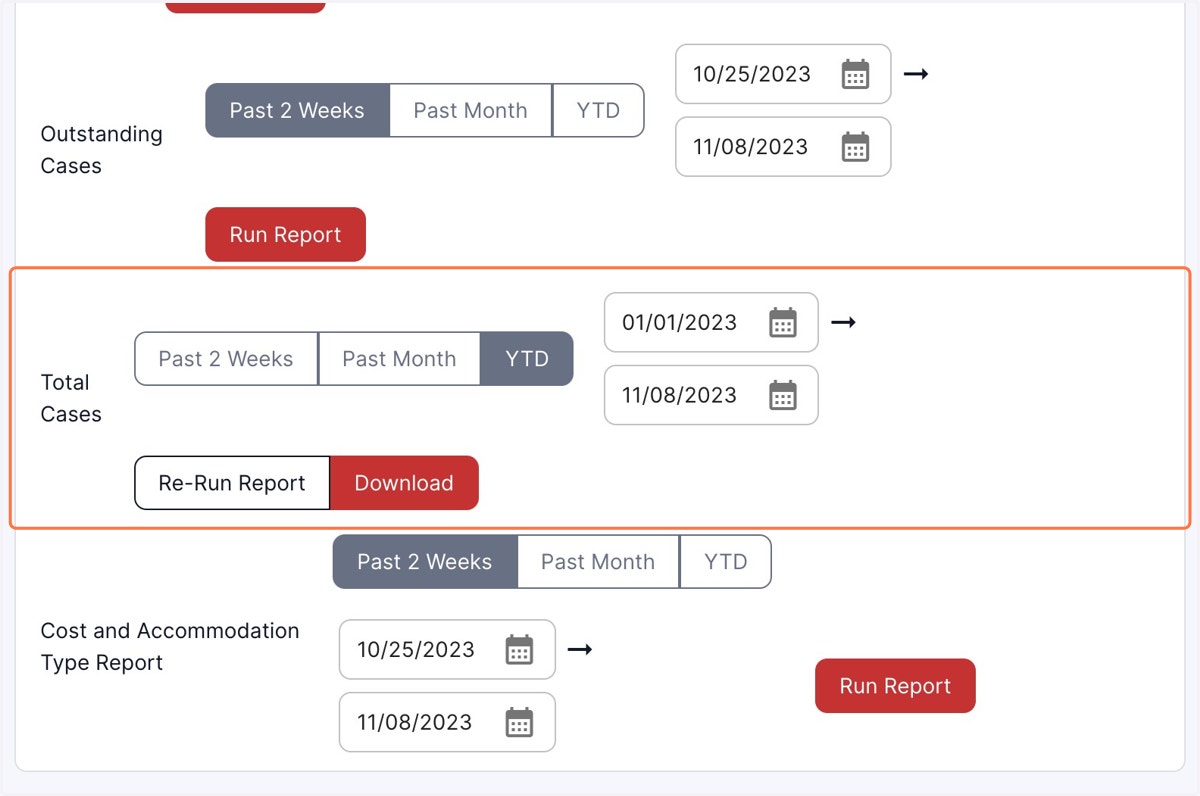
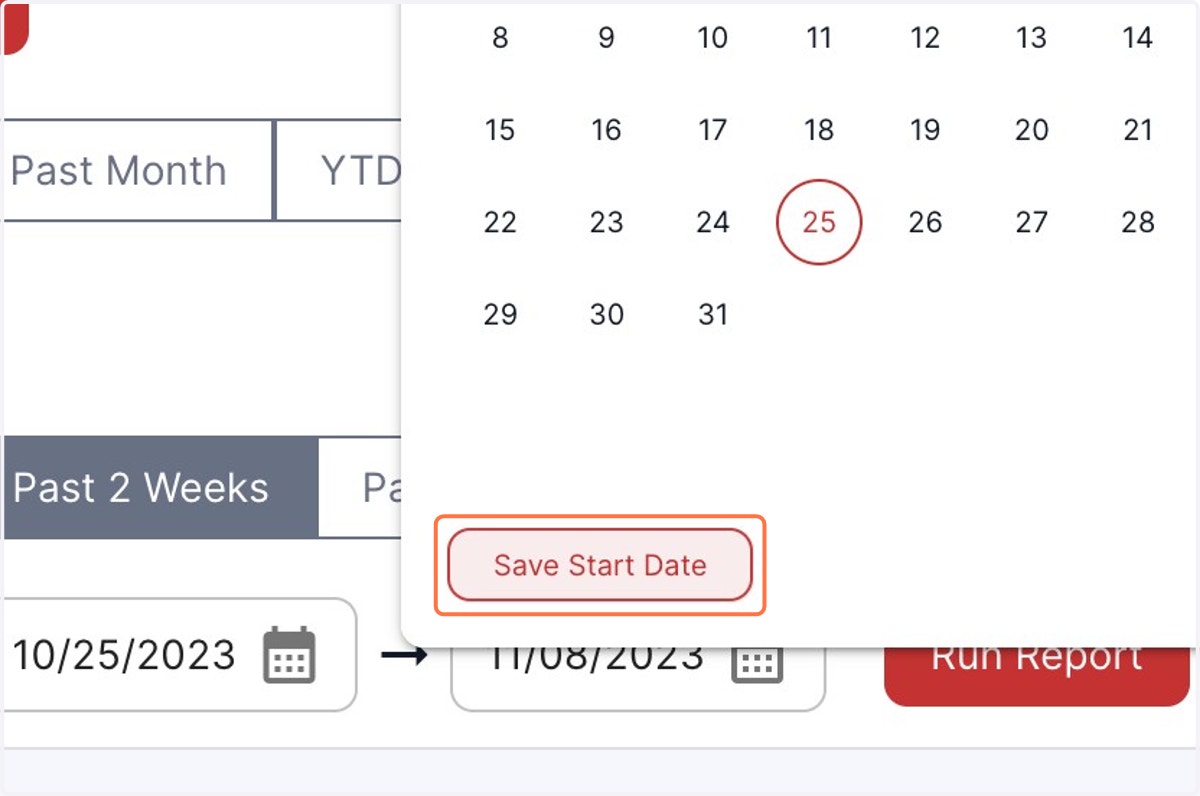
3. To generate a report covering a specific period, select the starting date
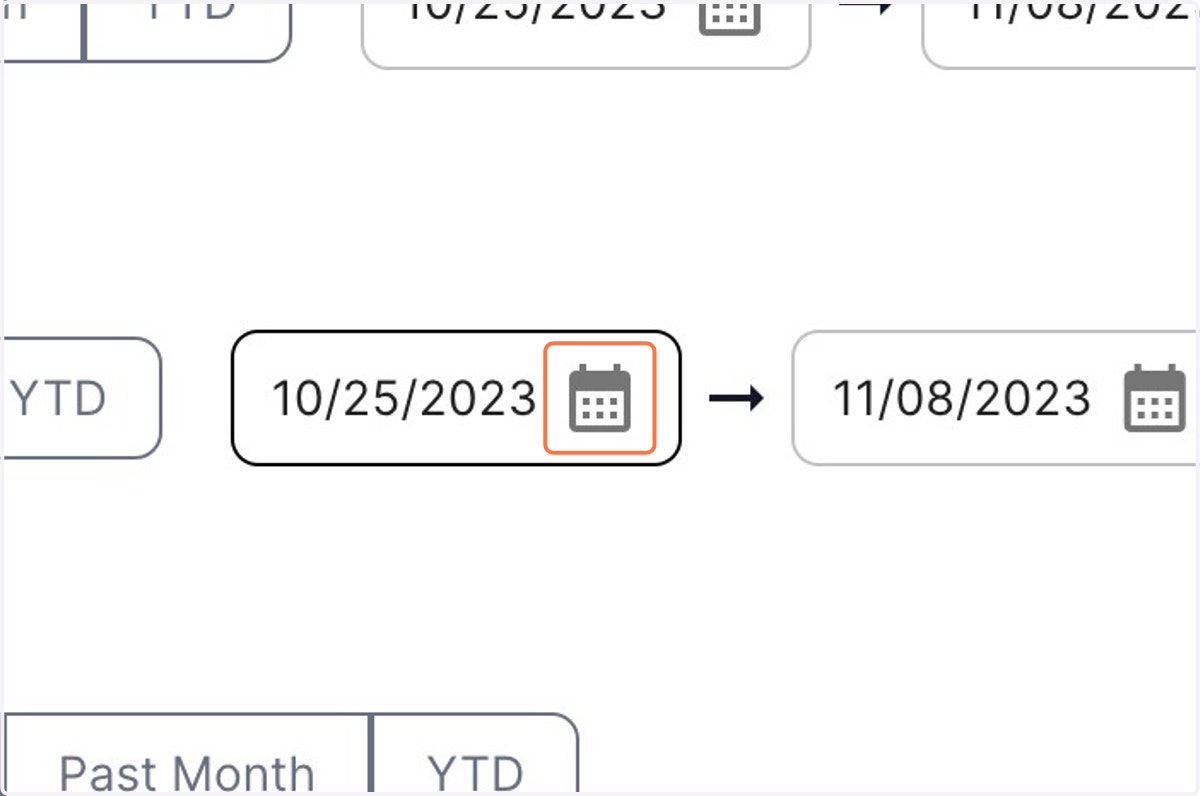
4. Click on Save Start Date
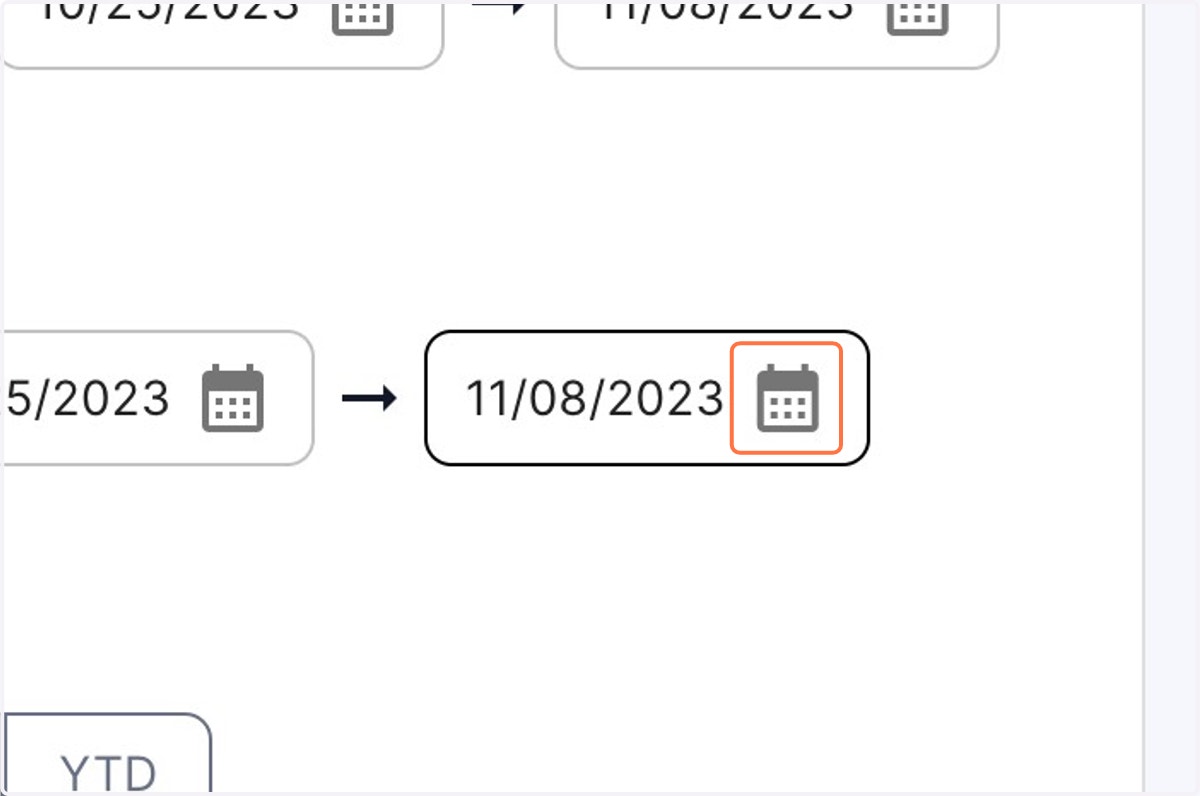
5. To generate a report covering a specific period, select the End date
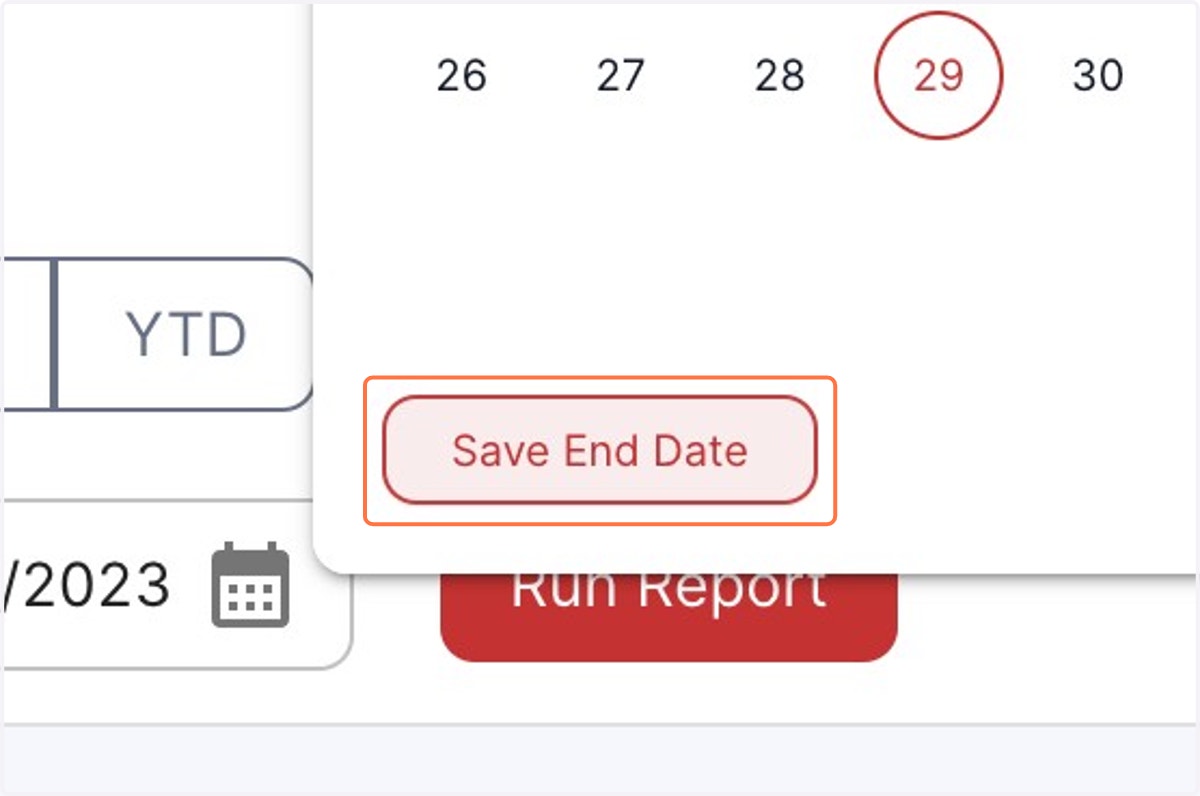
6. Click on Save End Date
7. Once you have selected the date range , Click on Run Report
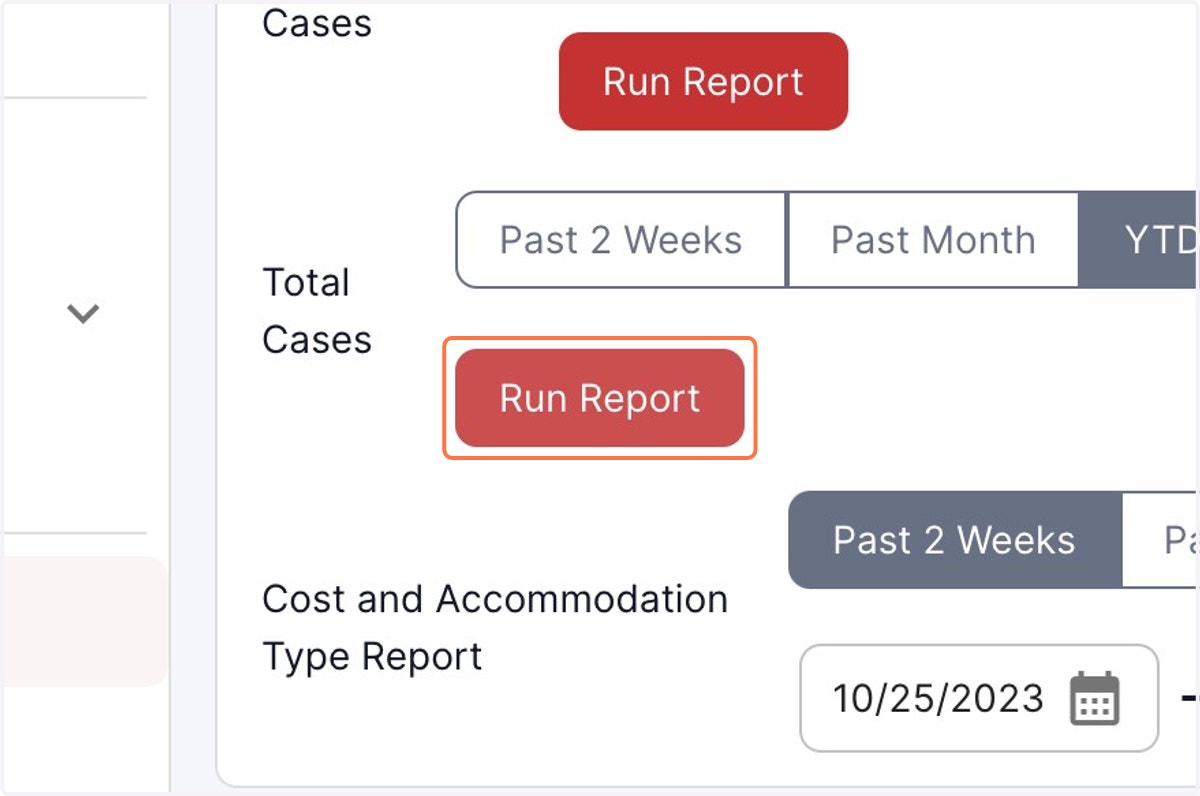
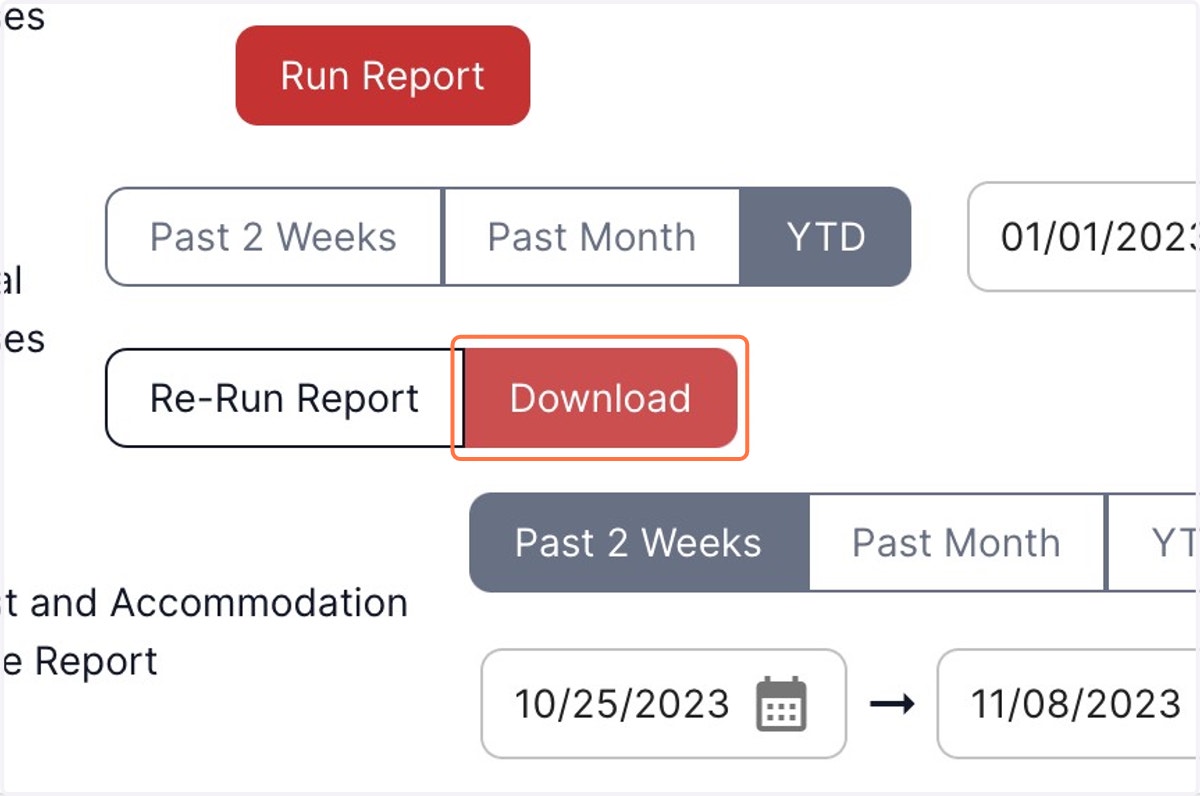
8. Once you click download, the report generated will be downloaded to your system.
9. The generated report will display any cost added or the accommodation granted to a particular employee, giving you all the required data in one report.