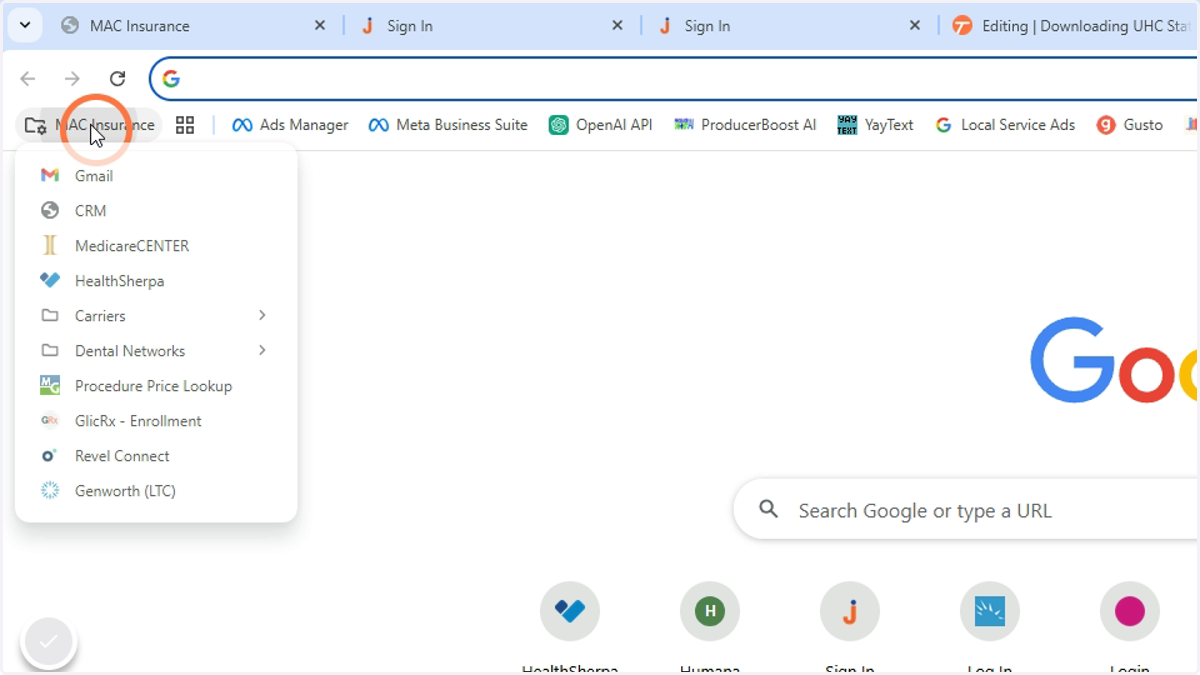
UnitedHealthCare
Google Chrome
1. Go to the UHC Portal
https://identity.onehealthcareid.com/oneapp/index.html#/login
Username: tmcdaniel@macseniorbenefits.com (Need MAC and Tyler Statements)
Username: sduvall05
Username: jmcdanielmsb14
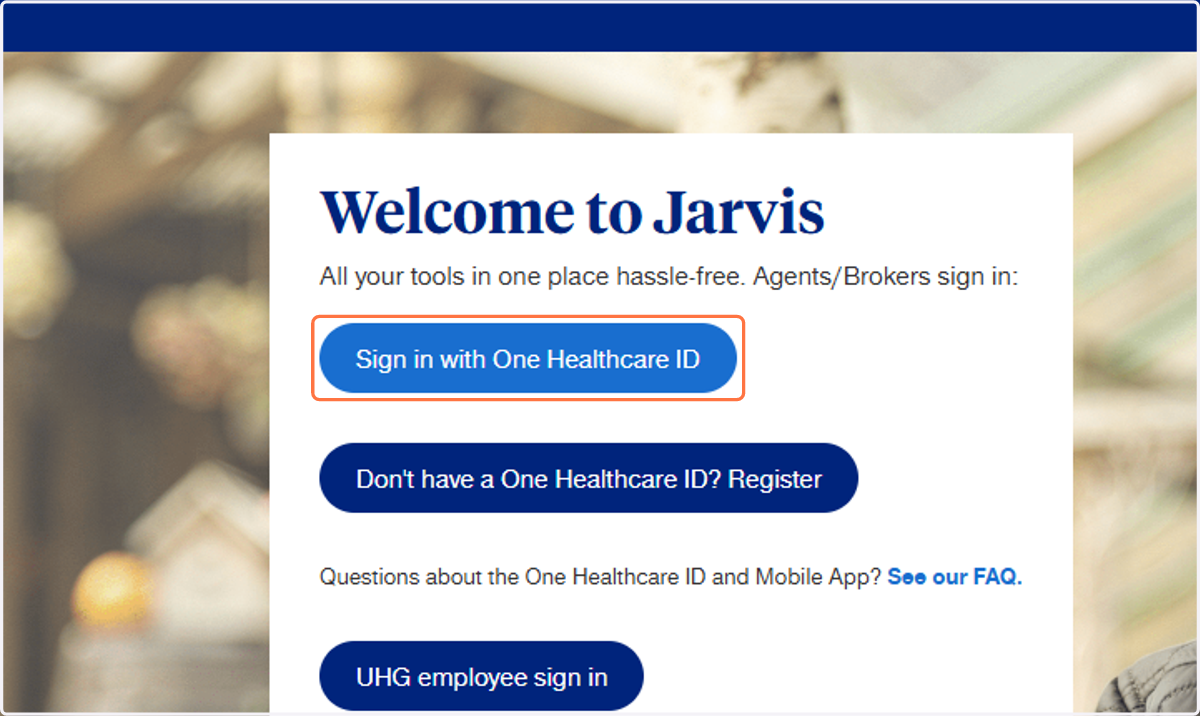
Jarvis
2. Click on Sign in with One Healthcare ID
Please wait...
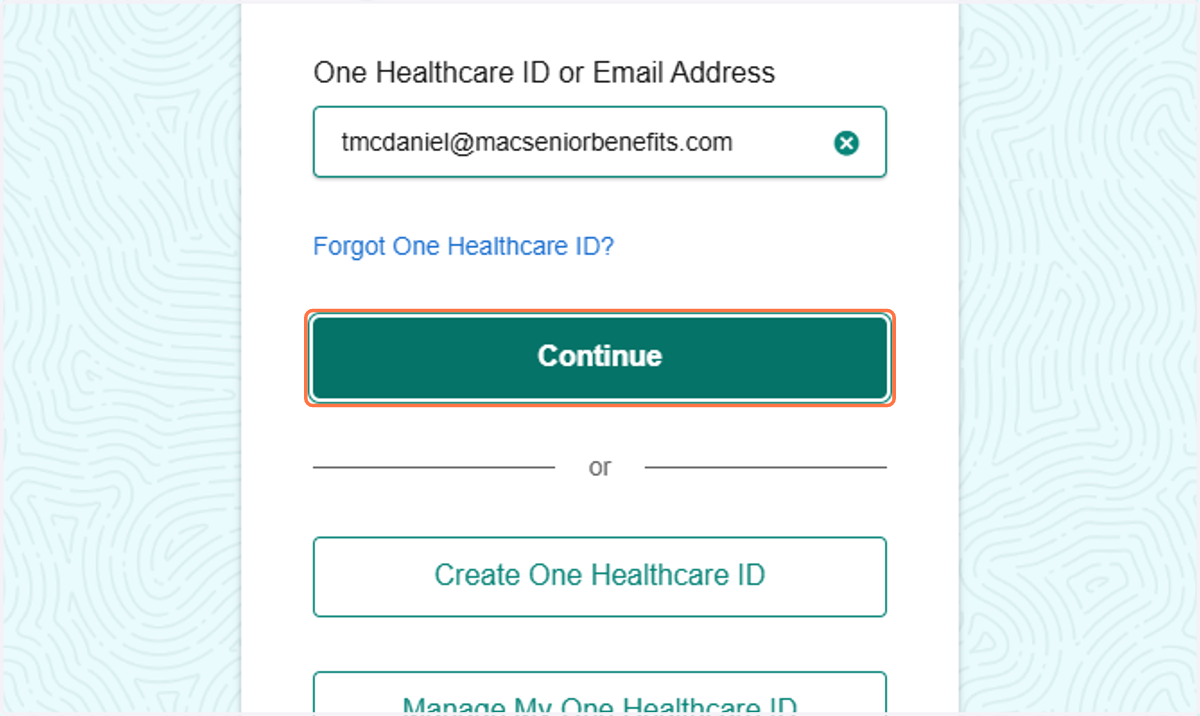
3. Enter Username - Click on Continue
4. Enter Password - Click on Continue
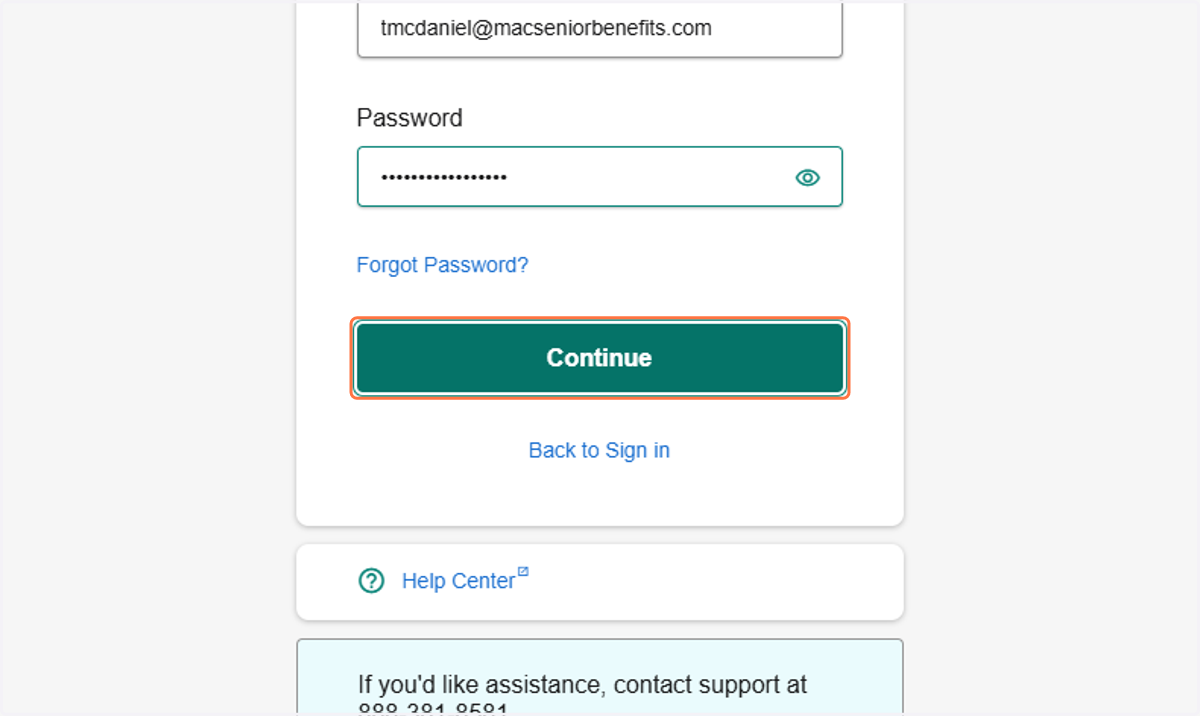
Redirection
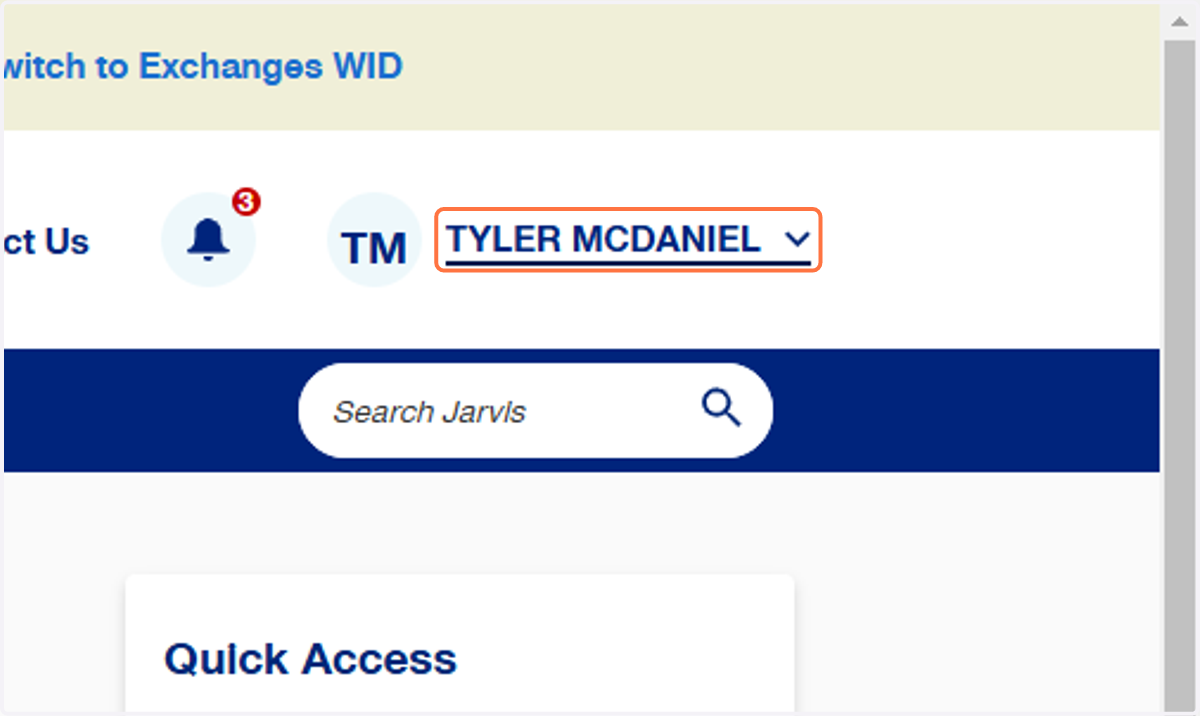
5. Click on TYLER MCDANIEL
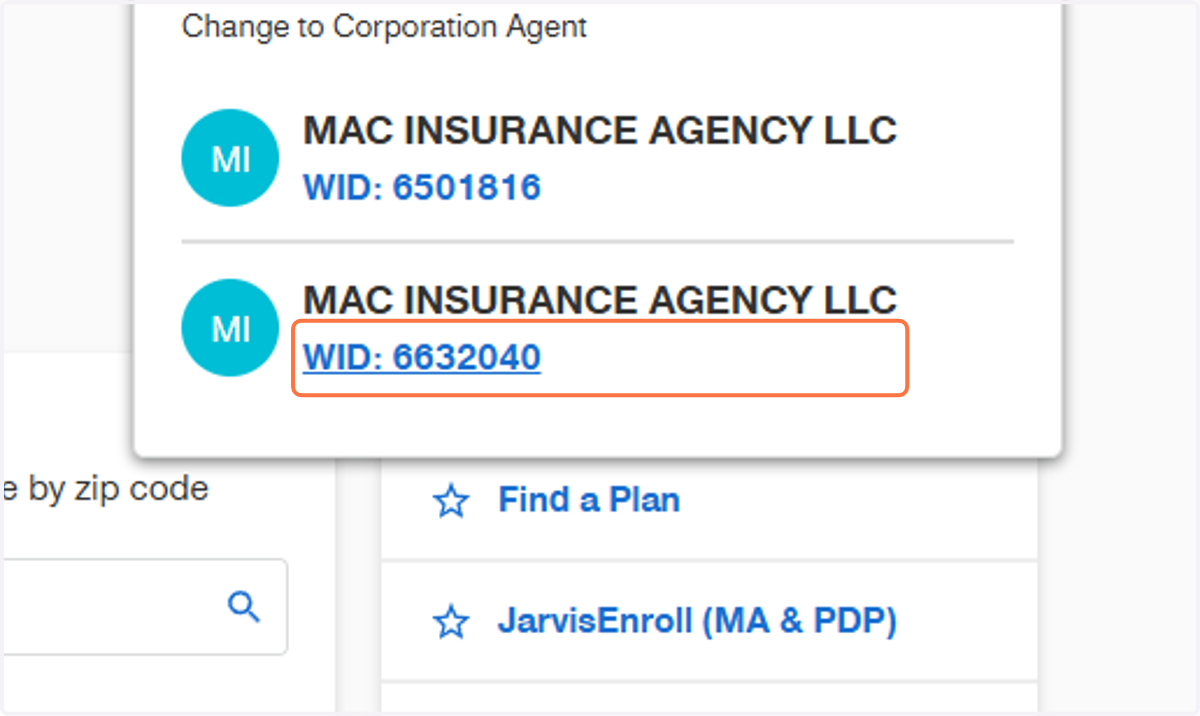
6. Click on WID: 6632040
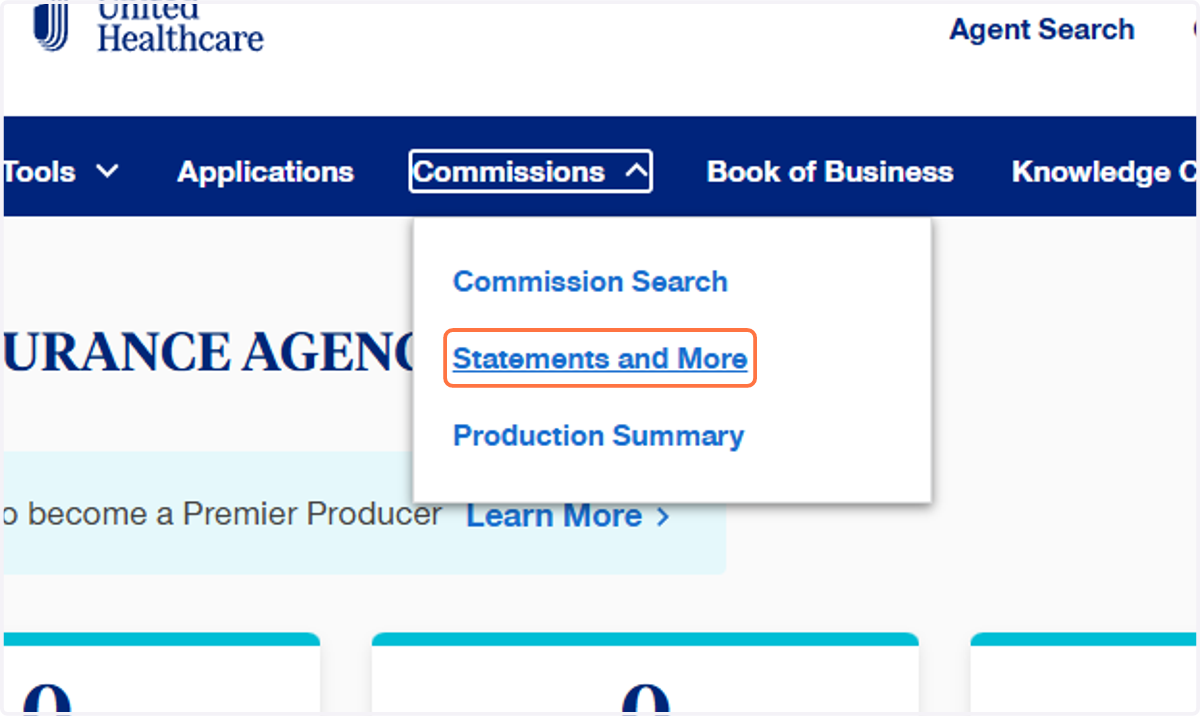
7. Click on Commissions
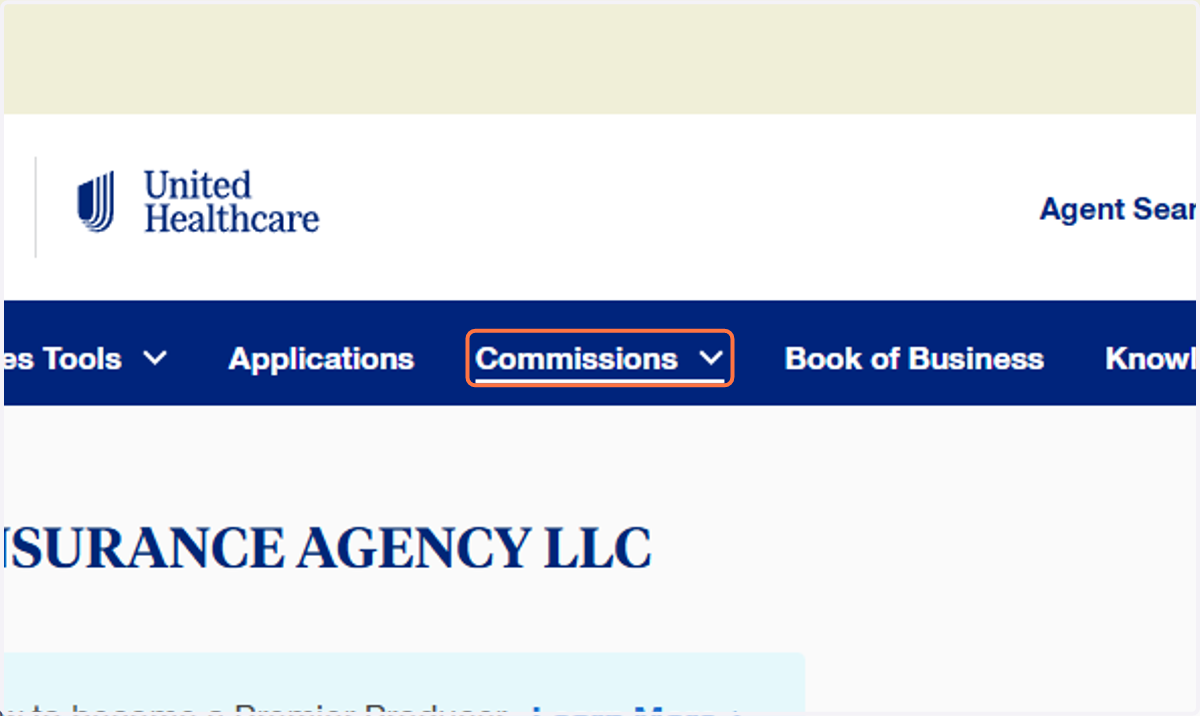
8. Click on Statements and More
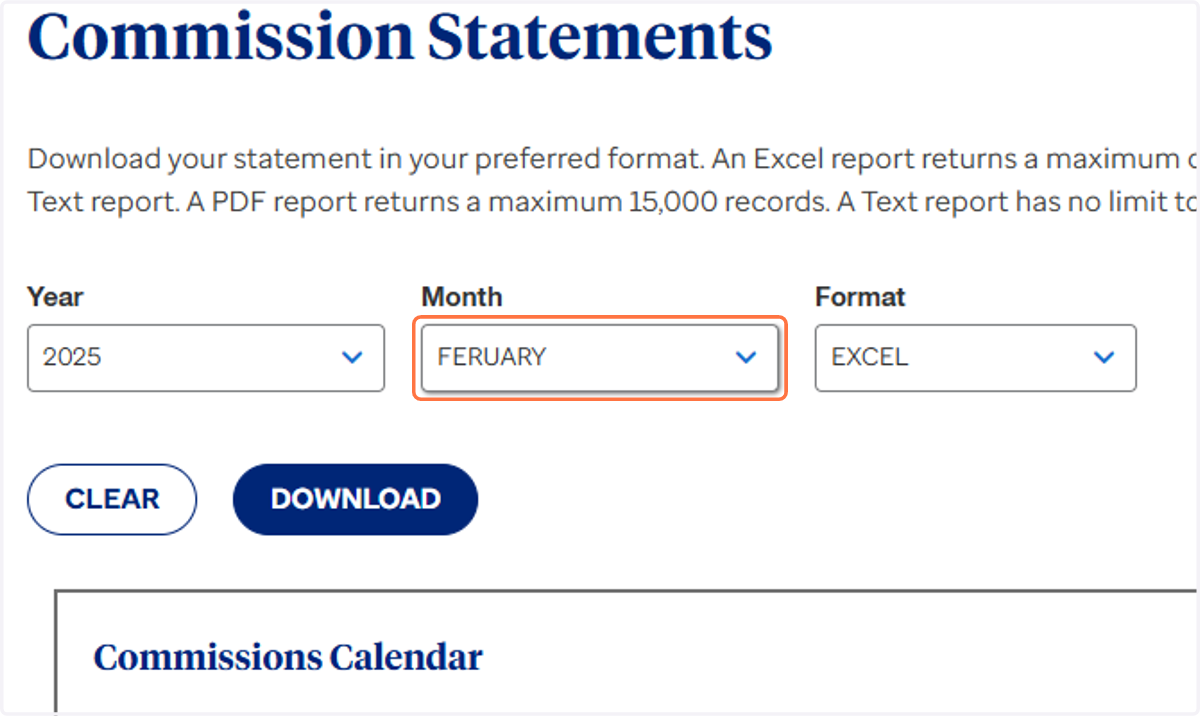
9. Click on Month
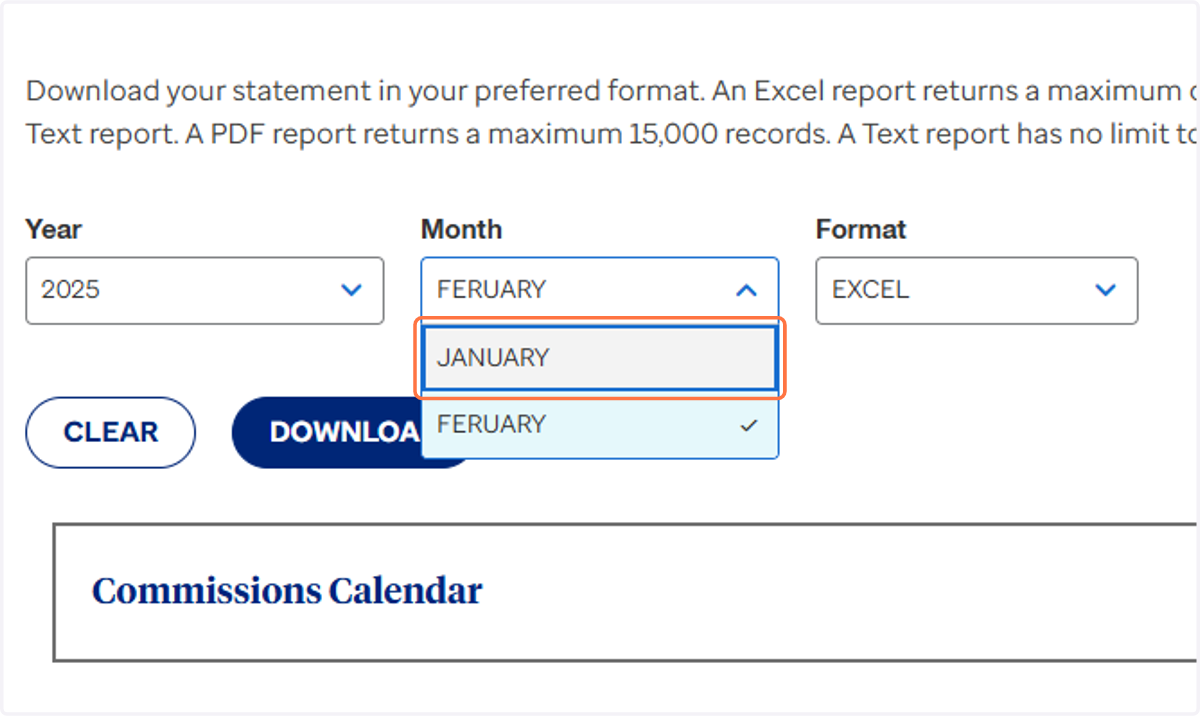
10. Click on the correct month
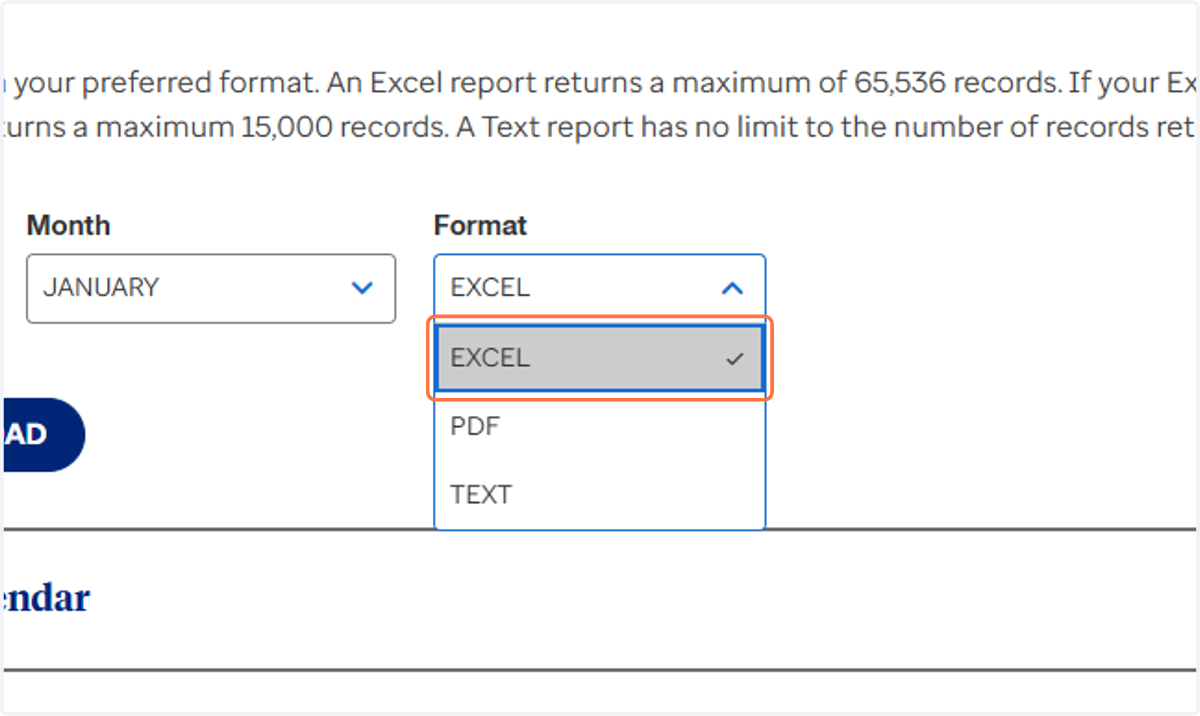
11. Click on Format
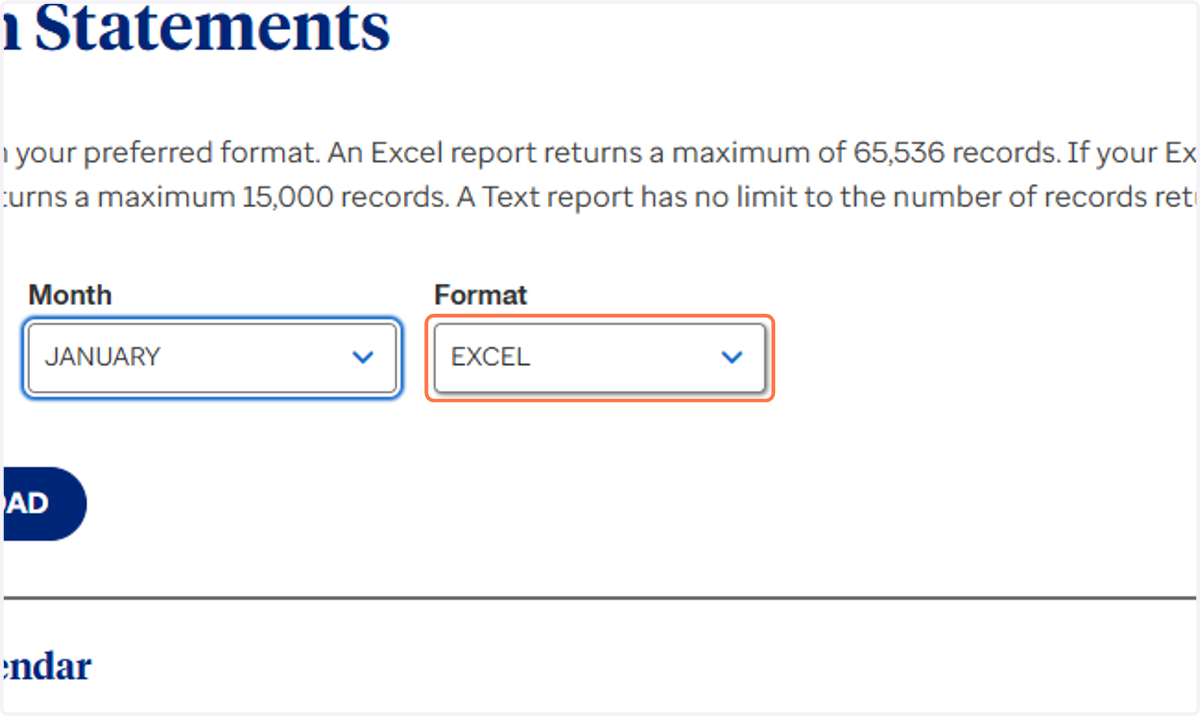
12. Click on EXCEL
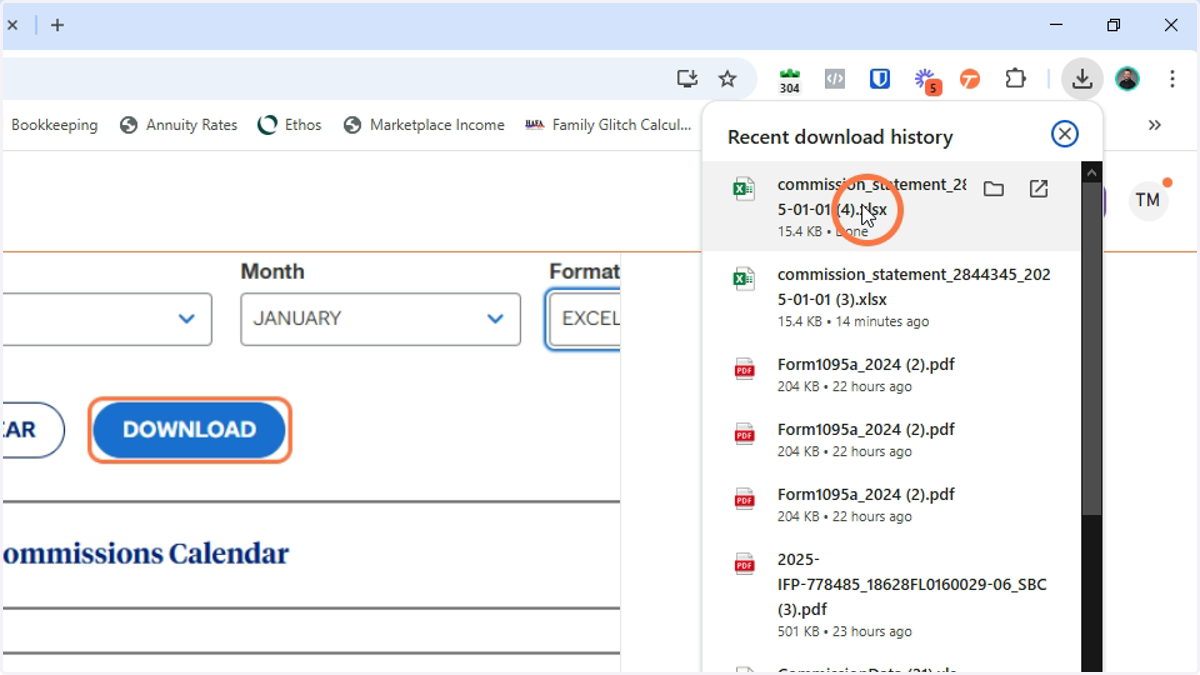
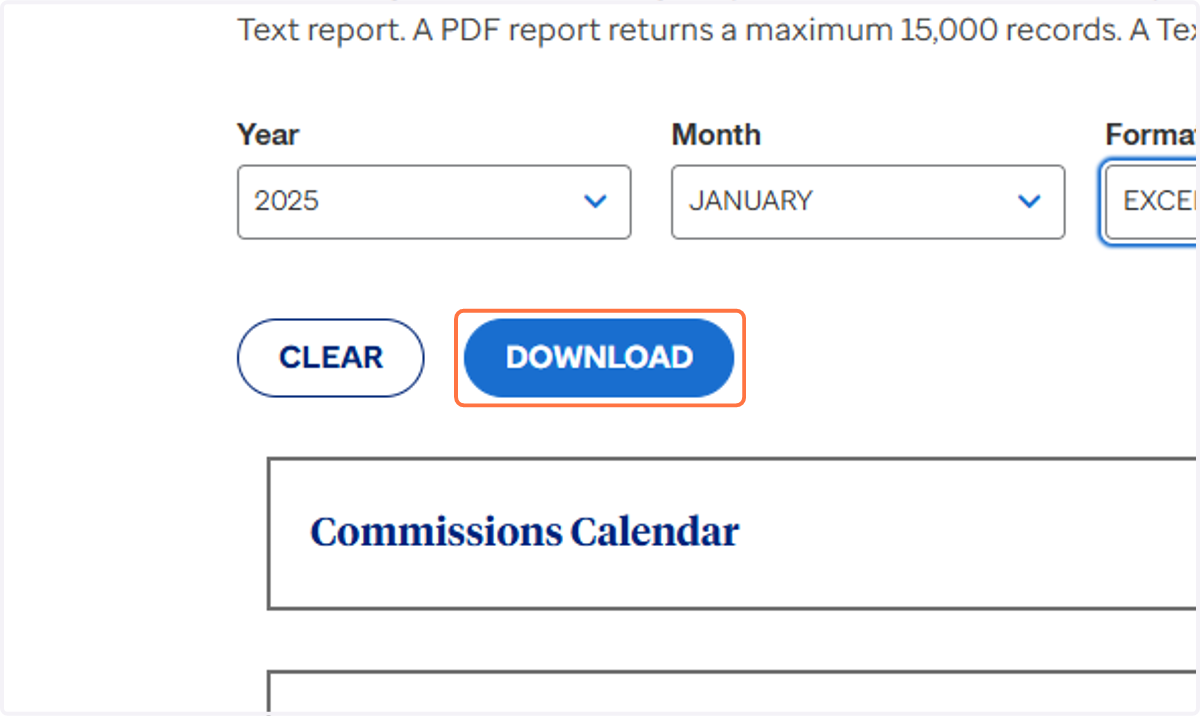
13. Click on DOWNLOAD
14. Save file in Google Drive
The Folder is in the MAC Insurance Shared folder > Commission Statements
BE SURE TO NAME THE DOCUMENT ---> COMPANY_STATEMENT DATE
This Example would be UnitedHealthCare_01.01.2025