Clearing Cache and Cookies (Edge)
1. Click on the 3 dots at the top right of your browser window and then select Settings

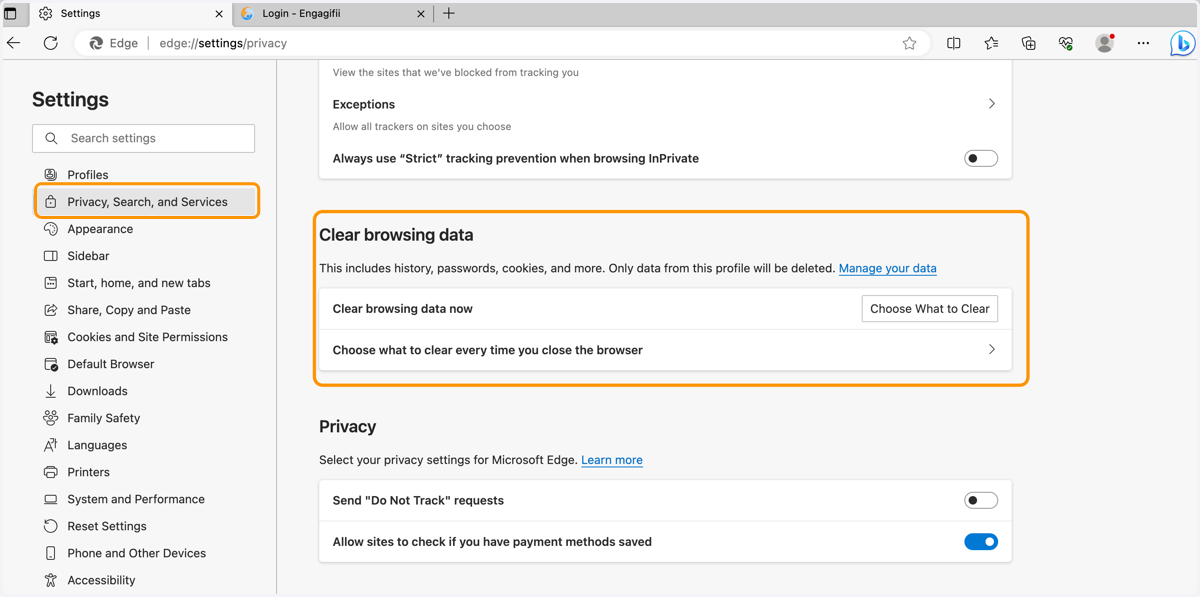
2. Click on Privacy, Search and Services and scroll to Clear Browsing Data. You can choose what and when to clear data.
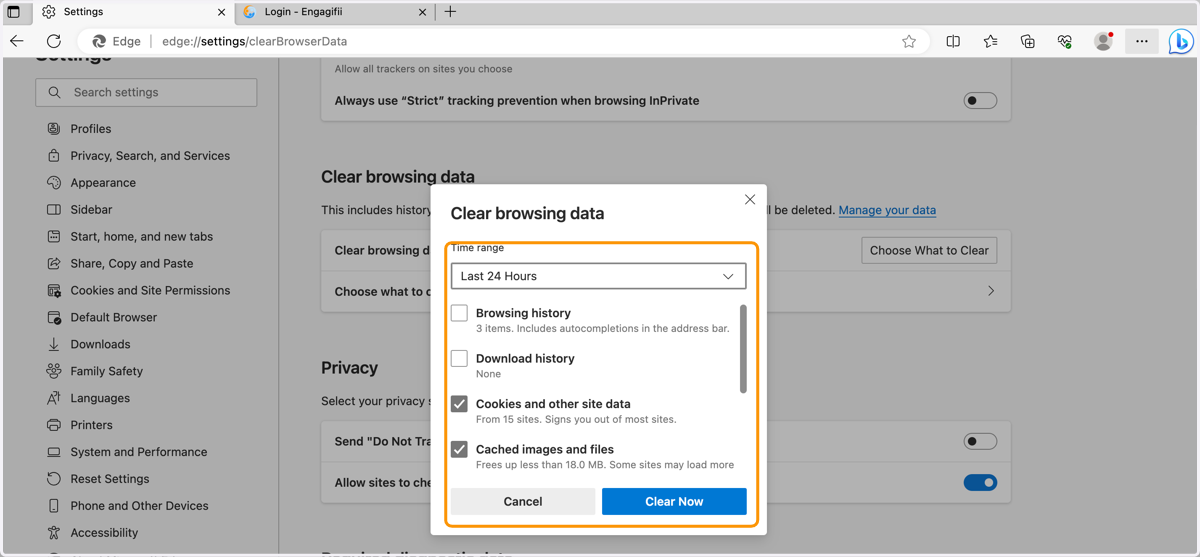
3. Check the Cookies and Cache boxes and select Clear Now