Creating & sharing custom graphics

Dripflow.io | Graphics Settings

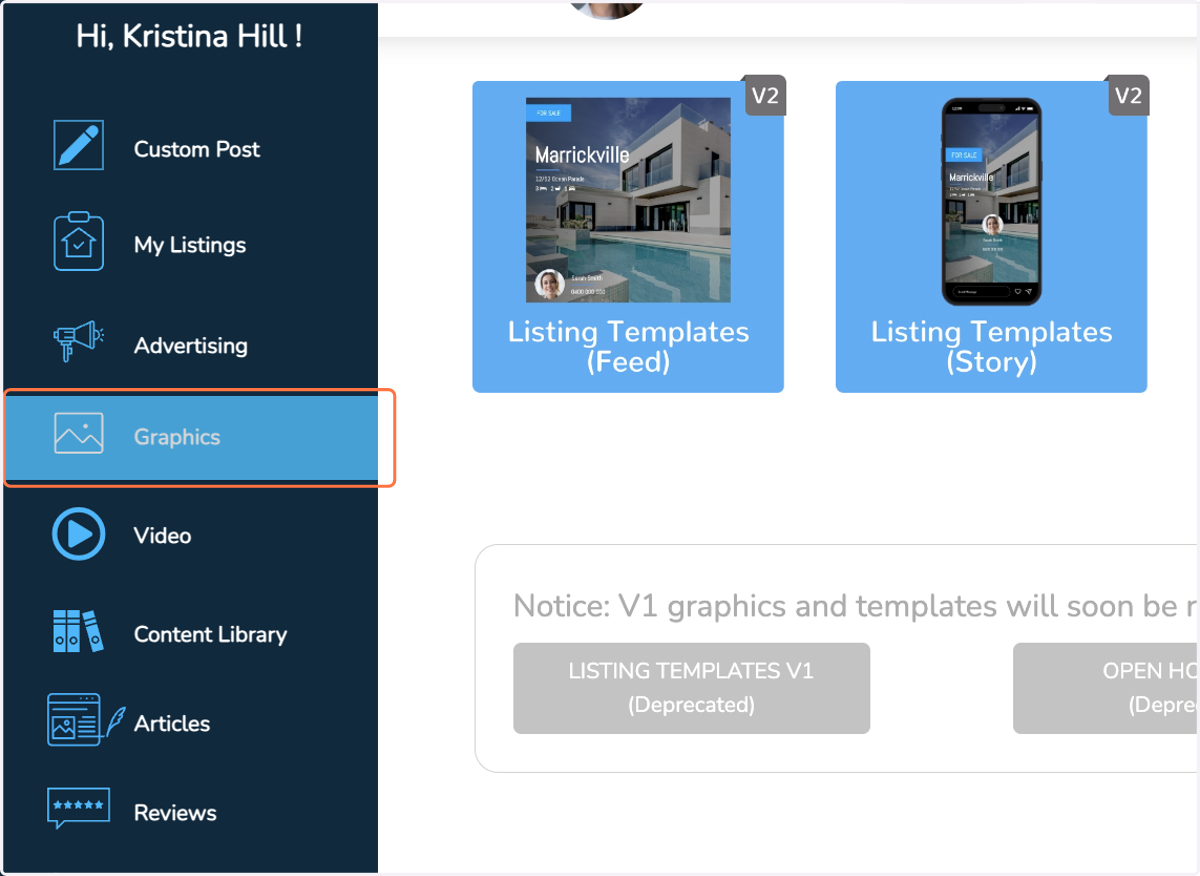
  1. 1. Click on Graphics

    Click on Graphics
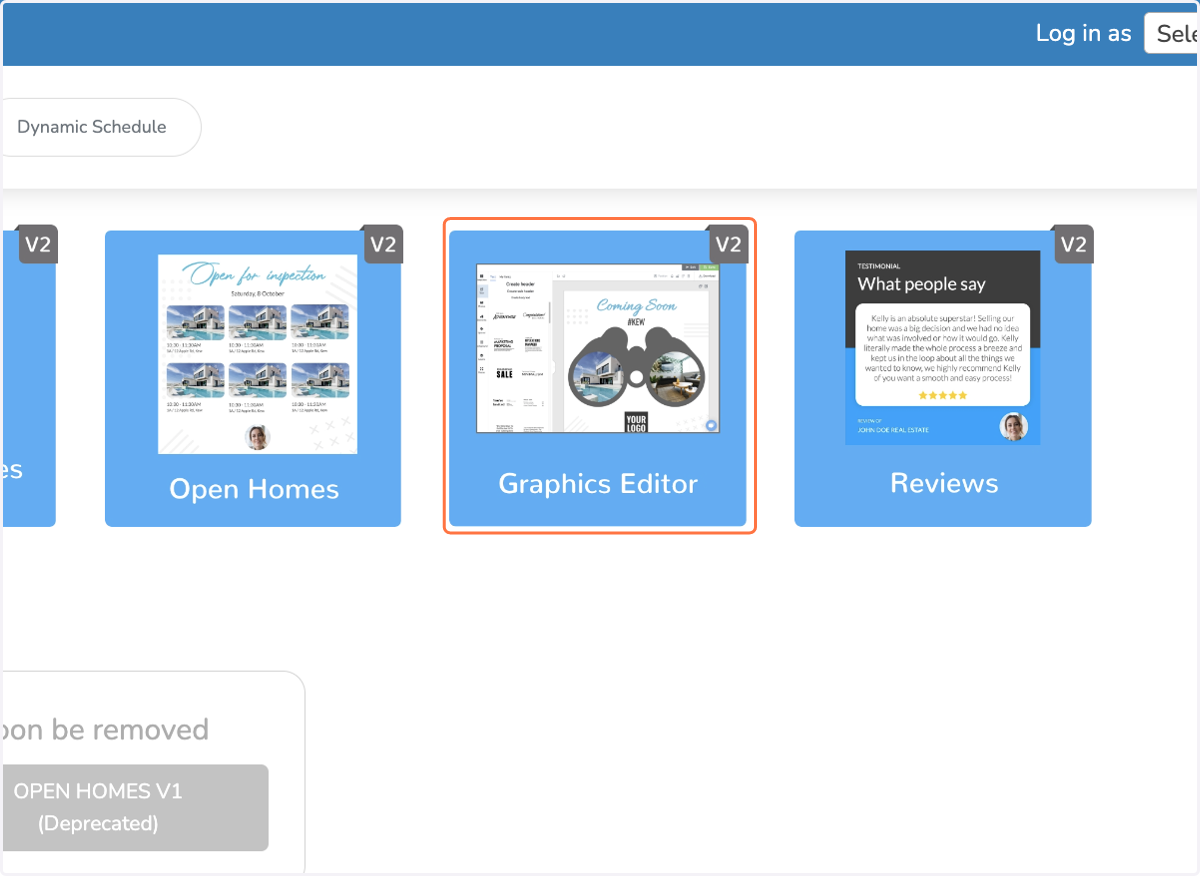
  2. 2. Click on Graphics Editor

    Click on Graphics Editor
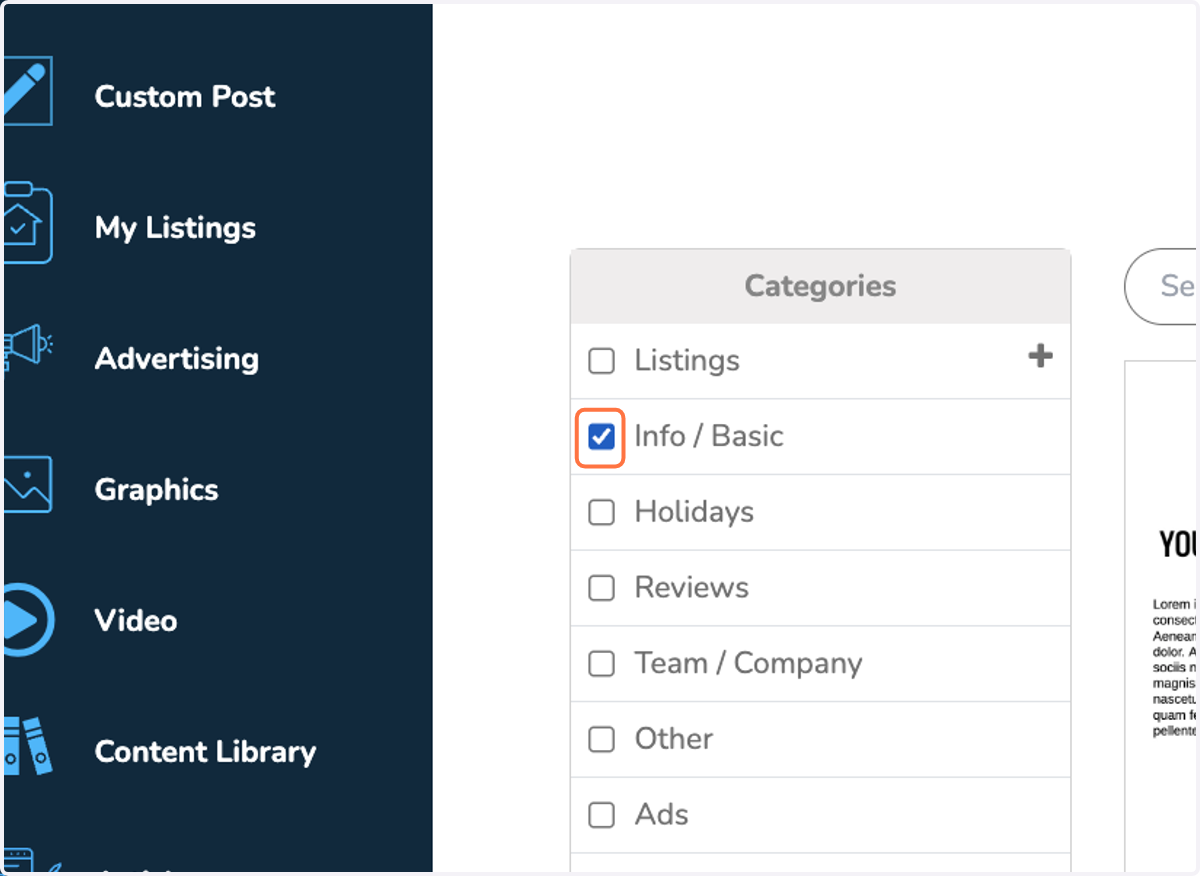
  3. 3. Select a category

    Select a category
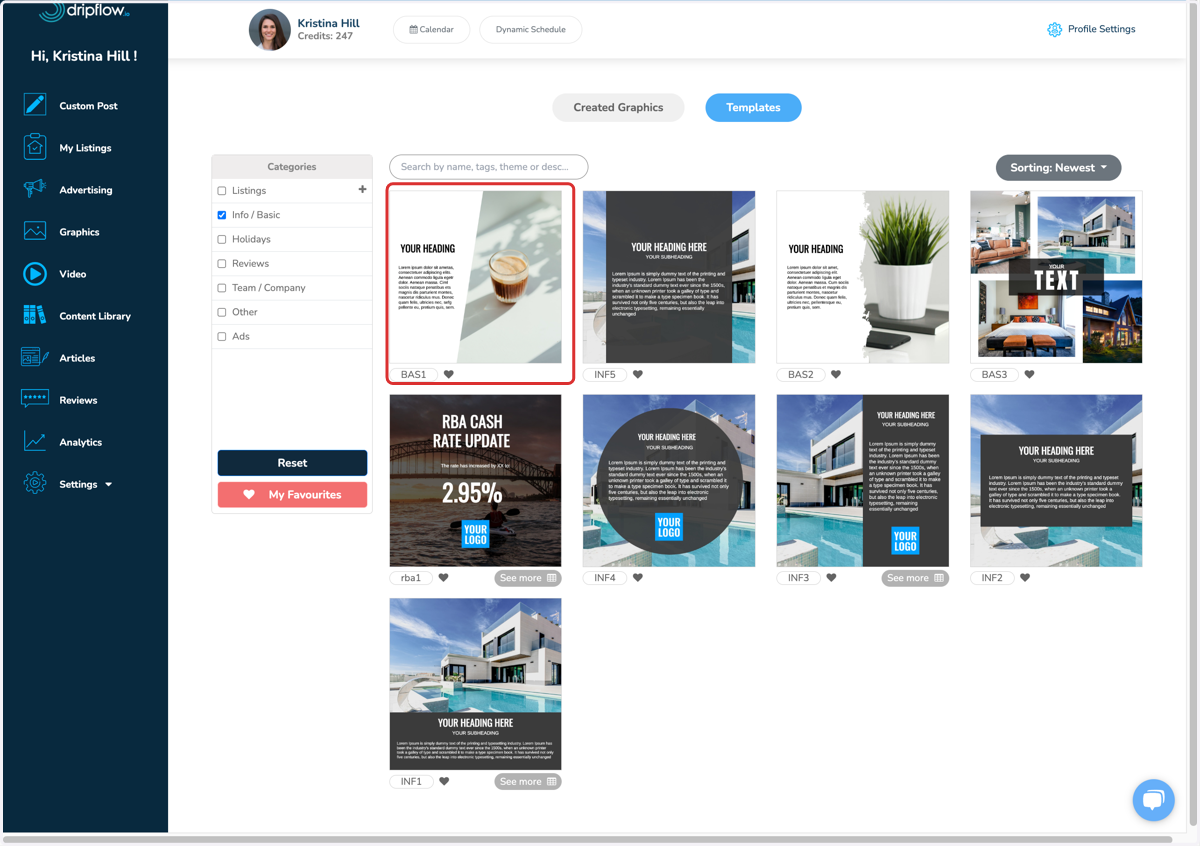
  4. 4. Click on a templates

    Click on a templates
  5. 5. Customise the graphic by dragging & dropping a photo onto an image.
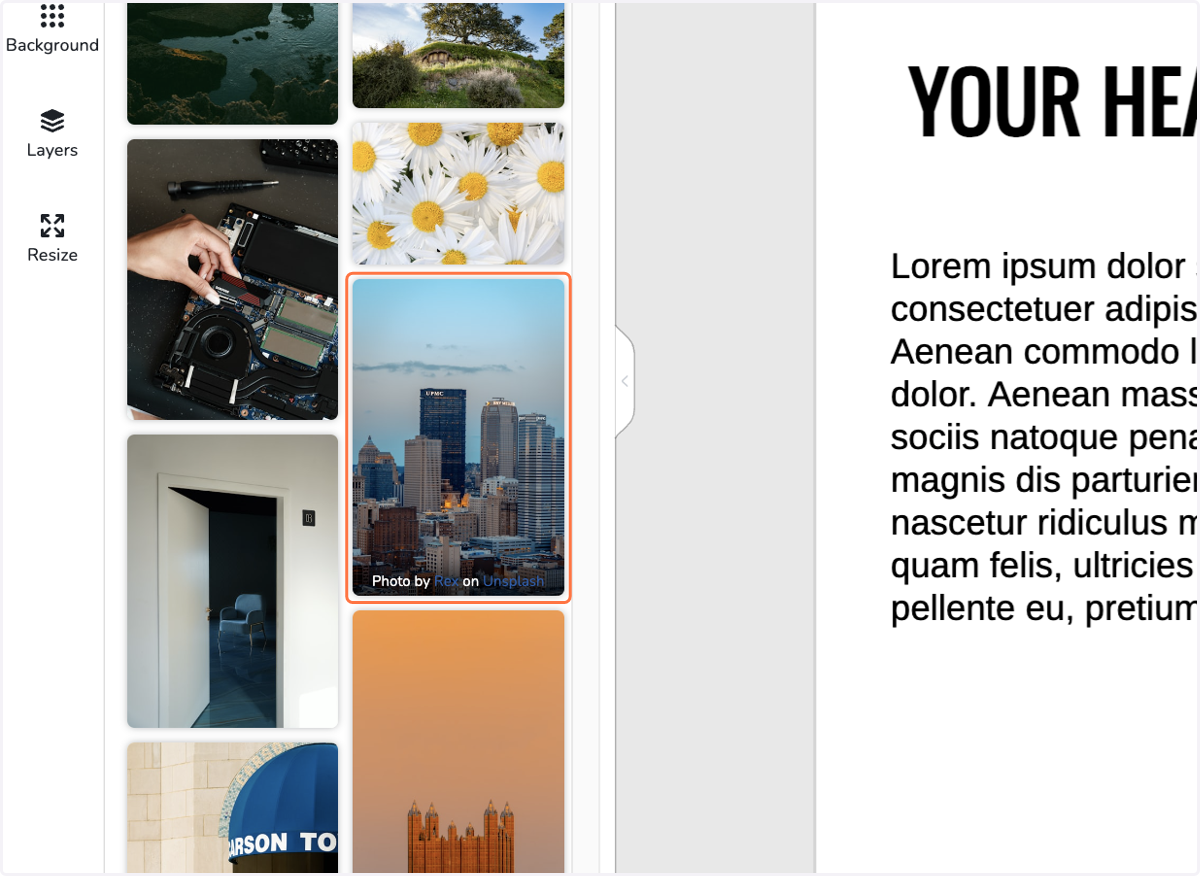
    Customise the graphic by dragging & dropping a photo onto an image.
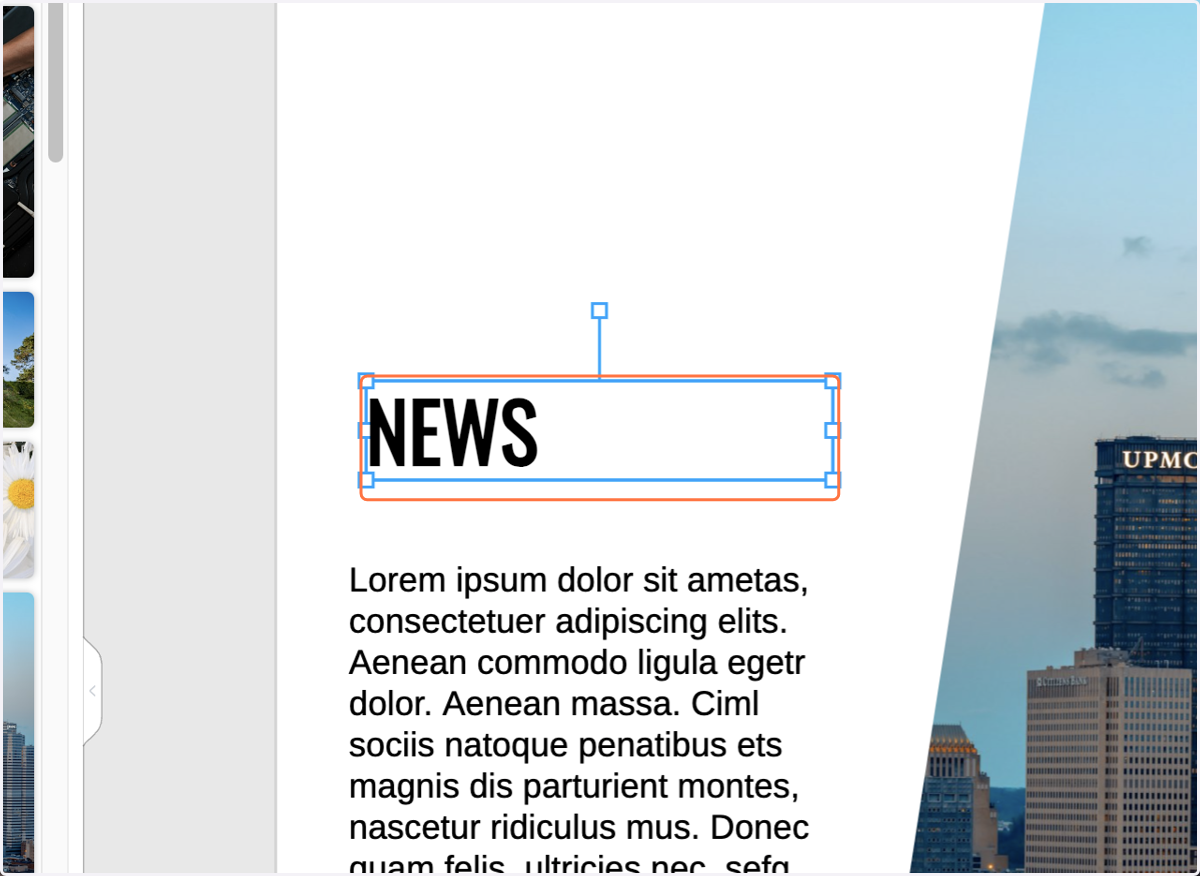
  6. 6. Change the headline

    Change the headline
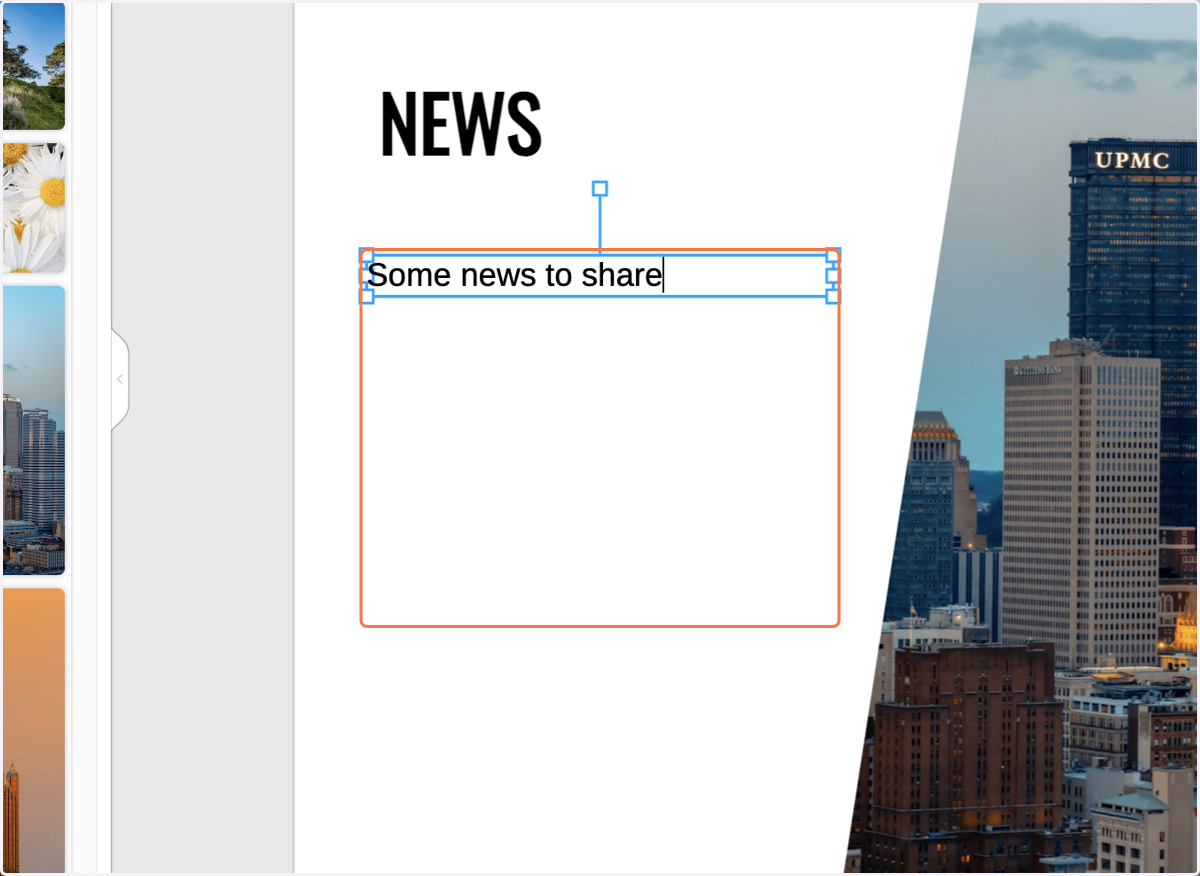
  7. 7. Change the text

    Change the text
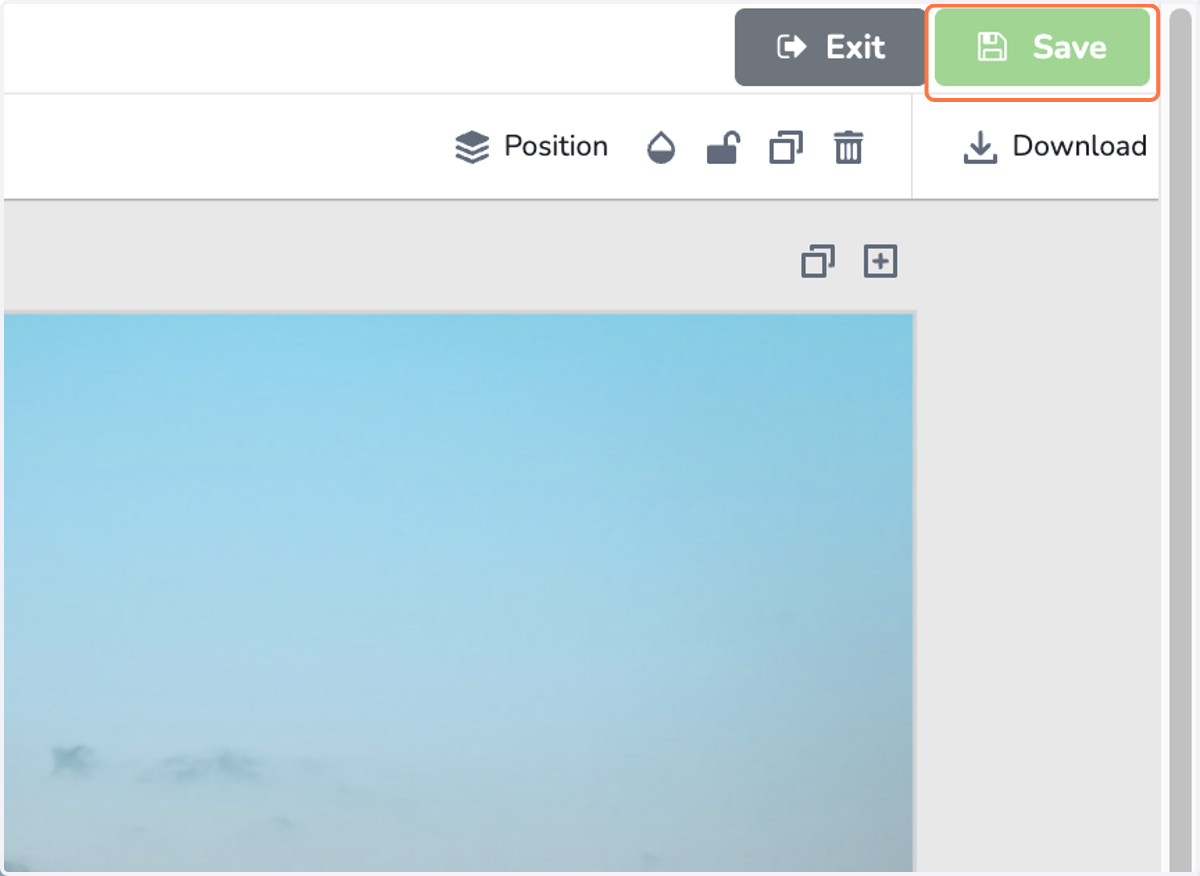
  8. 8. Click on Save

    Click on Save
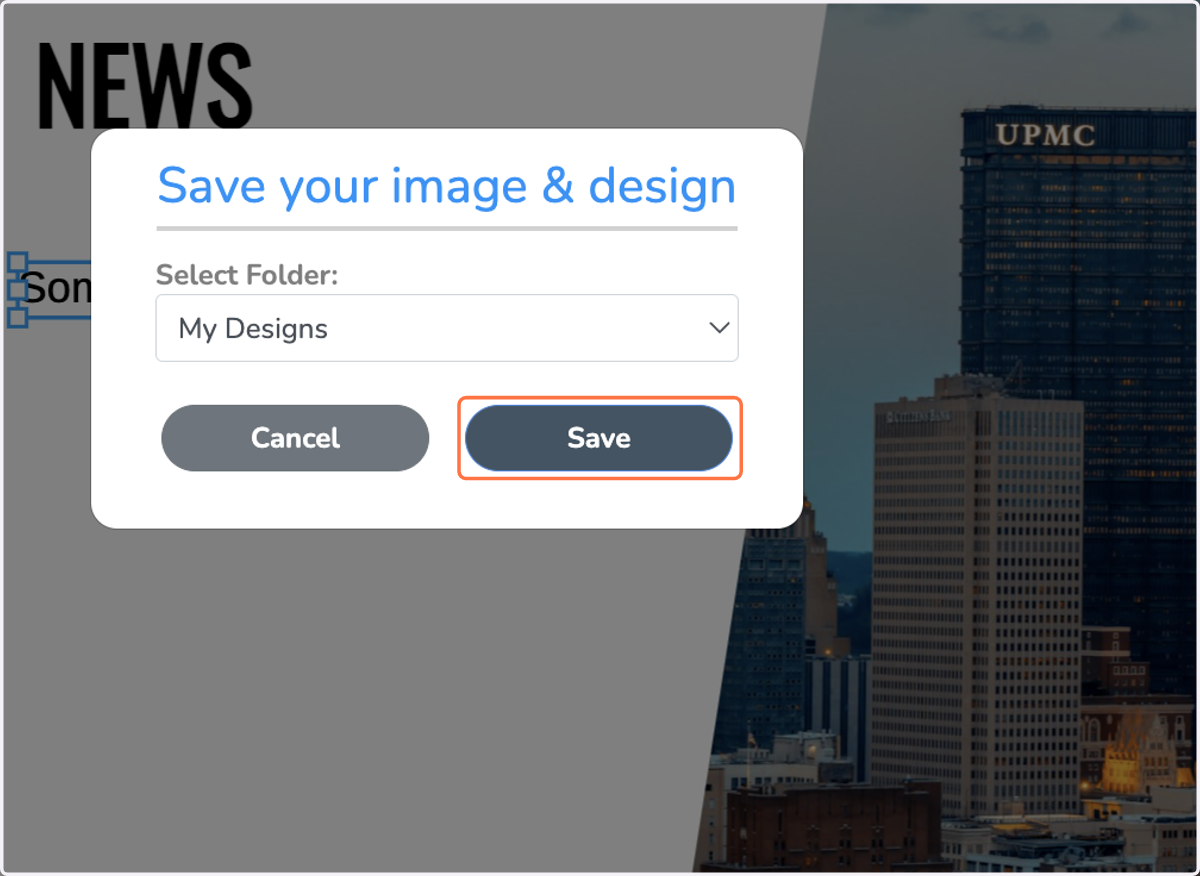
  9. 9. Select a folder & click Save

    Select a folder & click Save
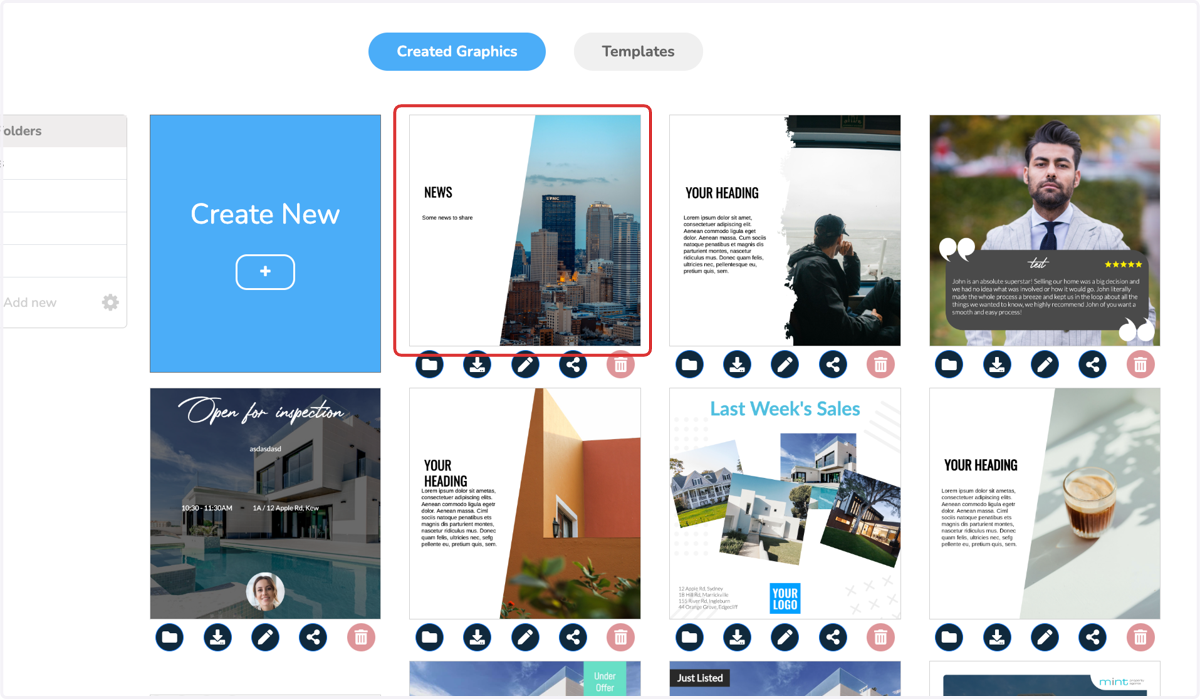
  10. 10. Click on the created graphic

    Click on the created graphic
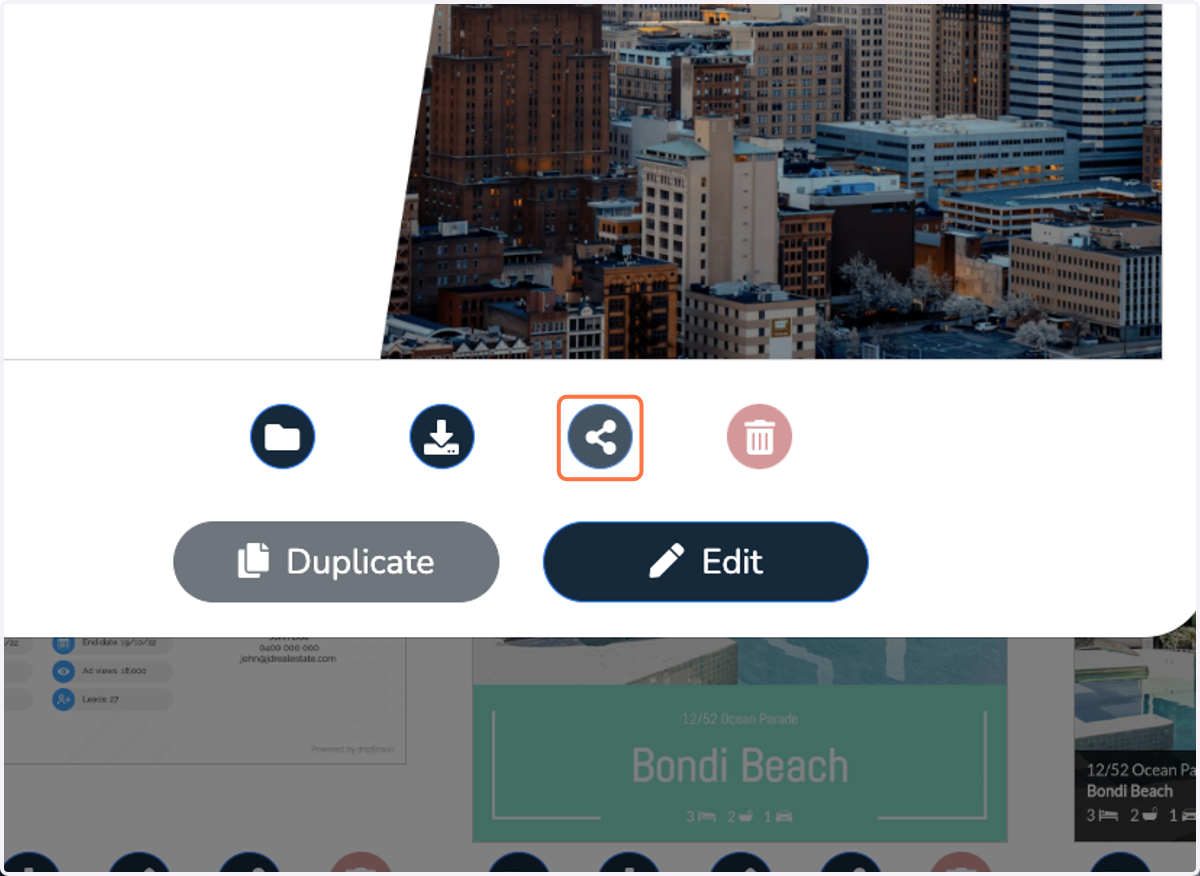
  11. 11. Click on share

    Click on share
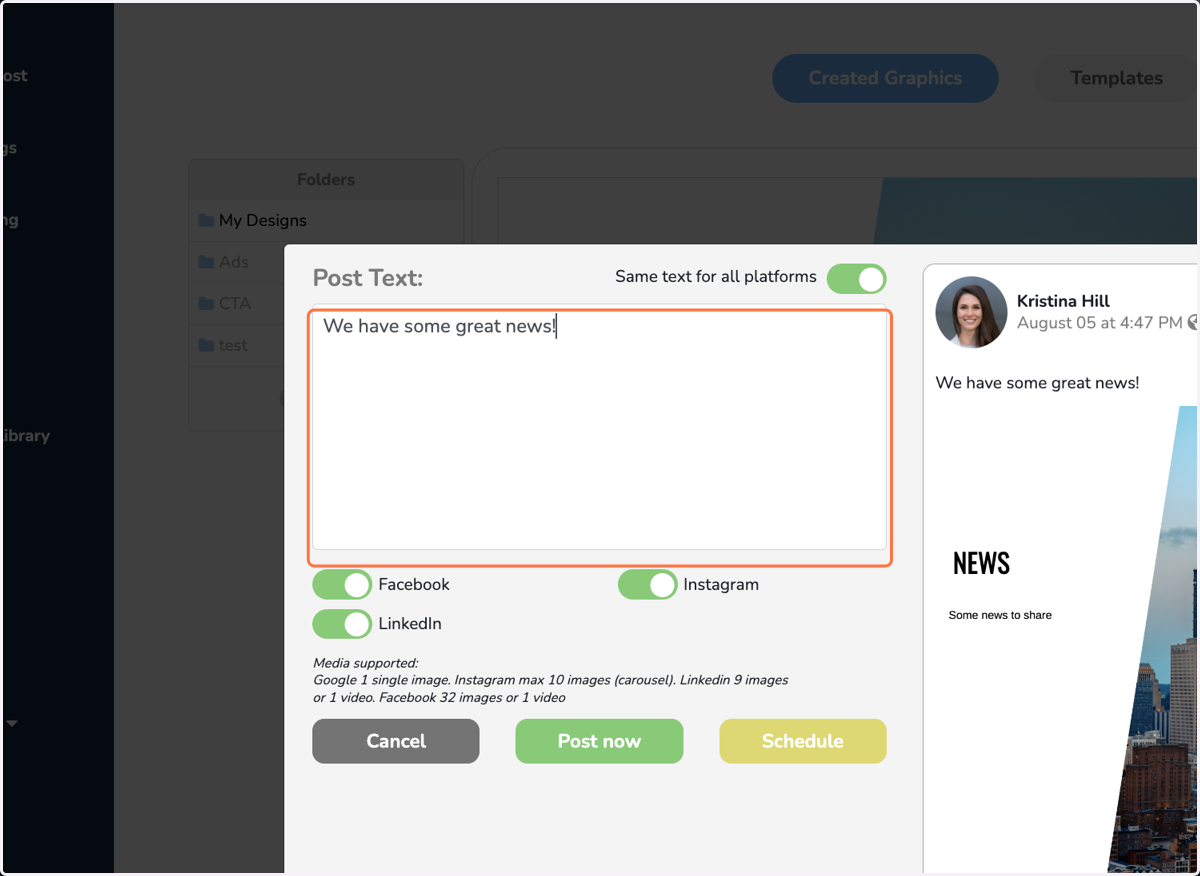
  12. 12. Write your post text

    Write your post text
  13. 13. Click on 'Post Now' or 'Schedule'
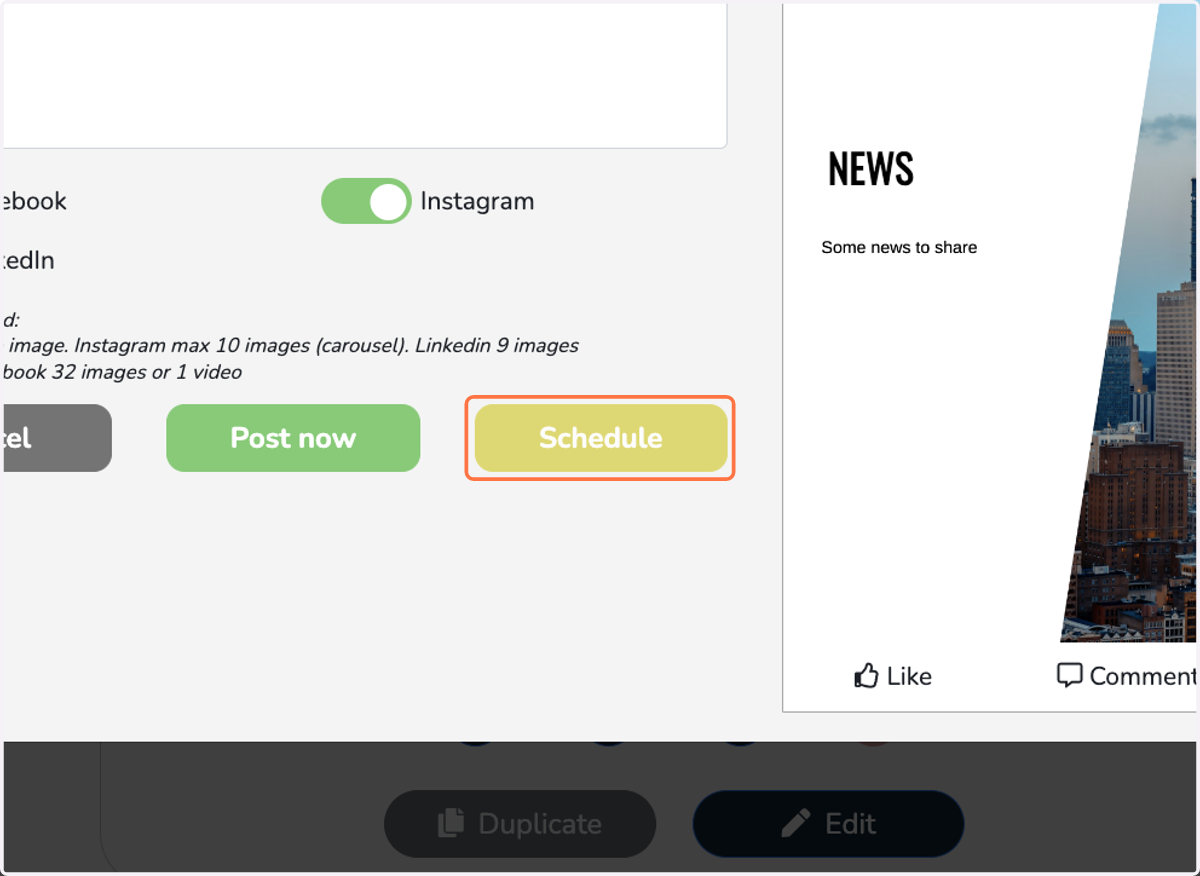
    Click on 'Post Now' or 'Schedule'
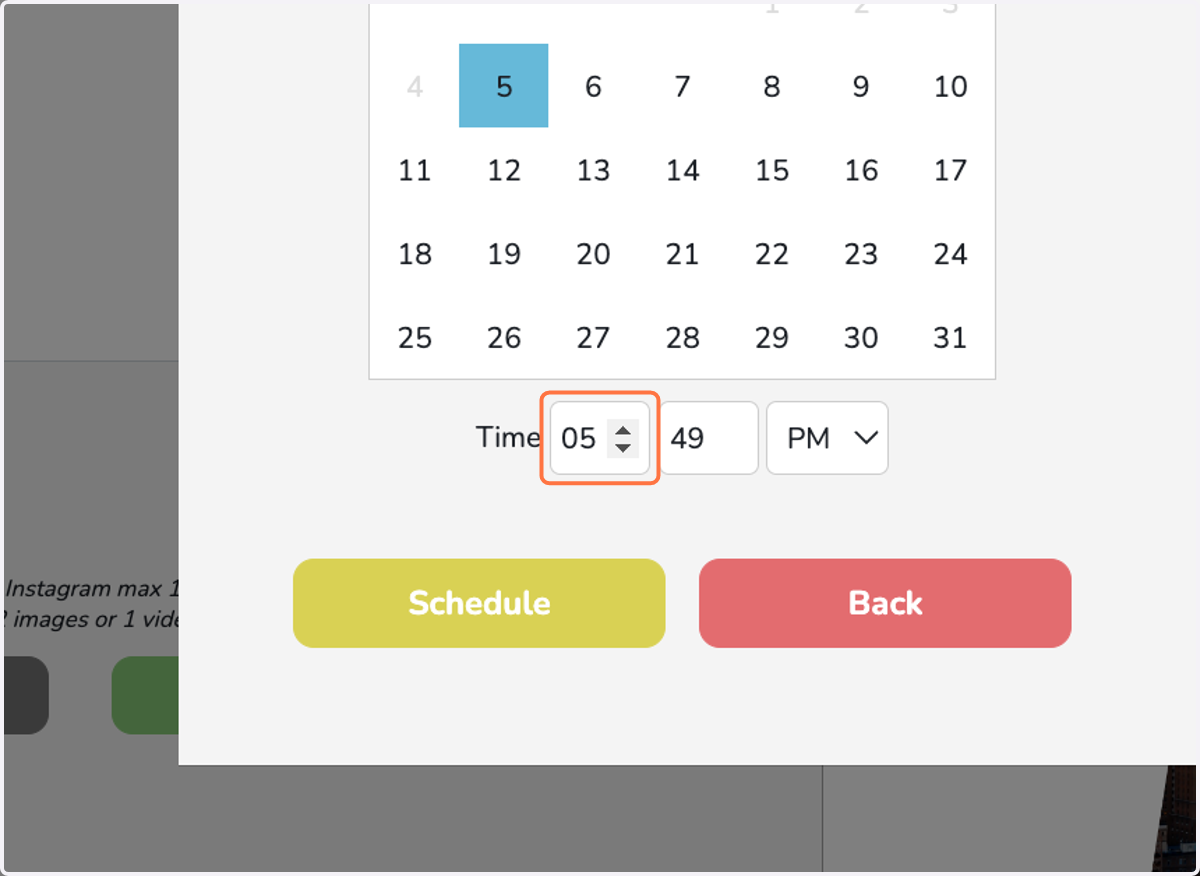
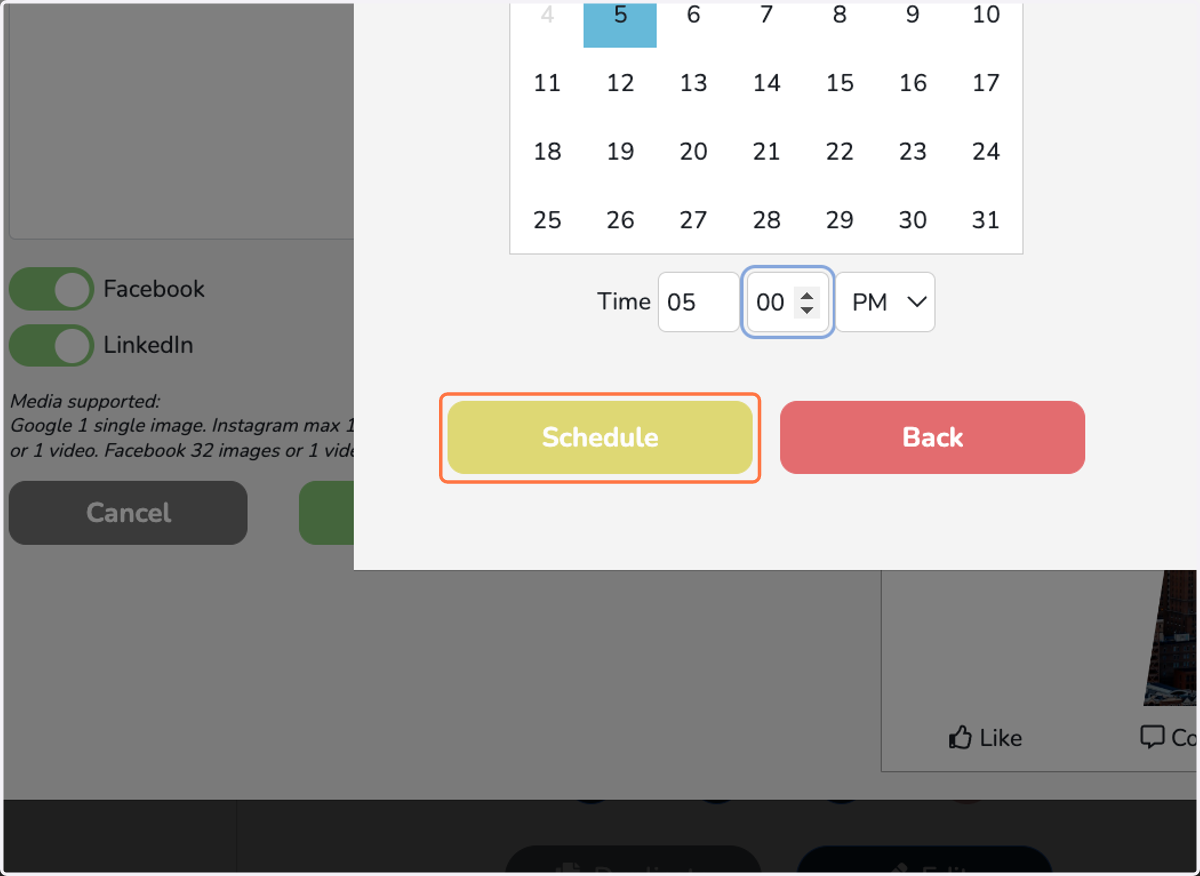
  14. 14. Pick your date & time

    Pick your date & time
  15. 15. Click on Schedule

    Click on Schedule