Users- 2FA Enabled
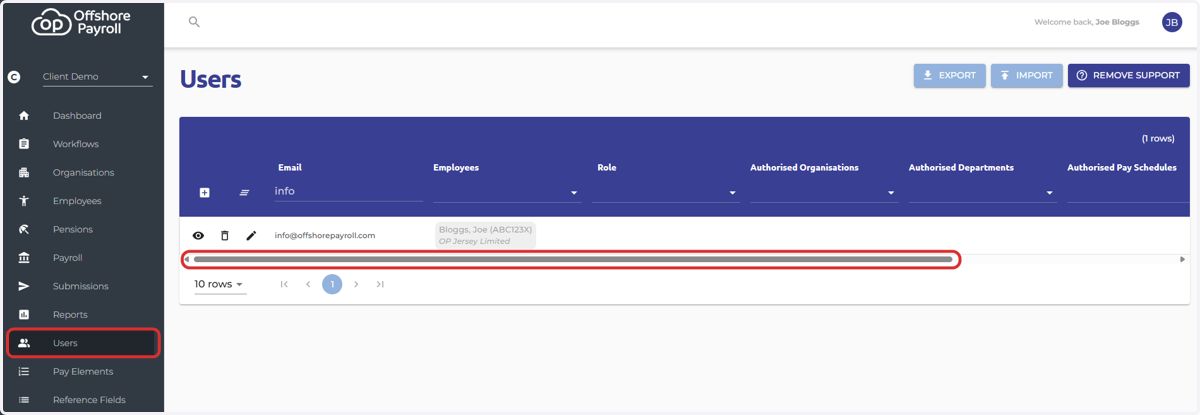
1. Navigate to the Users Screen
Select the scroll bar at the bottom of the screen and scroll to the right-hand hand side
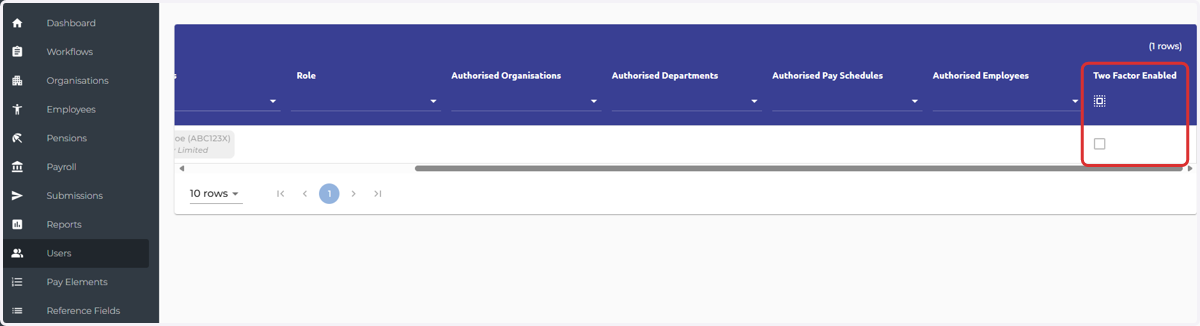
2. 2FA Enabled
You can then see a tick box underneath 'Two Factor Enabled'. In this example, the user has not enabled two-factor authentication.
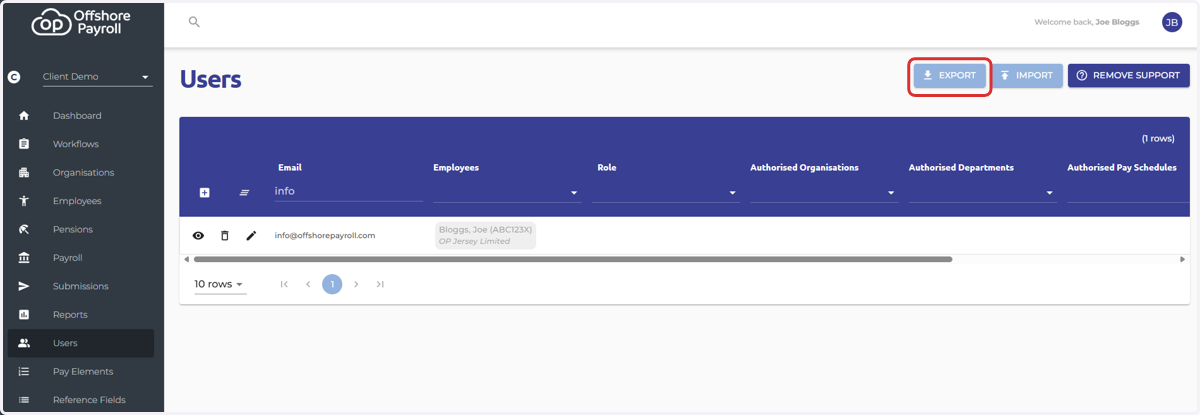
3. If you would like to see a list of all of the users in excel format, please select 'Export' at the top of the screen
The export will then download to your browser.
4. In column D, you’ll see whether each user has 2FA enabled or not.
