How to use the filters inside the Night Minimum Report?
RevMax
1. From your RevMax home page, click on Reports
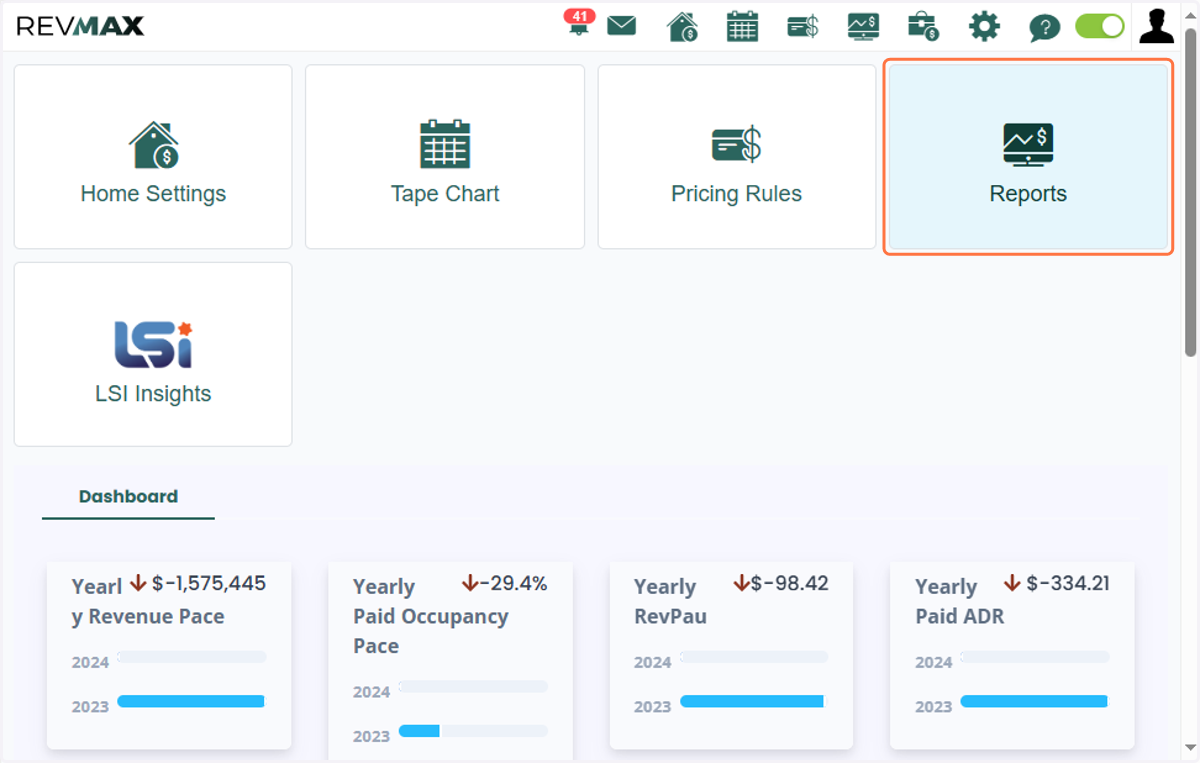
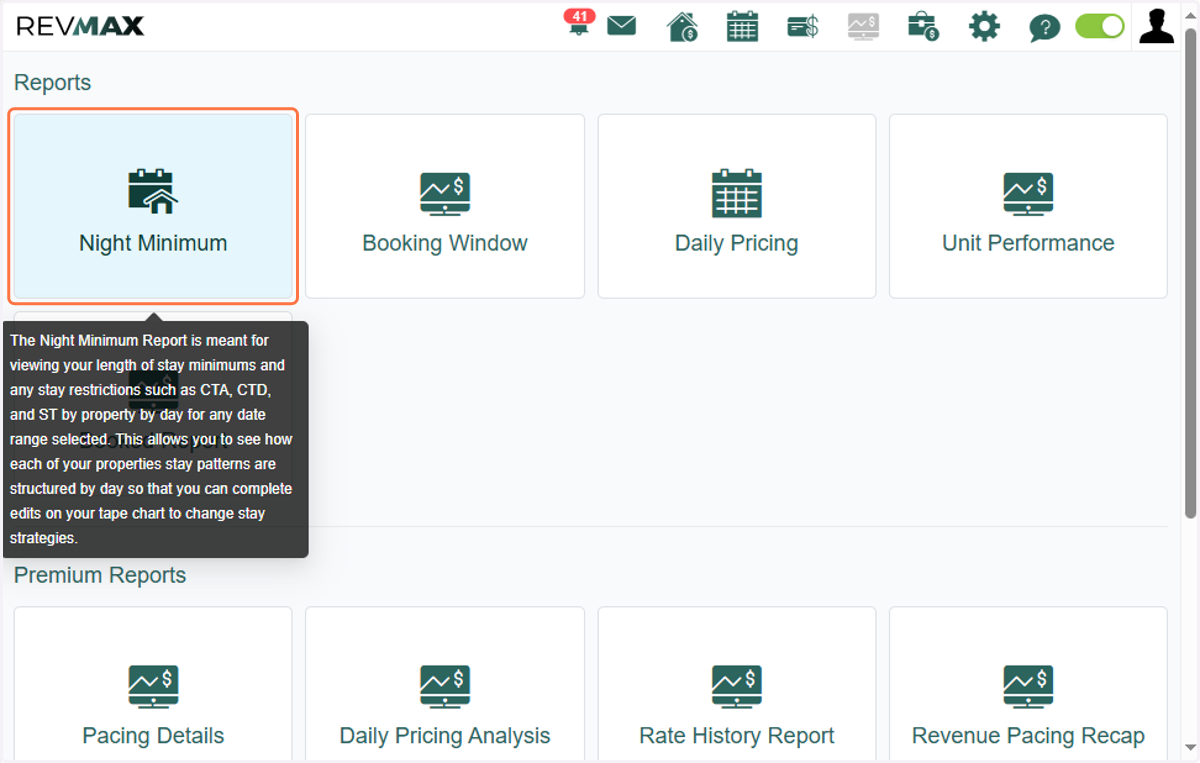
2. Click on Night Minimum
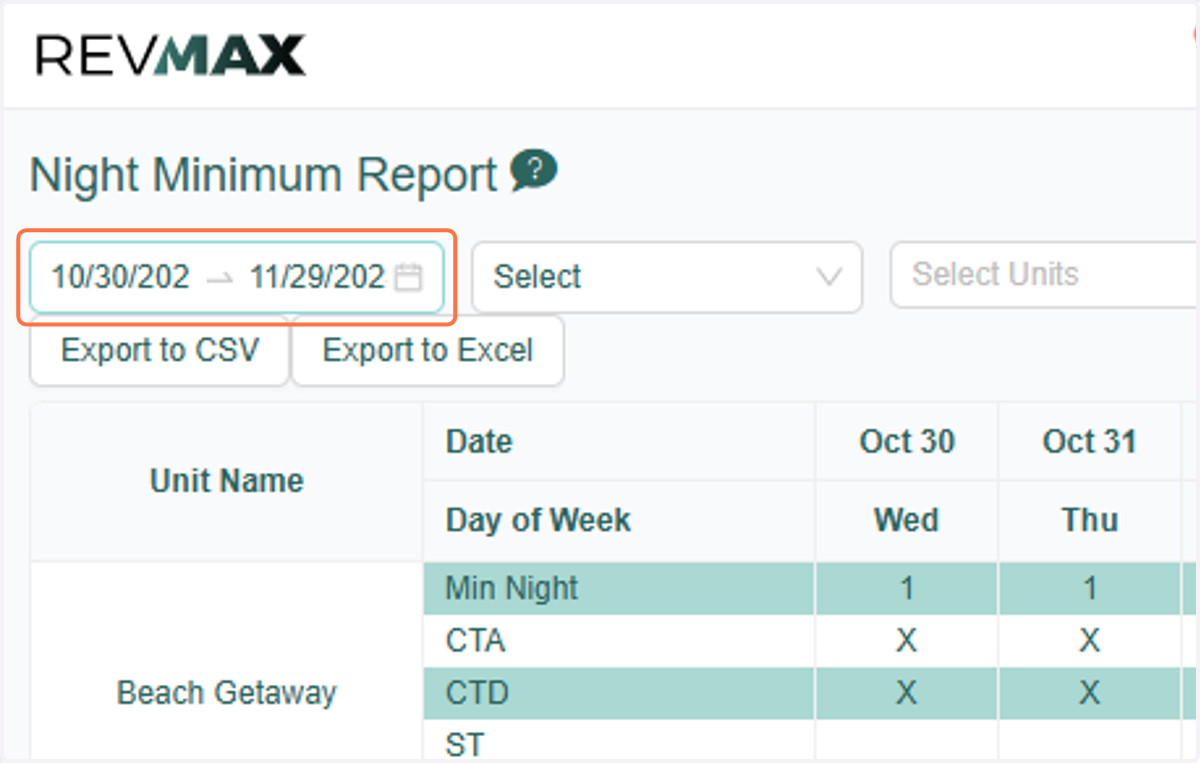
3. Start by selecting the preferred date range
4. You can filter by Occupancy group
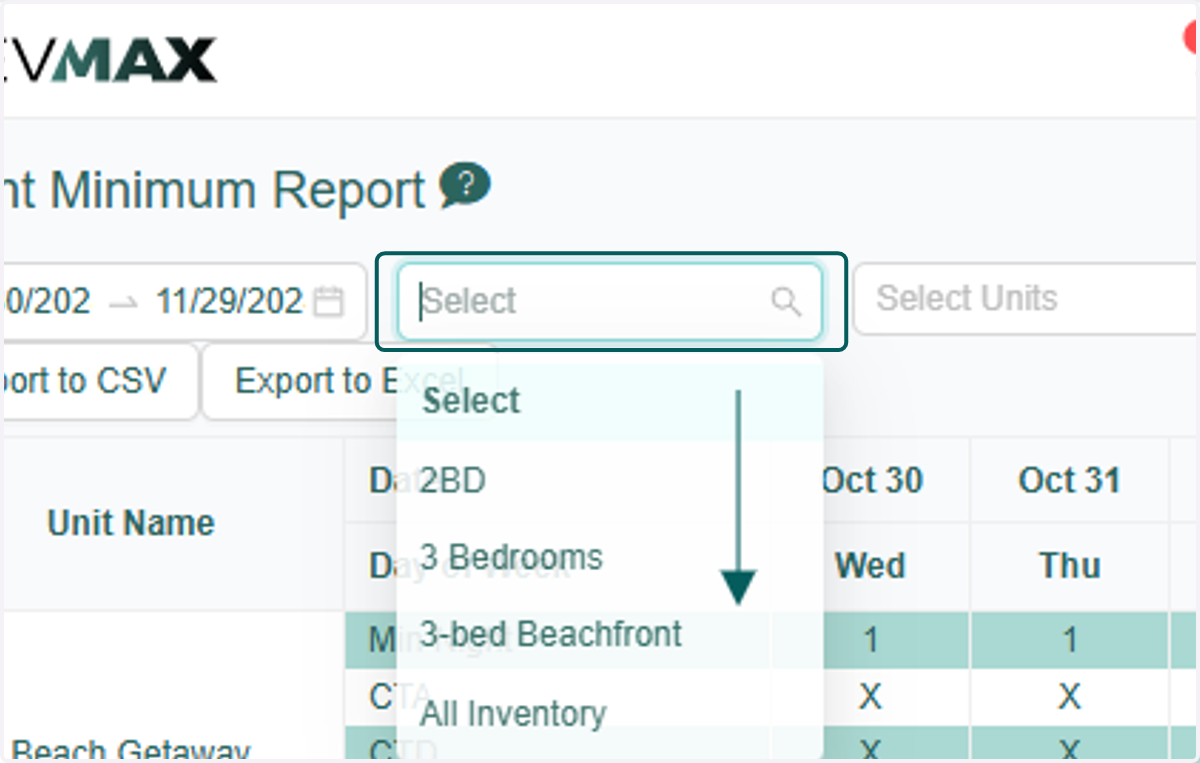
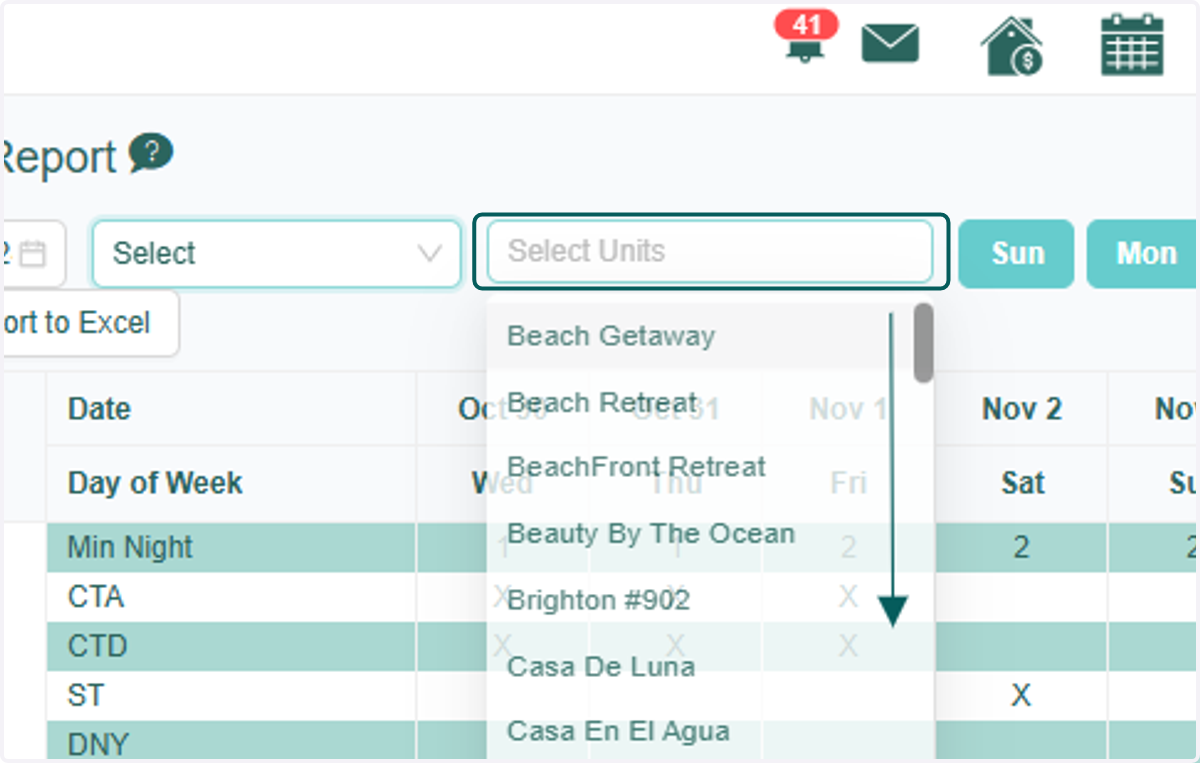
5. or filter by selecting units
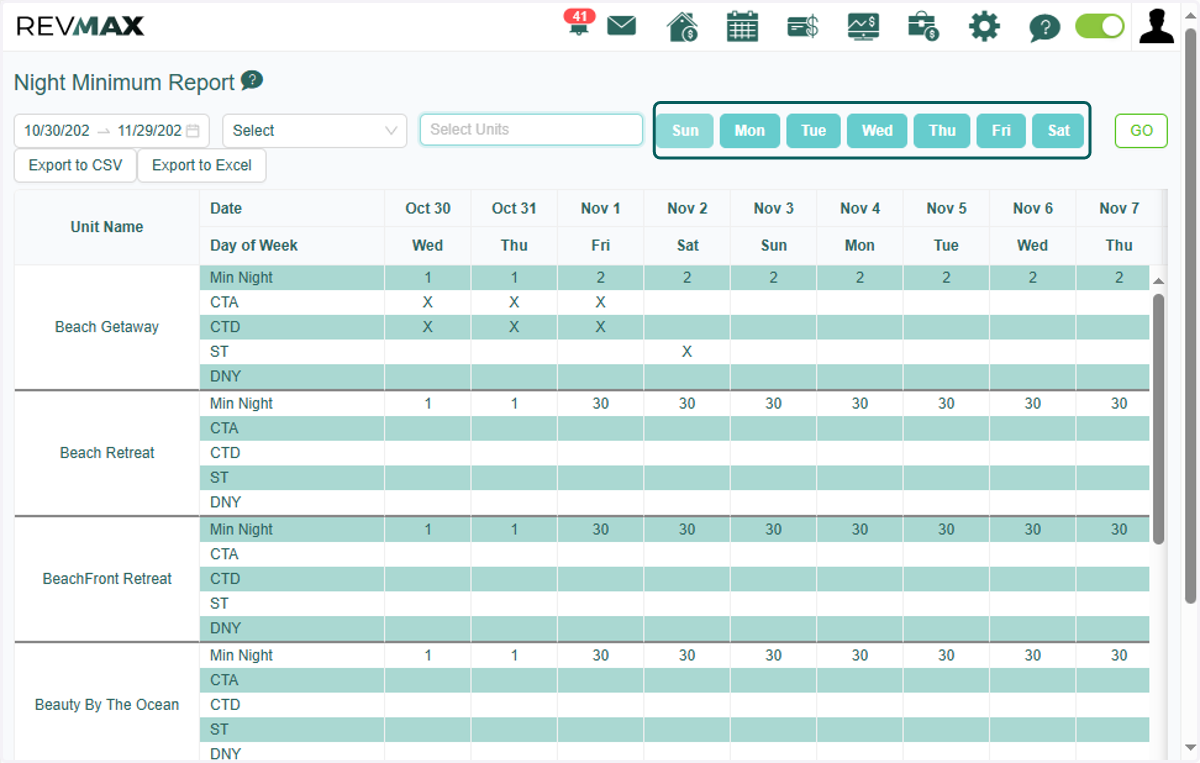
6. You can also select by days of the week of the filtered date range
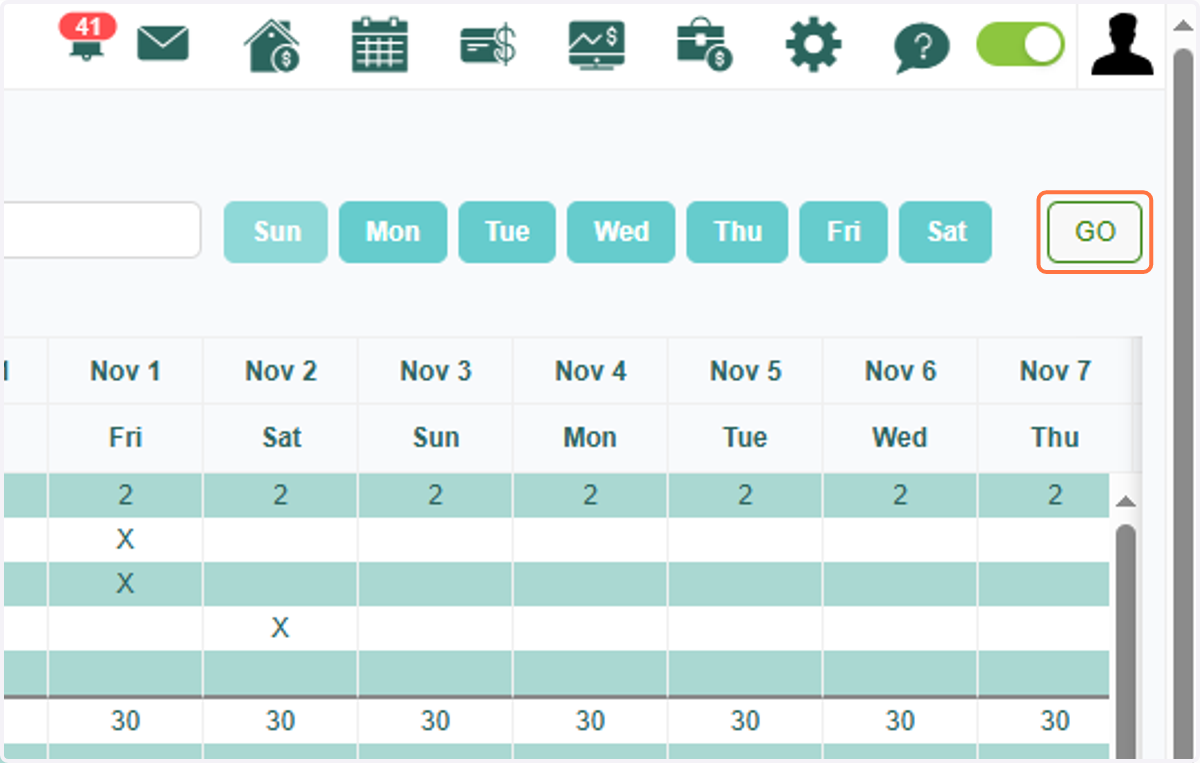
7. Once all is set, you can click "GO" to generate the report
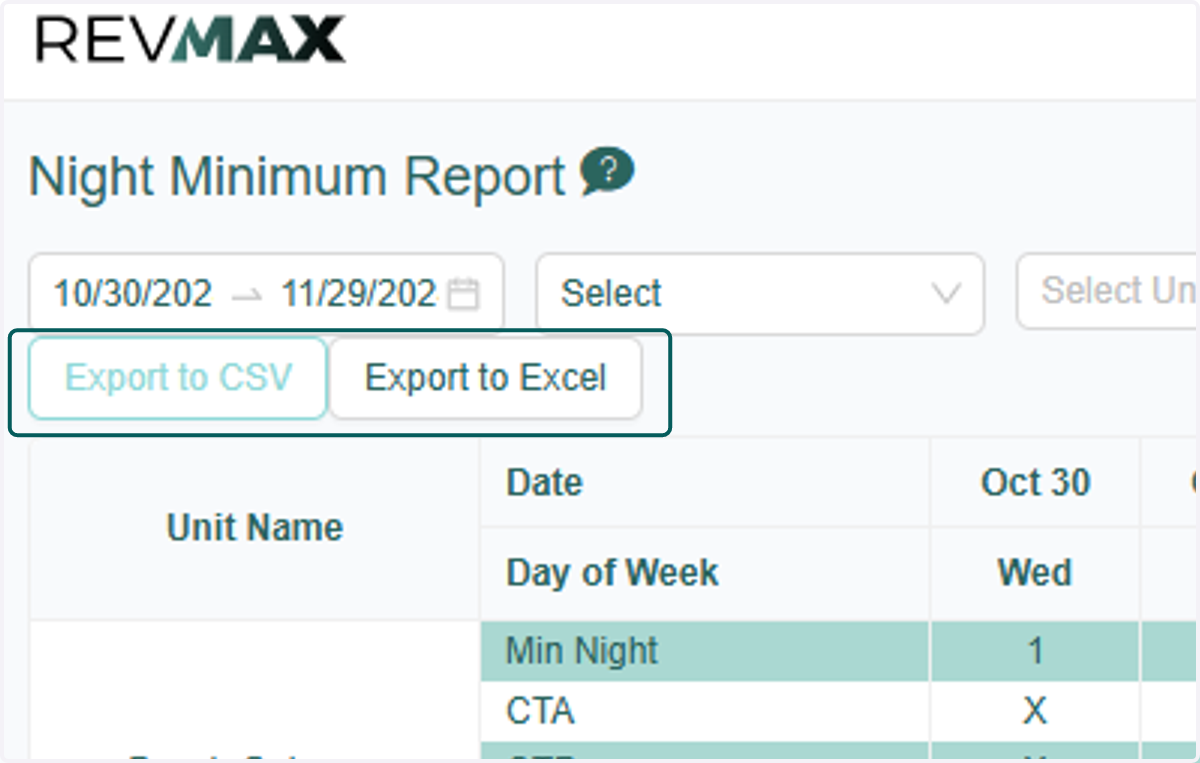
8. You have the option to export this report to CSV or Excel file format