Adding a Movement Alert in MyGeotab Add-In
Map | MyGeotab
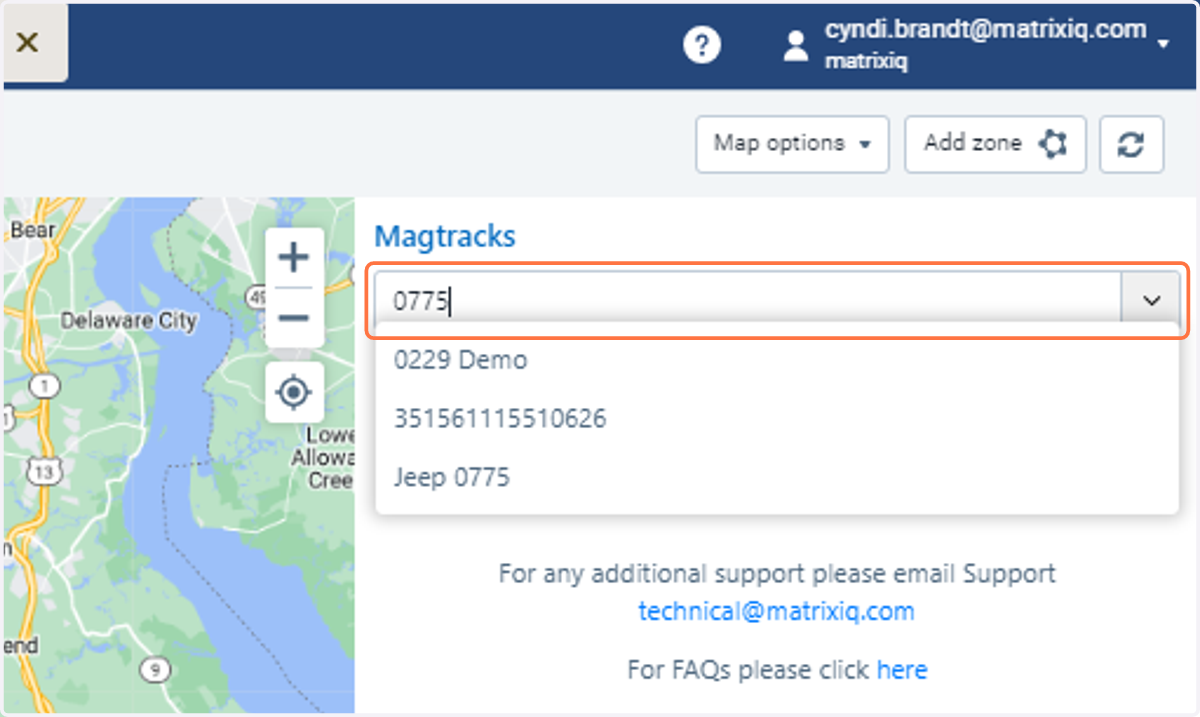
1. Type in the number of the asset
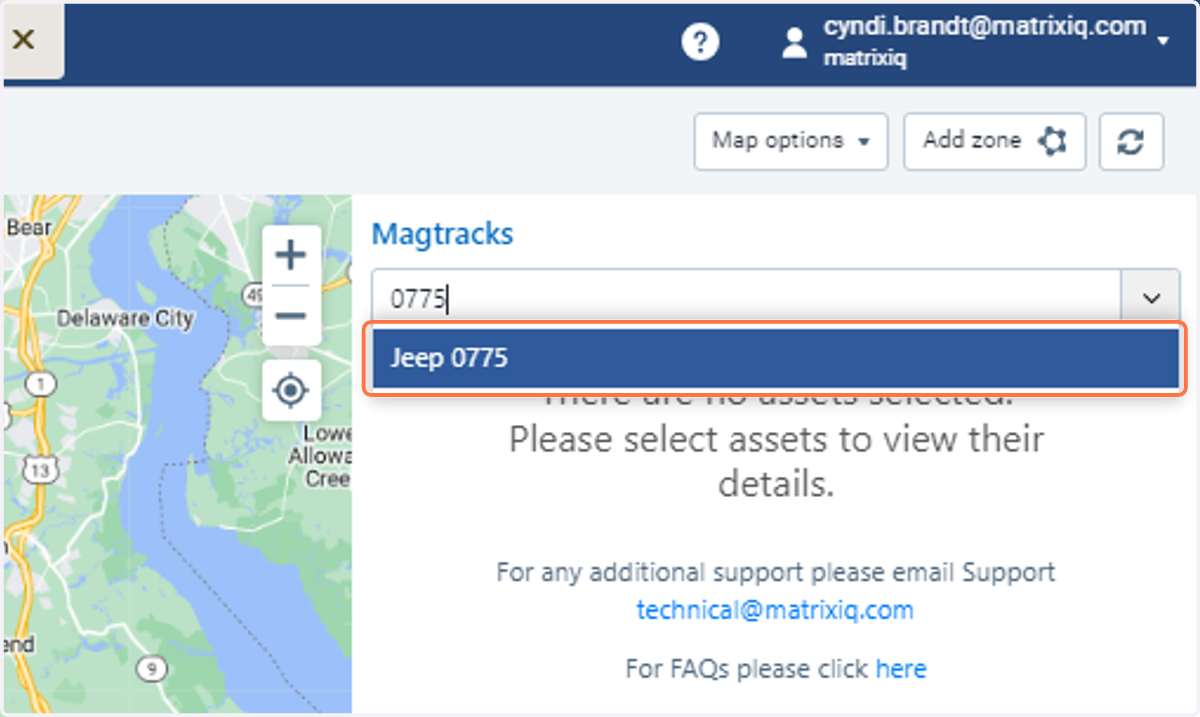
2. Click on the Asset
3. Check on Movement Alert
Scroll to the bottom third of the Add-in and click on the Movement Alert
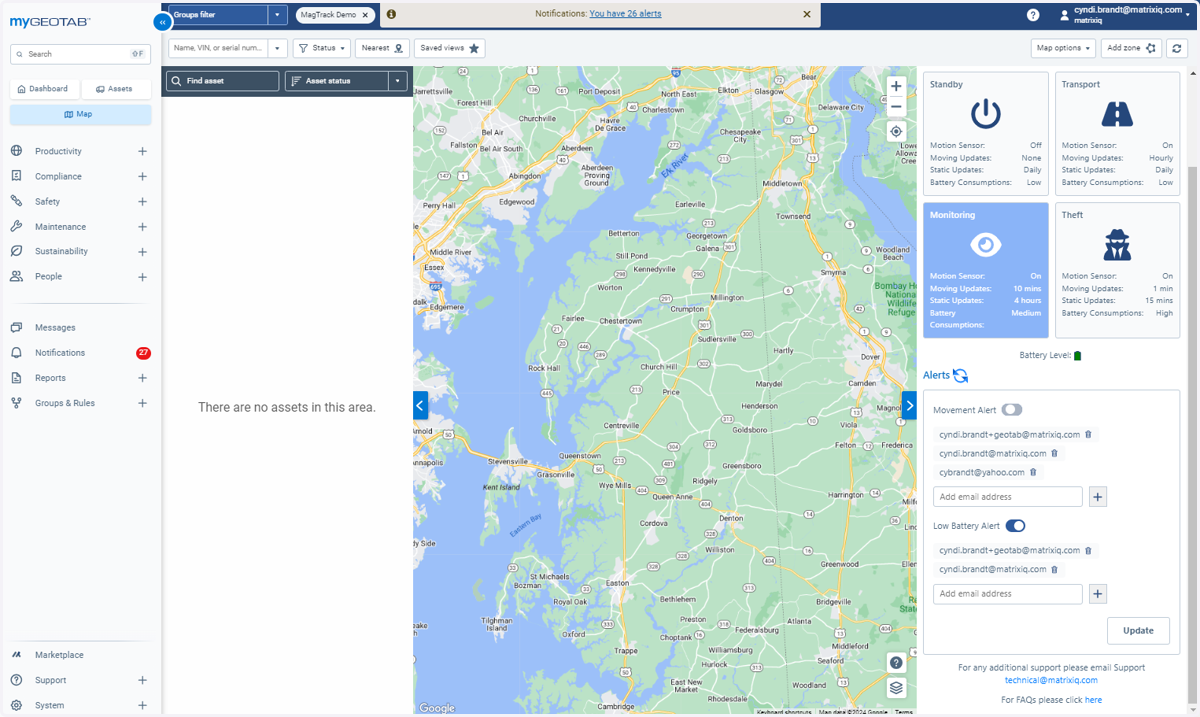
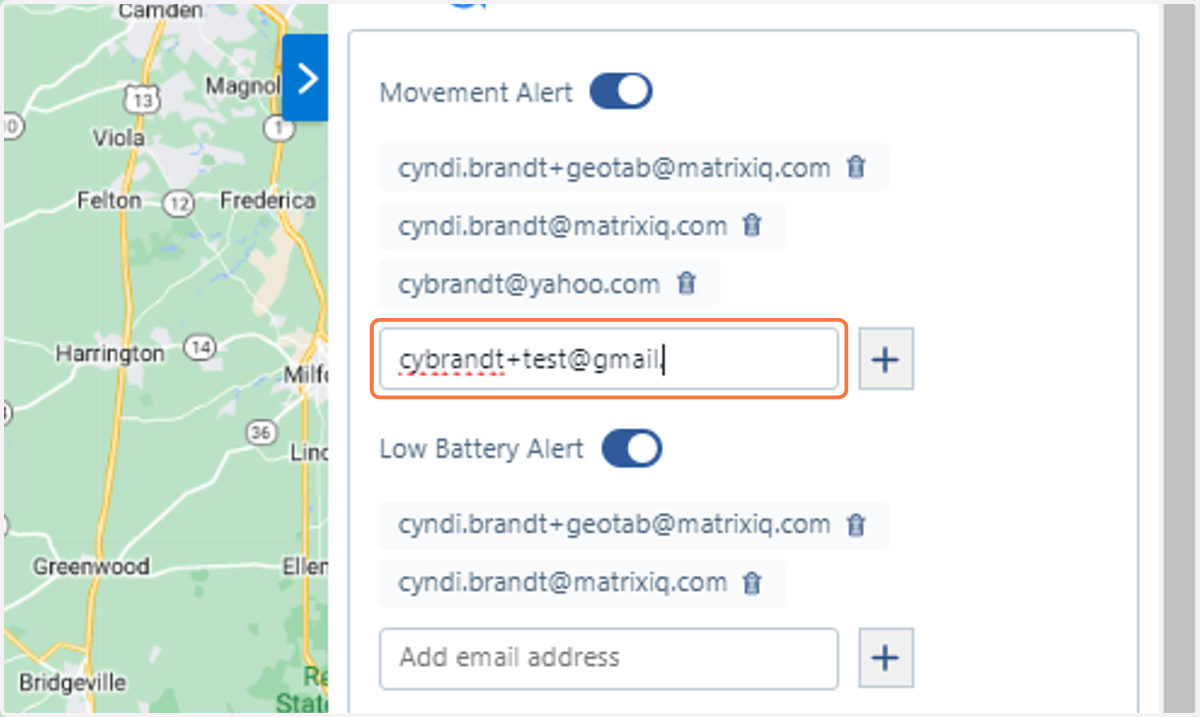
4. Type in the email you would like to add for an alert
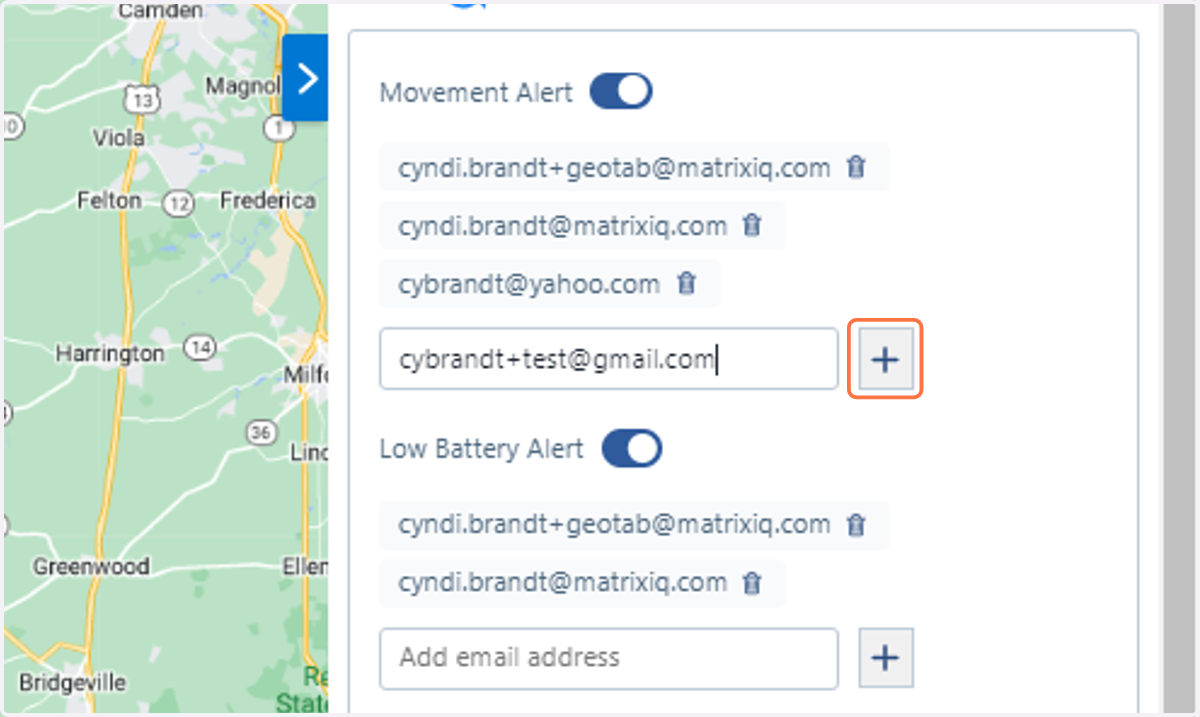
5. Click on "+" symbol
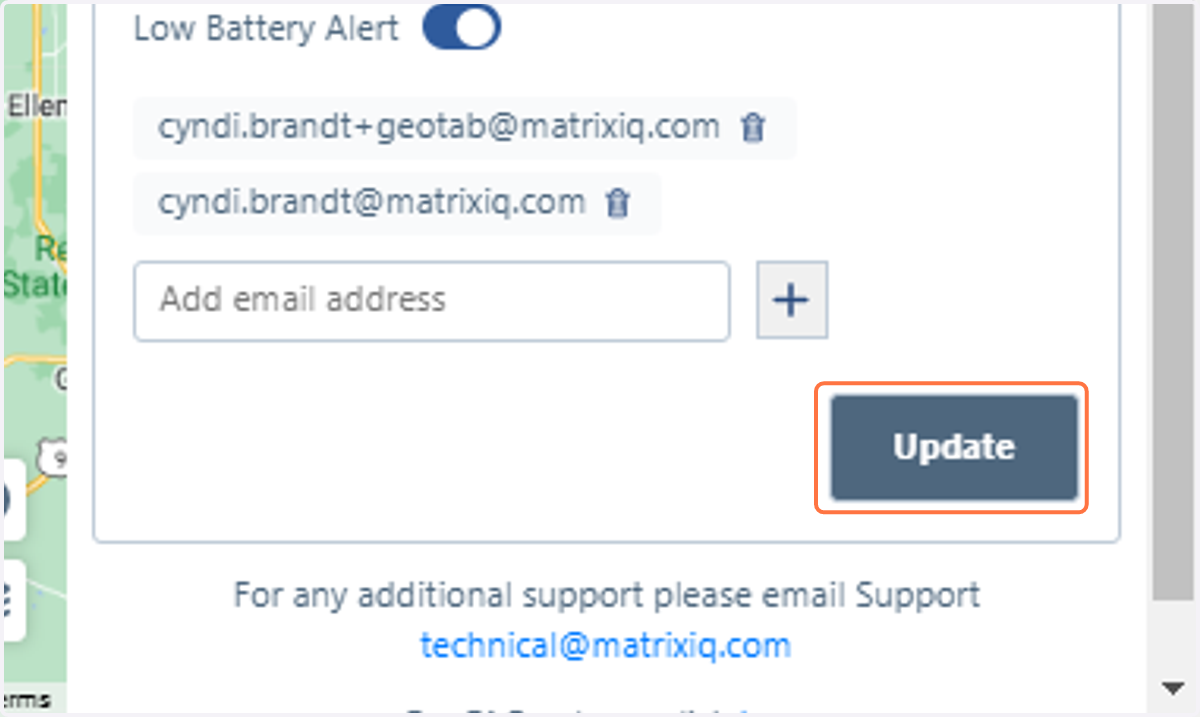
6. Click Update Button