Intake a Caregiver in Binti
Instructions for completing an intake for a new caregiver in Binti.
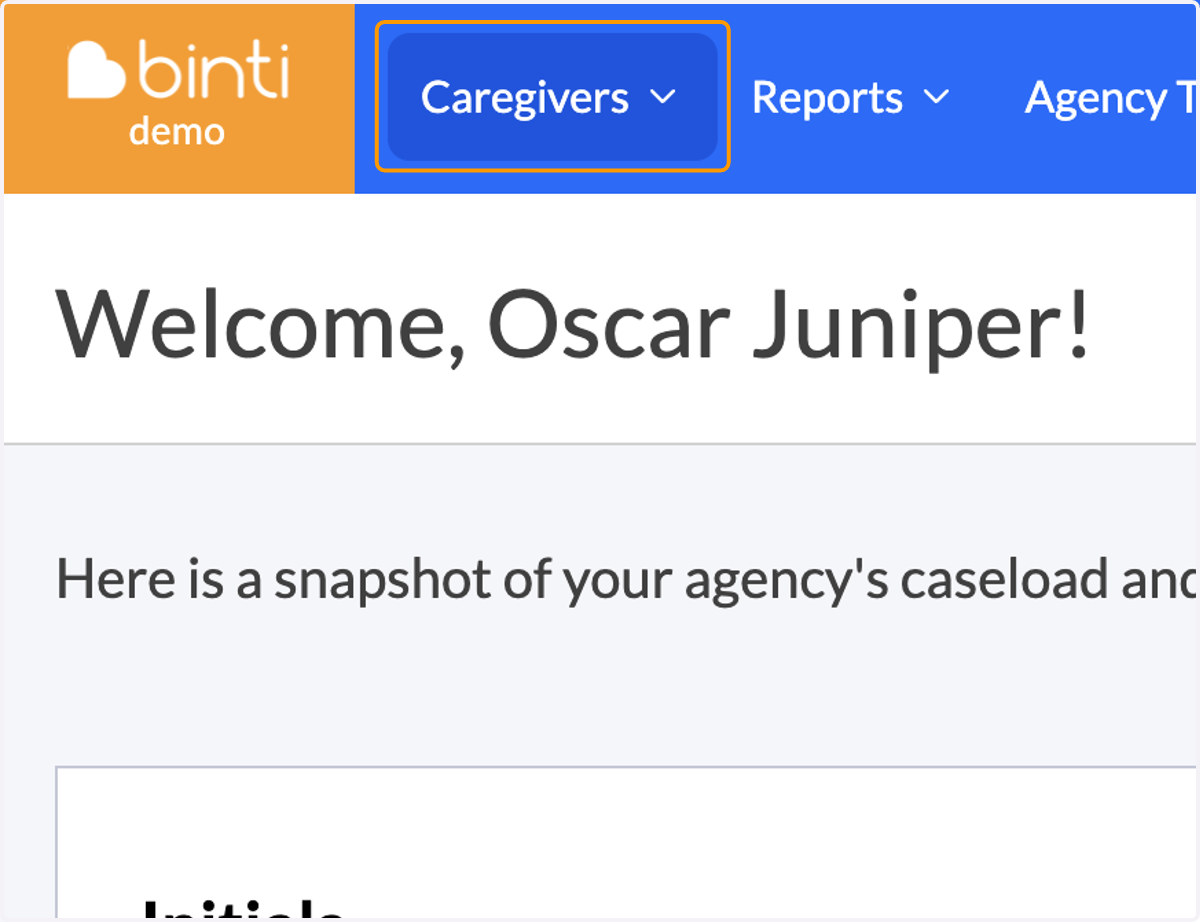
1. Click on Caregivers
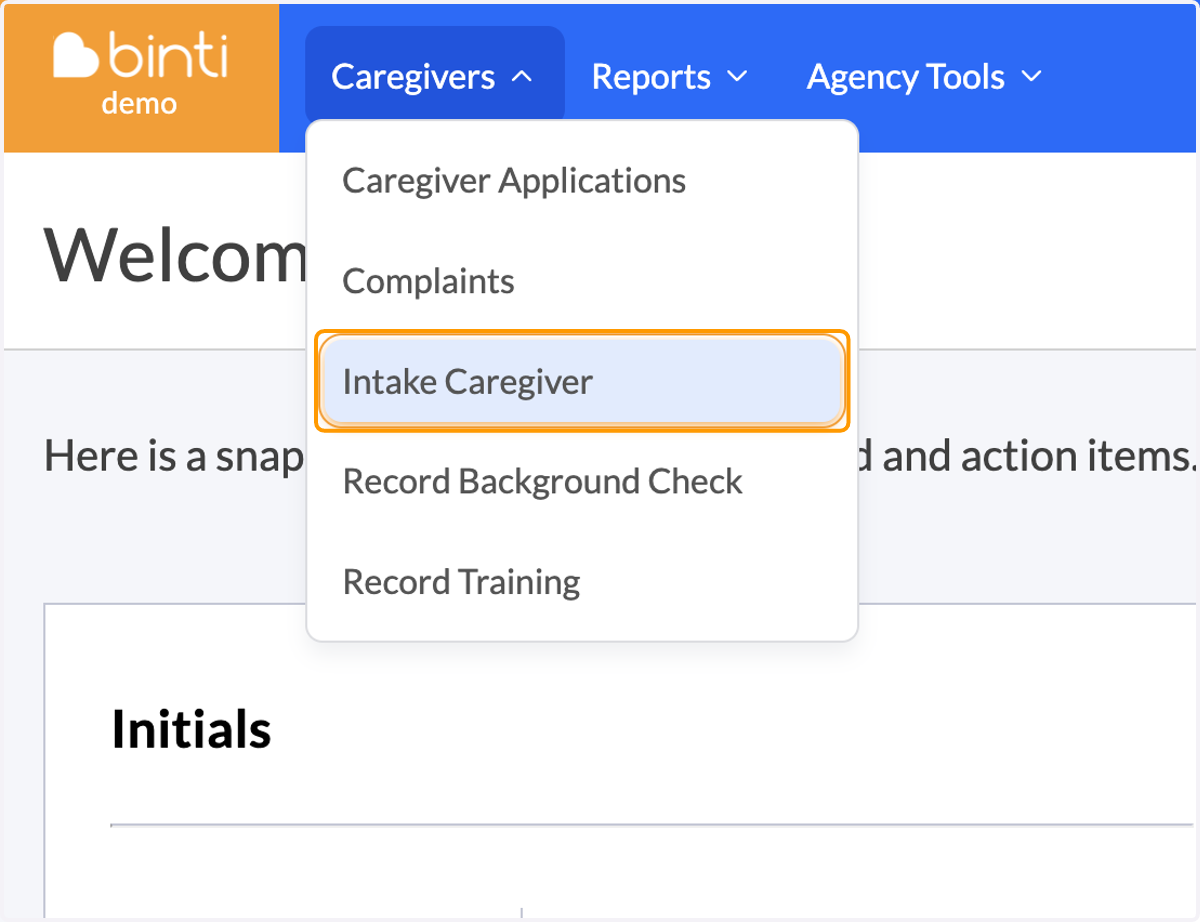
2. Click on Intake Caregiver
3. [If applicable] Select an application template

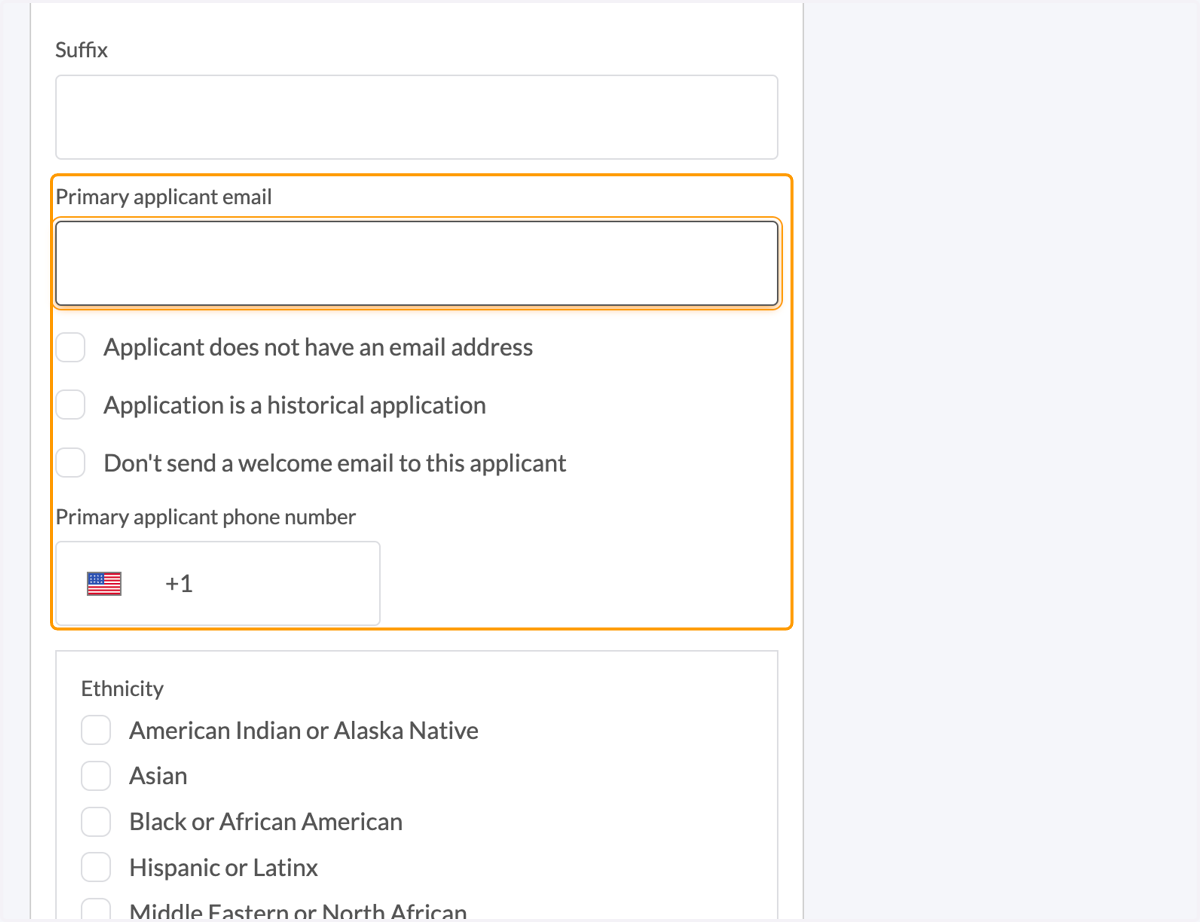
4. Provide an email and/or phone number
5. Select the number of applicants
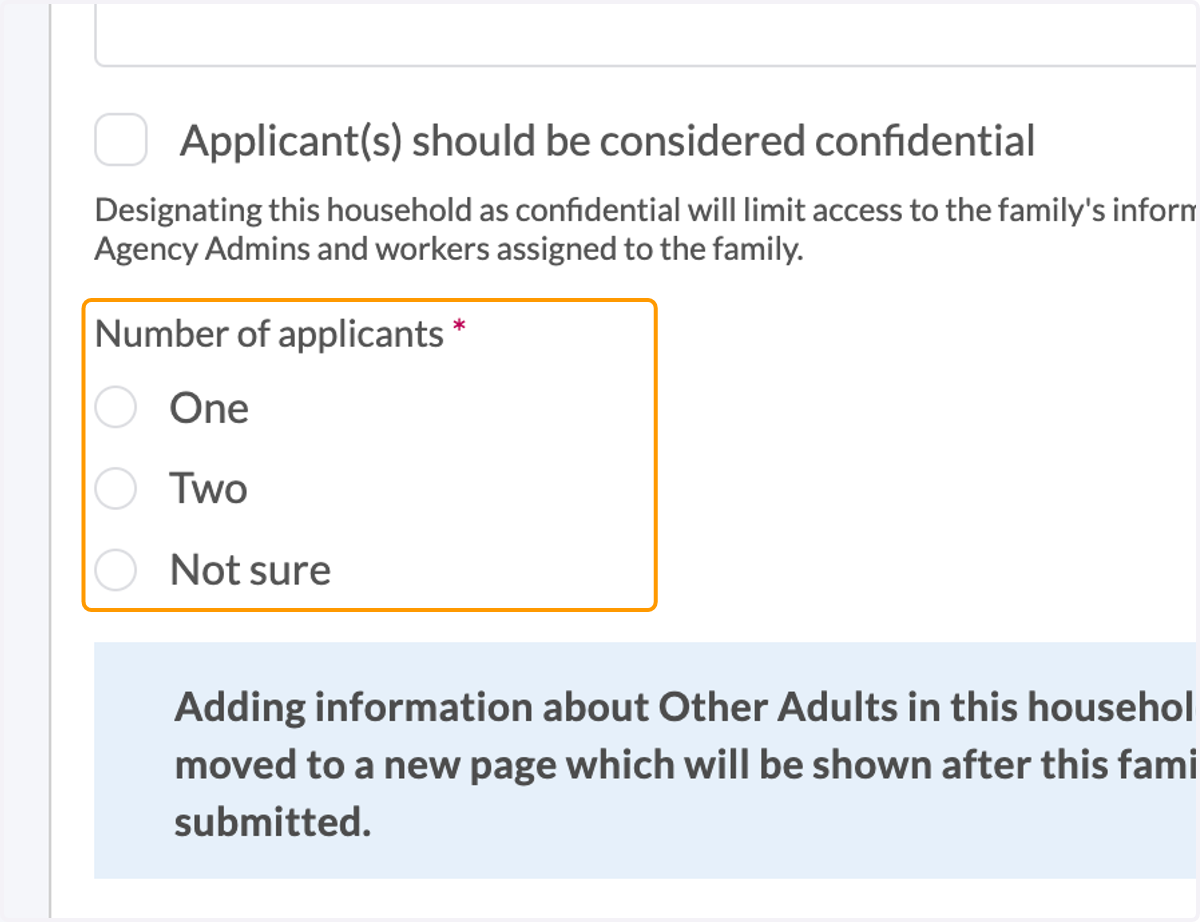
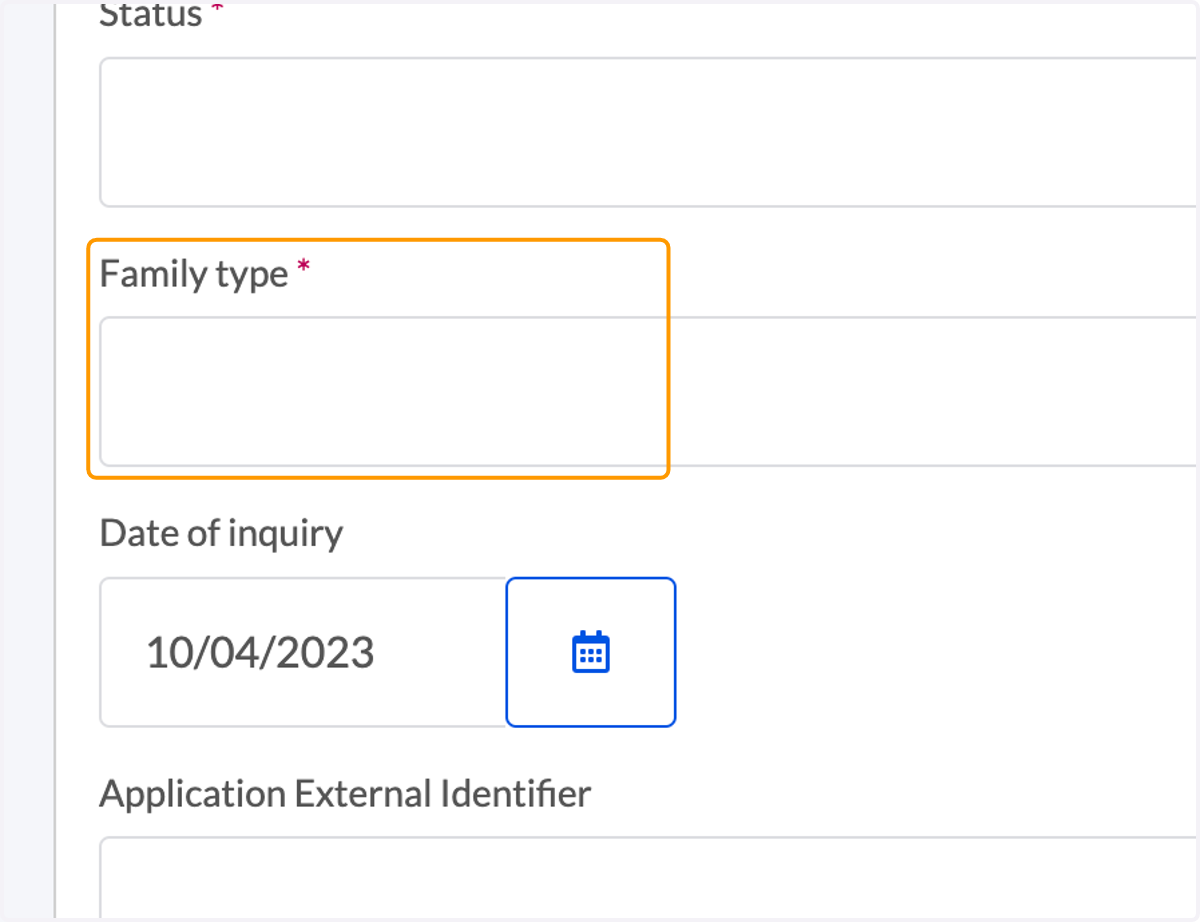
6. Select the Family Type
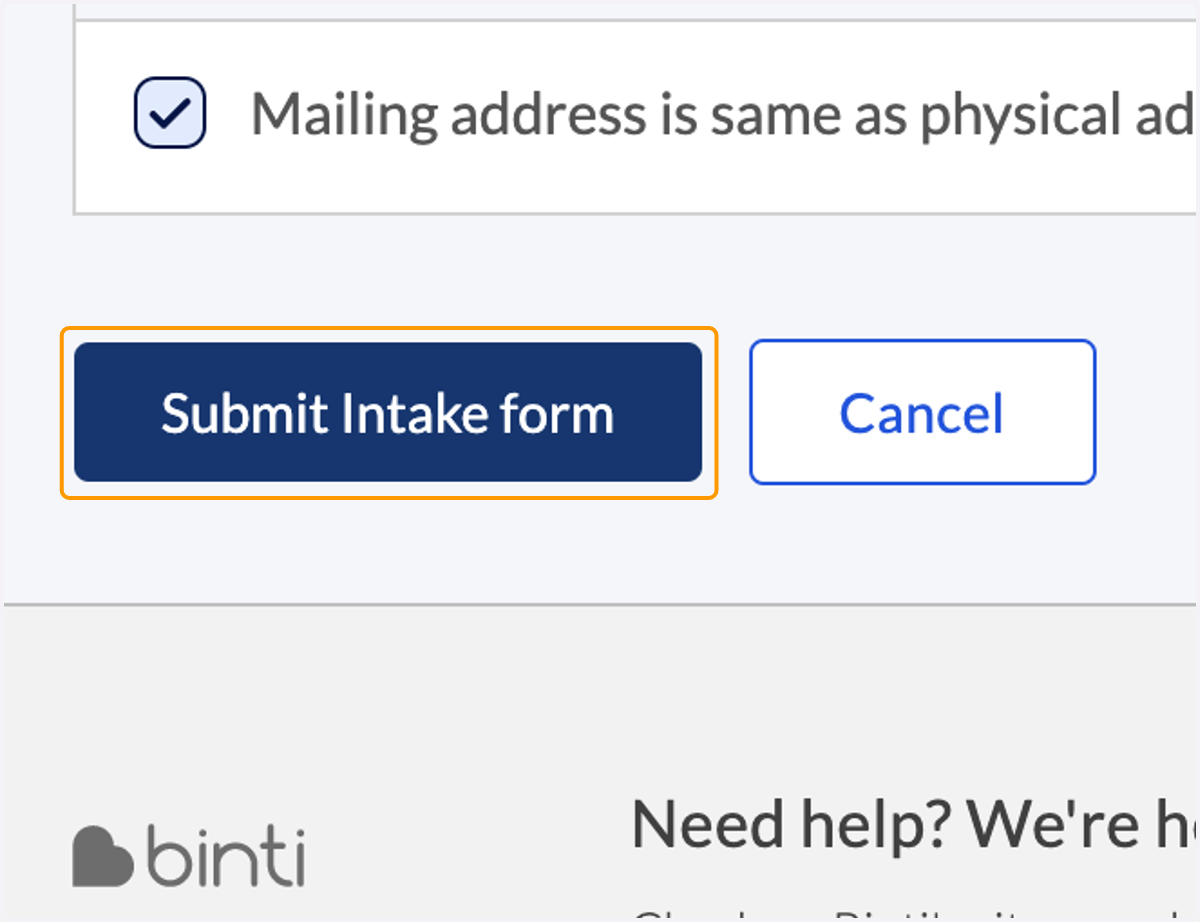
7. Click Submit Intake form
8. Select if there are other adults in the home
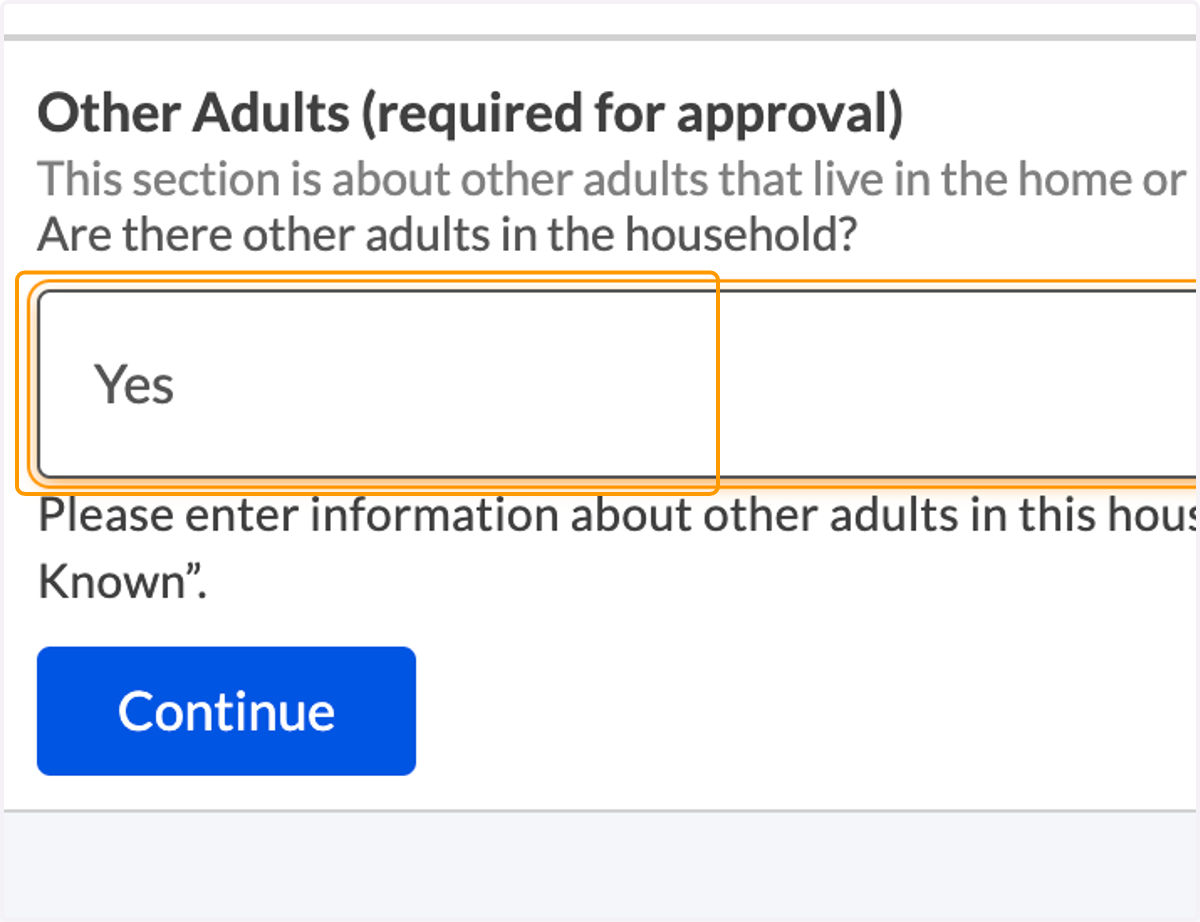
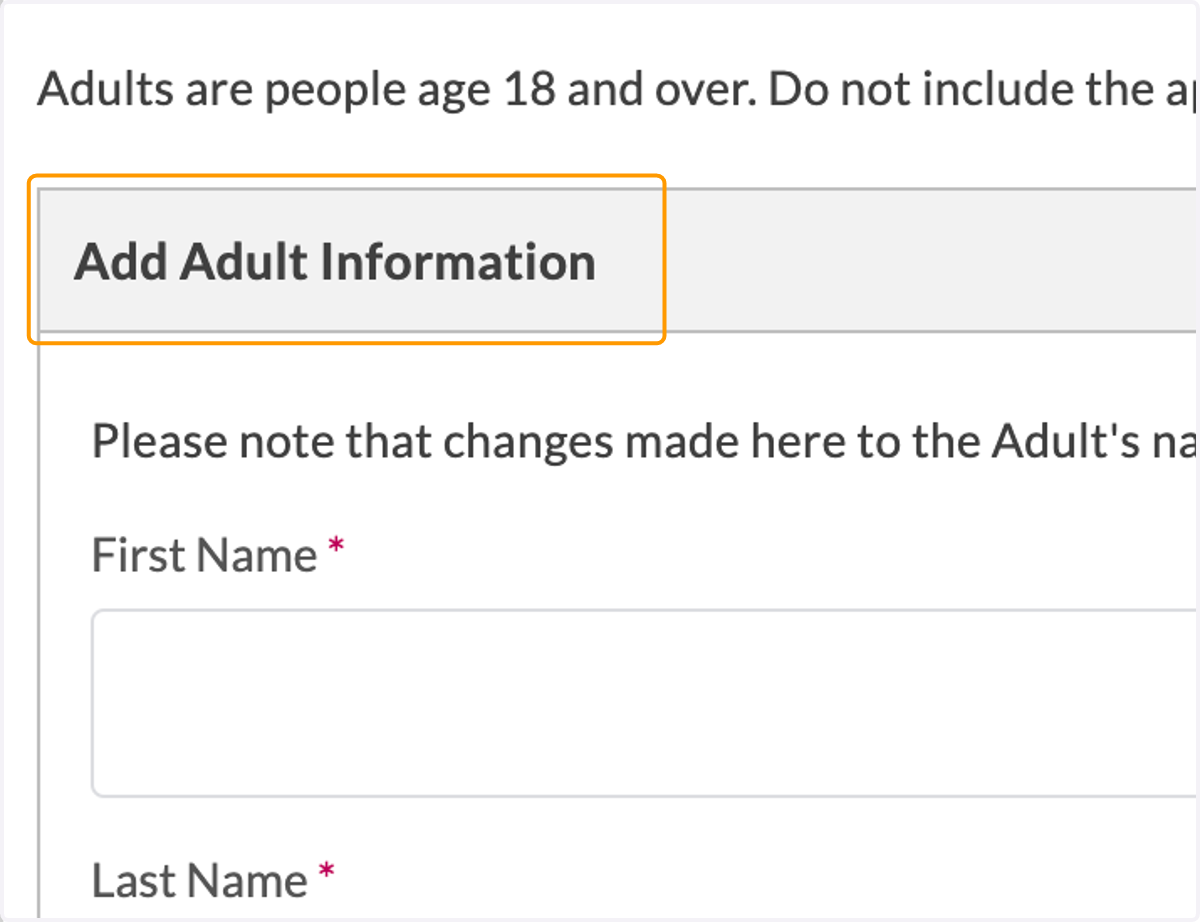
9. If yes, add required information and click 'Save'
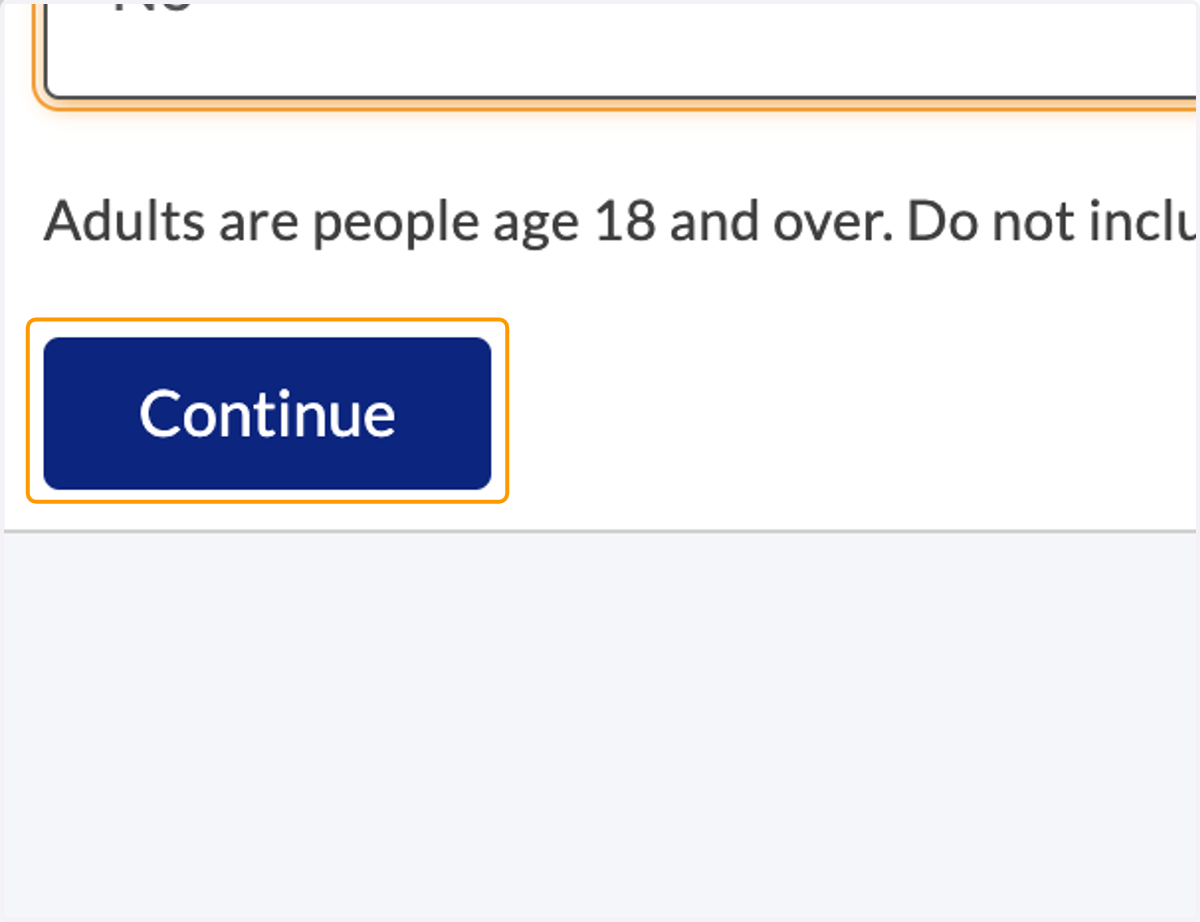
10. When complete (or if no other adults) click 'Continue'