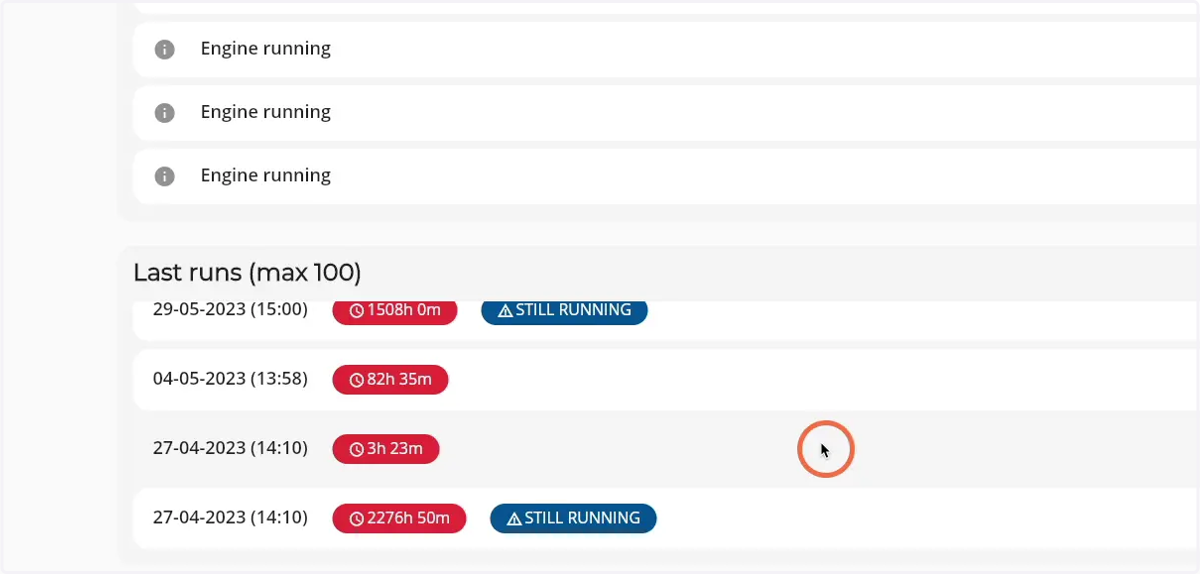
How to see the latest runs of a Firepack
1. Navigate to web.firecoach.app
2. Log in with your Firecoach account
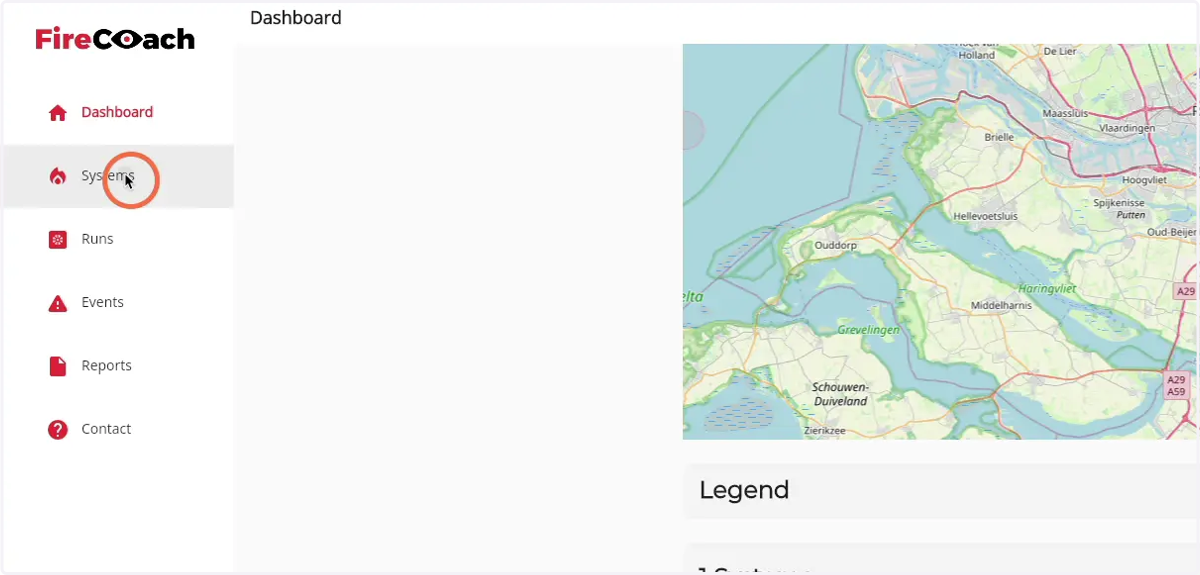
3. Click on 'Systems'
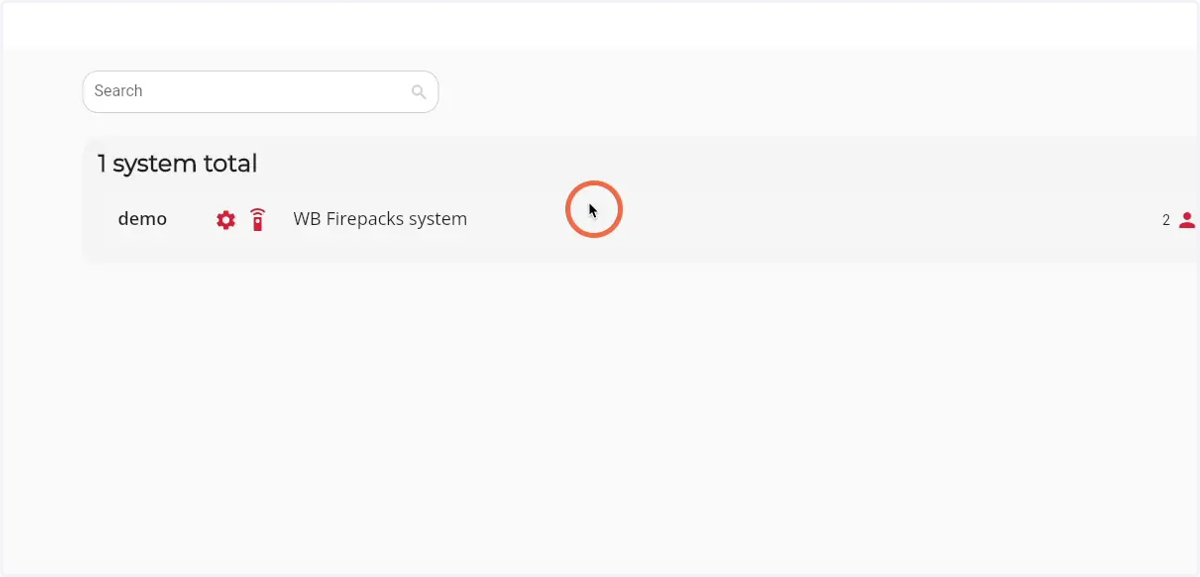
4. Click on the system you would like to see the latest runs of
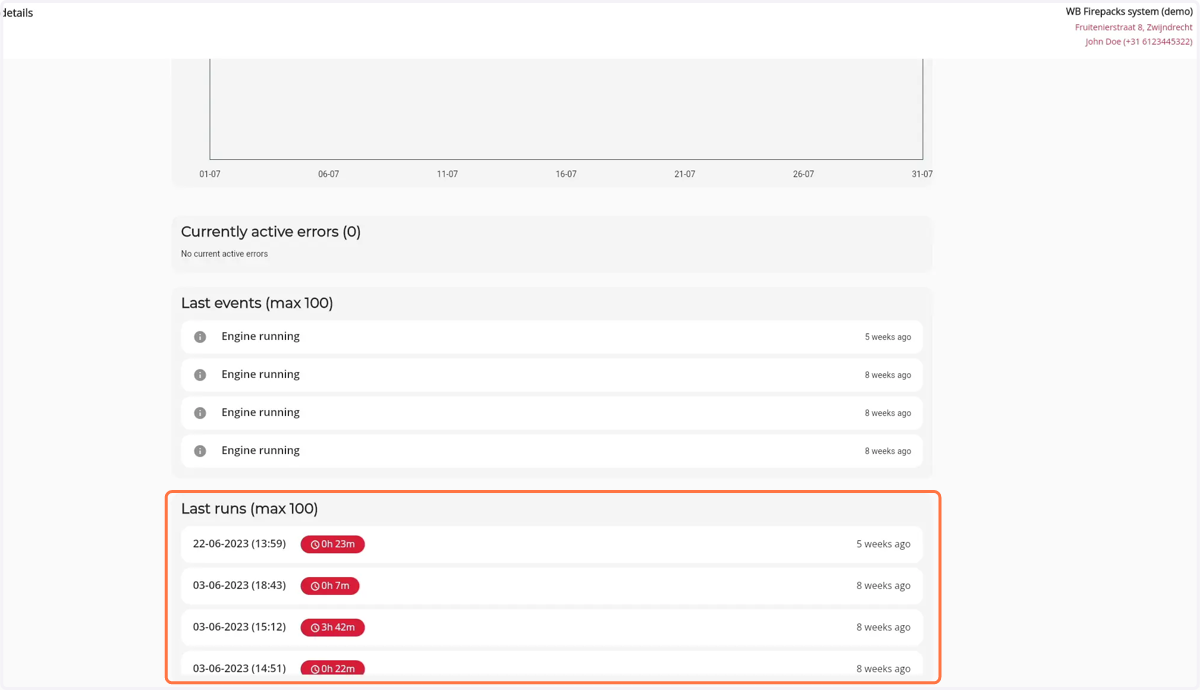
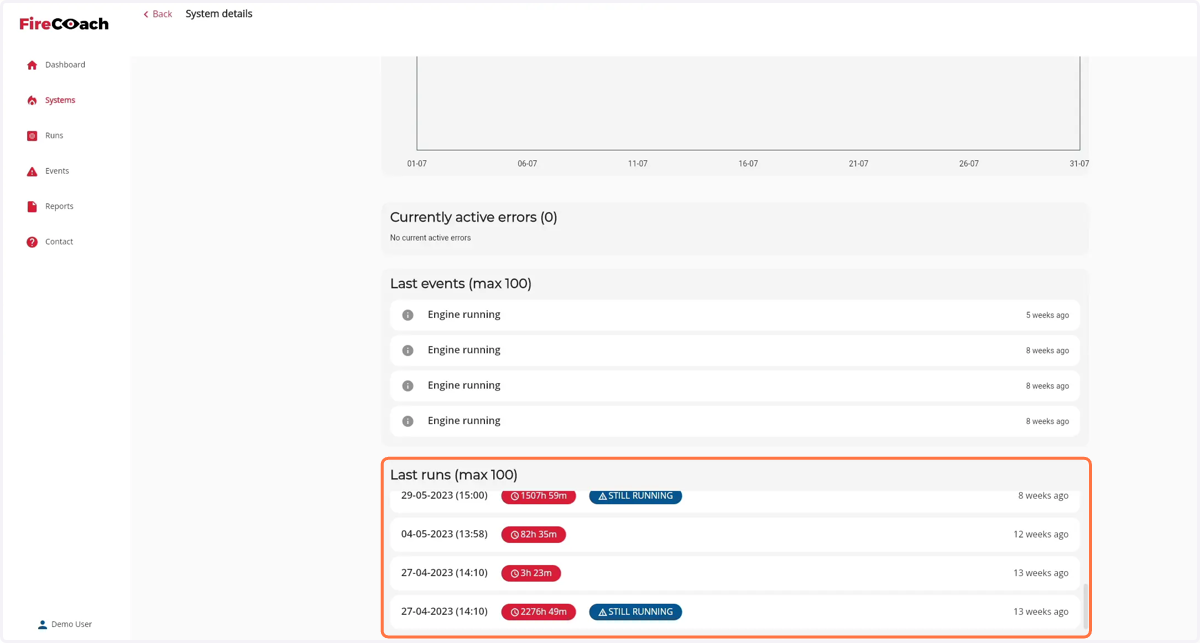
5. Scroll down until you see the 'last runs' component
6. Scroll in the Last runs component to see all runs
7. Click on a run to see the details of the run