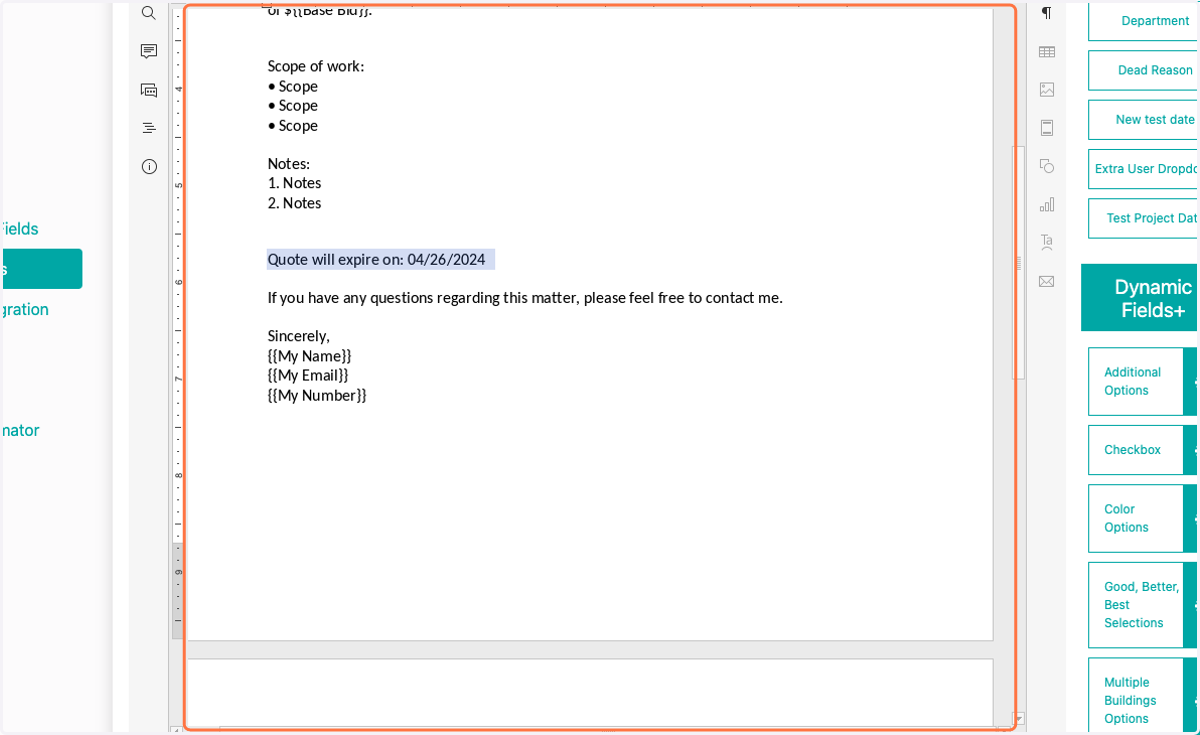
How to Add a Date Picker to Proposal Content
FollowUpCRM
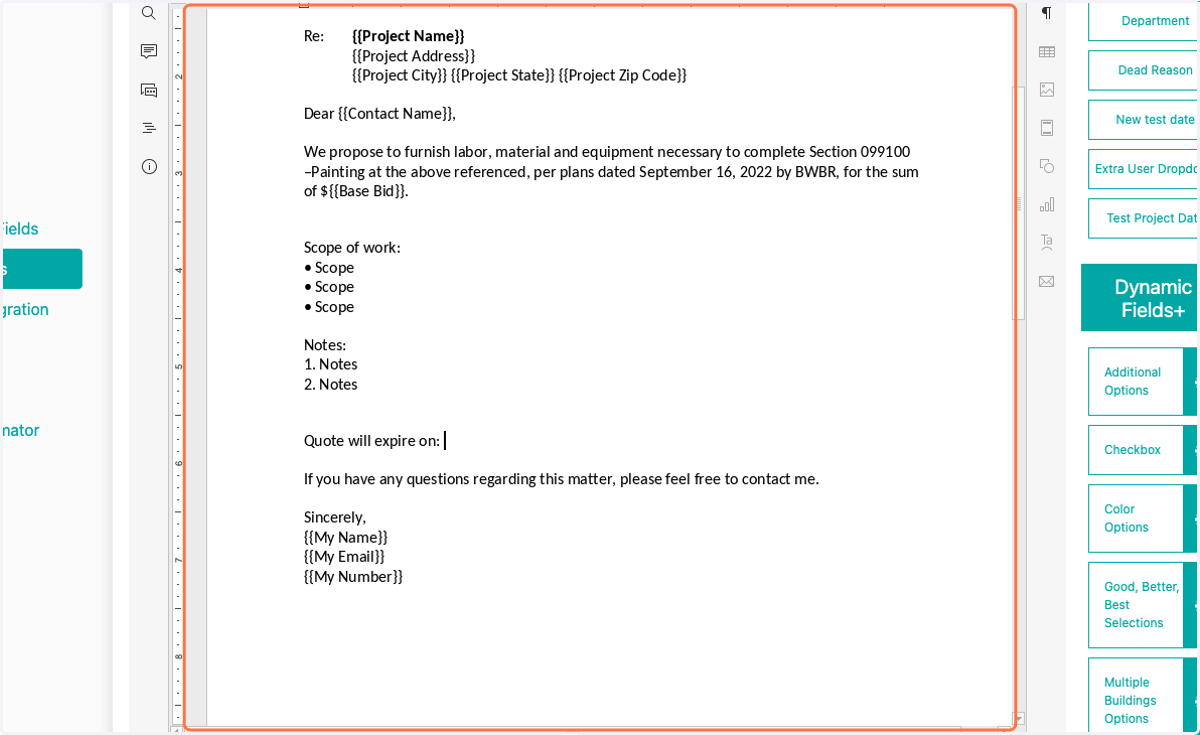
1. Select where you'd like to add a date in your document
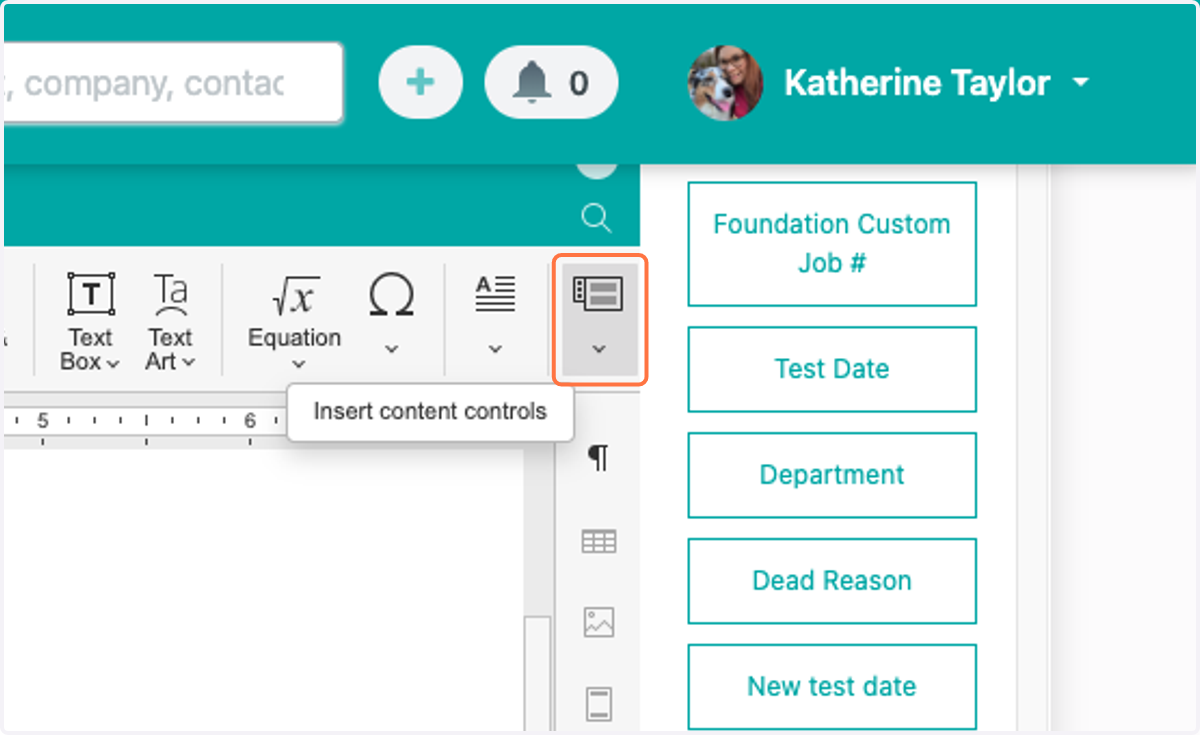
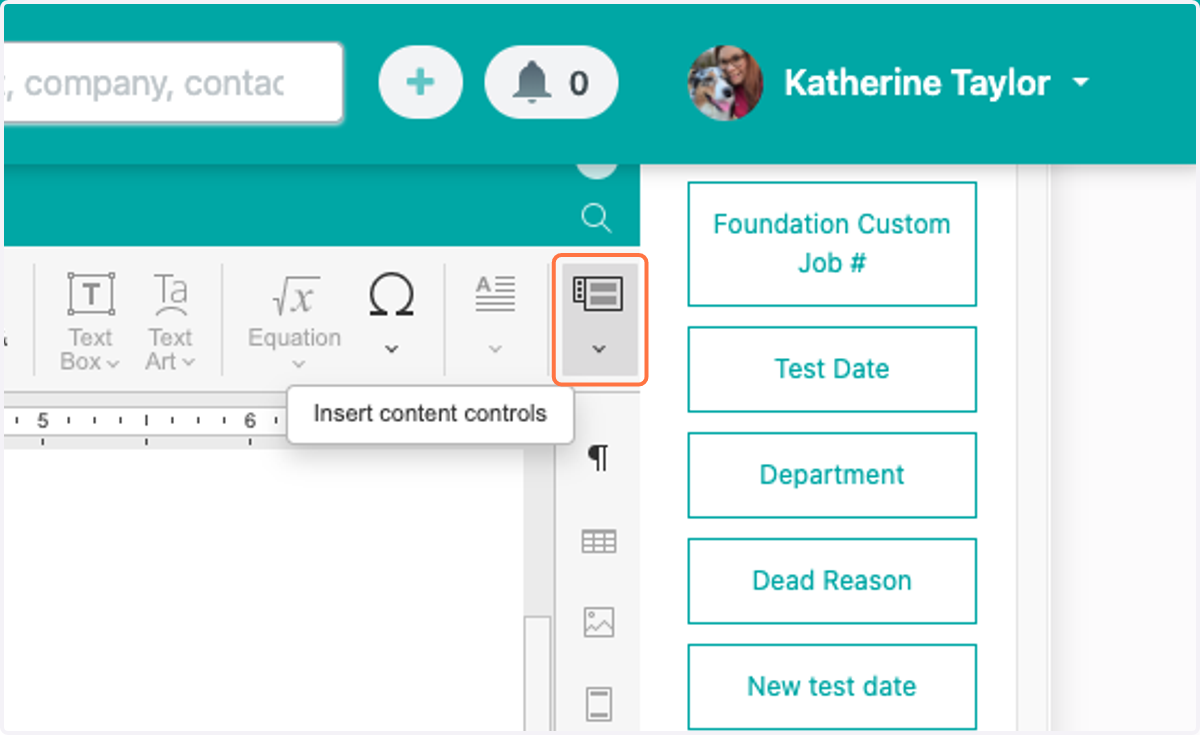
2. Click on Insert Content Controls
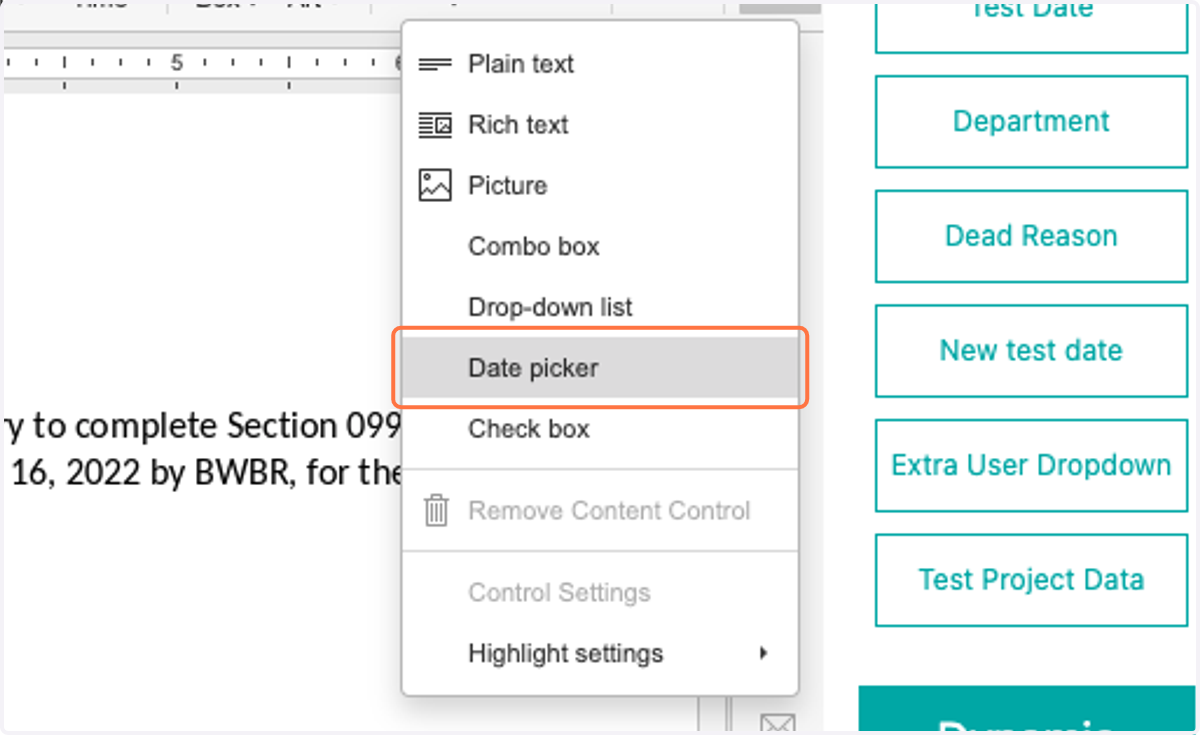
3. Select Date picker
4. Click on highlight
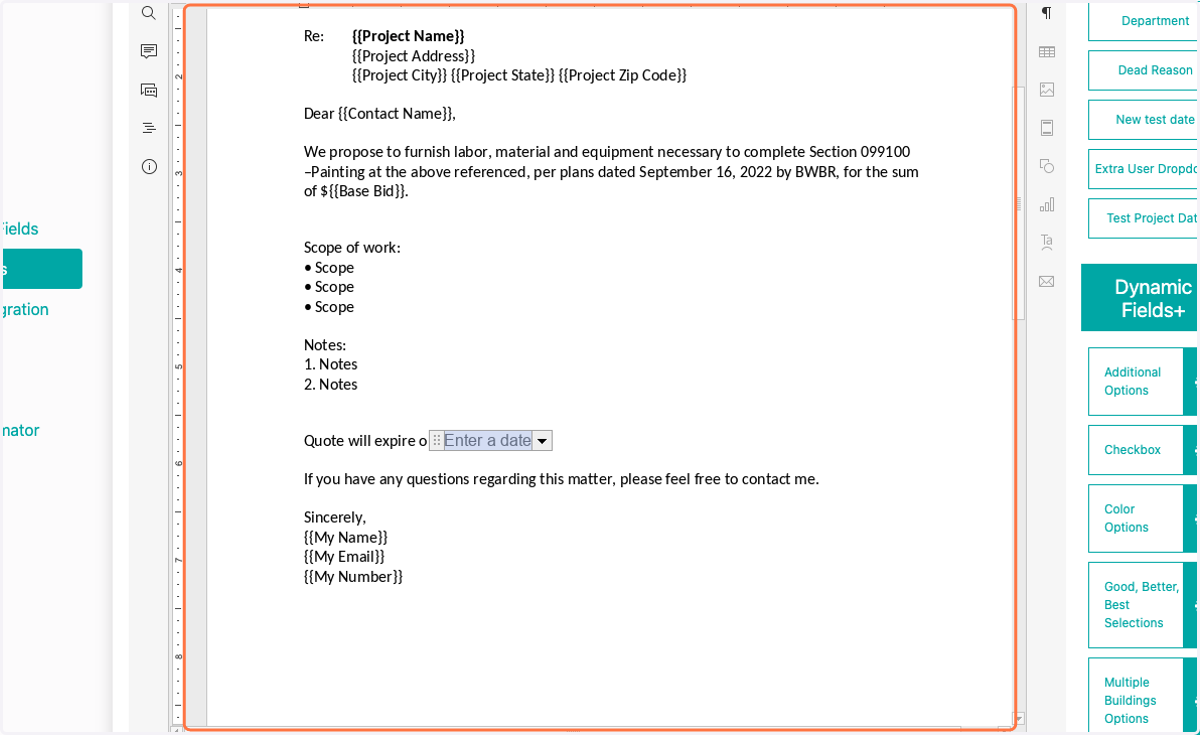
5. With Date picker selected, click on Insert Content Controls
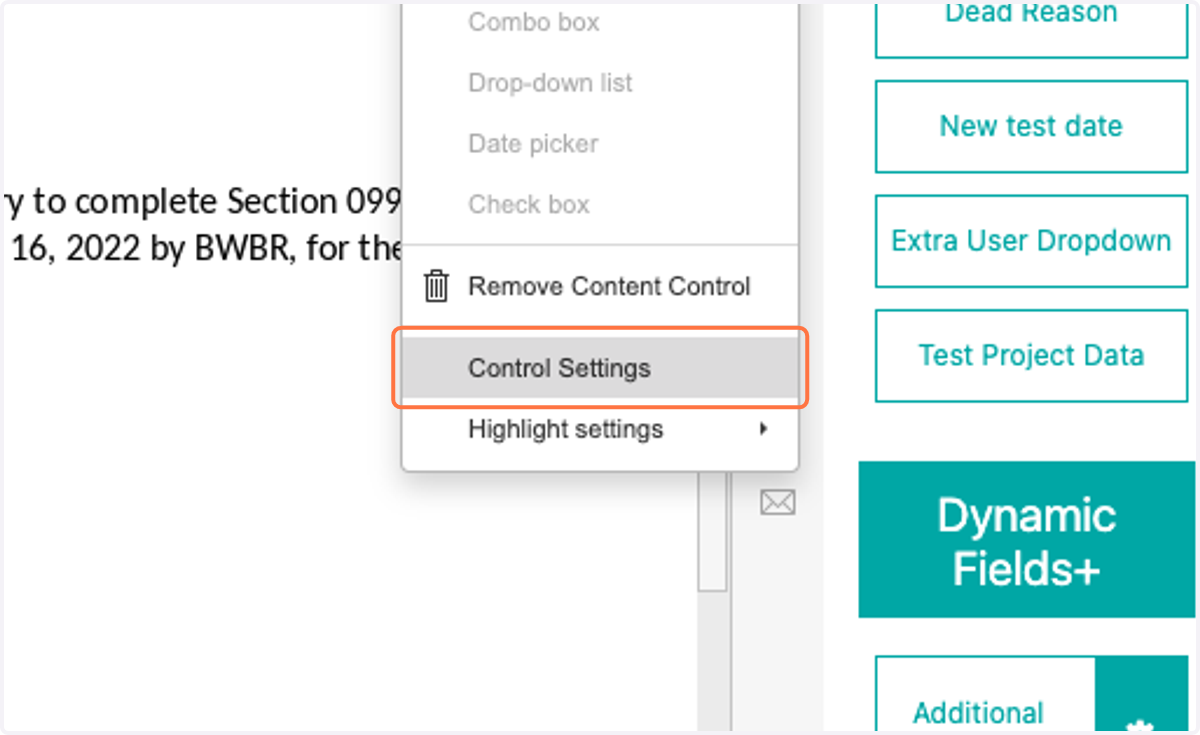
6. Click on Control Settings
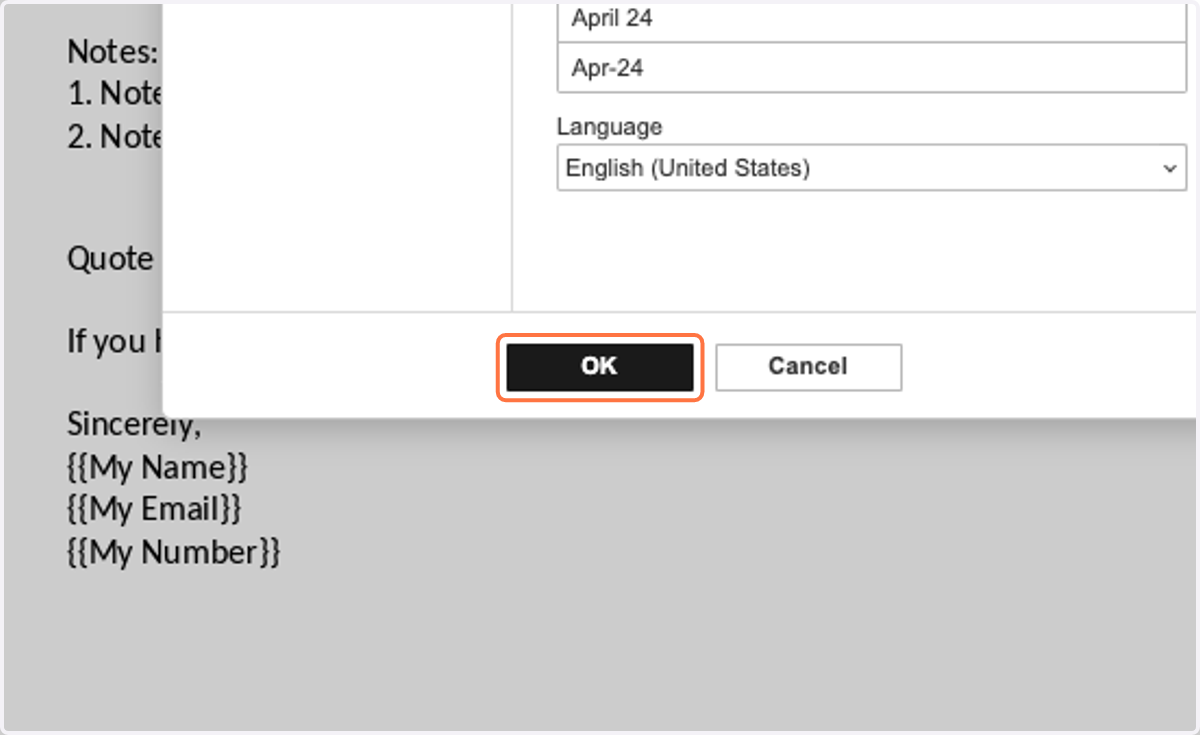
7. Select date display format
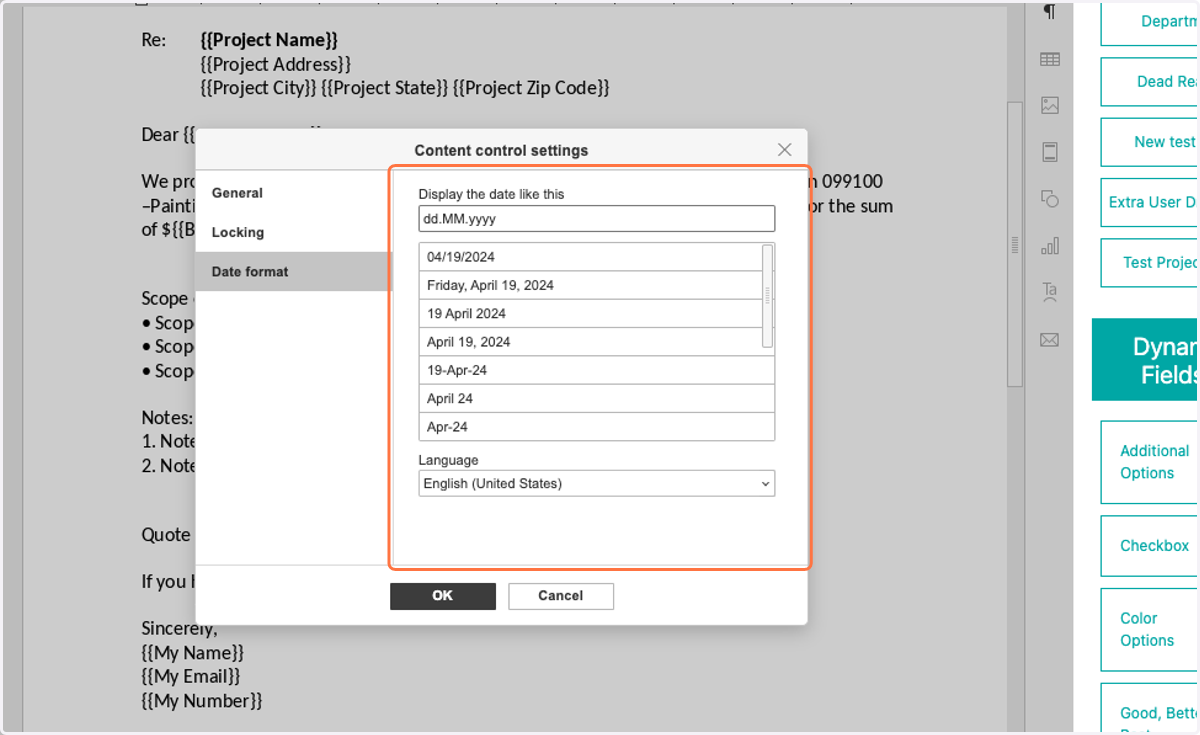
8. Click on OK
9. When creating a proposal, you will have the option to select a date from a calendar
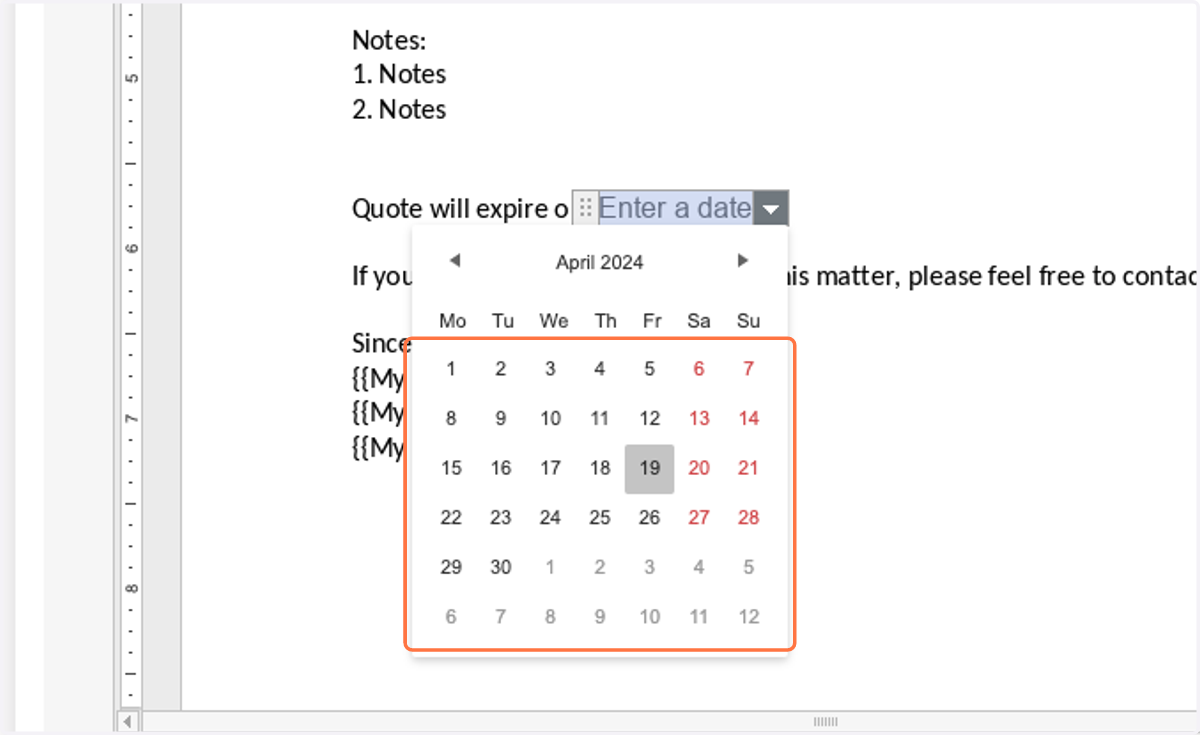
10. Click on highlight