Creating a Smart List in Follow Up Boss
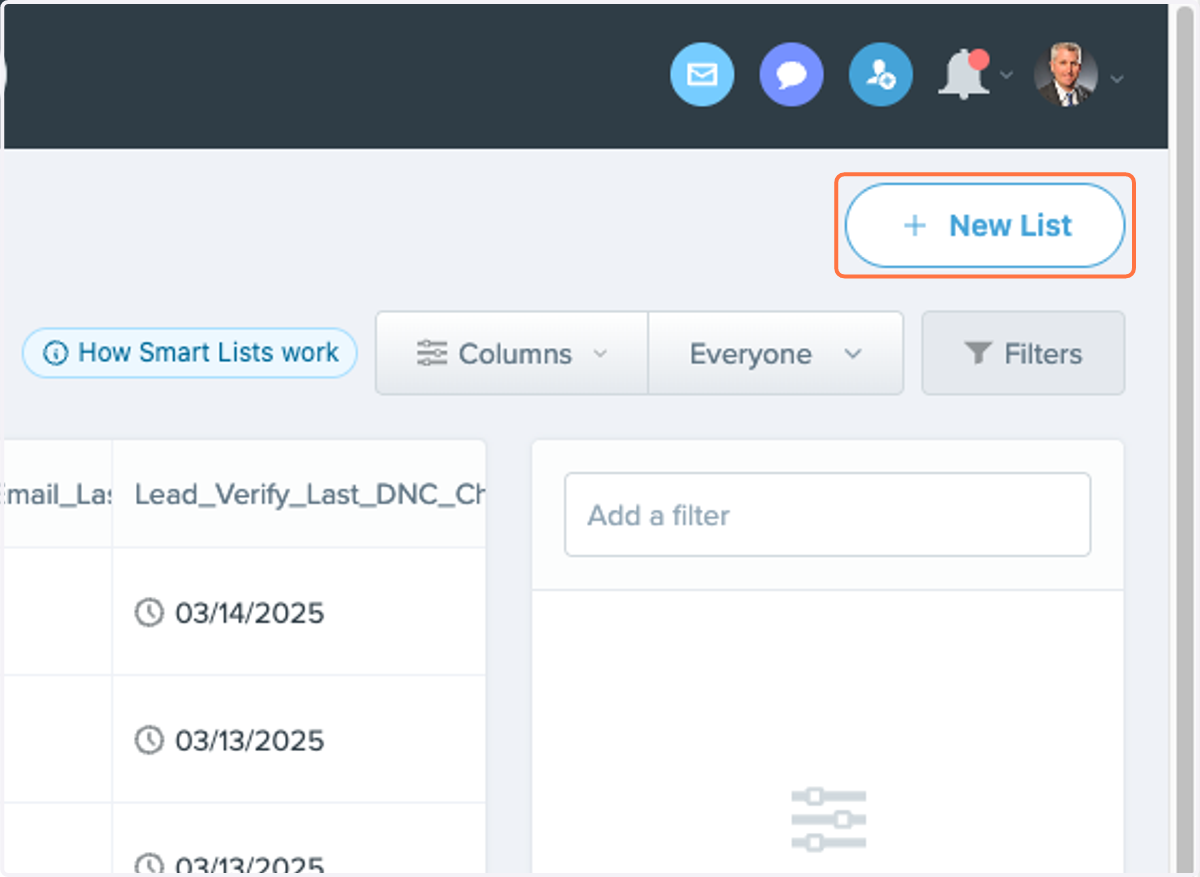
1. Click on New List
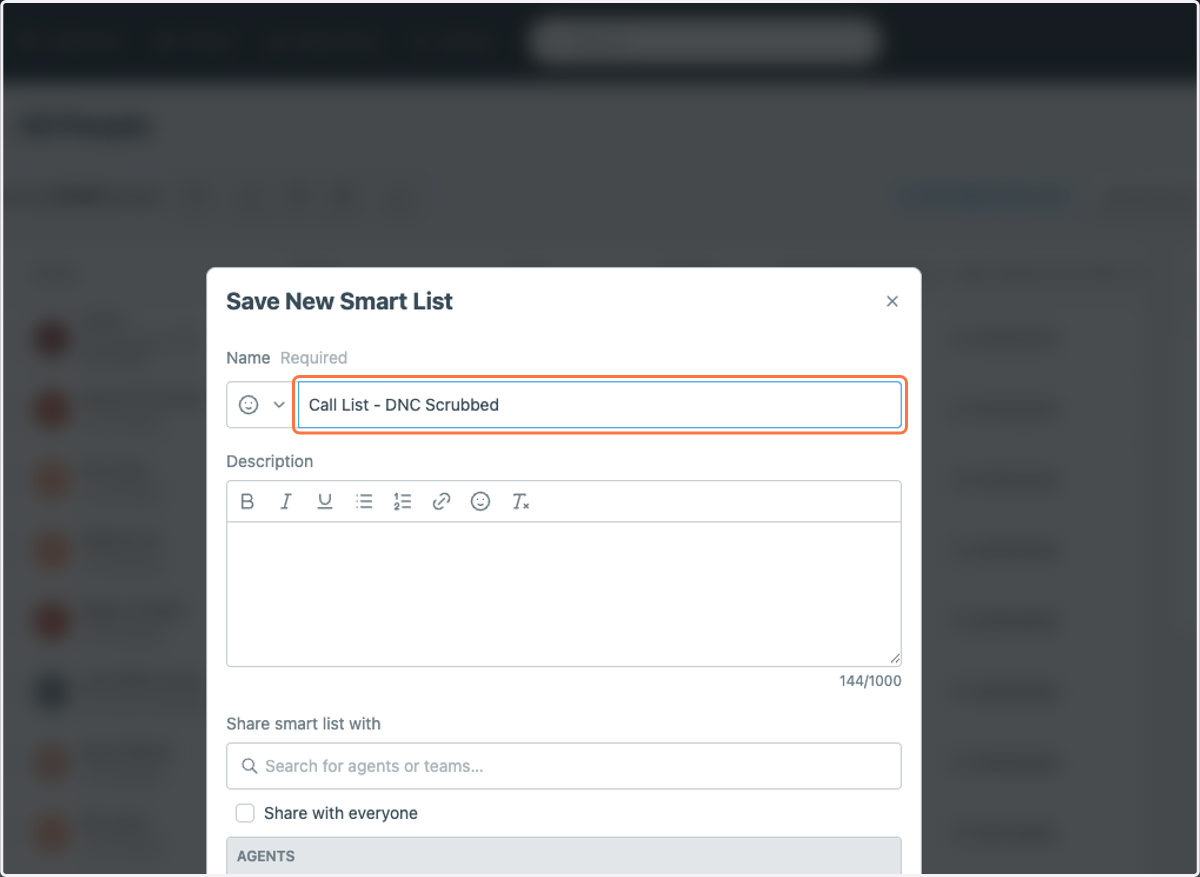
2. Type "Call List - DNC Scrubbed"
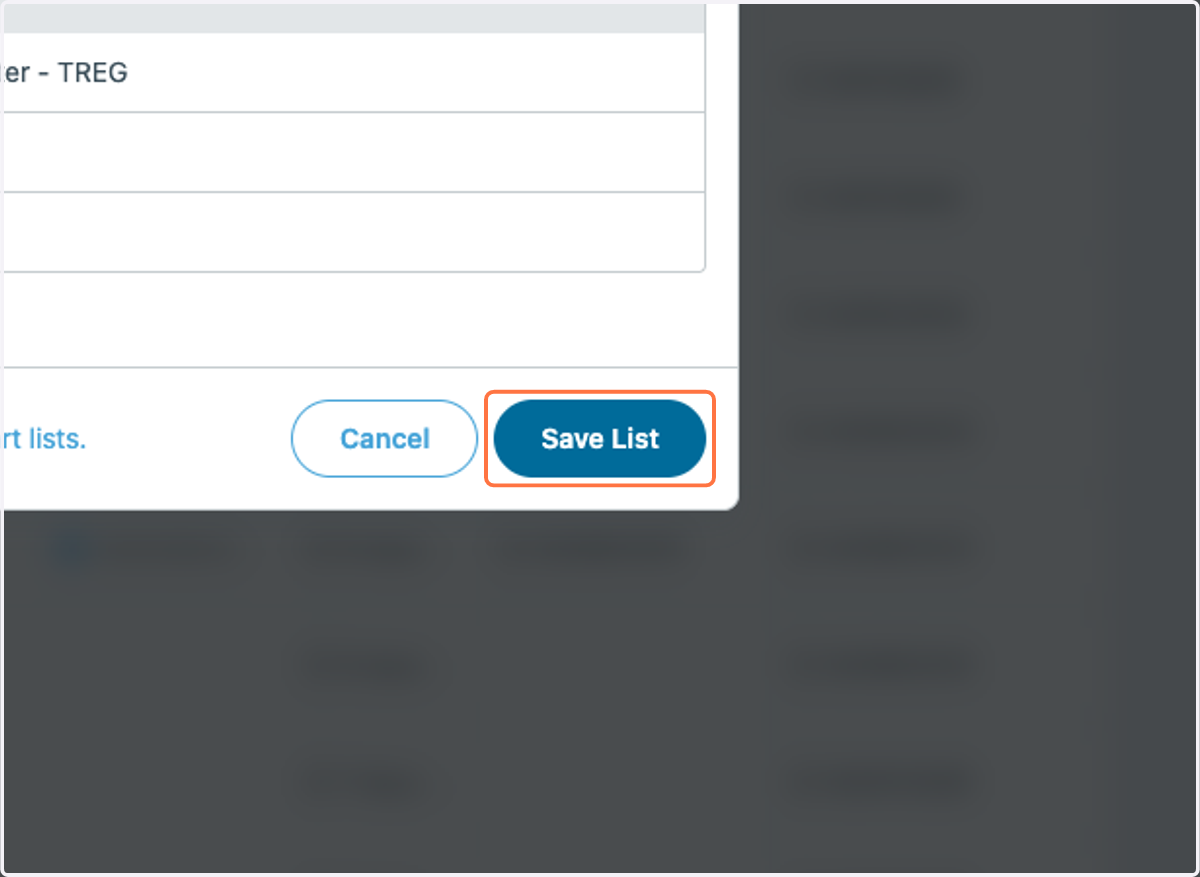
3. Click on Save List
Step 2 Add a filter for last DNC Checked
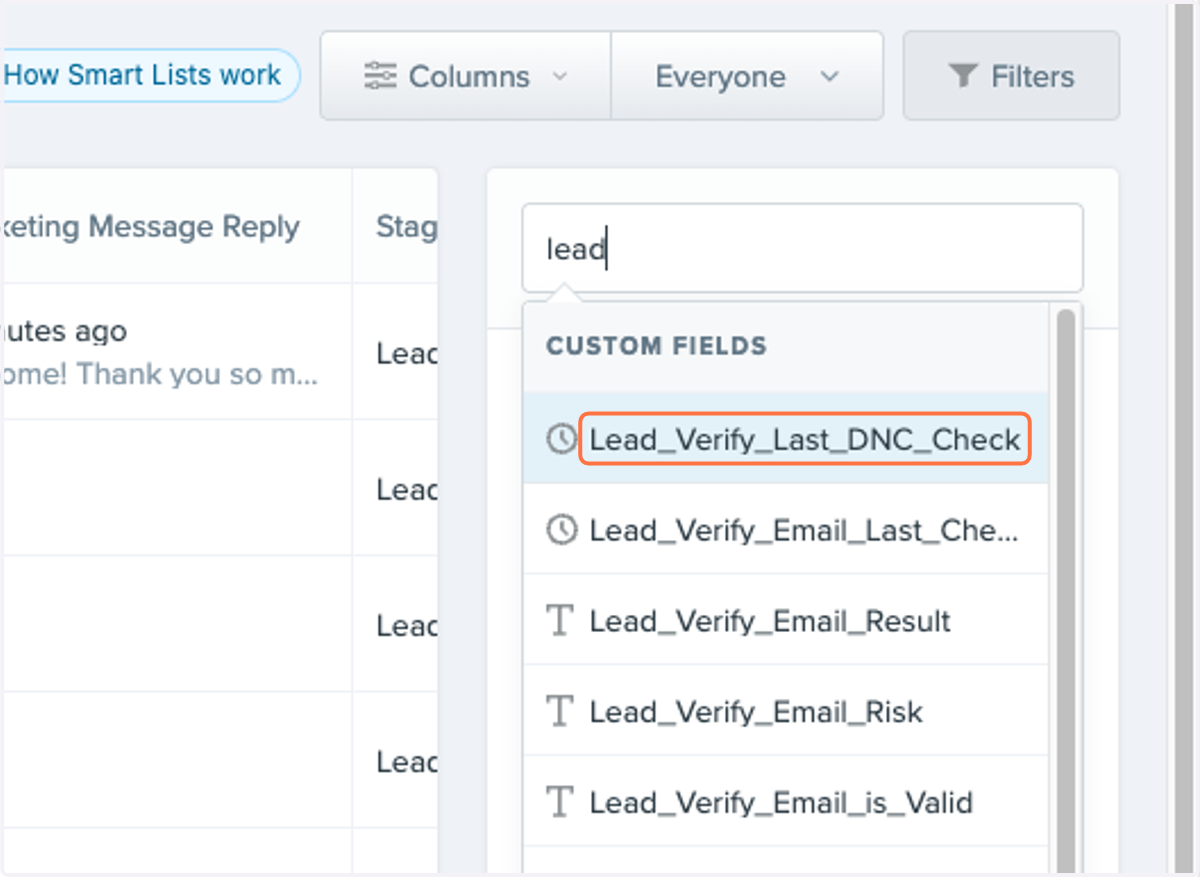
4. Click Filetr and Type "lead"
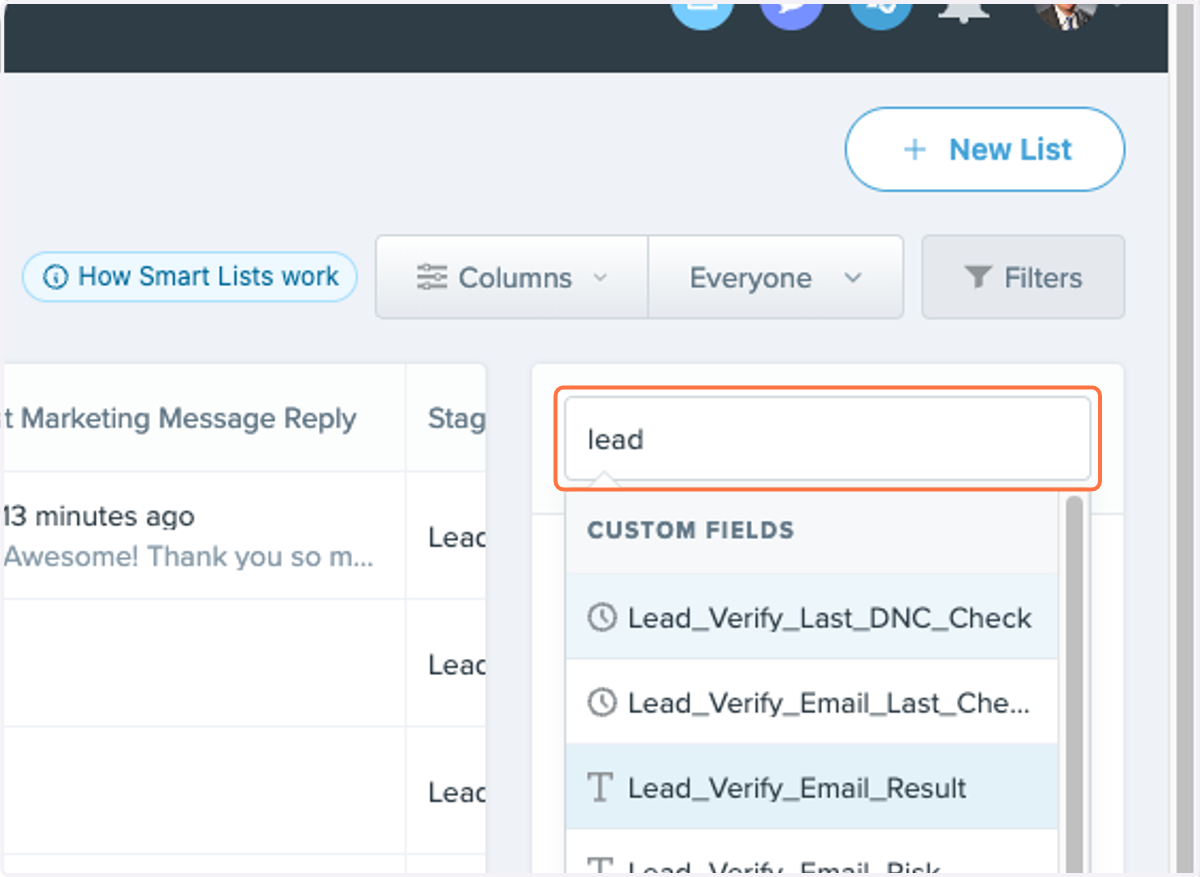
5. Click on Lead_Verify_Last_DNC_Check
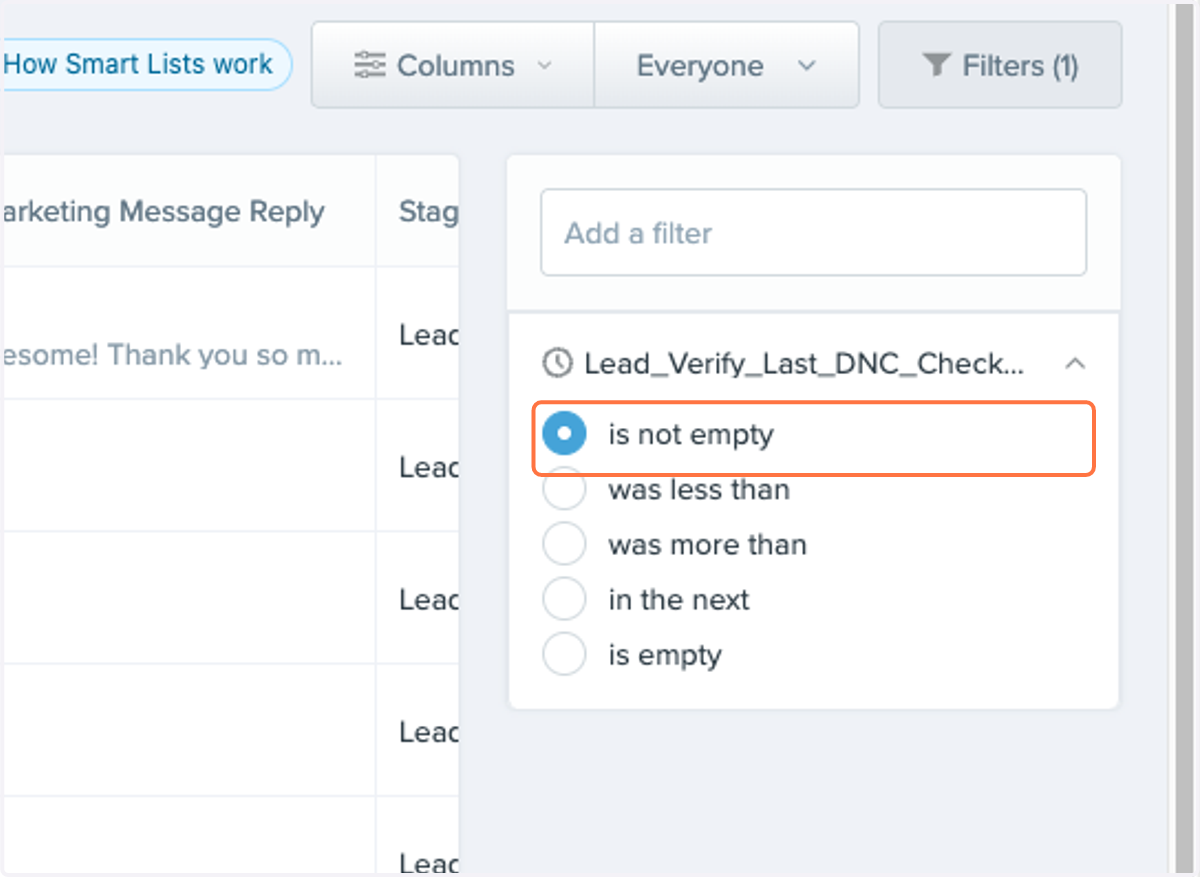
6. Select is not empty
Add Custom Field Columns for easier access
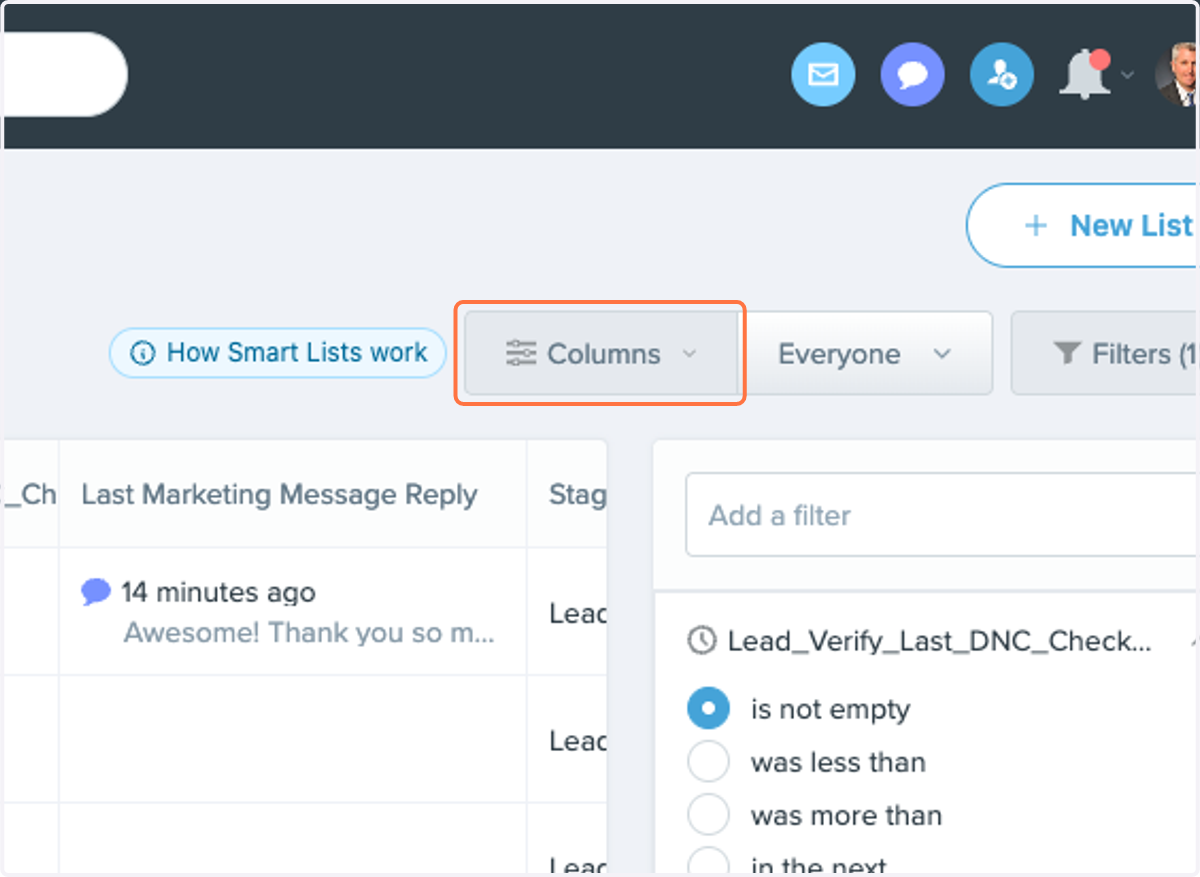
7. Click on Columns
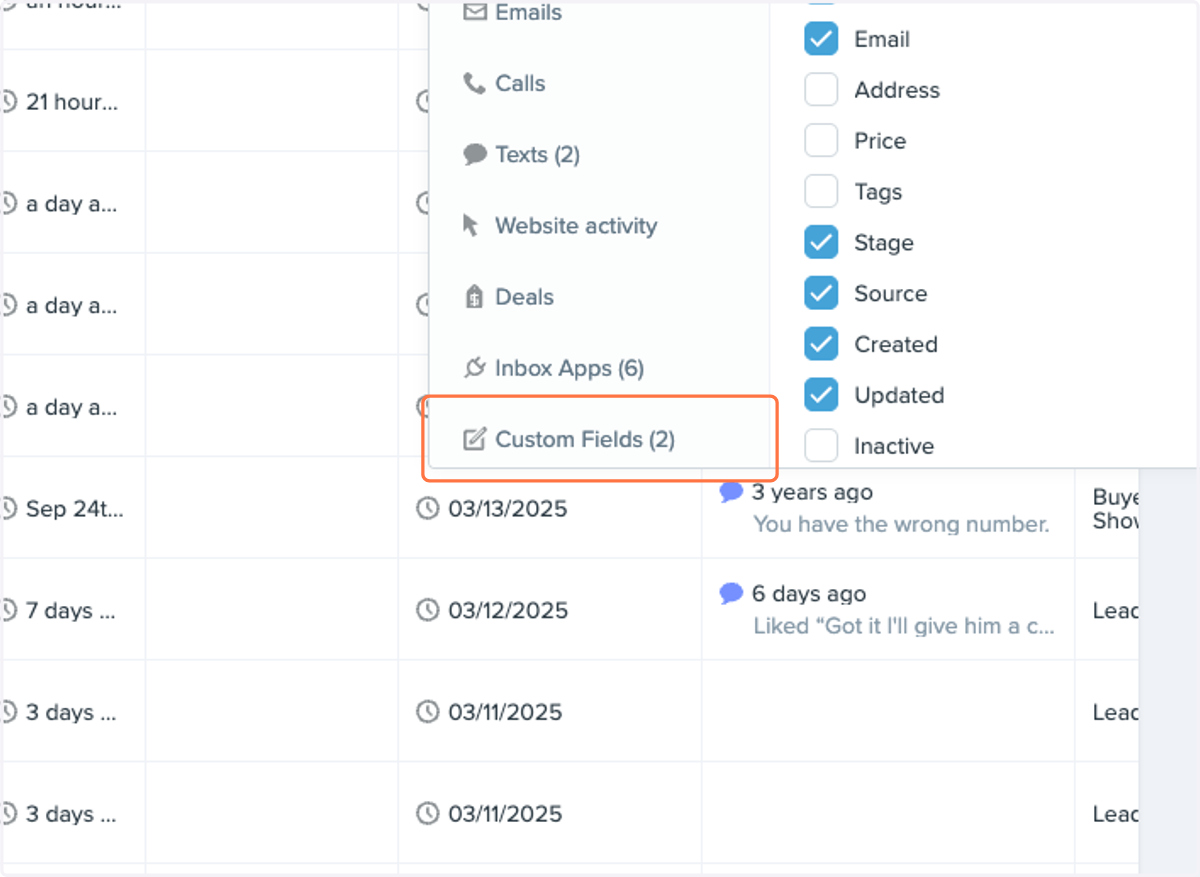
8. Click on Custom Fields (2)
9. Check Lead_Verify_Known_Litigator_Number
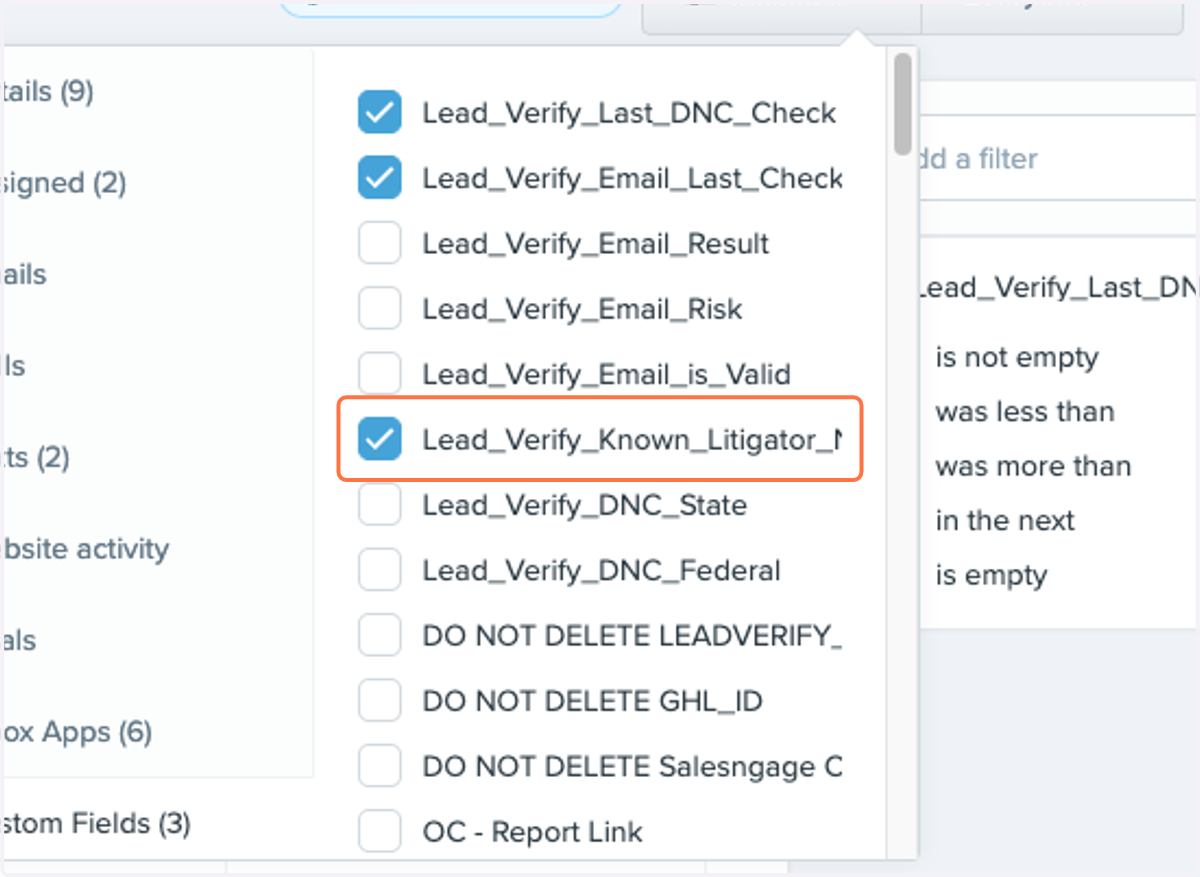
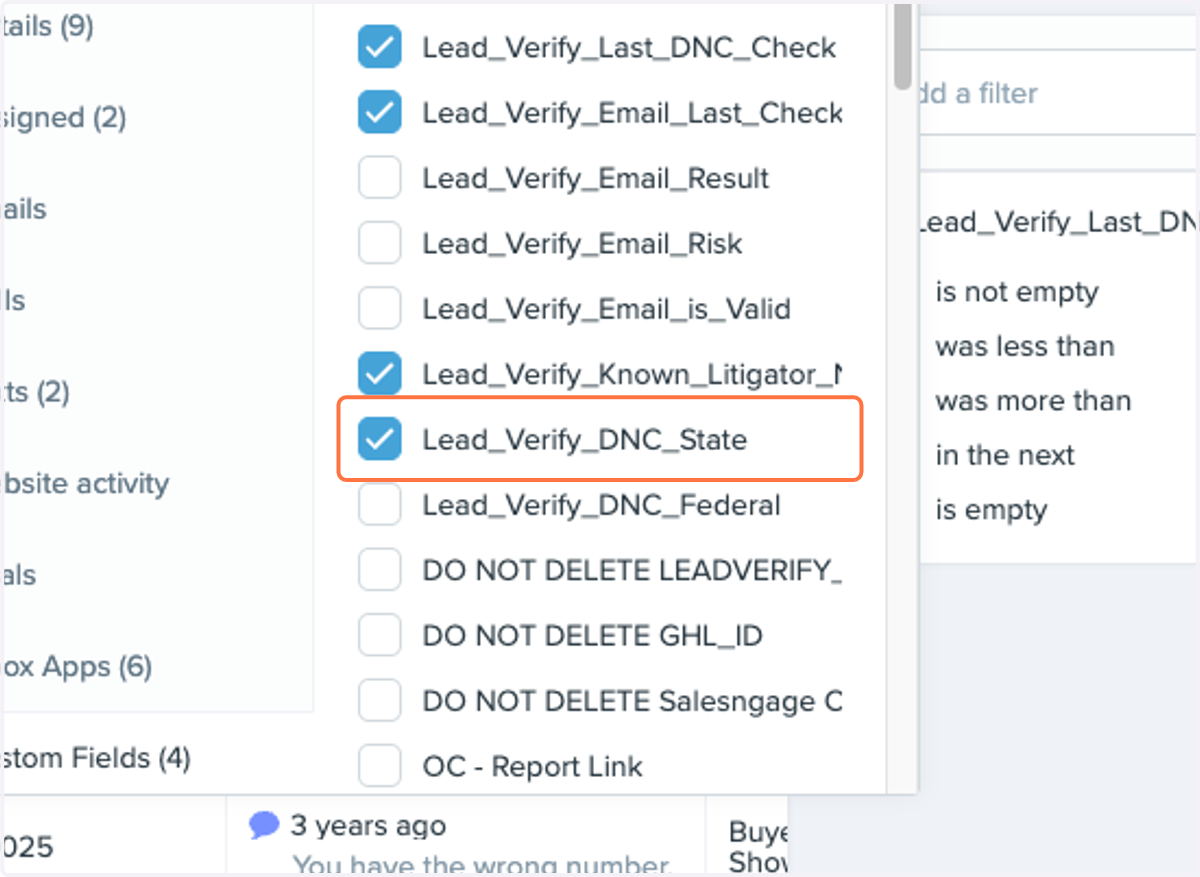
10. Uncheck Lead_Verify_DNC_State
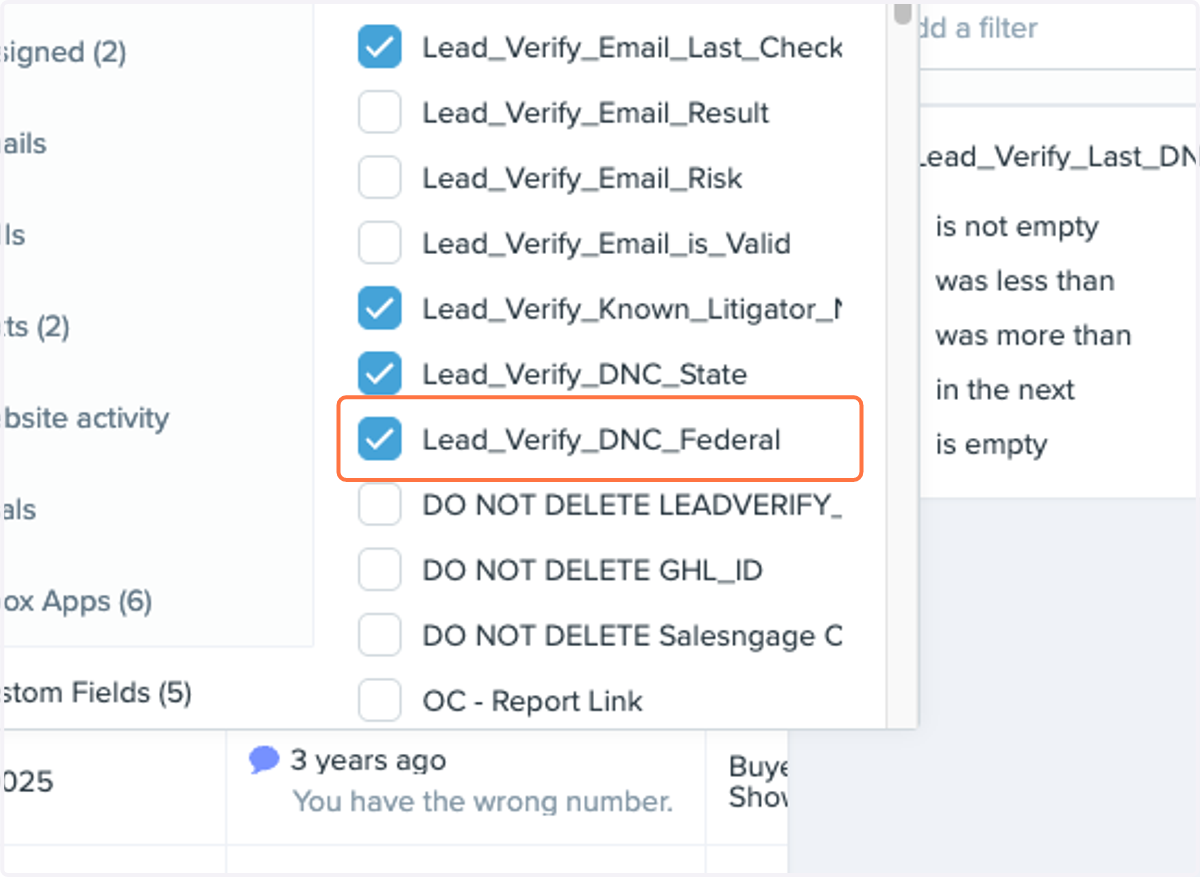
11. Uncheck Lead_Verify_DNC_Federal
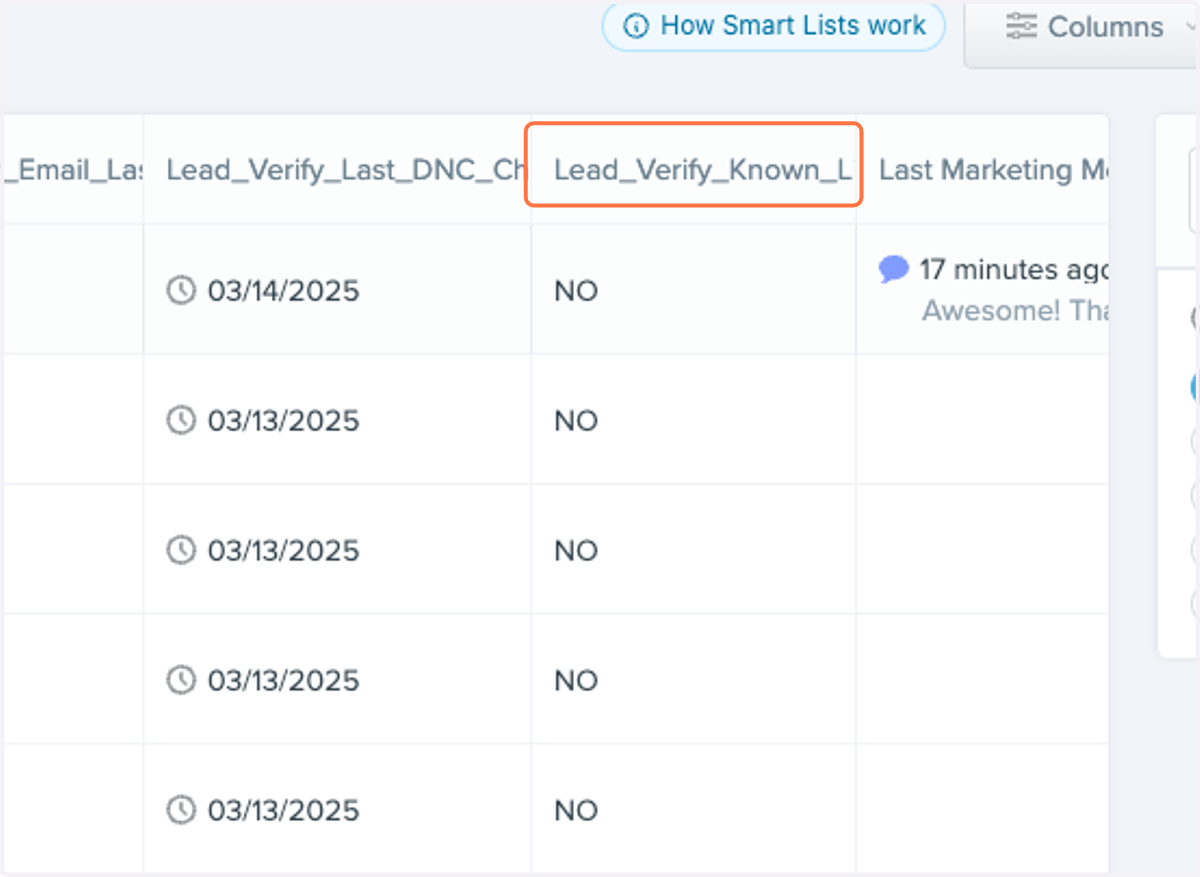
Move your columns closer to the front of your list for quicker access
12. Drag all the columns you added to the front of your smartlist for easier access
13. Click on Update List
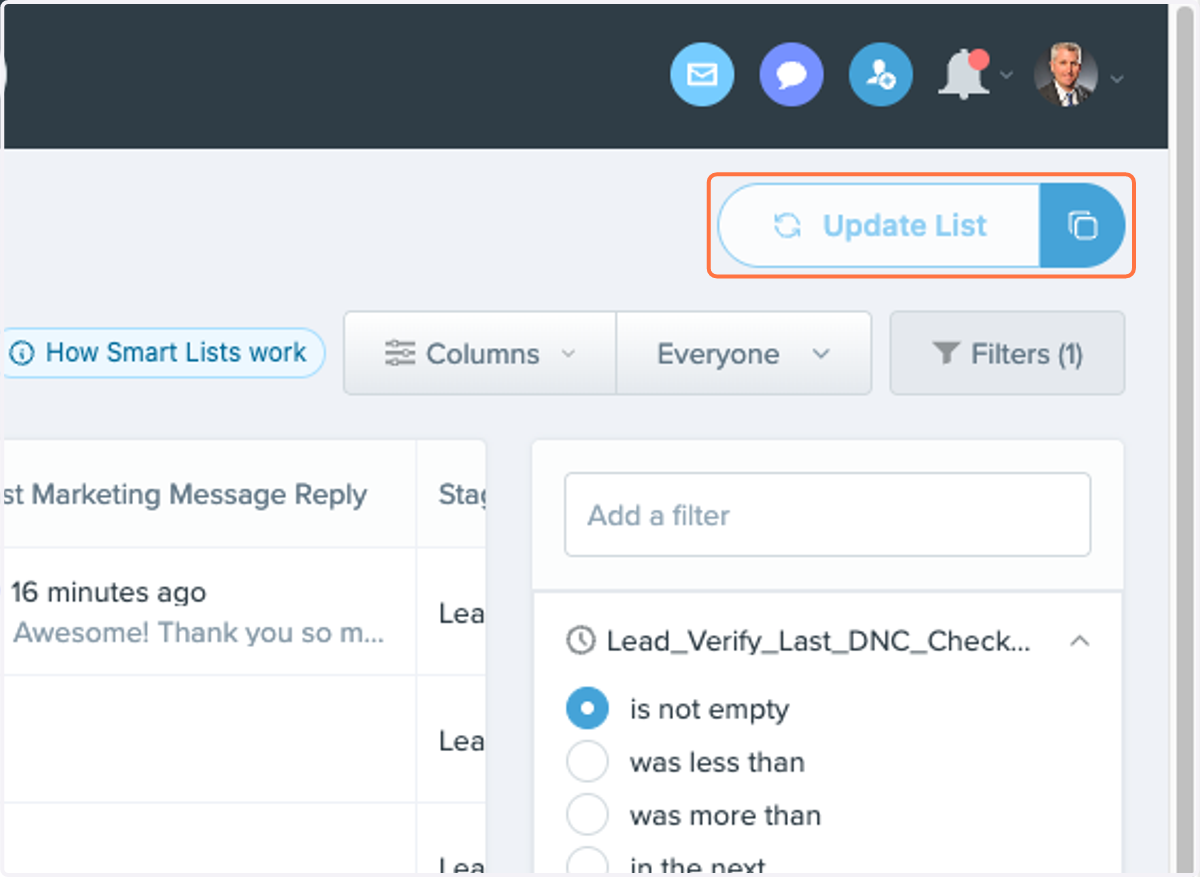
Great Job! You have created a smartlist for your DNC Scrubbed leads. You can do the same for emails as well!