Lead time adjustments
Roompricegenie
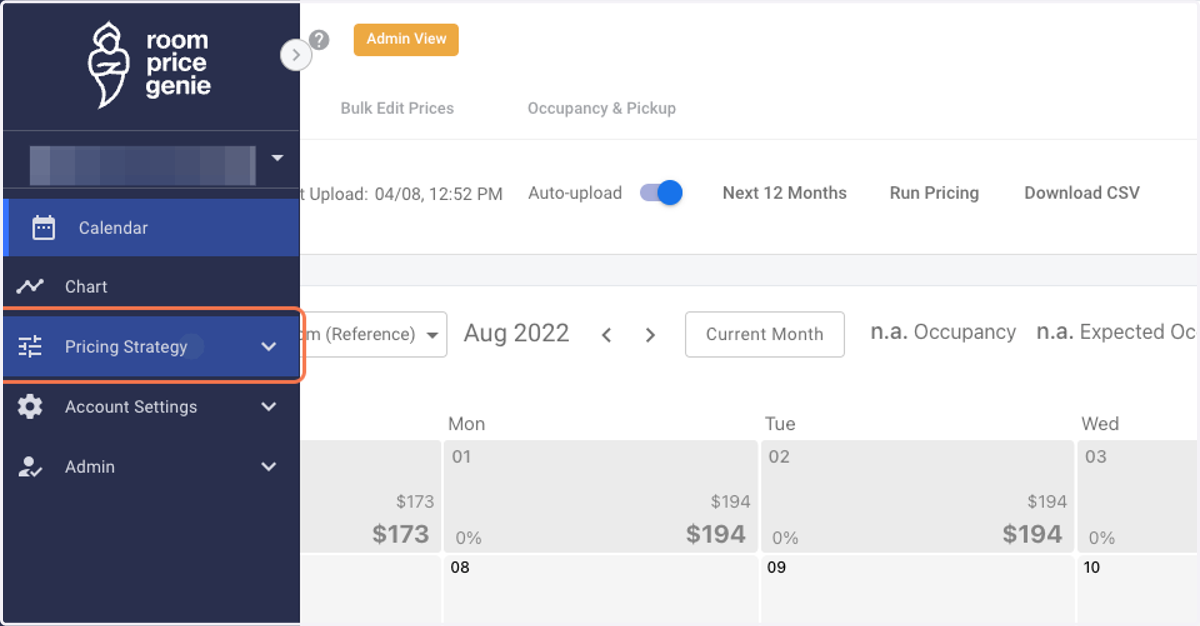
1. Log in to RoomPriceGenie and click on Pricing Strategy.
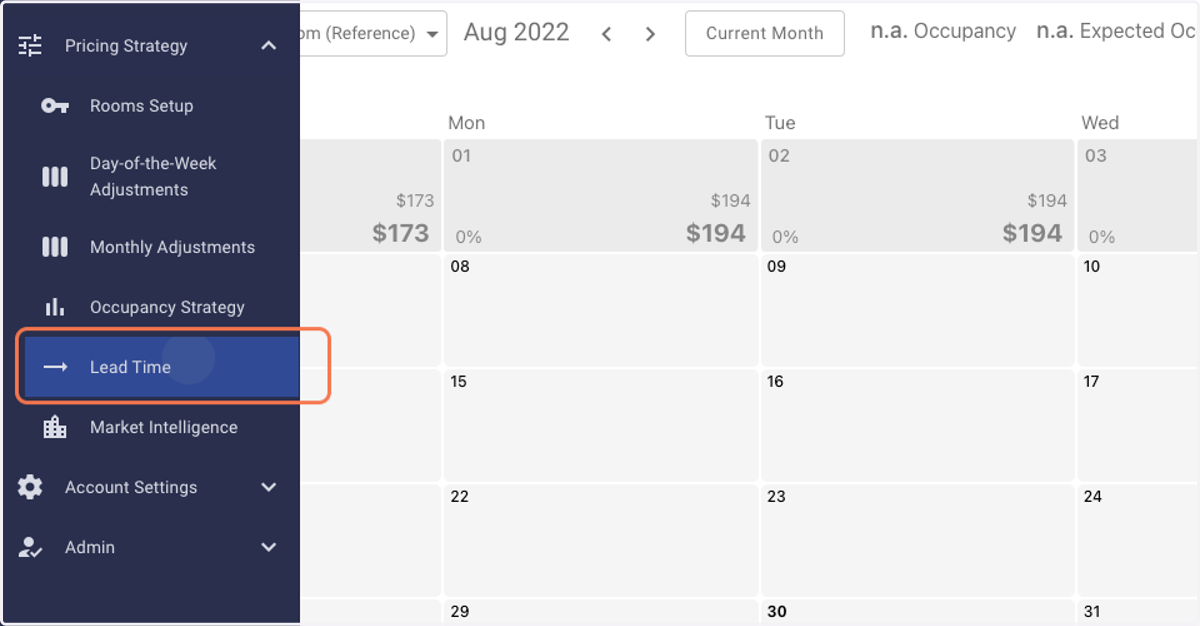
2. Click on Lead Time.
3. You shall enter the Lead Time Adjustments page.
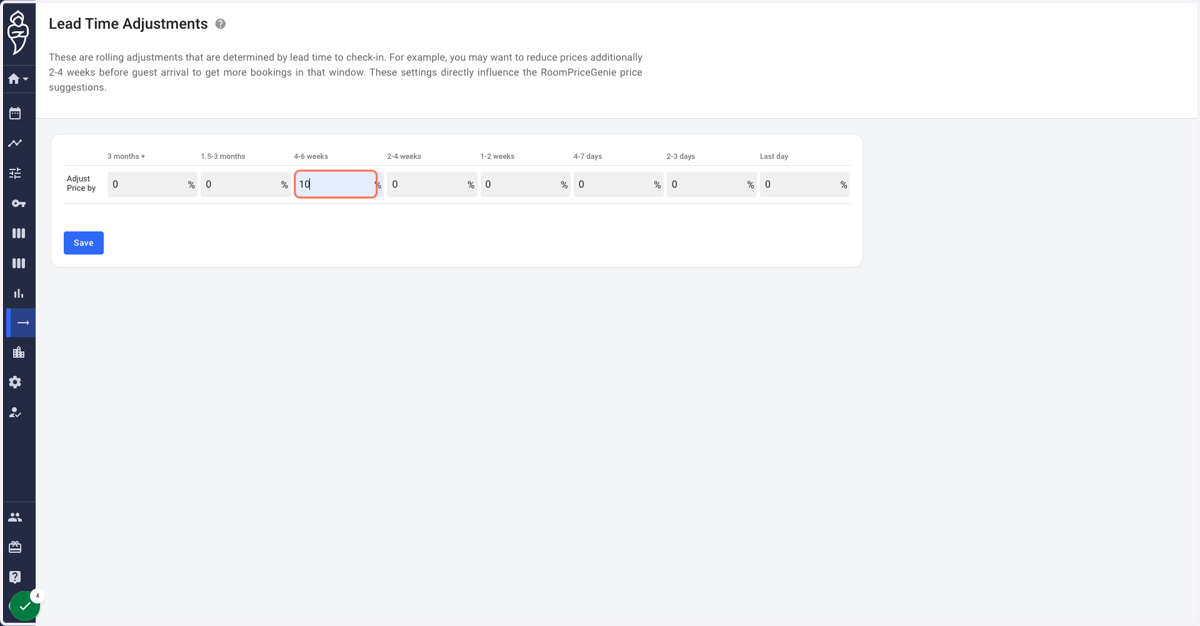
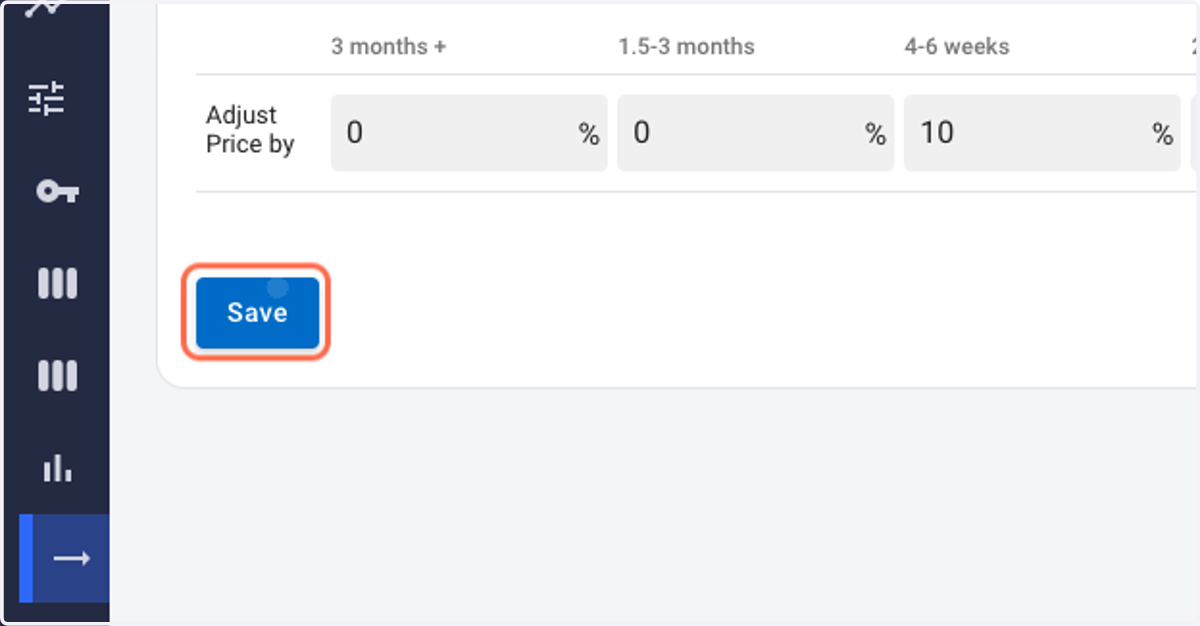
4. Please enter the desired percentage values for your selected lead time period.
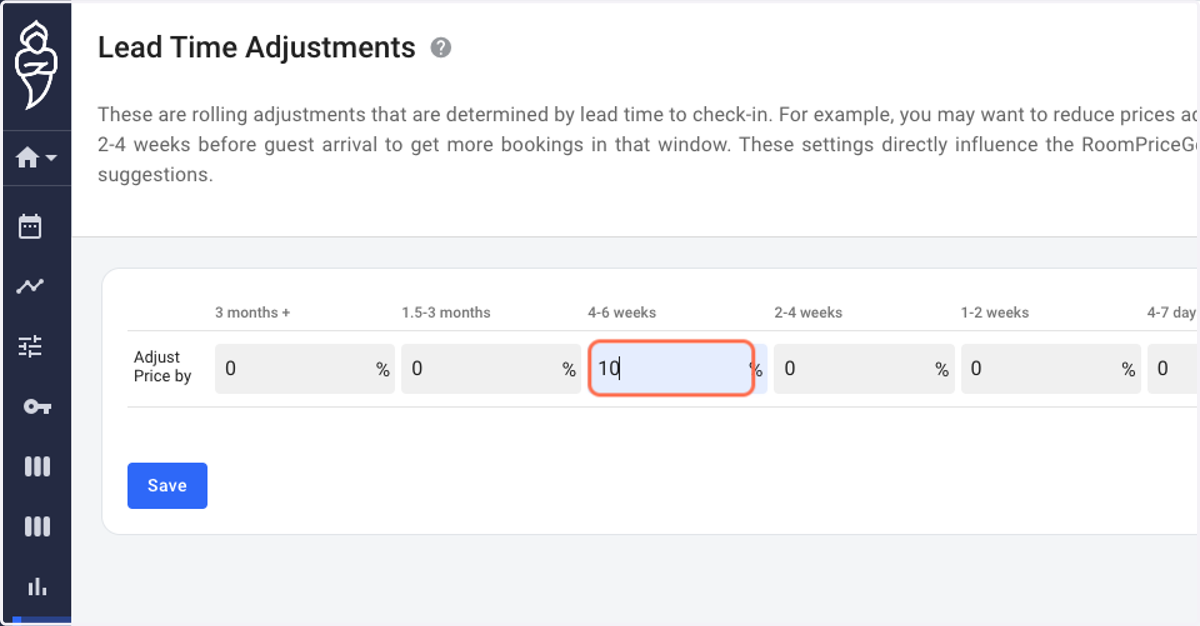
5. Click on Save.
6. A 'green' dialog box shall appear at the bottom indicating settings have been updated successfully.