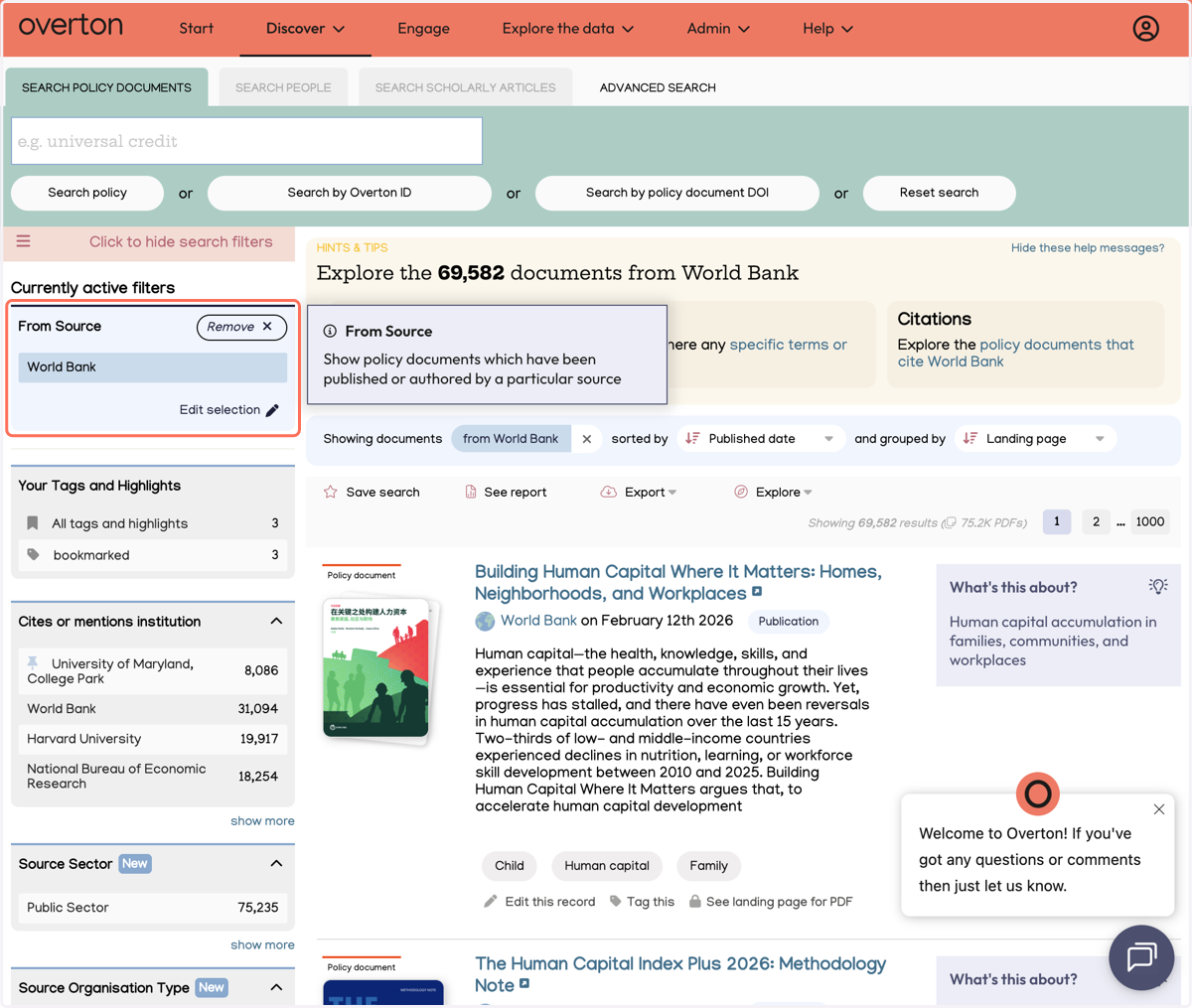
Find policy from a specific source or source type
Find policy form specific source types
1. Select Policy documents to search or browse.
Overton lets you filter any of your results by a specific Policy Source or Source Type. A policy source is an organisation or body that publishes policy-related documents that we index. Source types are the categories these sources fall under (government, NGO, think tank, etc.).
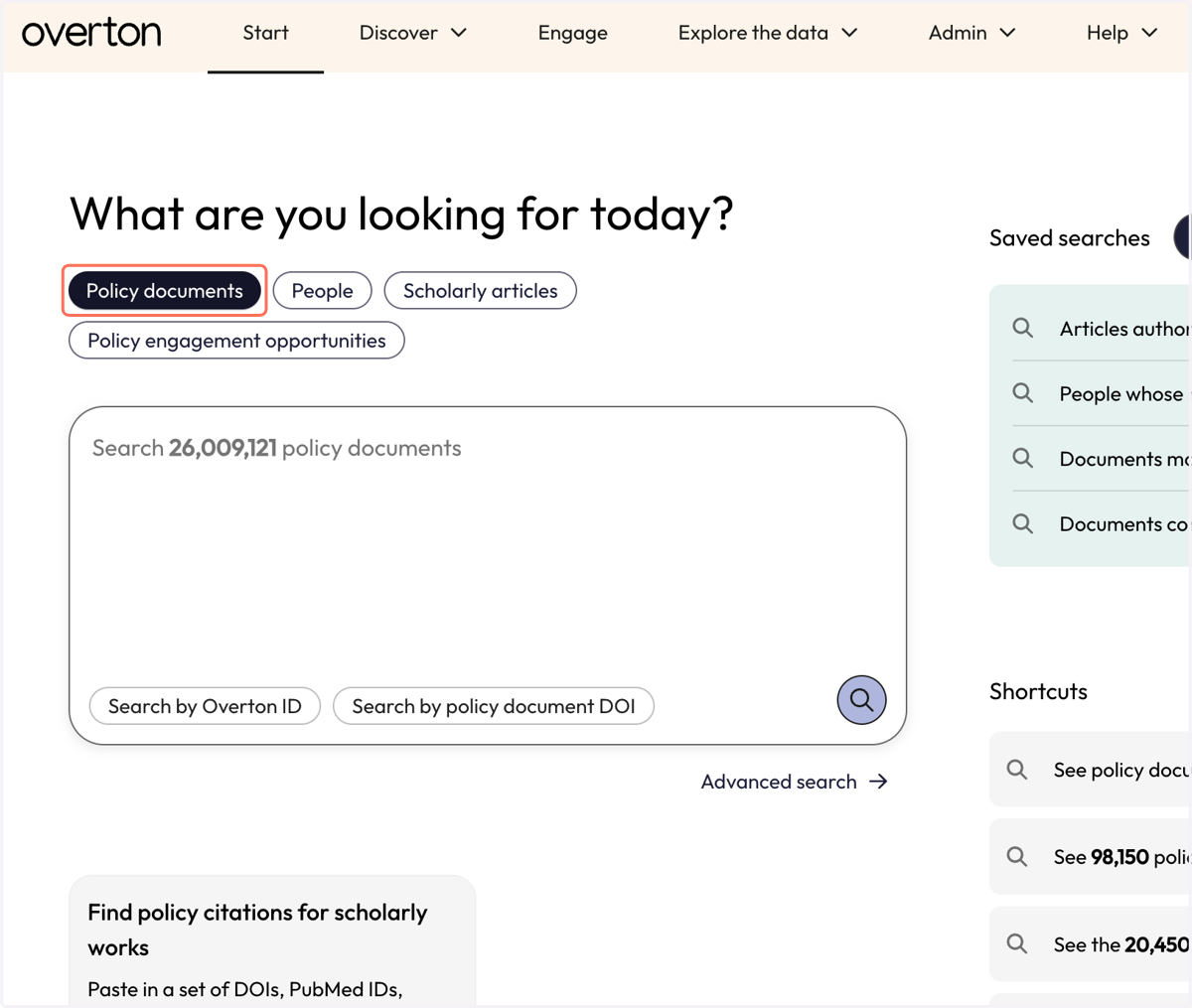
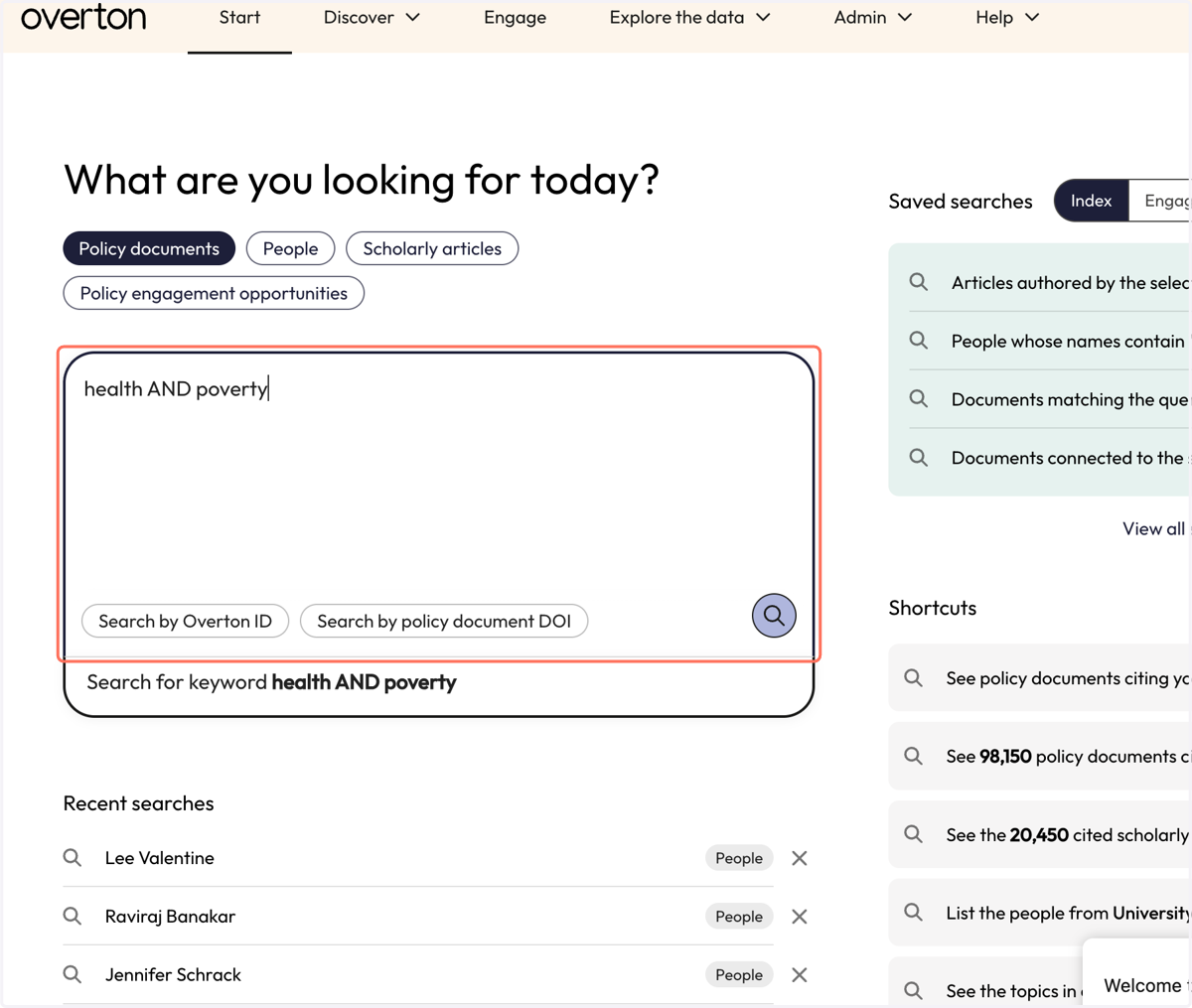
2. You can either enter keywords in the search box or run an empty search to browse all documents.
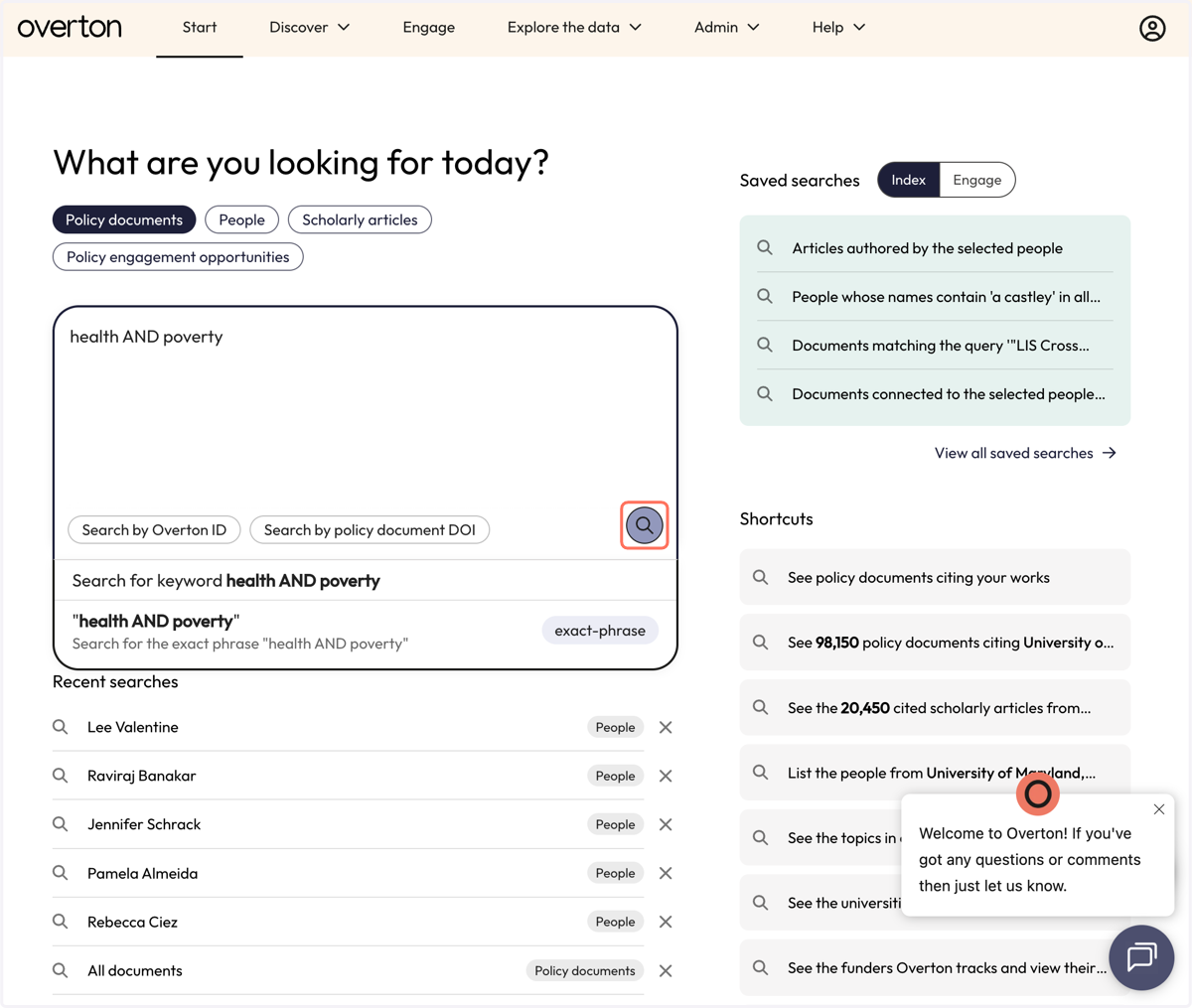
3. Click on the Search icon without entering keywords to look at Overton's entire set of policy documents.
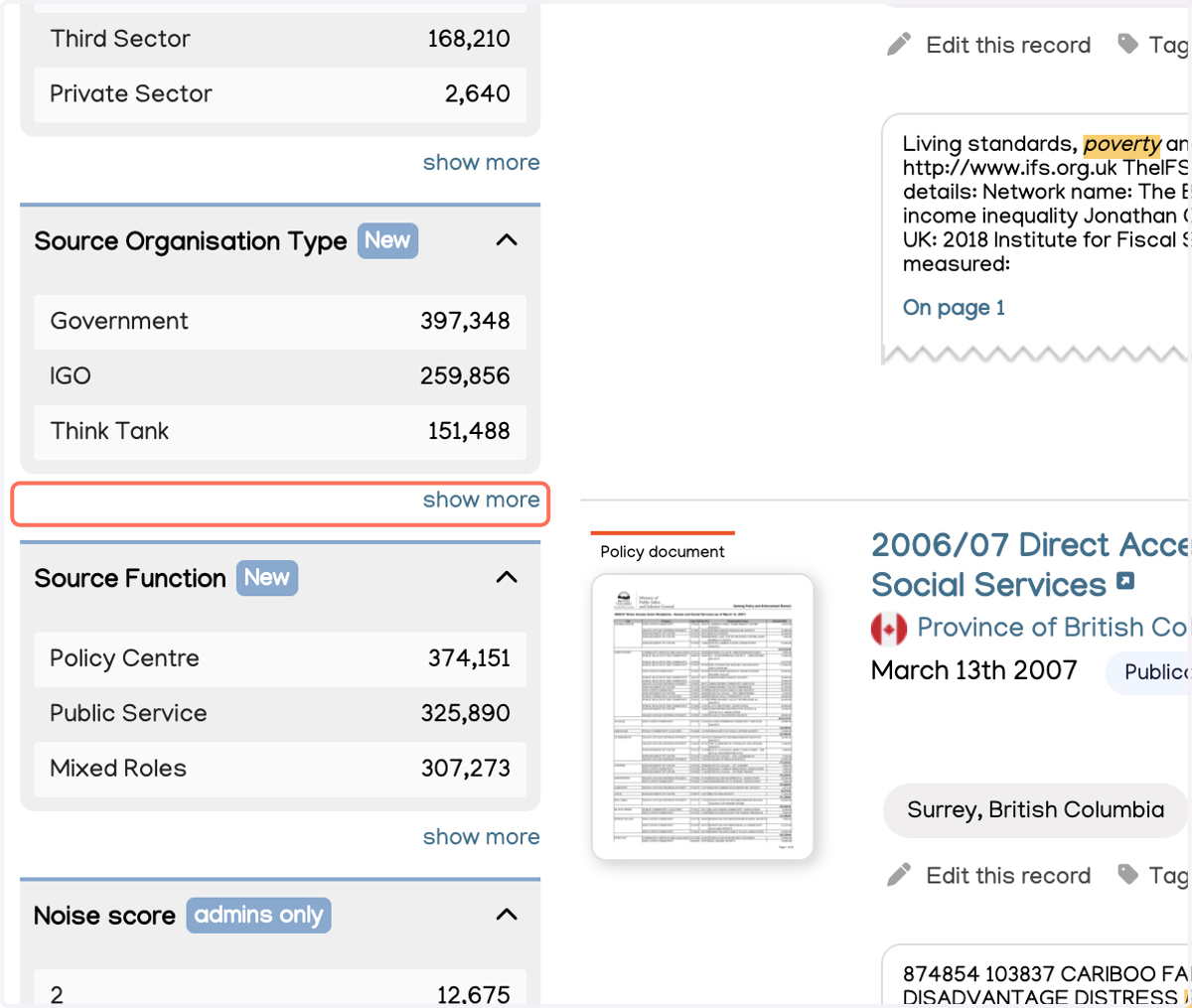
4. Your results page has filters on the left including Source Sector (public, private, or third)...
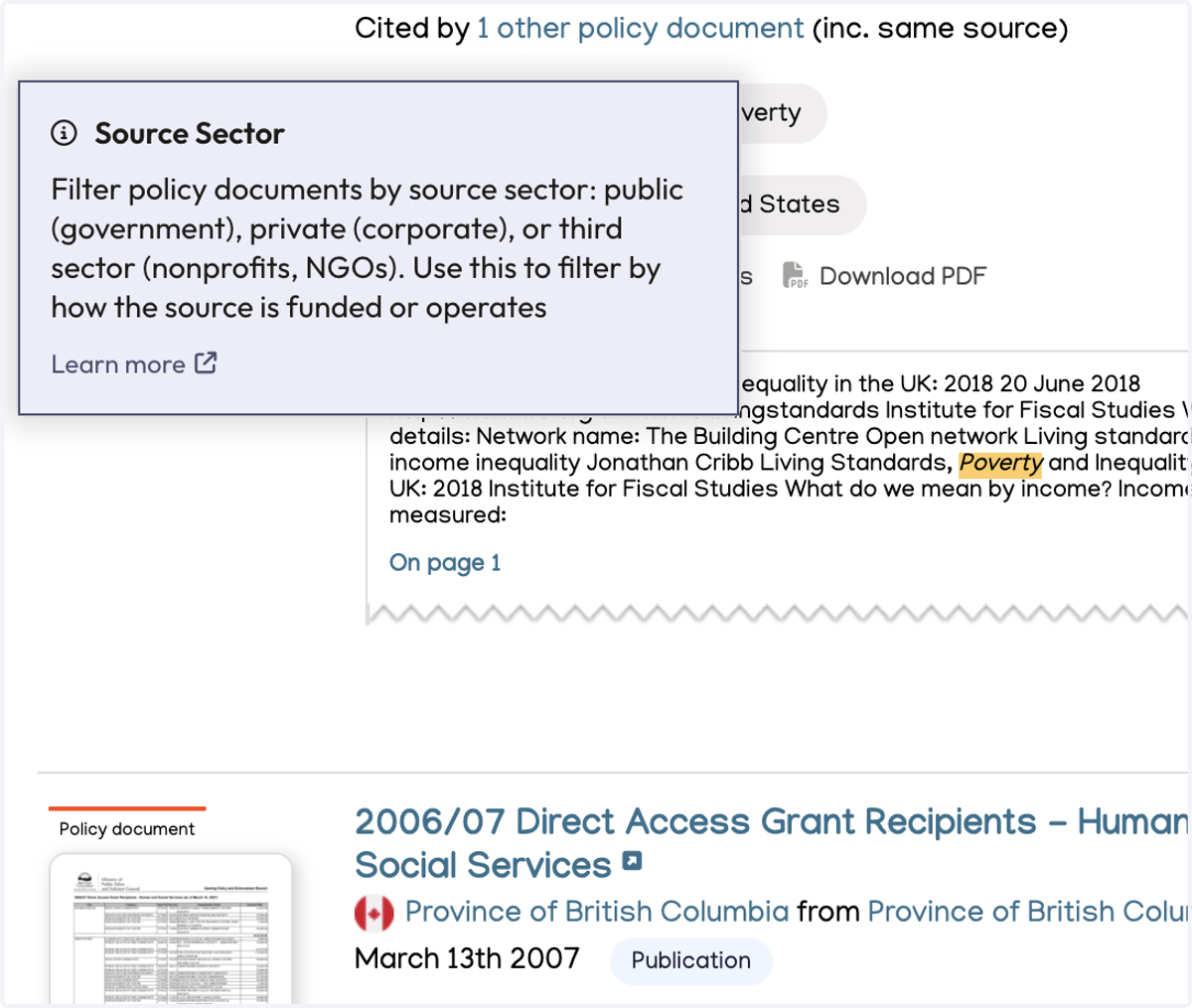
5. Source Organisation Type…
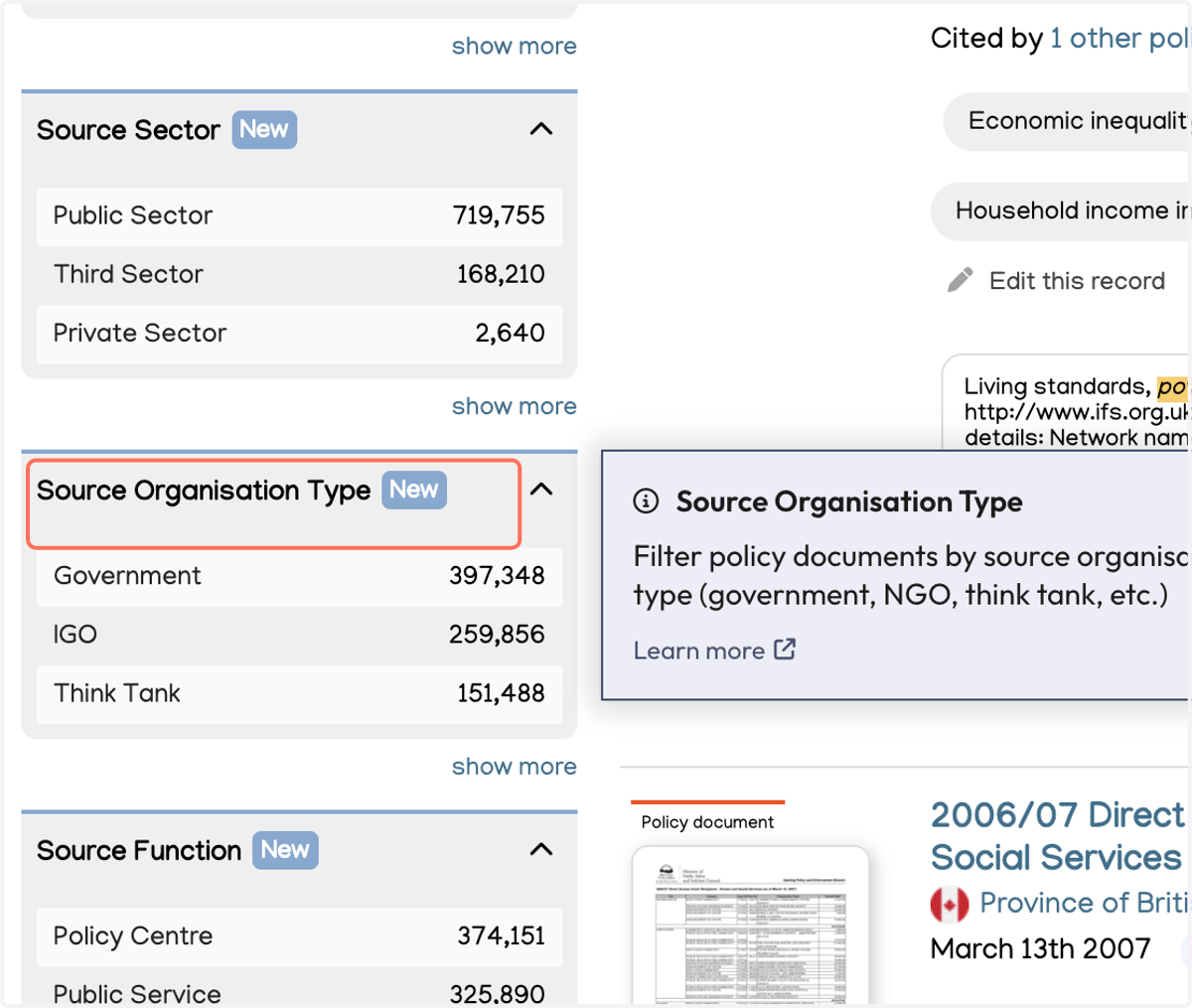
6. Source Function…
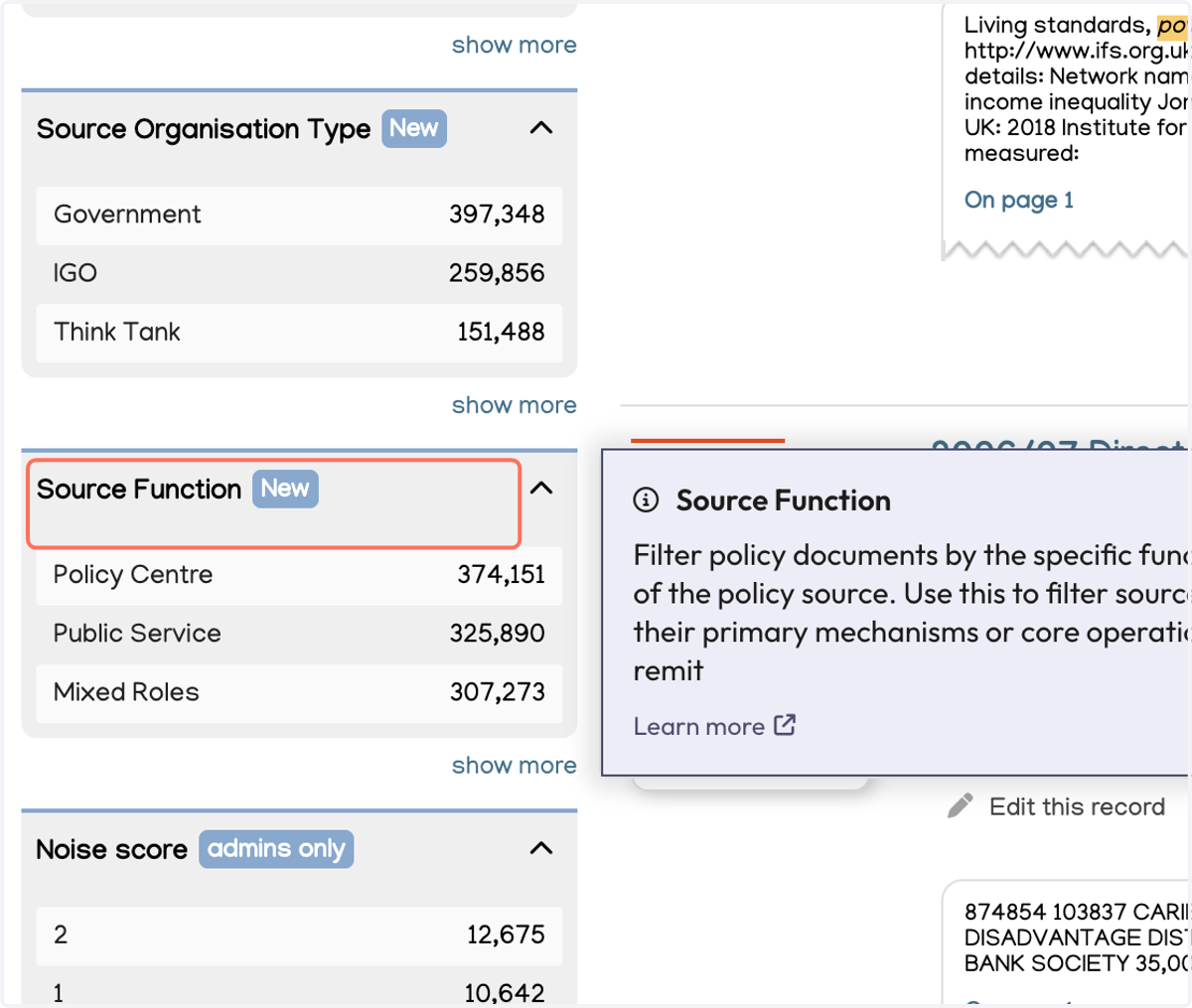
7. And From Source. From Source lets you choose specific Policy sources.
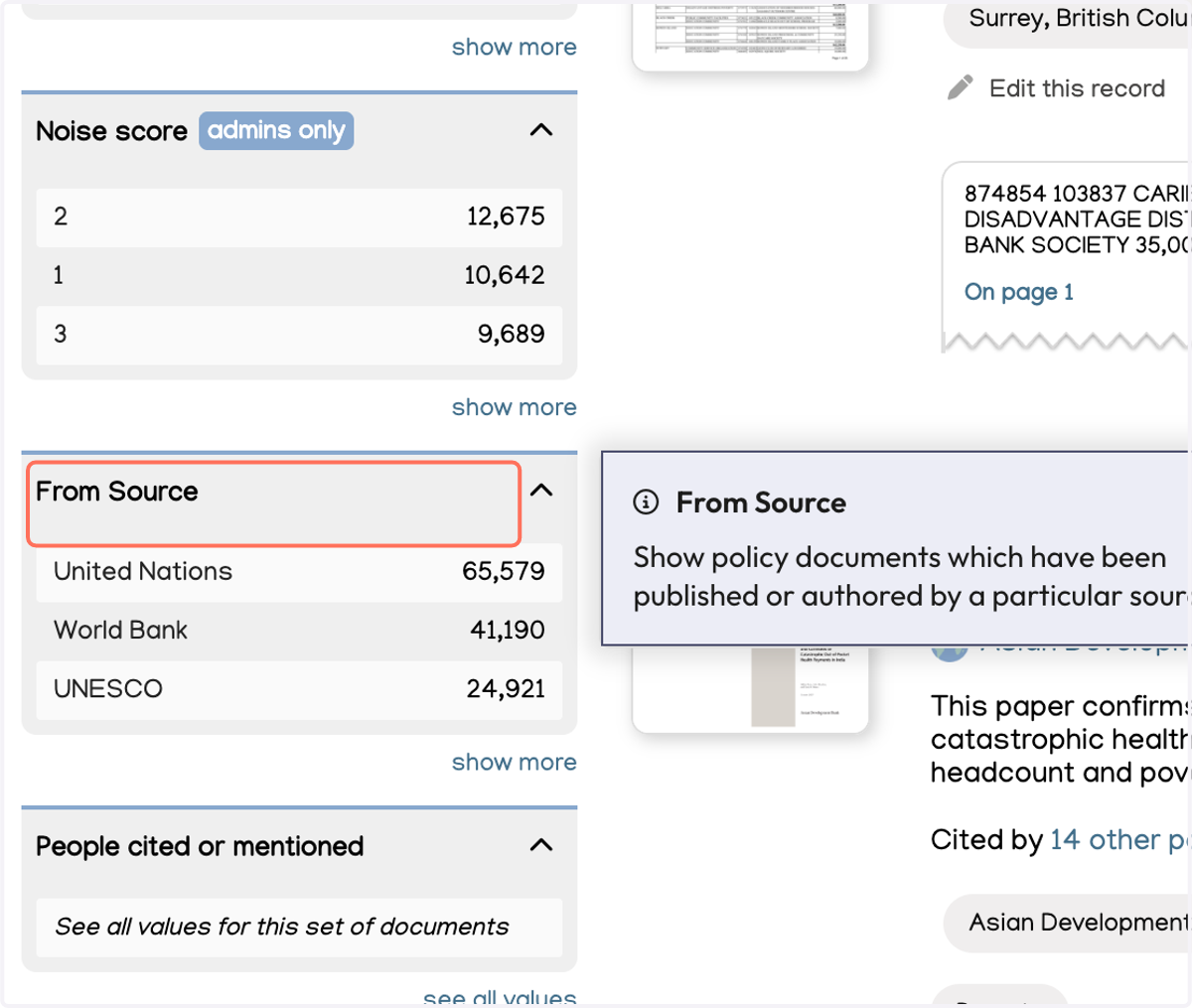
8. Click on show more in any of these filters to select options.
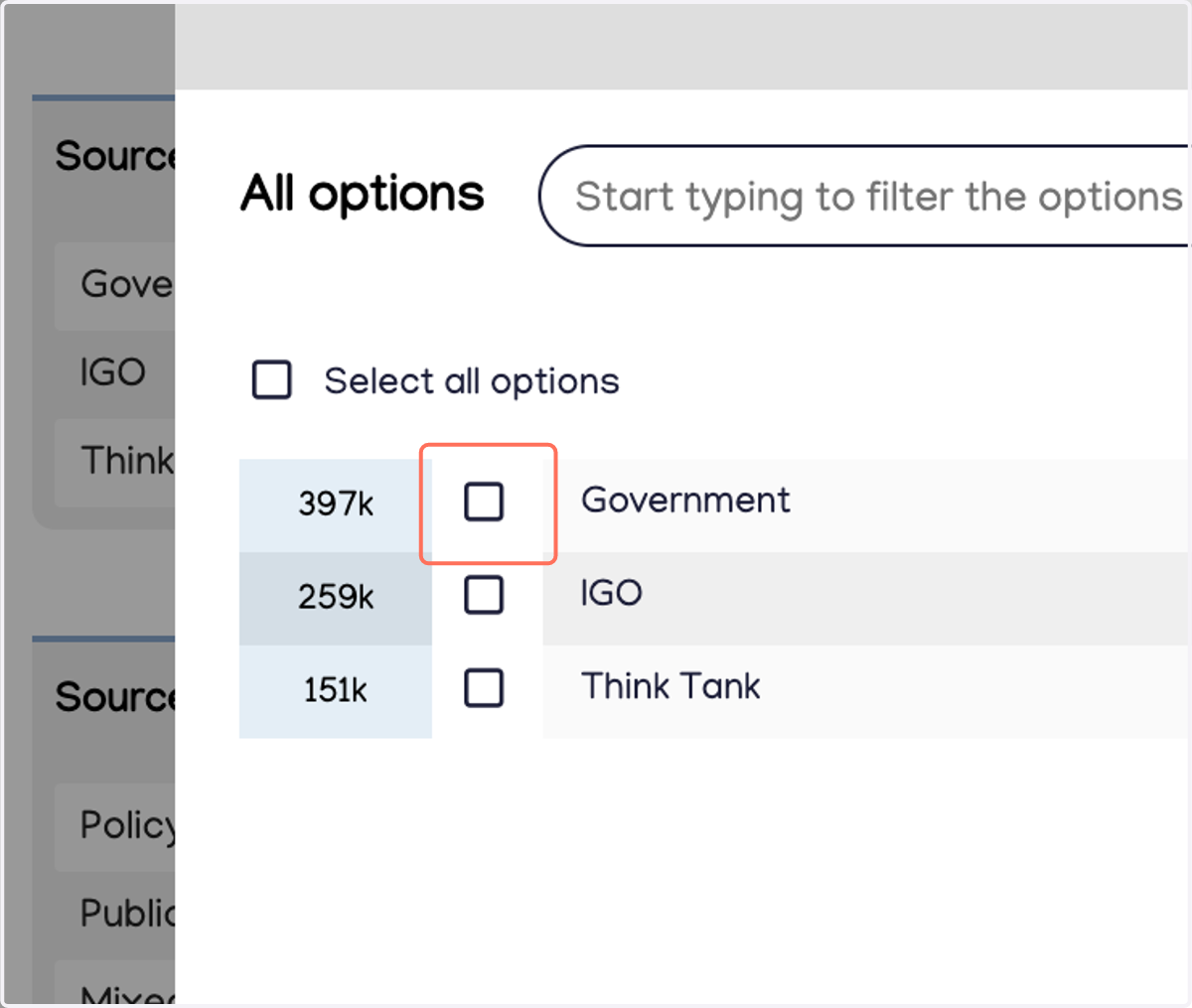
9. For example, under "Source Organisation Type," click "Government" to only see policy documents from Government sources.
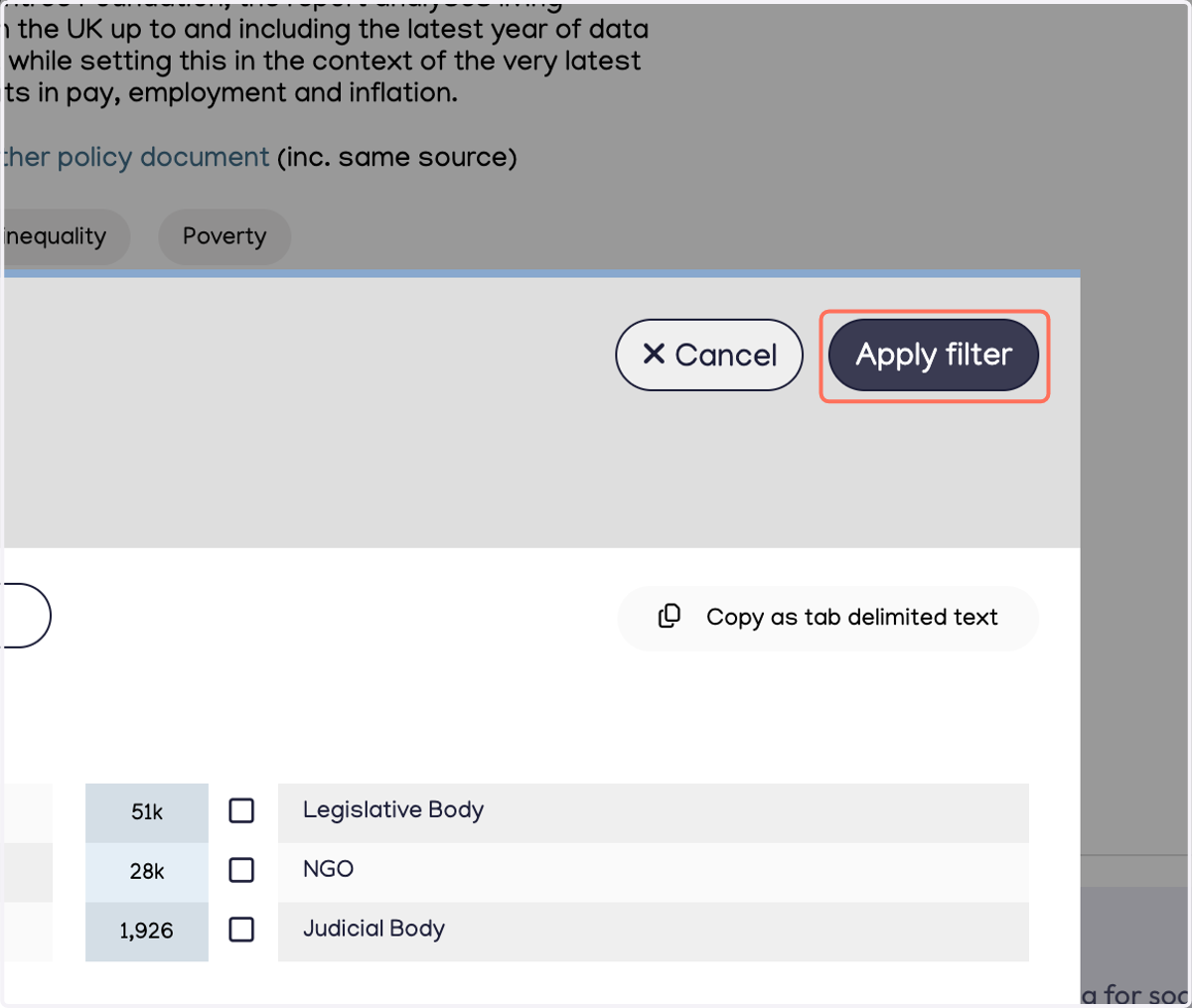
10. Click on Apply filter to view your results.
Find policy documents from a specific source
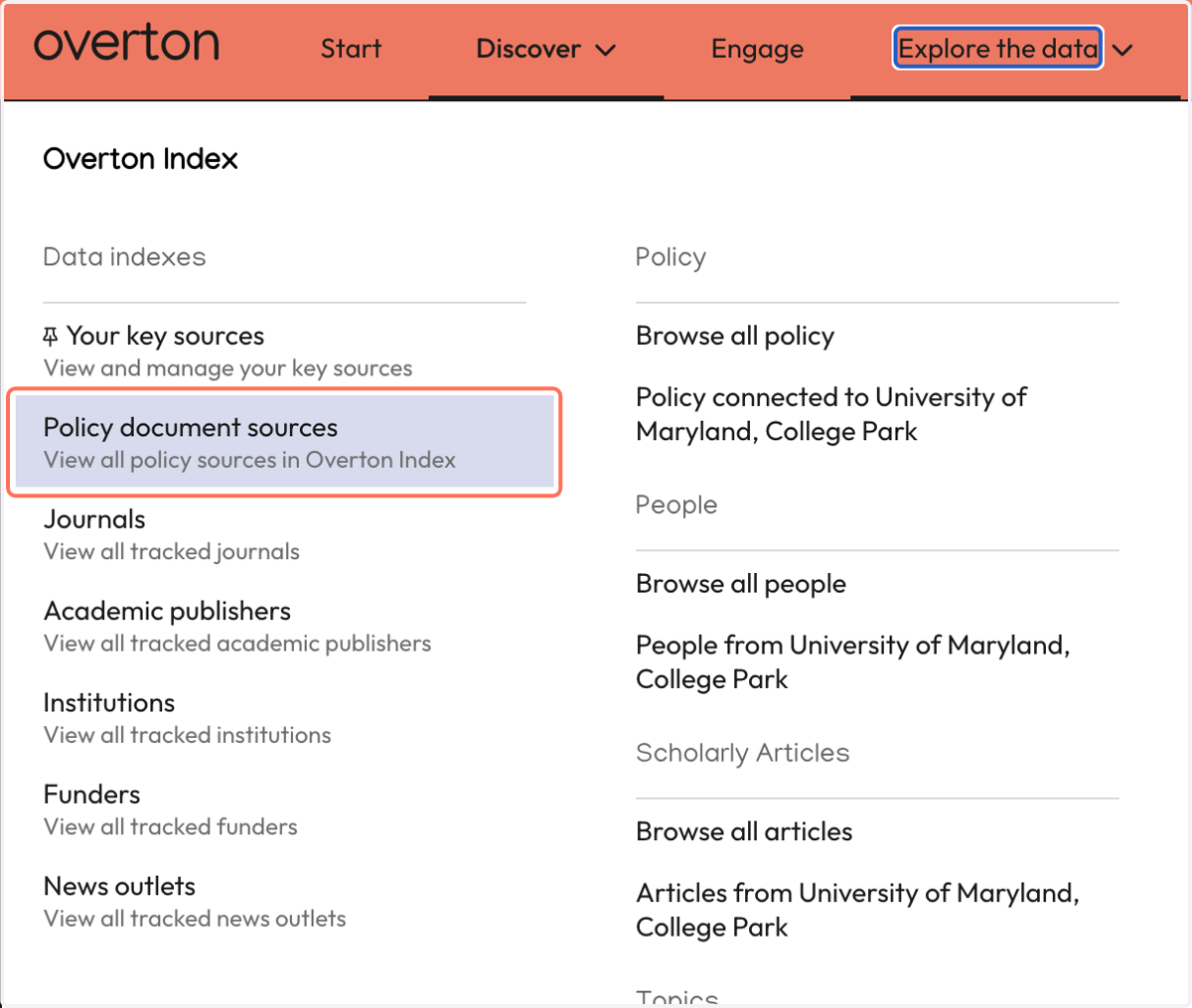
11. To search for specific sources, you can go to "Explore the data" at the top of the page.
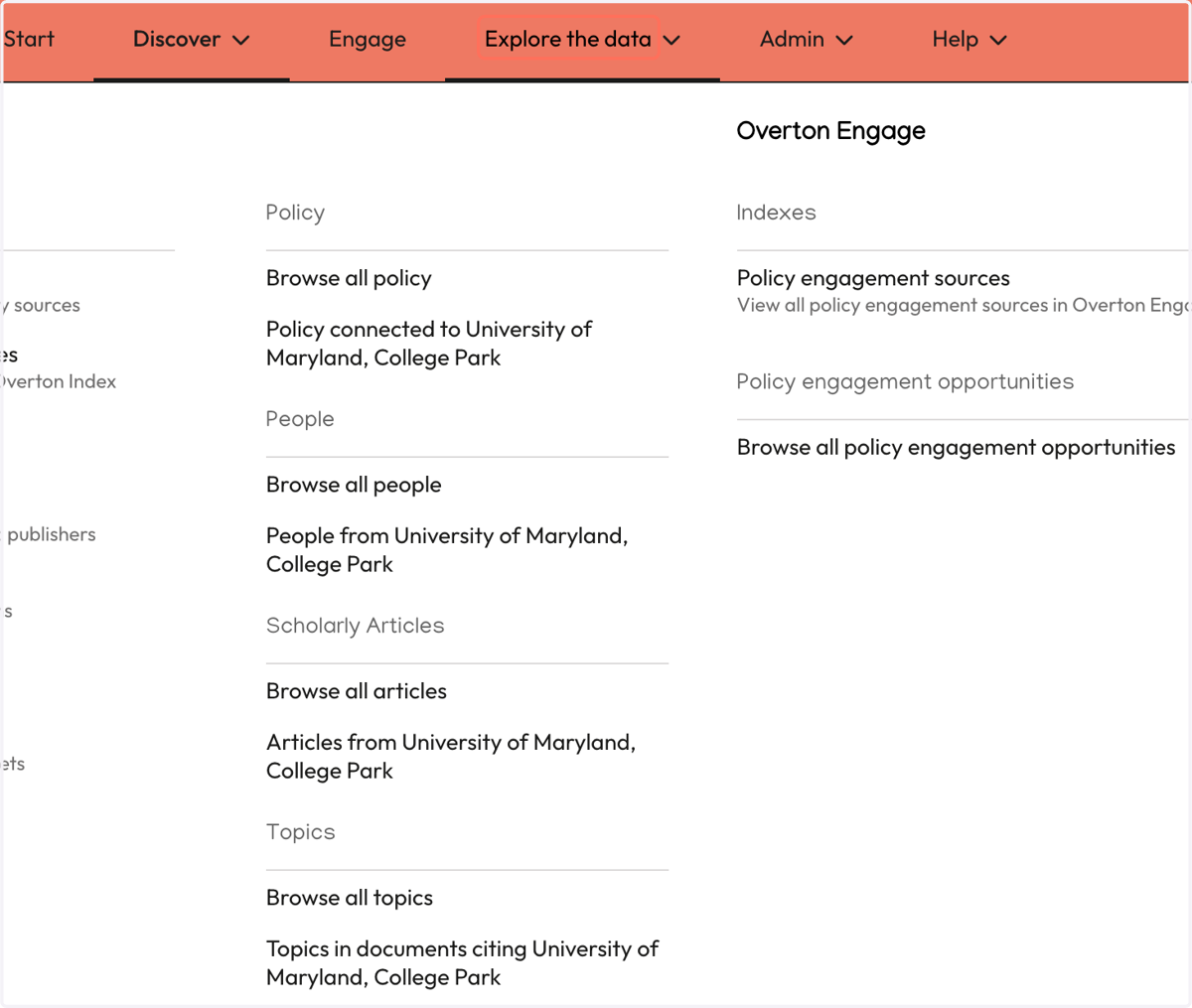
12. Click on Policy document sources to see a full list of Overton's sources…
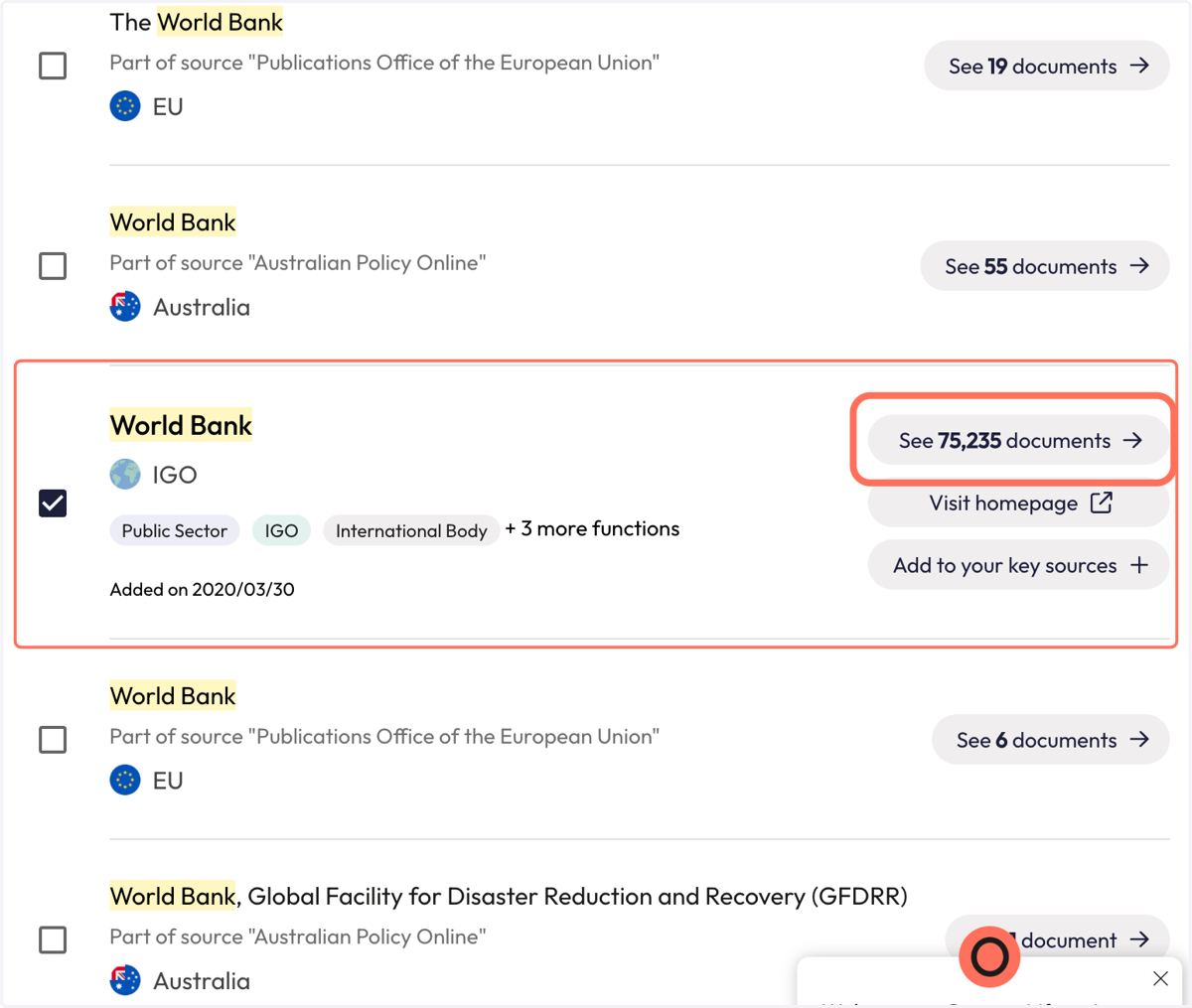
13. Search for an organisation (ex. "World Bank") to see if we Index it and view the results. You can also "Suggest a source" if we don't index it yet!
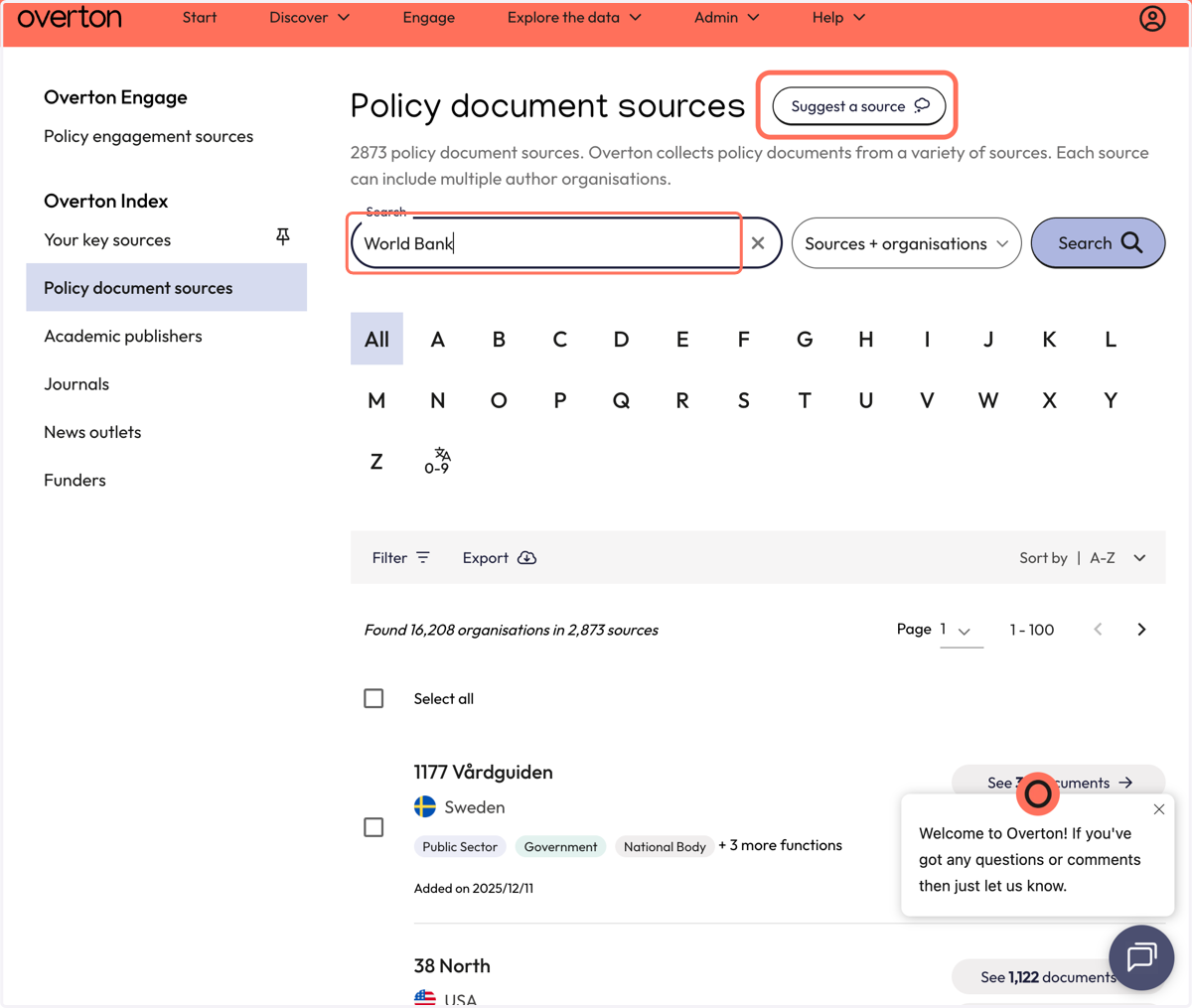
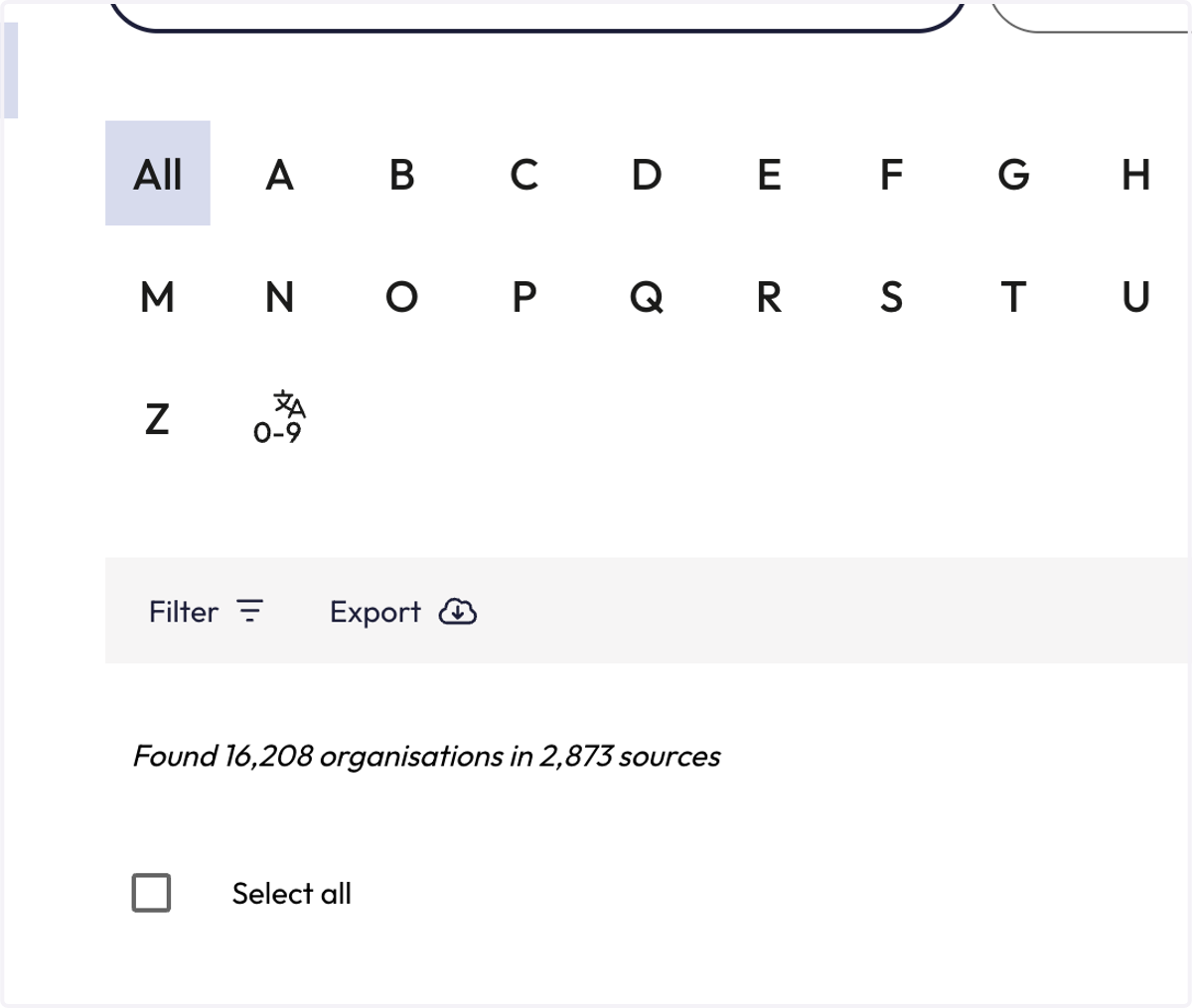
14. Click on Search. You can also change "Sources+organisations" to "Sources only" or "Organisations only."
15. Your results may include organisations that are part of a policy source. For example, "The World Bank" is also an organisation within the Publications Offie of the European Union.
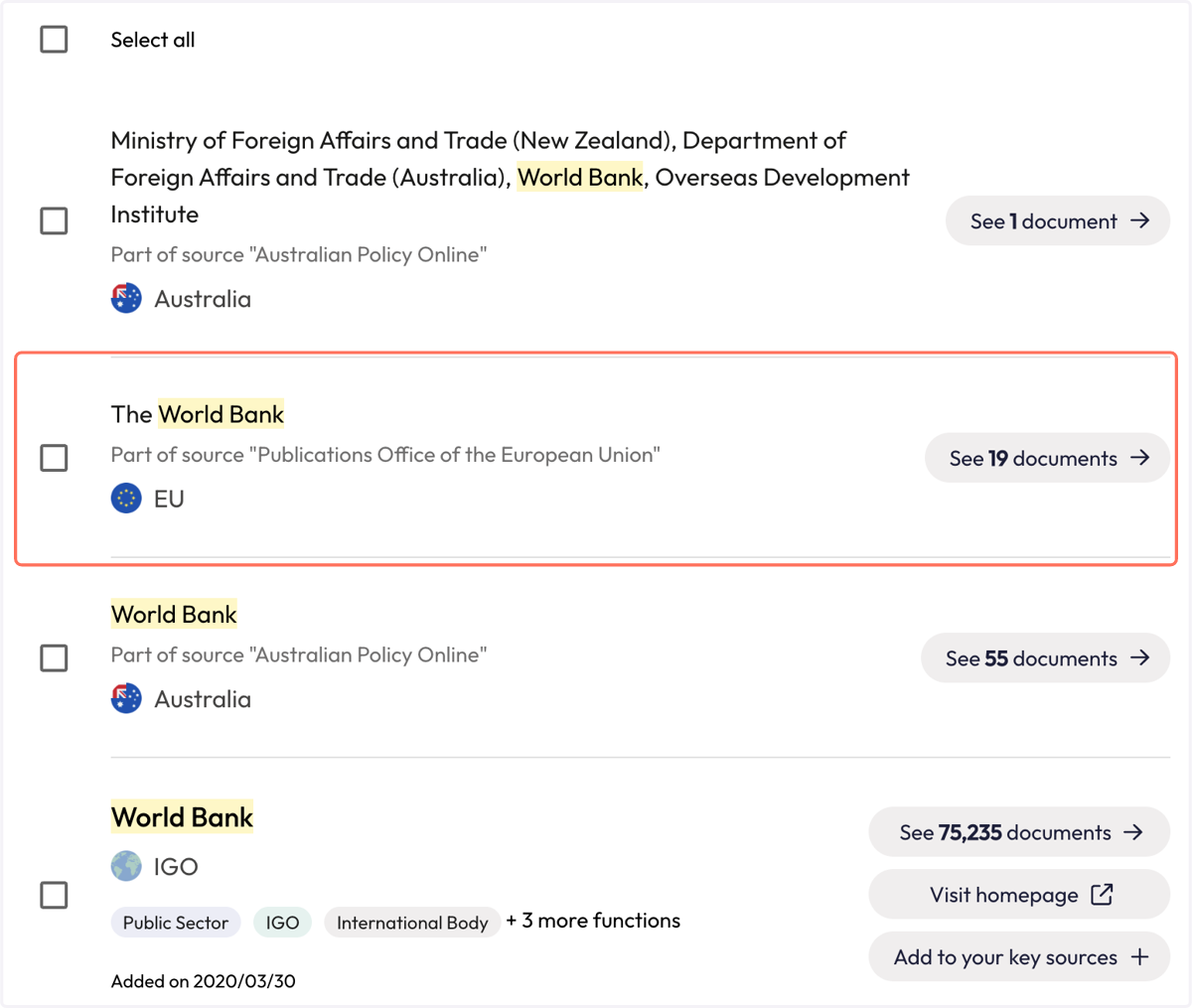
16. Once you find the policy source you are looking for, click "See documents" to see all of the policy documents published by this policy source.
17. And you can now view all of the policy documents published by your source. Save the search, see a report, export your results, or explore more.