Editing a Mobile Device record - Connect Platform

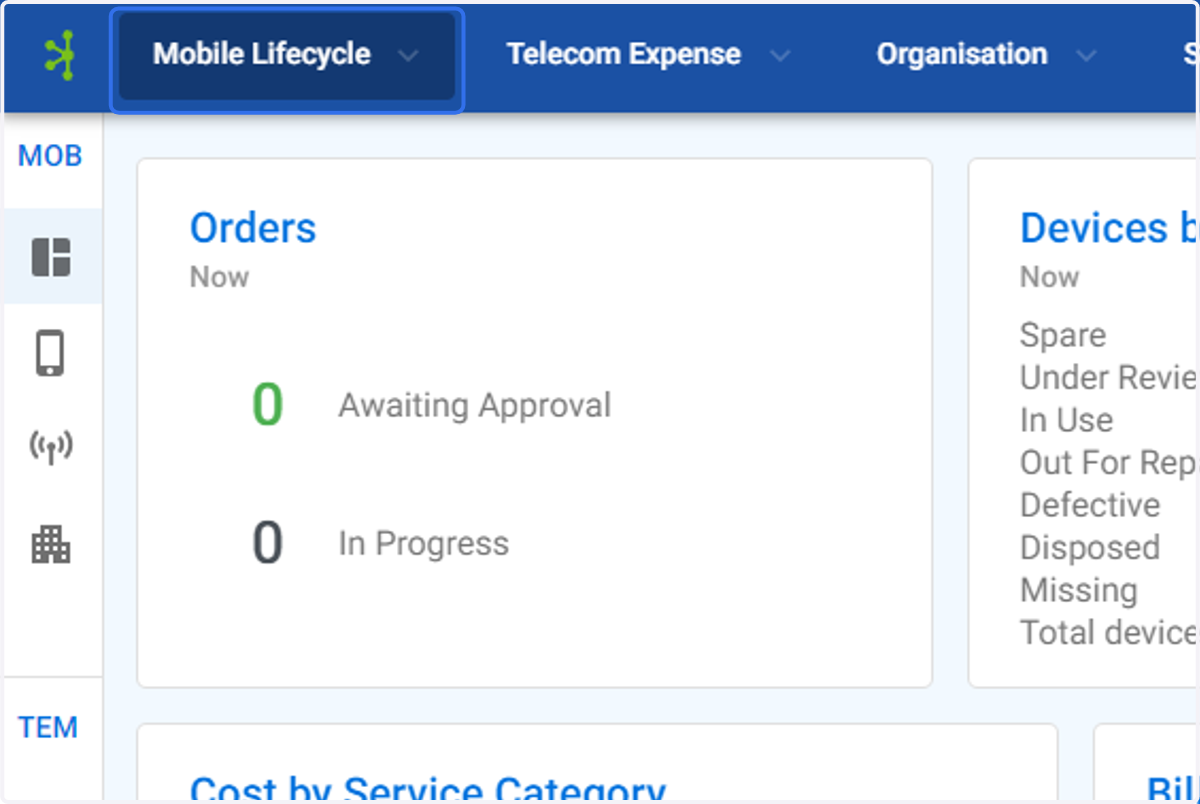
  1. 1. Click on Mobile Lifecycle

    Click on Mobile Lifecycle
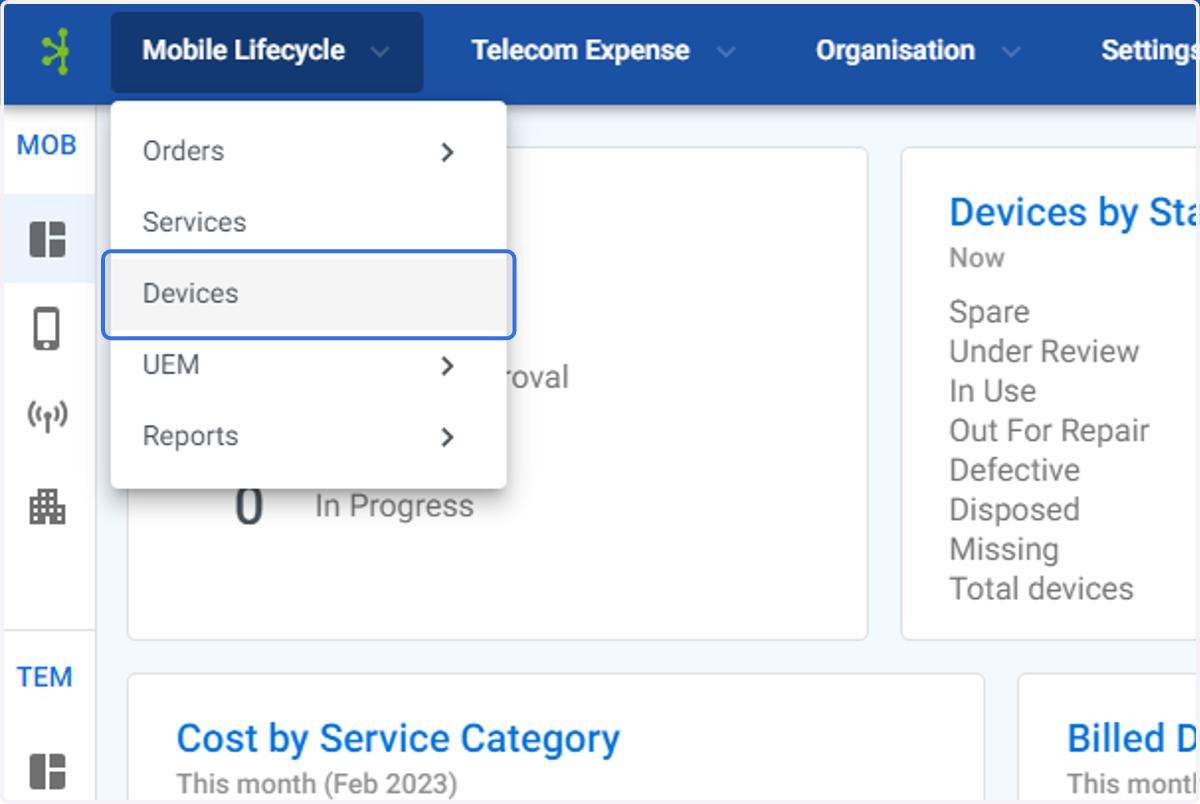
  2. 2. Click on Devices

    Click on Devices
  3. 3. Click on the device you wish to edit
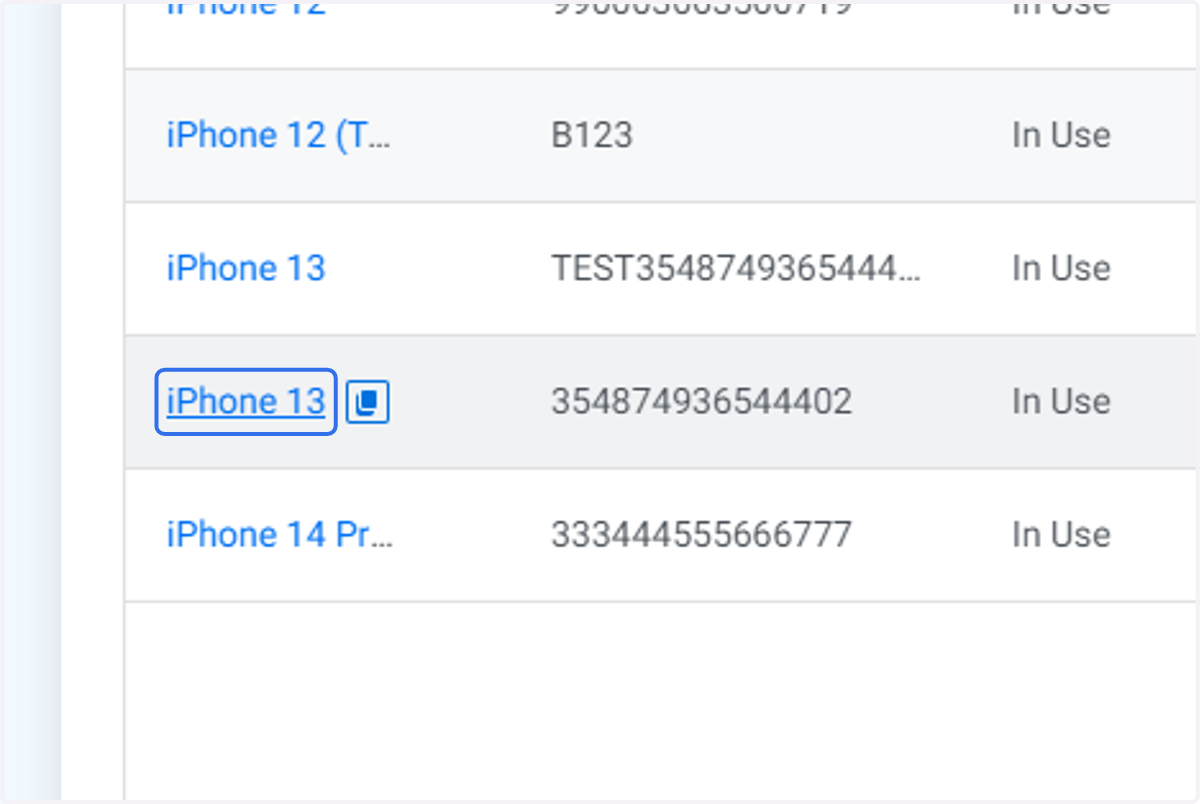
    Click on the device you wish to edit
  4. 4. Click on Edit to edit the device record details
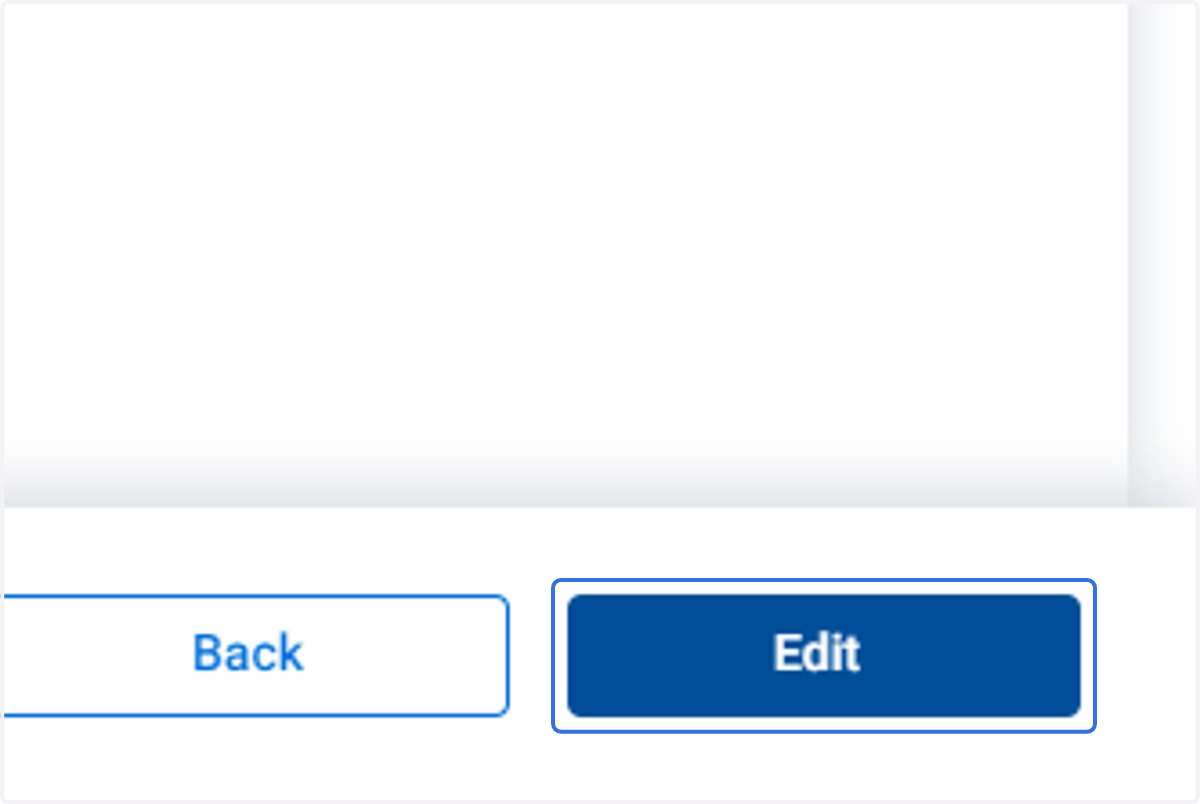
    Click on Edit to edit the device record details
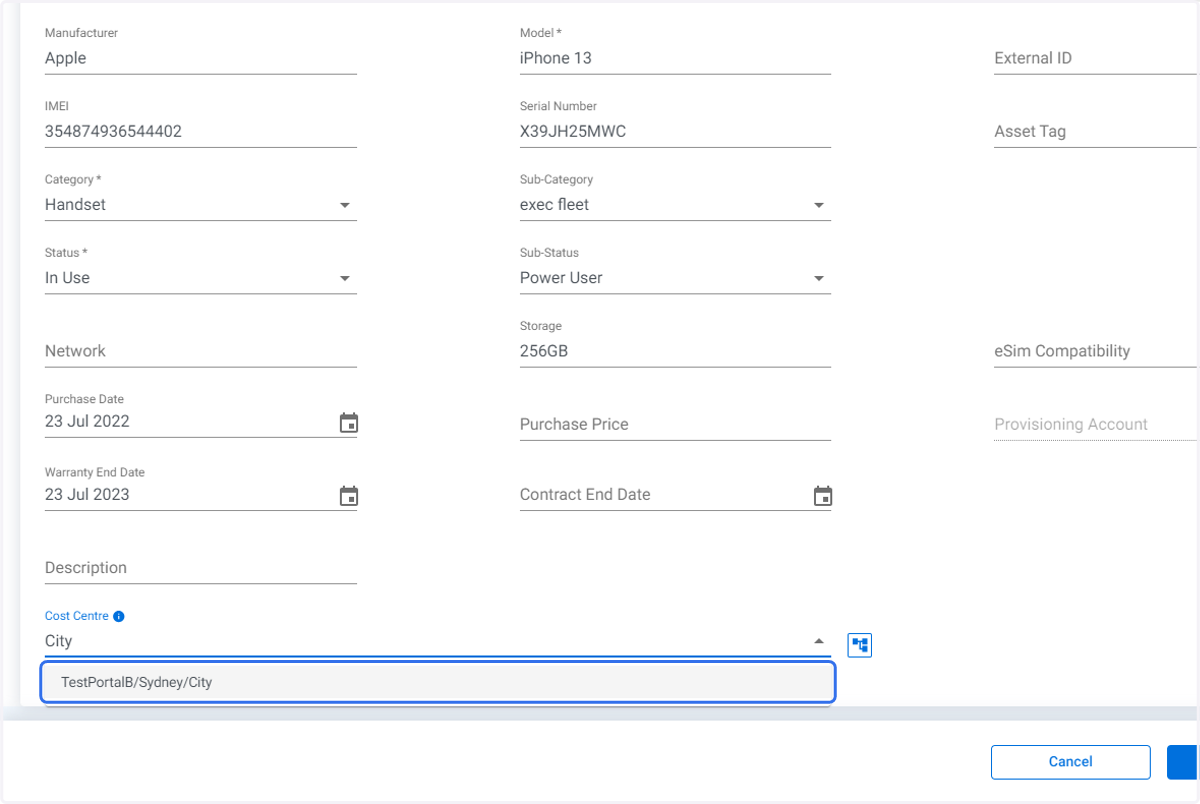
  5. 5. In this example the Sub-Category is being updated, "exec fleet" has been selected
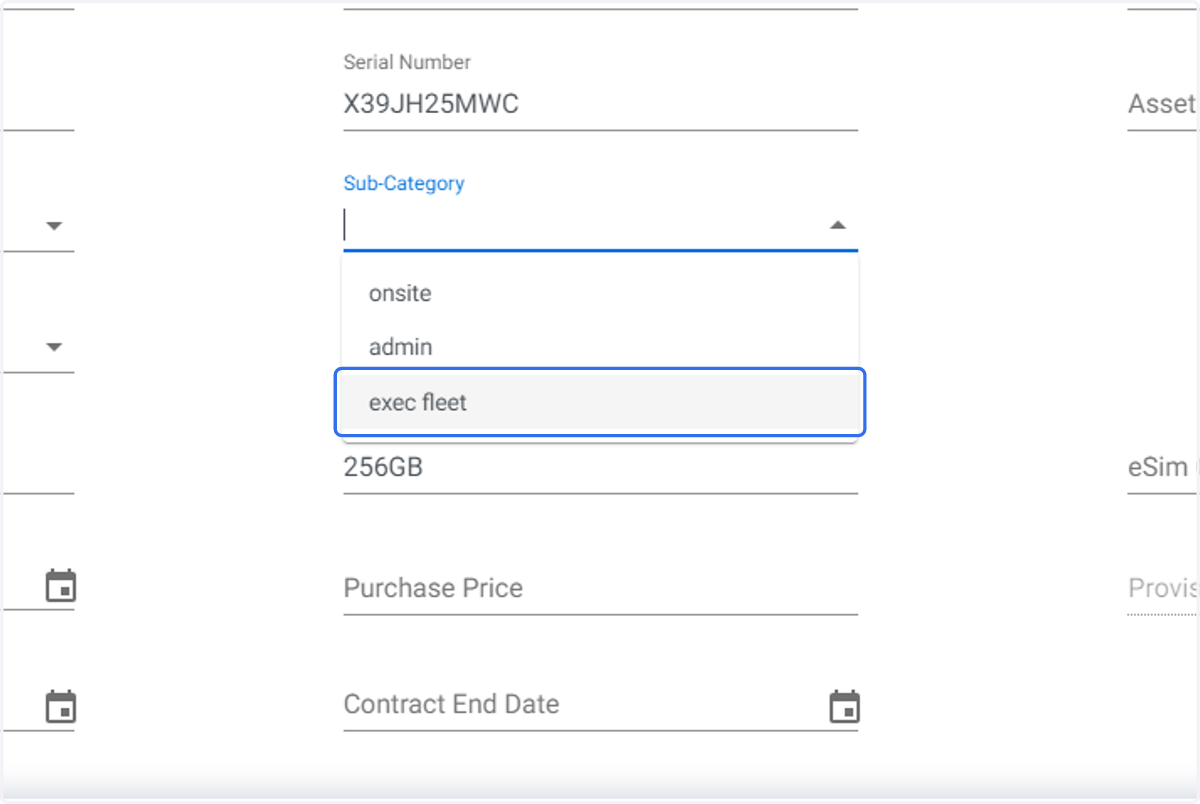
    In this example the Sub-Category is being updated, "exec fleet" has been selected
  6. 6. In this example the device Sub-Status is updated, "Power User" has been selected.
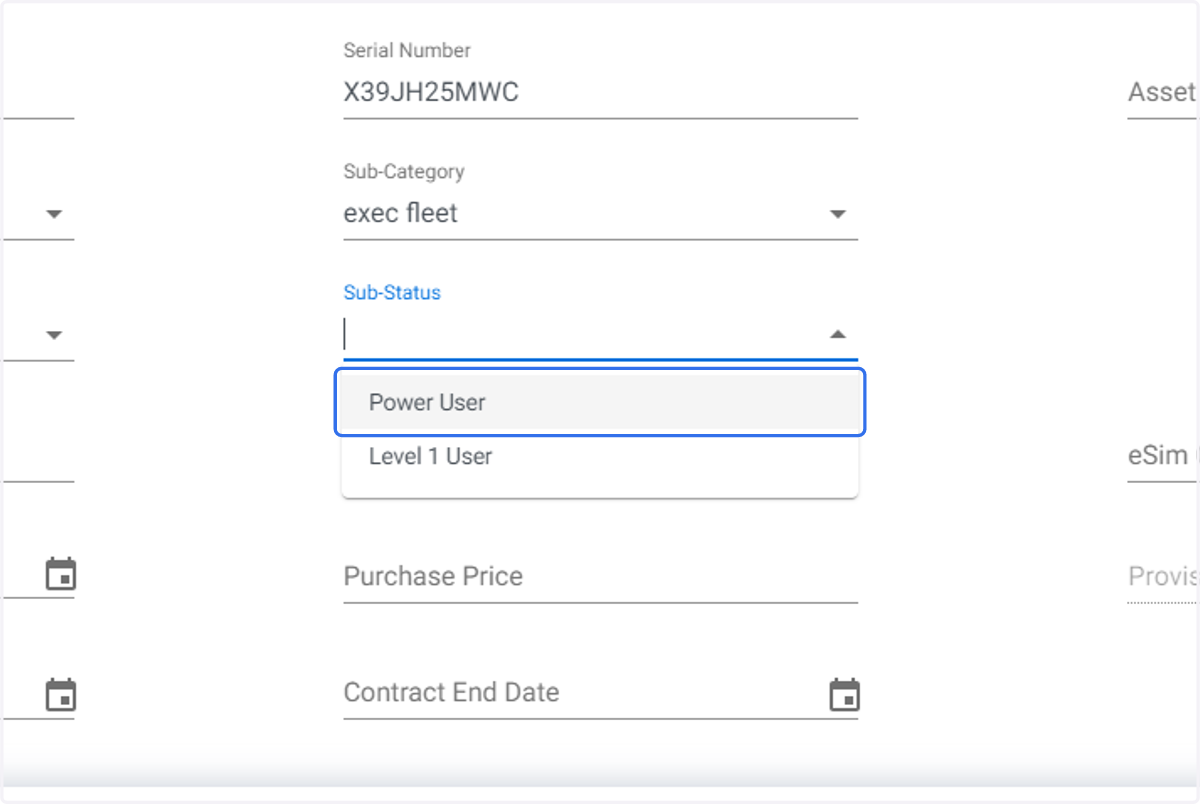
    In this example the device Sub-Status is updated, "Power User" has been selected.
  7. 7. Click on Purchase Date Calendar Icon to set date
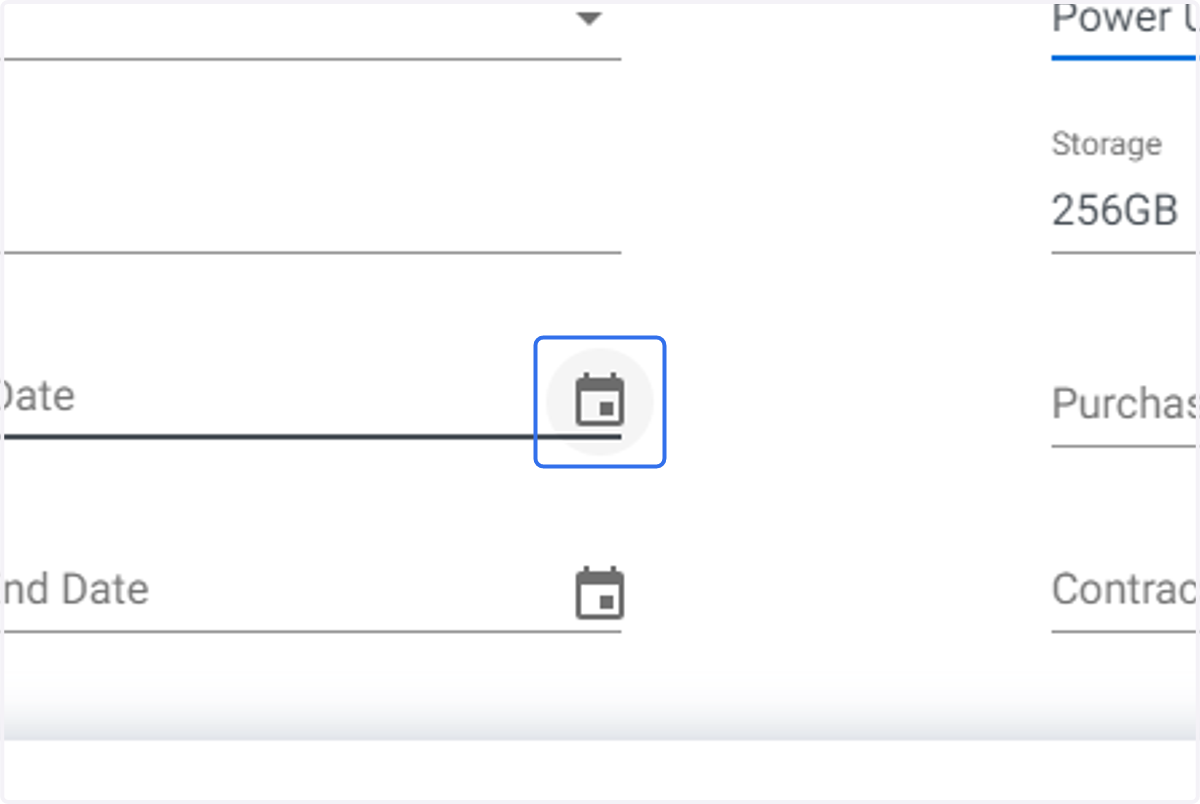
    Click on Purchase Date Calendar Icon to set date
  8. 8. Click on Warranty End Date Calendar icon to set date
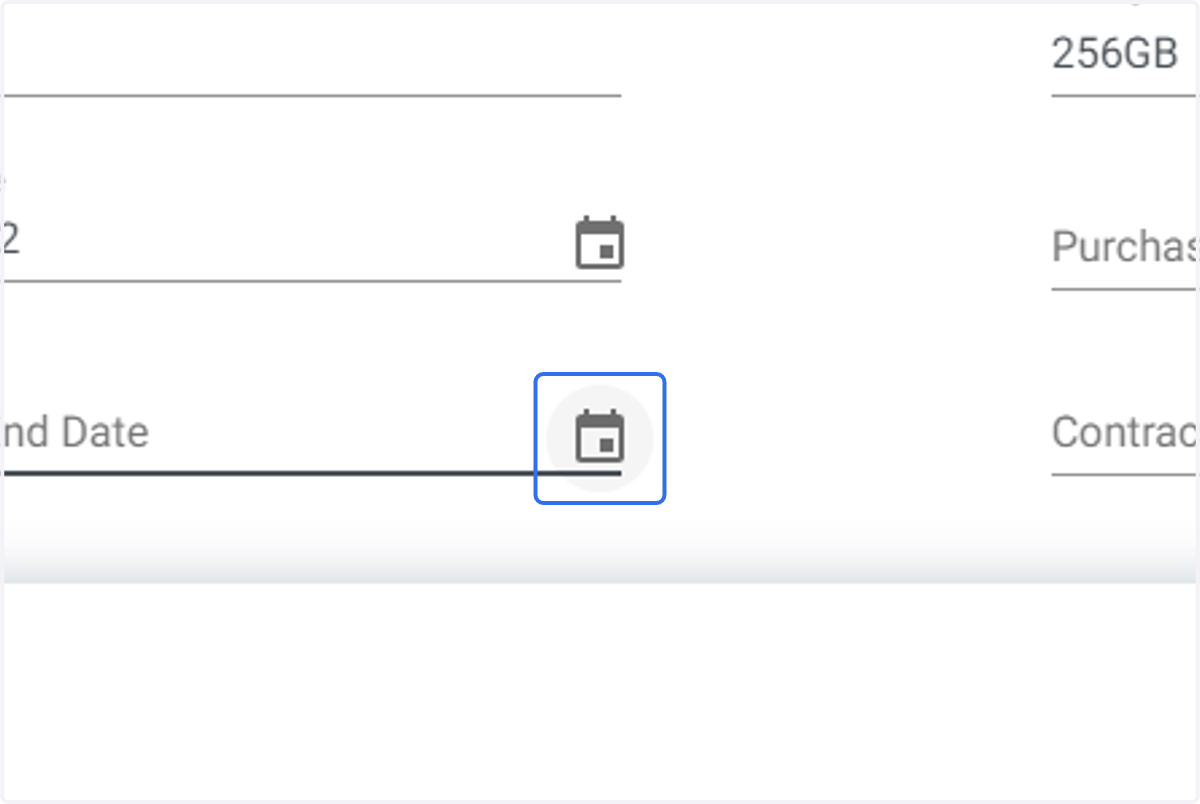
    Click on Warranty End Date Calendar icon to set date
  9. 9. Type in Cost Centre to narrow list.
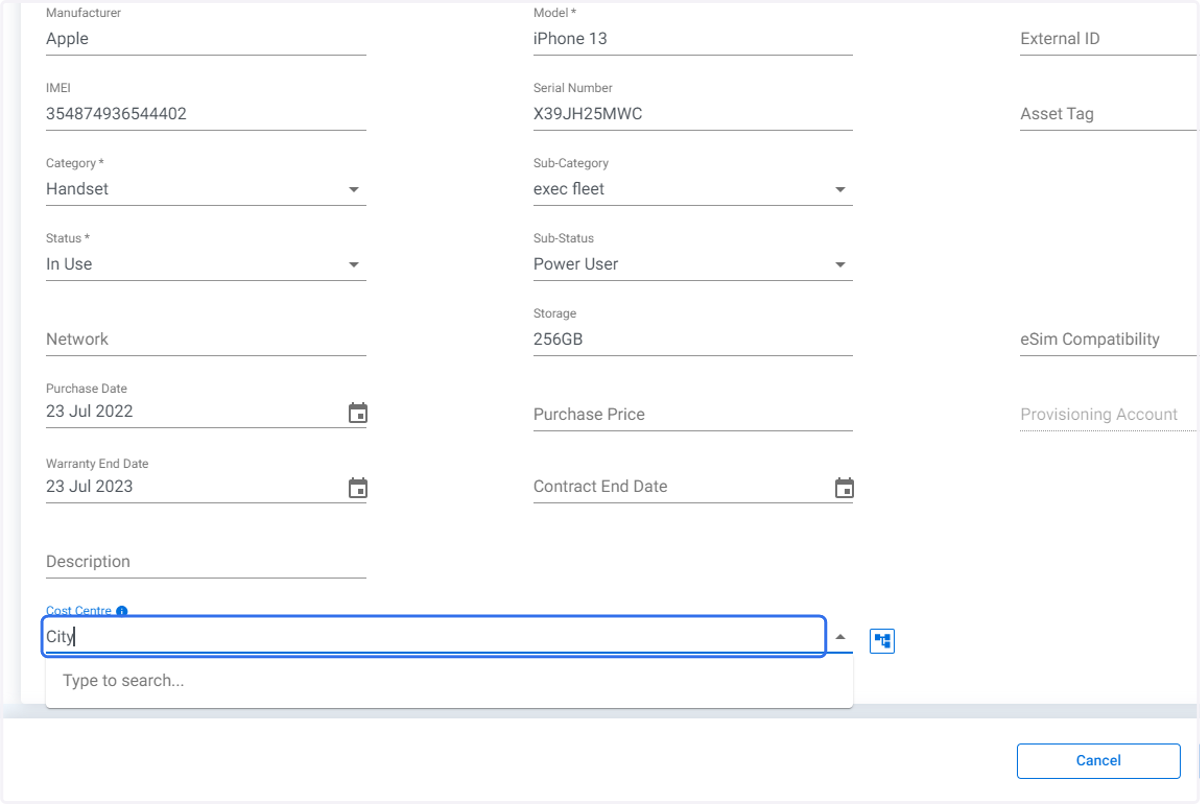
    Type in Cost Centre to narrow list.
  10. 10. Click on required Cost Centre.

    Click on required Cost Centre.
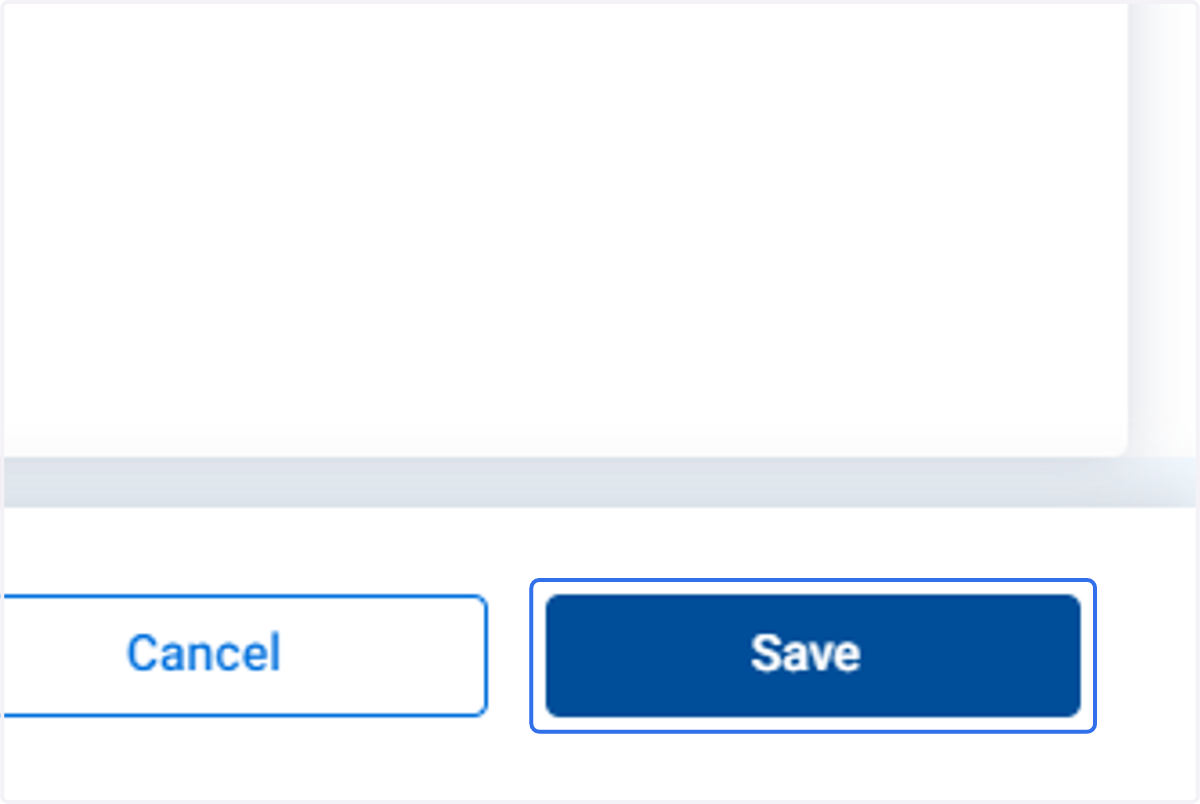
  11. 11. Click on Save

    Click on Save