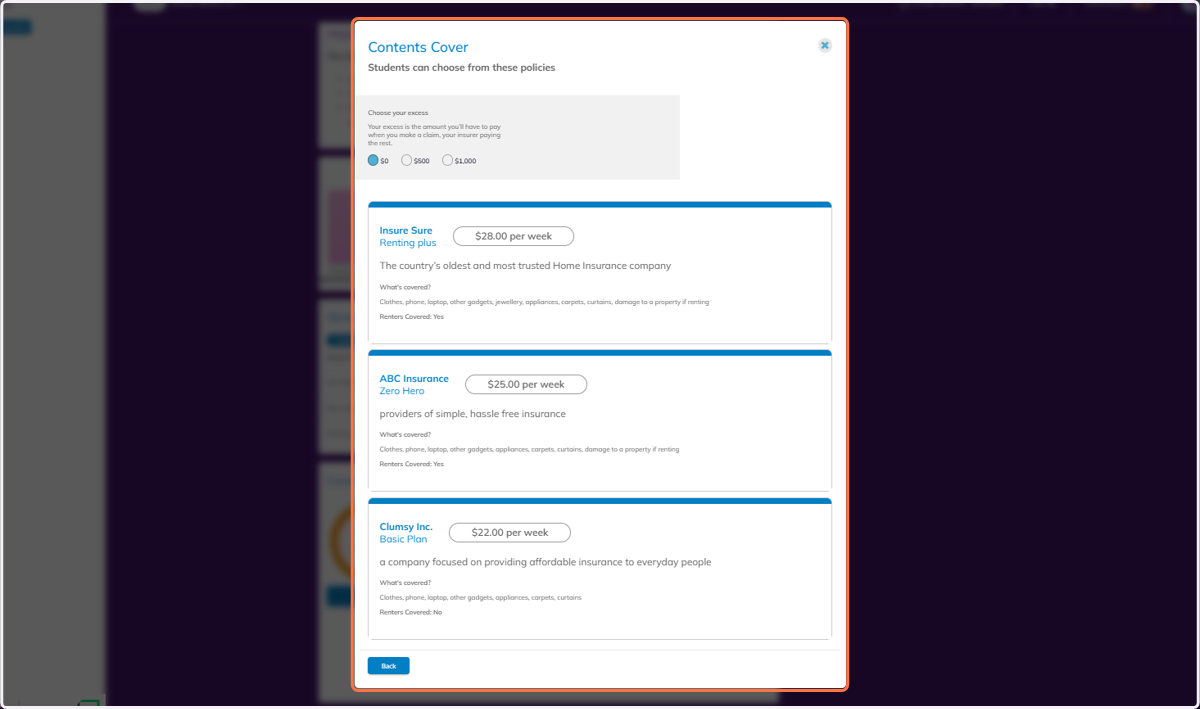
Navigating Contents Insurance Options in Banqer High
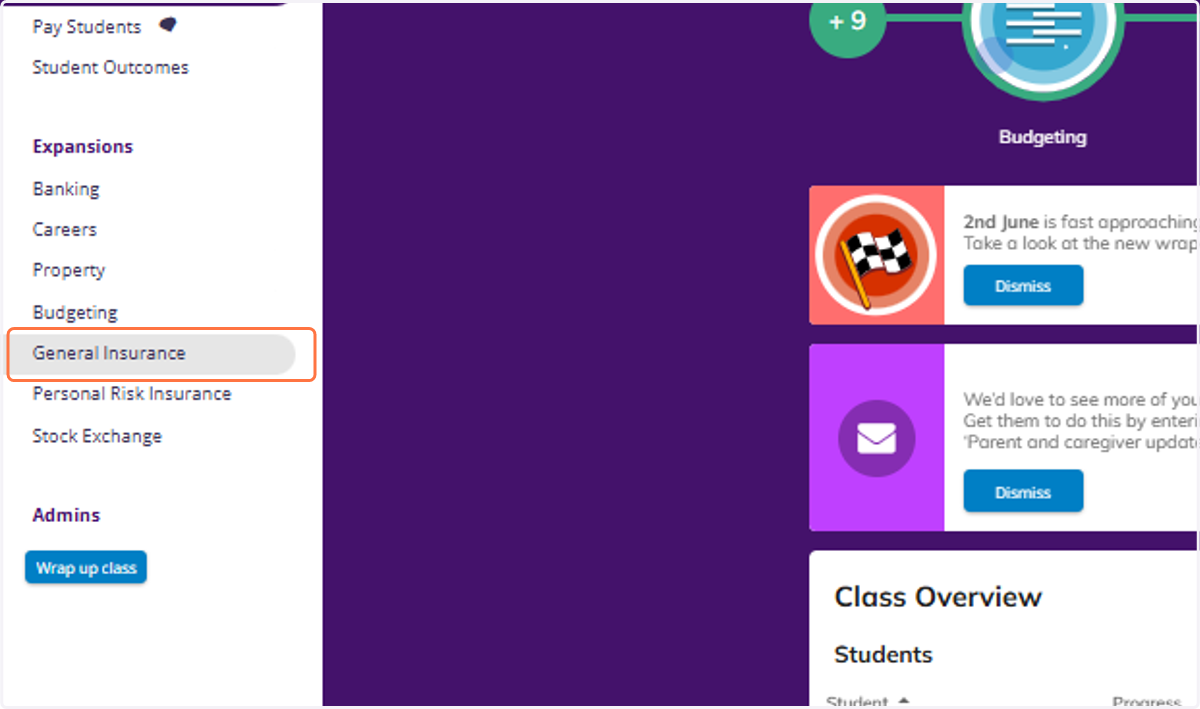
1. Click on General Insurance
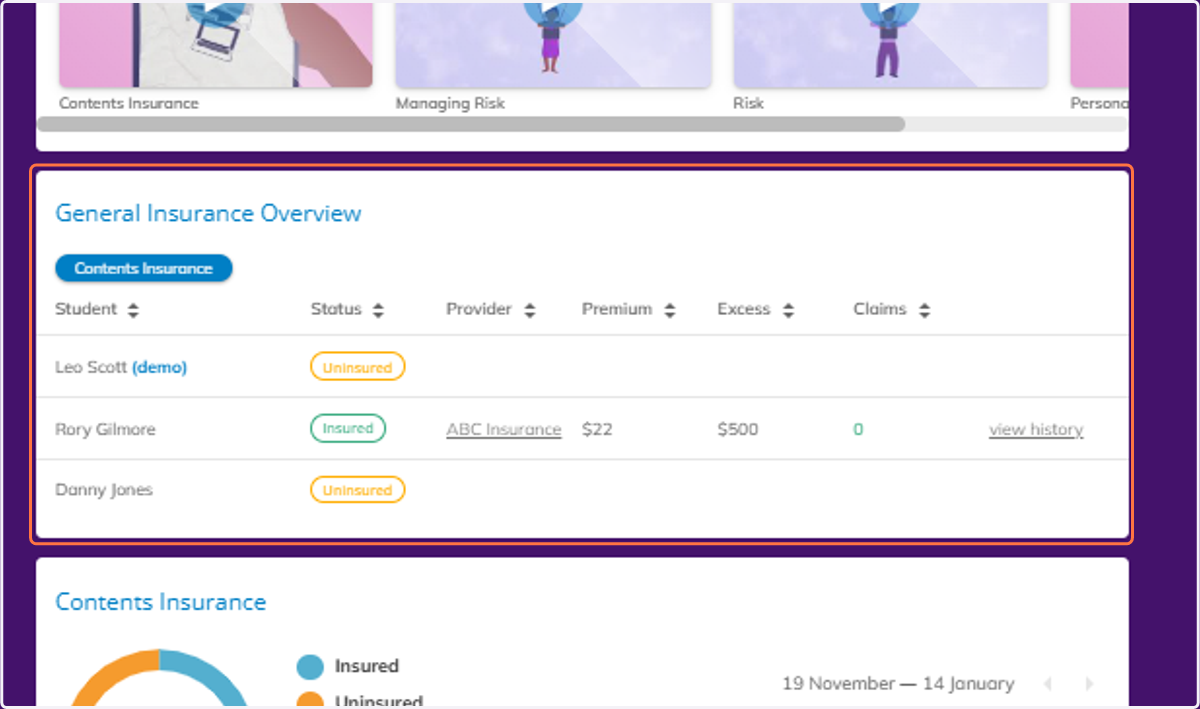
2. Scroll down to view the General Insurance Overview.
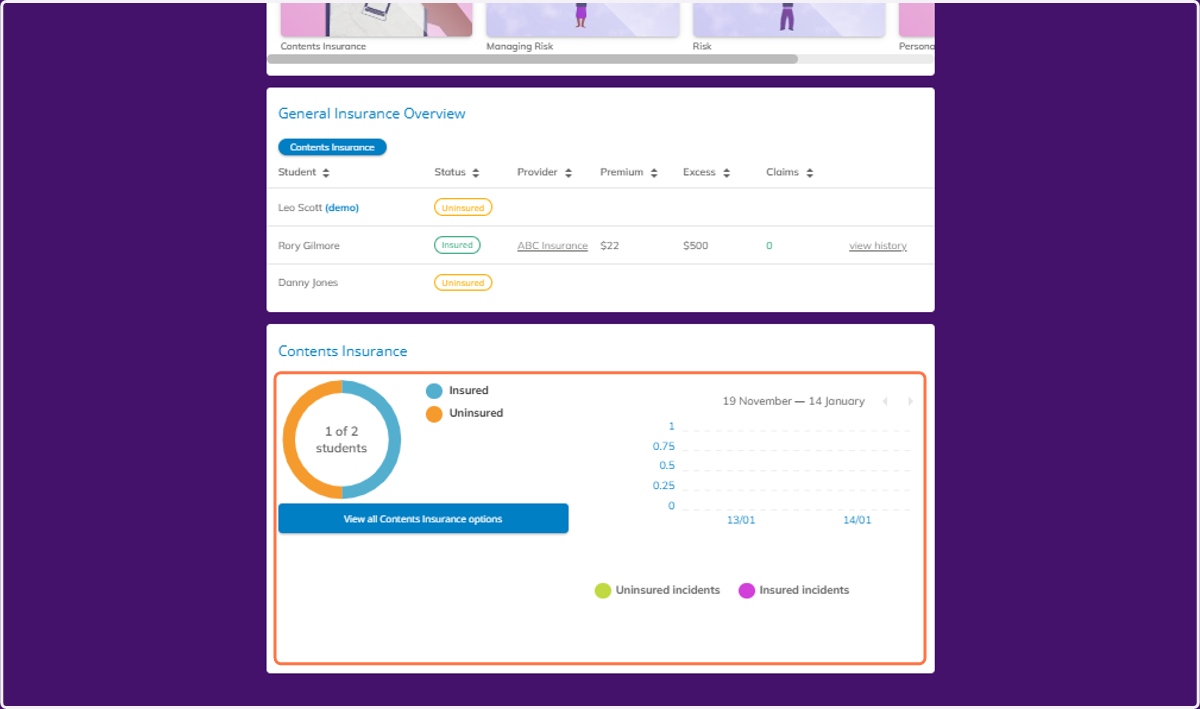
3. Under this table you can view a breakdown of how many students are insured or uninsured, and a graph showing how many incidents occurred that were insured, or not.
4. You can also view Contents Insurance options that your students will have.
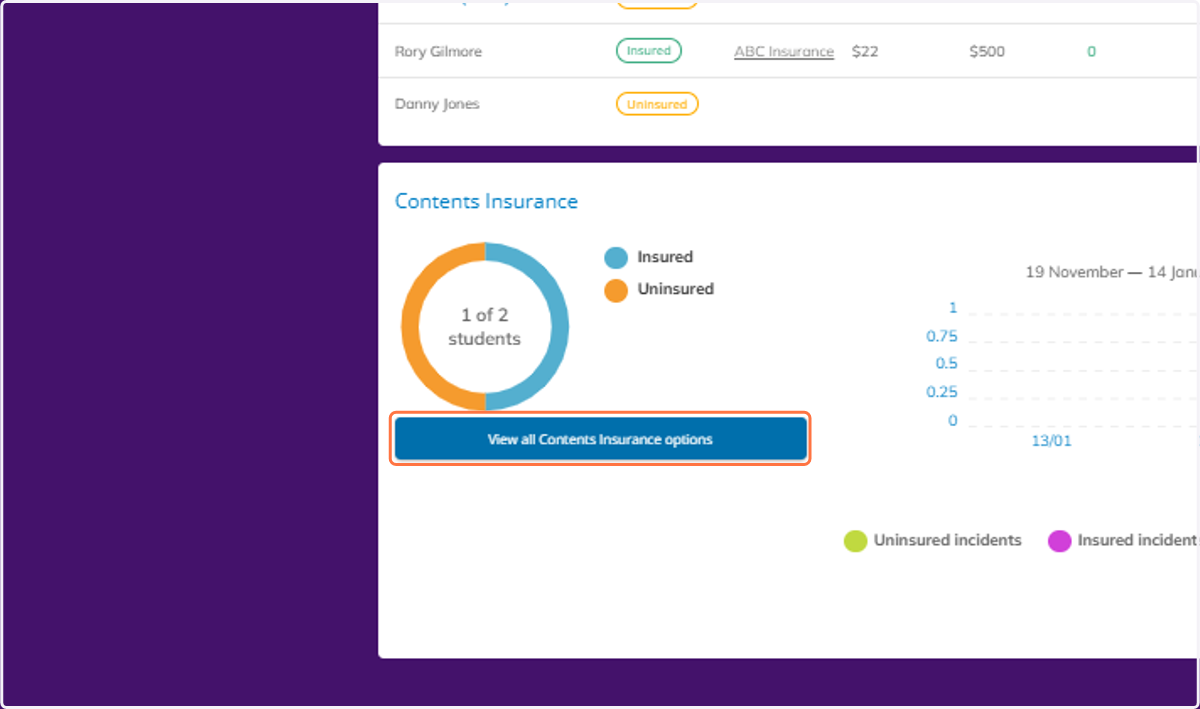
5. And view the information in more detail.