RevMaxGO: Product Update
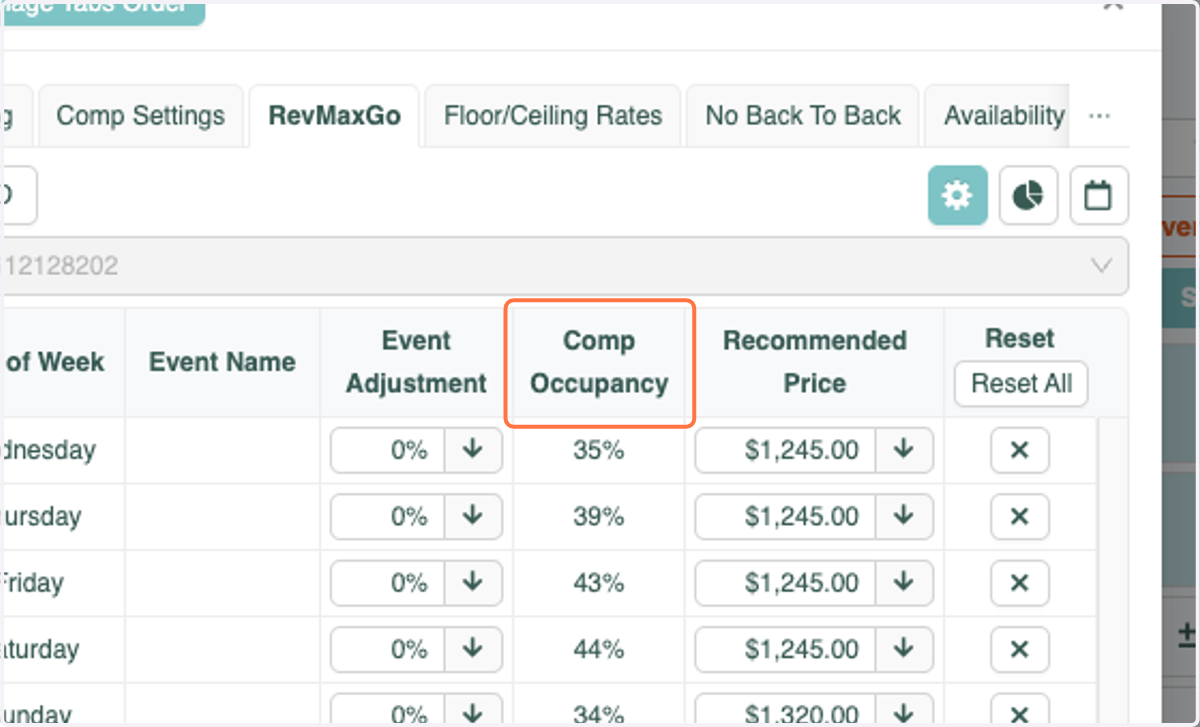
You can now see the Occupancy Percentage of the market in which your units are being priced against!
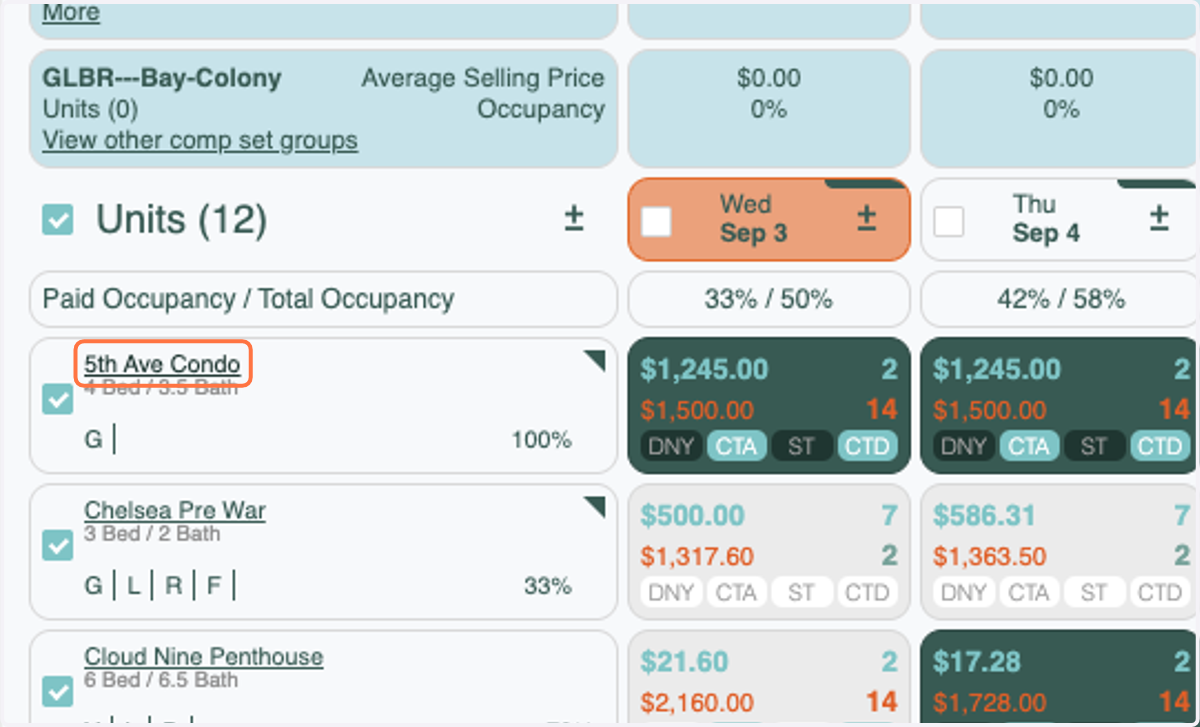
1. From the Tape Chart or Home Settings page, click on the Unit Name
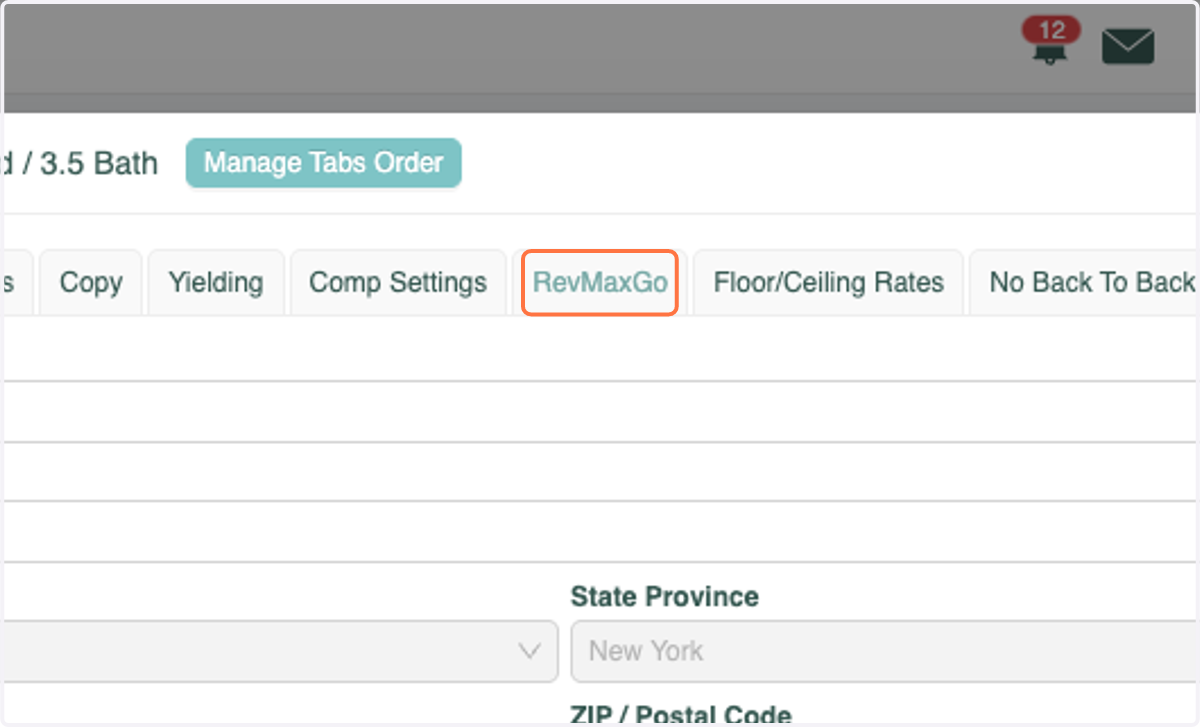
2. Click on the RevMaxGo tab
3. From here you are able to view the Comp Occupancy. You can adjust the date range as far as 1 year out to view the Occupancy (as of today) for all dates within the next year.