Update the Account and Billing details
RoomPriceGenie
1. Log in to RoomPriceGenie and go to Account Settings.

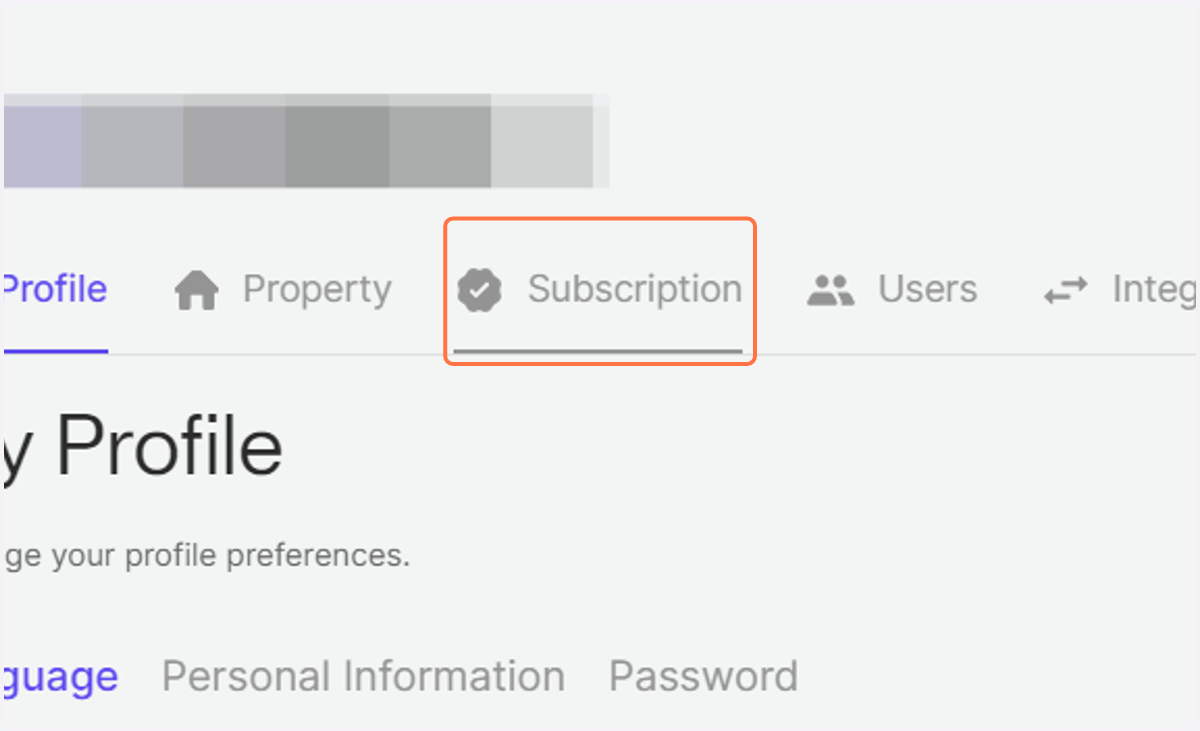
2. Click on Subscription.
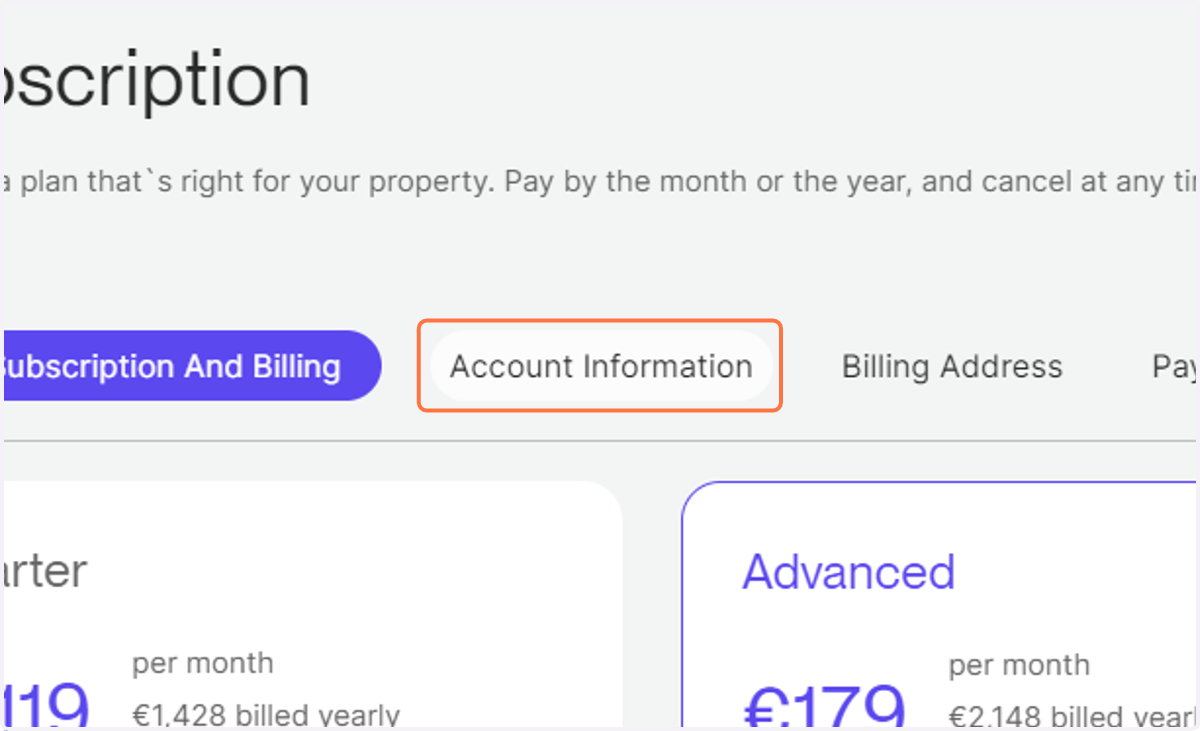
3. Click on "Account Information" to review and update your account information such as name and email.
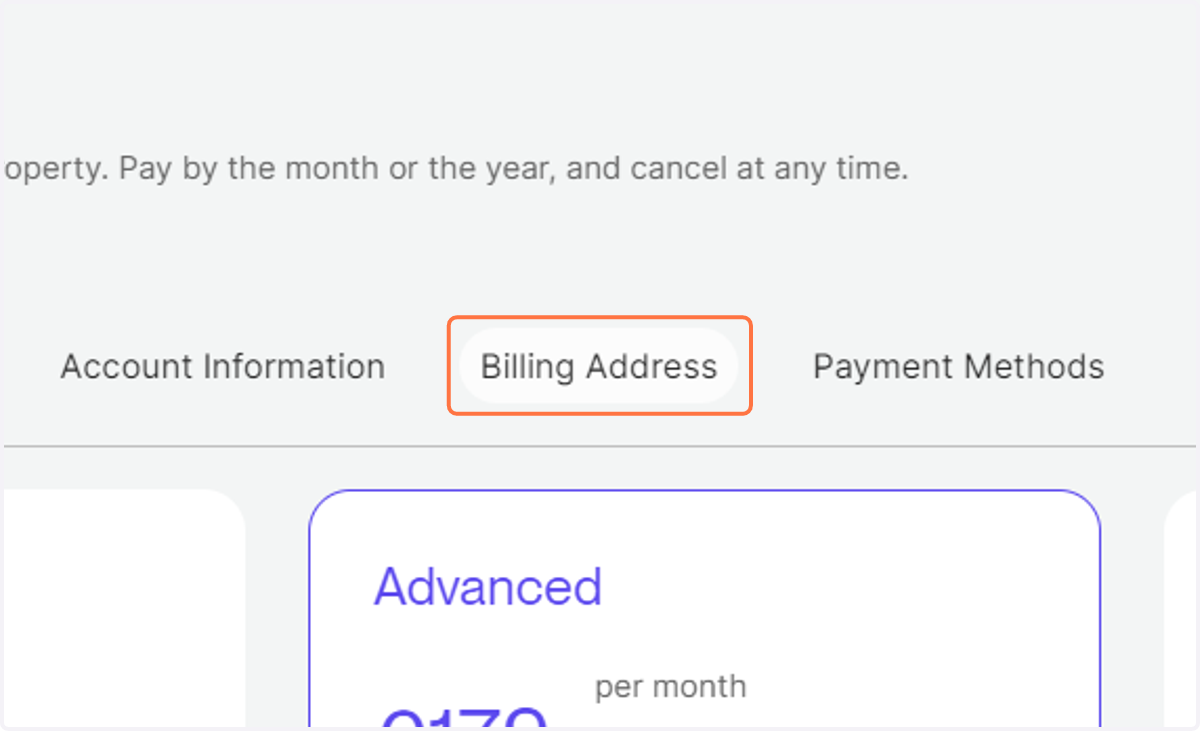
4. Click on "Billing Addresses" to review and update your billing details.