How to Add External Training in the Ohio Society of CPAs Learning Center
The Ohio Society of CPAs
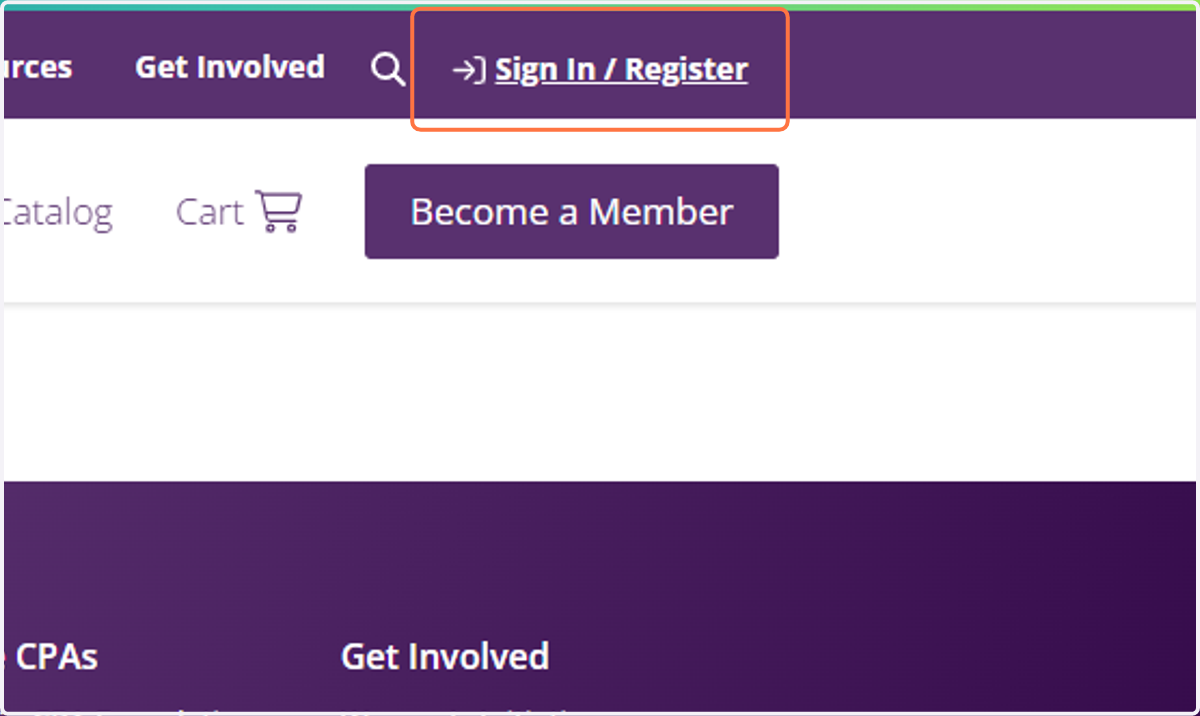
1. Click on Sign In / Register
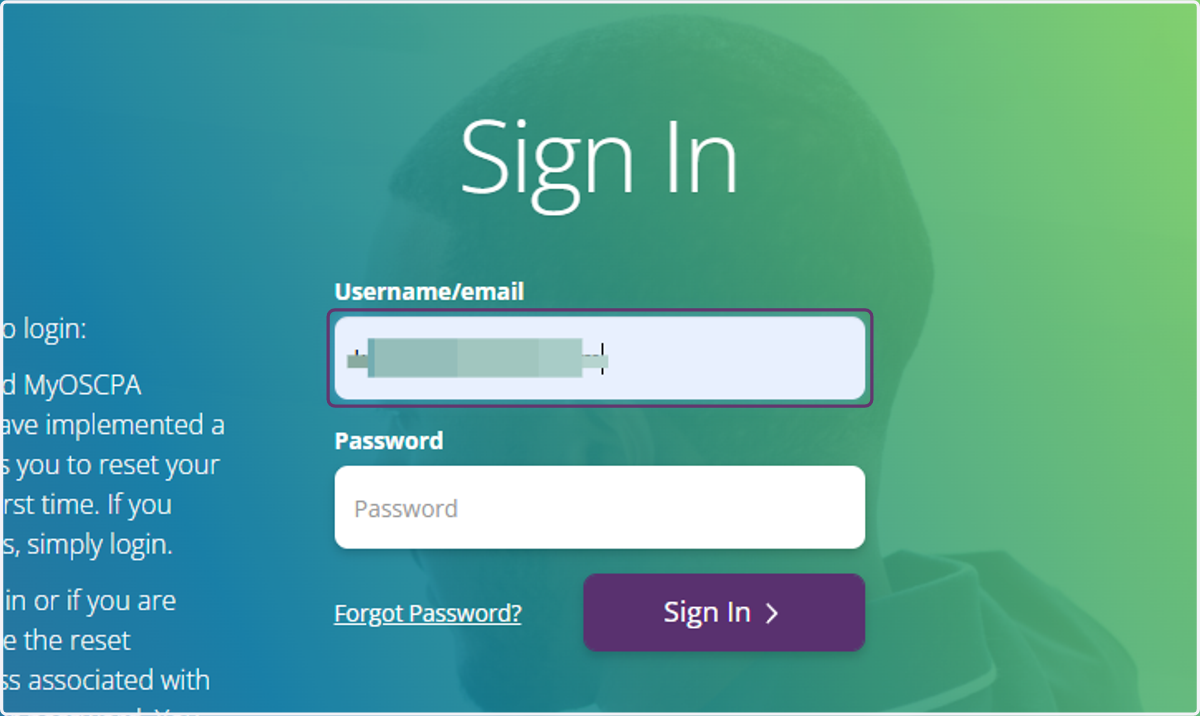
2. Type in username or email
3. Type In password
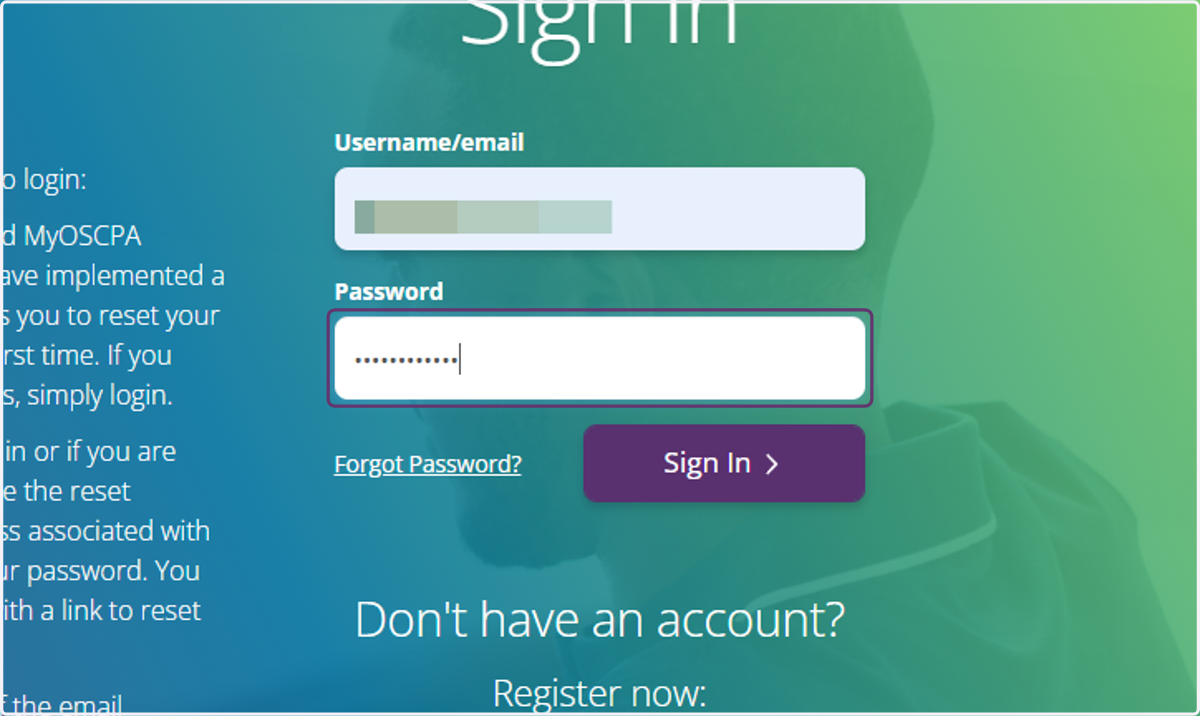
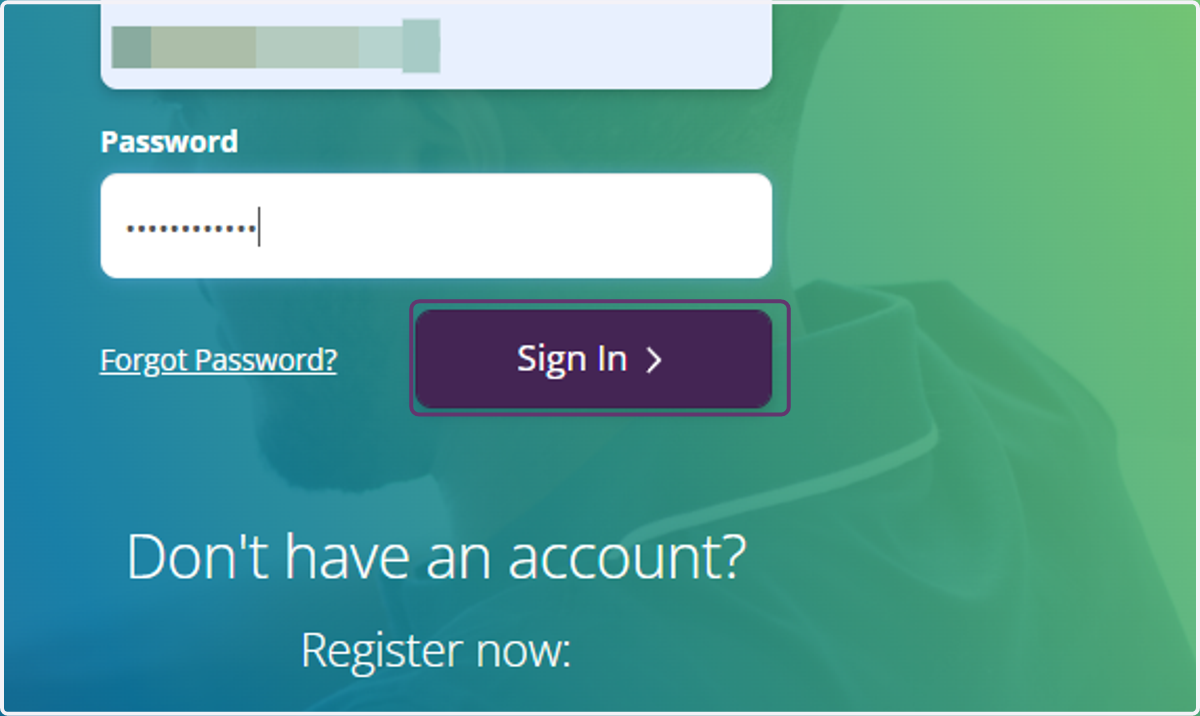
4. Click on Sign In
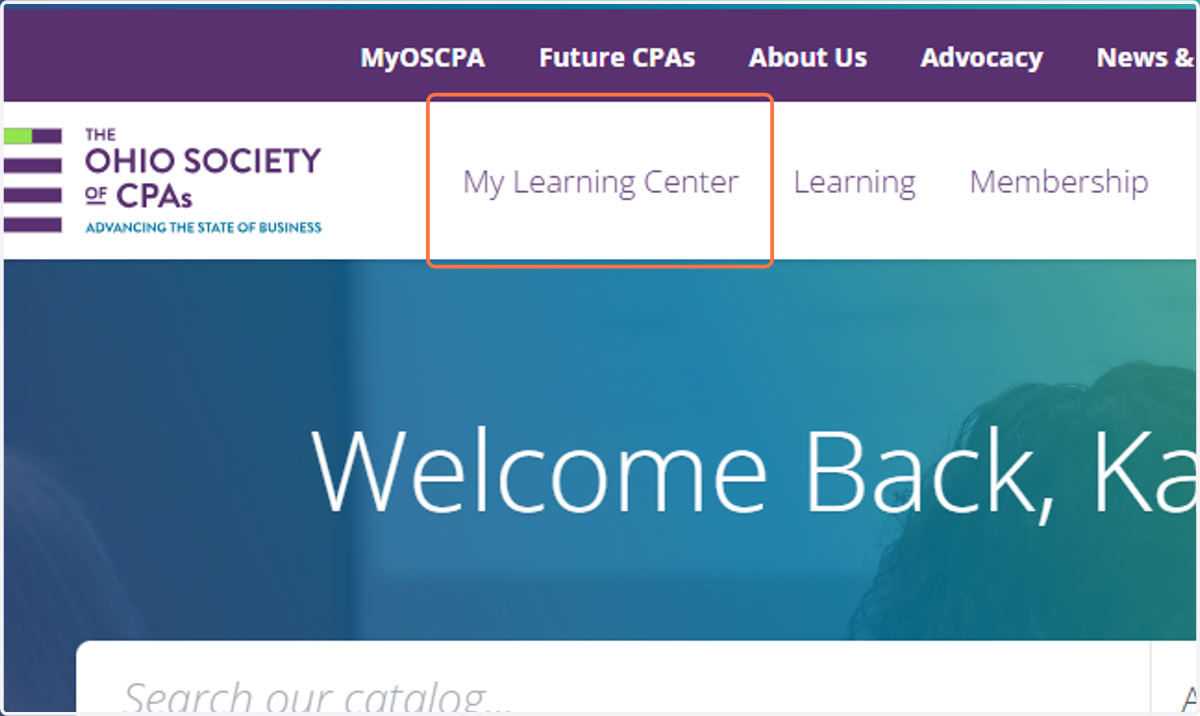
5. Click on My Learning Center
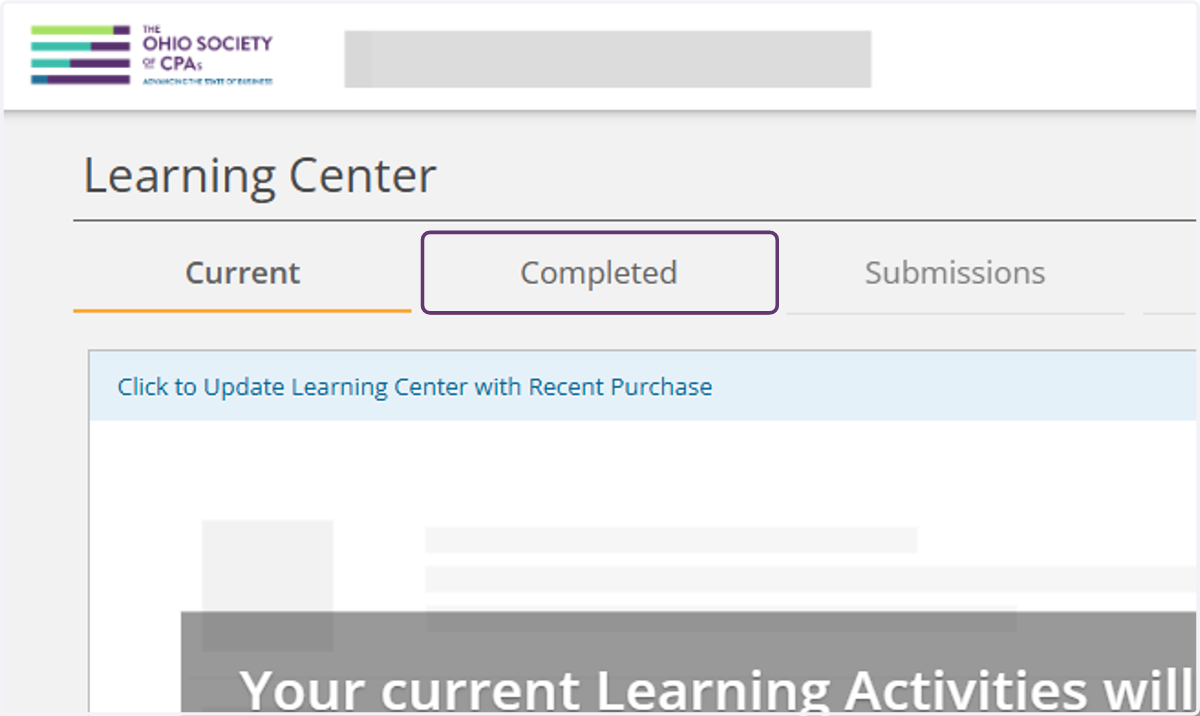
6. Click on Completed
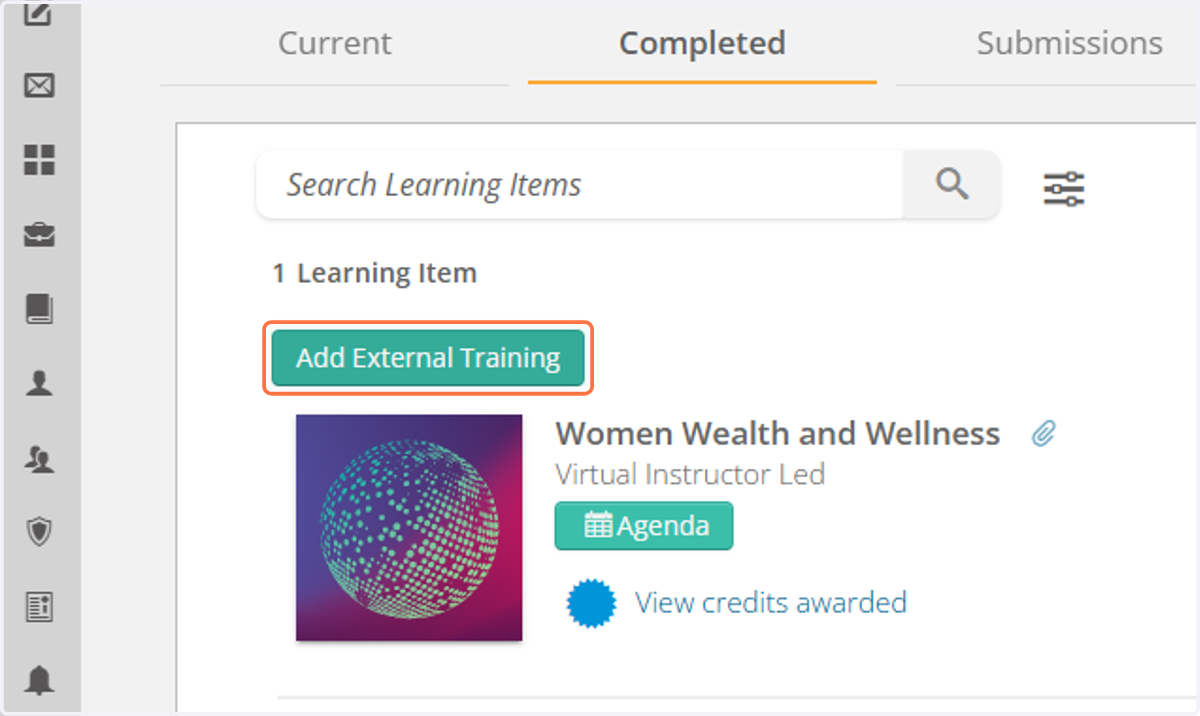
7. Click on Add External Training
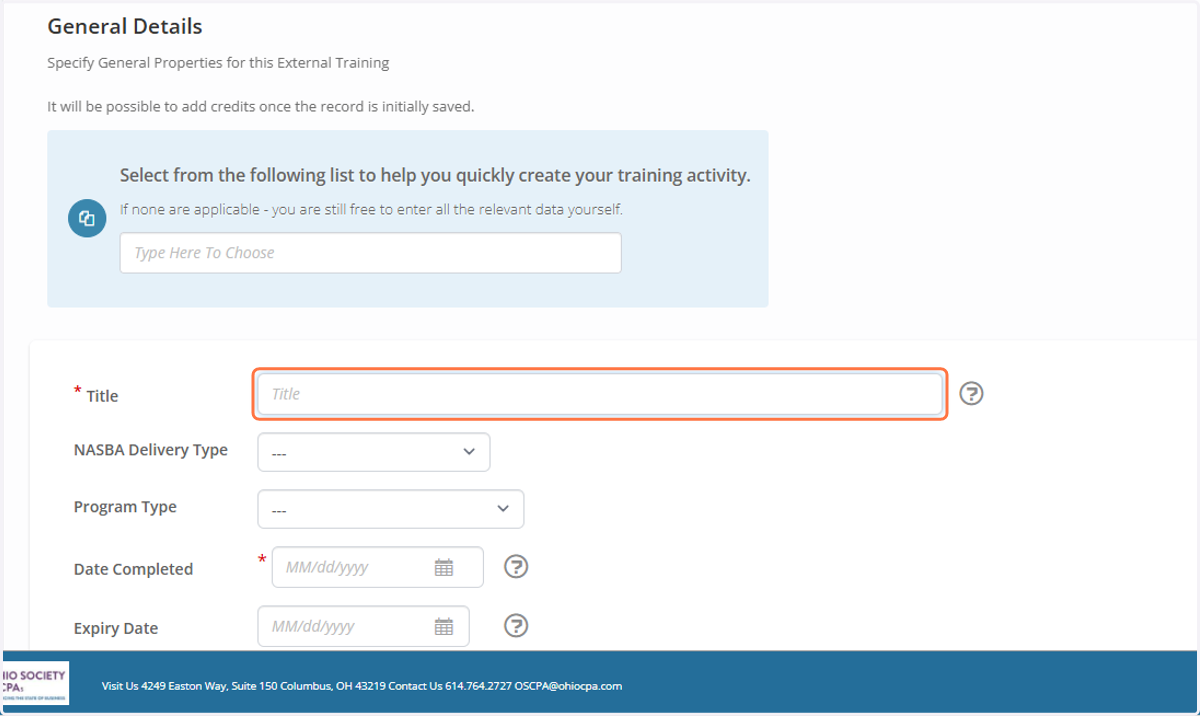
8. Type in Title
This field is required.
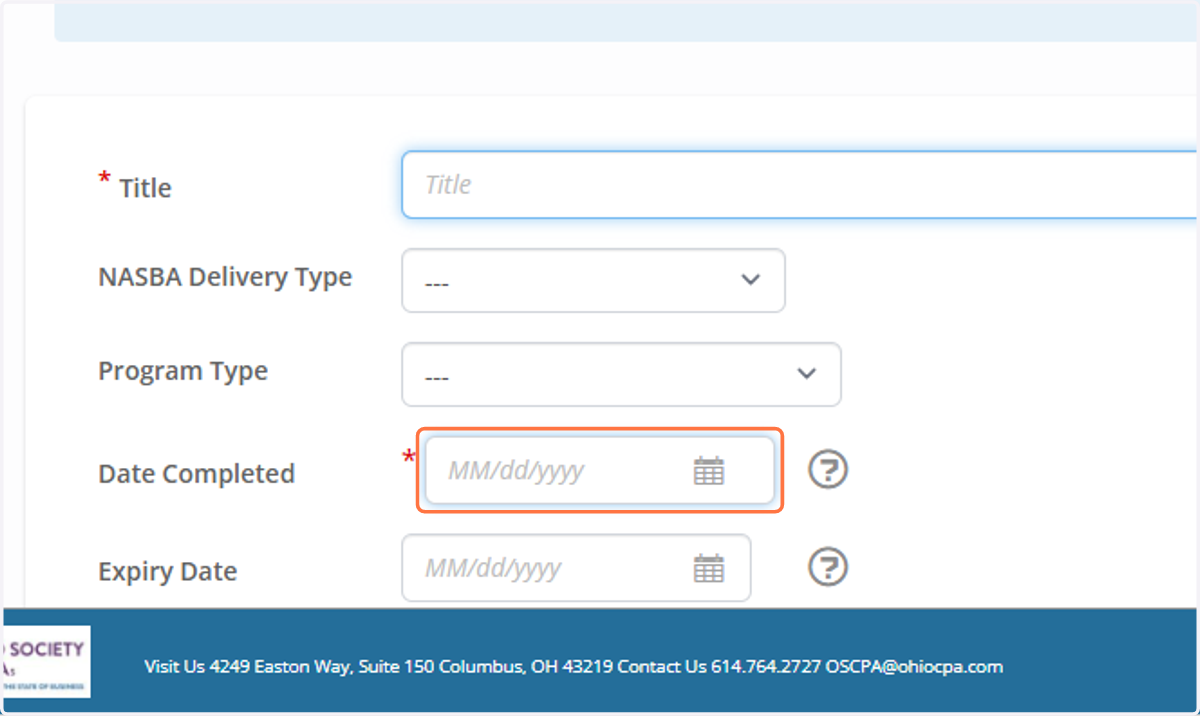
9. Select Date of course.
This field is required.
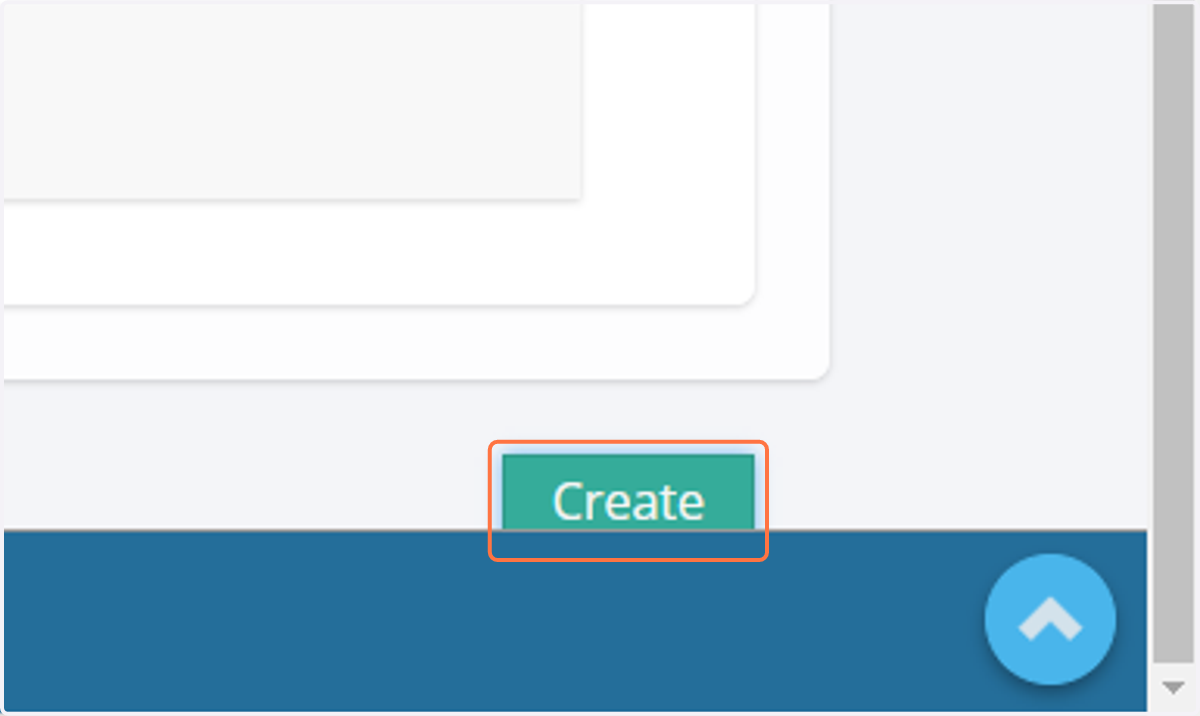
10. Click on Create
11. The Credits Field will populate after saving.
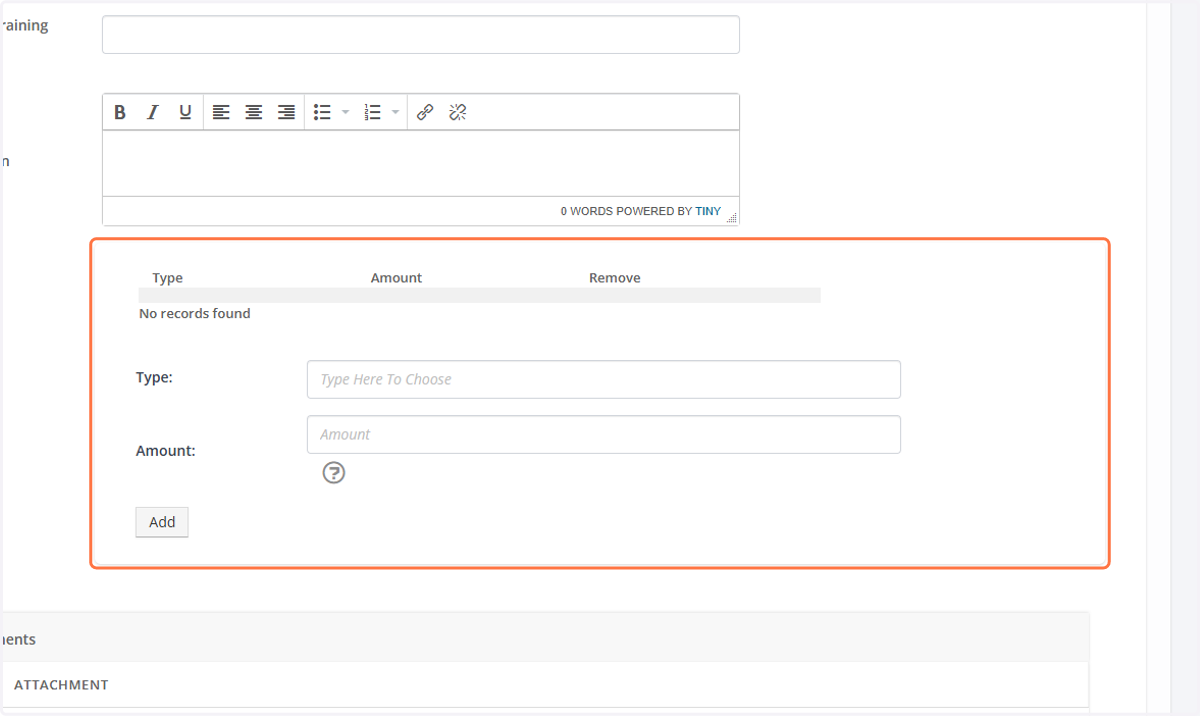
12. Click to start the search for the credit type.
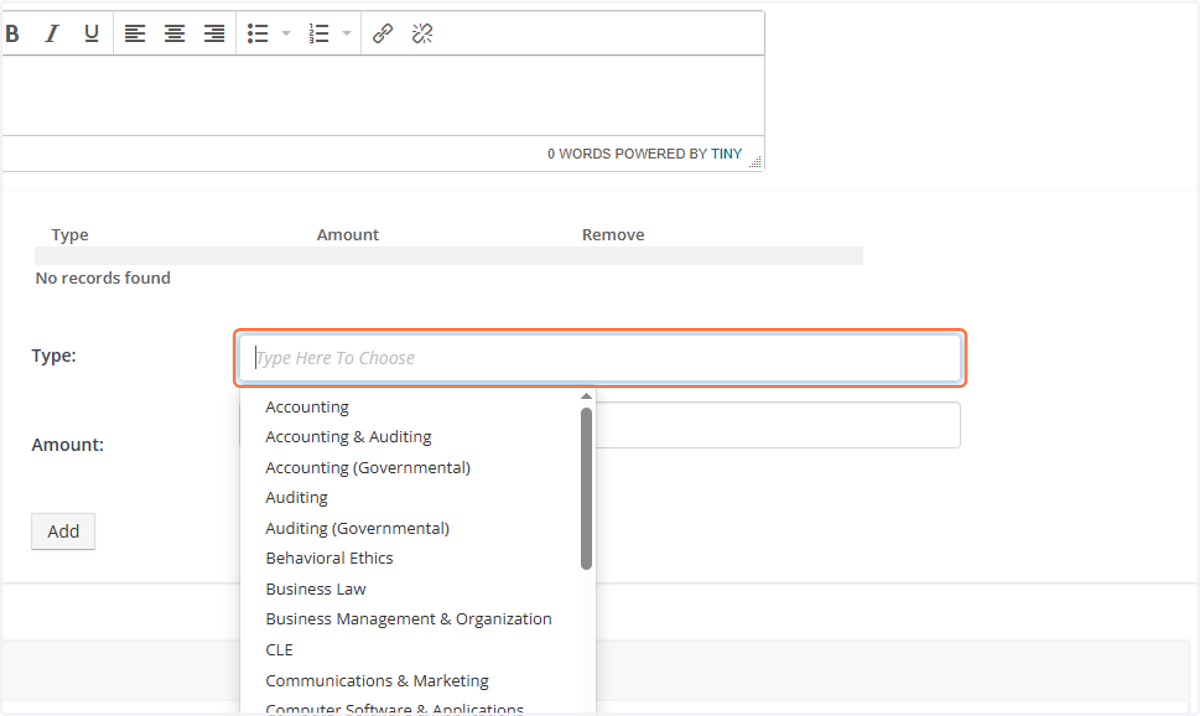
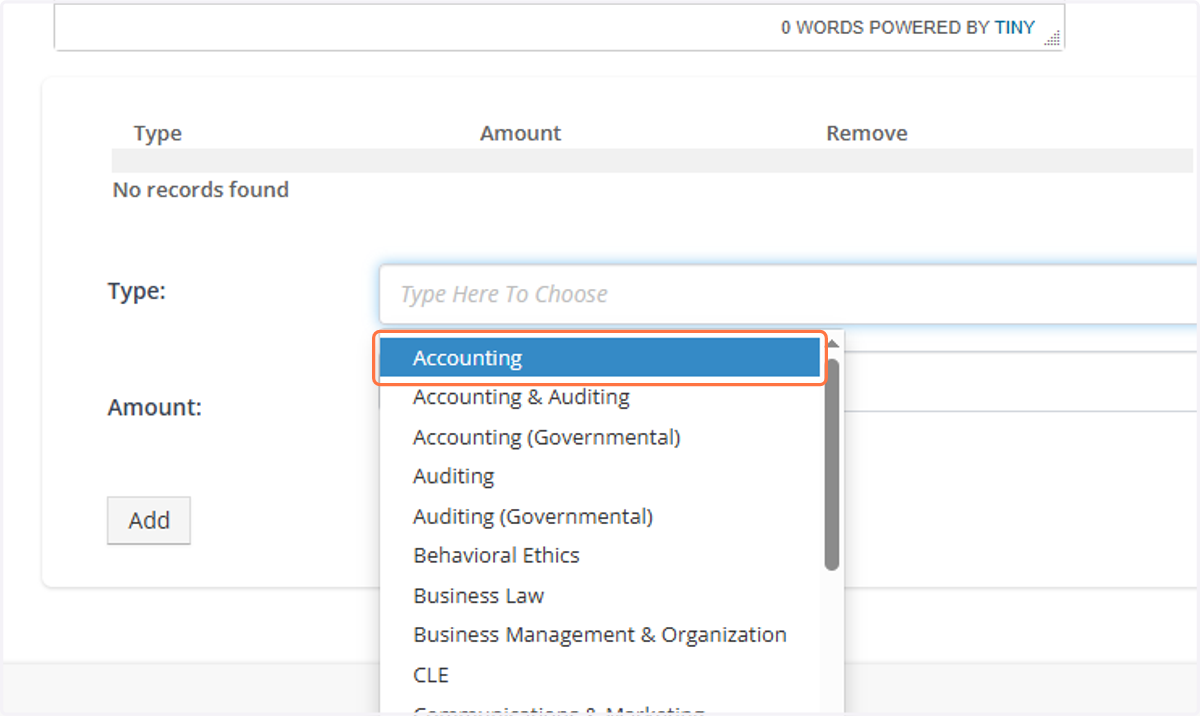
13. Click on the credit type to select it.
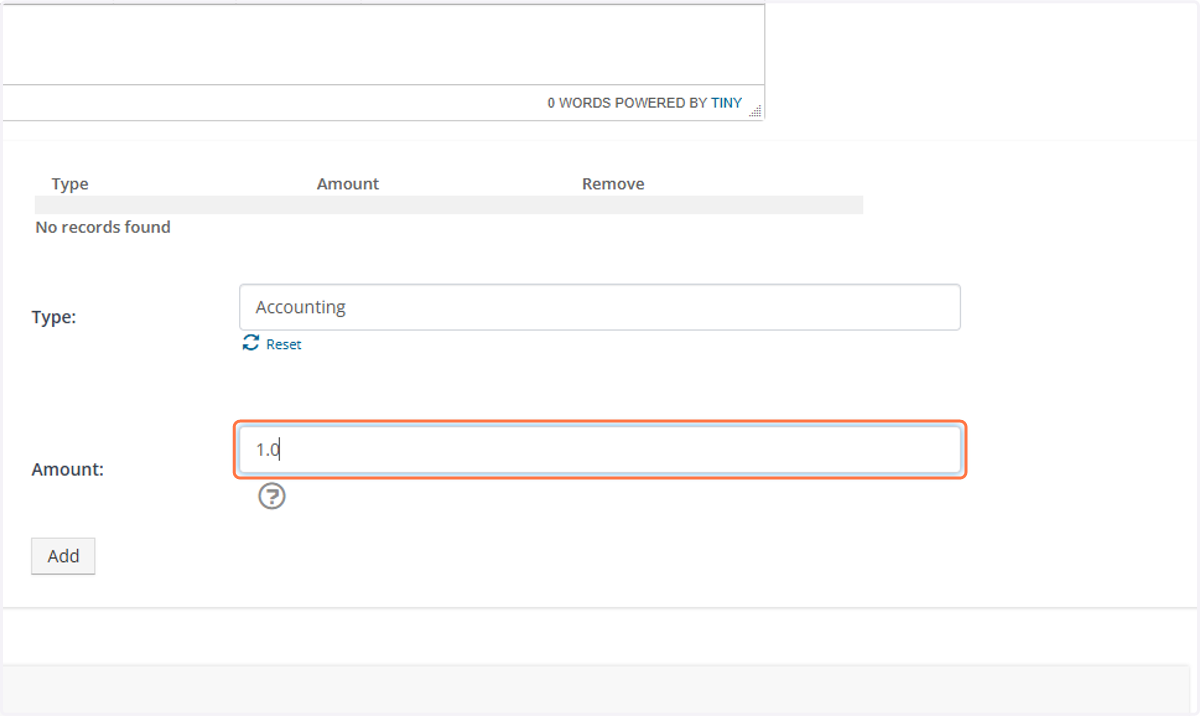
14. Type in the amount of credit earned.
15. Click on Add to the credit history to the record
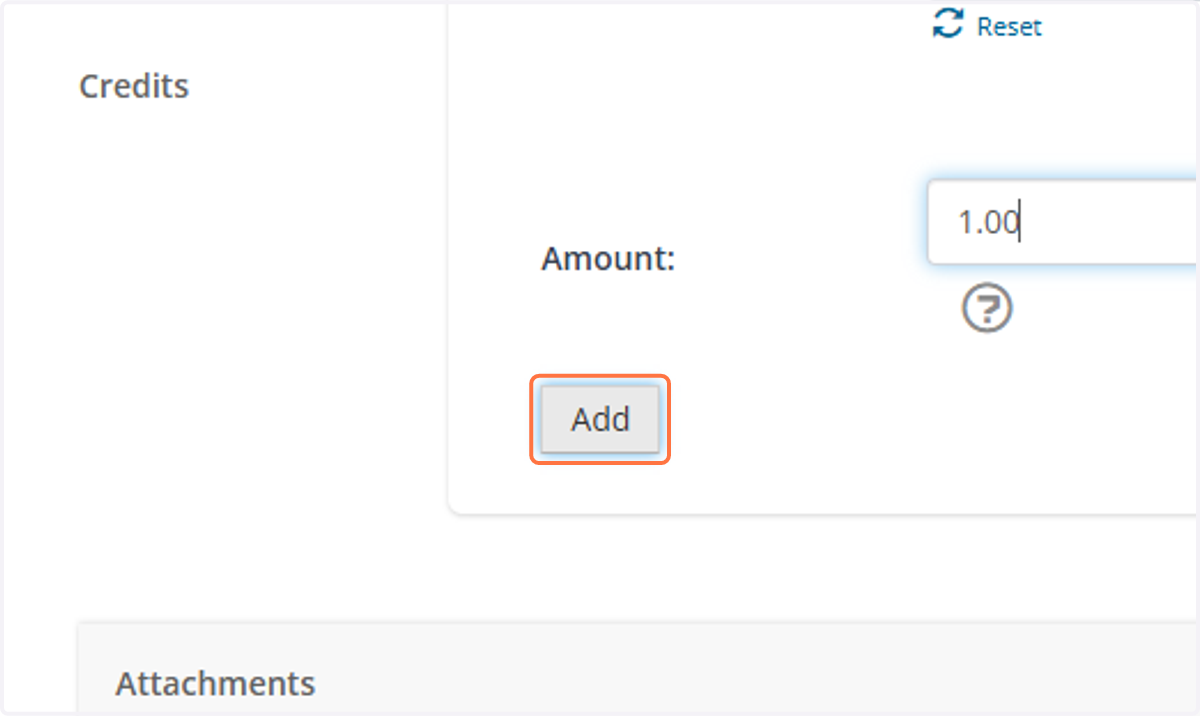
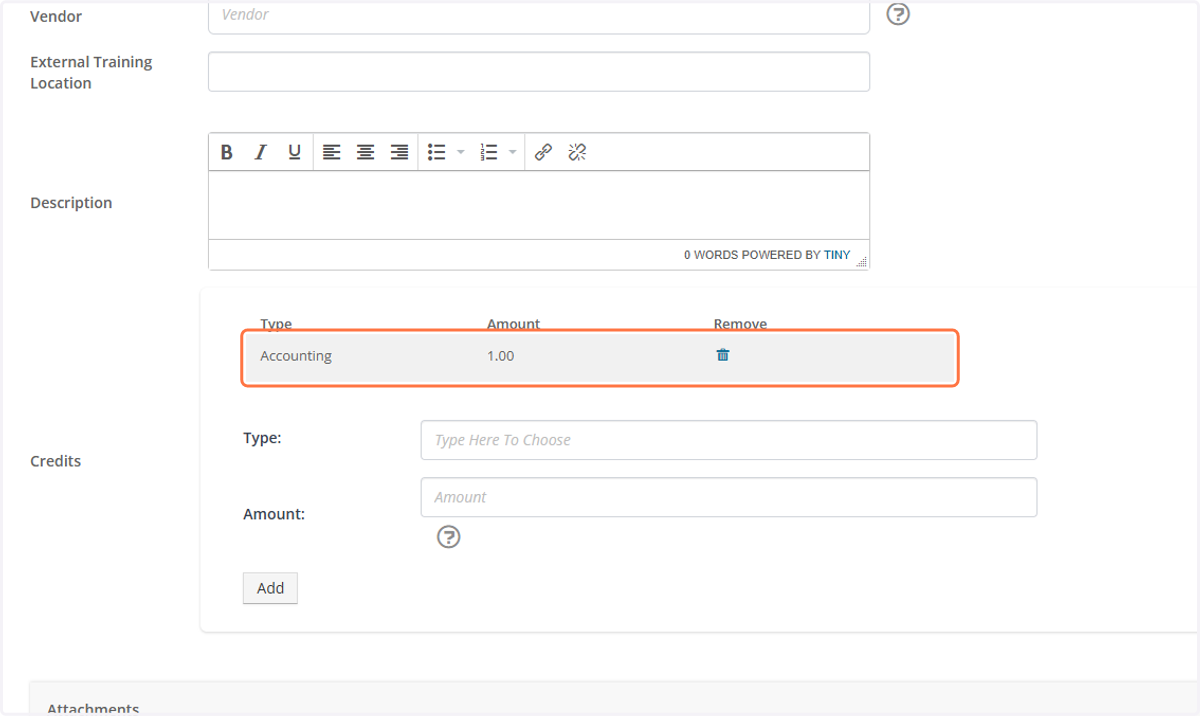
16. A gray box will appear once the credit is added successfully.
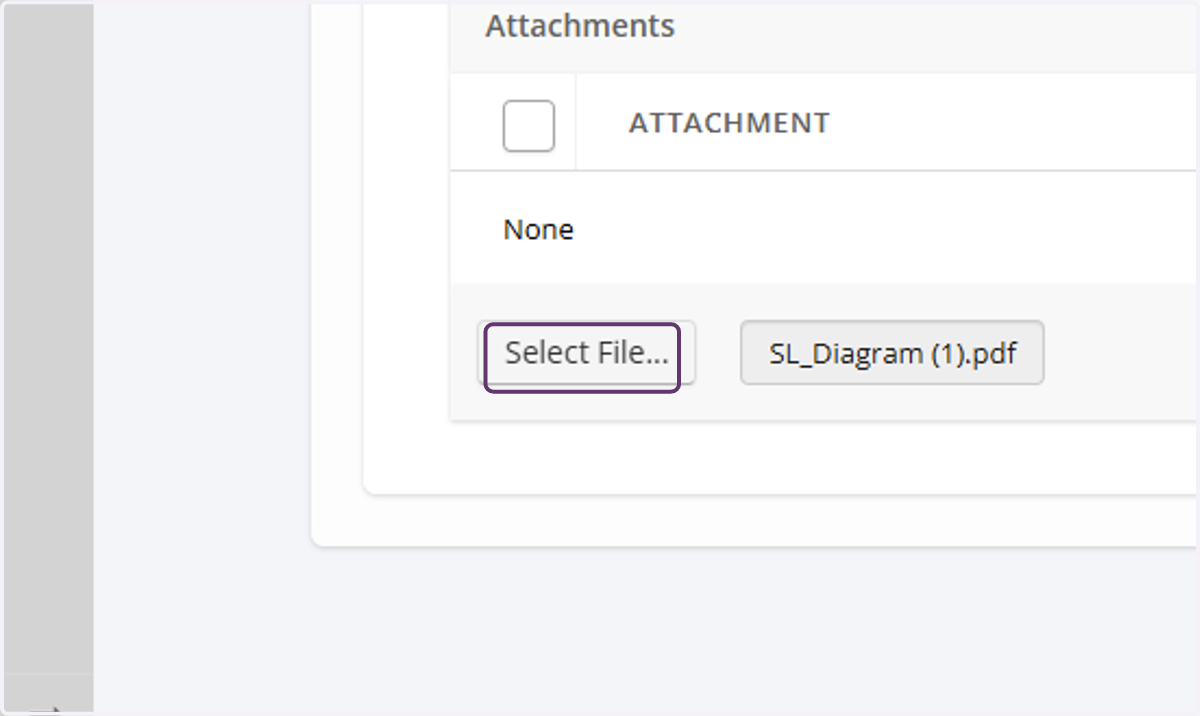
17. Click on "Select File" to upload a copy of the certificate.
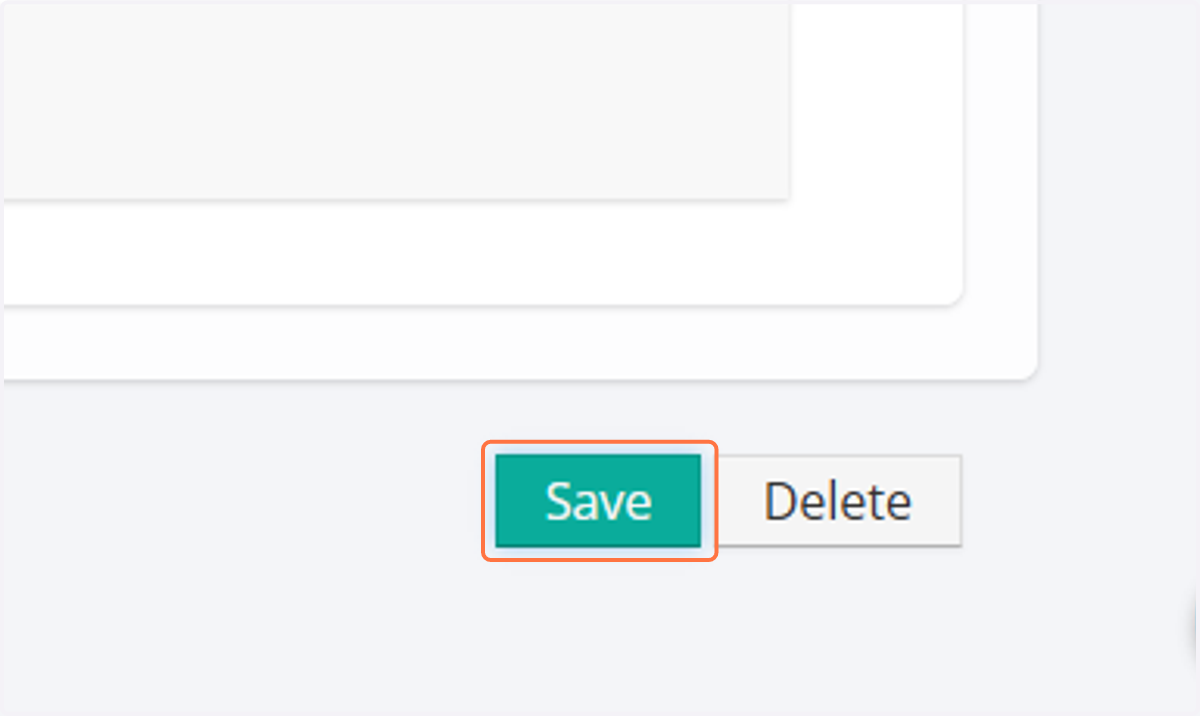
18. Click on Save