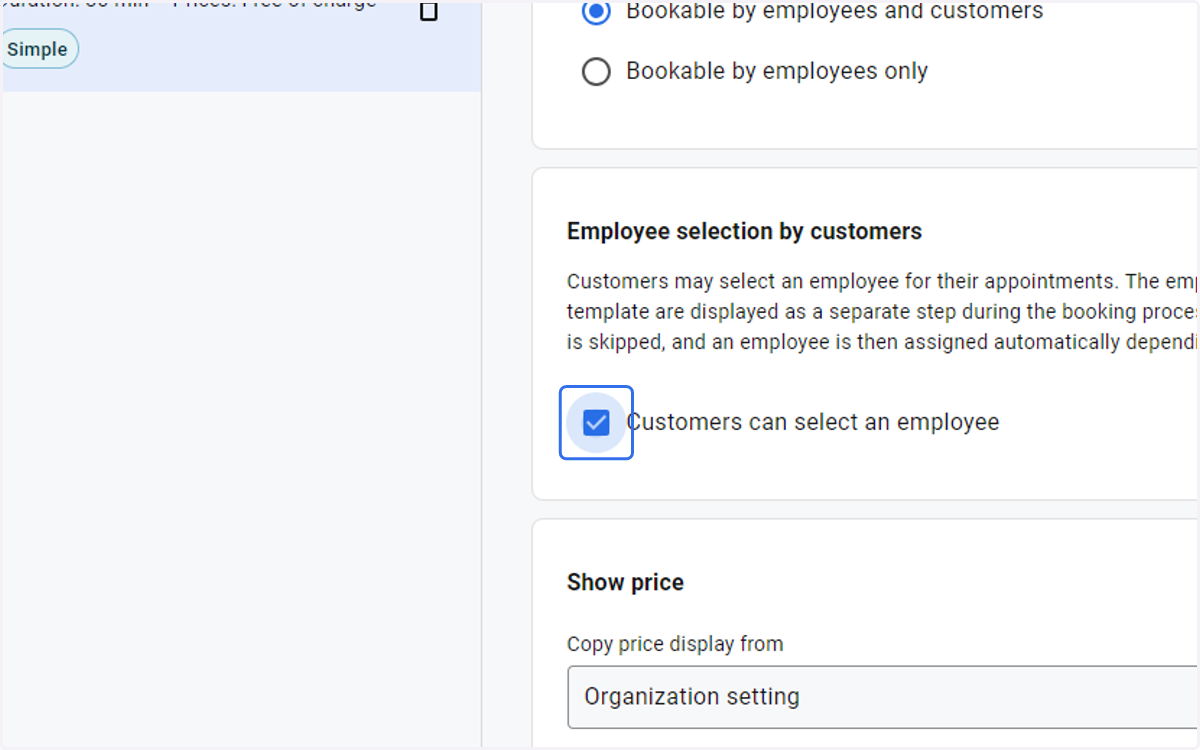
Configuring Employee Selection in the Appointment Templates
Go to the startpage
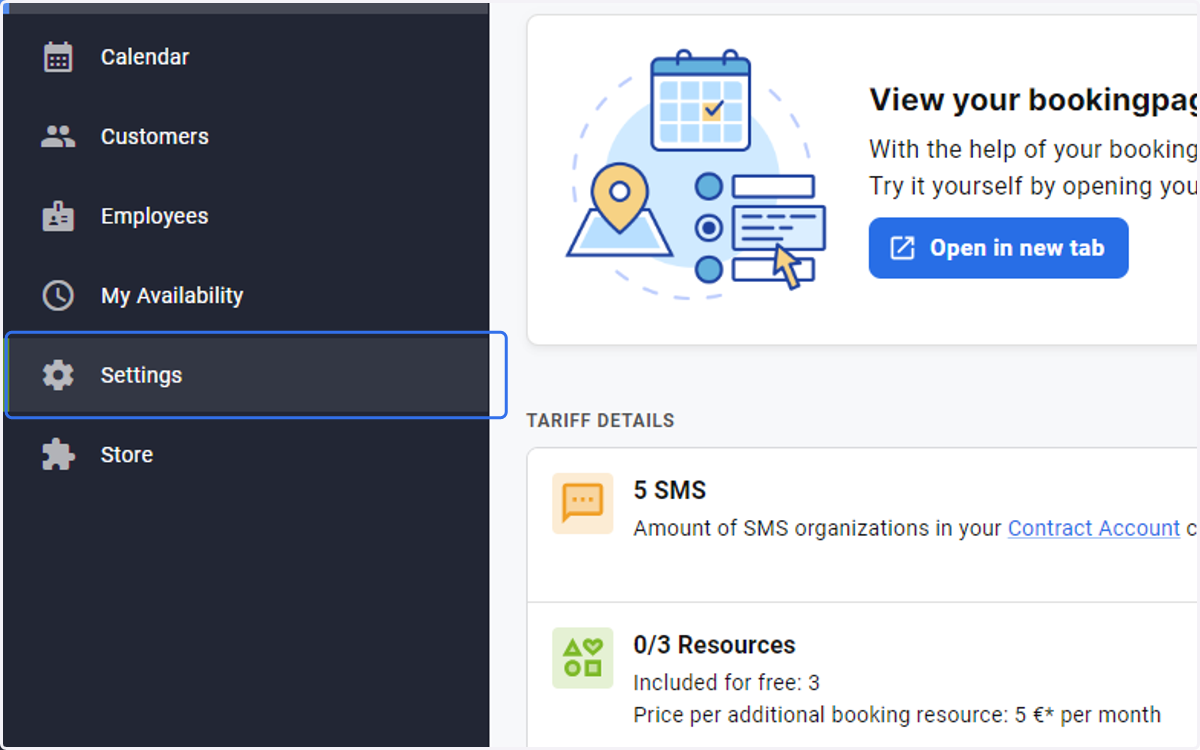
1. Select Settings from the side menu
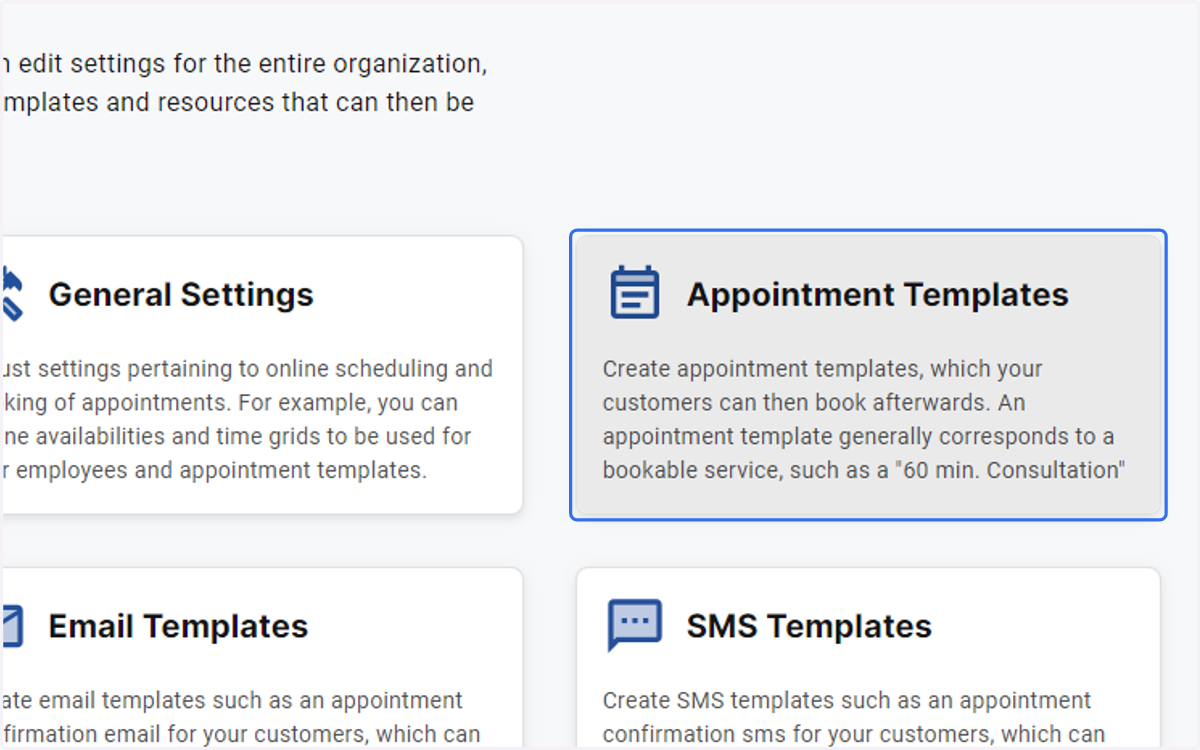
2. Click on Appointment Templates
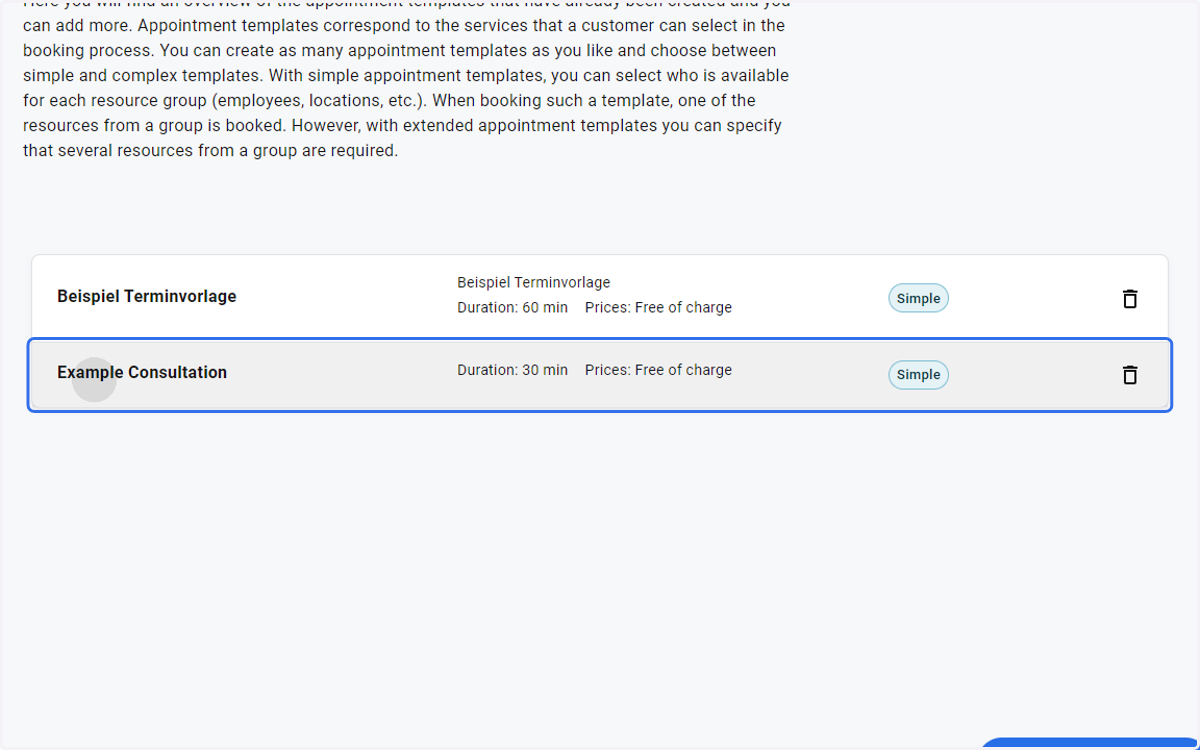
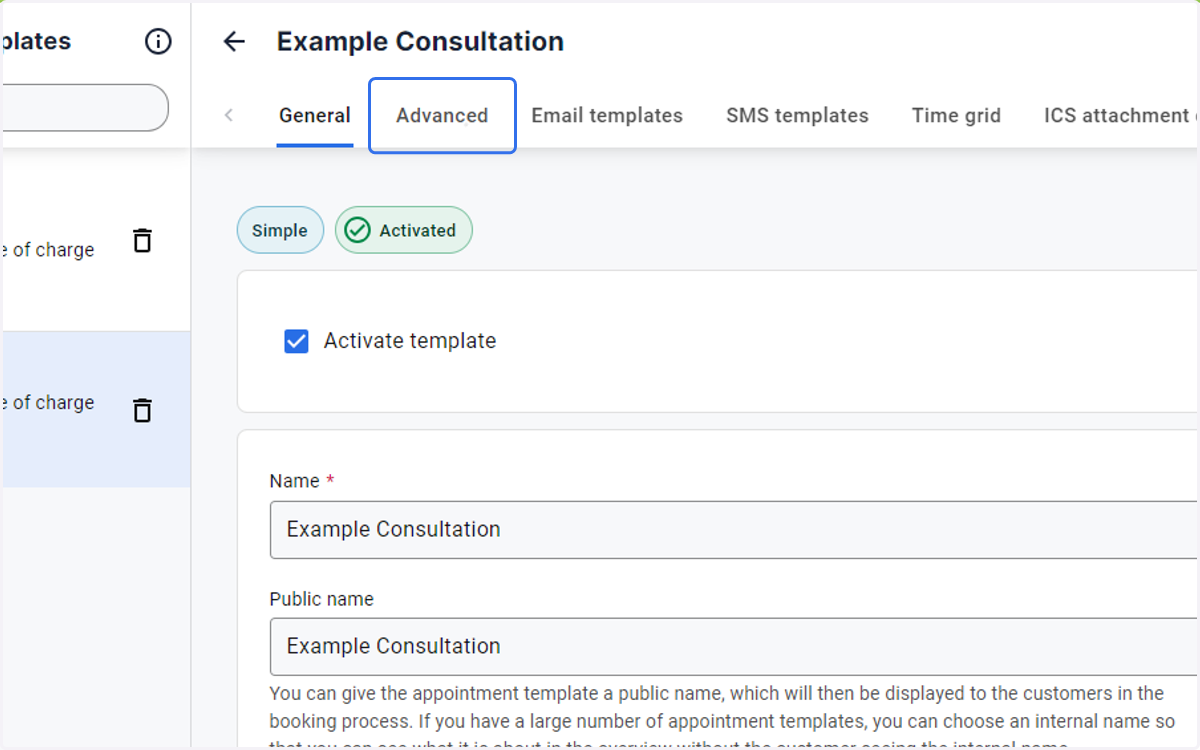
3. Select Example Consultation
4. Select the Advanced tab and the Activated button
5. Check the Customers can select an employee box