Purchase Requisition: Services
Non-Catalog Service Purchases
🛒 BV Marketplace
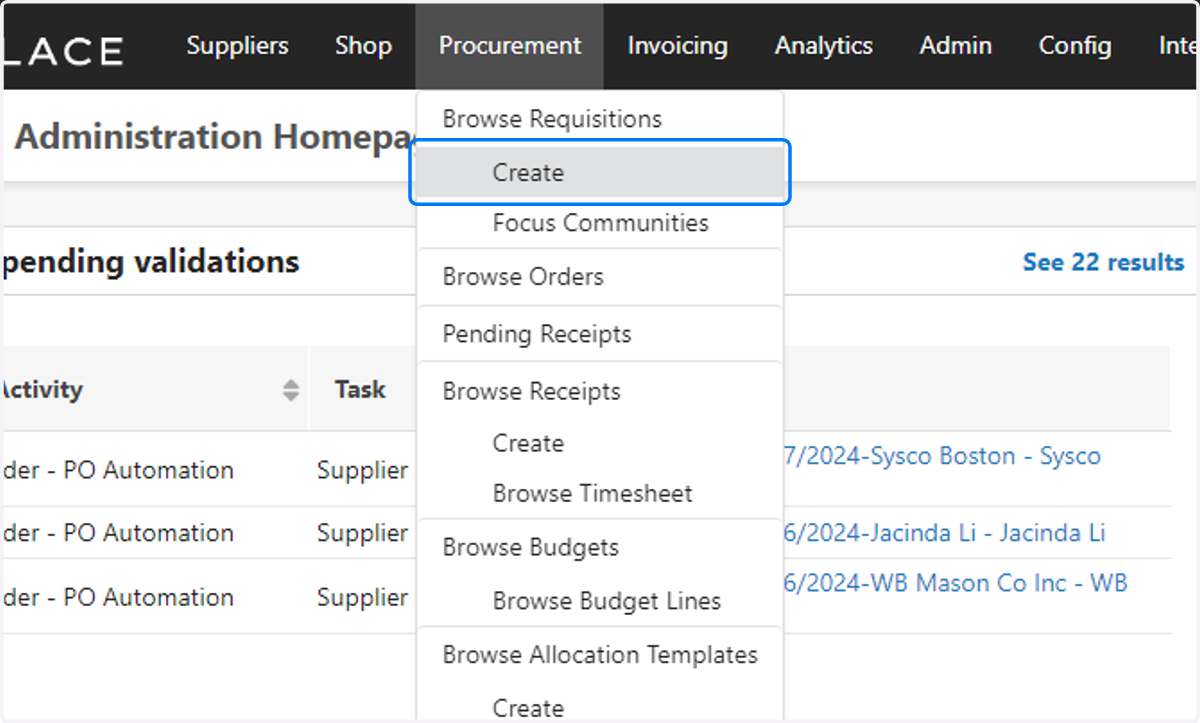
1. Procurement > Browse Requisitions > Create
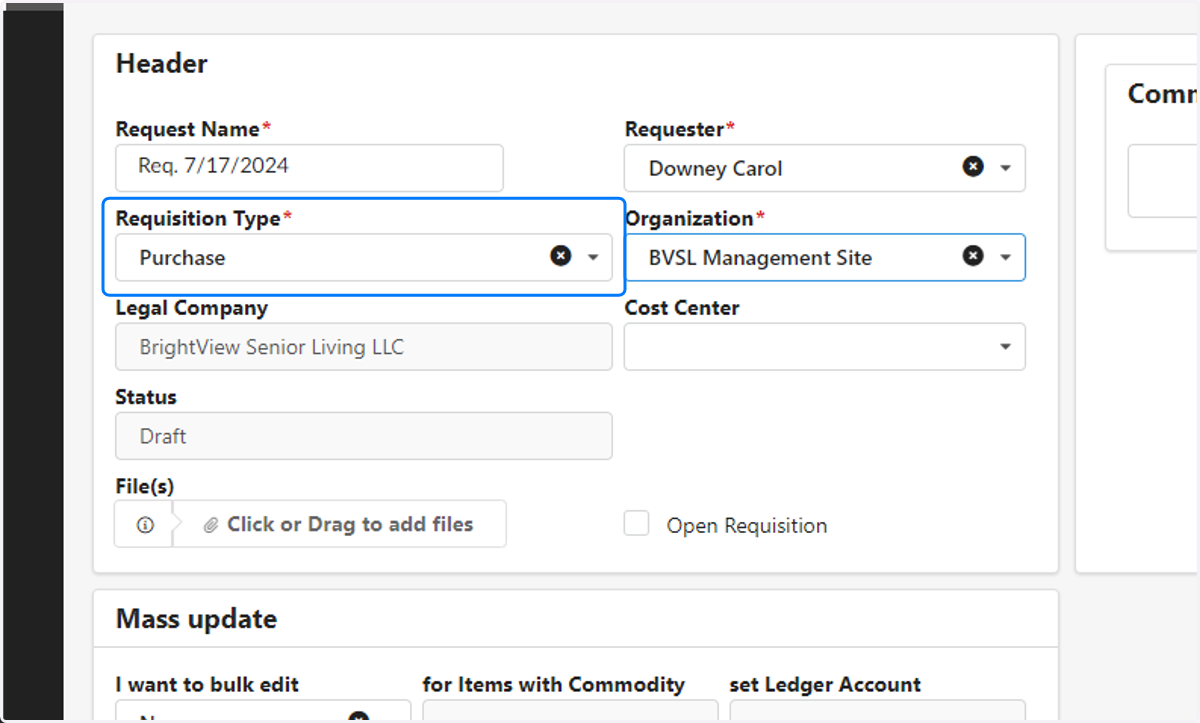
2. Requisition Type = Purchase
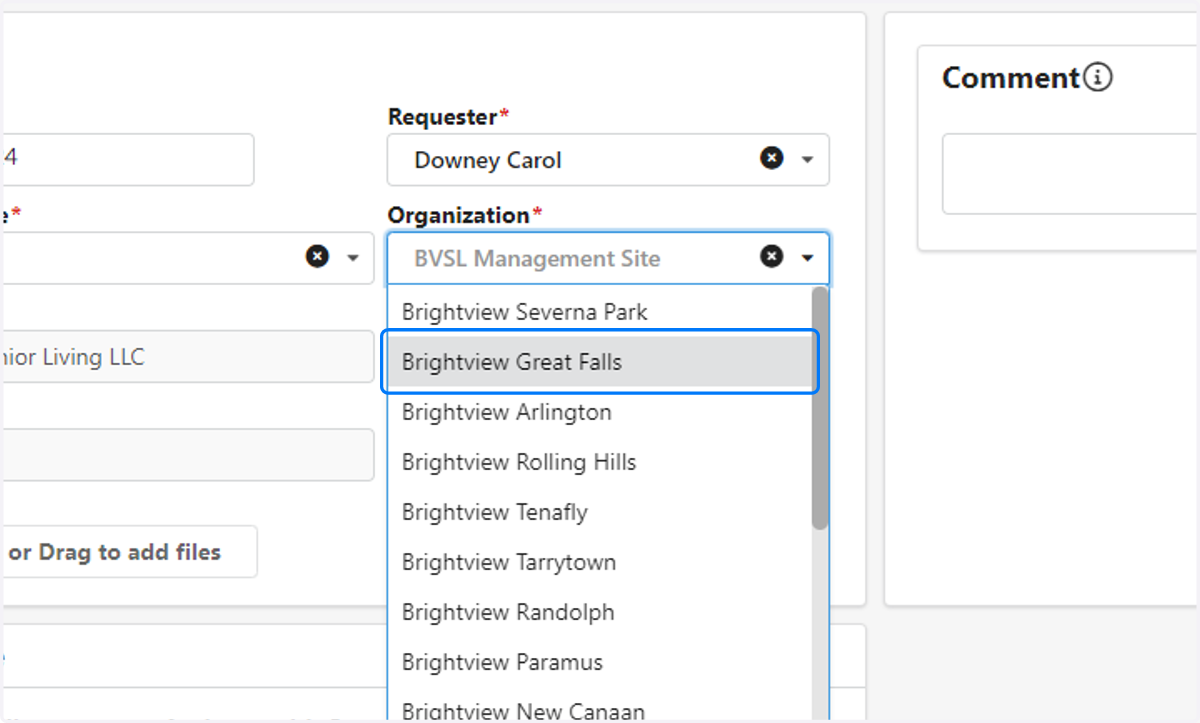
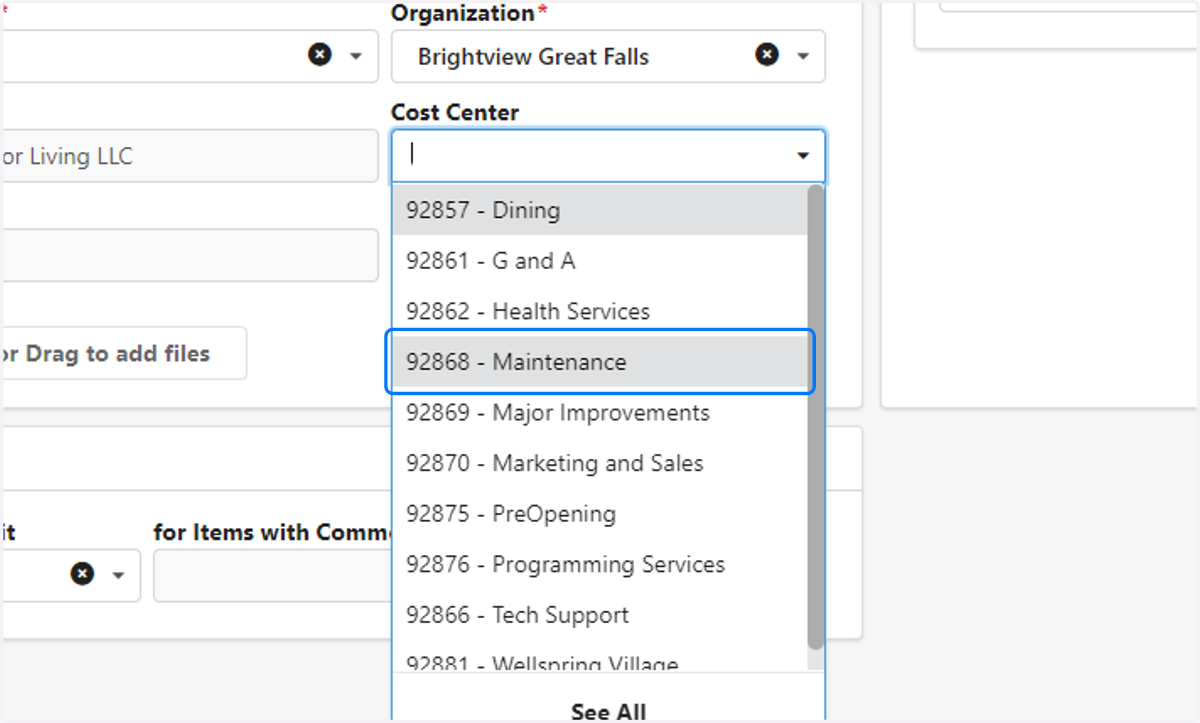
3. Select Organization
4. Select Cost Center
5. Save
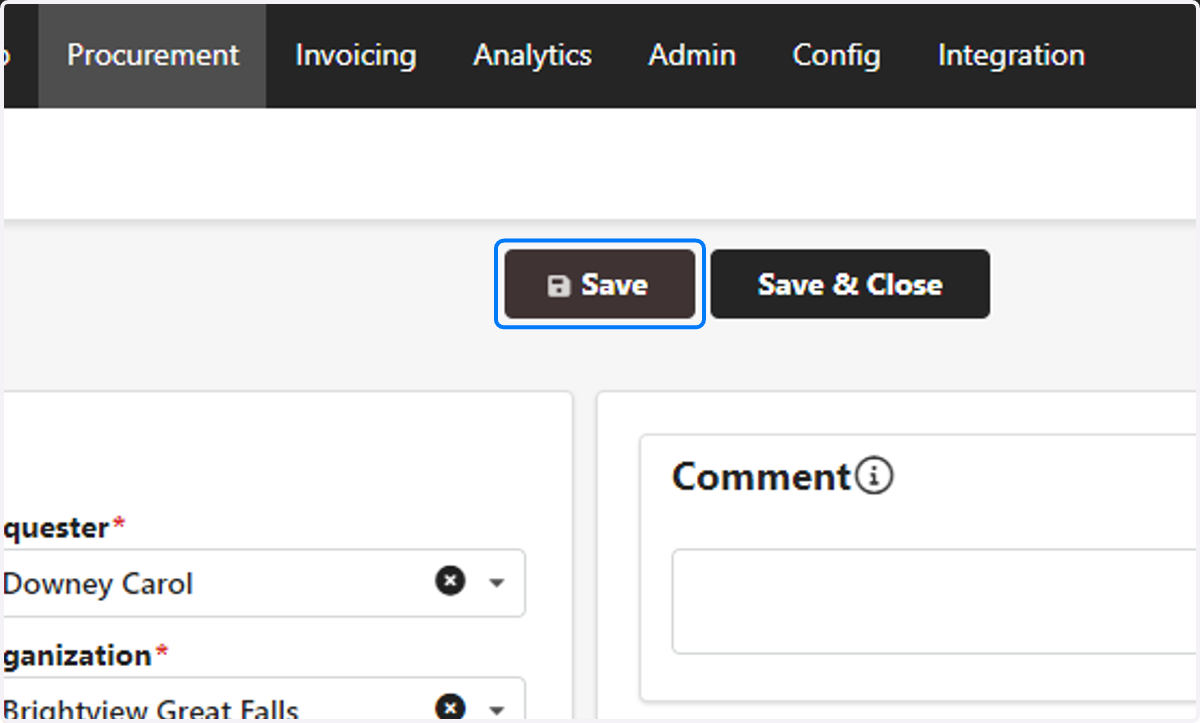
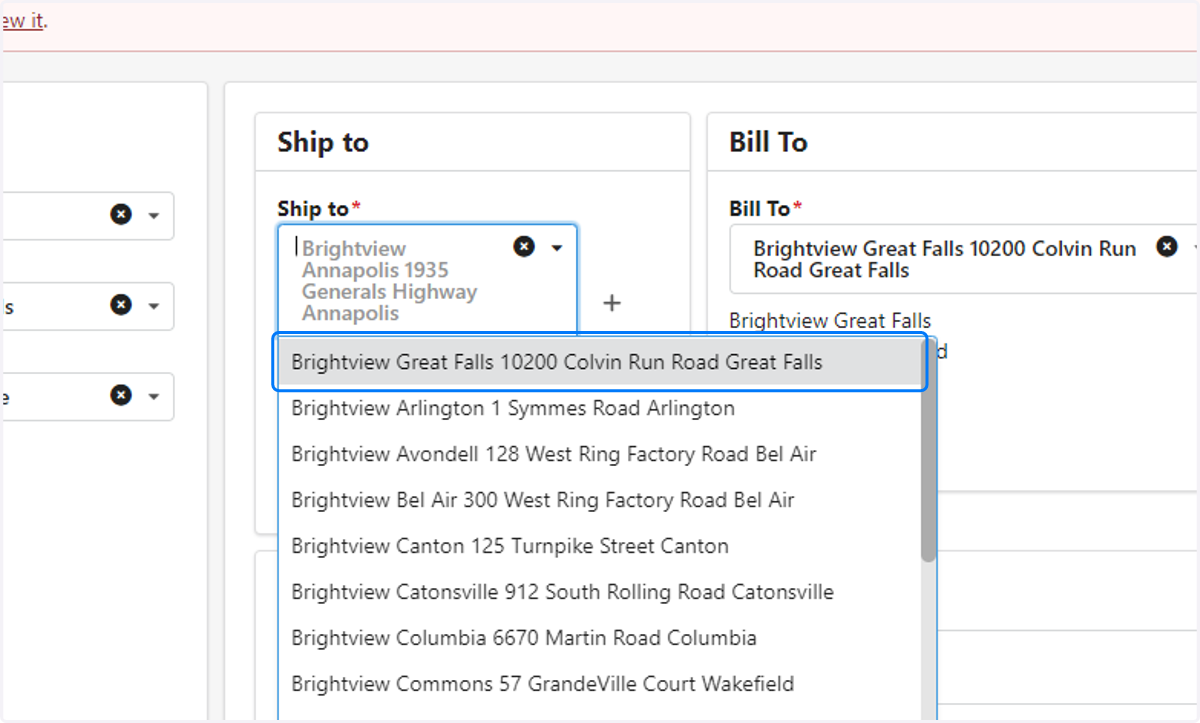
6. Verify Ship To & Bill To
Save after all changes.
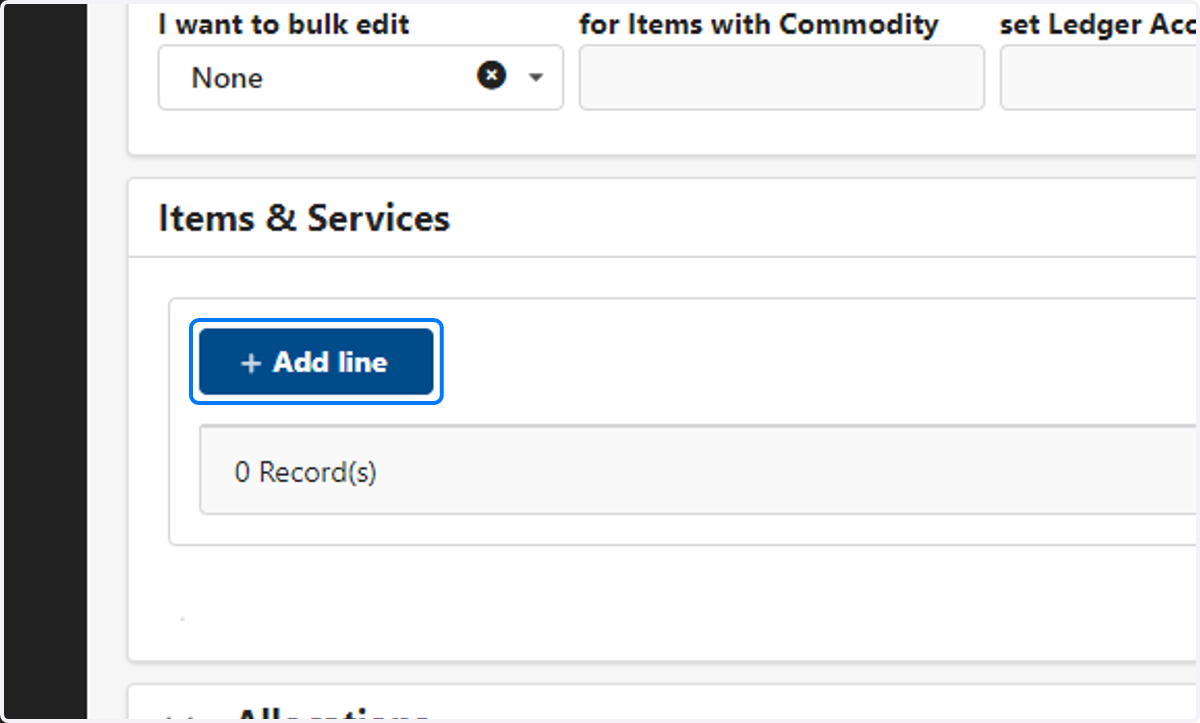
7. Items & Services > Add line
8. Products Type: Services
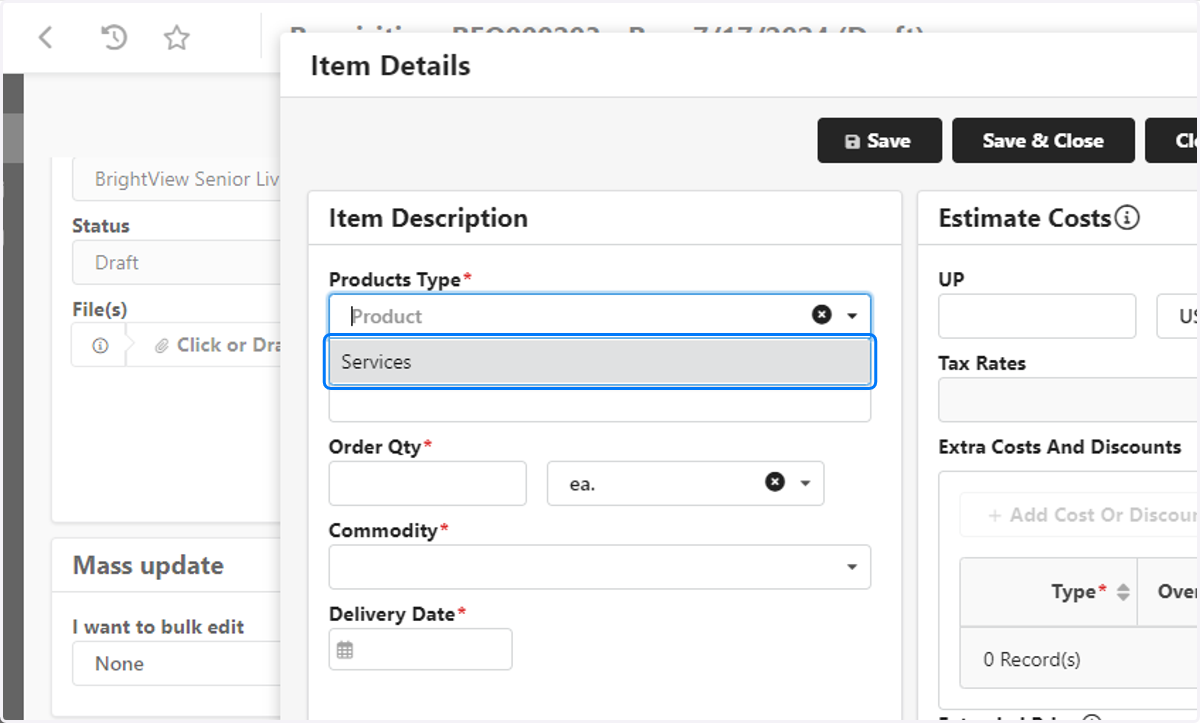
9. Enter Item Description
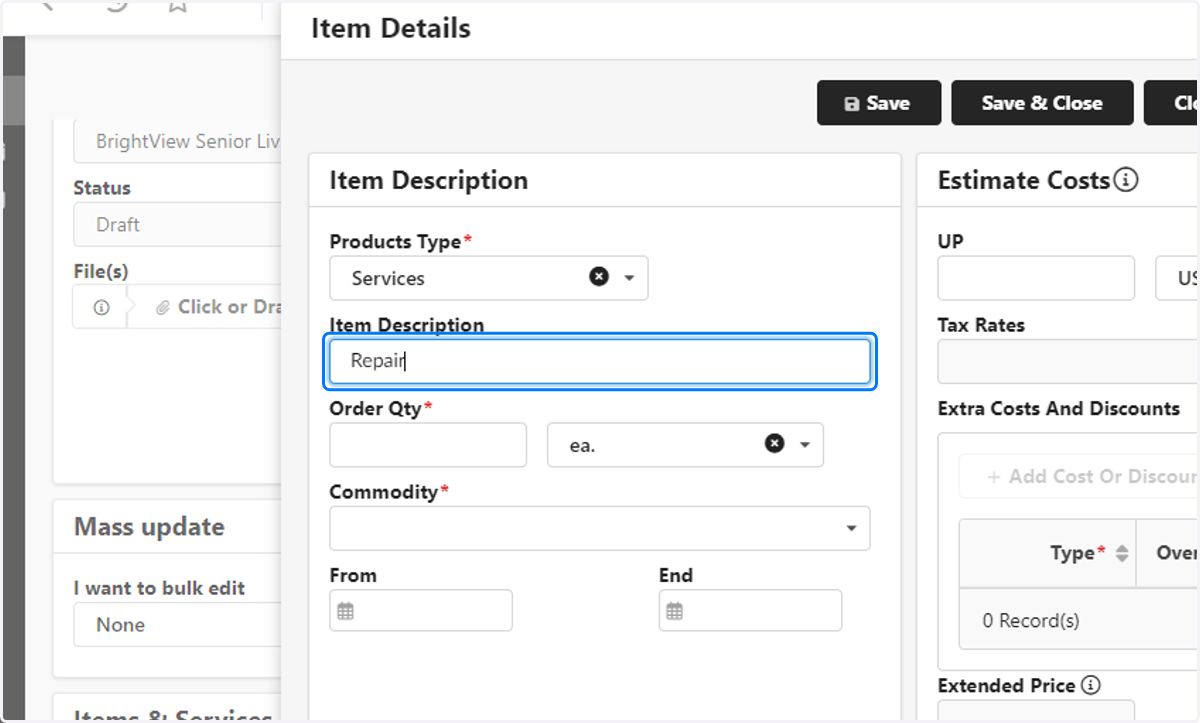
10. Enter Order Qty
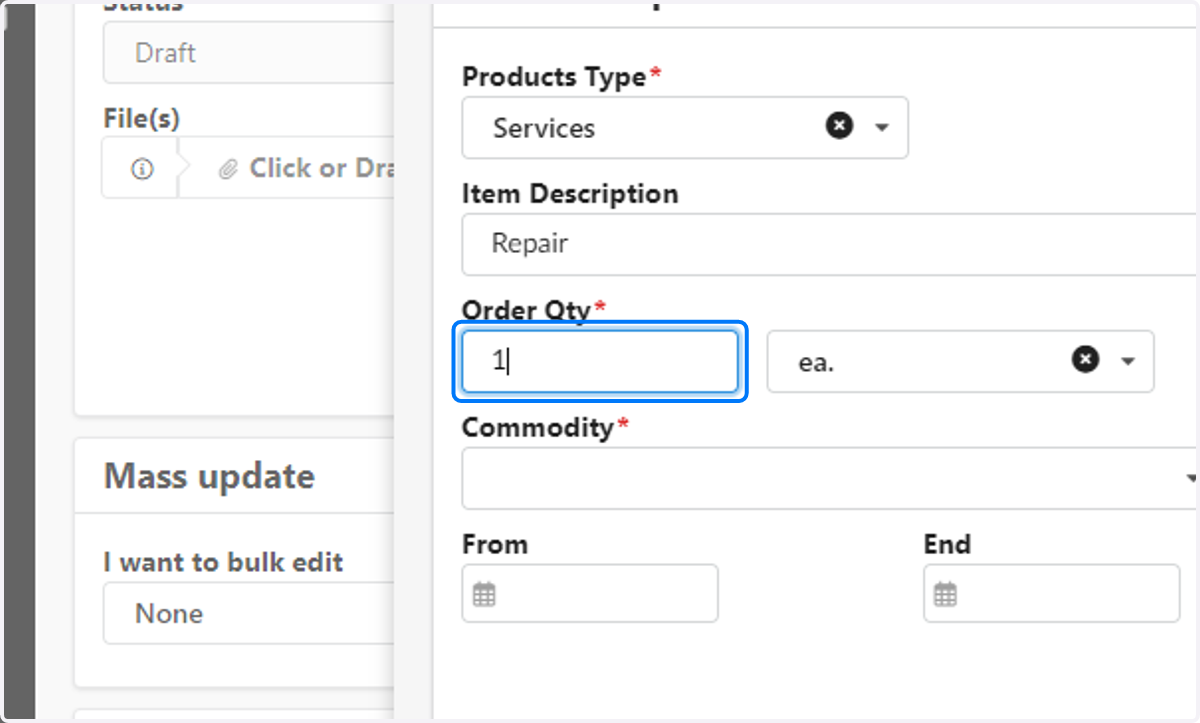
11. Enter Commodity
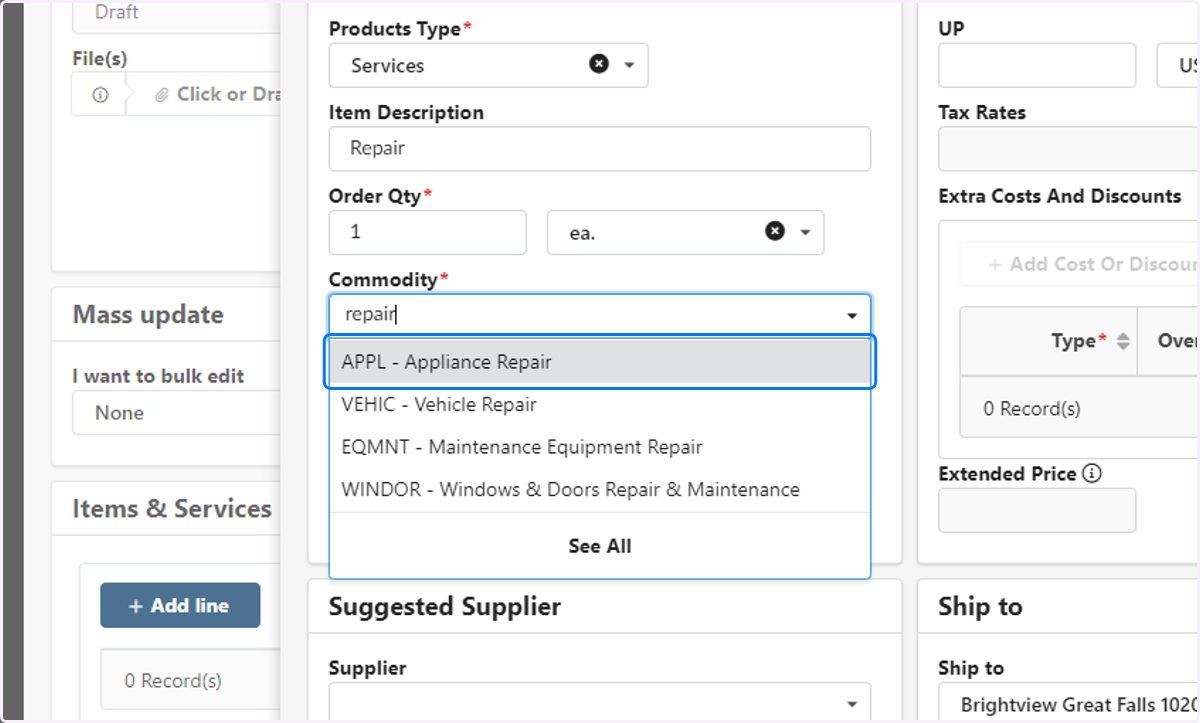
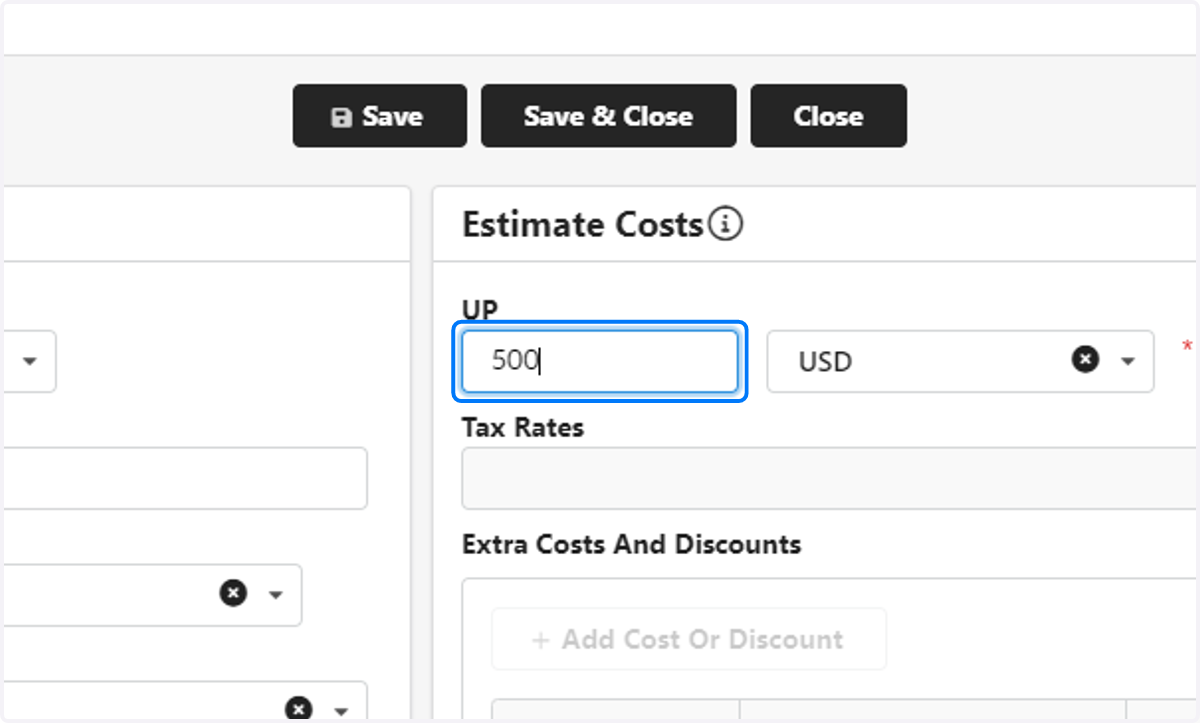
12. Enter UP (Unit Price)
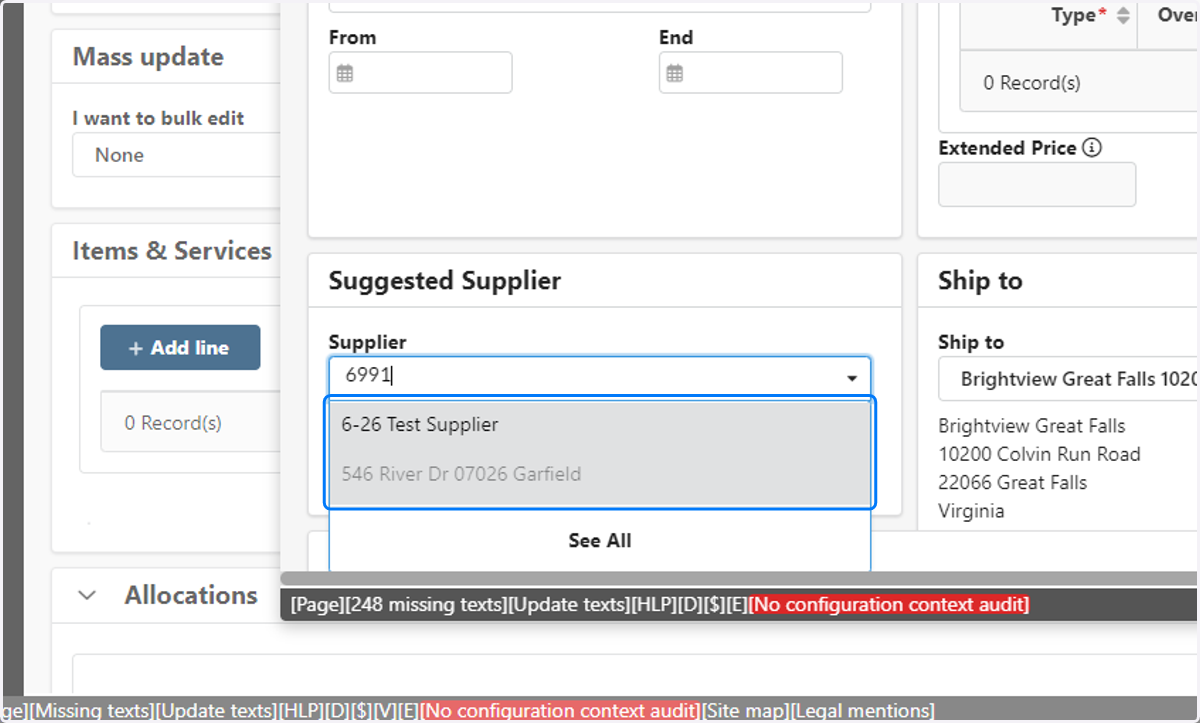
13. Select Supplier
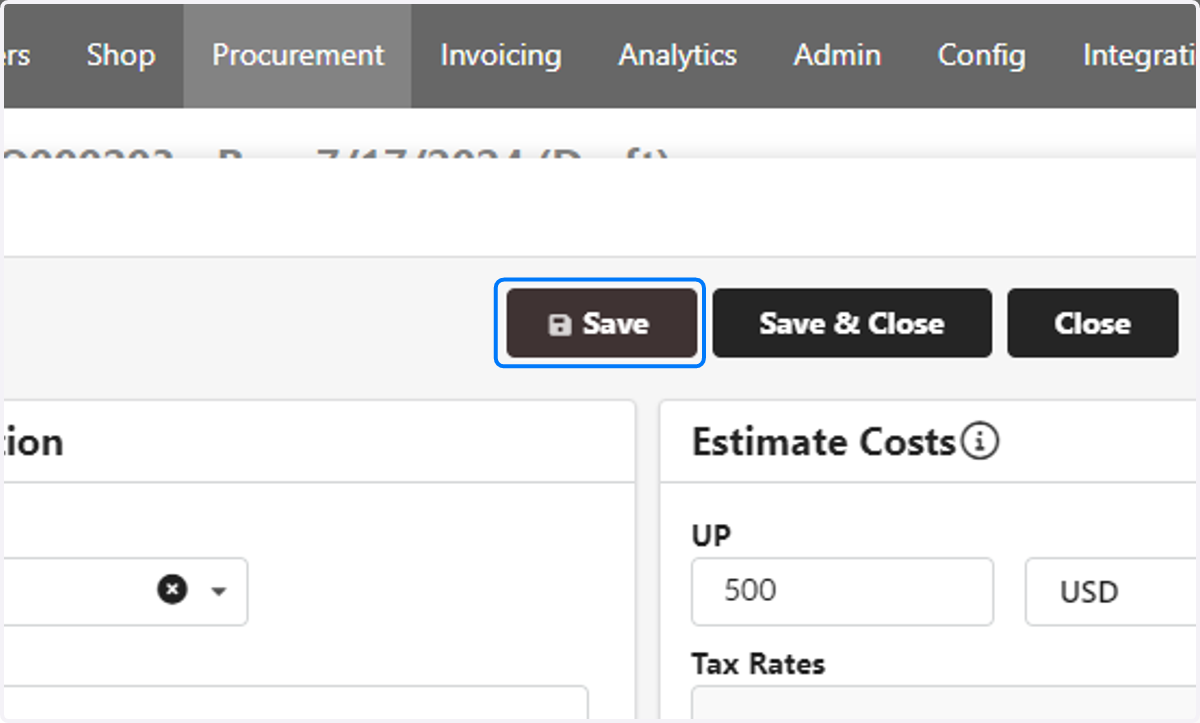
14. Save
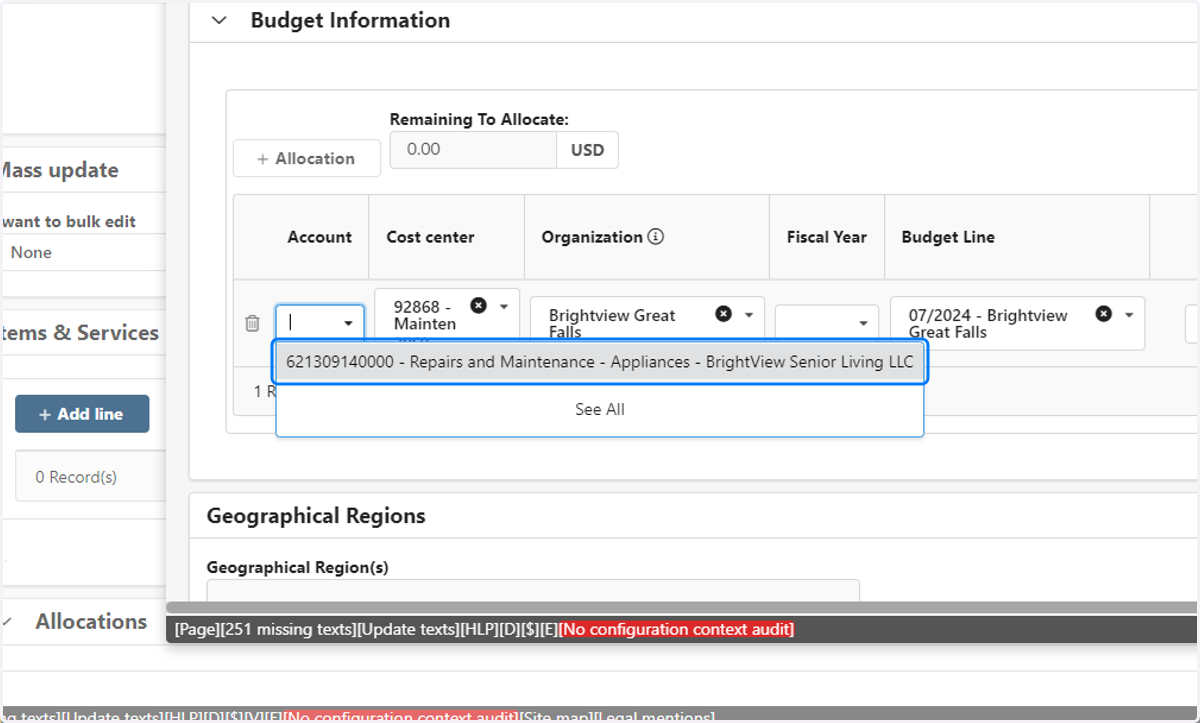
15. Select Account
In Budget Information section
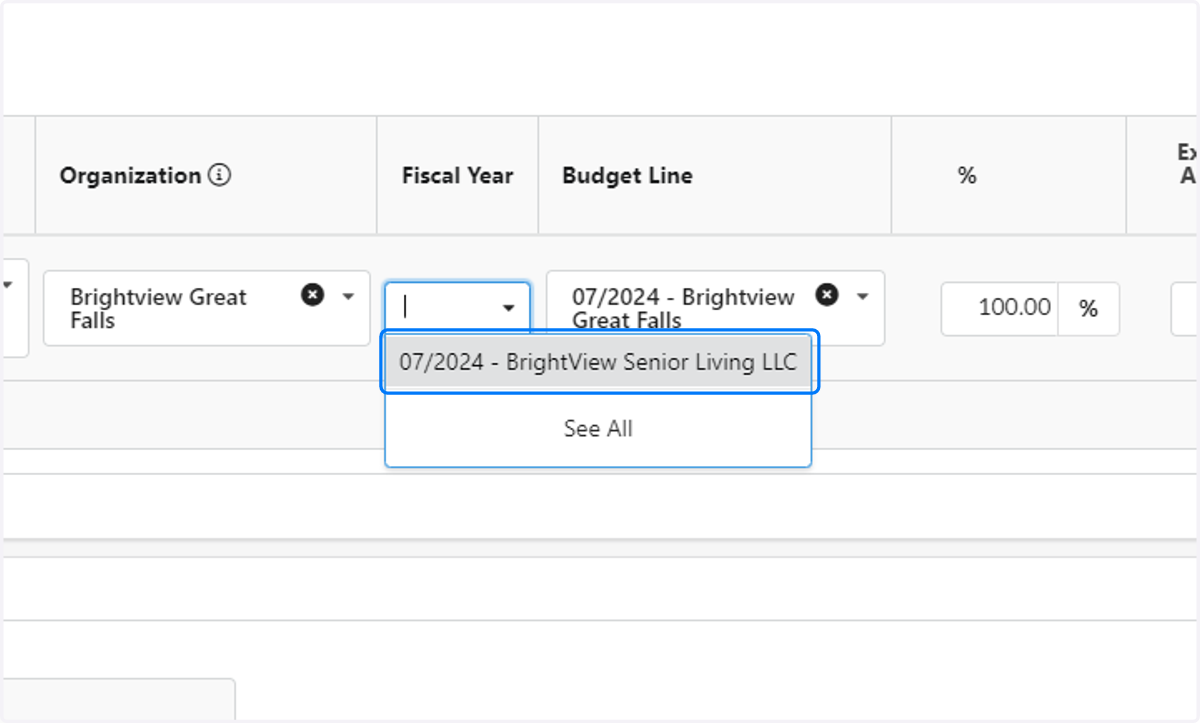
16. Enter Fiscal Year
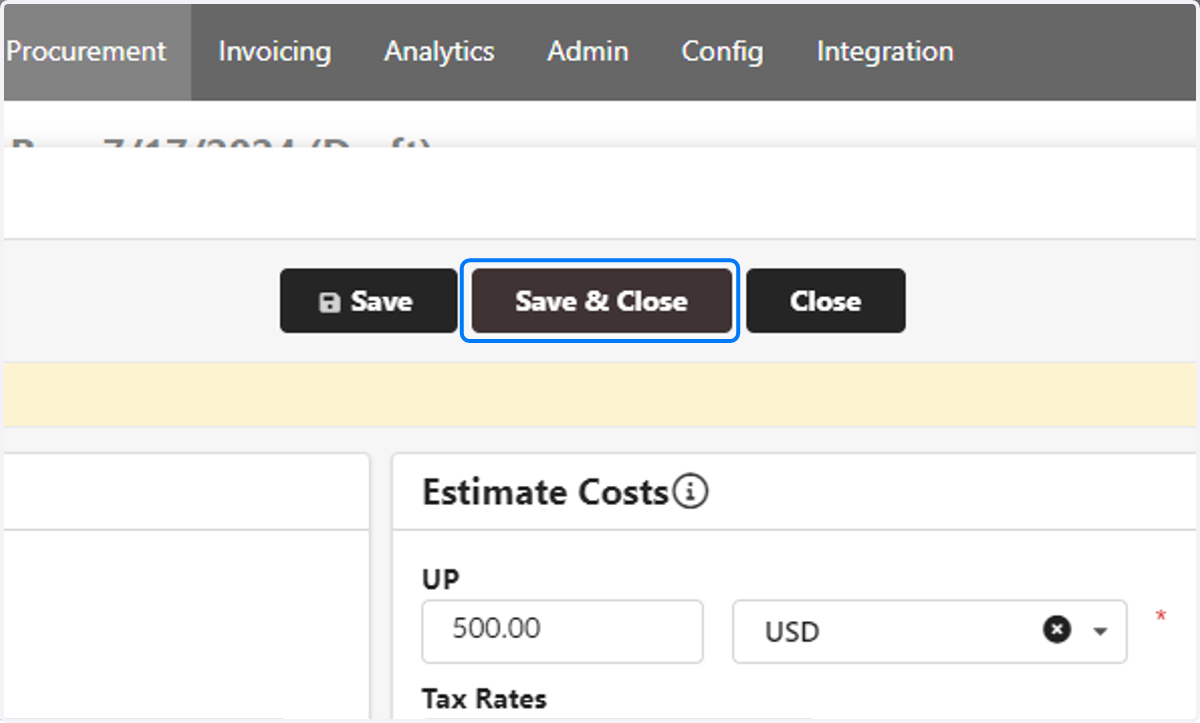
17. Save & Close
18. Verify Budgets
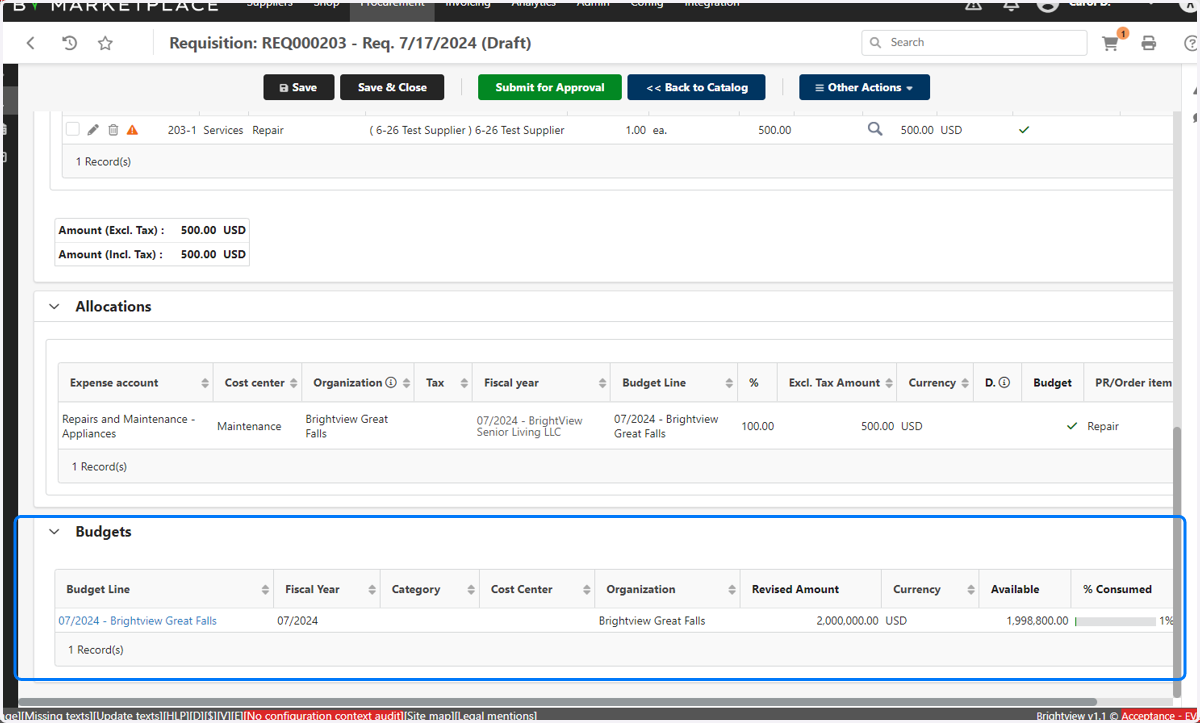
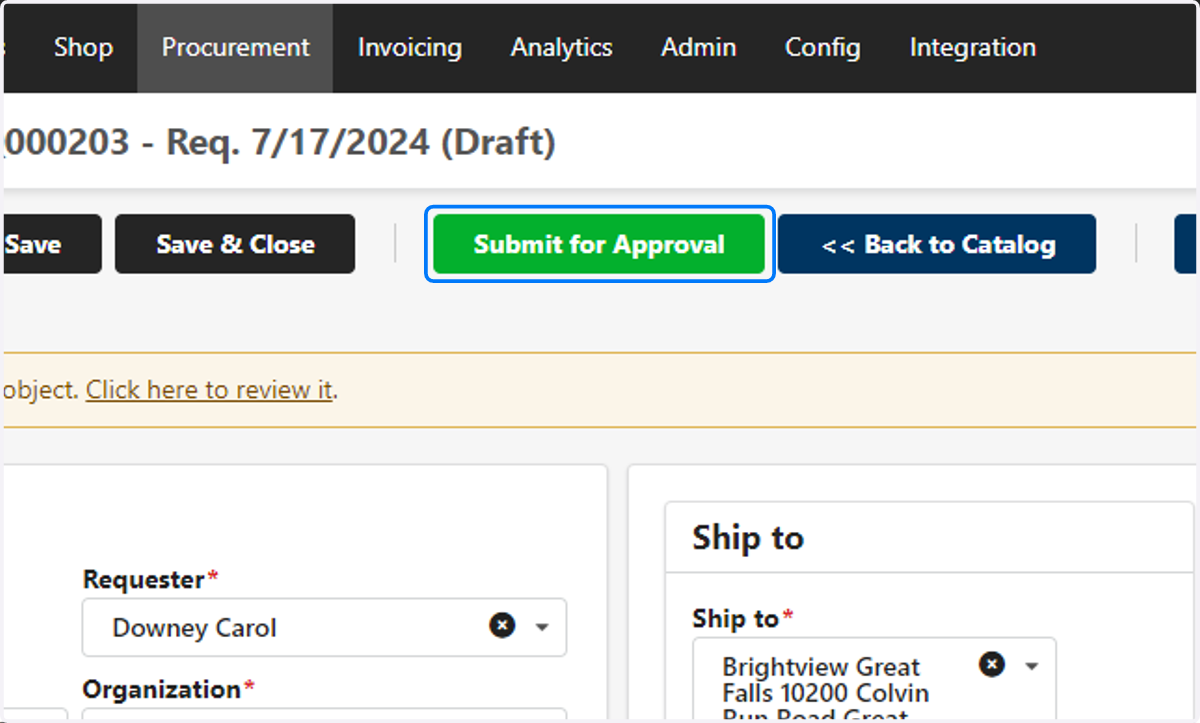
19. Submit for Approval