How to Mark Attendance and Finalize a Class.
MNEA Class Details: Powered by Engagifii
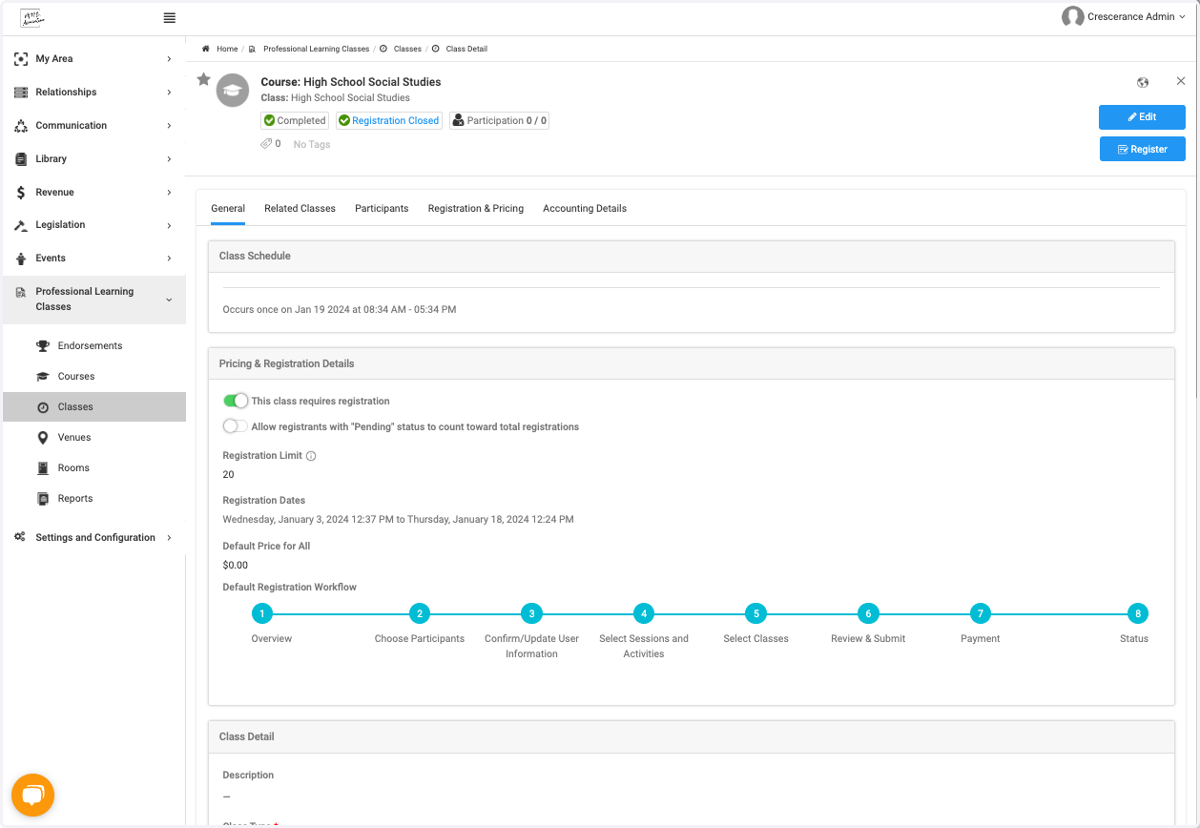
1. Open the class
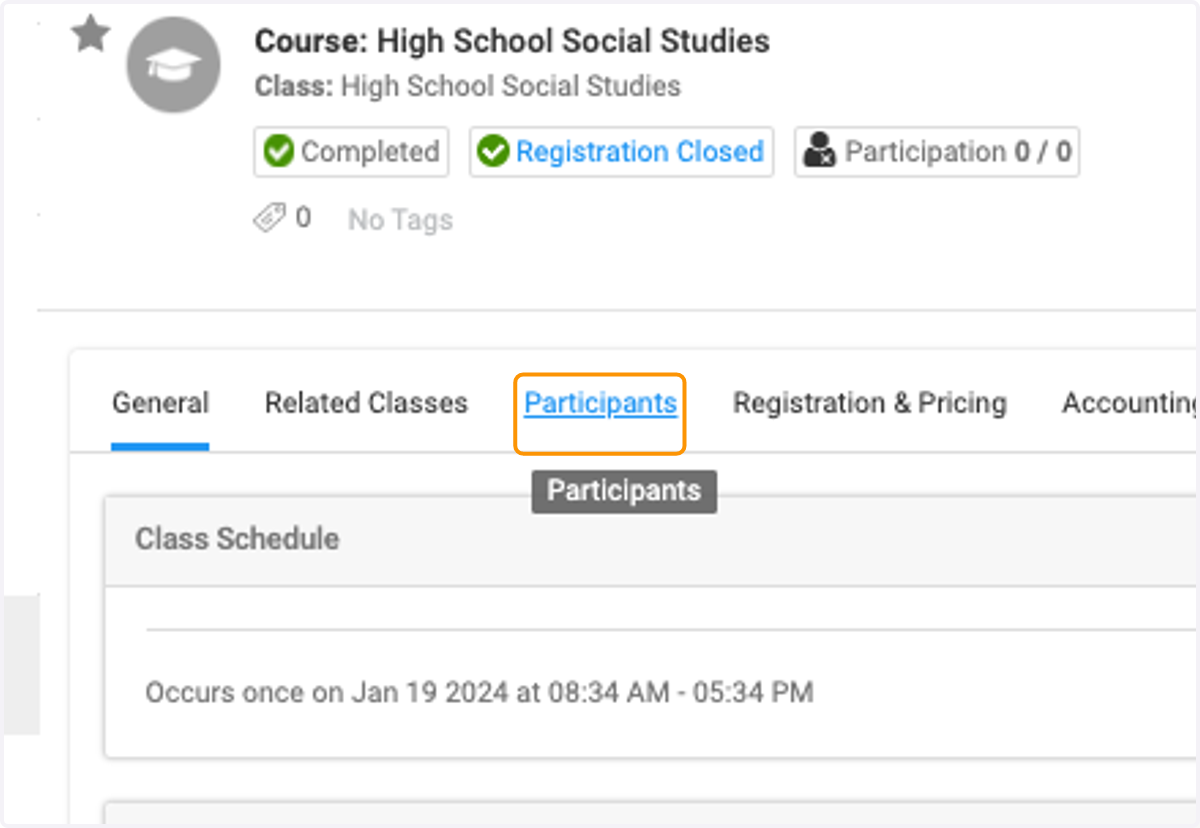
2. Click on Participants
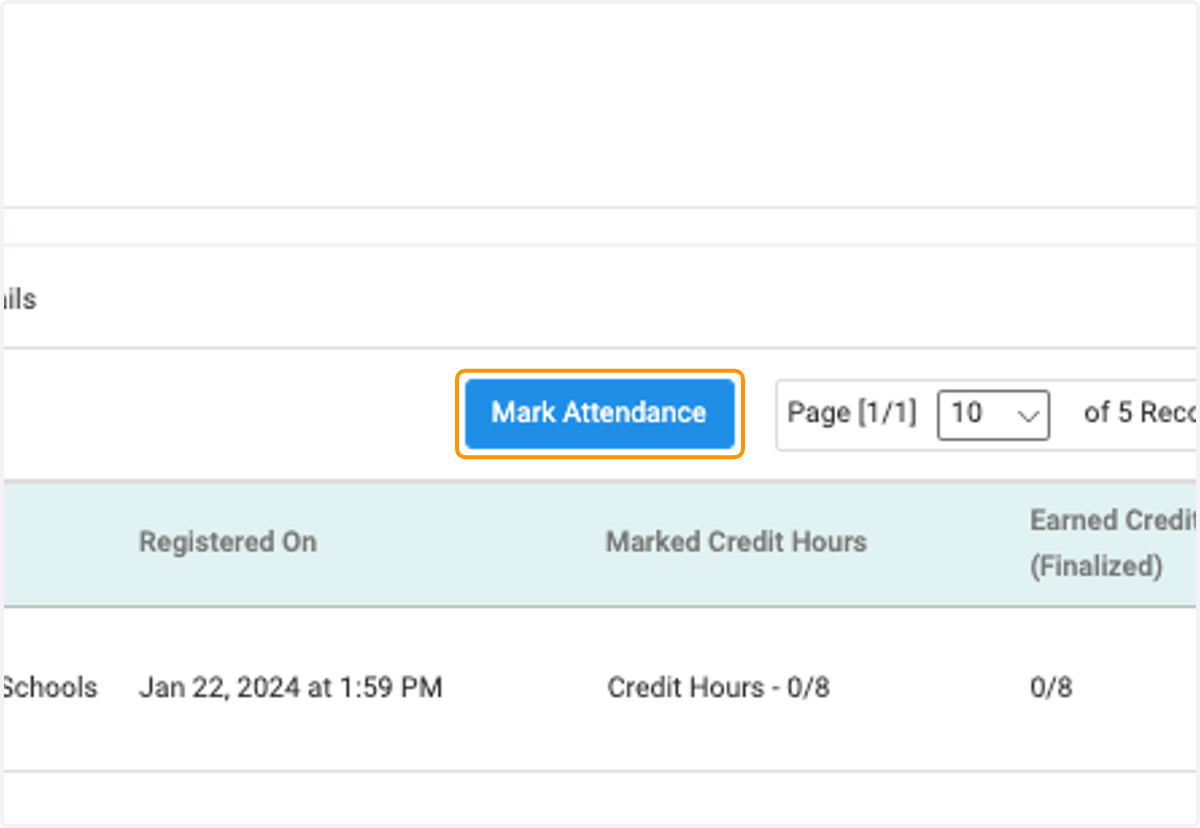
3. Click on Mark Attendance
4. Fill in the Appropriate Credits for each of the participants or assign one value to all.
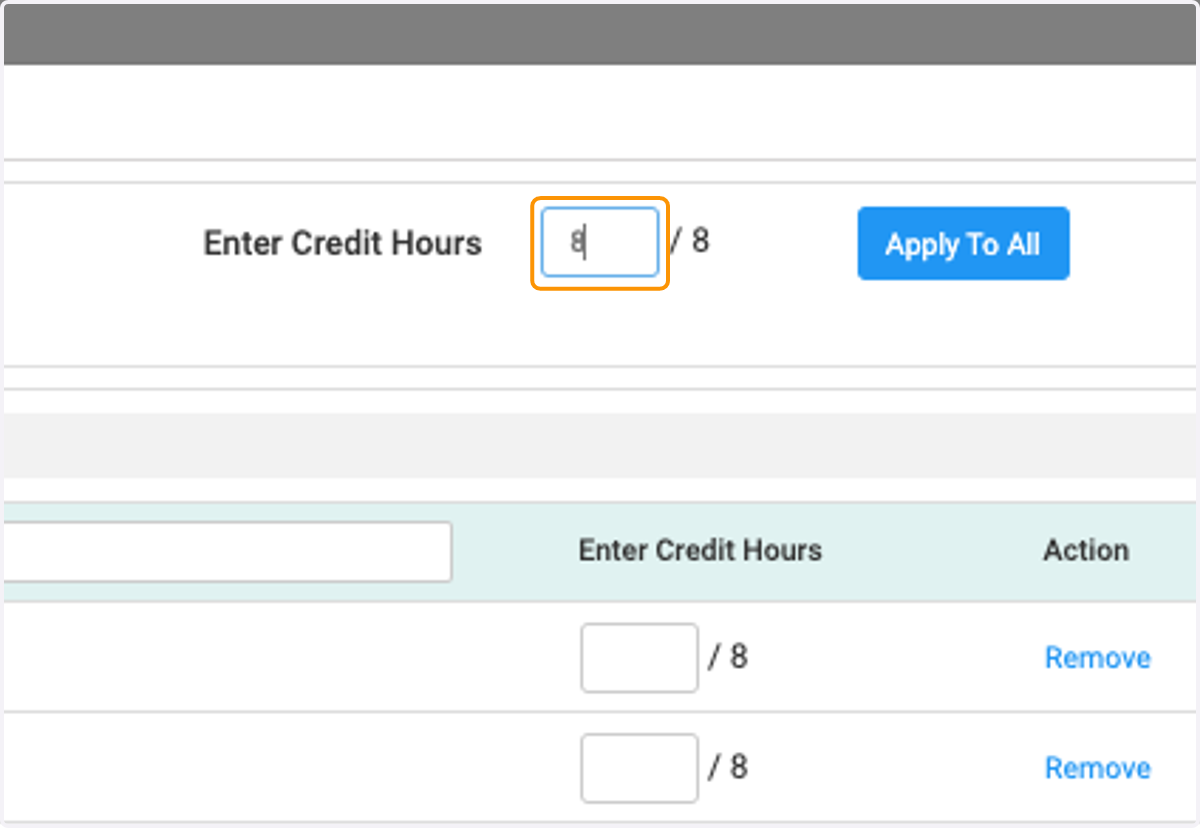
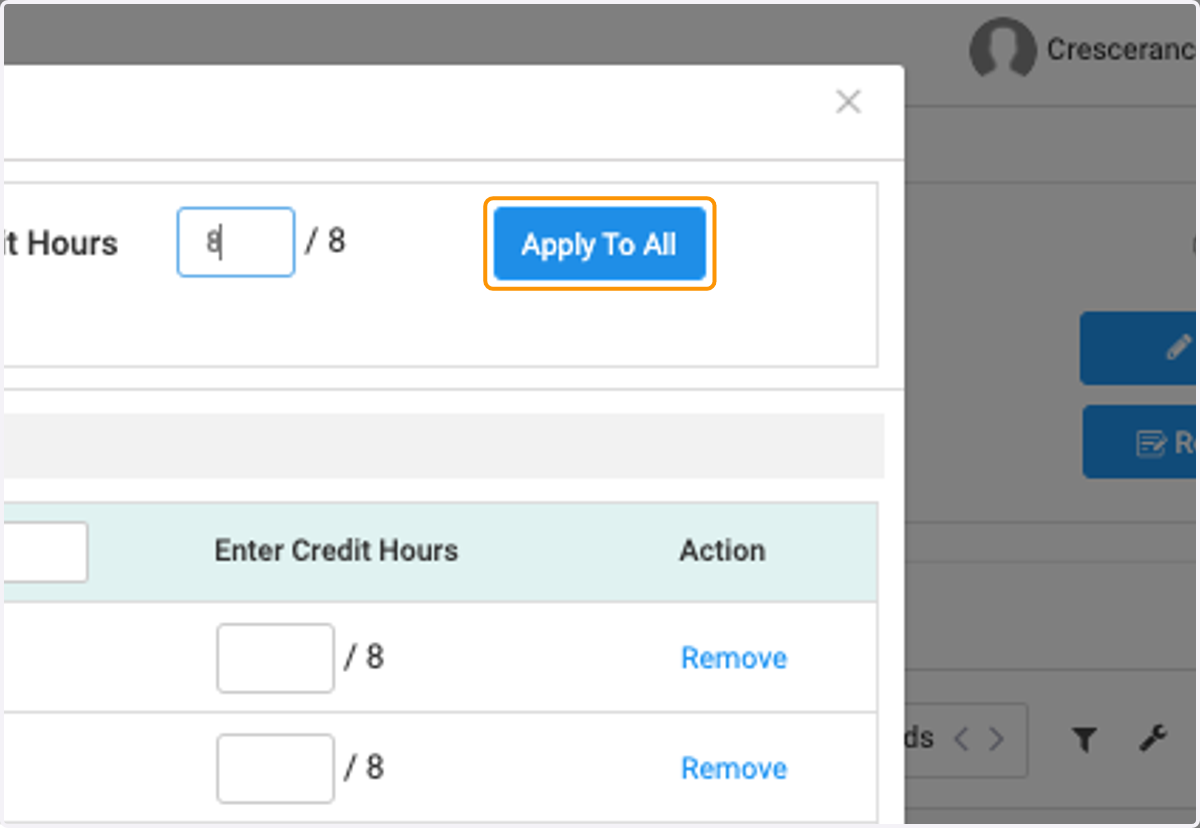
5. Click on Apply To All
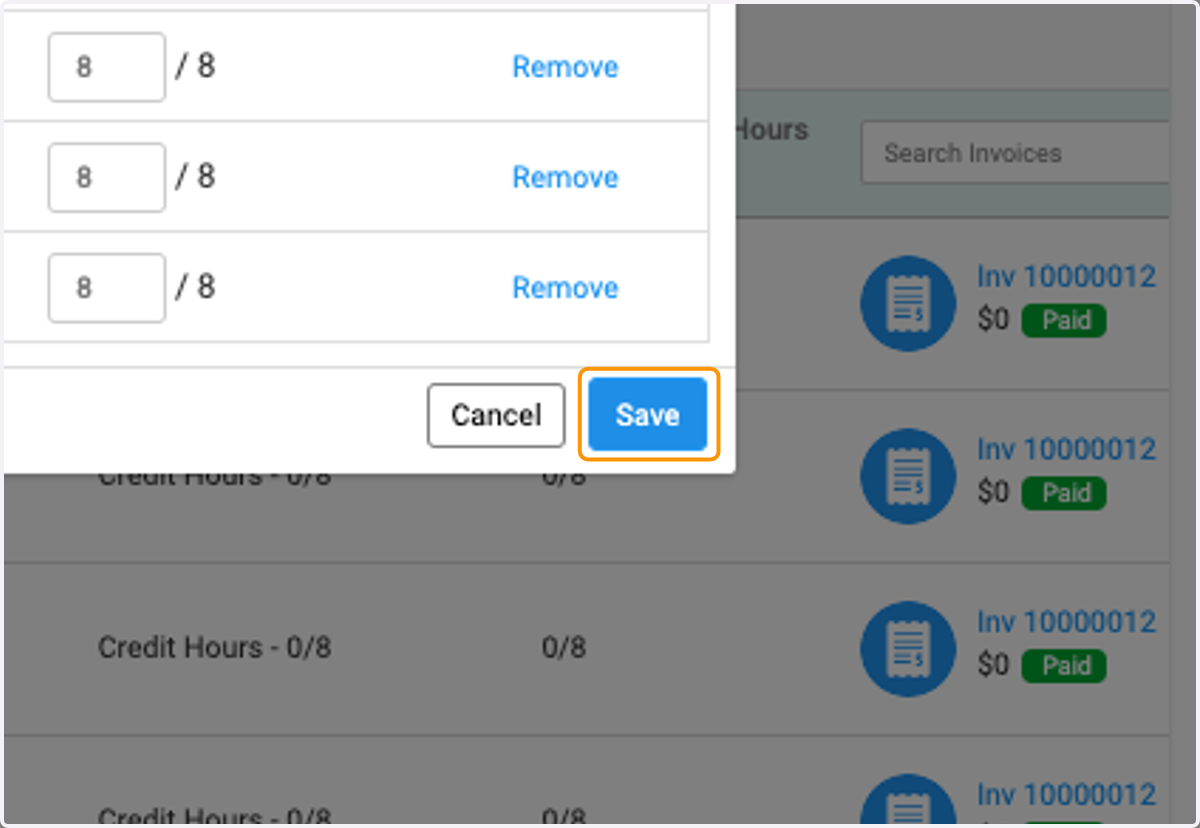
6. Click on Save
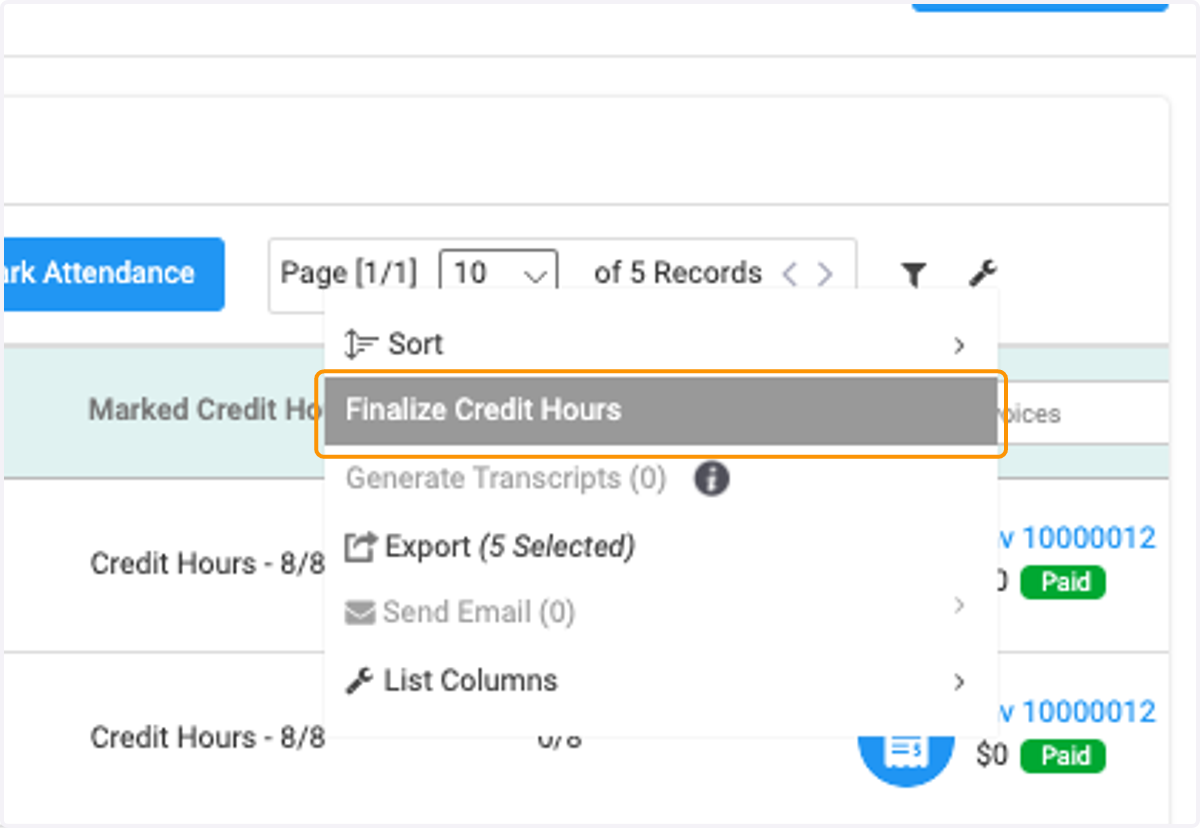
7. Click on the wrench
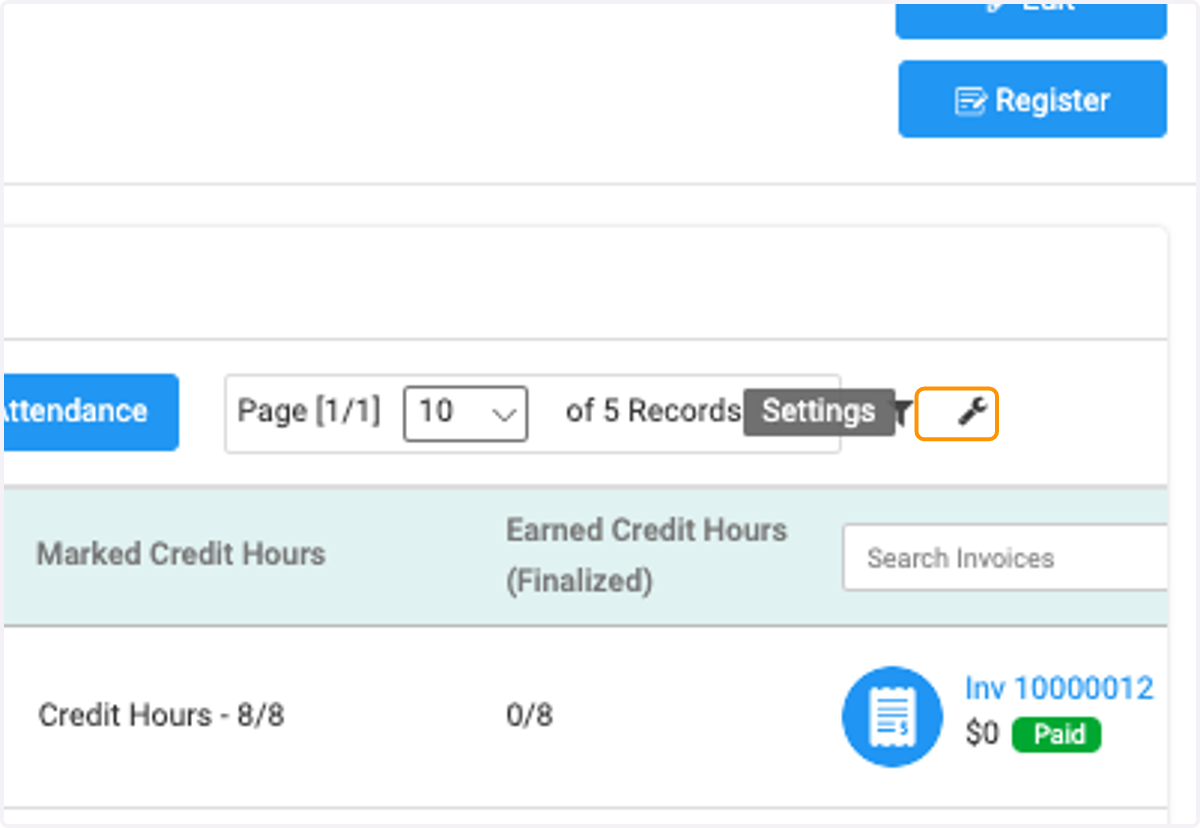
8. Click on Finalize Credit Hours
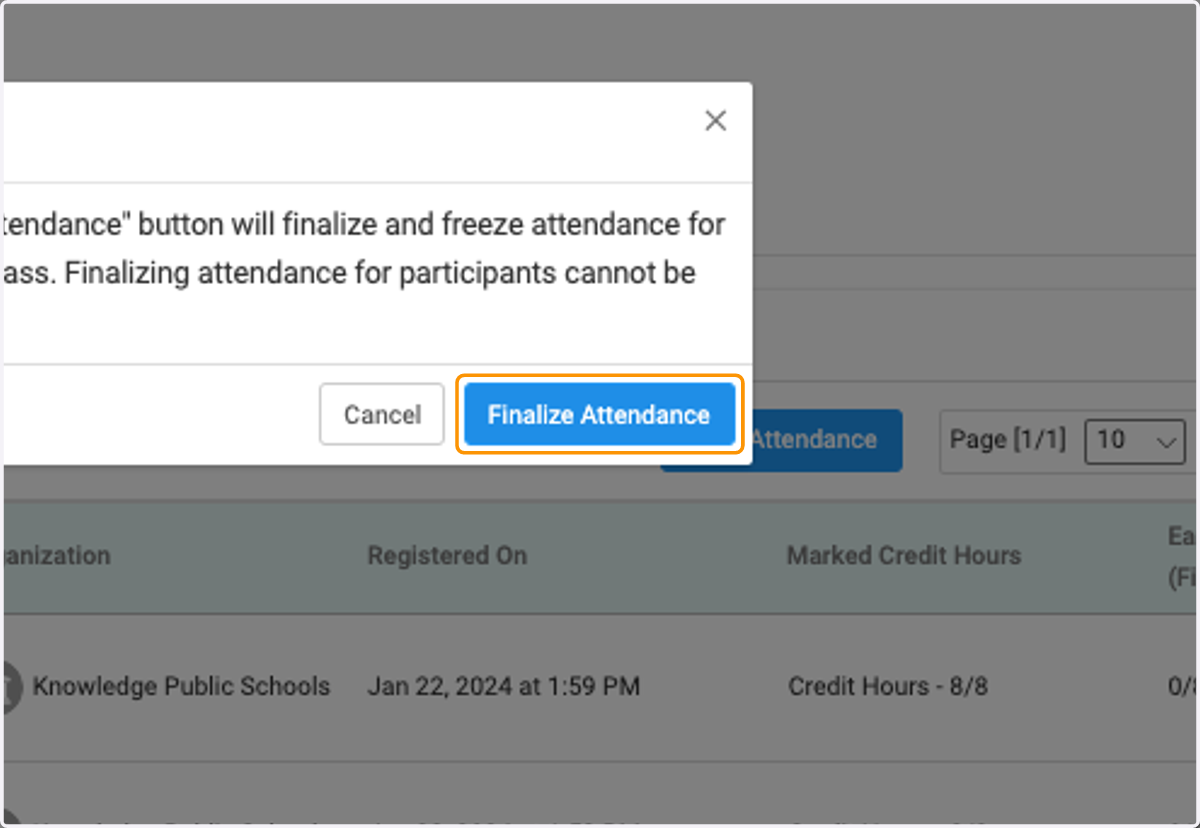
9. Please note that this cannot be undone or changed.
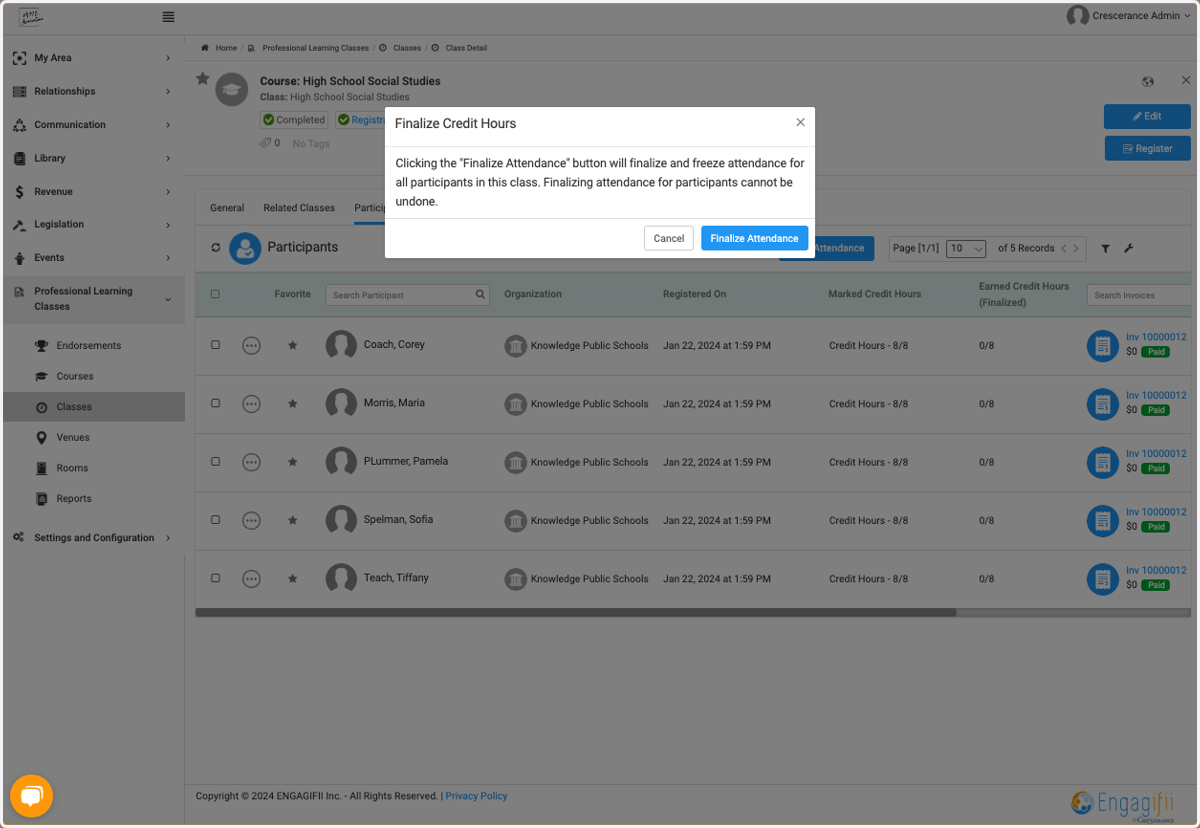
10. Click on Finalize Attendance