Major Unit Inventory Transfer Out Process
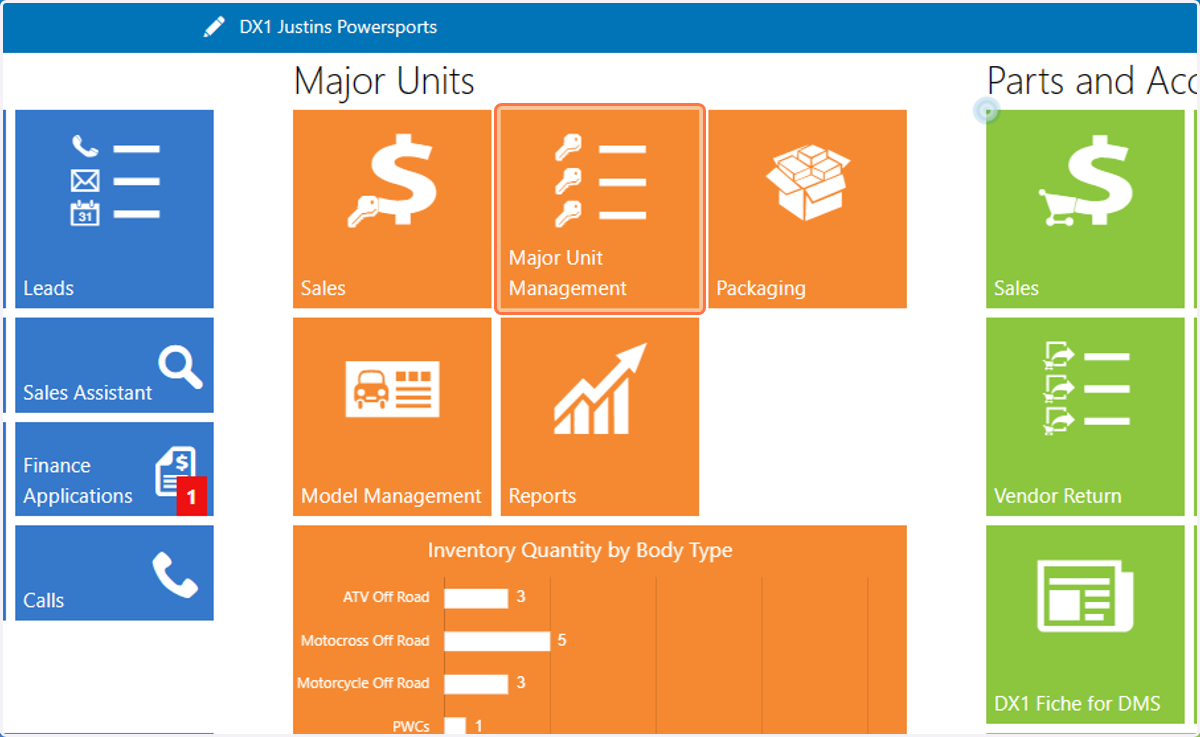
1. Click on Major Unit Management
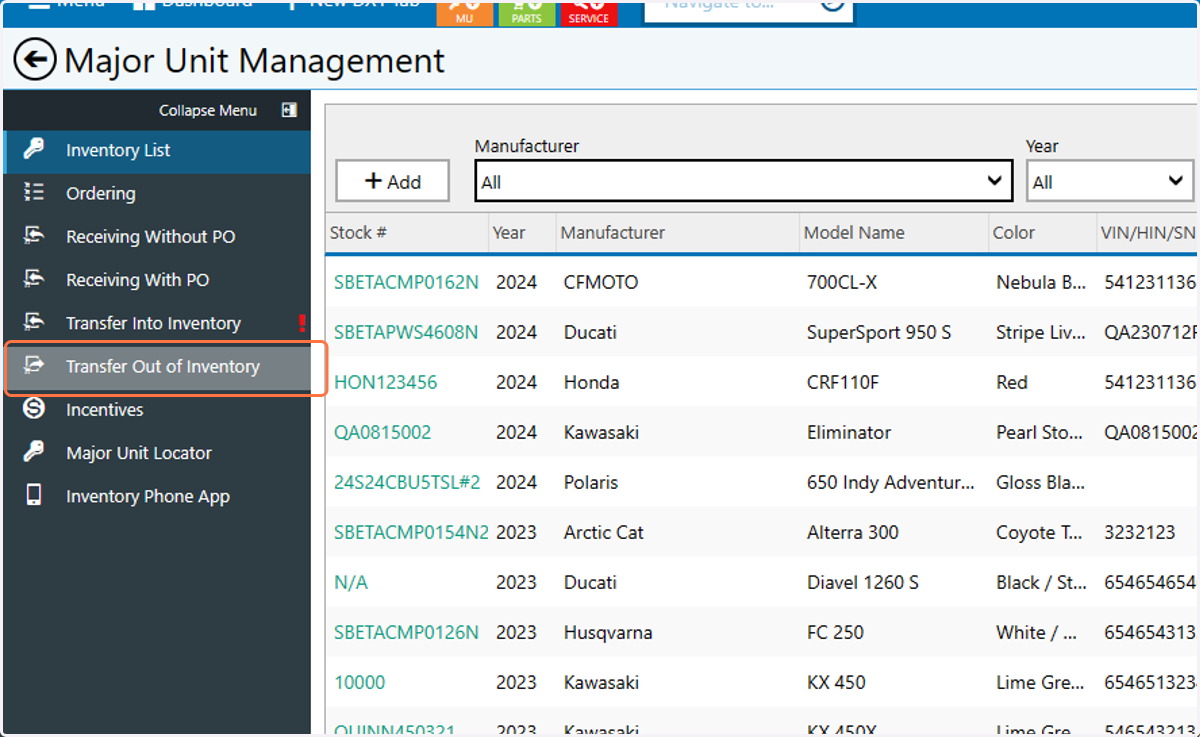
2. Click on Transfer Out of Inventory
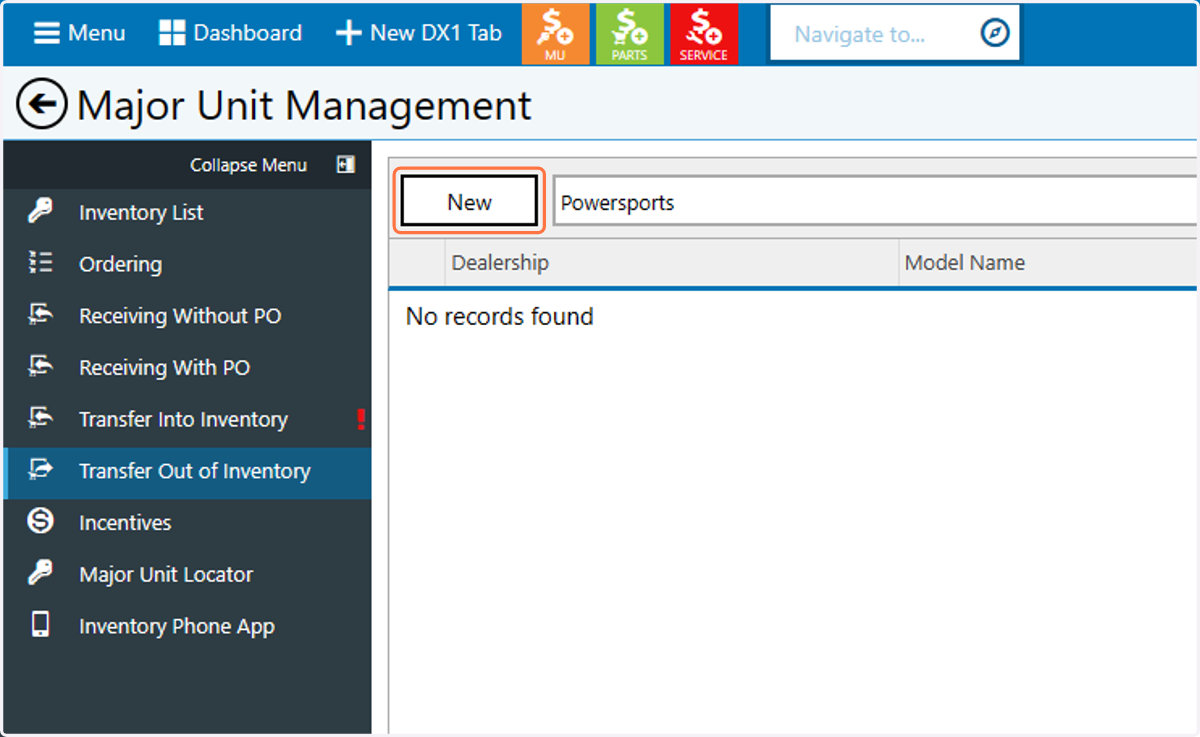
3. Click on New
4. Click on Search
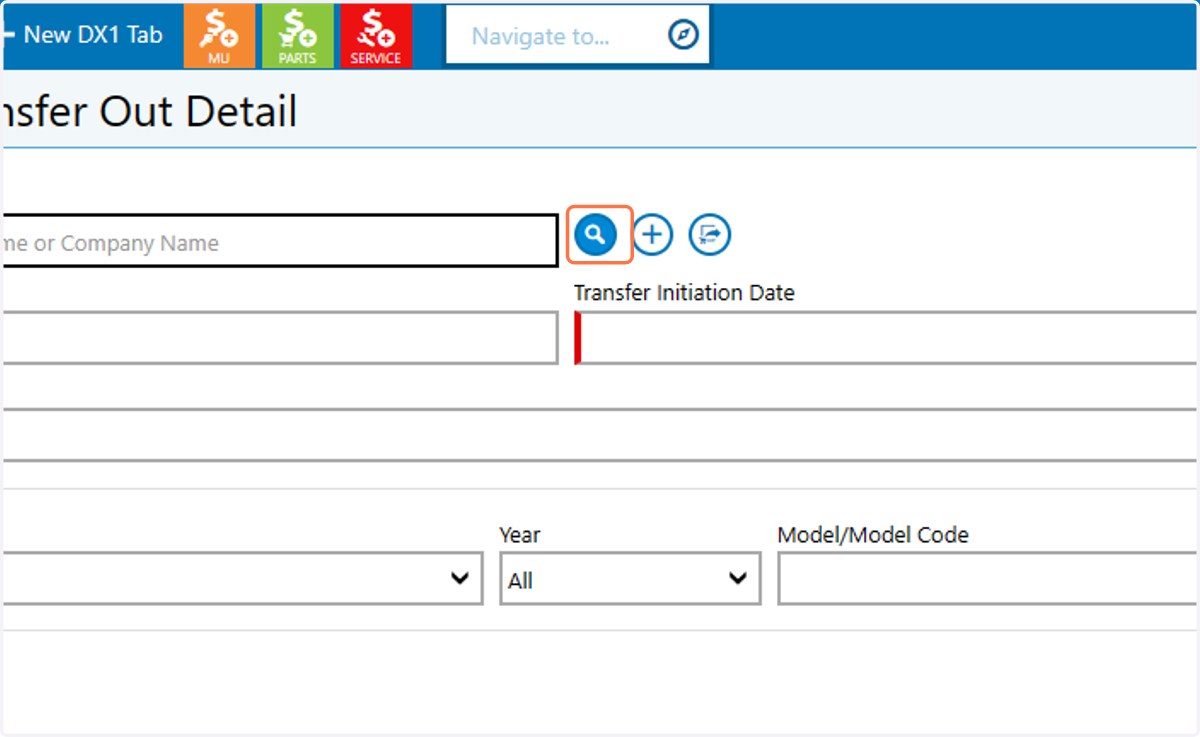
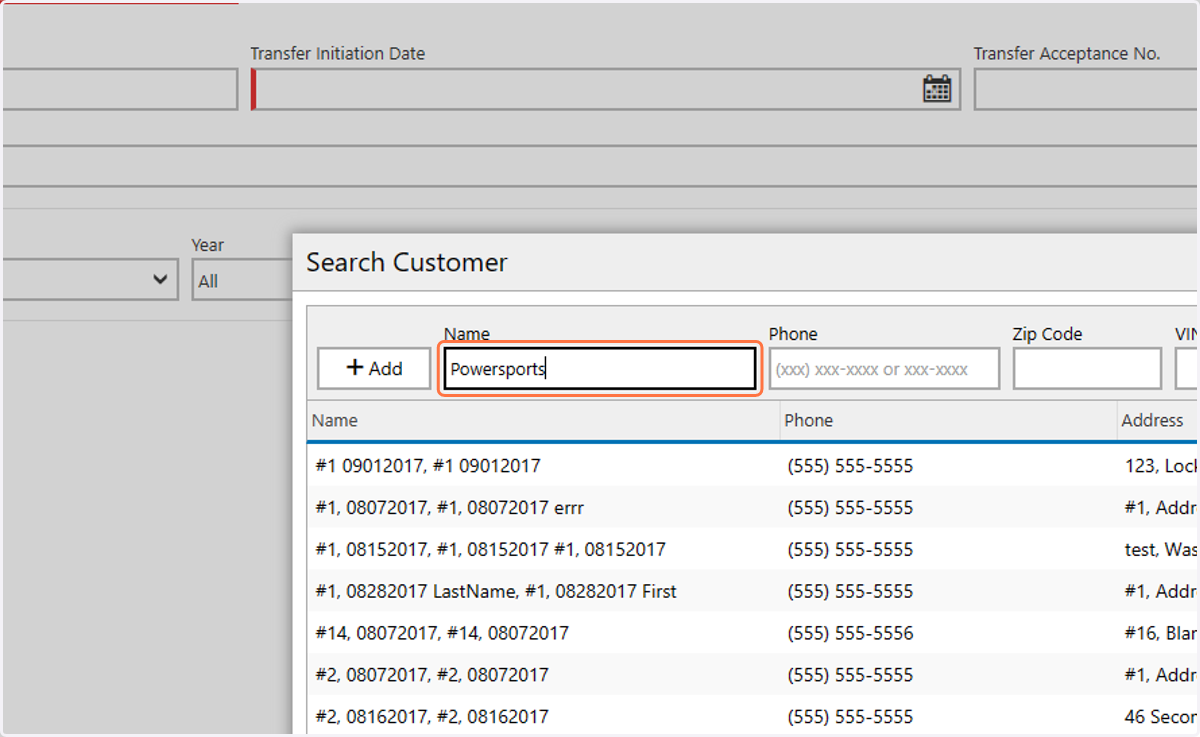
5. Search for the transferring dealers name
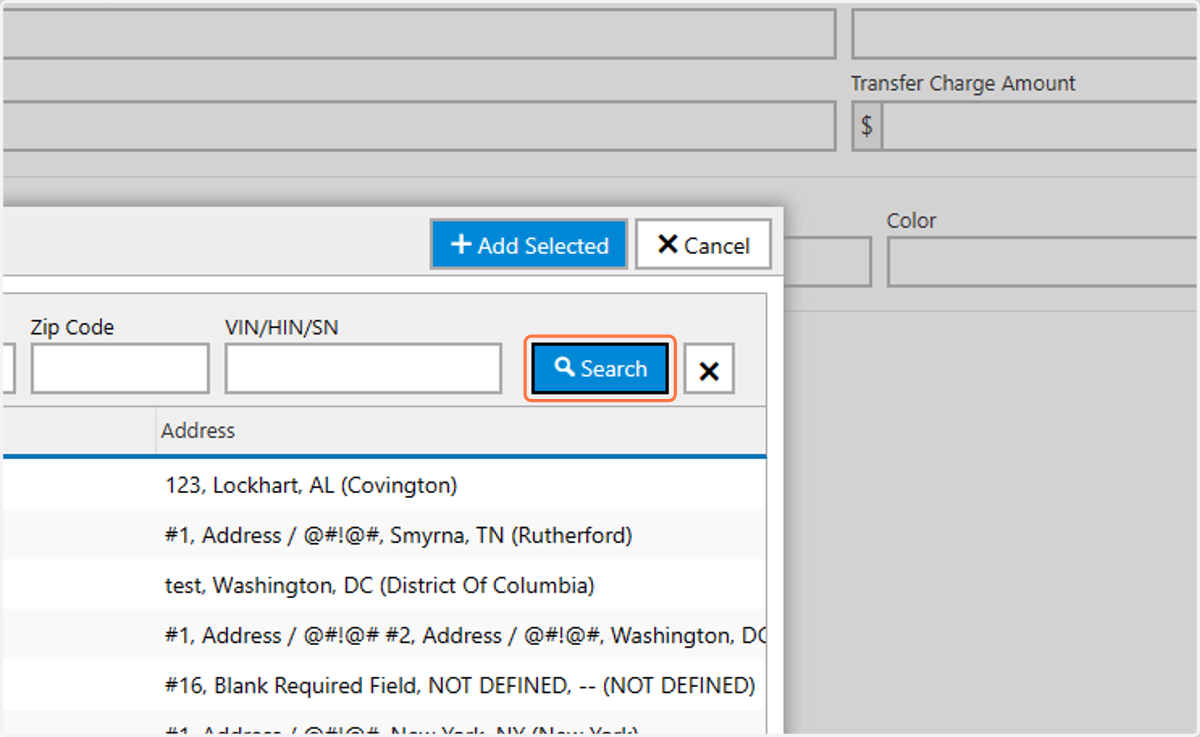
6. Click on Search
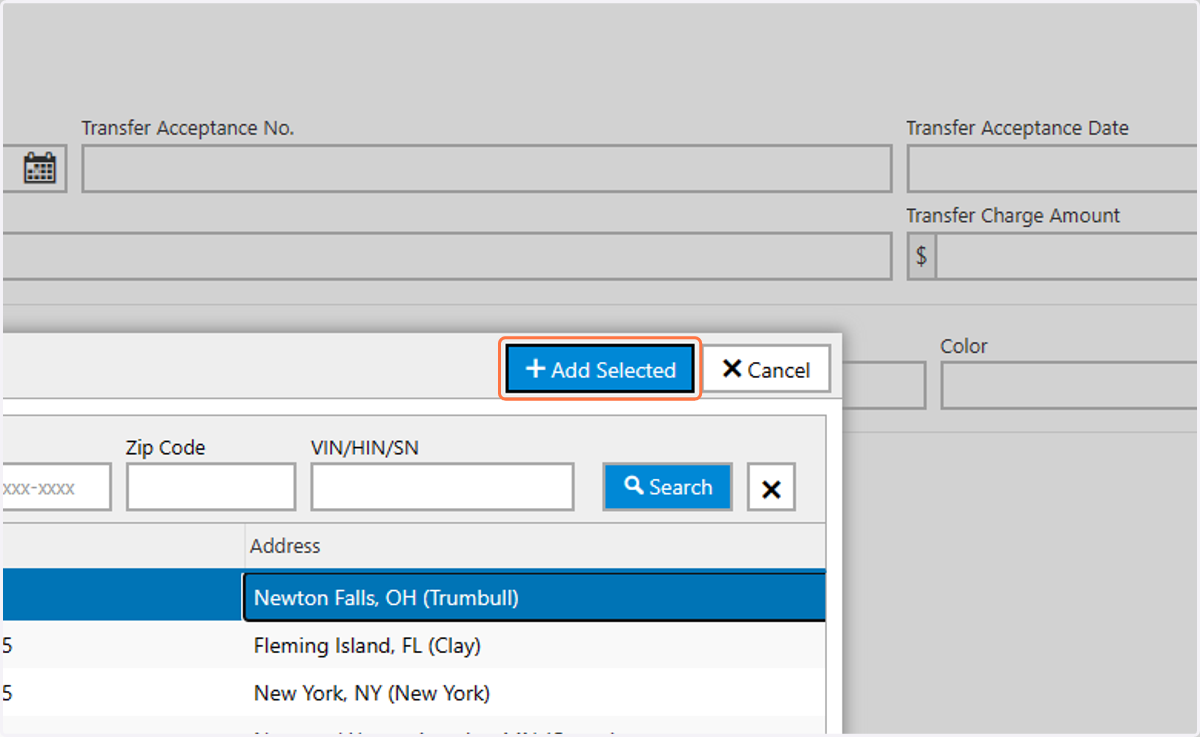
7. Click on the desired dealer from the list
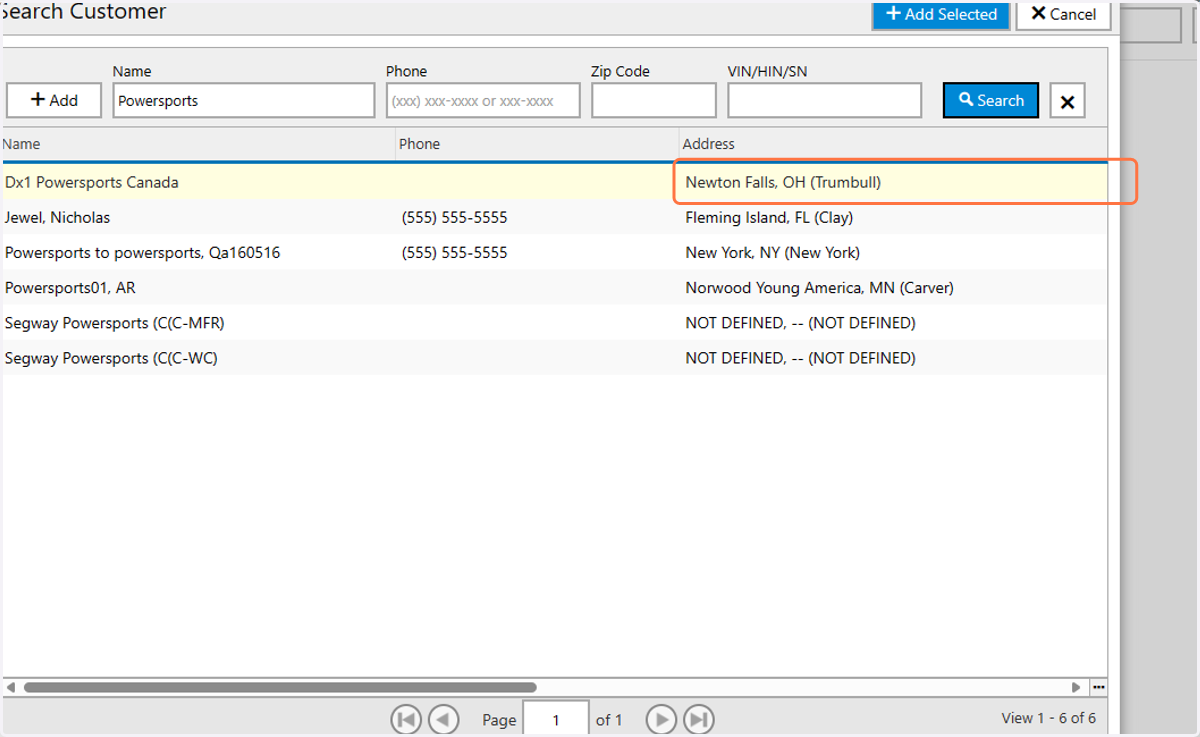
8. Click on Add Selected
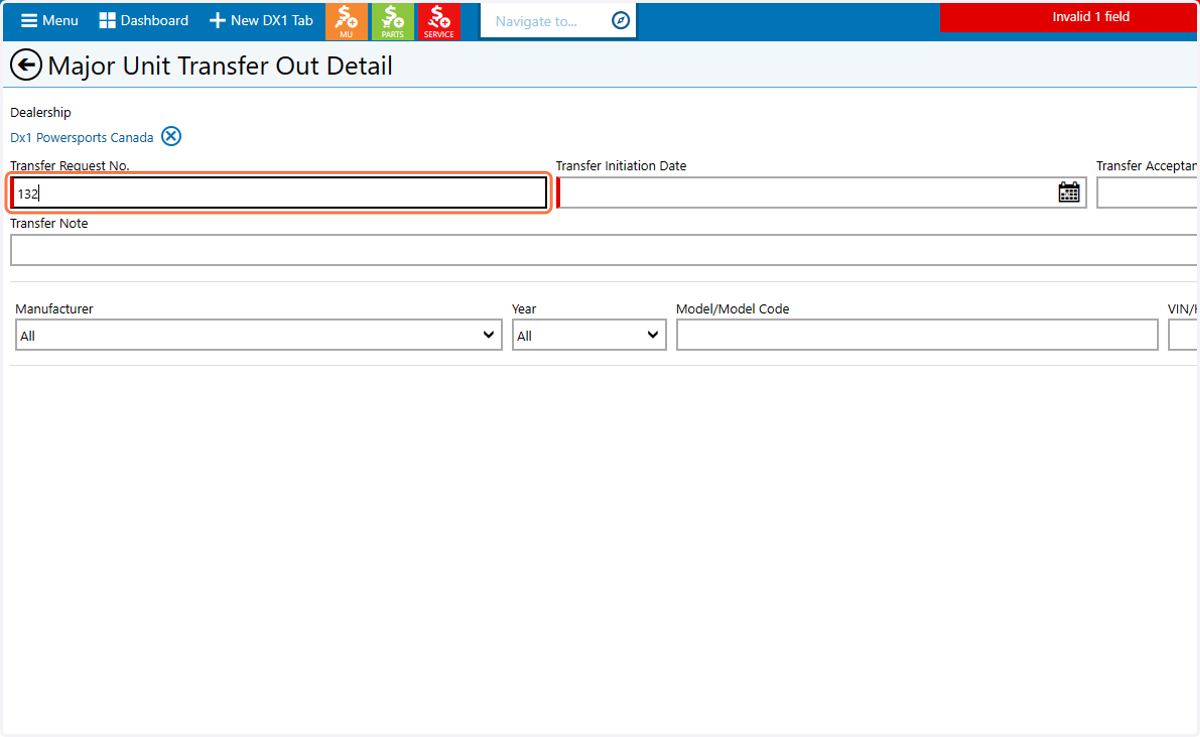
9. Type in the transfer request number
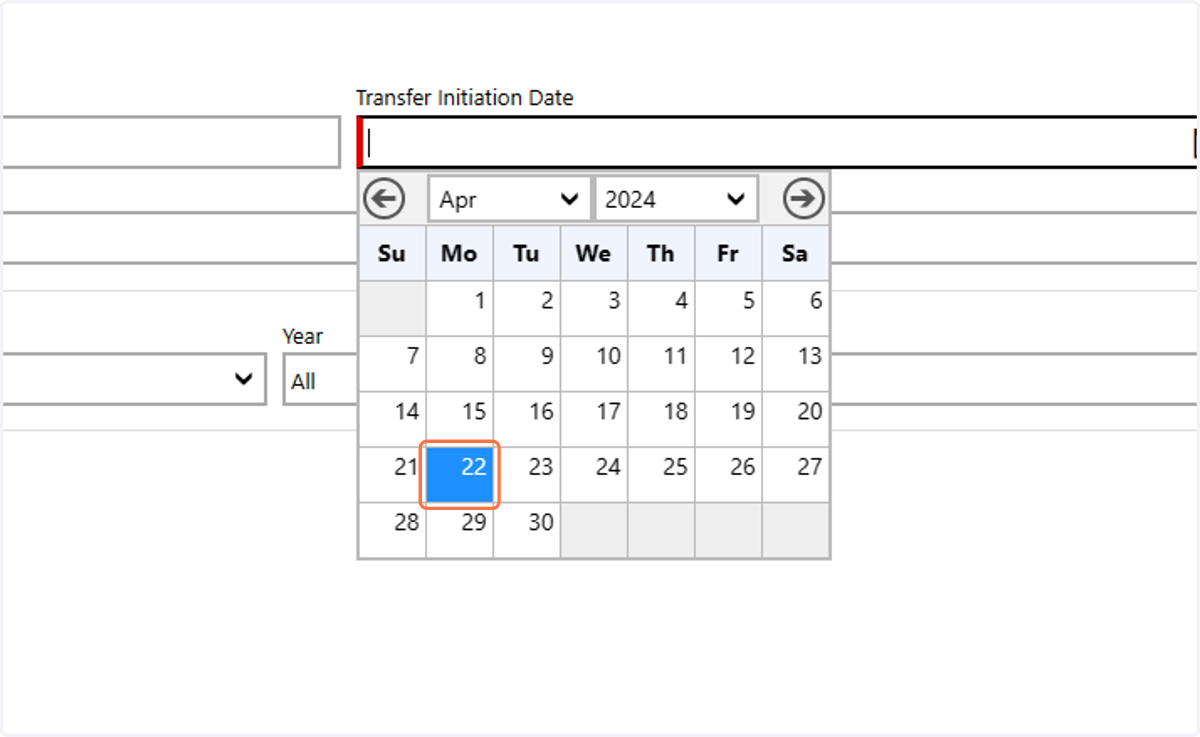
10. Click on the transfer out date
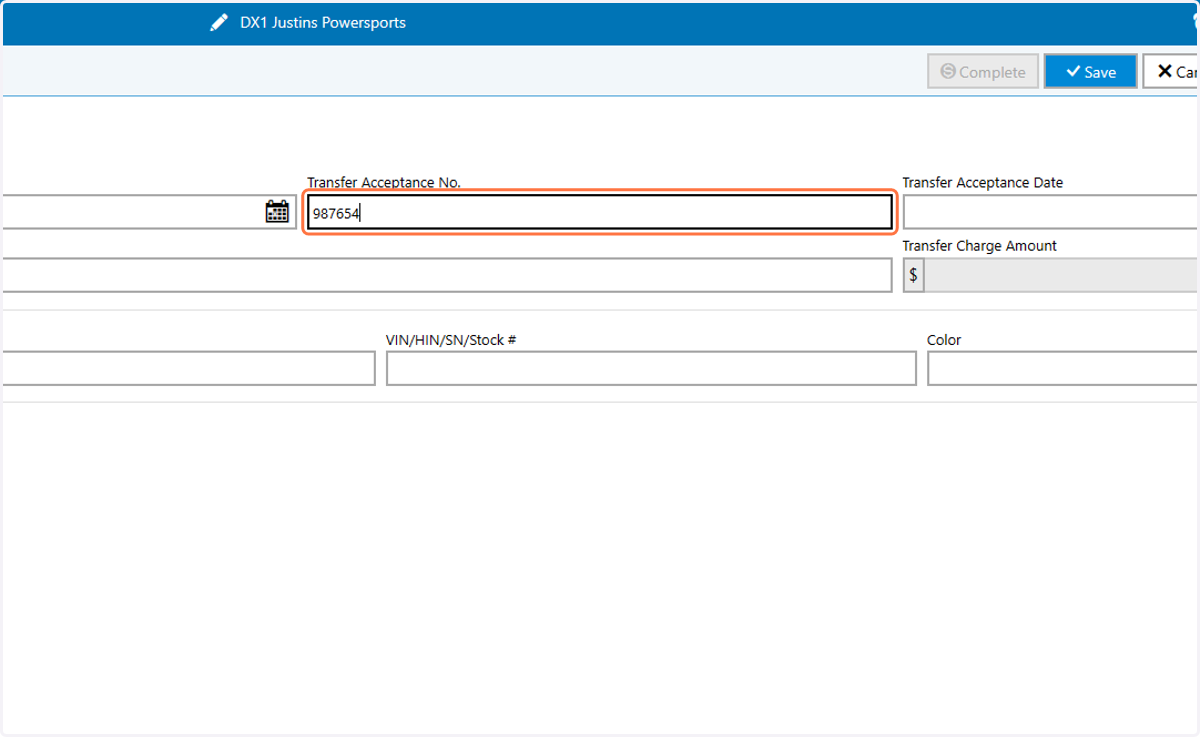
11. Type the transfer acceptance number
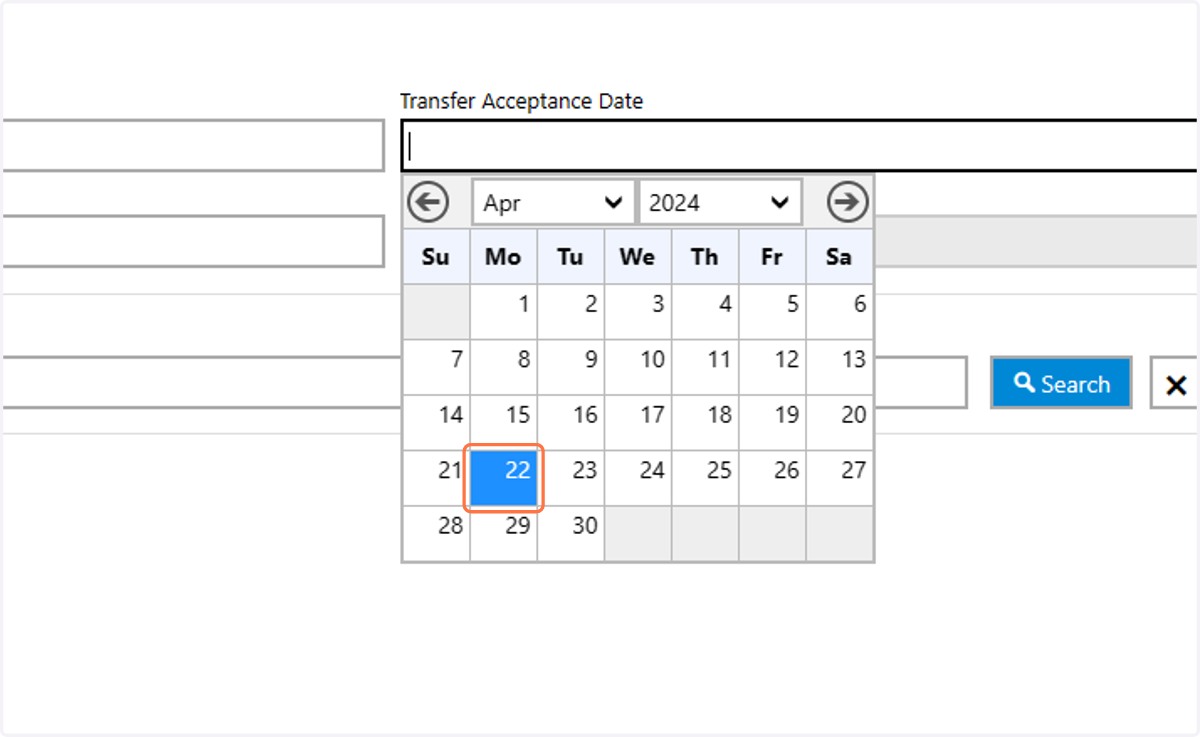
12. Click on the acceptance date
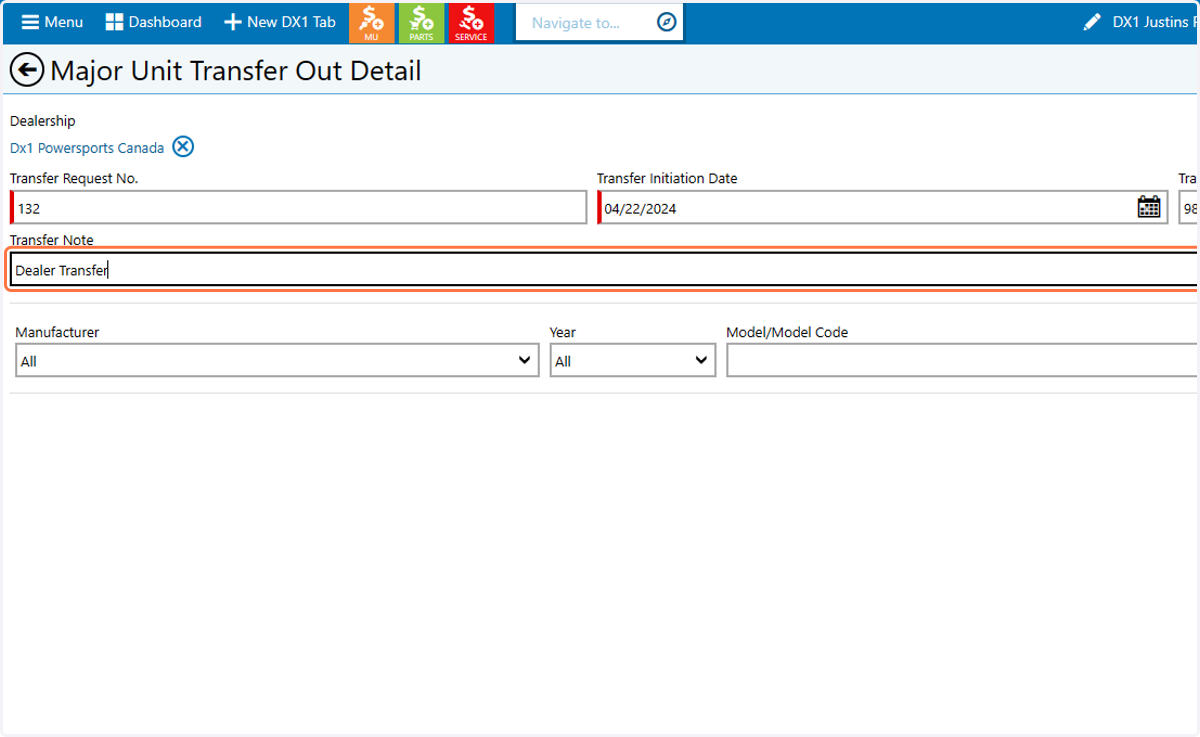
13. Type a transfer note
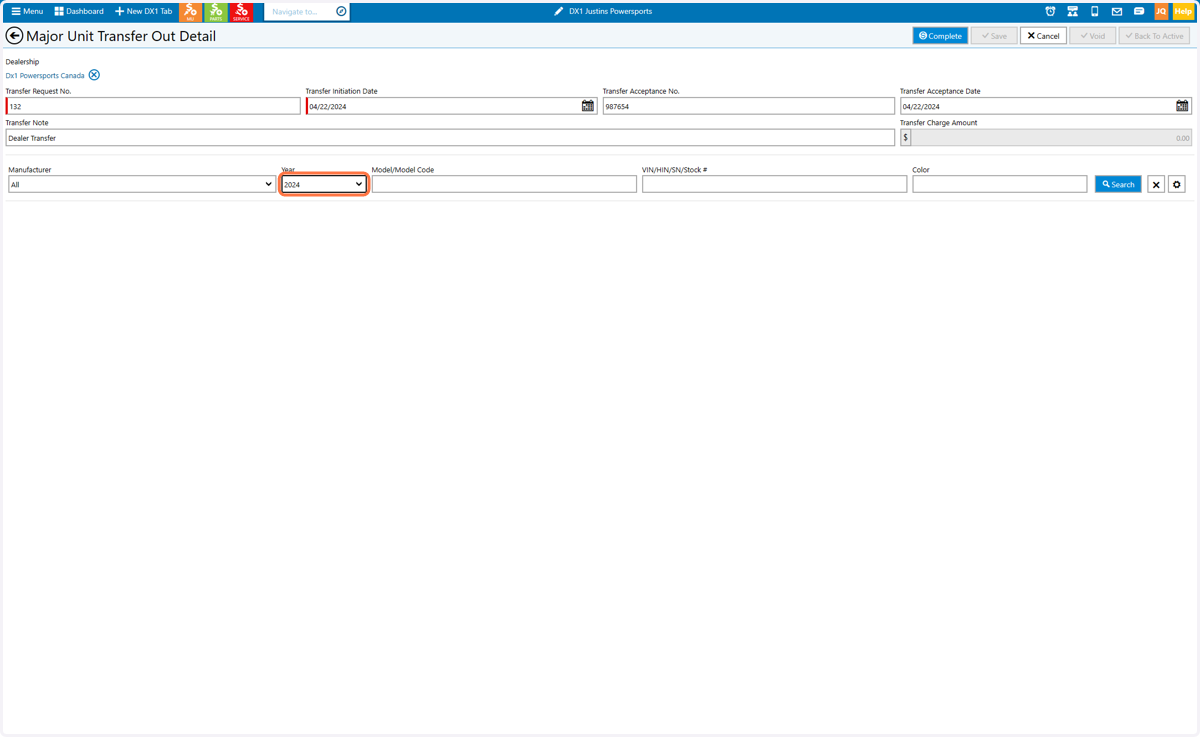
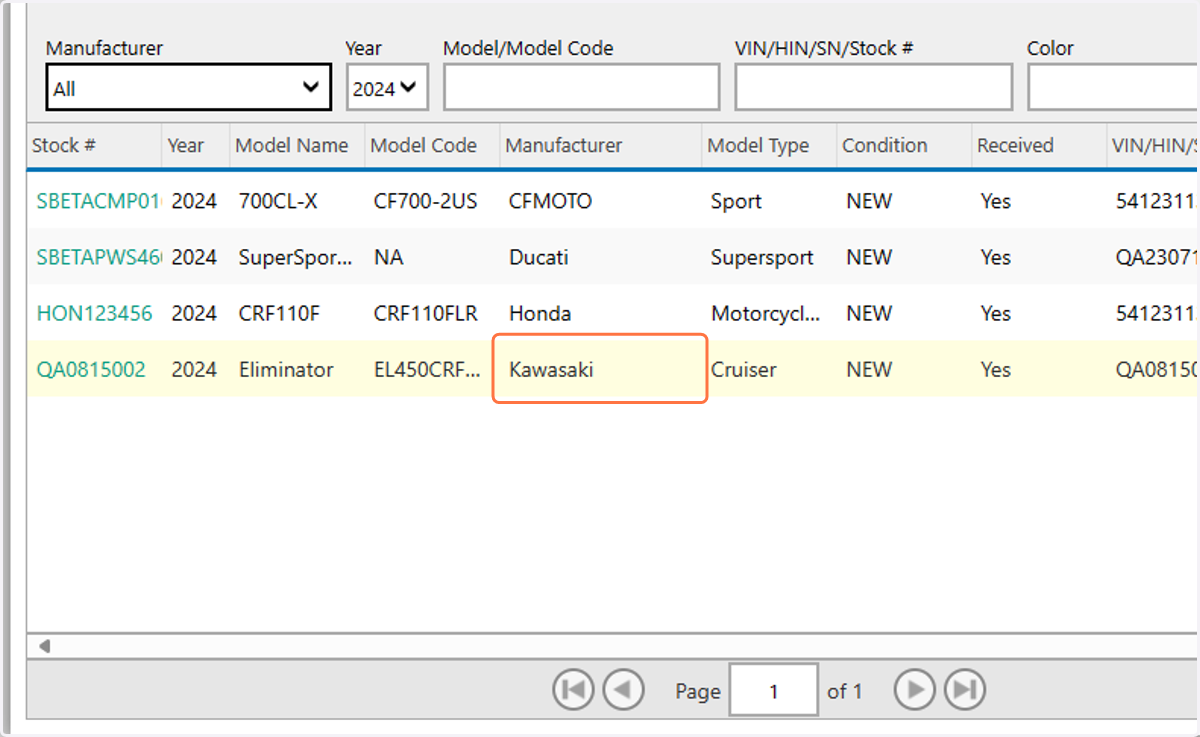
14. Select a model using either manufacturer, year, model code or any combination
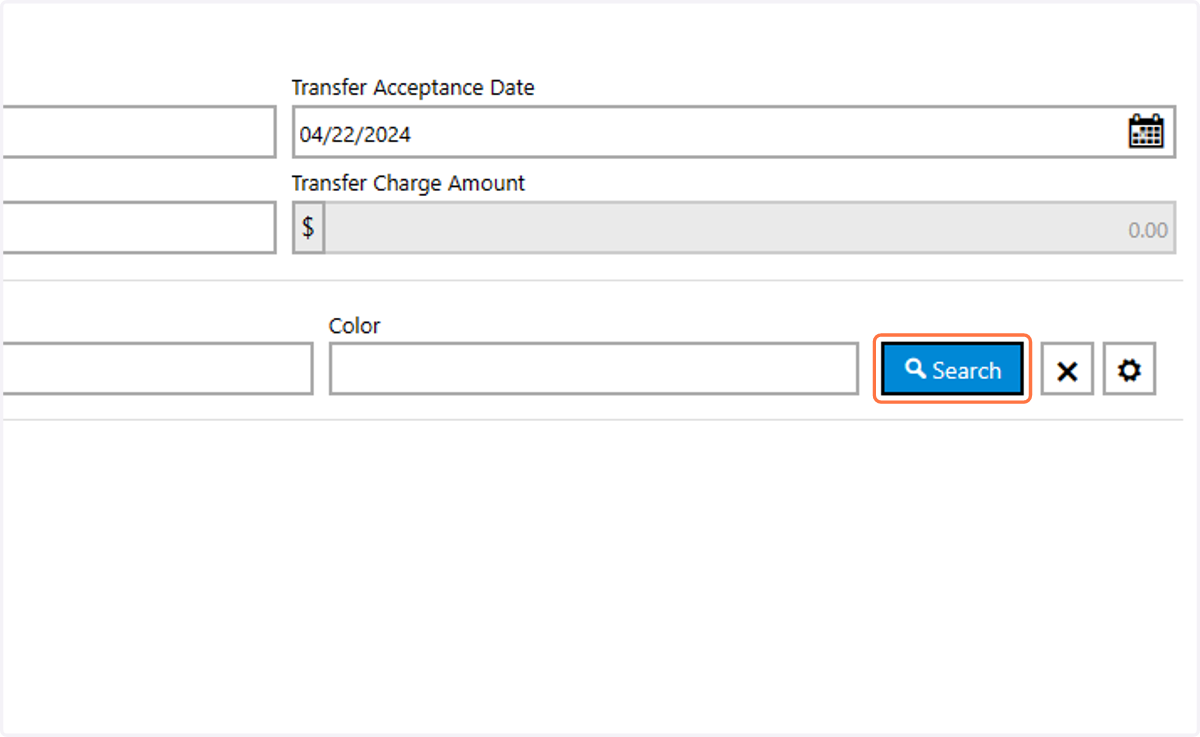
15. Click on Search
16. Click on the desired unit
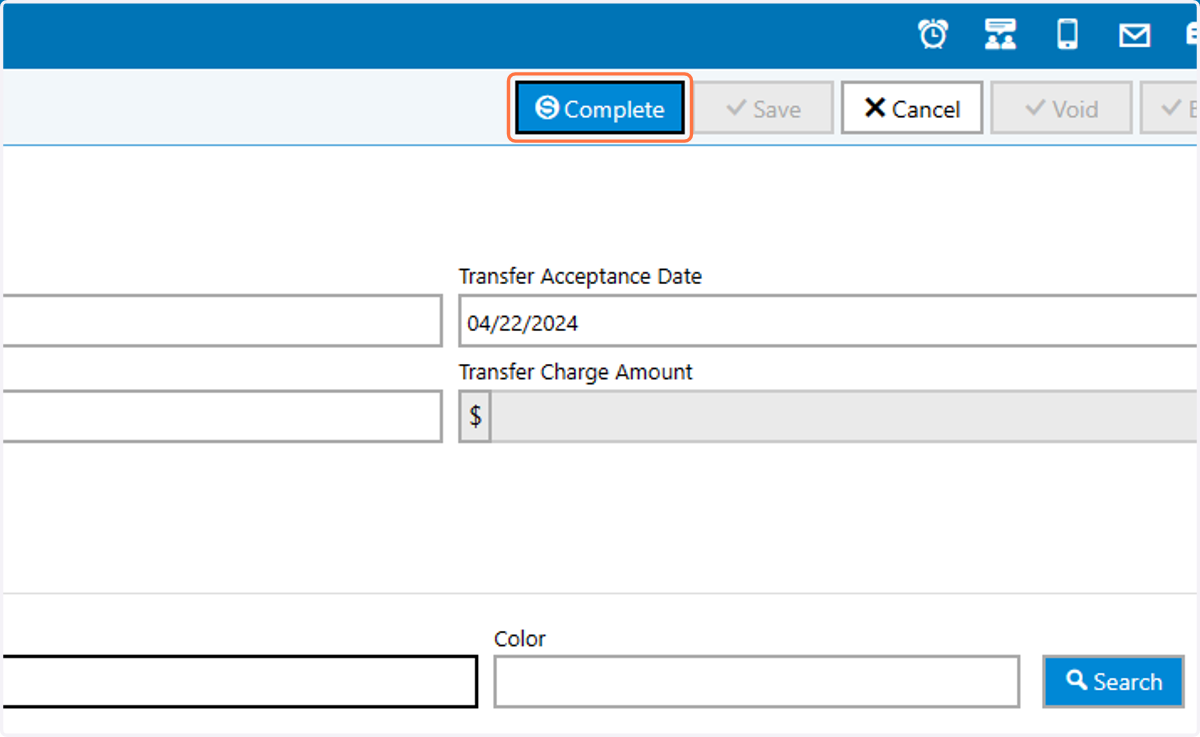
17. Click on Complete