Review Invoice Payments in BV Marketplace
Browse Invoices: Brightview
1. Invoice Lookup
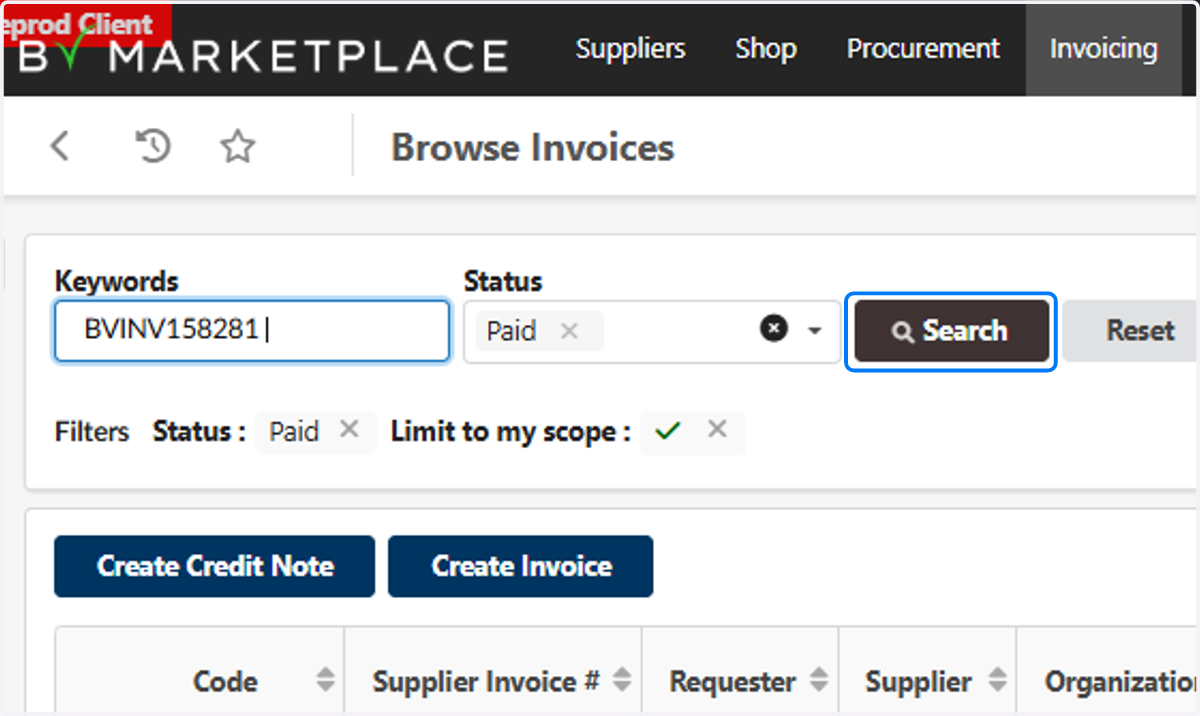
Enter invoice number for which you want to look up payment information.

2. Click on Search
3. Review Payment Date
You can see payment status along with the payment date directly in the Browse Invoices table.

4. Open Invoice
Click on the Invoice Number link to open the invoice and review full payment details.

5. Click on Payments
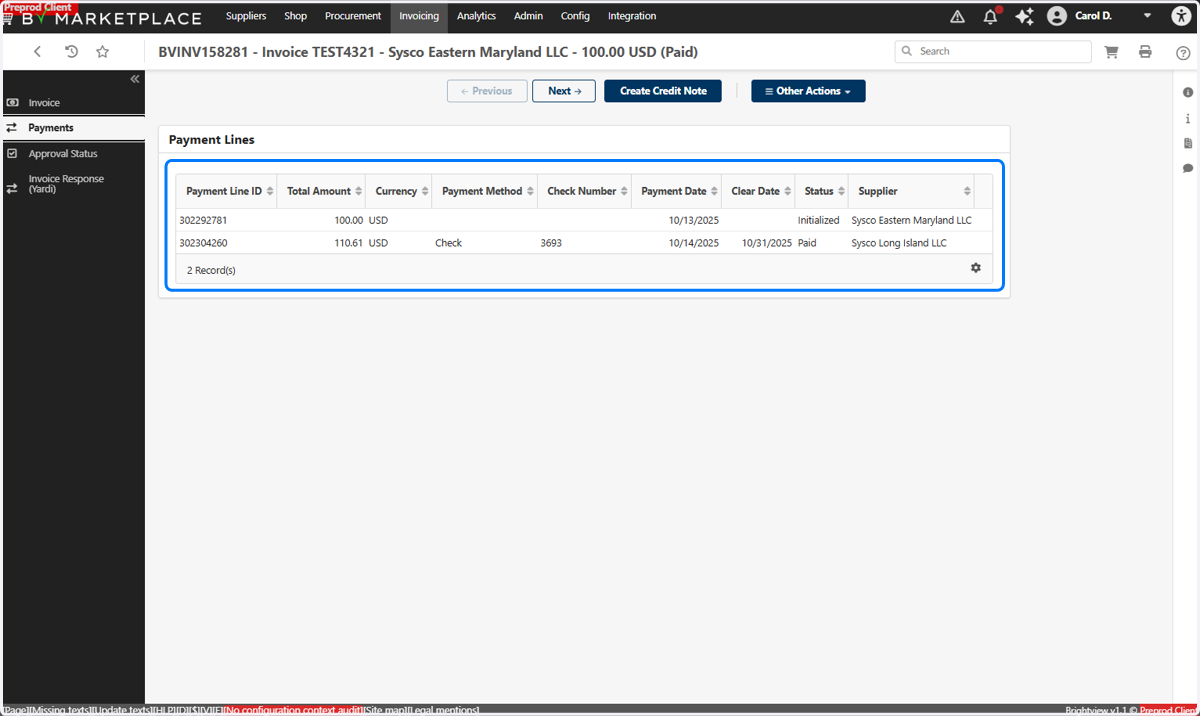
Select Payments from the left side menu.

6. Review Payment Details
On this page, you will be able to see Payment Amount, Payment Method, Check Number, Payment Date, Clear Date, and Status.
If payment is split, multiple lines will appear in the Payment Lines table.