How to Process a Refund in Paycove
Paycove
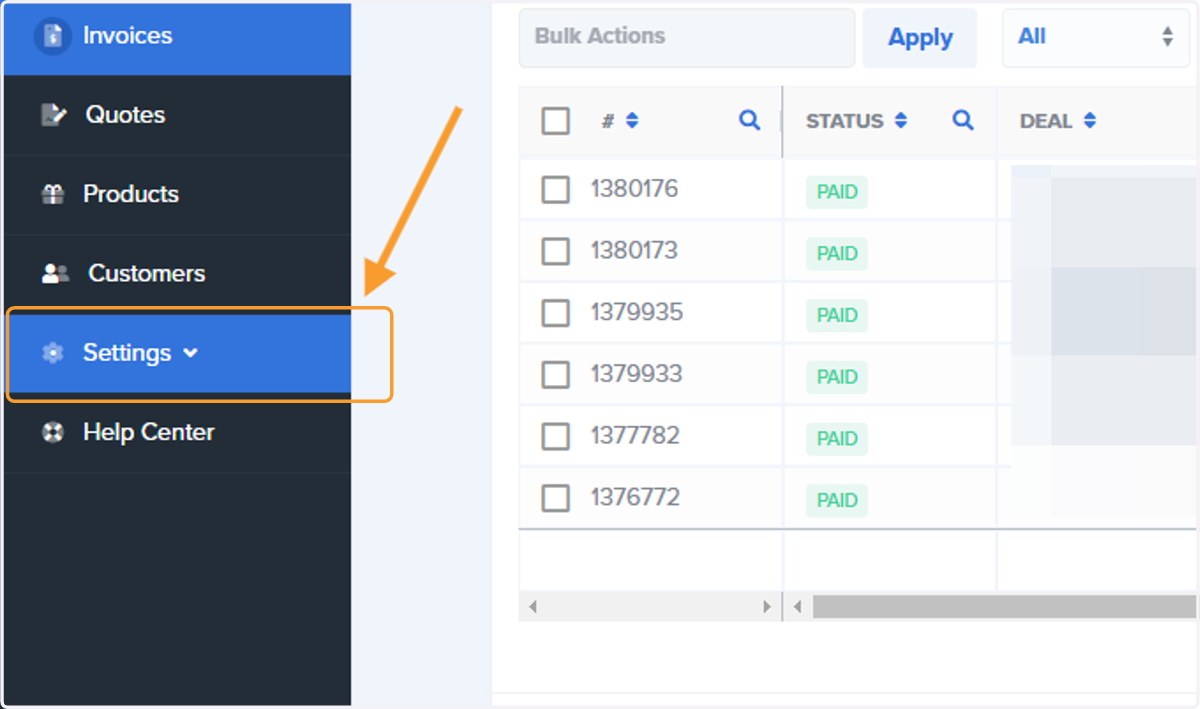
1. Click on Settings
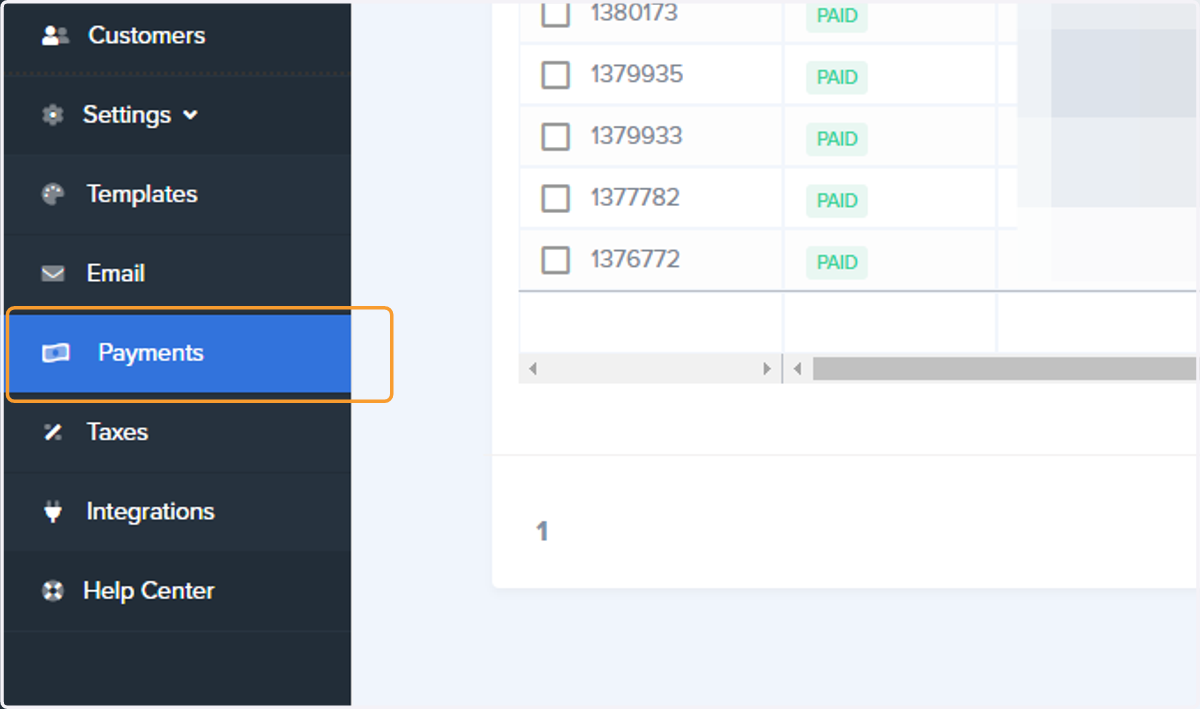
2. Click on Payments
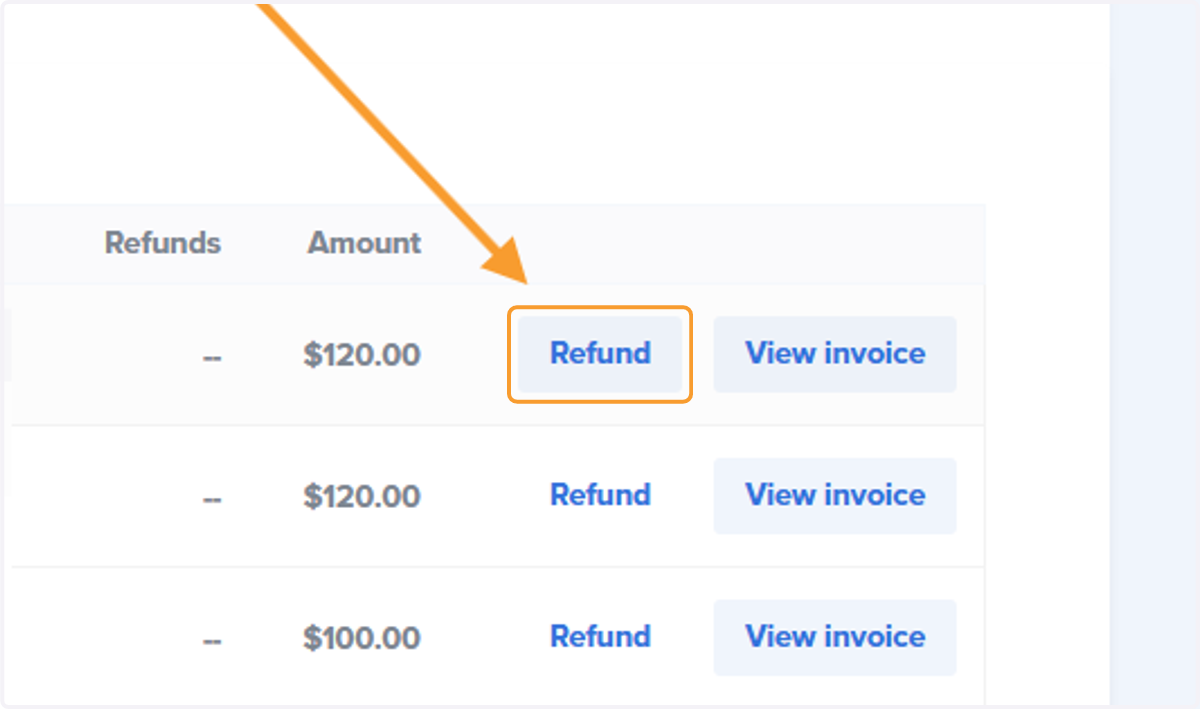
3. Find the Payment and Click on Refund
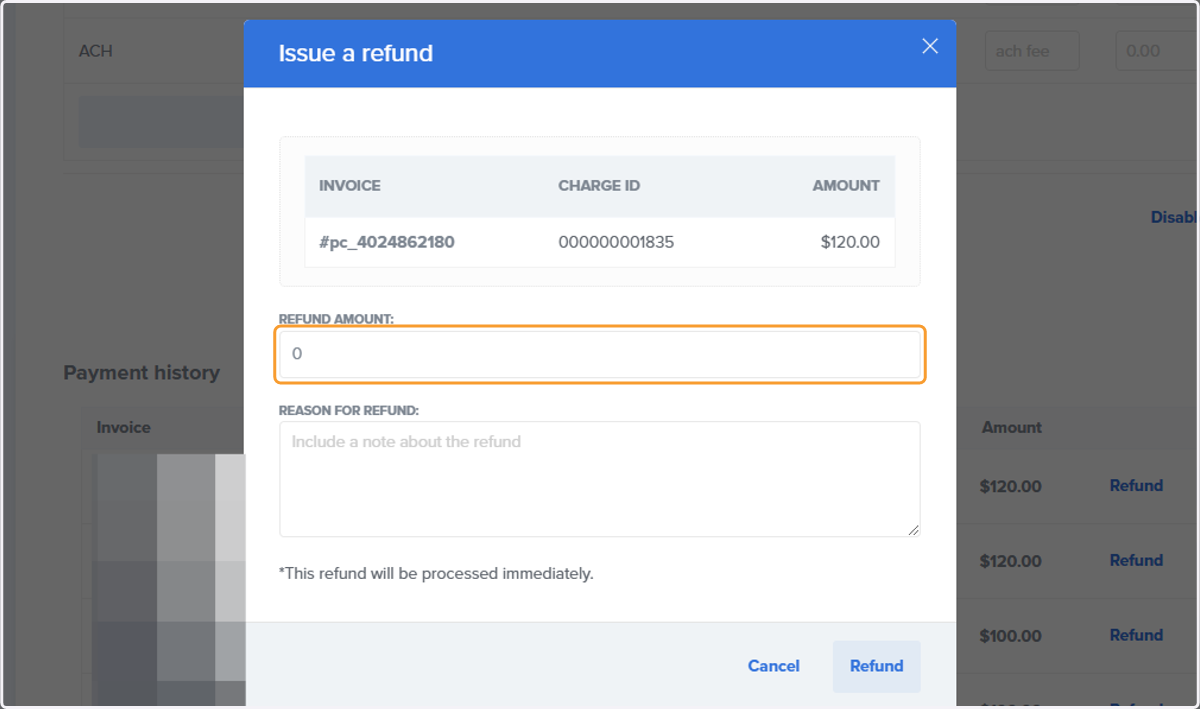
4. Enter the amount you would like to refund
Platform Plan Note- the club is still responsible for paying the Platform Fee to Payfactory. If your club is using the Platform Fee and you refund the entire amount, Payfactory will deduct the original Platform Fee from your Bank Account.
The Platform Fee is 3.5% for Credit Cards. $3.50 ACH/E-check
5. Indicate the Reason
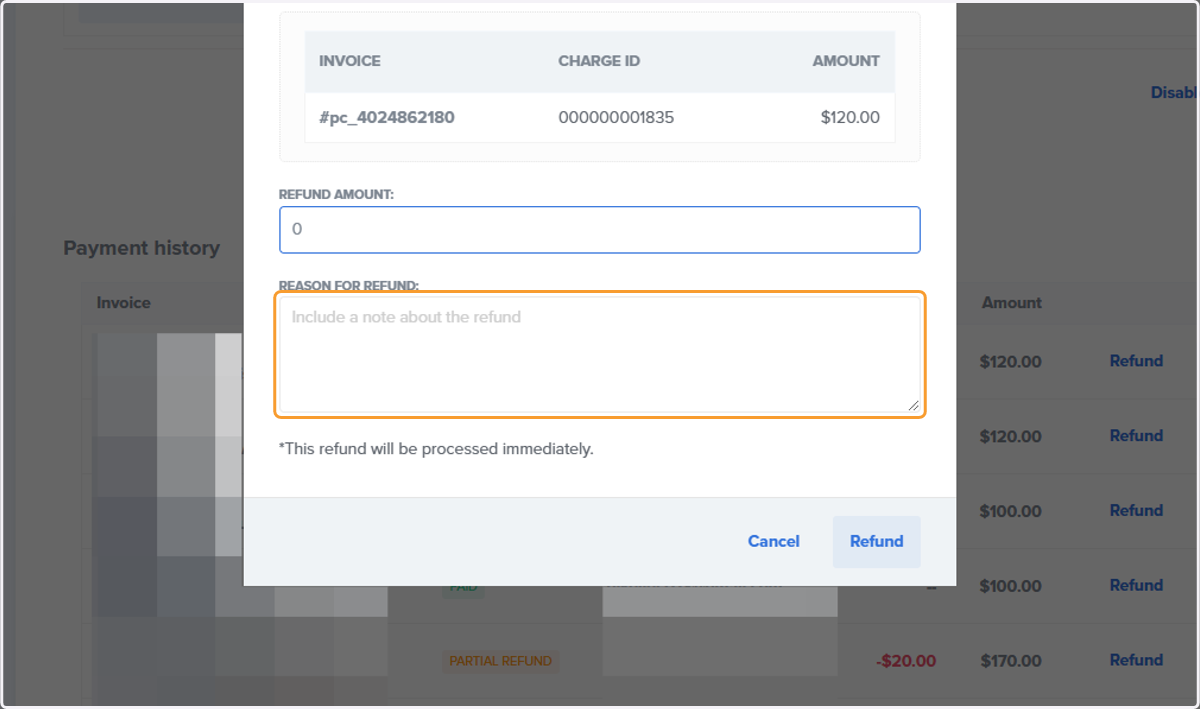
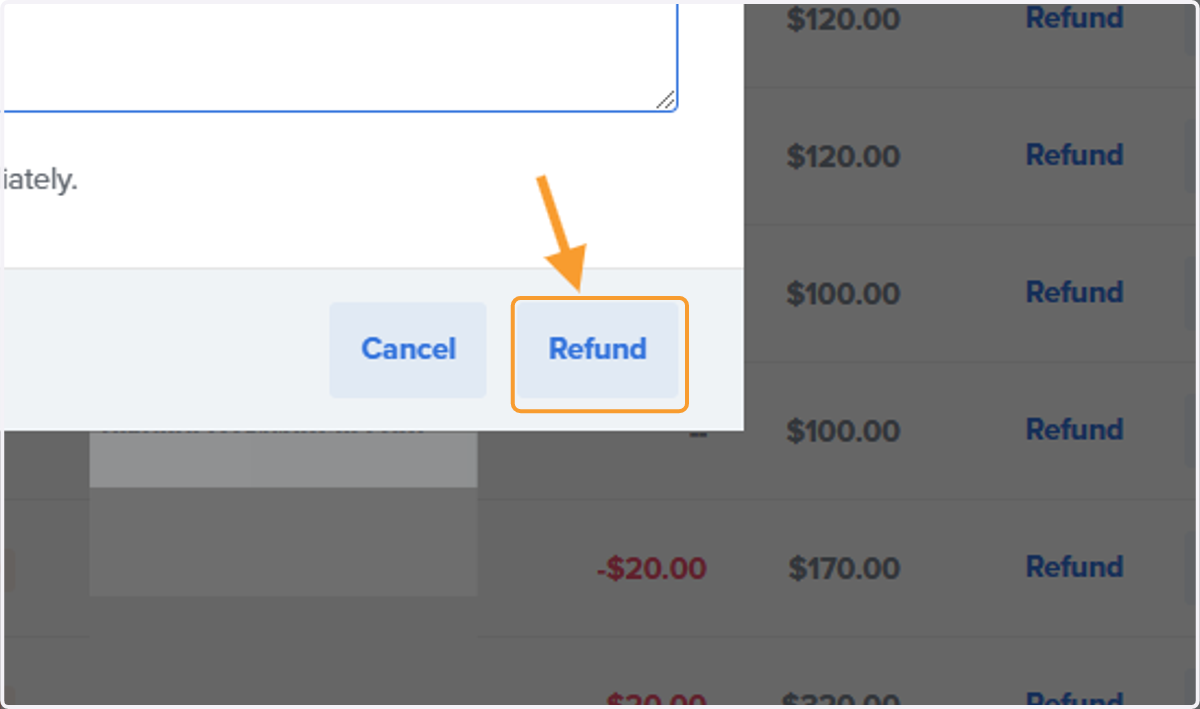
6. Click on Refund