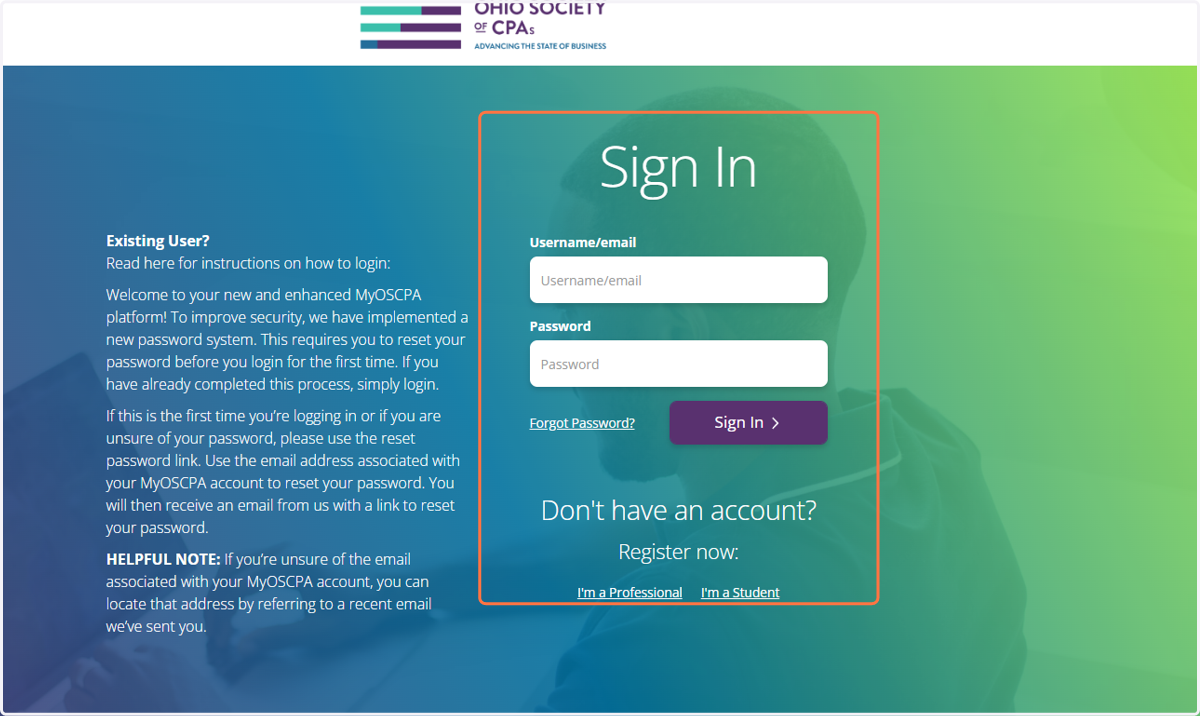
How to Purchase Courses from the Ohio Society of CPAs - Signed Out
The Ohio Society of CPAs
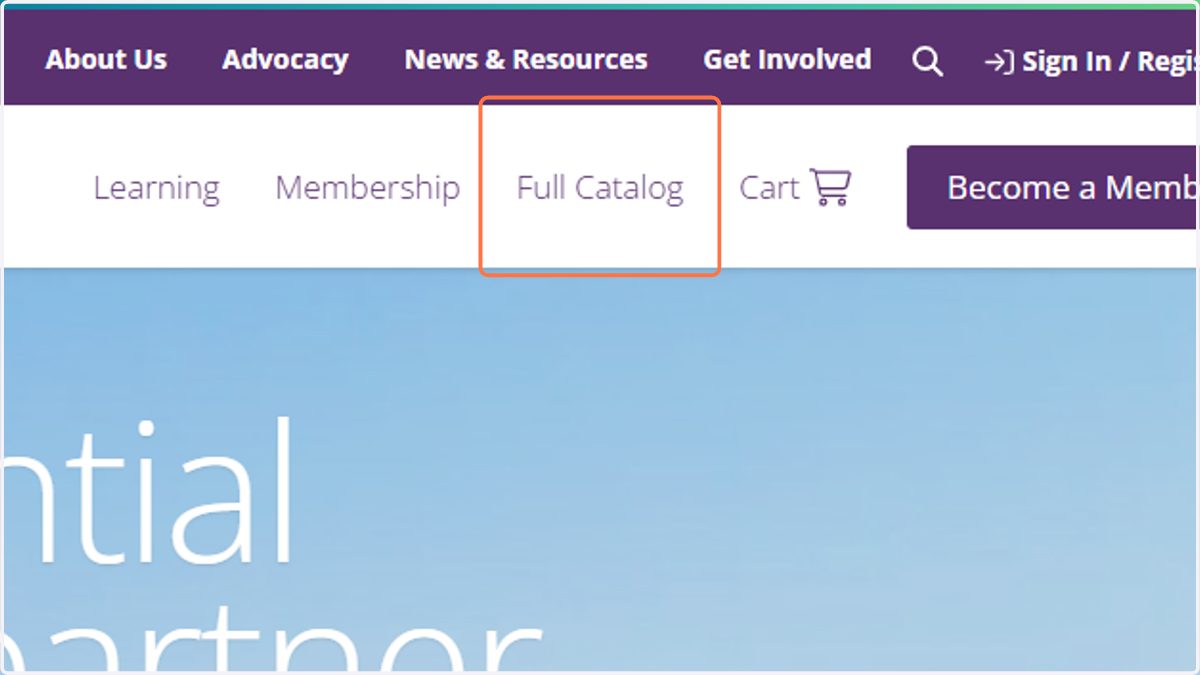
1. Click on Full Catalog
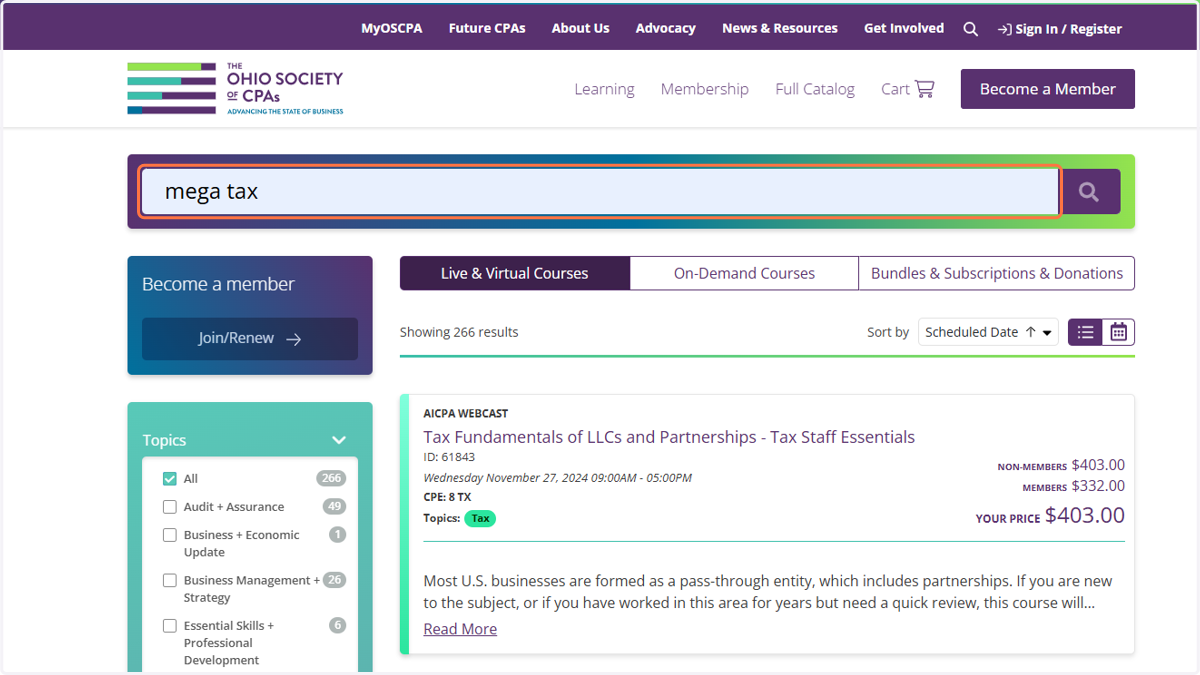
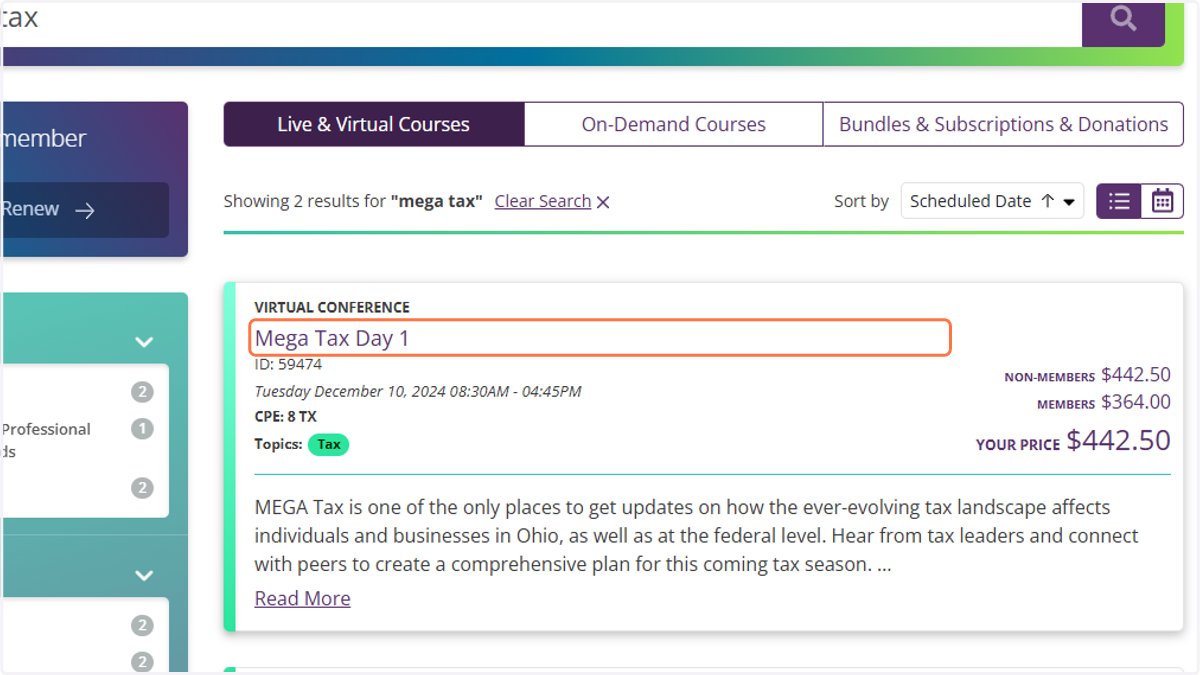
2. Search by entering the Product ID # or Name
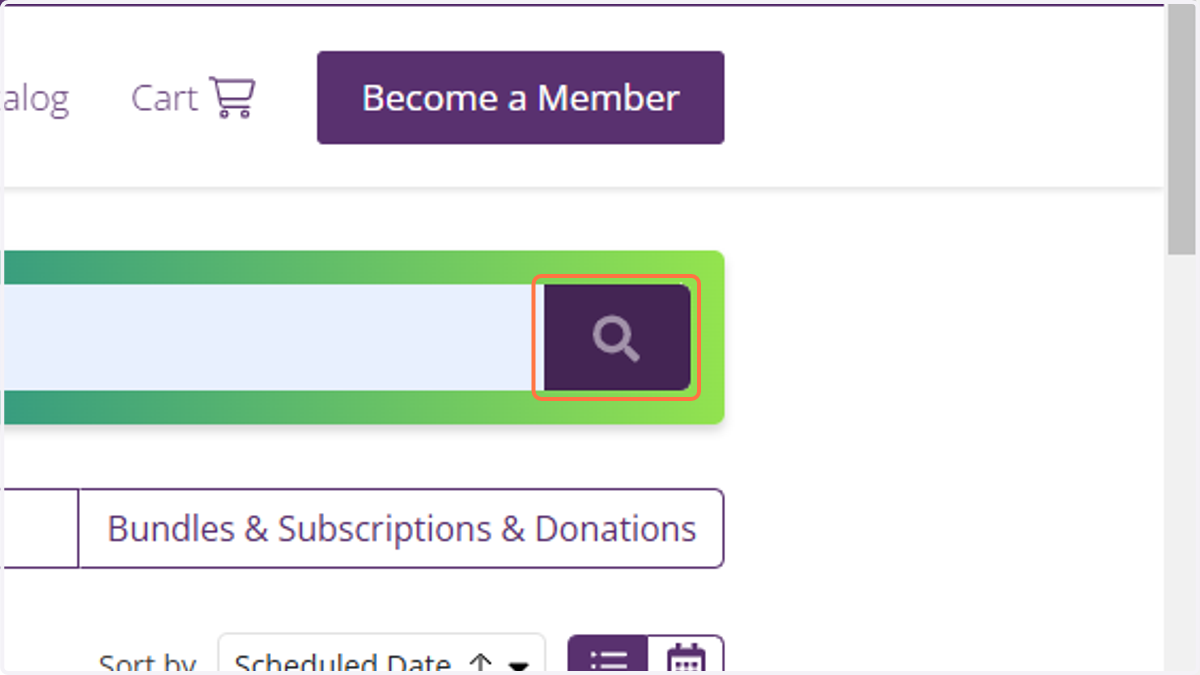
3. Click on Magnifying glass
4. Click on the course title to view more details
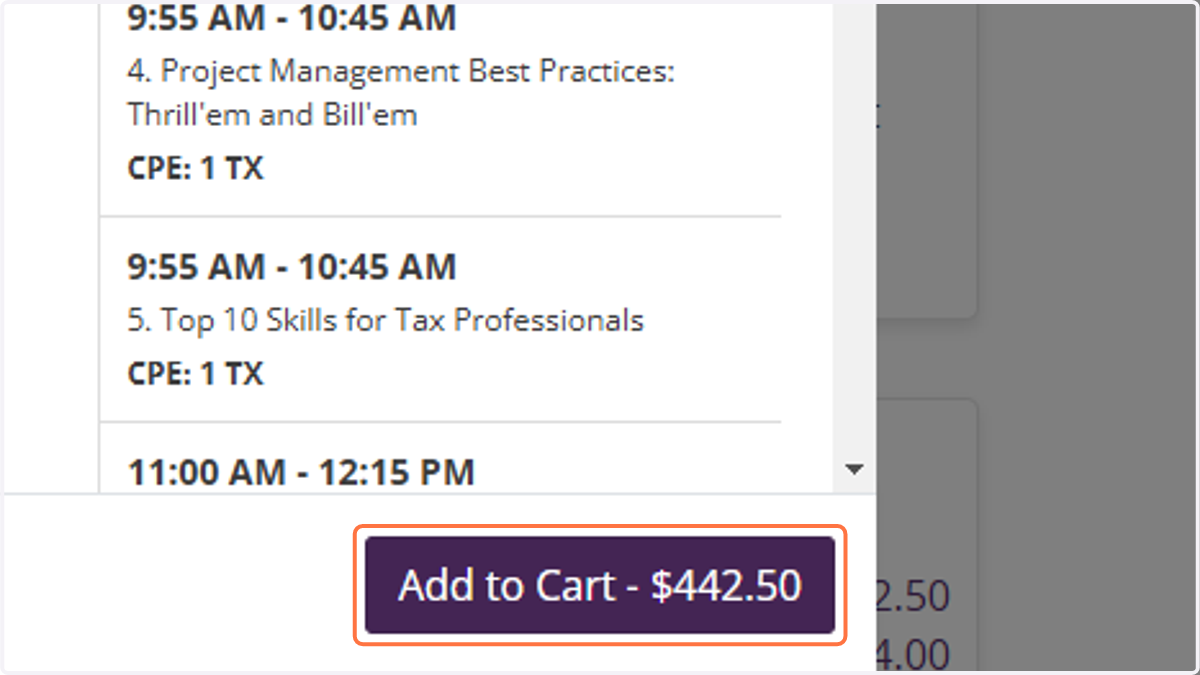
5. After viewing the detailed description, click on Add to Cart
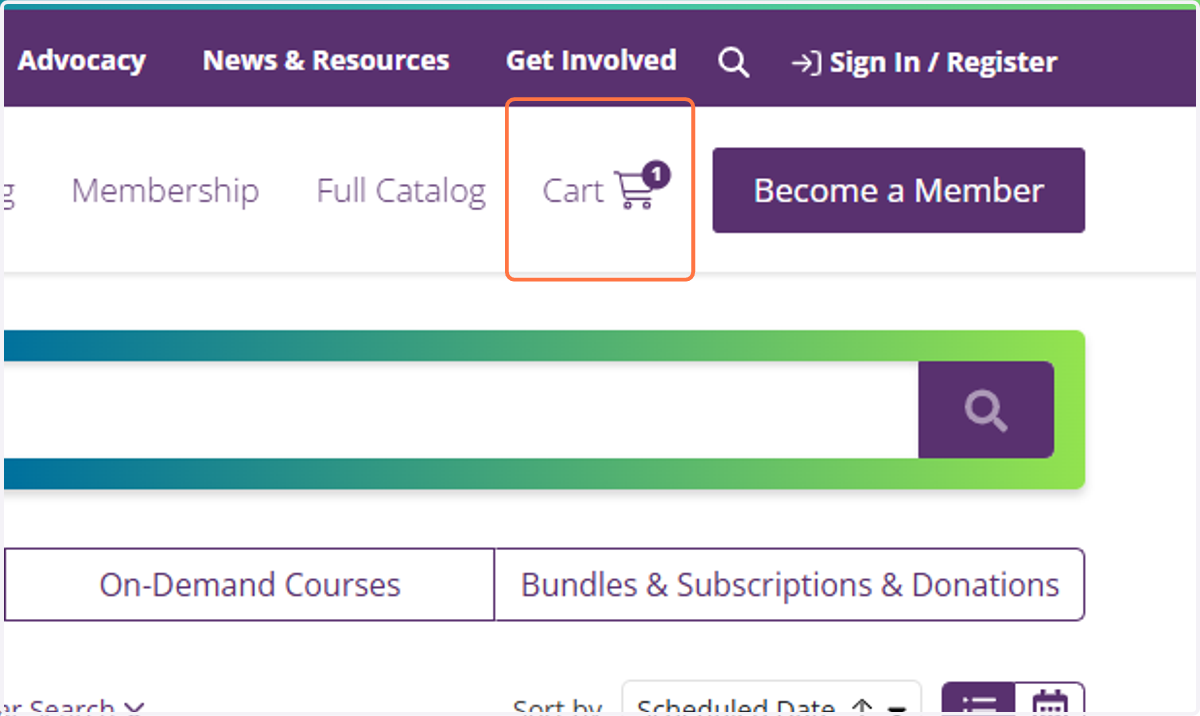
6. Click on Cart…
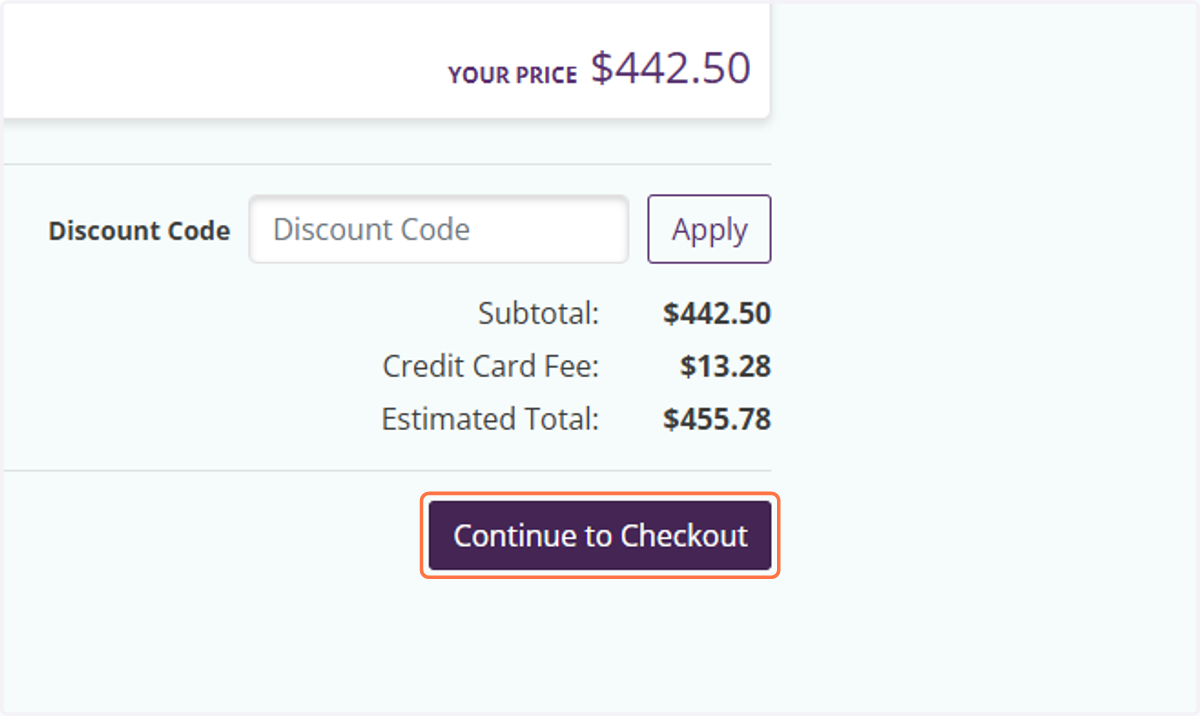
7. Click on Continue to Checkout
8. Click on Sign In…