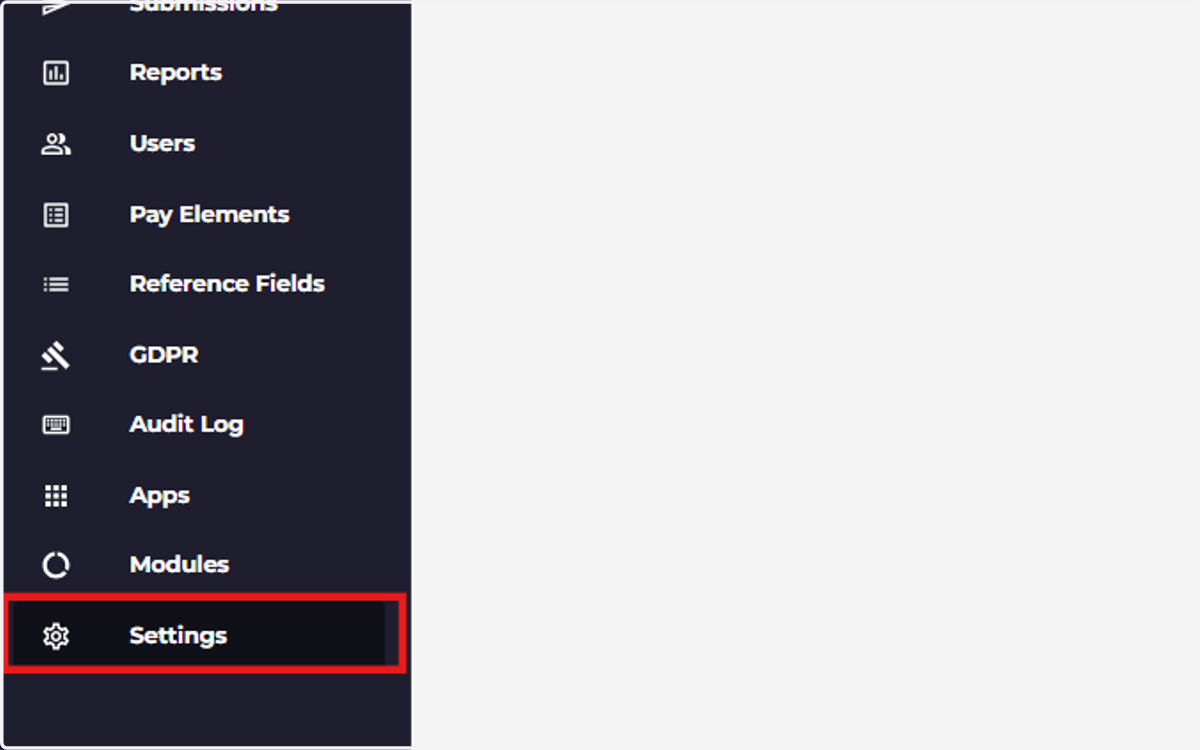
Navigating the System
Ocerli: quick overview of all sections
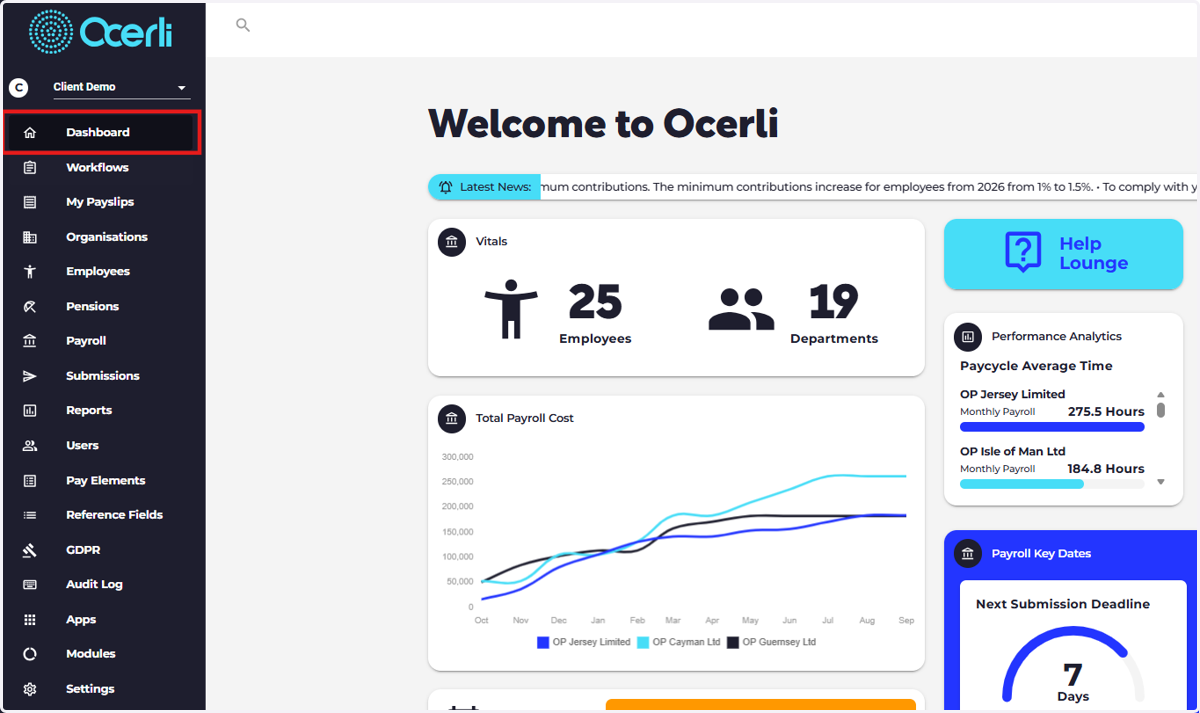
1. Dashboard: Quick link tiles to most popular workflows in the app
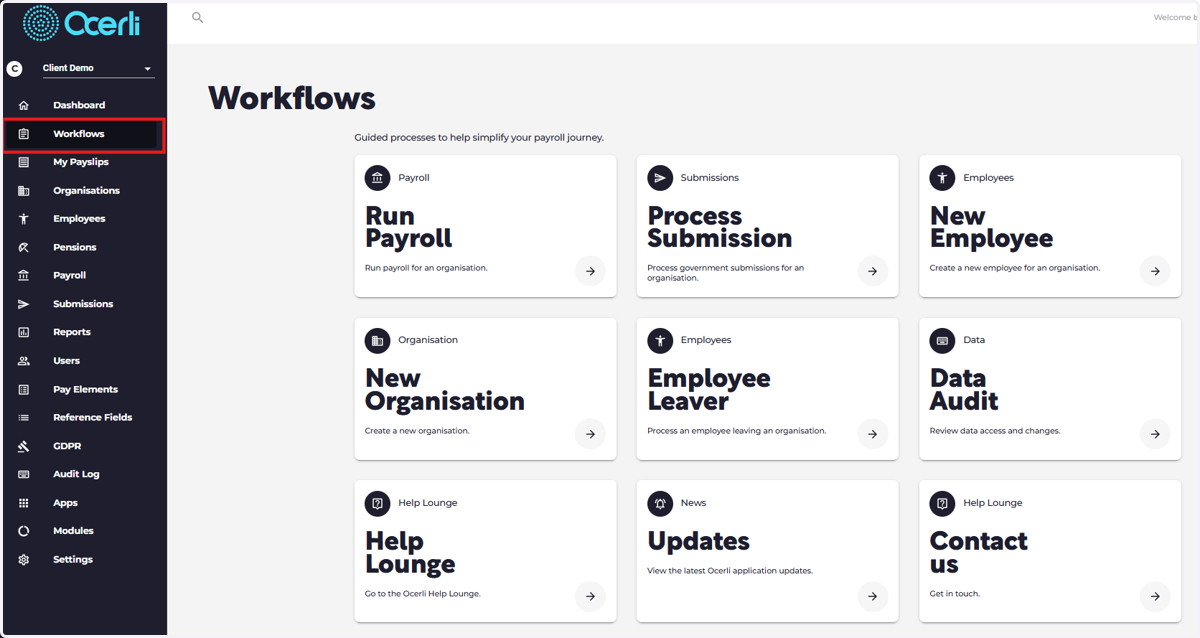
2. Workflows: Quick link tiles to all workflows in the app
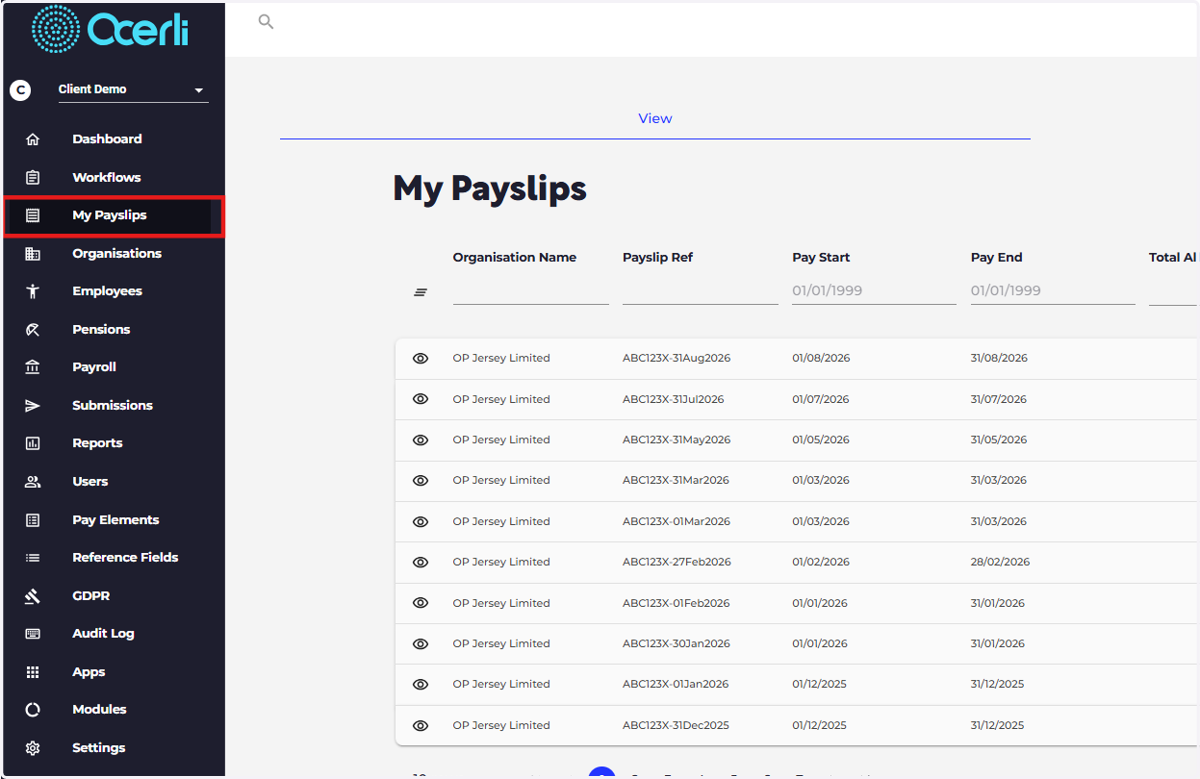
3. My Payslips: All your payslips are stored here
*this is also the only module available for your employees.
4. Organisations: Add organisations and edit organisation details
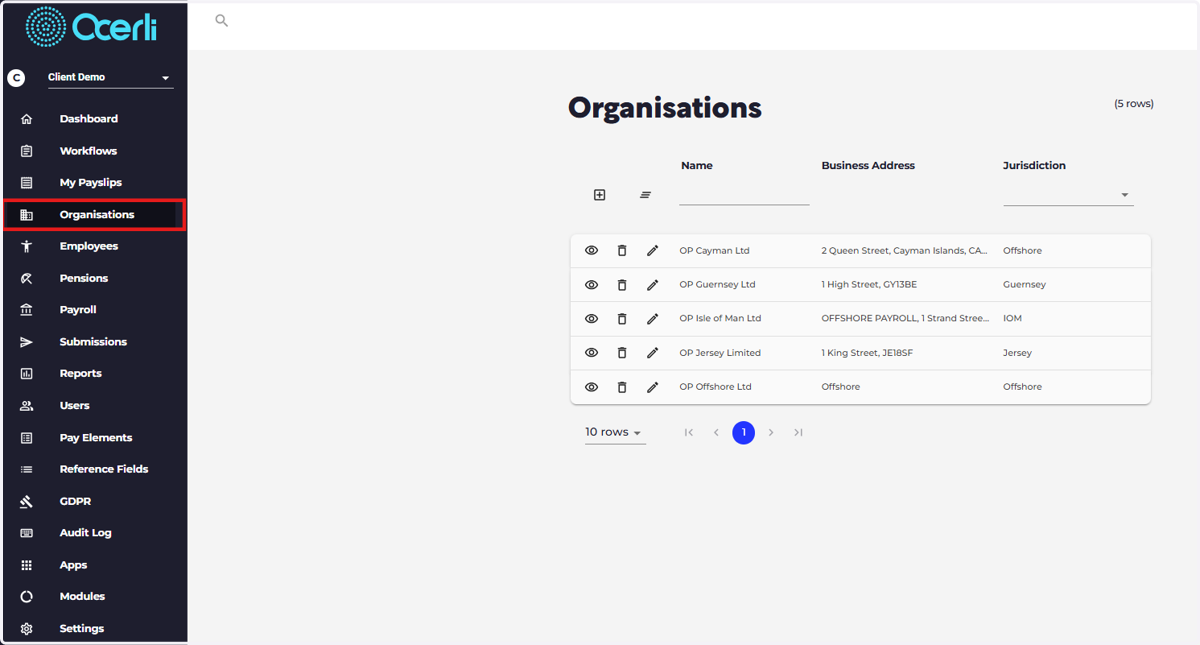
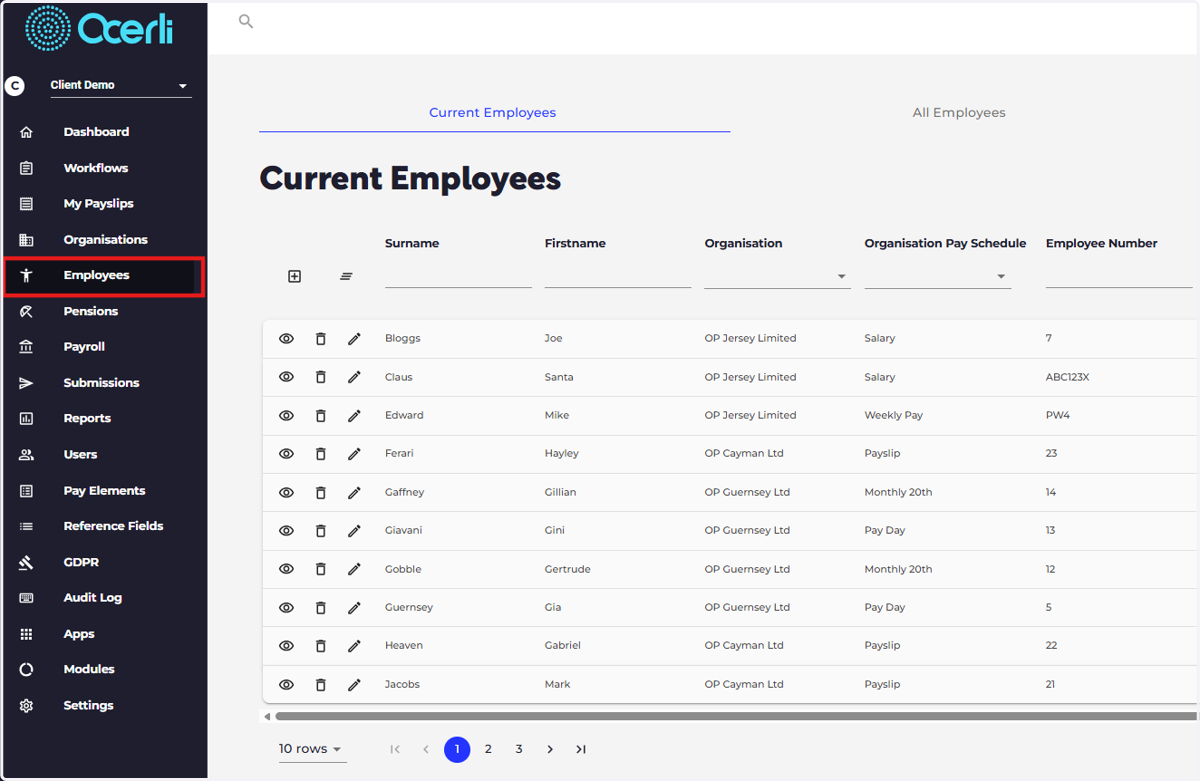
5. Employees: Add employees and edit employee details.
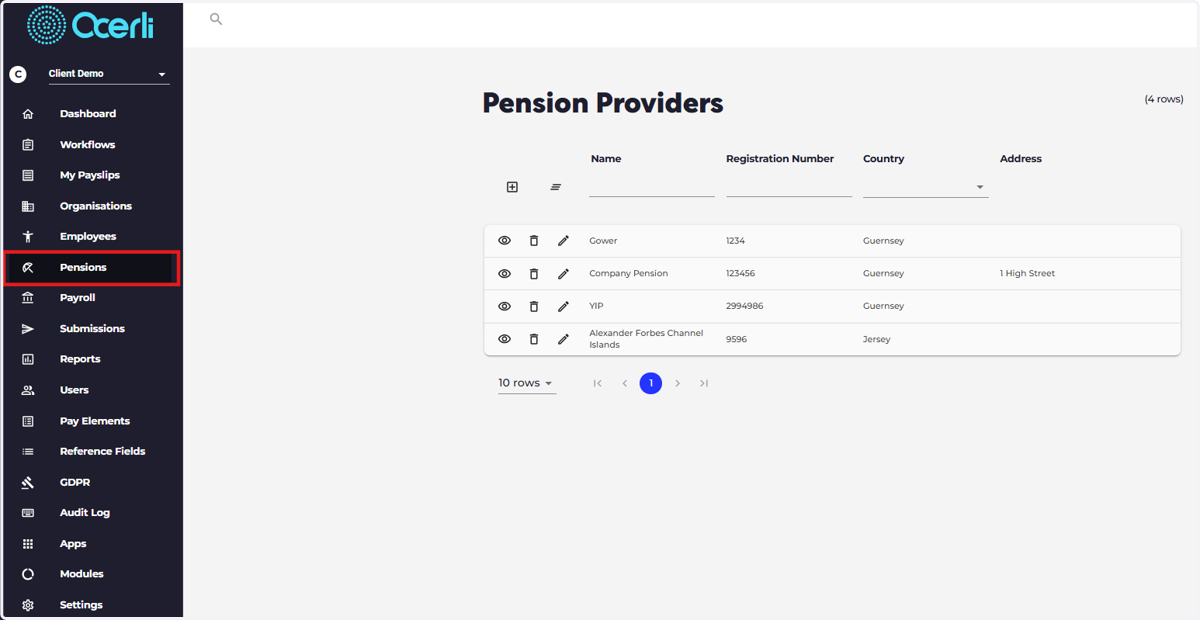
6. Pensions: set up pension elements, pensions schemes and pension reports
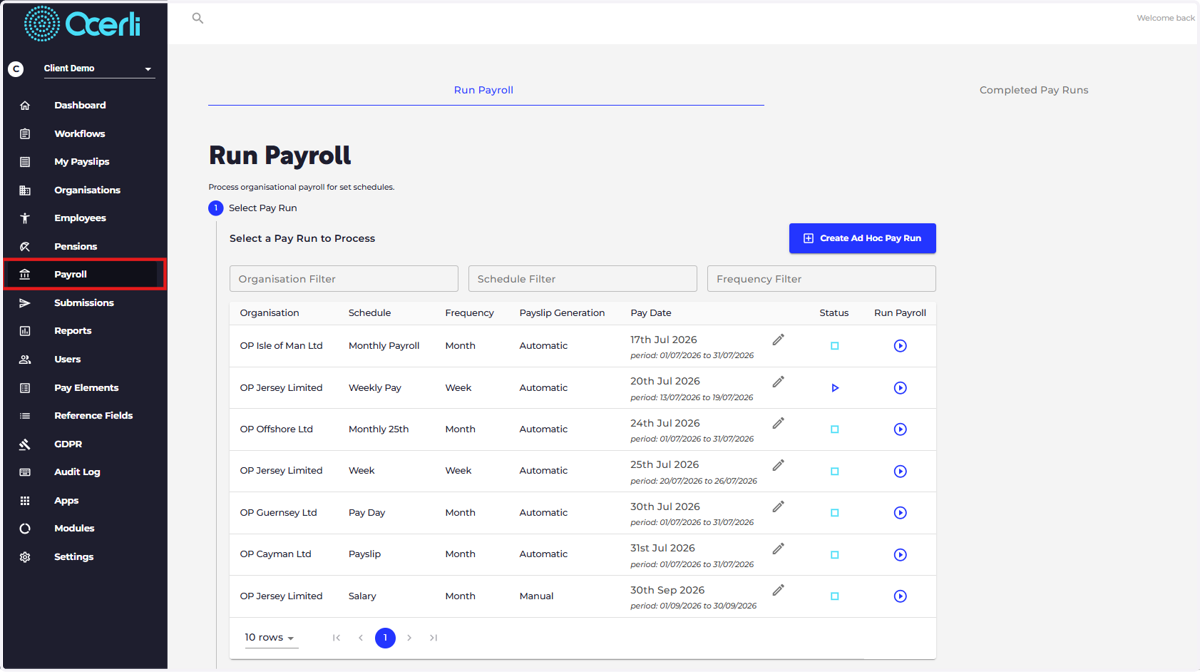
7. Payroll: Five step process to complete your pay run.
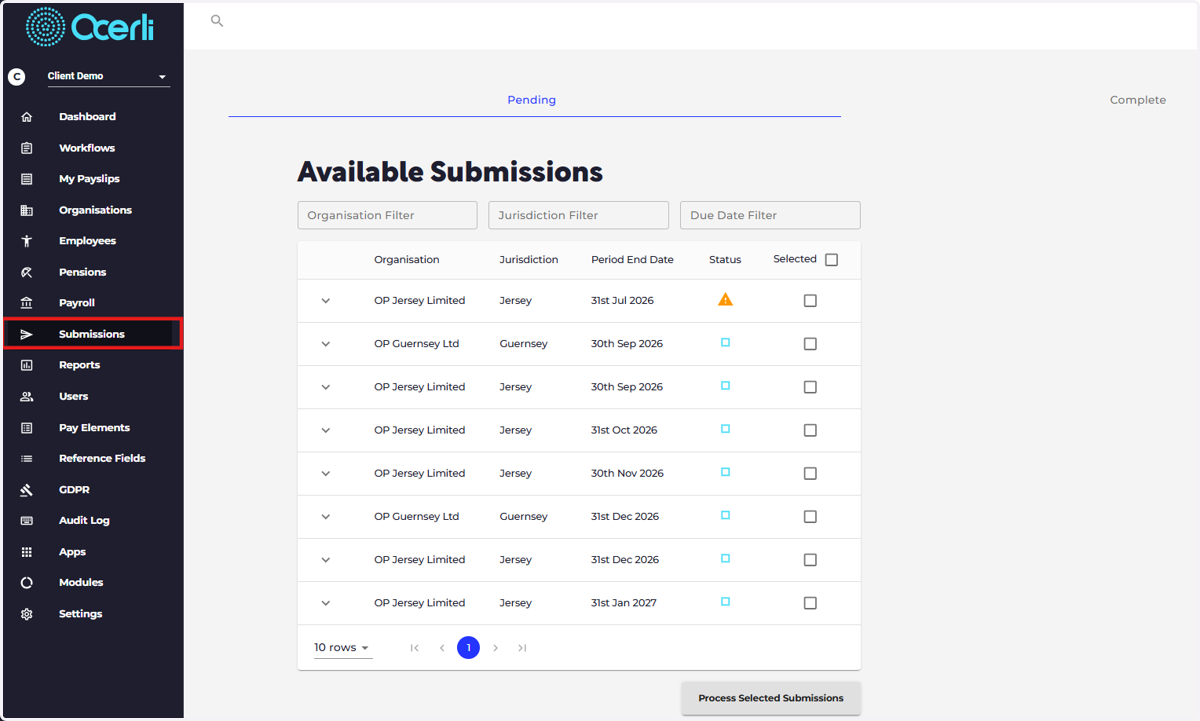
8. Submissions: Submit your jurisdictional returns
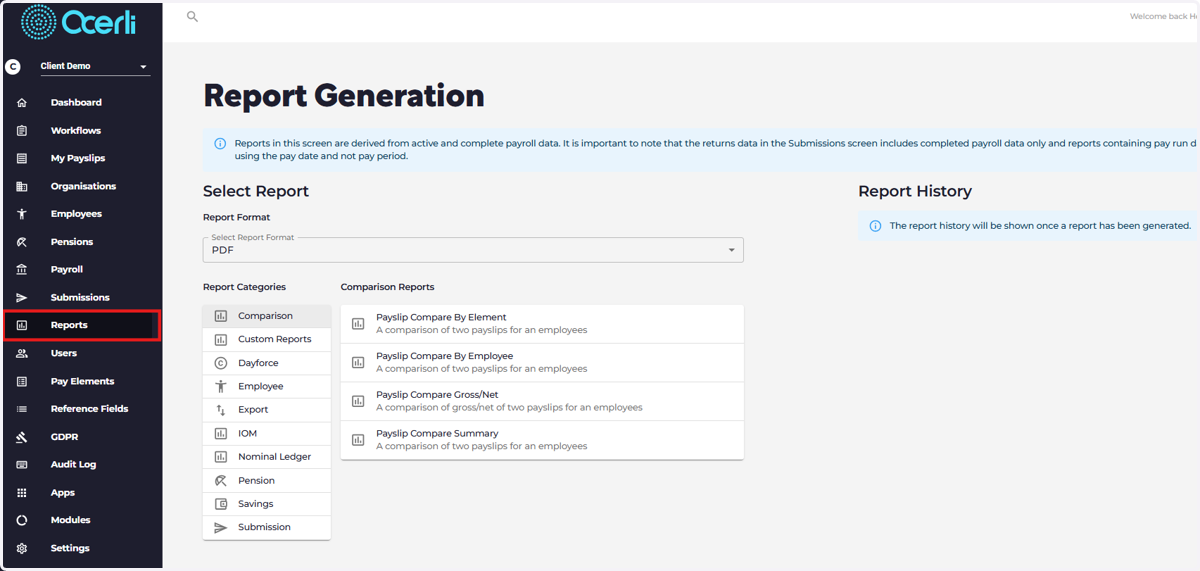
9. Reports: Generate and download your payroll, nominal ledger and pension reports.
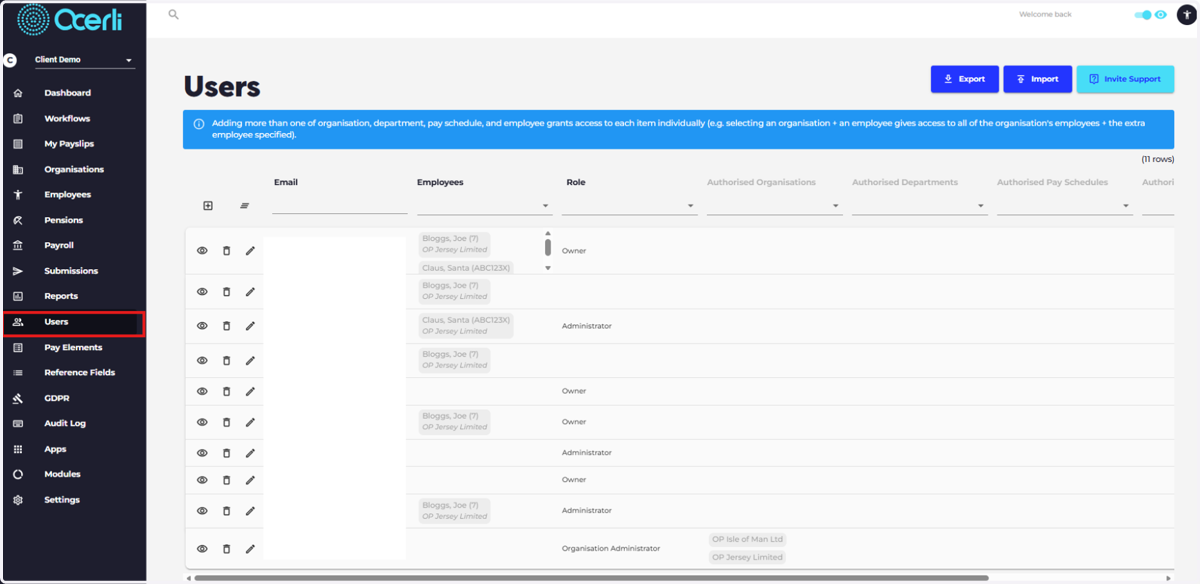
10. Users: Add, edit and delete user accounts and set user permissions (access rights)
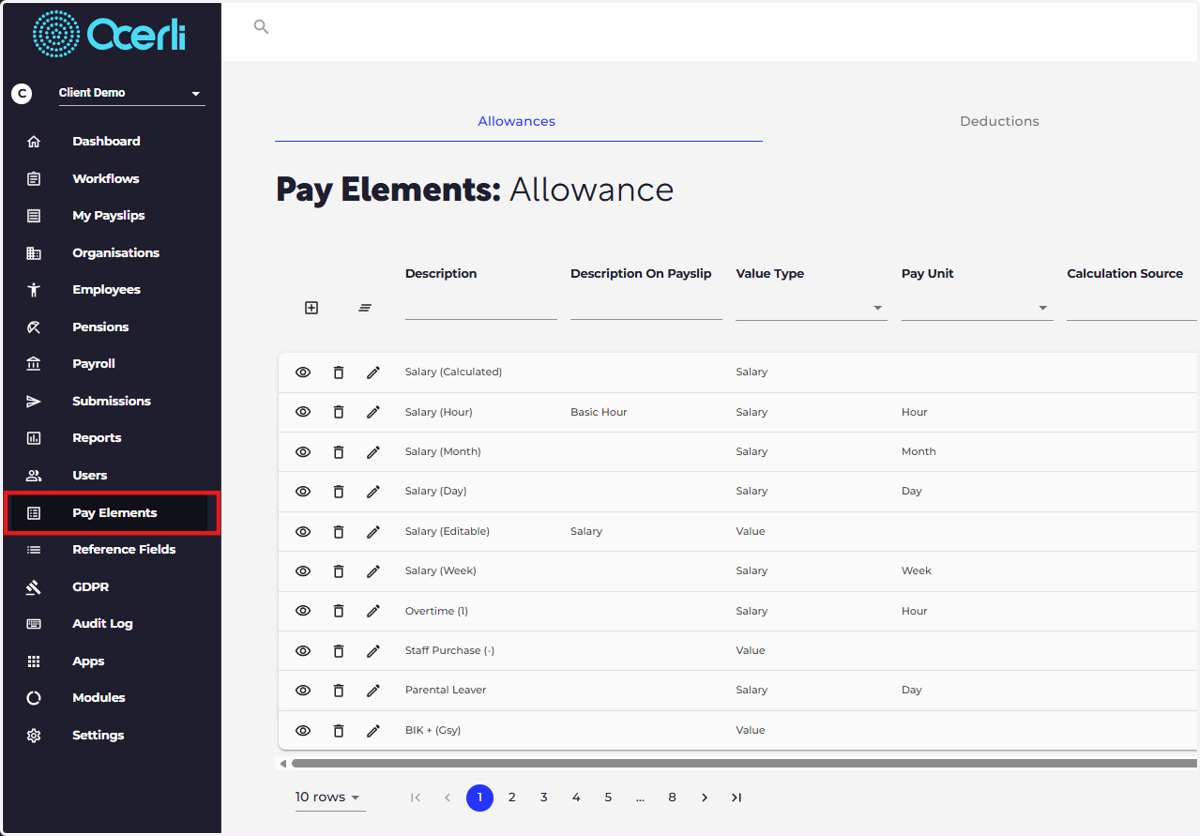
11. Pay elements: Create, edit and archive your pay elements this ensures that your employee payslips can be transparent and bespoke to your organisation
12. Reference fields: Add, edit and delete various field libraries within the app (e.g. occupation library and pay unit library)
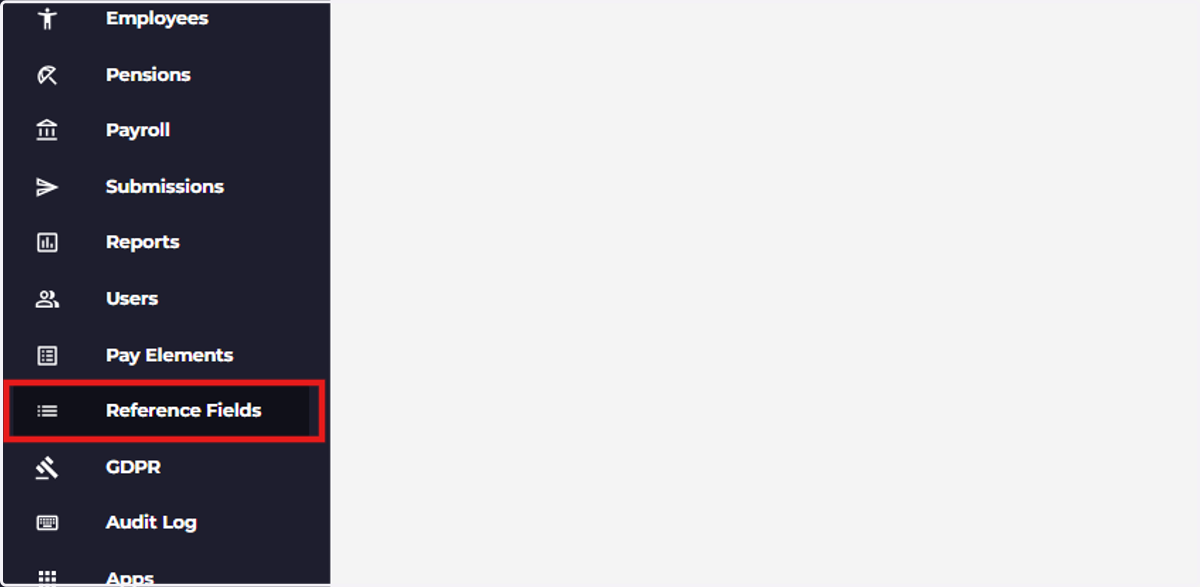
13. GDPR: Cleanse left employees from the app who are outside of the data retention period for the organisation.
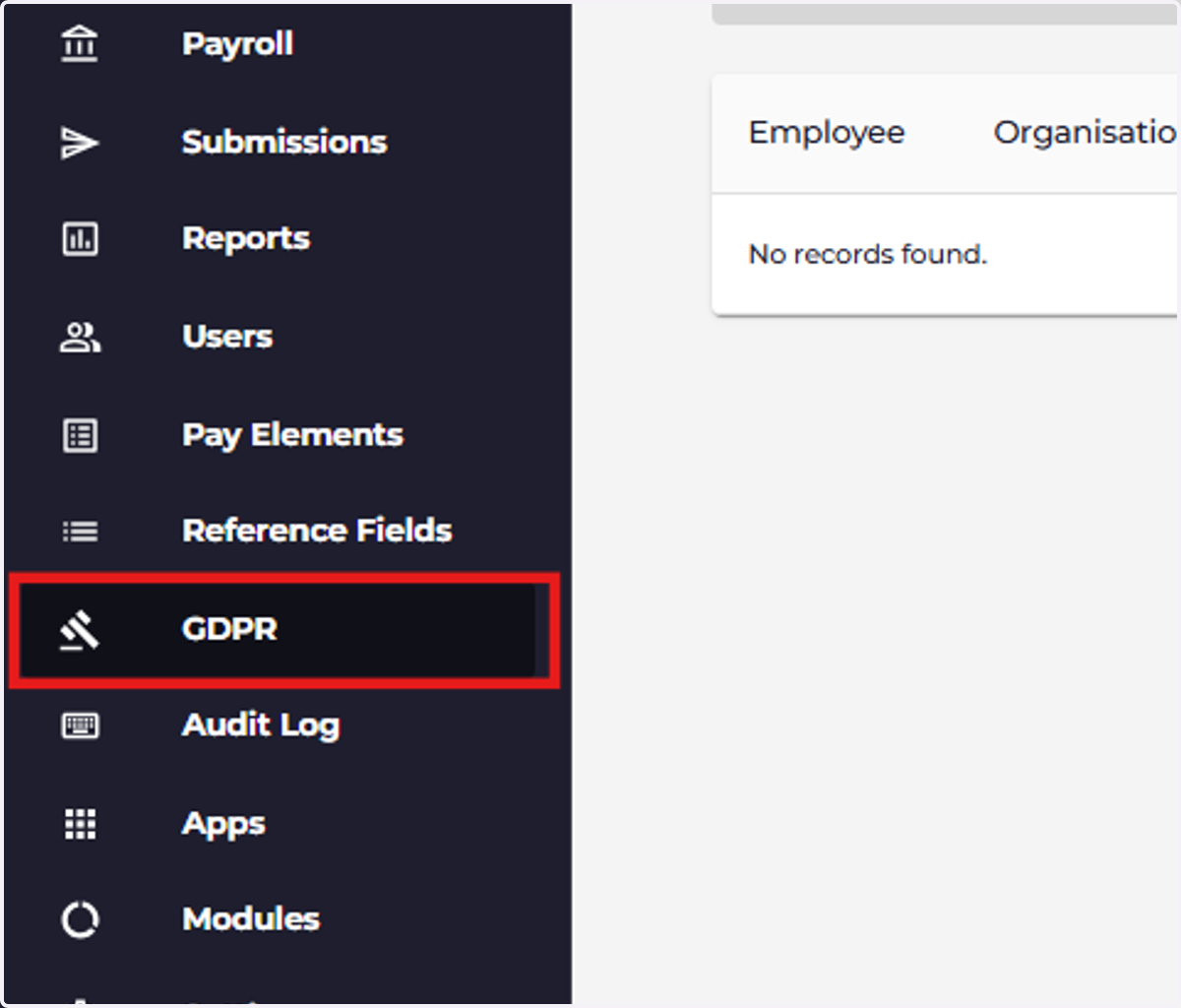
14. Audit log: View, clean or download your account’s audit log to track user actions.
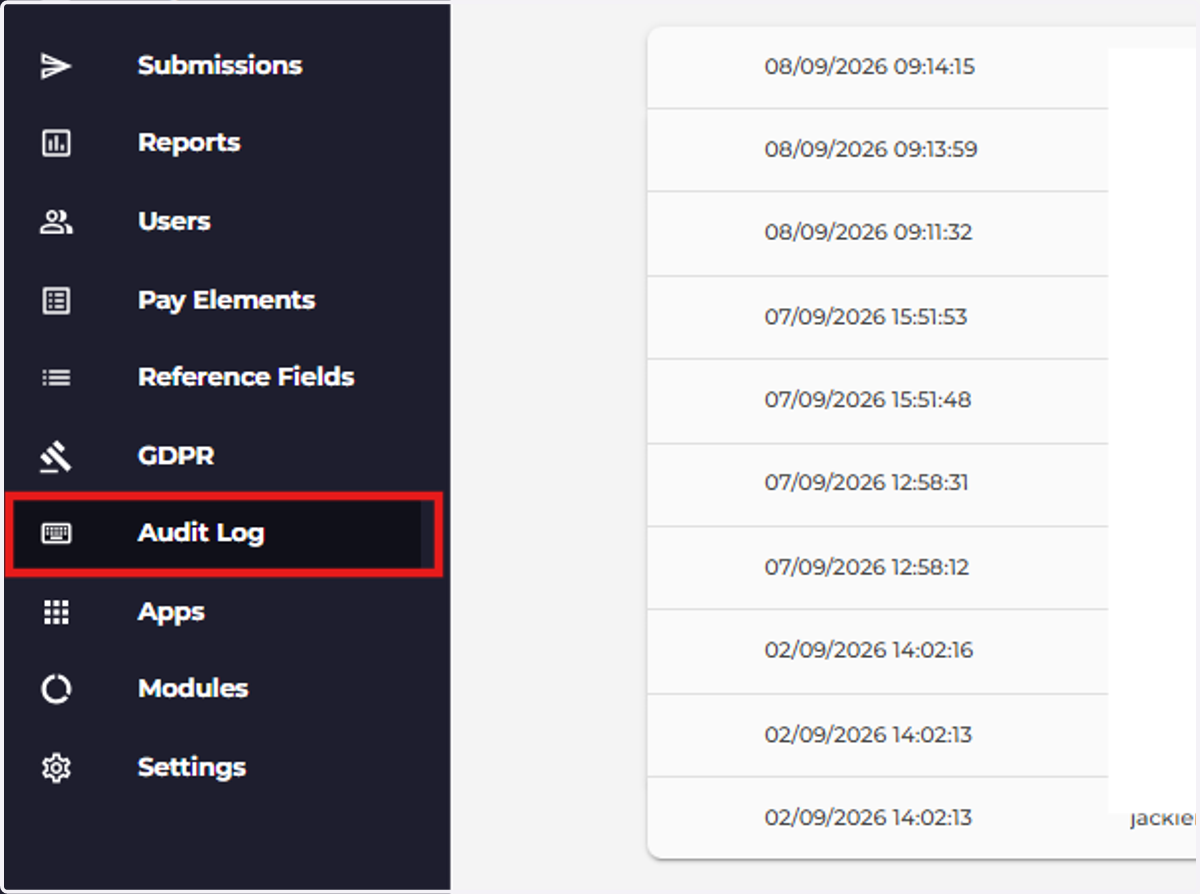
15. Apps: Utilise our integration with third-party application(s)
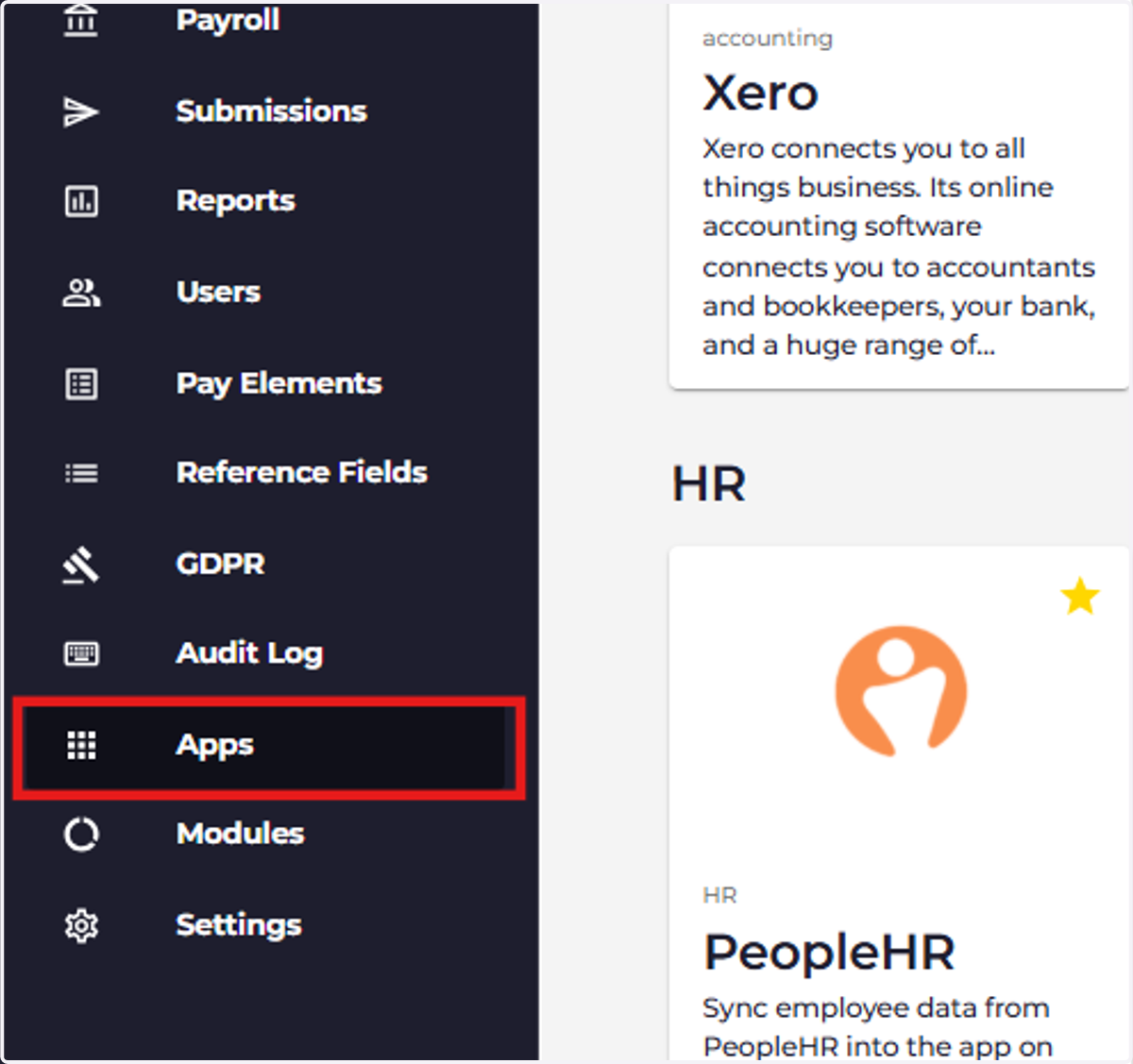
16. Modules: Access client-specific modules and functionality configured for your organisation.
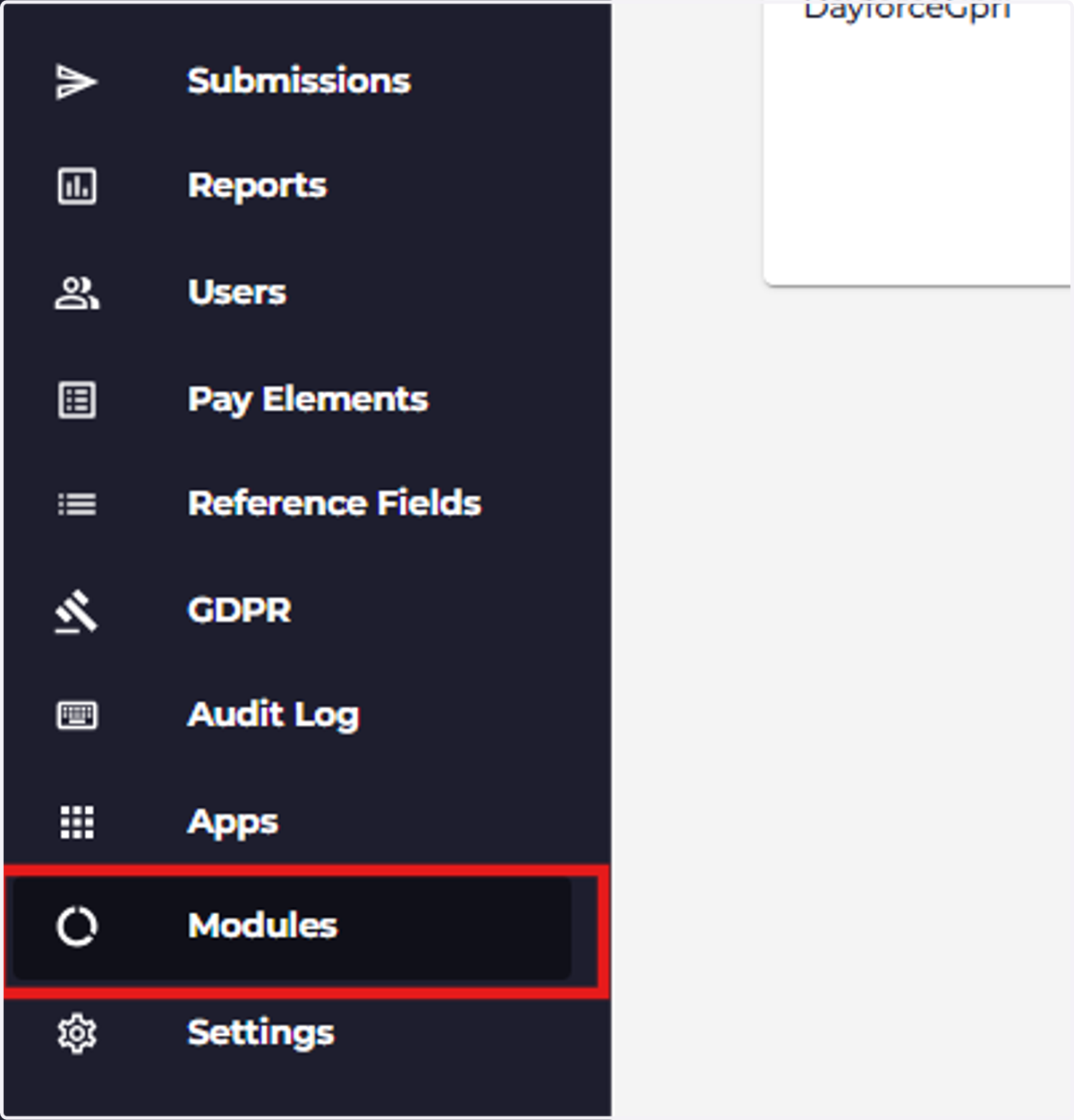
17. Settings: Edit your account display name and amend billing details