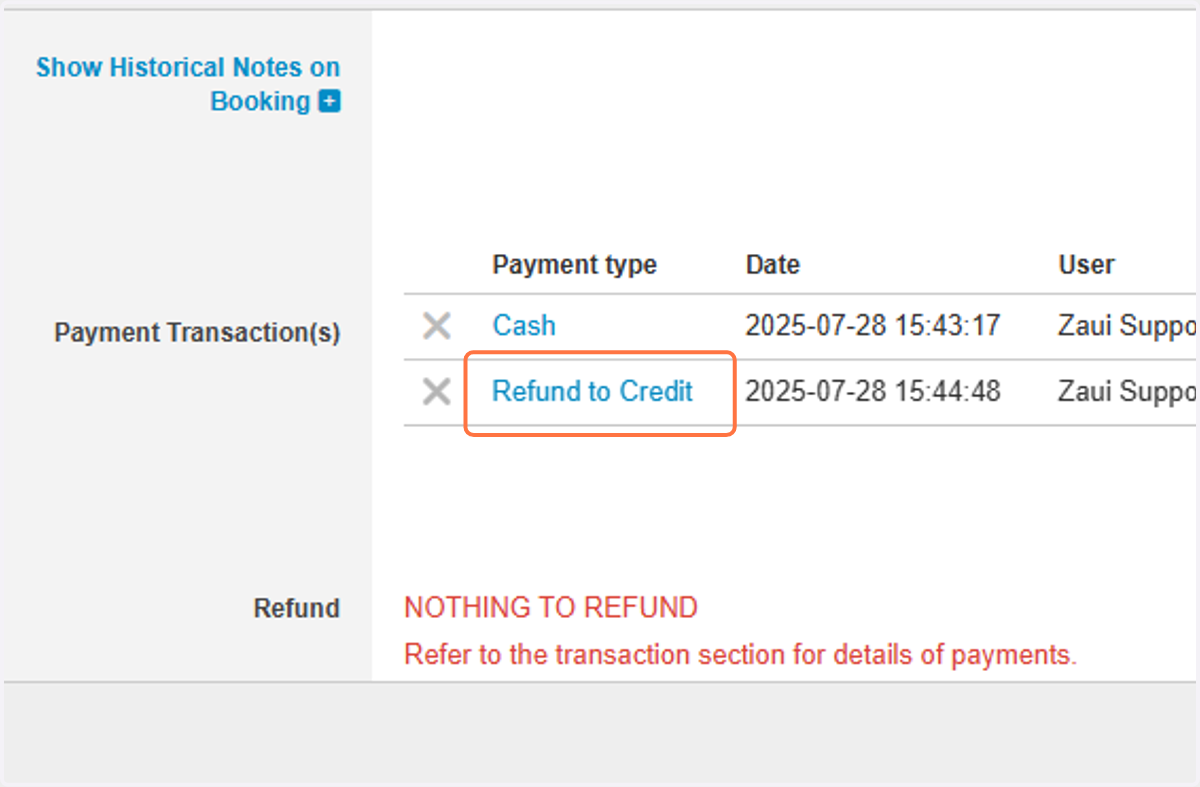
Process Refund to Credit in App
App
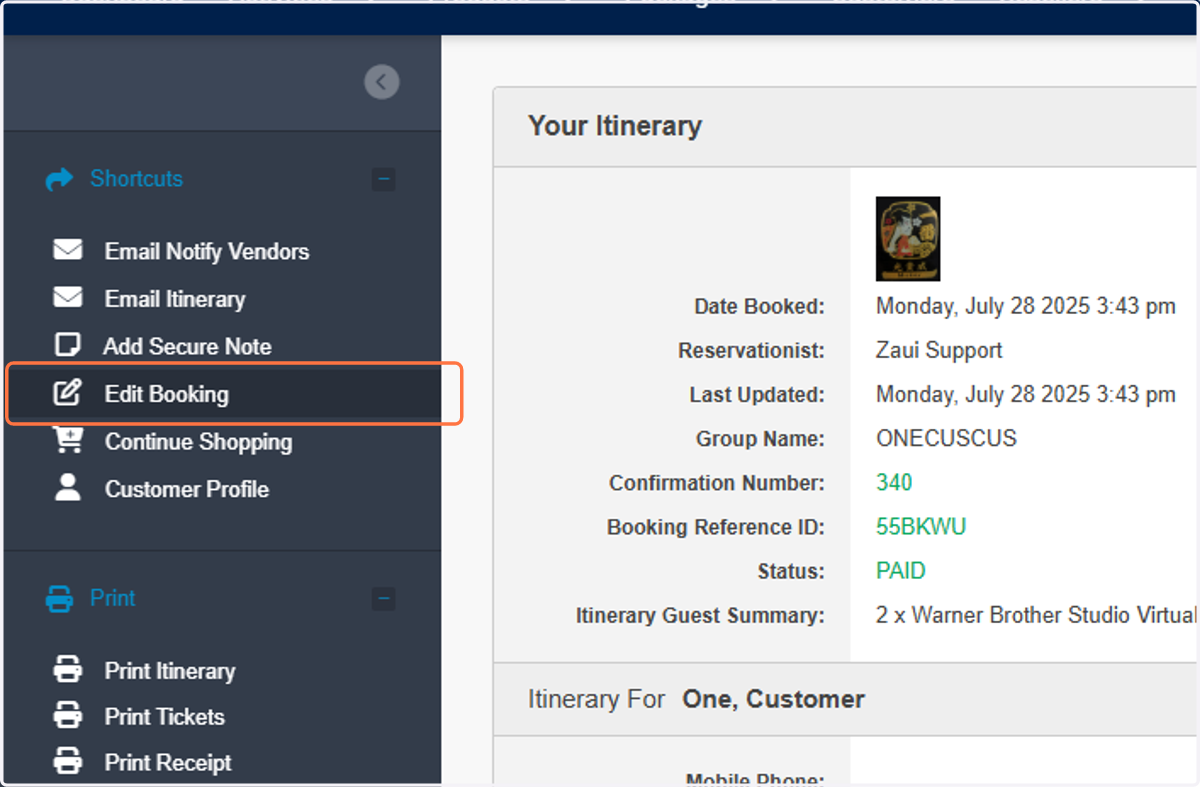
1. Click on "Edit Booking"
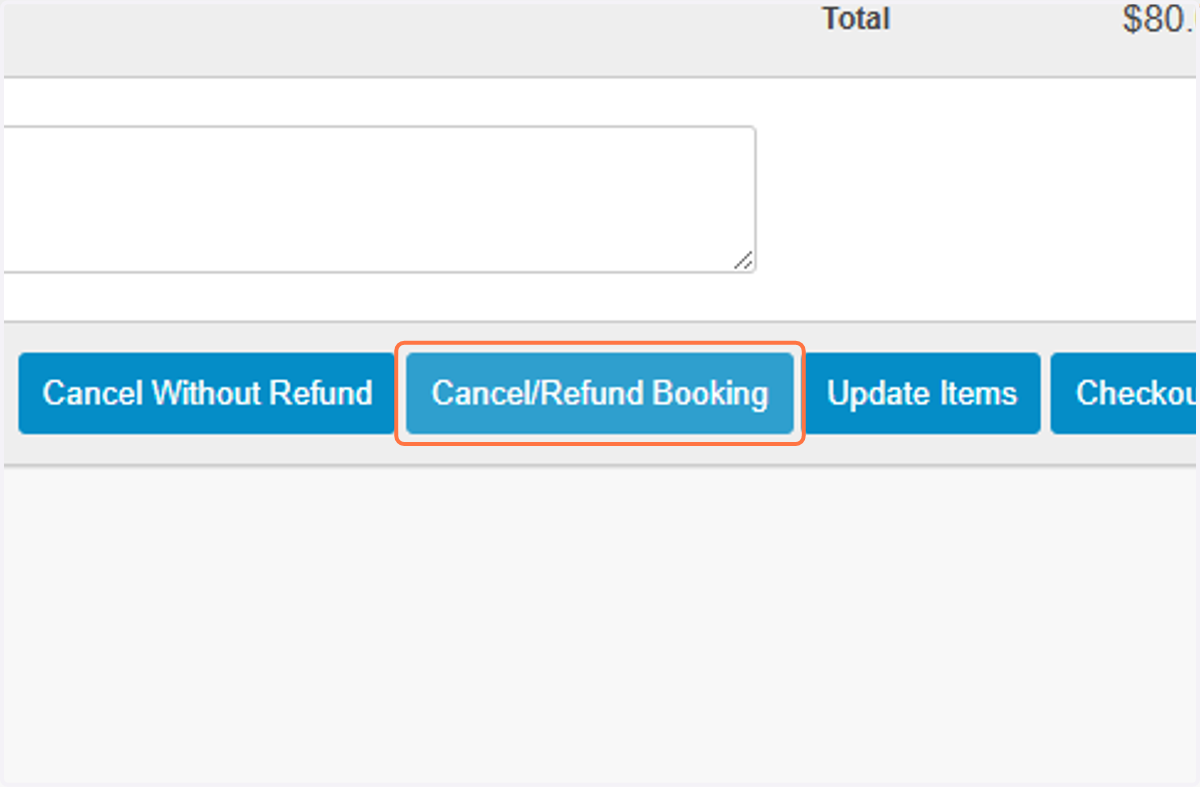
2. Click on "Cancel/Refund Booking"
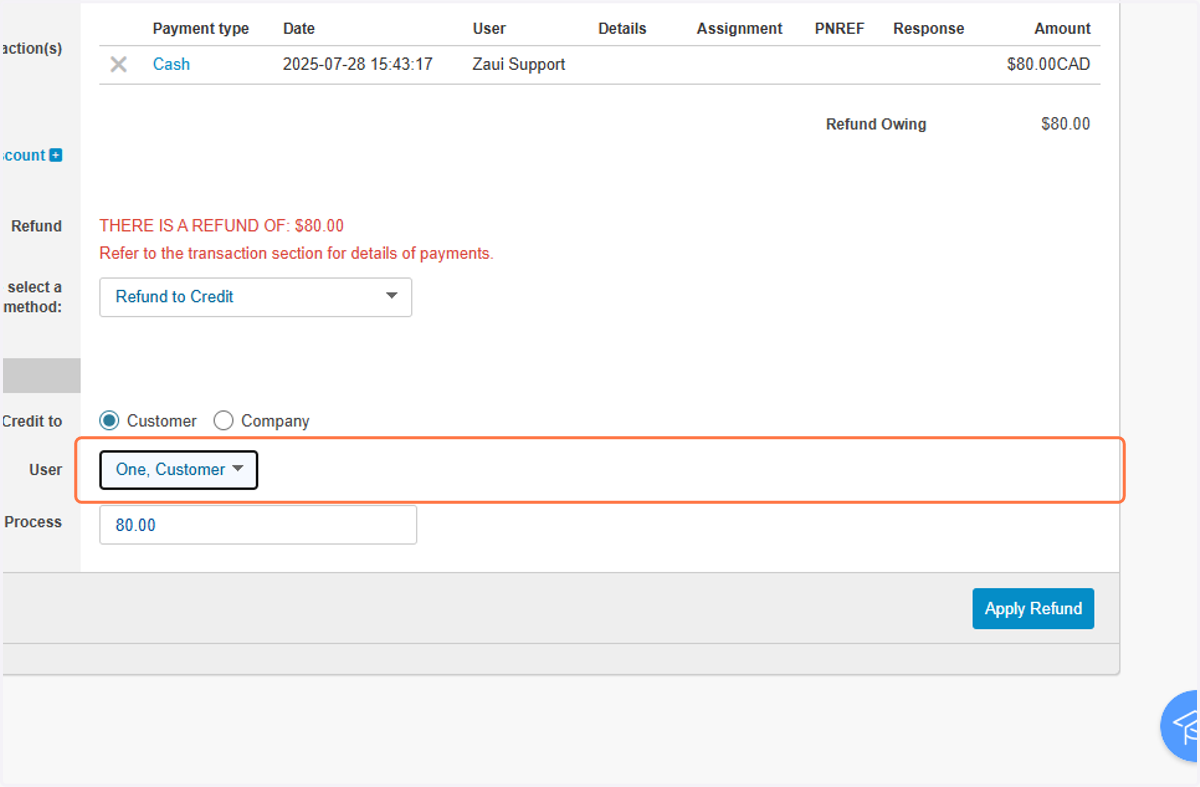
3. Select "Refund to Credit"
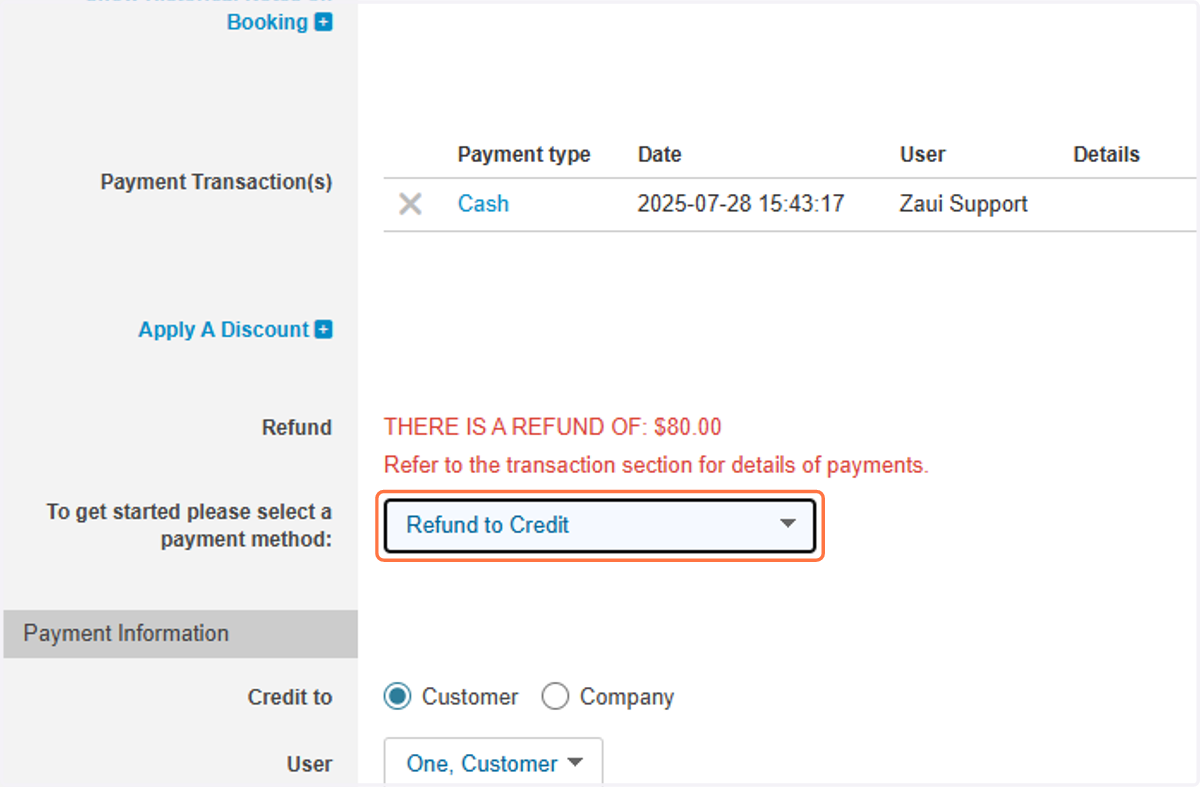
4. Make Sure You Have The Correct Customer
5. Click on "Apply Refund"
6. You Will Find Refund To Credit In The Booking Transactions