Load Template
Loadops
1. Go to Loadops by Optym
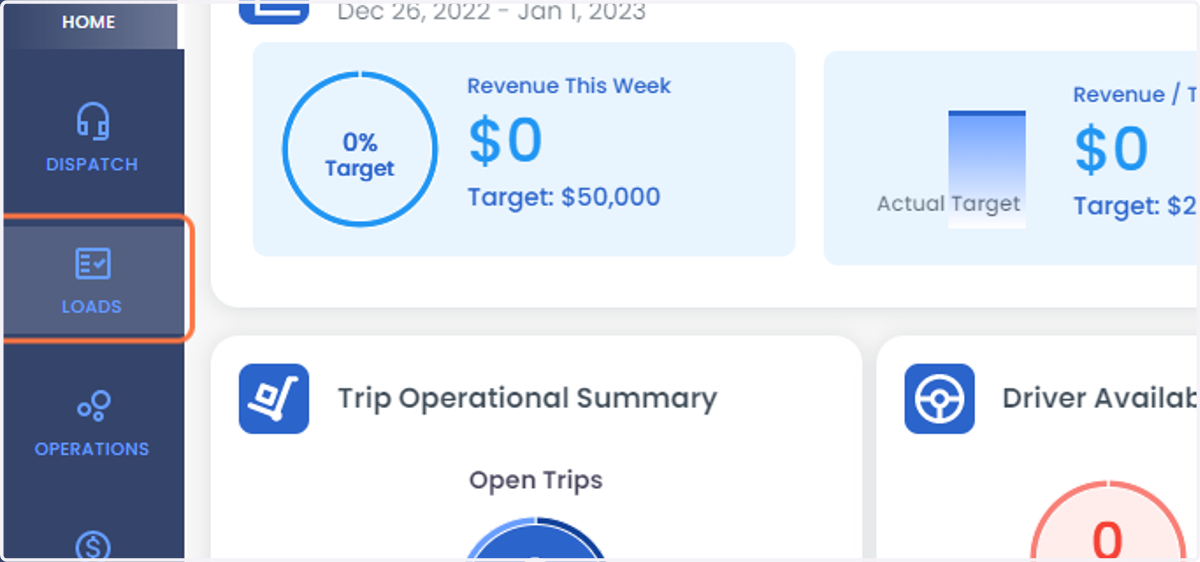
2. Click on LOADS
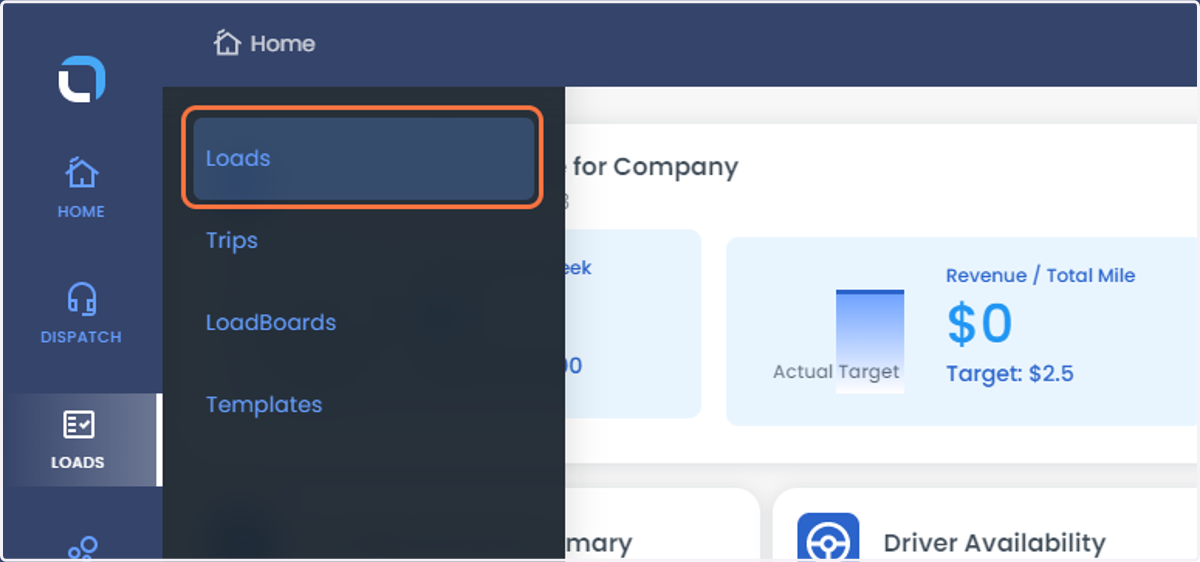
3. Select Loads from the List
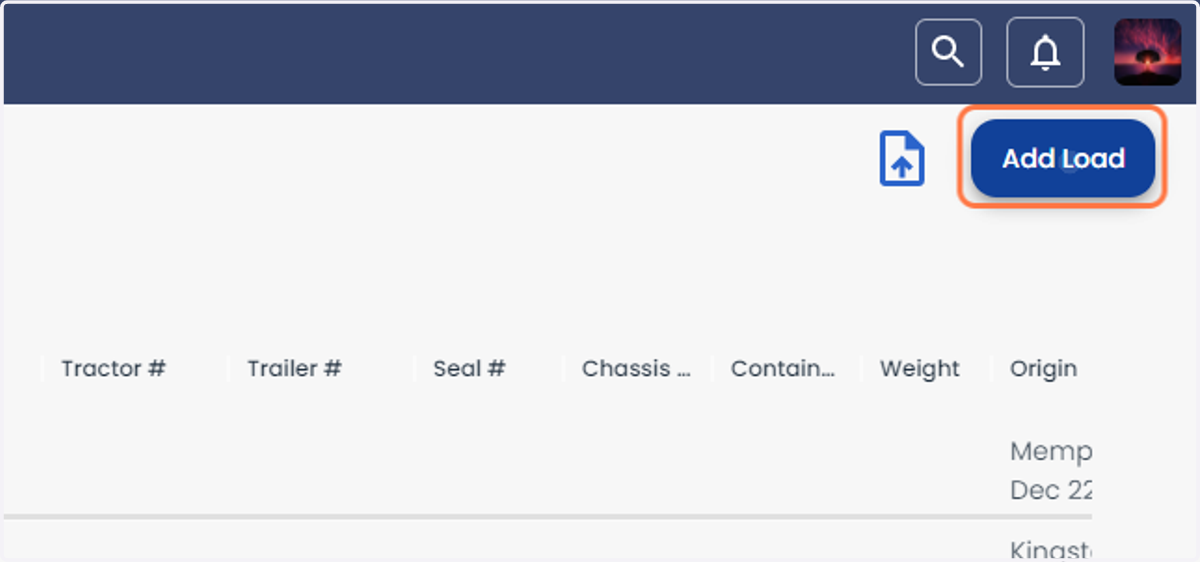
4. Click on Add Load
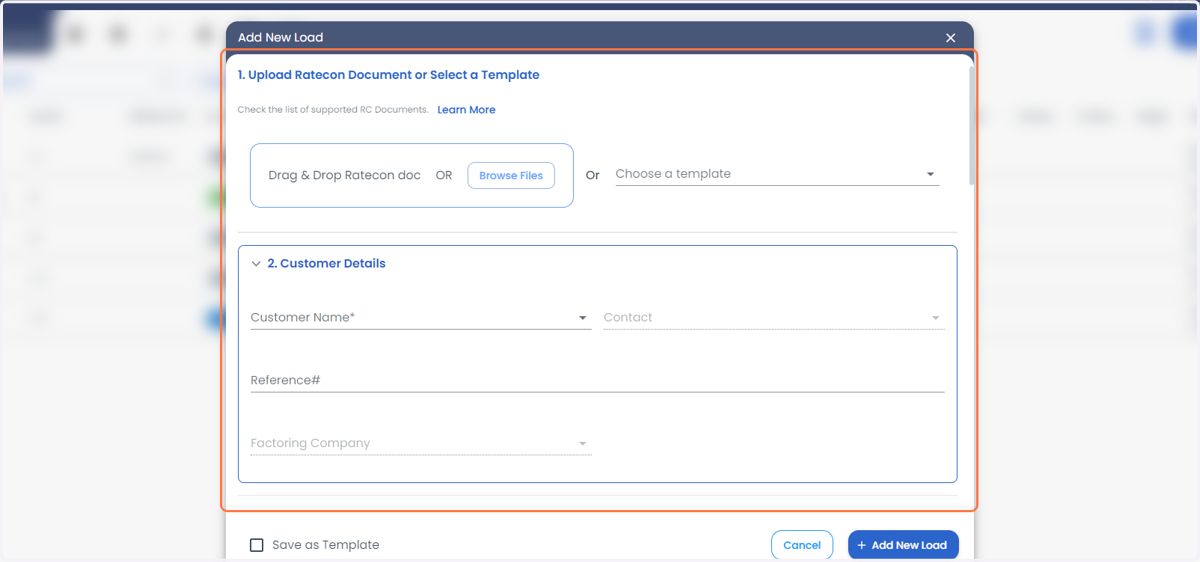
5. Enter the details of the load manually or drag and drop the rate confirmation to fill the data automatically
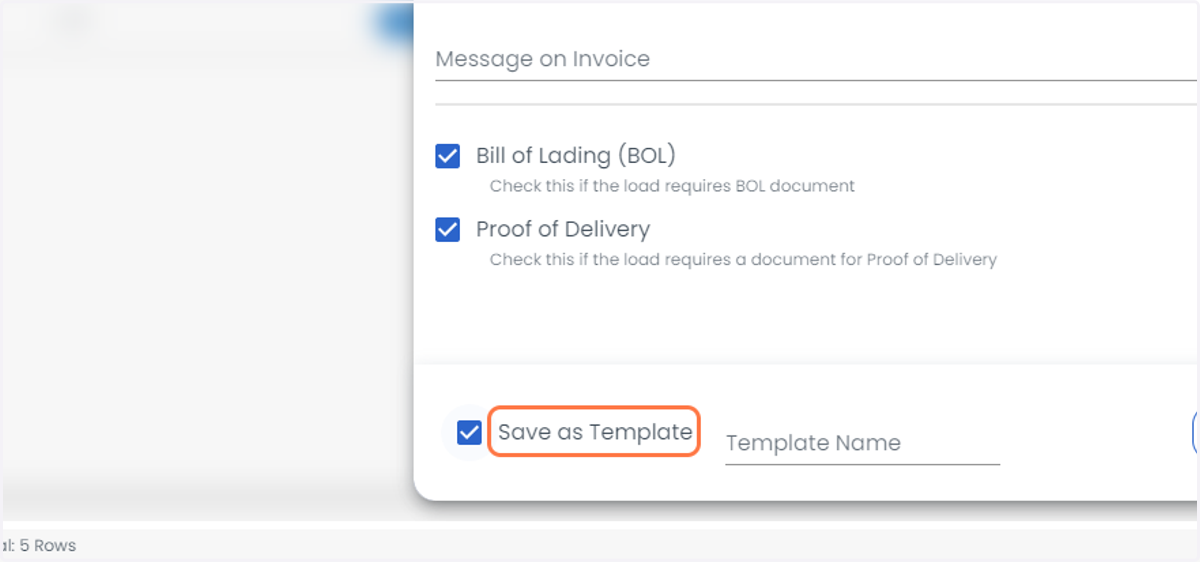
6. Once the data has been filled scroll to the bottom and Check Save as Template
7. Enter the template Name, which you would like to save
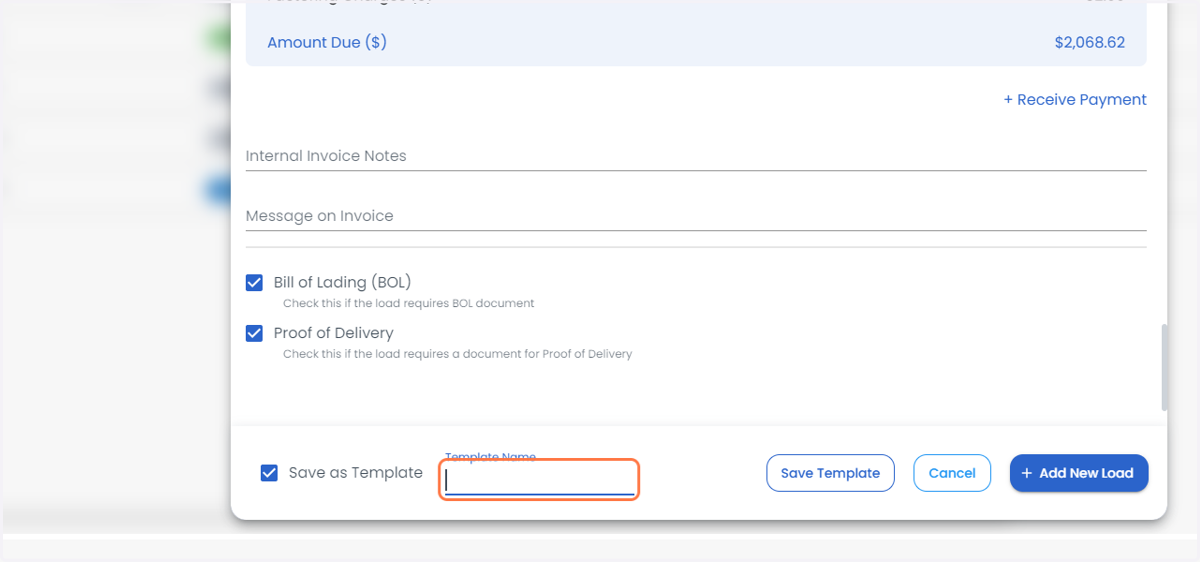
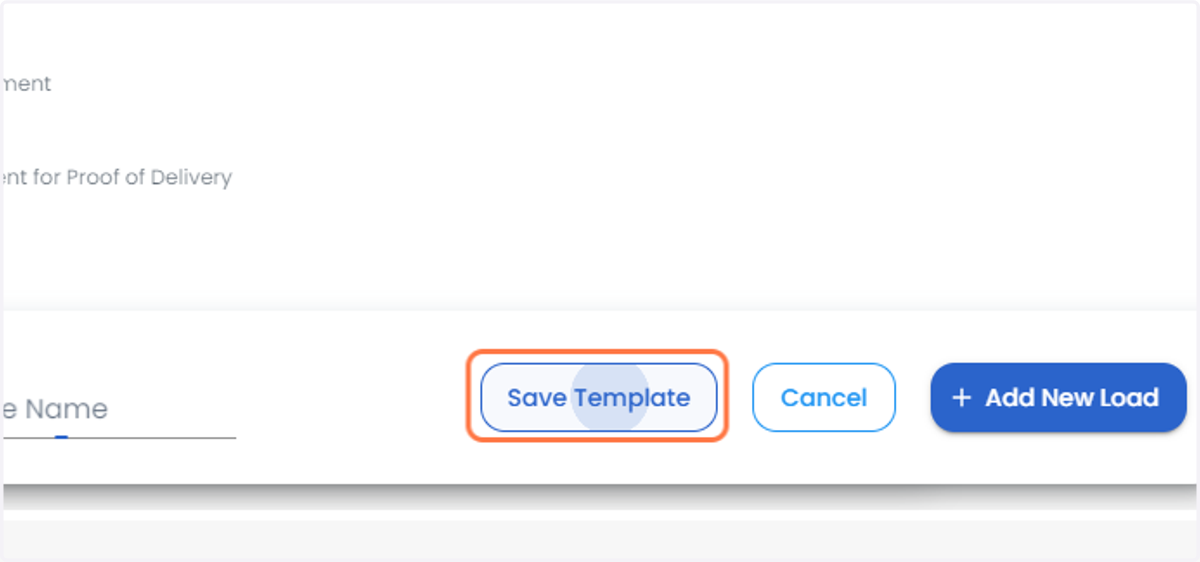
8. Click on Save Template