How to Set Opening Hours

To the Startpage

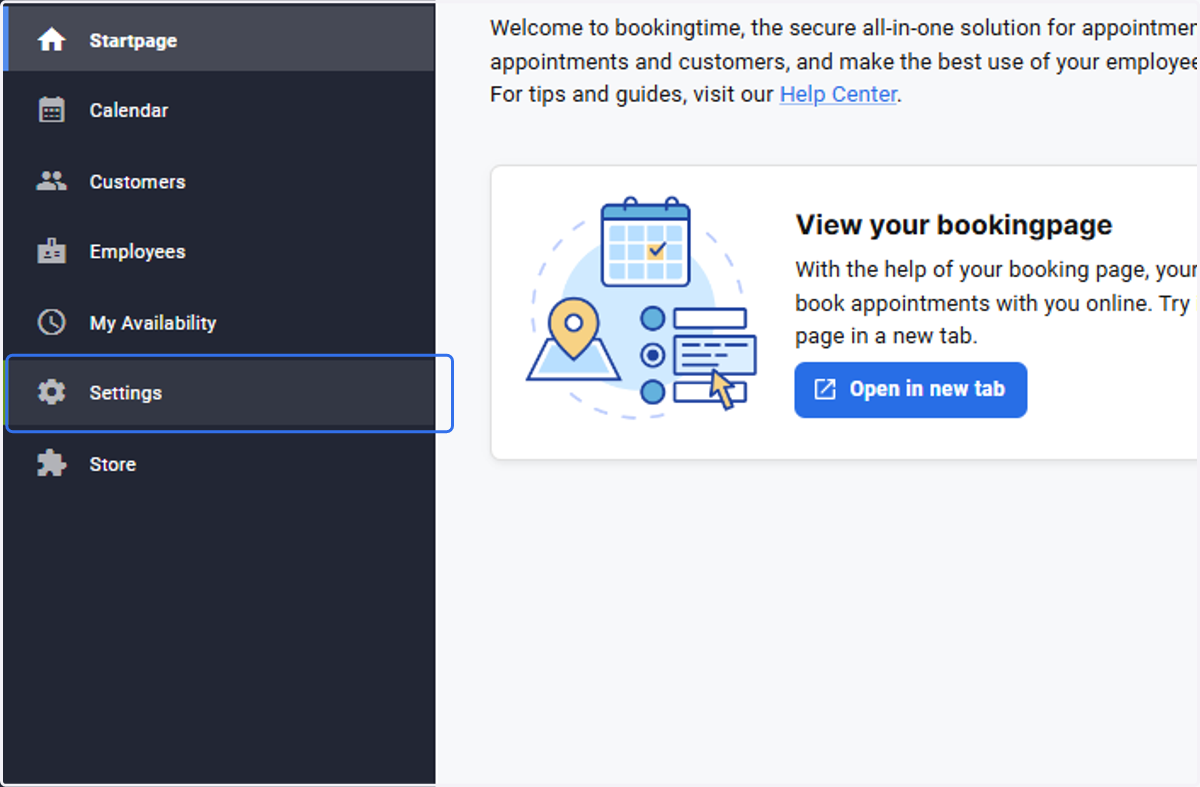
  1. 1. Click on Settings

    Click on Settings
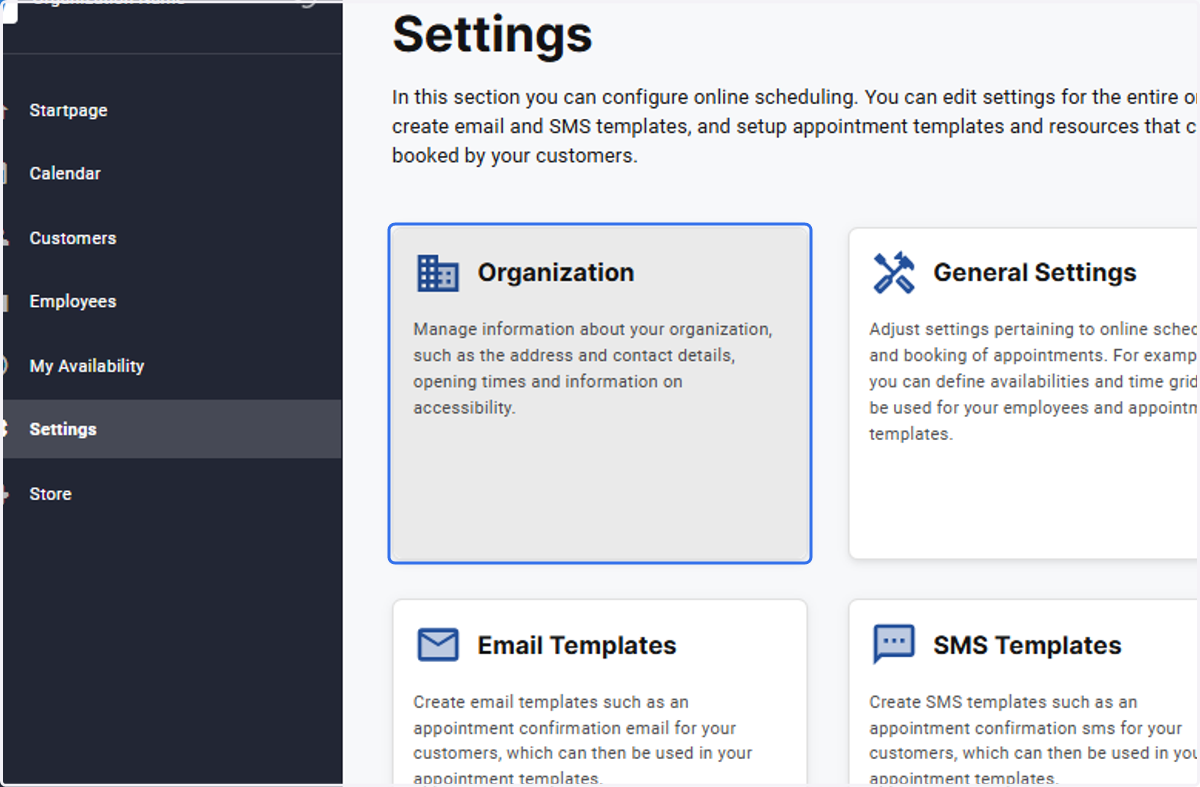
  2. 2. Click on Organization

    Click on Organization
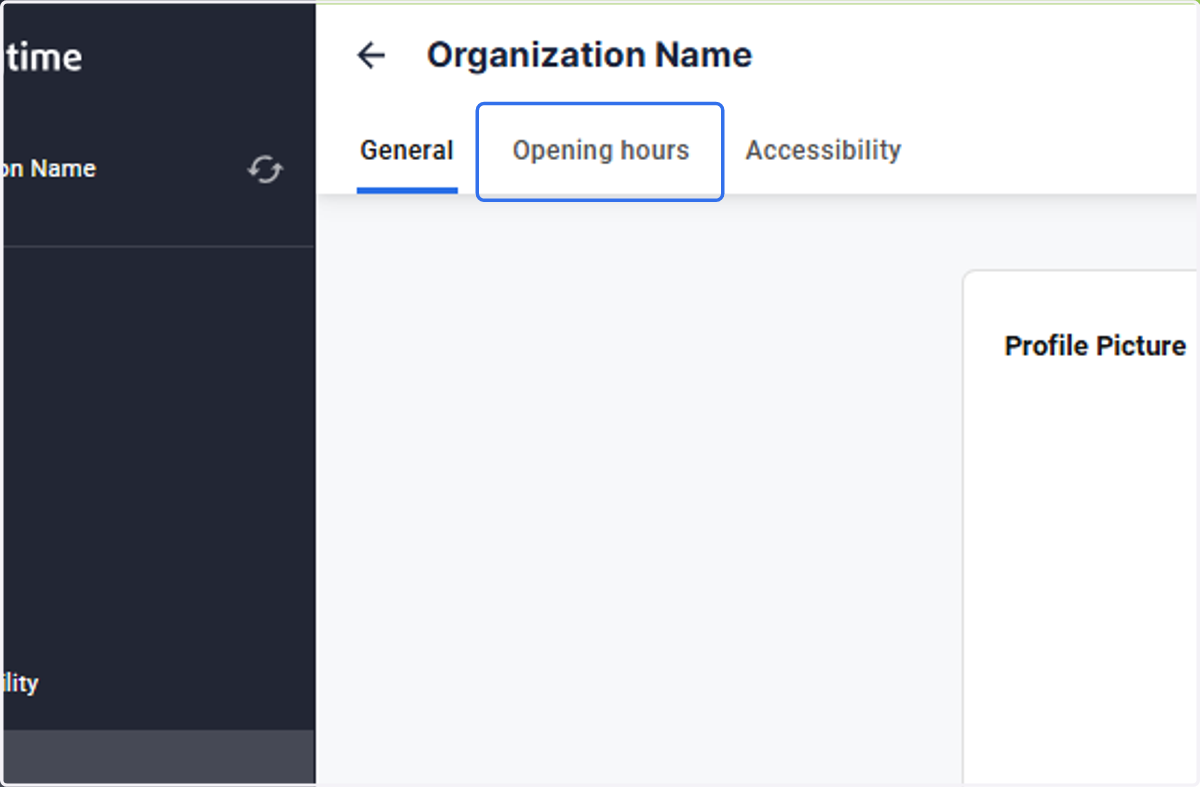
  3. 3. Open the Opening hours tab

    Open the Opening hours tab
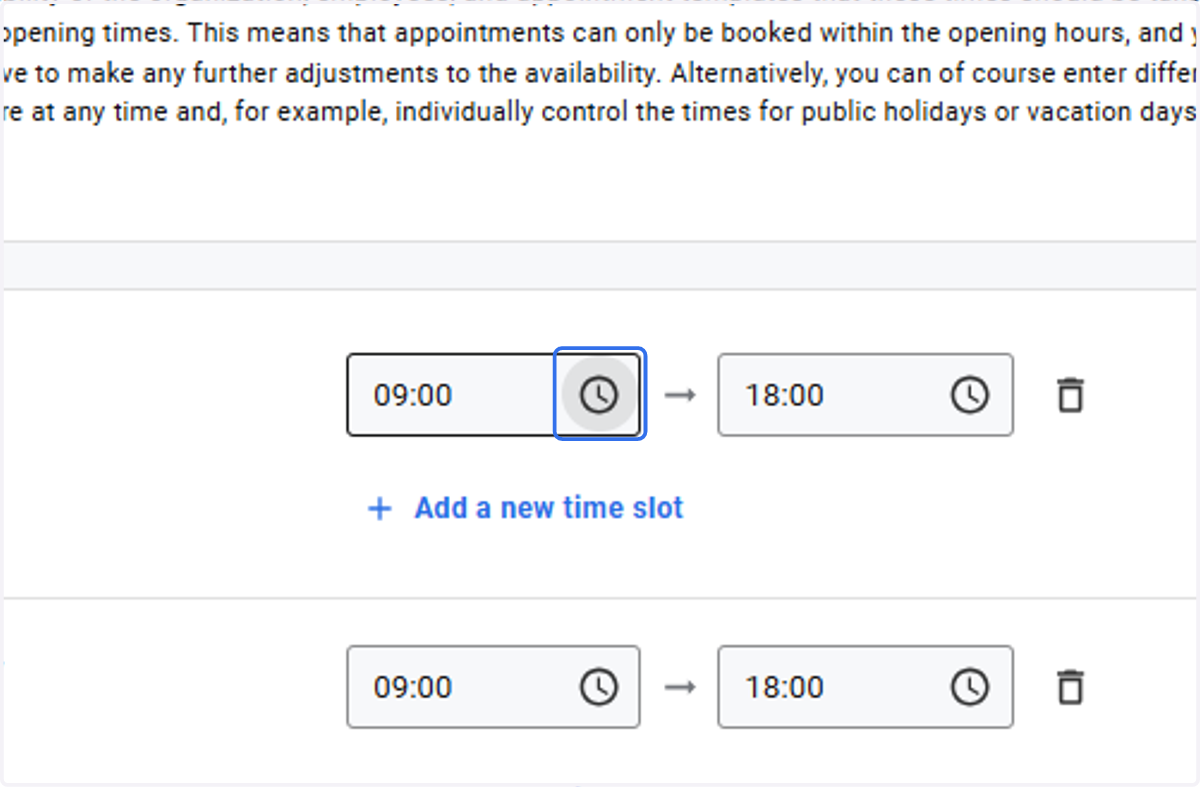
  4. 4. Select the start time

    Select the start time
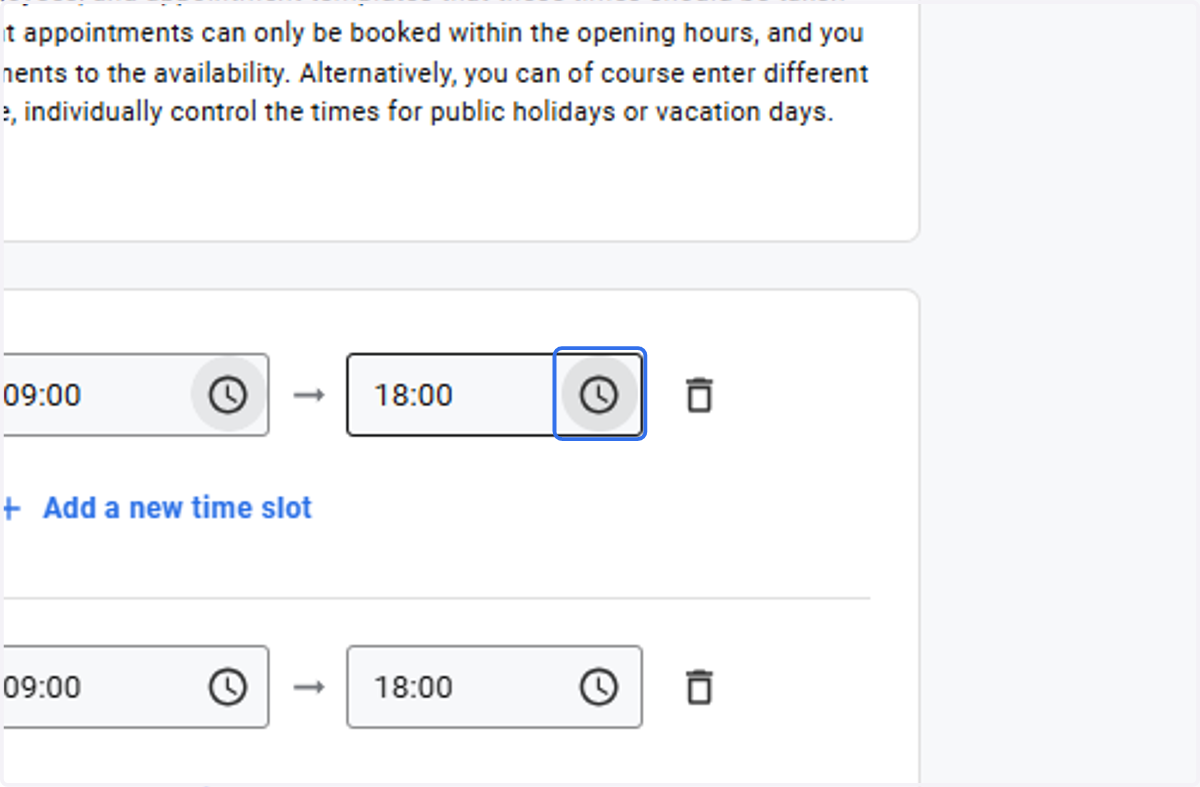
  5. 5. Select the end time

    Select the end time
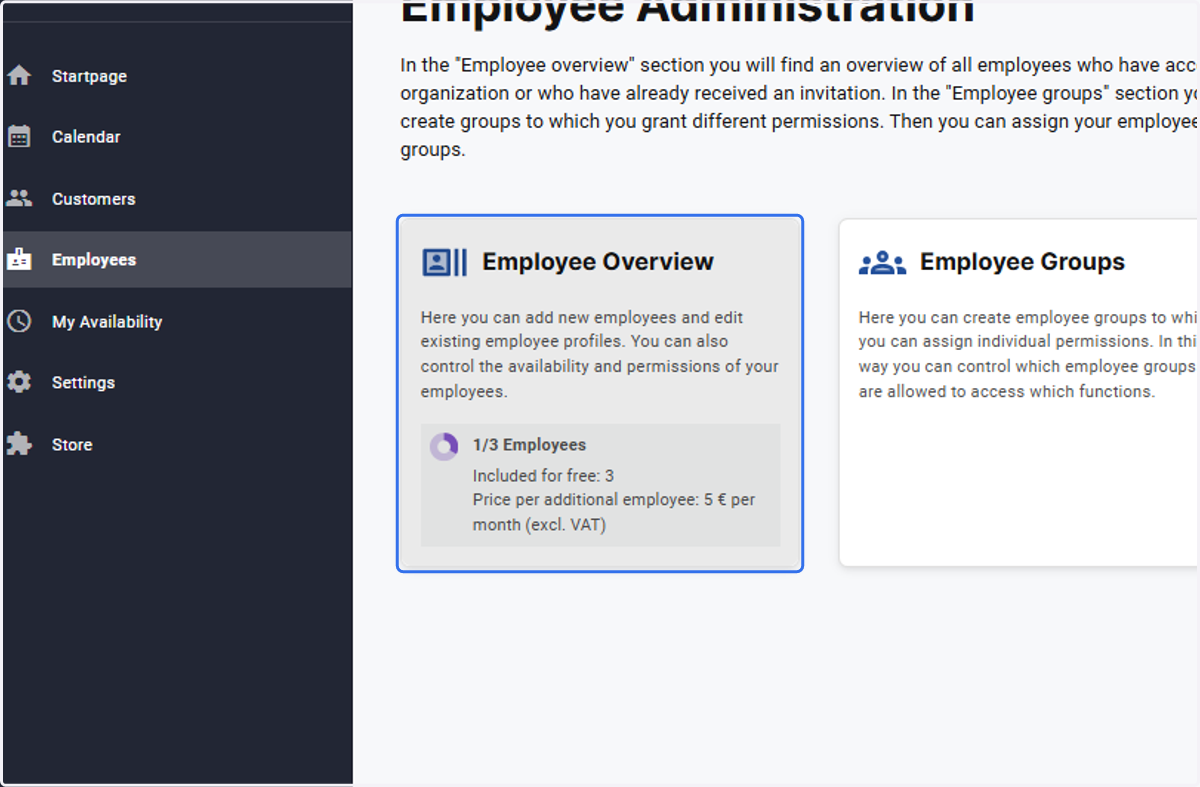
  6. 6. These opening hours can be carried over to employees by first clicking on Employees
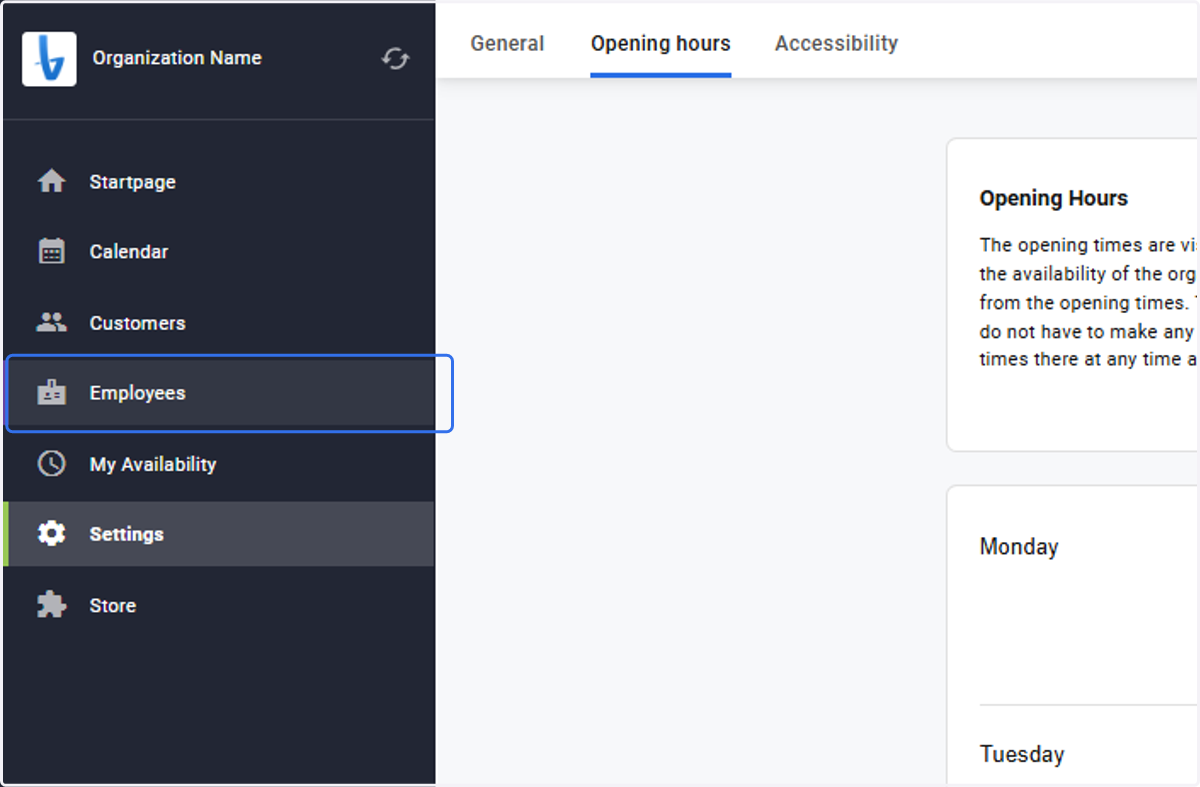
    These opening hours can be carried over to employees by first clicking on Employees
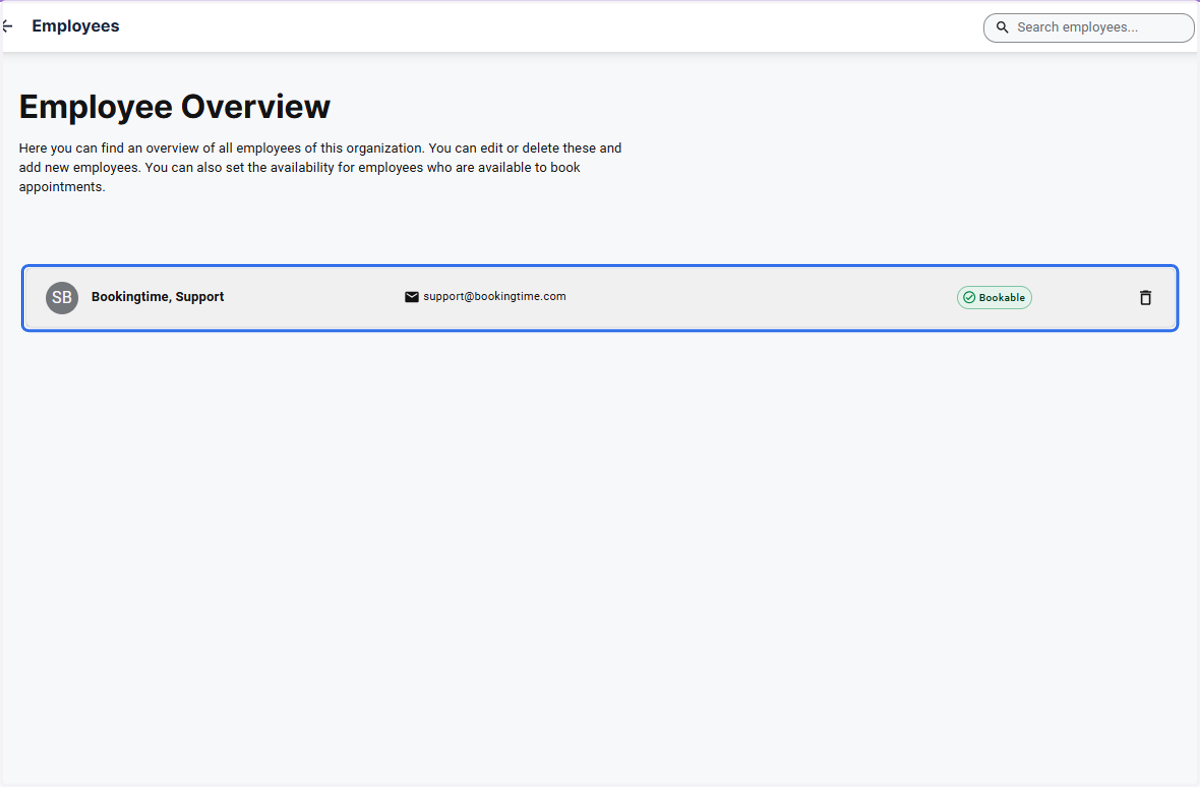
  7. 7. Open the Employee Overview

    Open the Employee Overview
  8. 8. Click on the employee profile

    Click on the employee profile
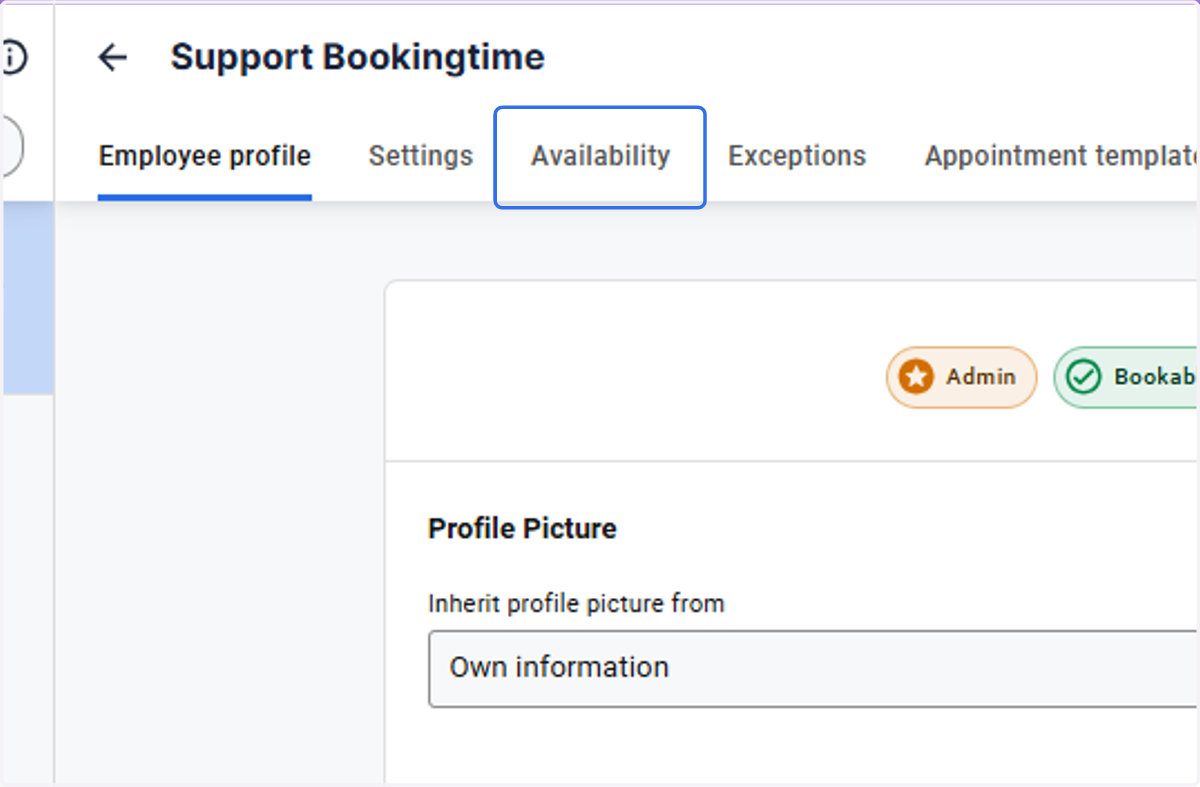
  9. 9. Click on the Availability tab

    Click on the Availability tab
  10. 10. Open the dropdown under the heading Availability and under Copy Availability from
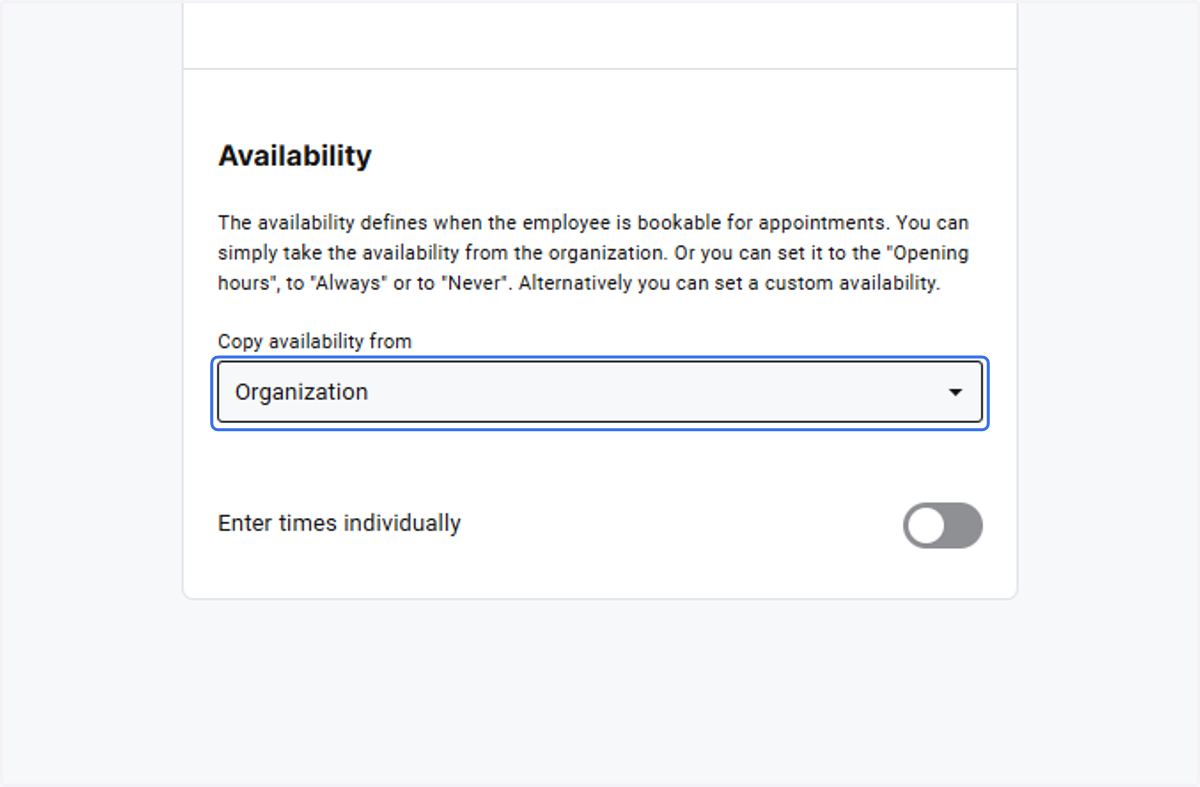
    Open the dropdown under the heading Availability and under Copy Availability from
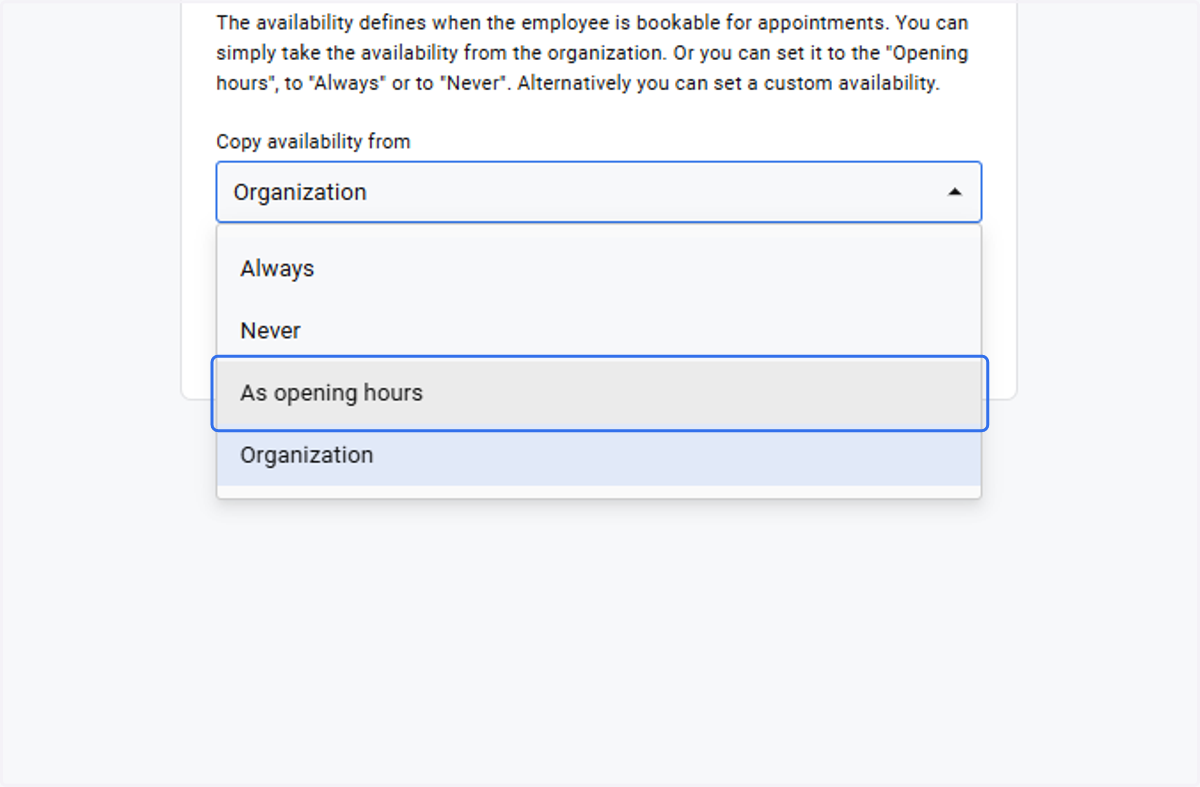
  11. 11. Select As opening hours

    Select As opening hours
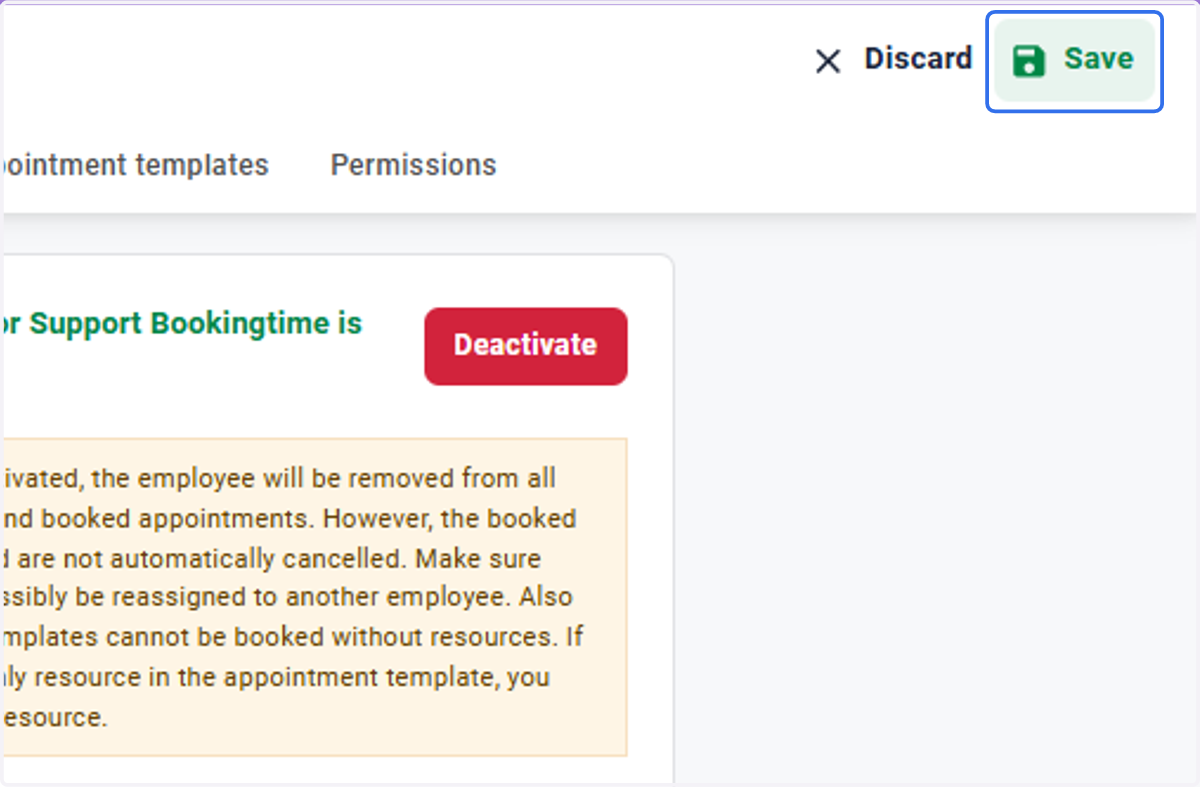
  12. 12. Click on Save

    Click on Save