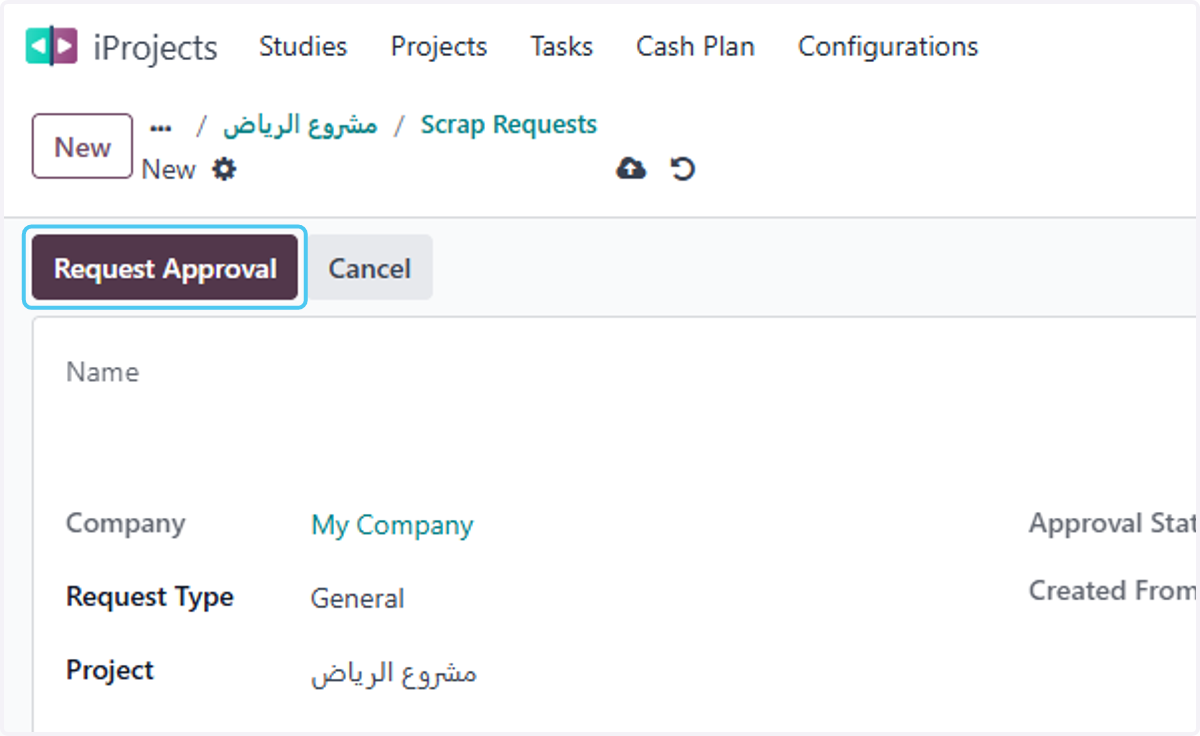
How to Request Scrap Material in the project
Odoo
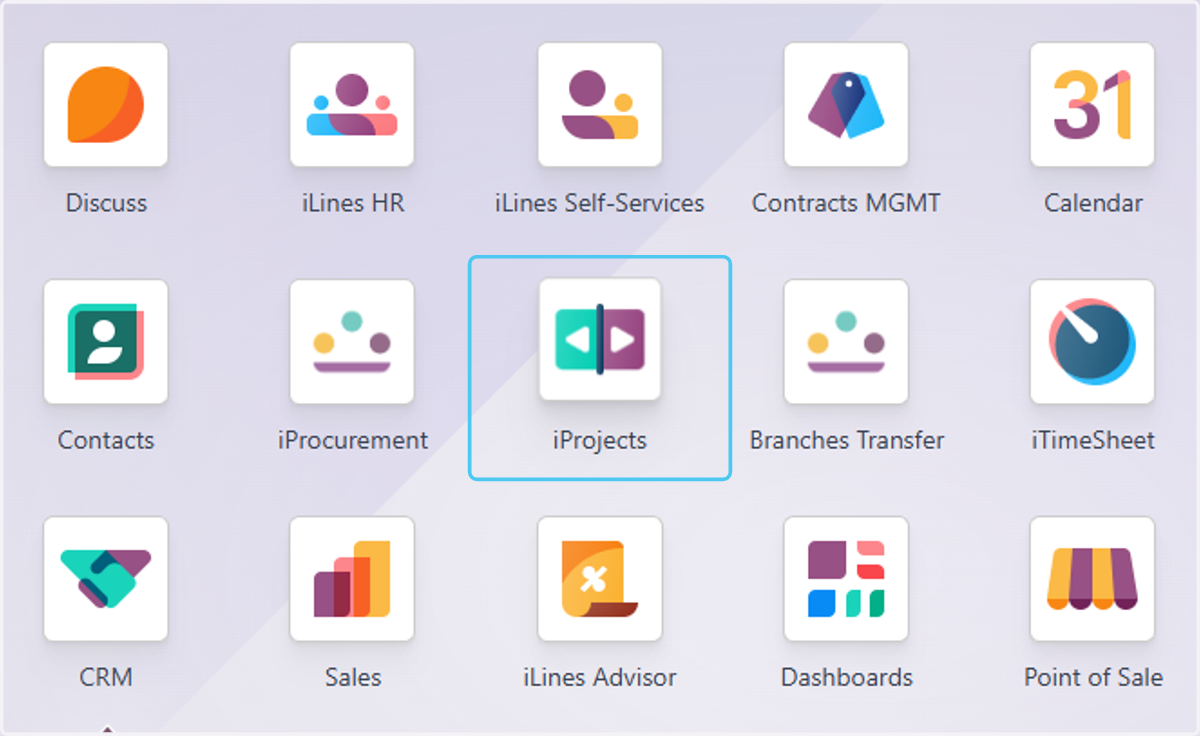
1. Click on iProjects
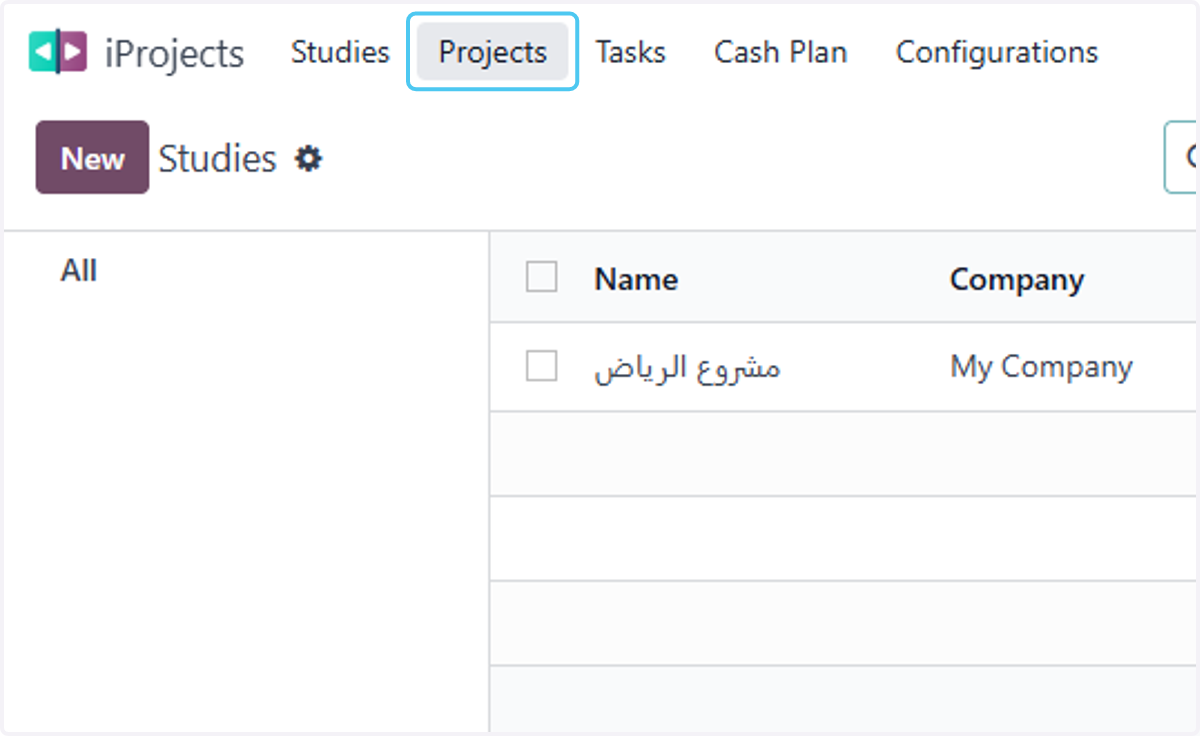
2. Click on Projects
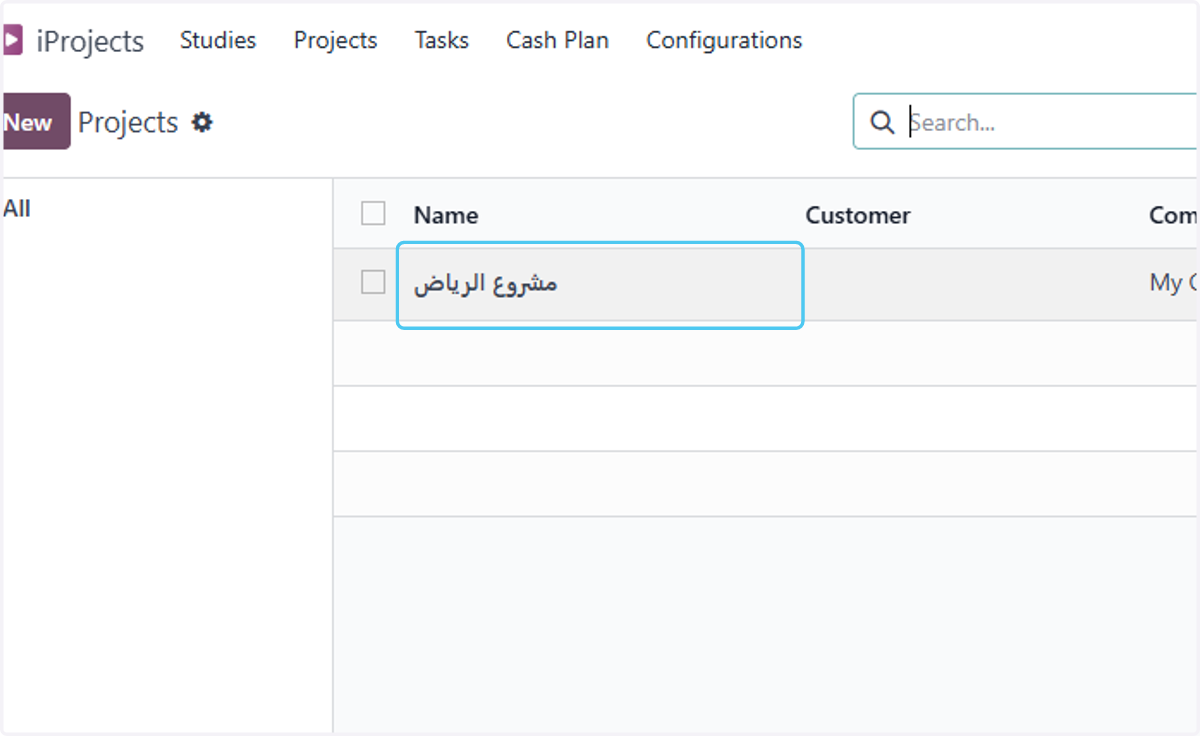
3. select the project
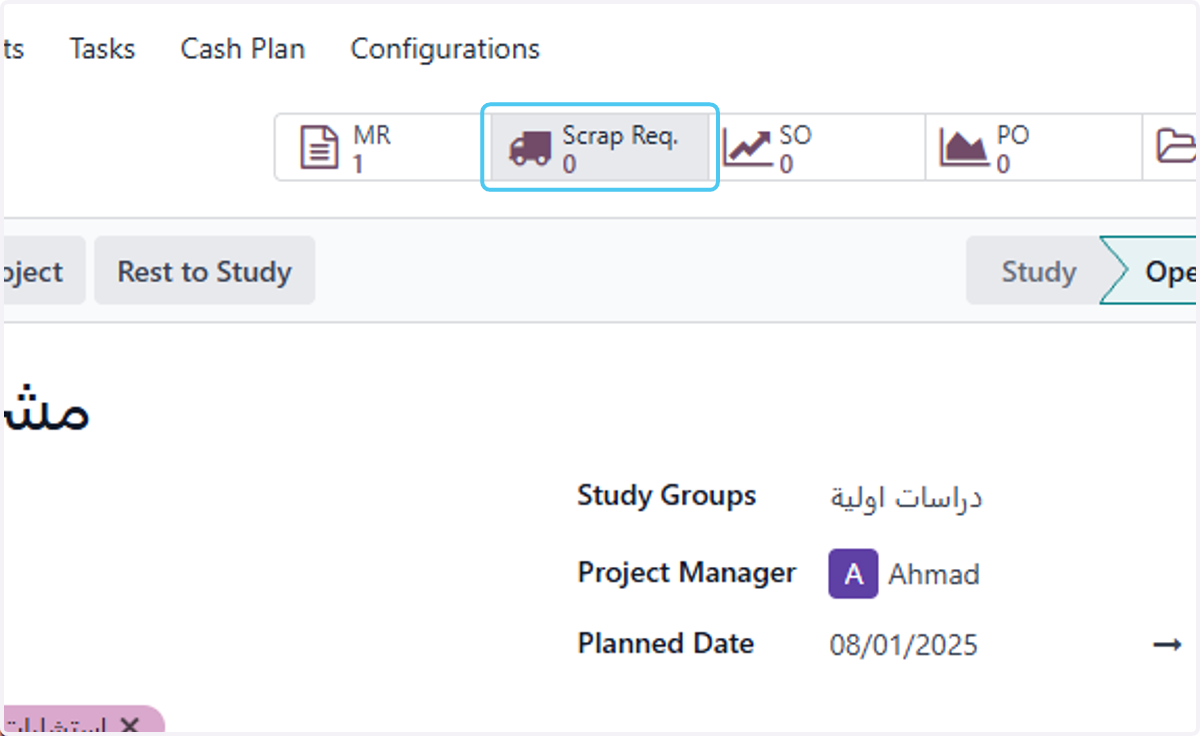
4. Click on Scrap Req.
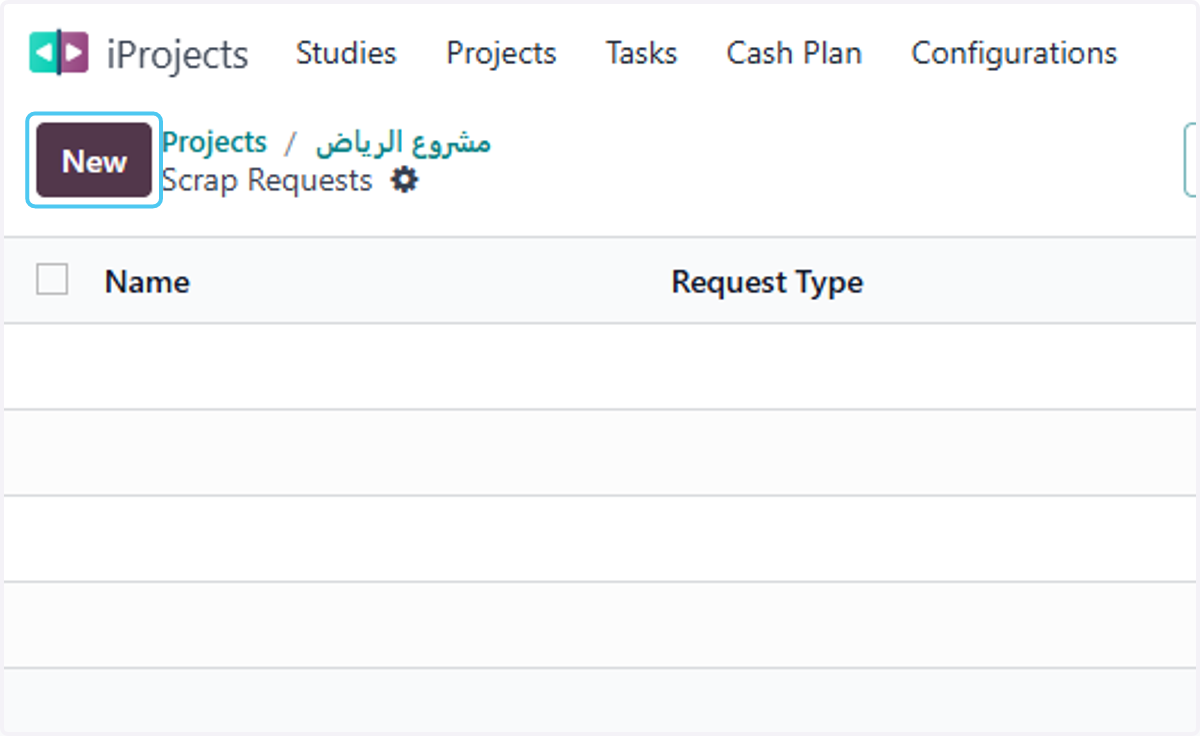
5. Click on New
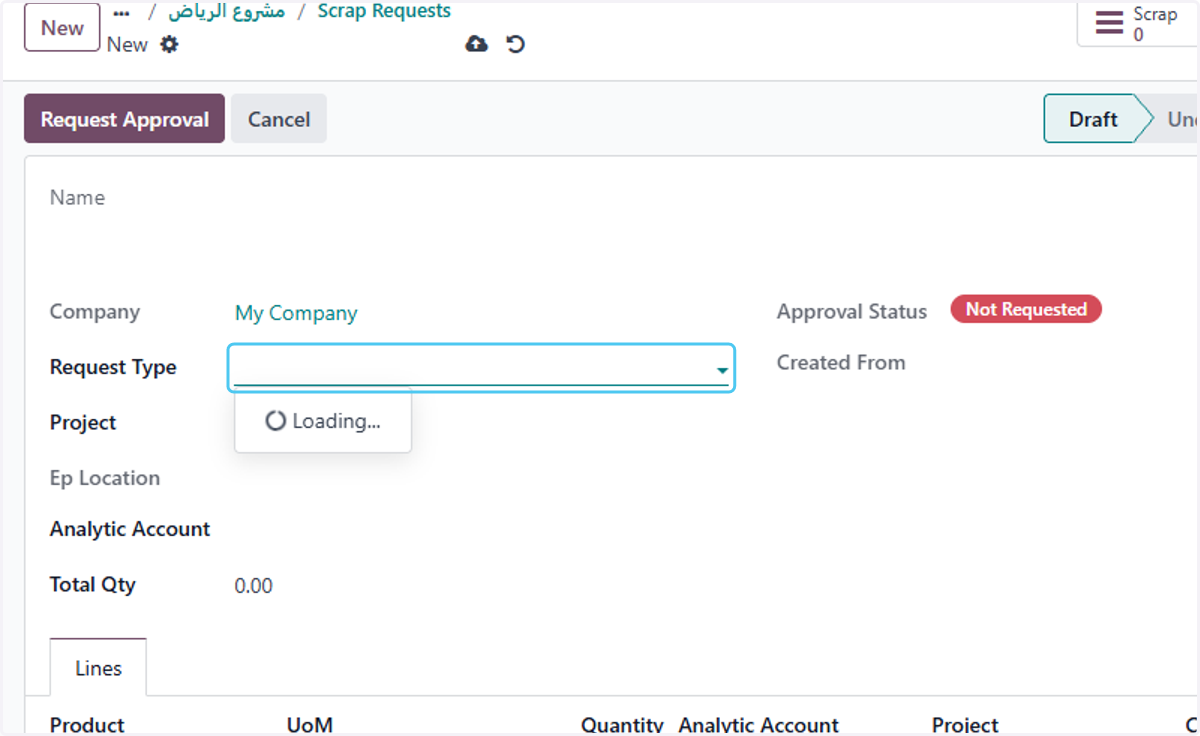
6. select the Request Type
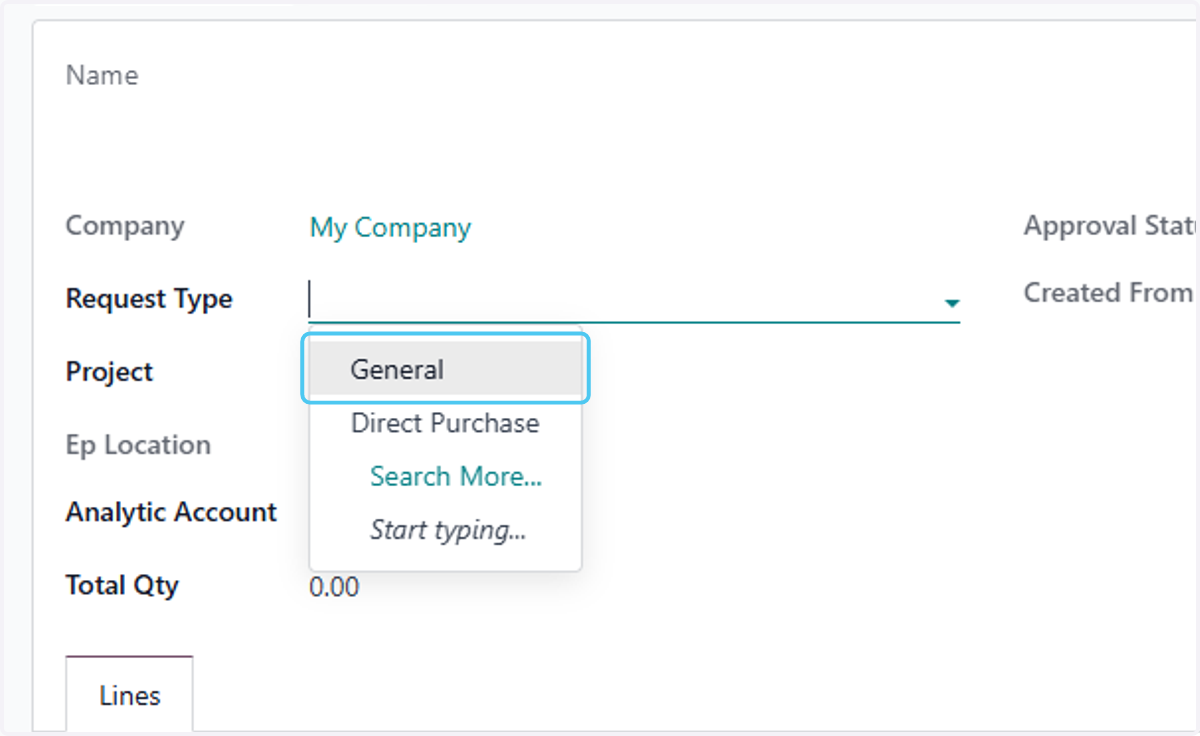
7. Click on General
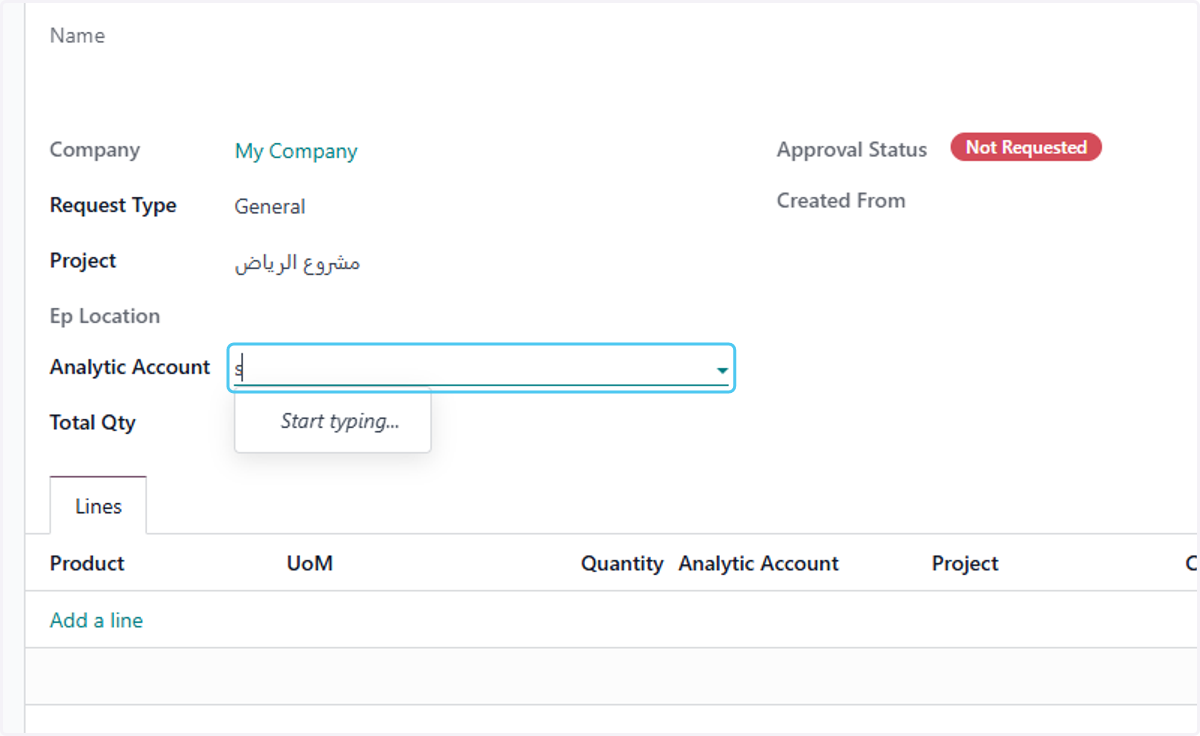
8. select the analytic account
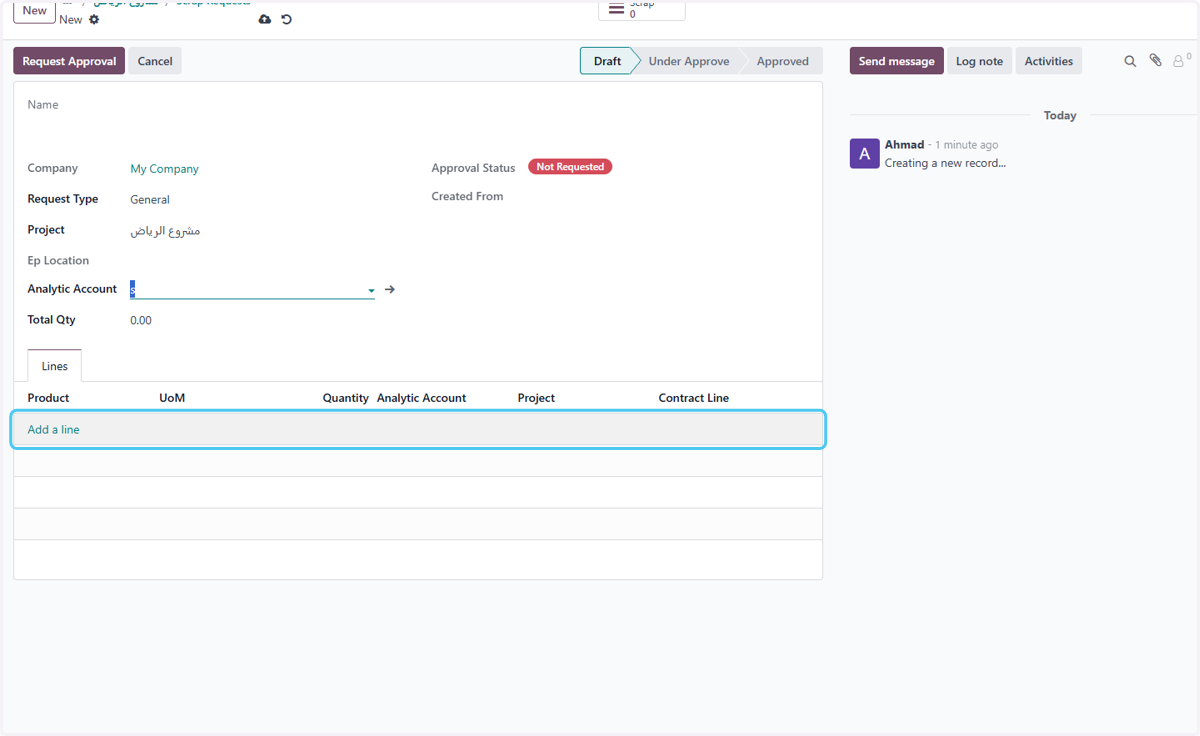
9. Click on Add a line
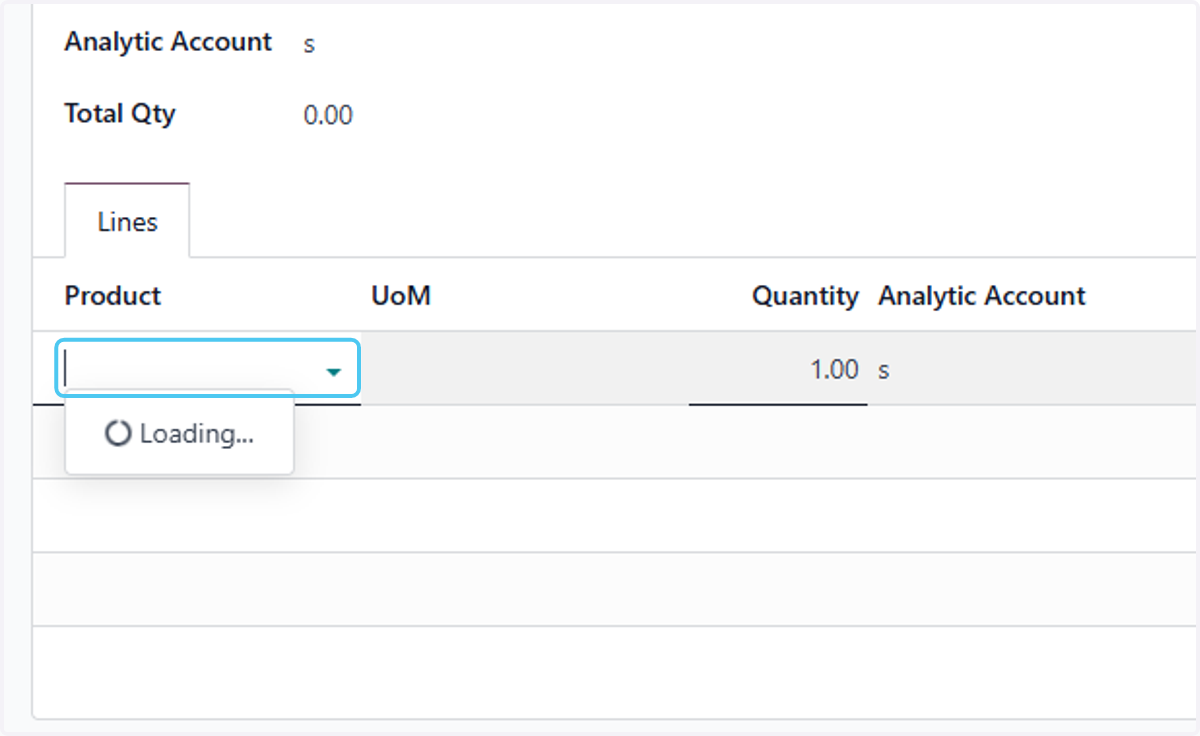
10. Click on dropdown trigger
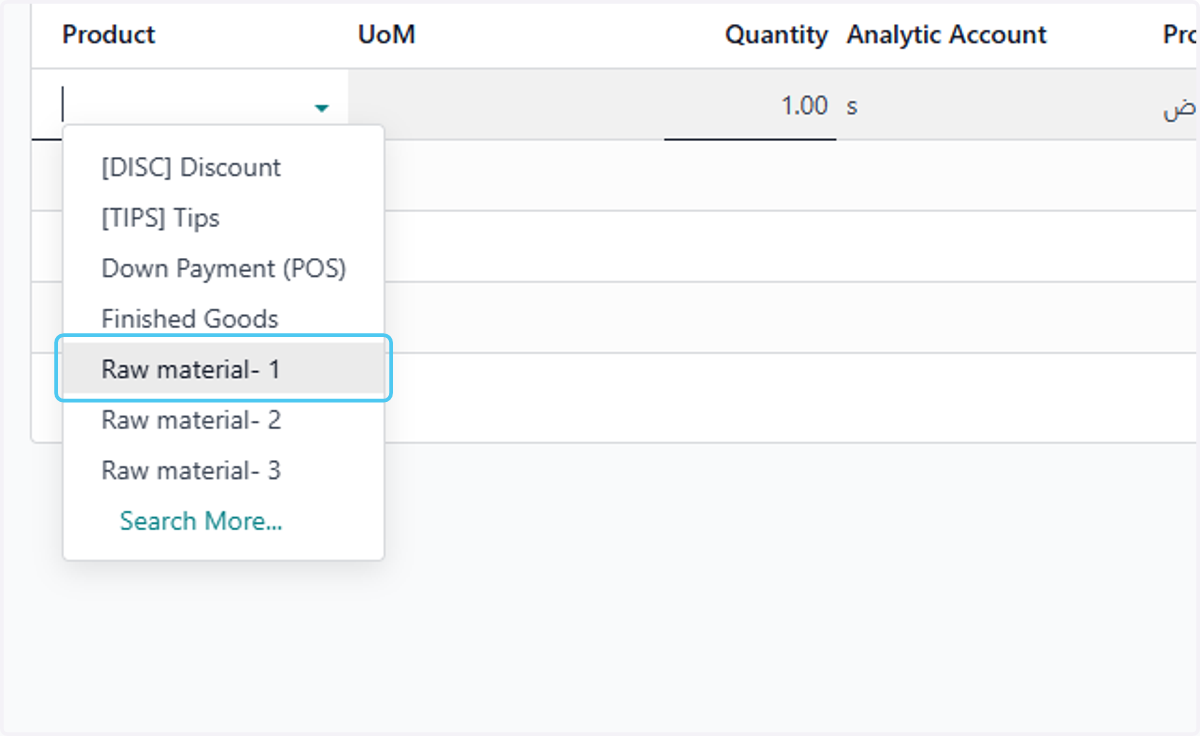
11. select the materials
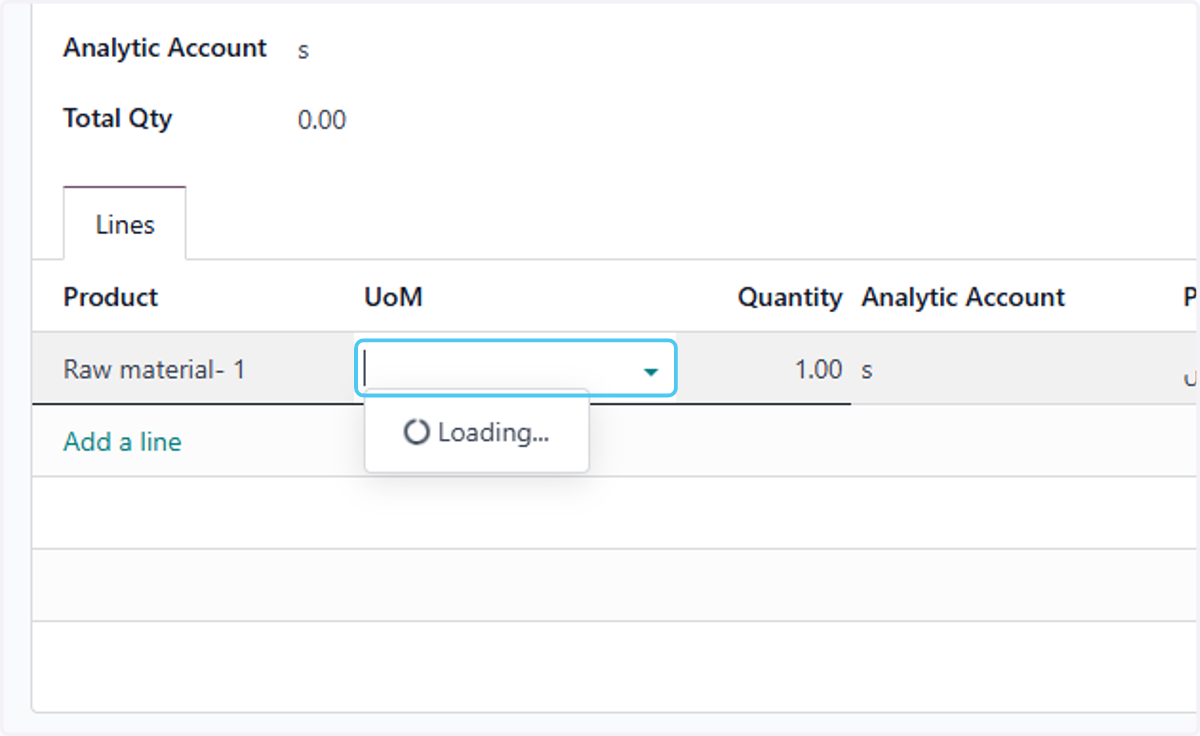
12. Click on dropdown trigger
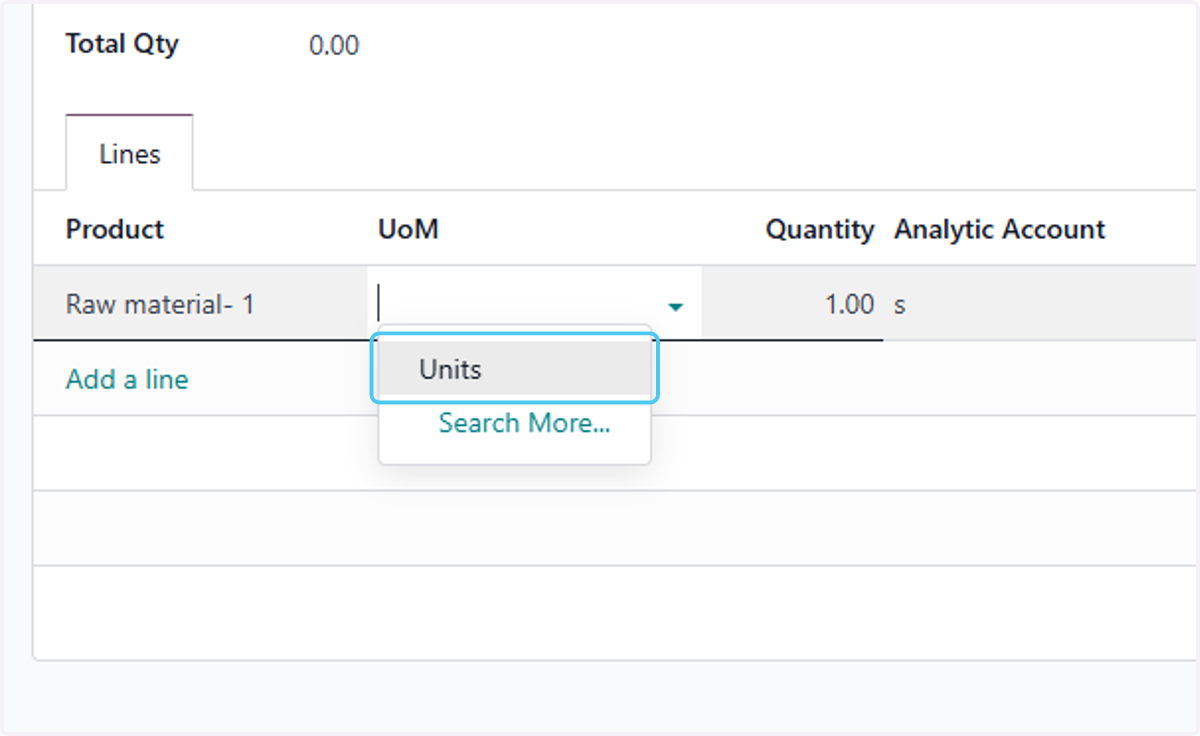
13. select the Units
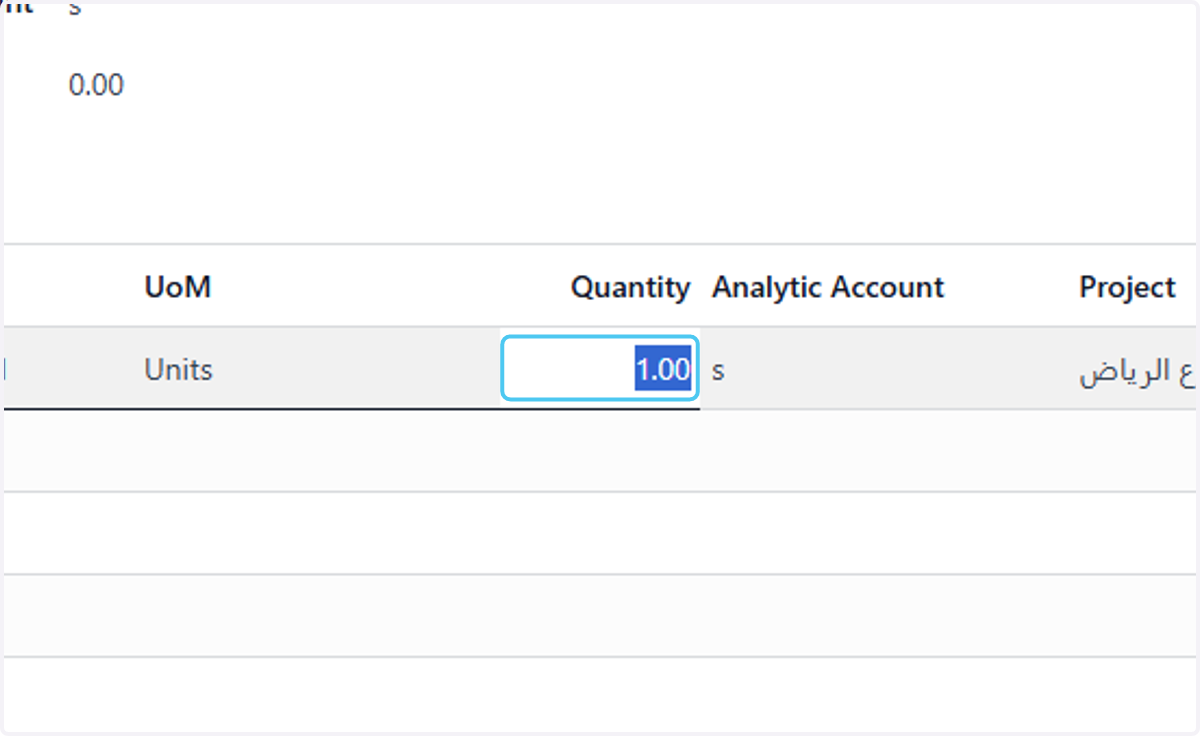
14. type the quantity
15. Click on Request Approval to go throw the required approval