How To Request a Ride
1. How to Request a Ride
This tutorial starts from your Compliant Clients Home Page
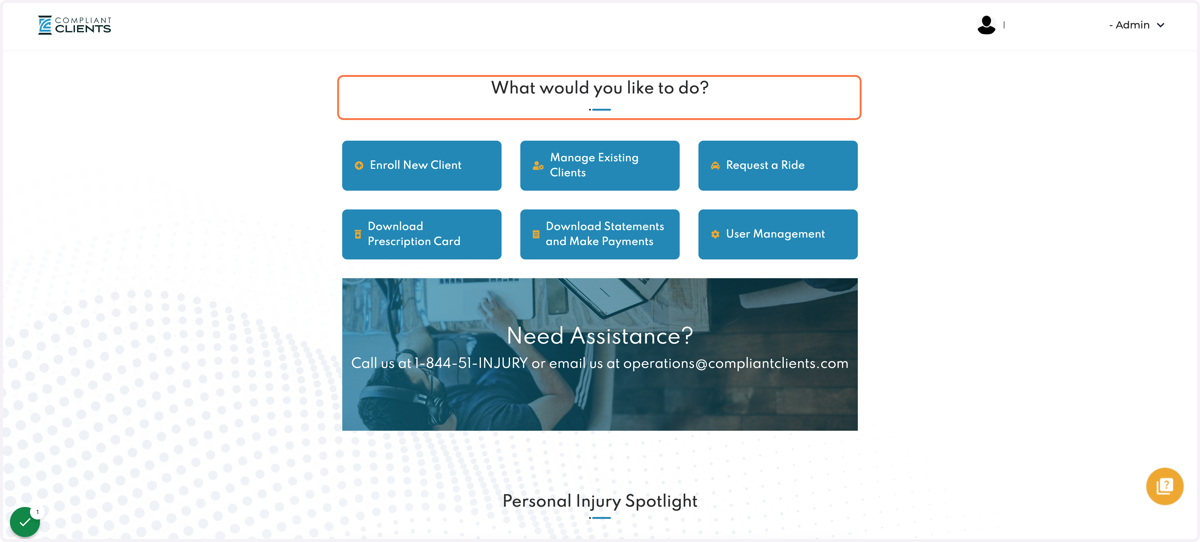
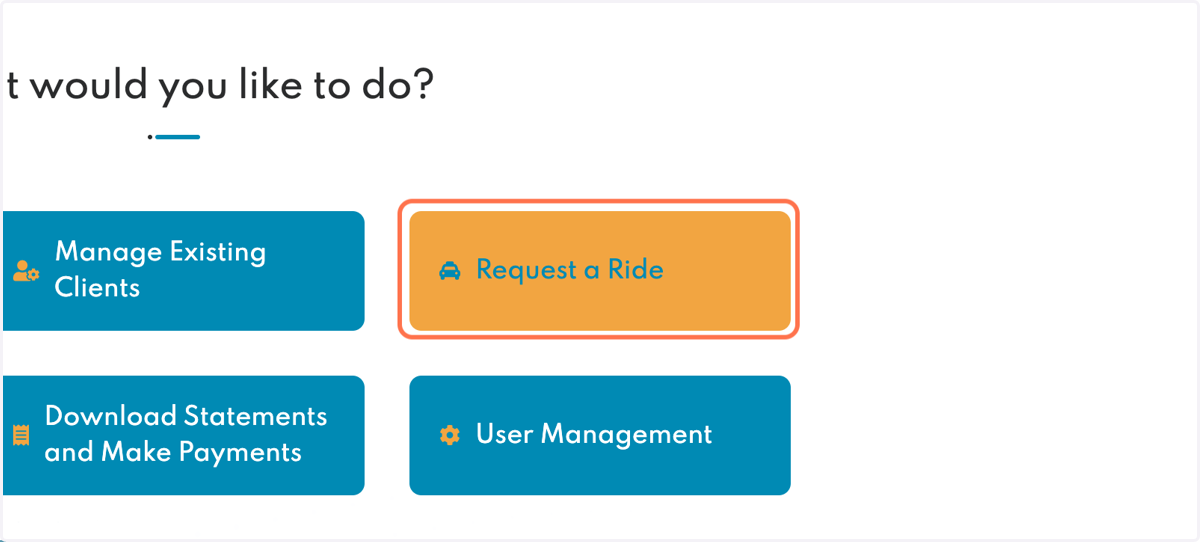
2. Click on Request a Ride
3. Select your client first
You can only request rides for ACTIVE clients whom you have already enrolled!
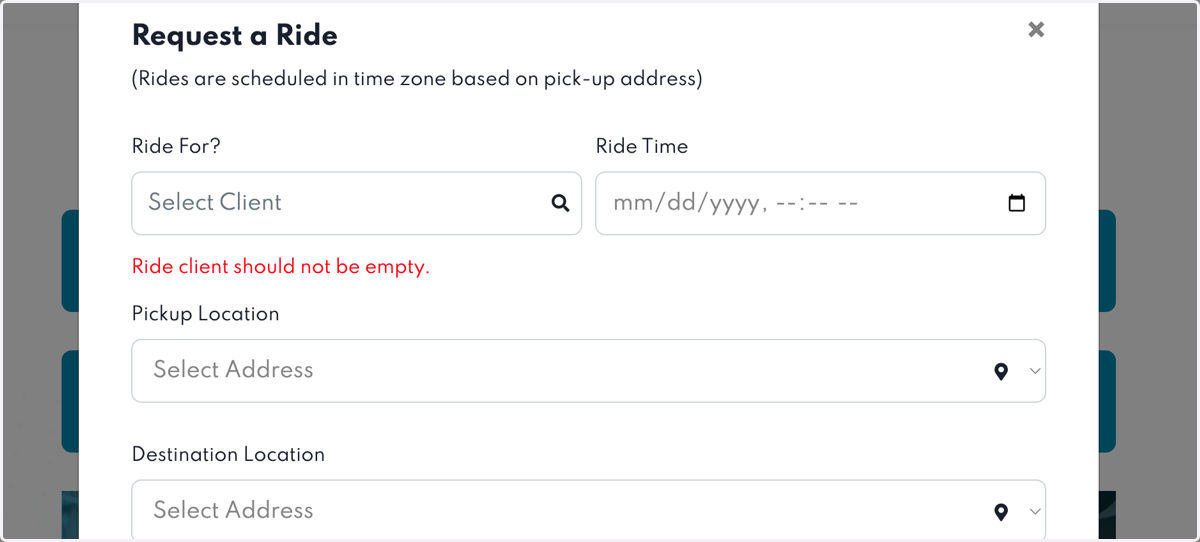
4. Click this icon to see a list of all your active clients you can choose from
You can just click within the 'Select Client' box to view your active client list
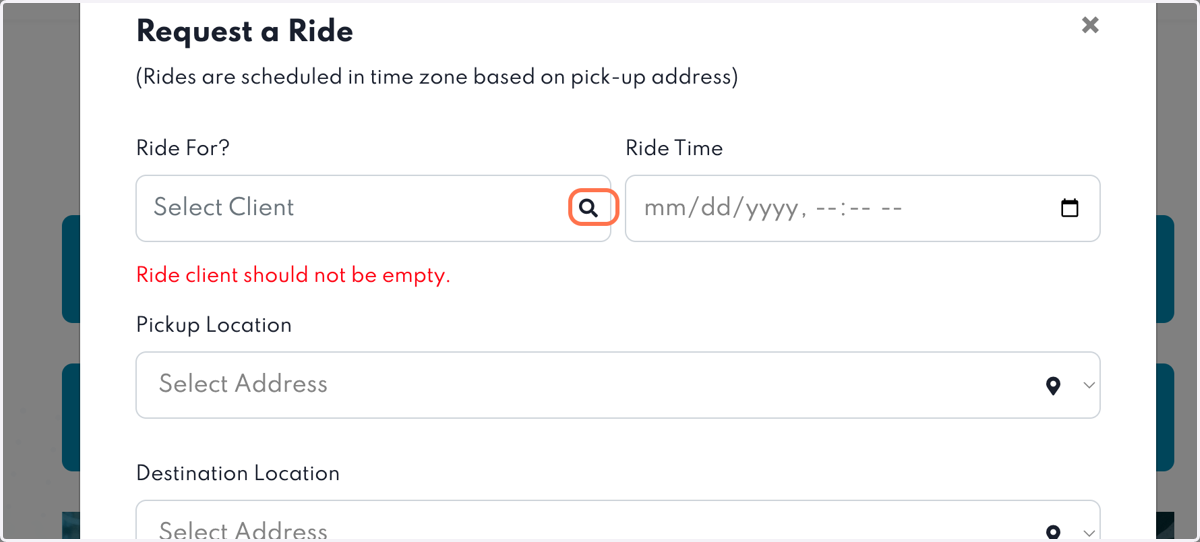
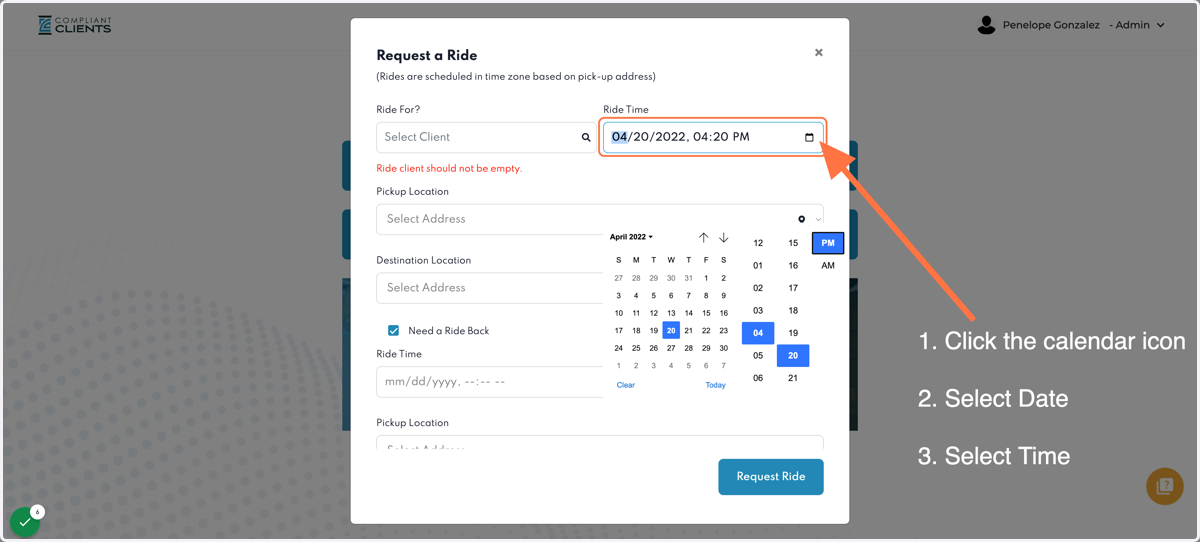
5. Select the requested time of the ride
Click the 'Calendar' icon on the right side. Make sure to bake in enough time for your client to make their appointment on time, depending on the ride's distance.
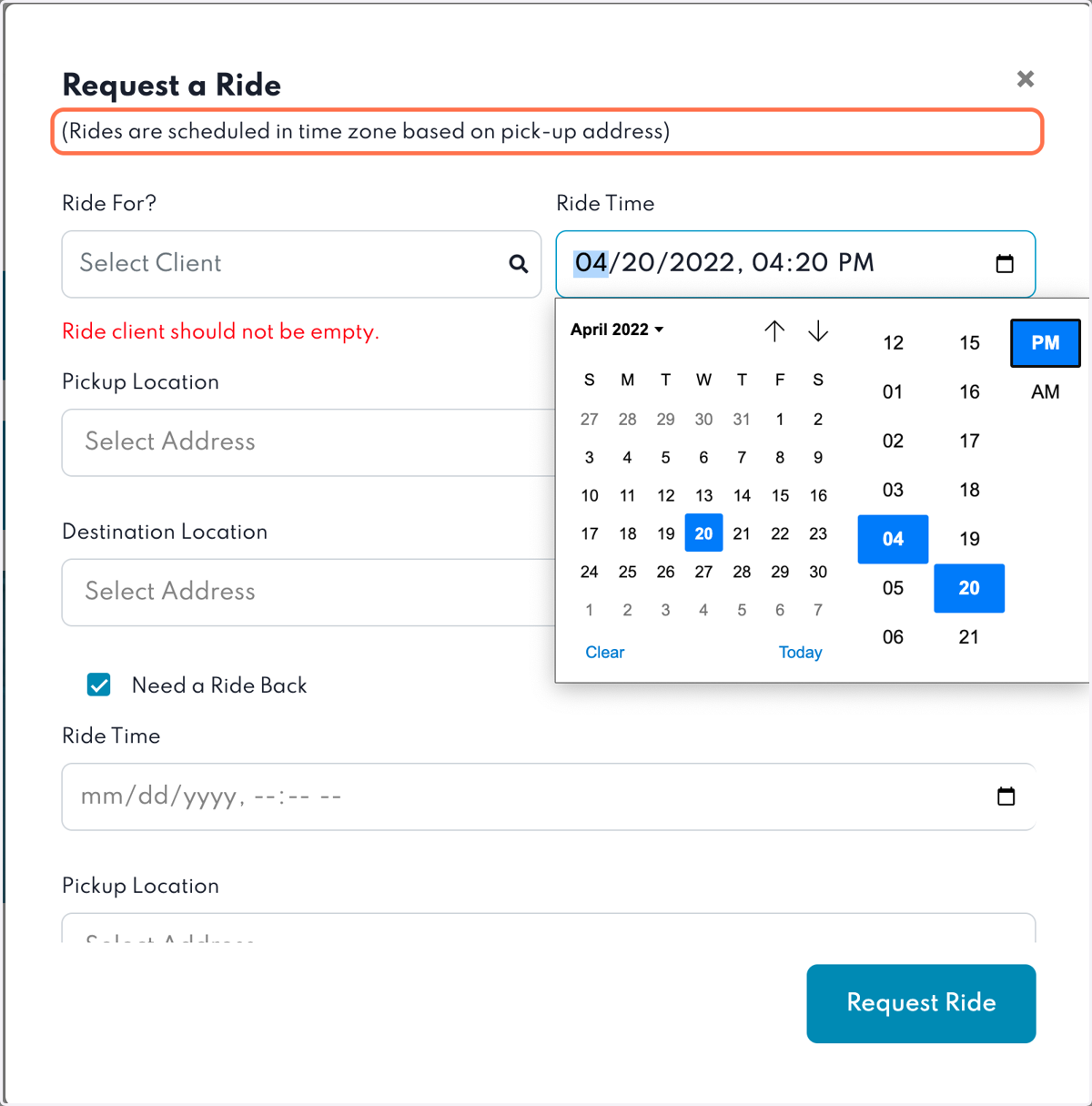
6. Please note: Rides are scheduled in the time zone based on pick-up address!
7. Enter the Pickup Address
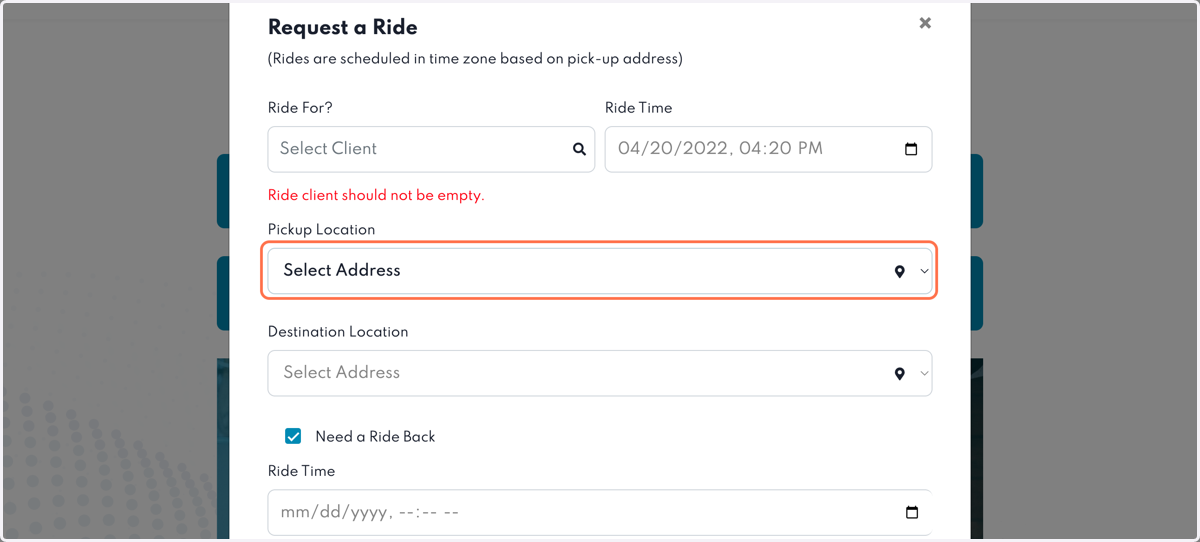
8. Save yourself some time - your client's home address is saved from their enrollment!
No need to re-enter their home address - assuming it is the same address from enrollment, you can choose it from our handy dropdown menu!
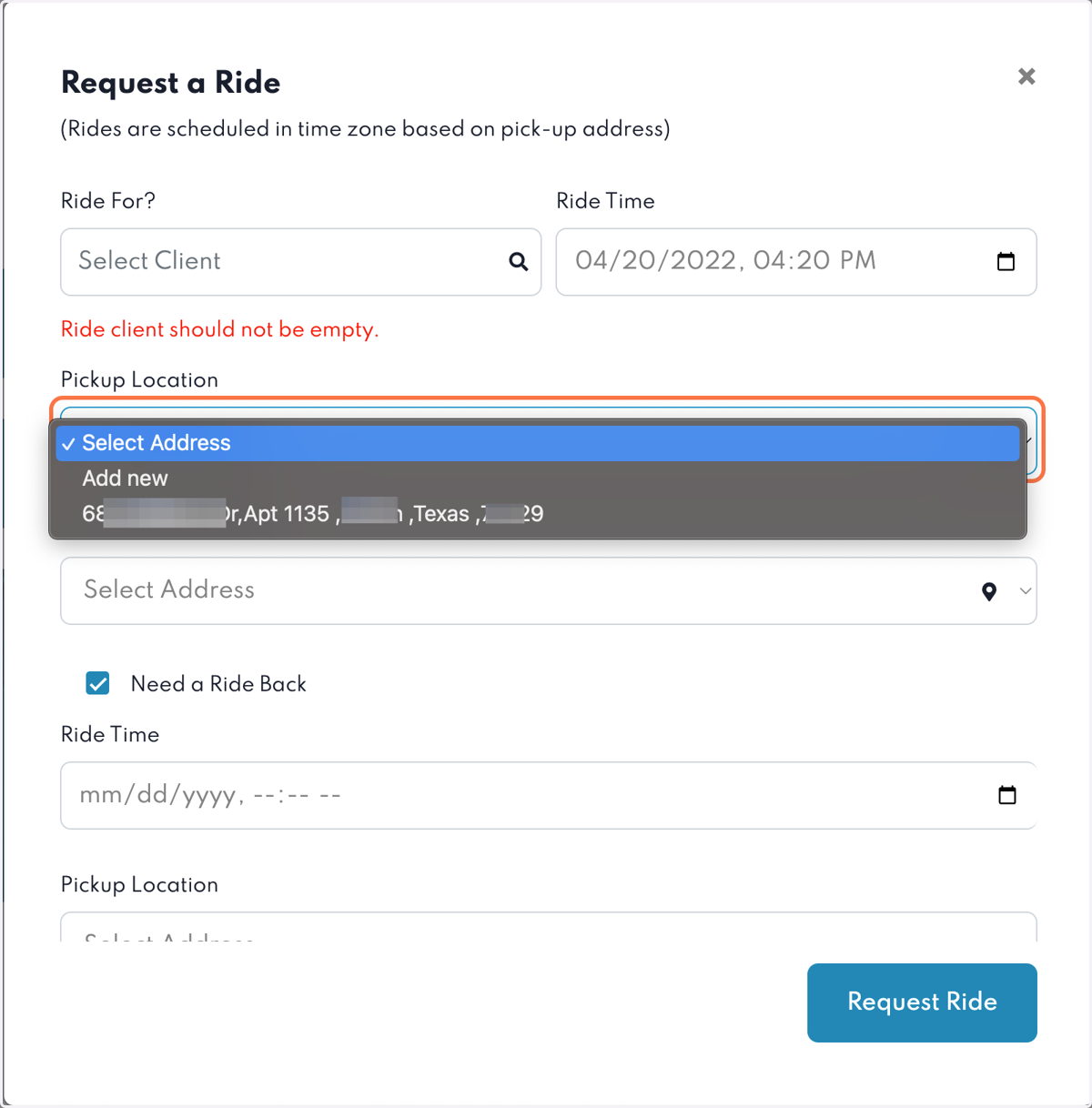
9. Enter the destination address
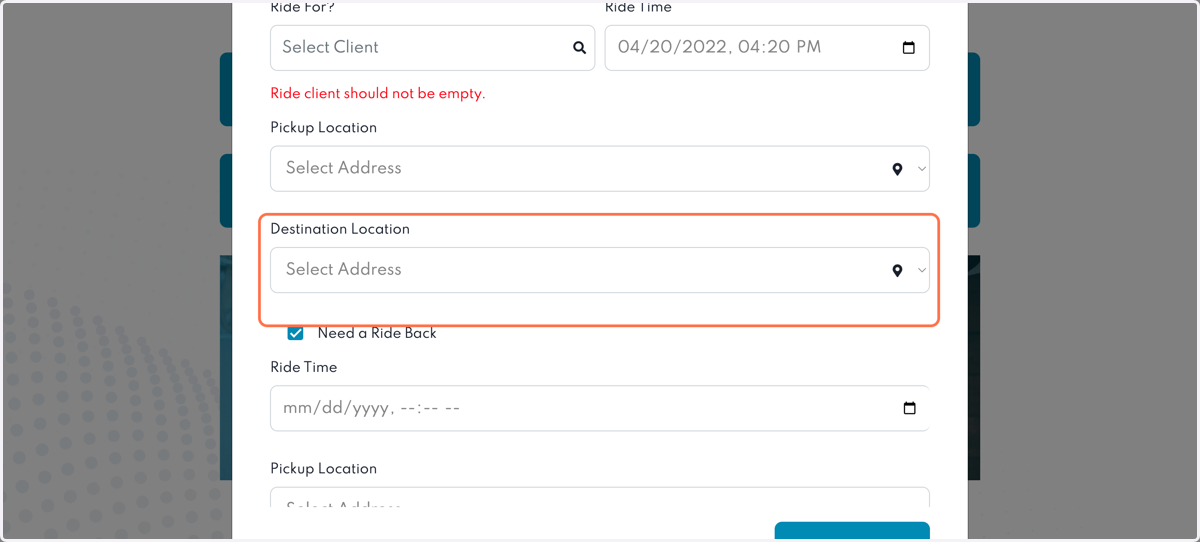
10. If this is a one way trip request, make sure to unselect this option
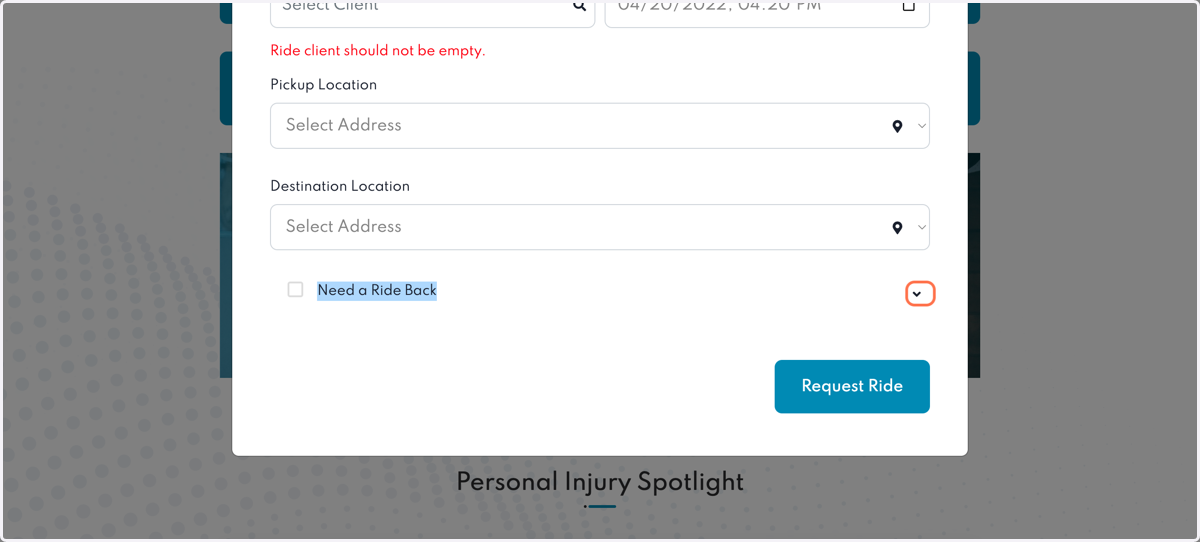
11. If your client needs a ride back, select this option!
Fill out all the details of their ride back here.
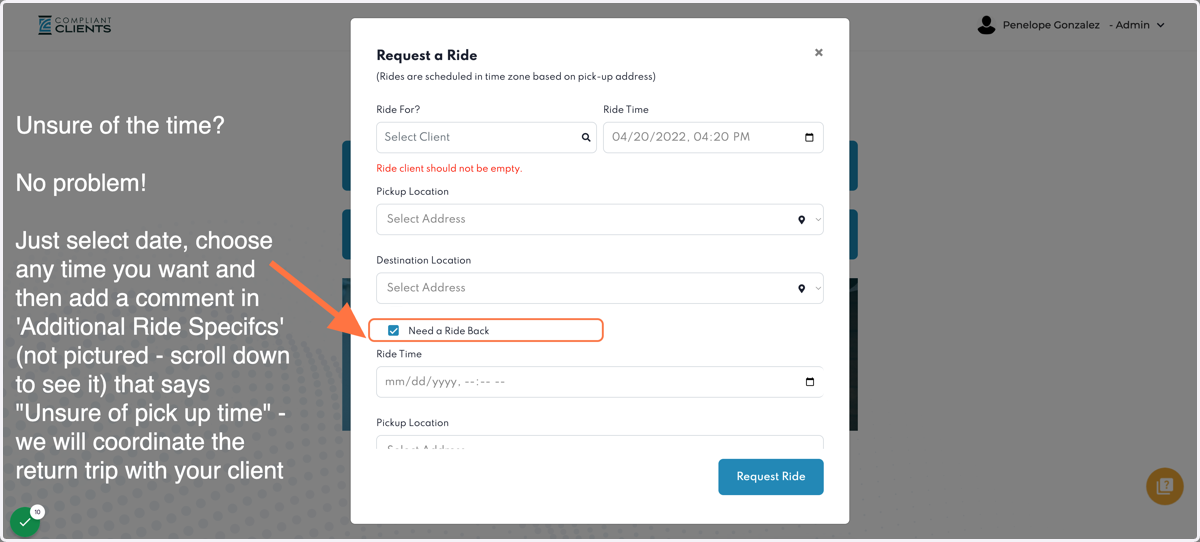
12. Add ride specific details if needed
This section is optional
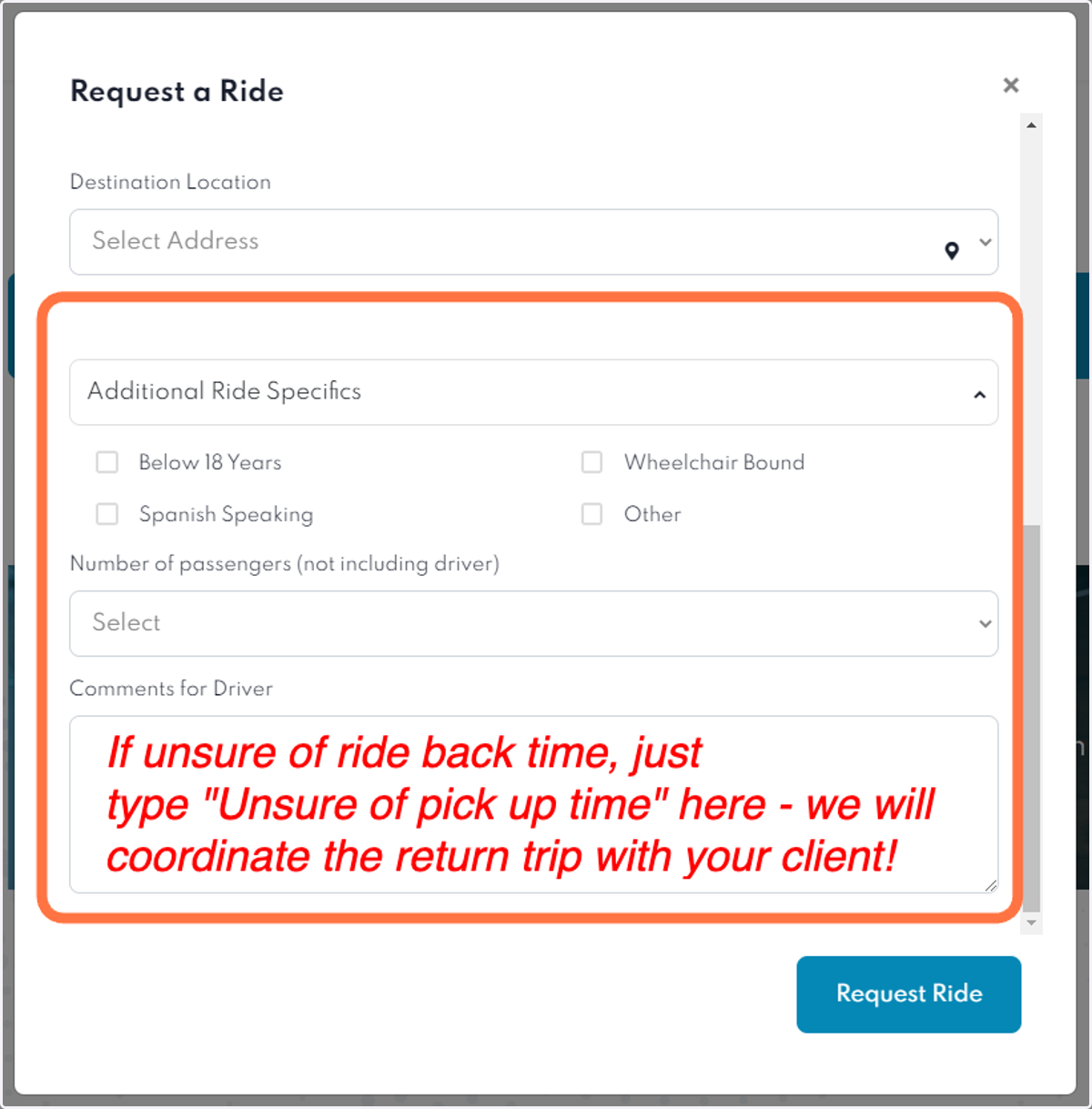
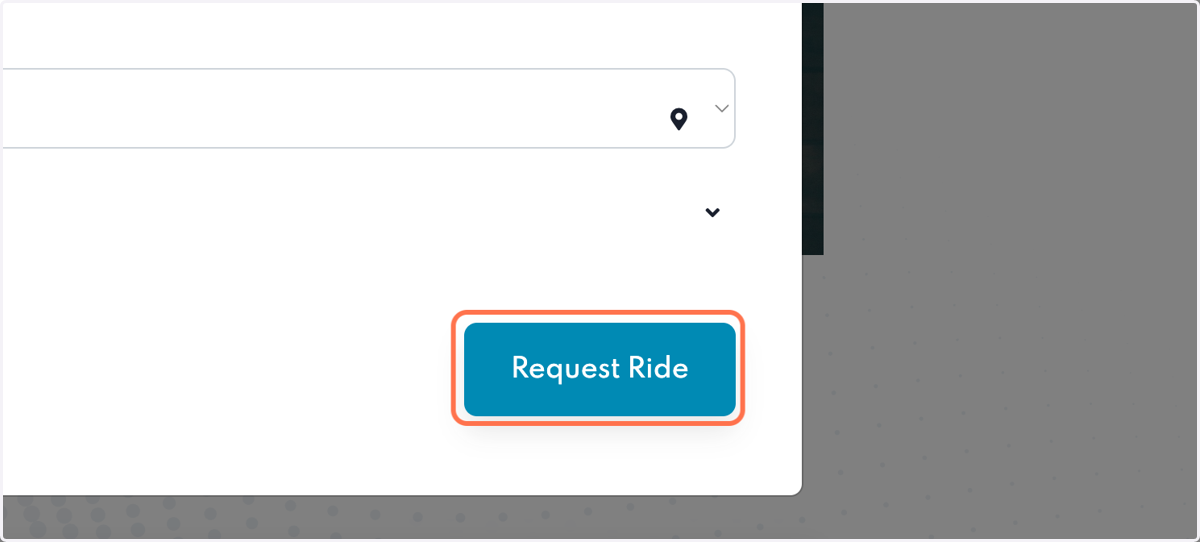
13. Request your ride!
After your ride has been requested, our case management team will email you once your ride has been scheduled.