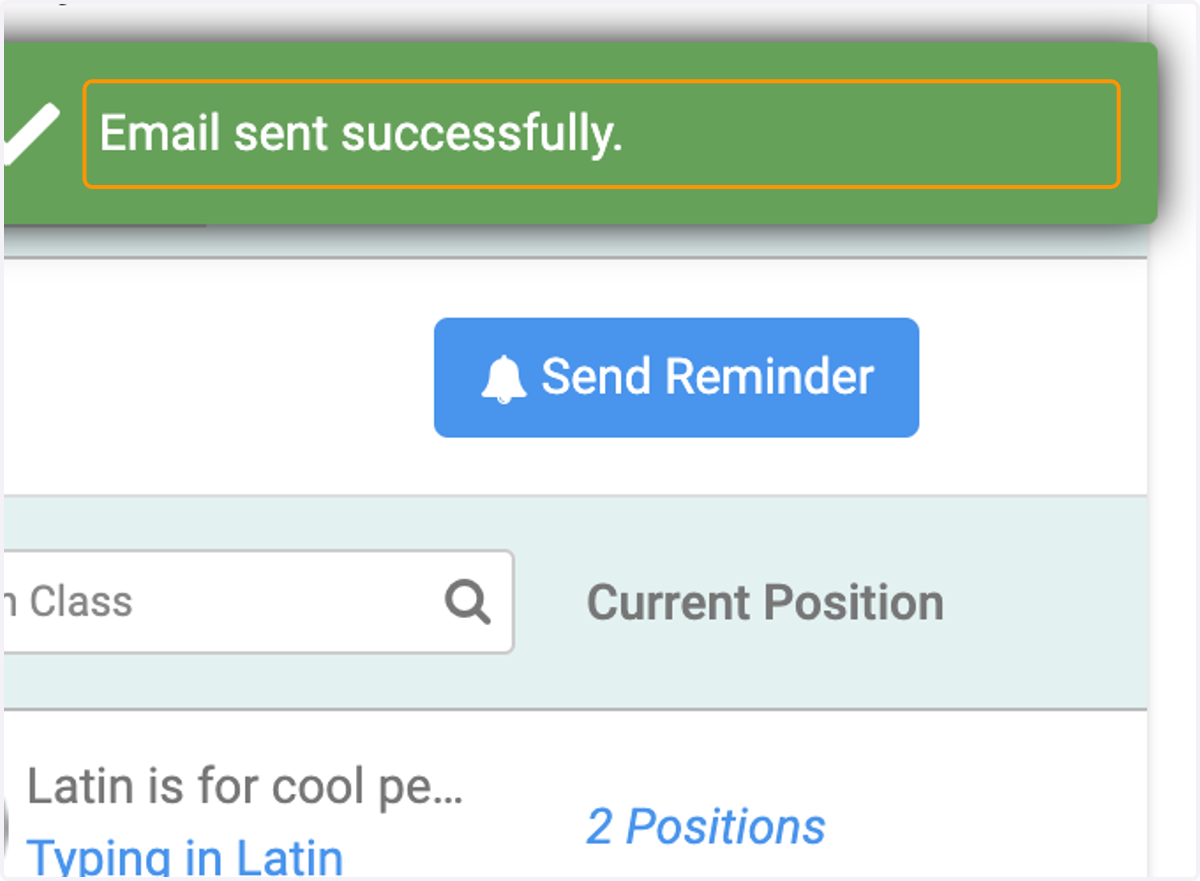
How to send a reminder to Approvers for Pending Requests
XSBA Home: Powered by Engagifii
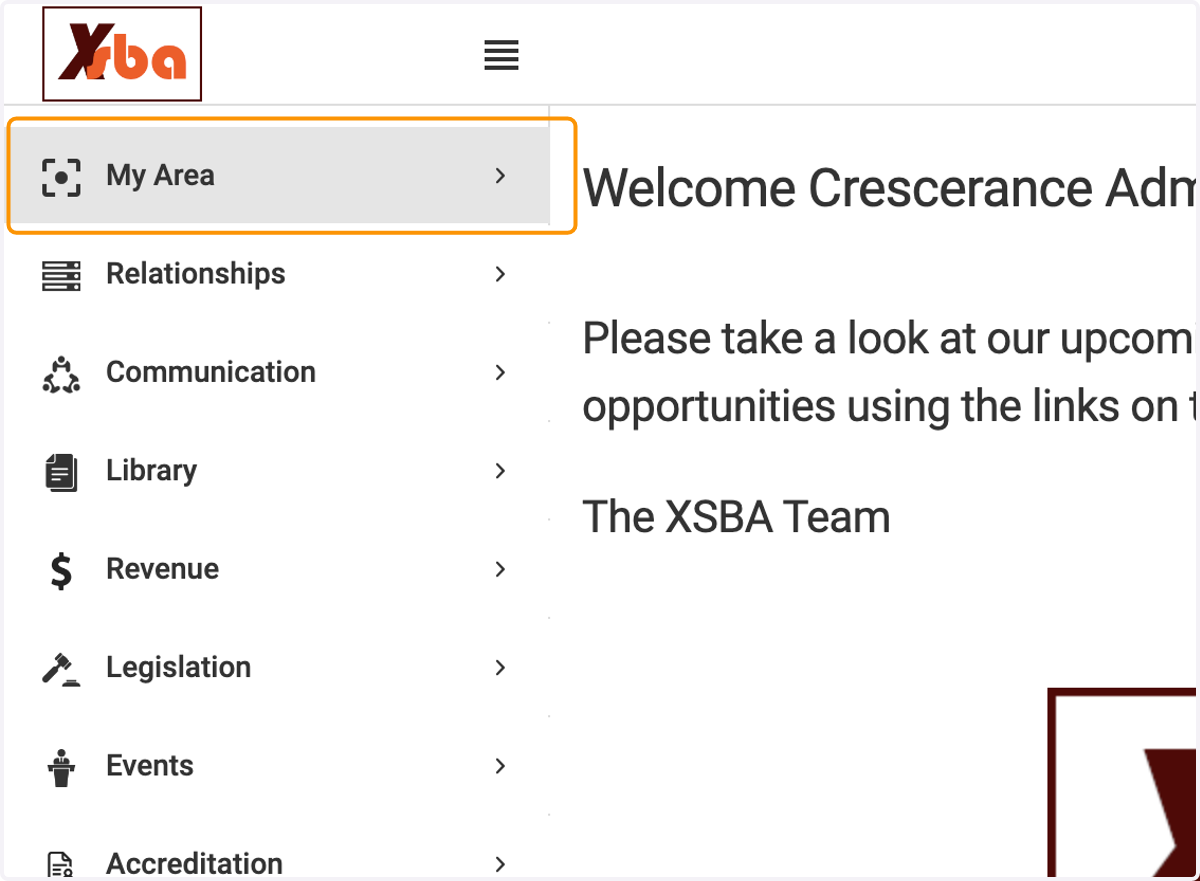
1. Click on My Area
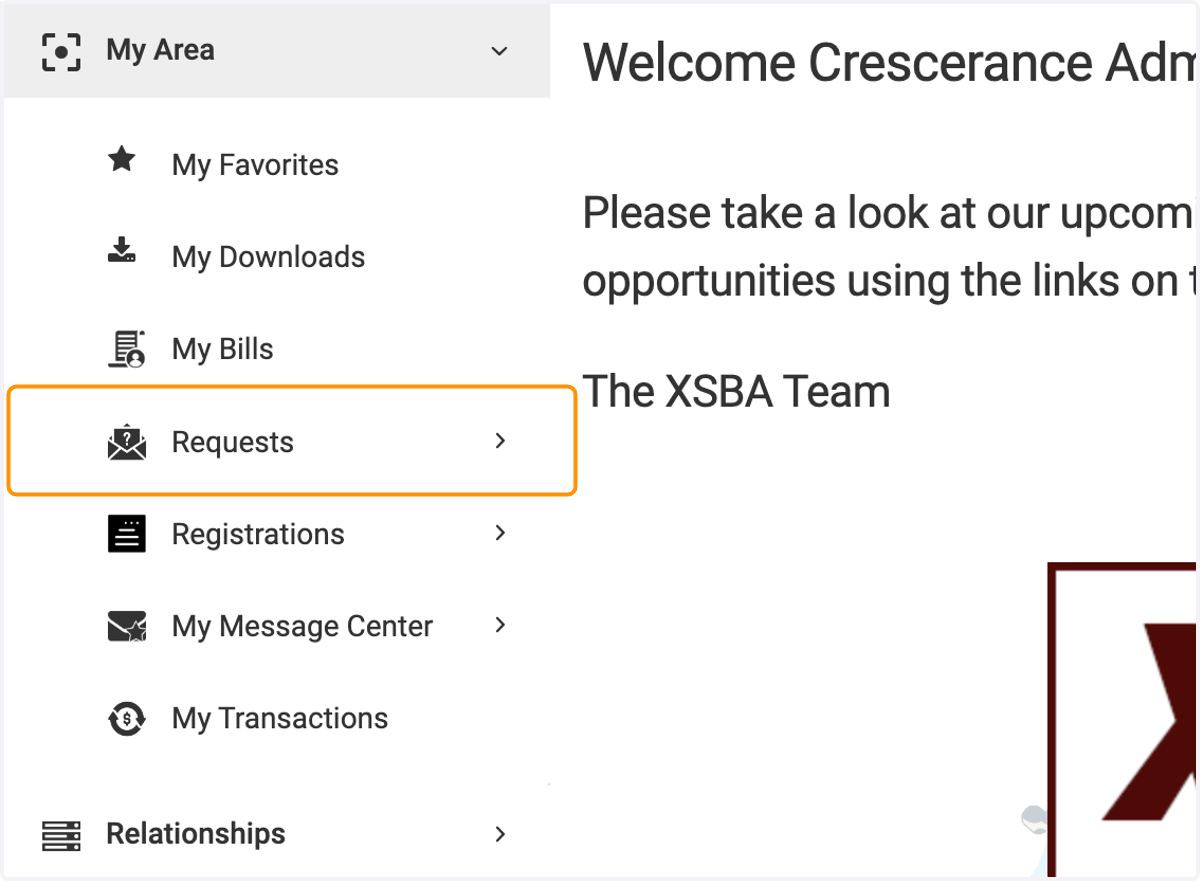
2. Click on Requests
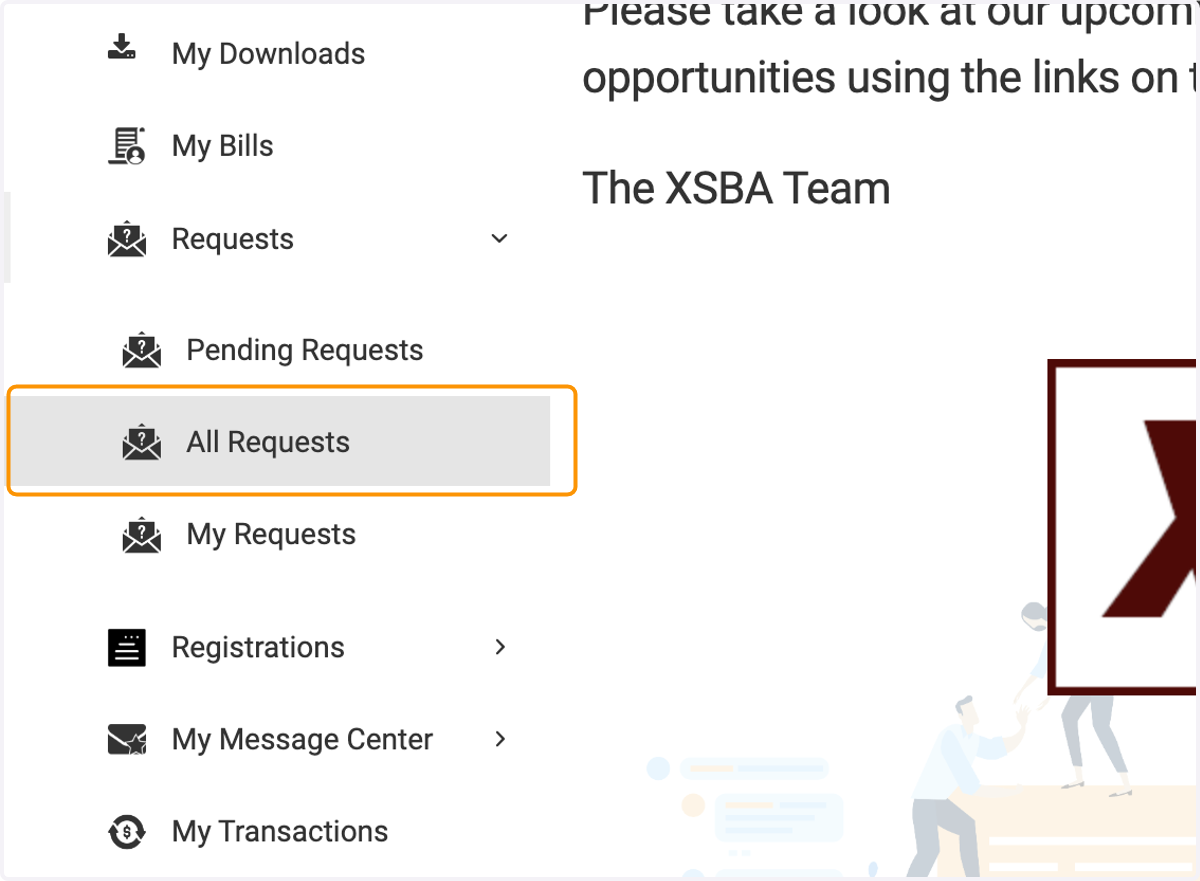
3. Click on All Requests
4. Click on highlight
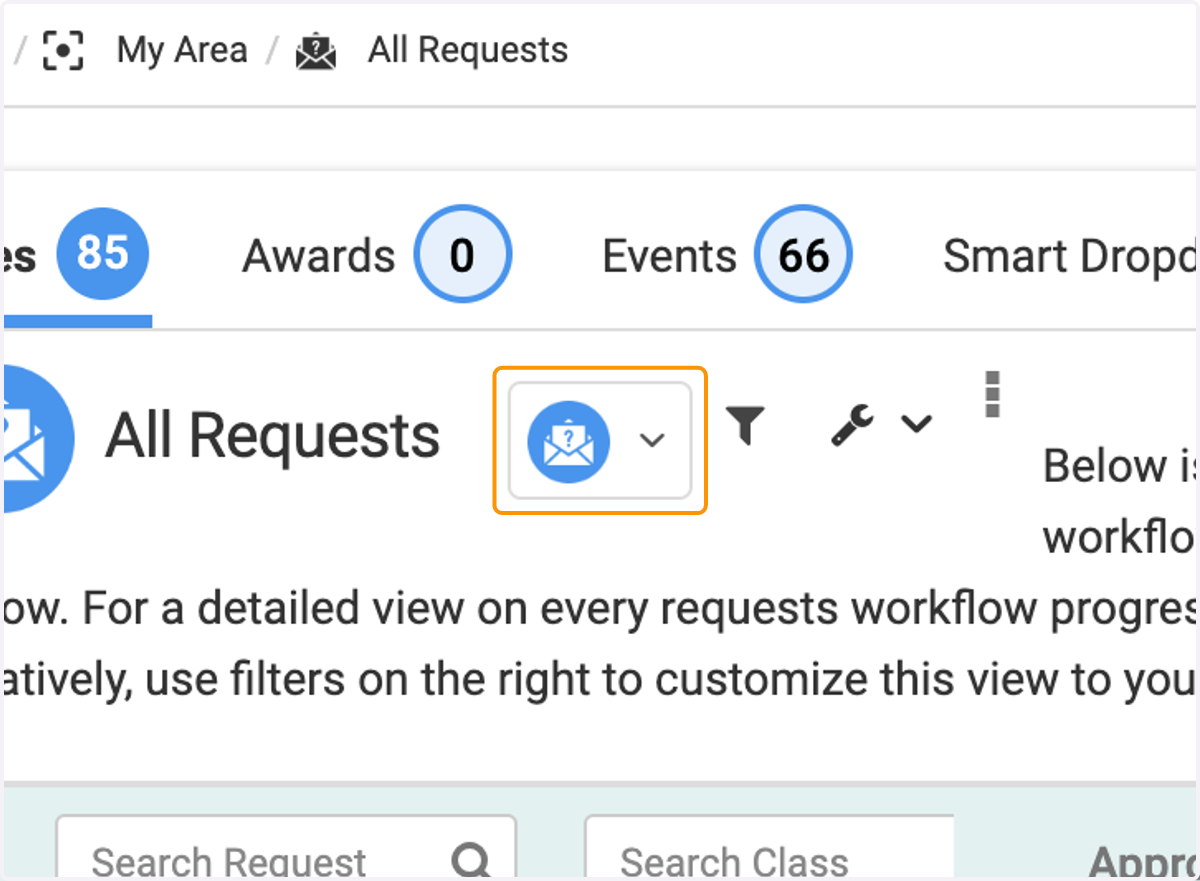
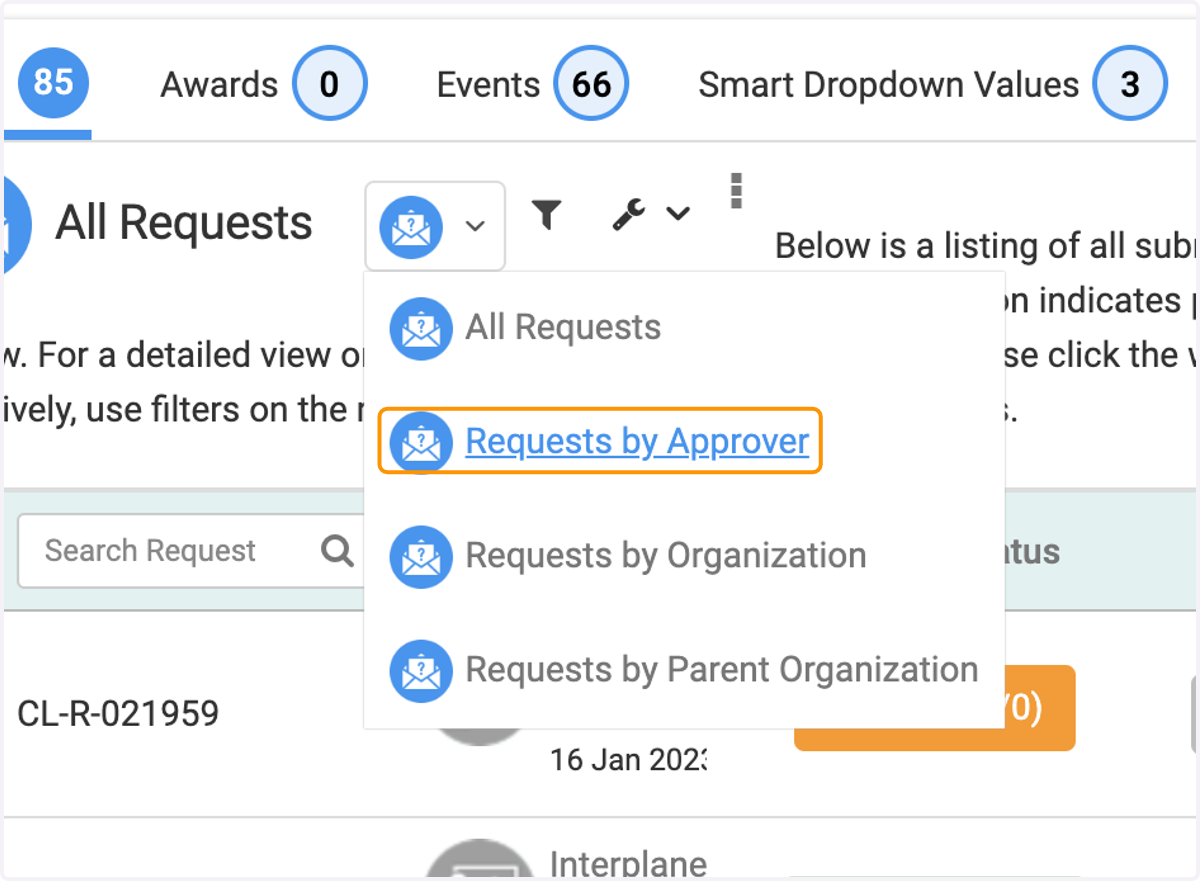
5. Click on Requests by Approver
6. You can view the pending requests awaiting an approver to approve.
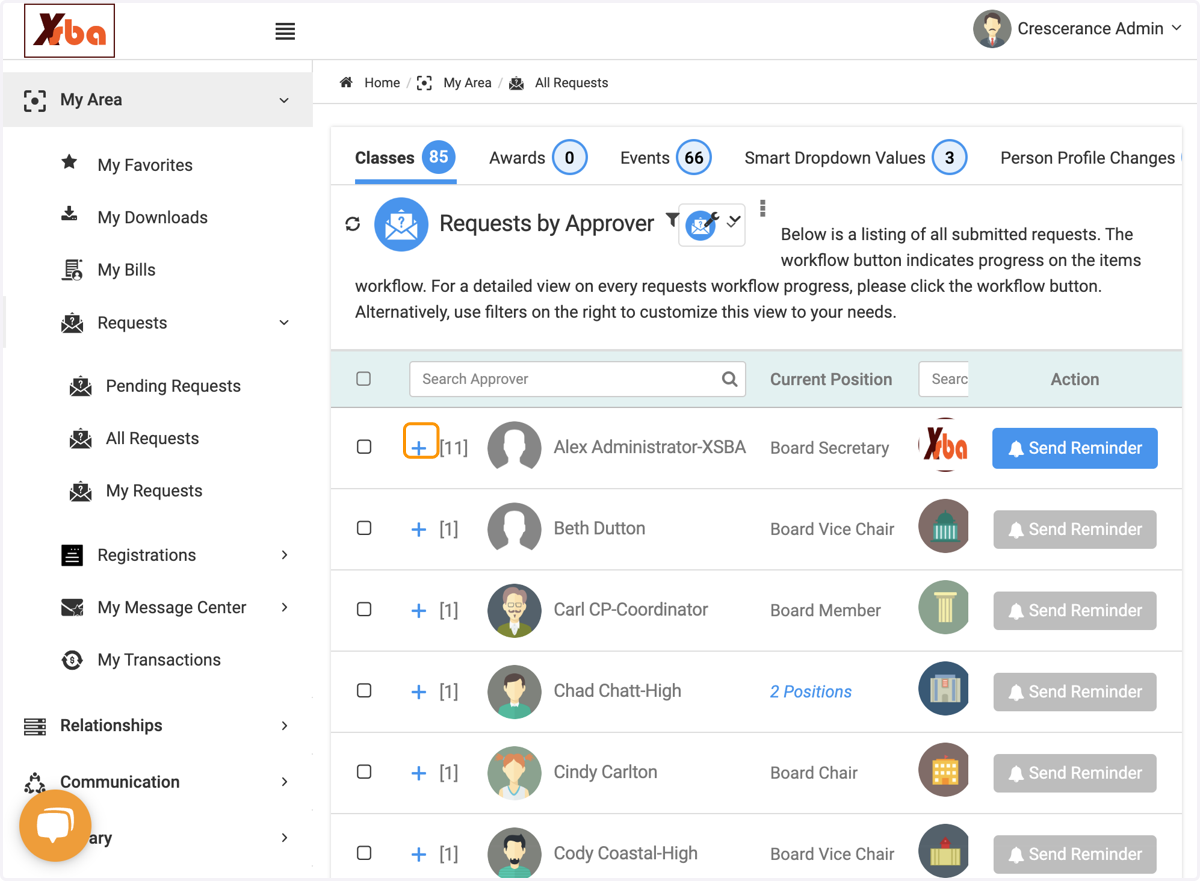
7. Click on Send Reminder
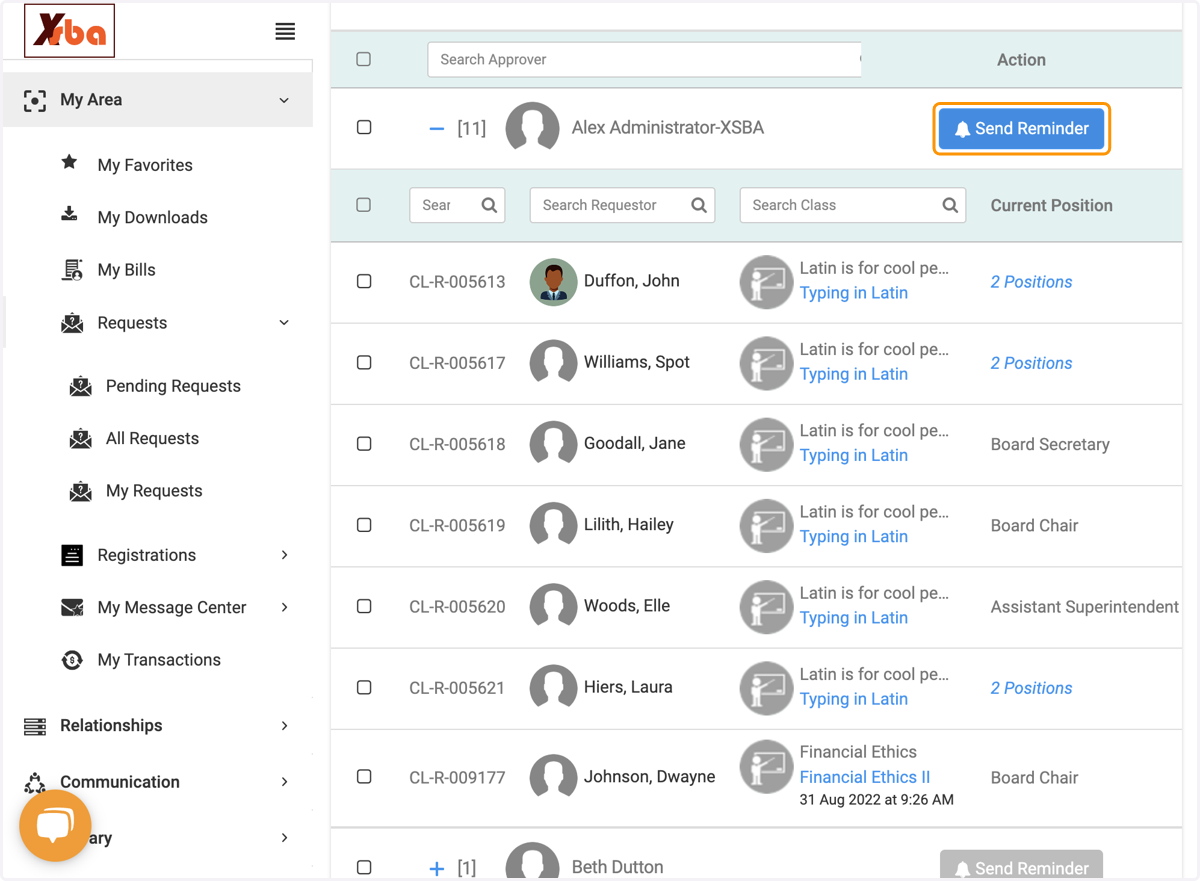
8. An email with a list of pending approvals will populate.
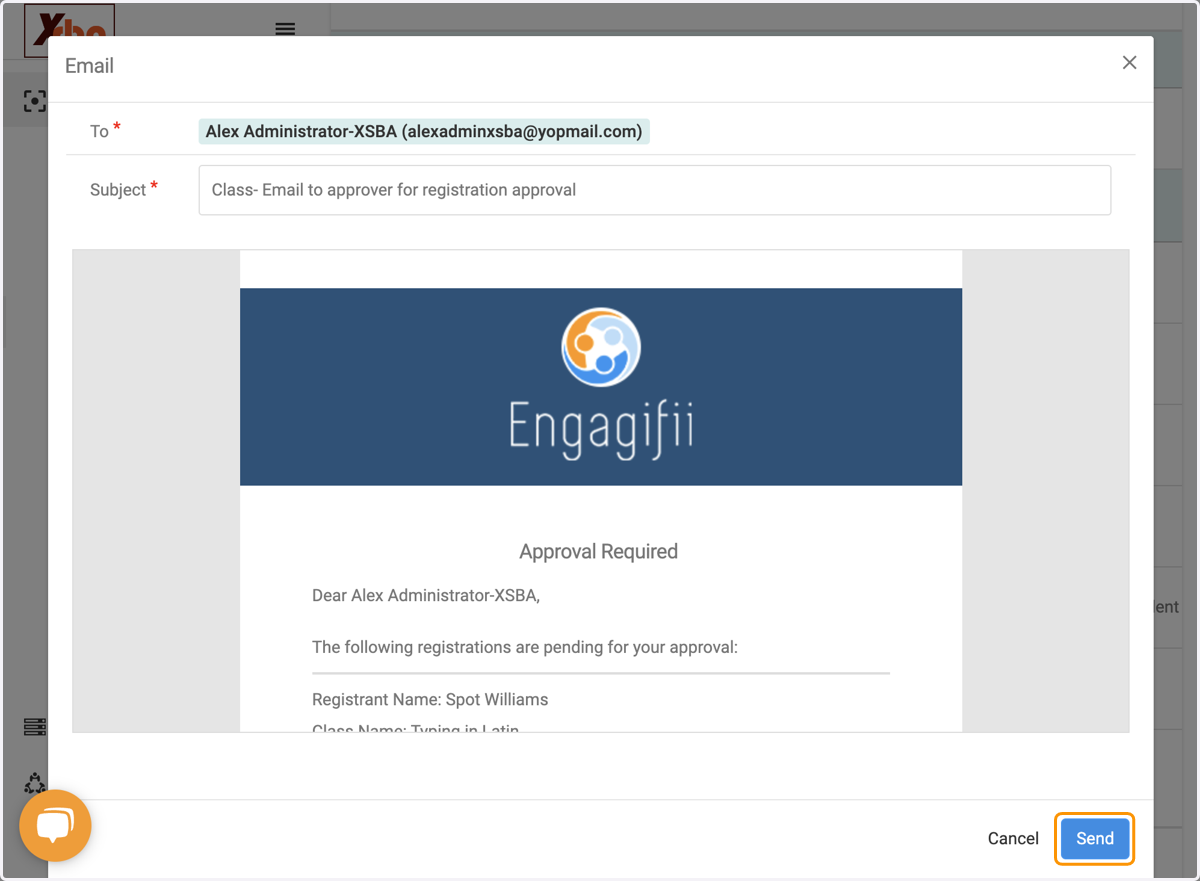
9. Click on send
10. Reminder Email is Sent