How to edit an employee profile
Enrollify Employee
1. Go to the Login Page
Use URL https://ee.enrollify.app/ to login.

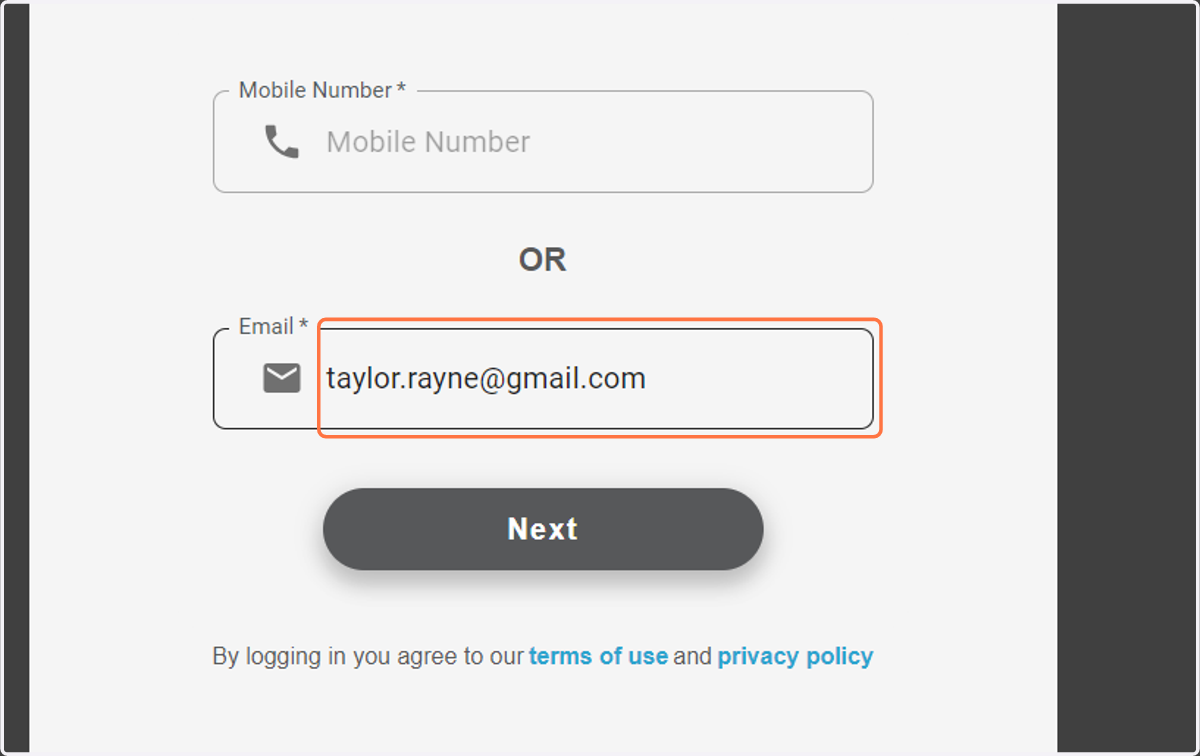
2. Add you Mobile Number or Email
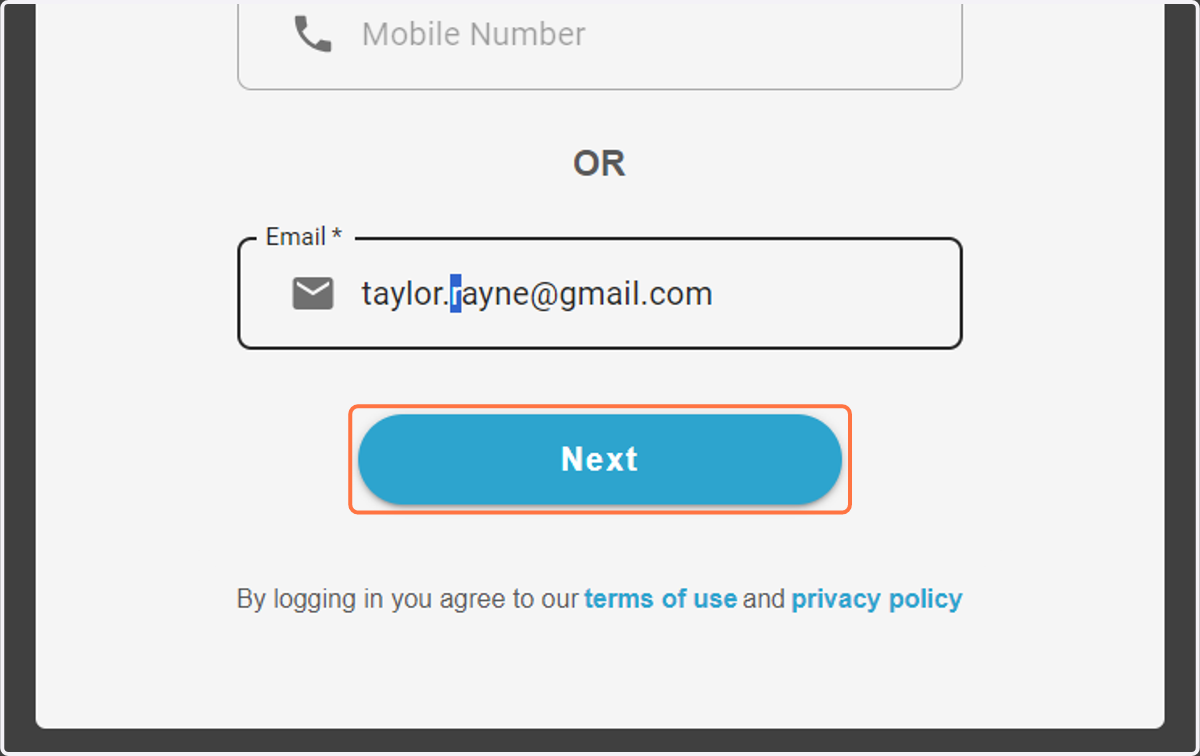
3. Click on Next
4. Add your Password
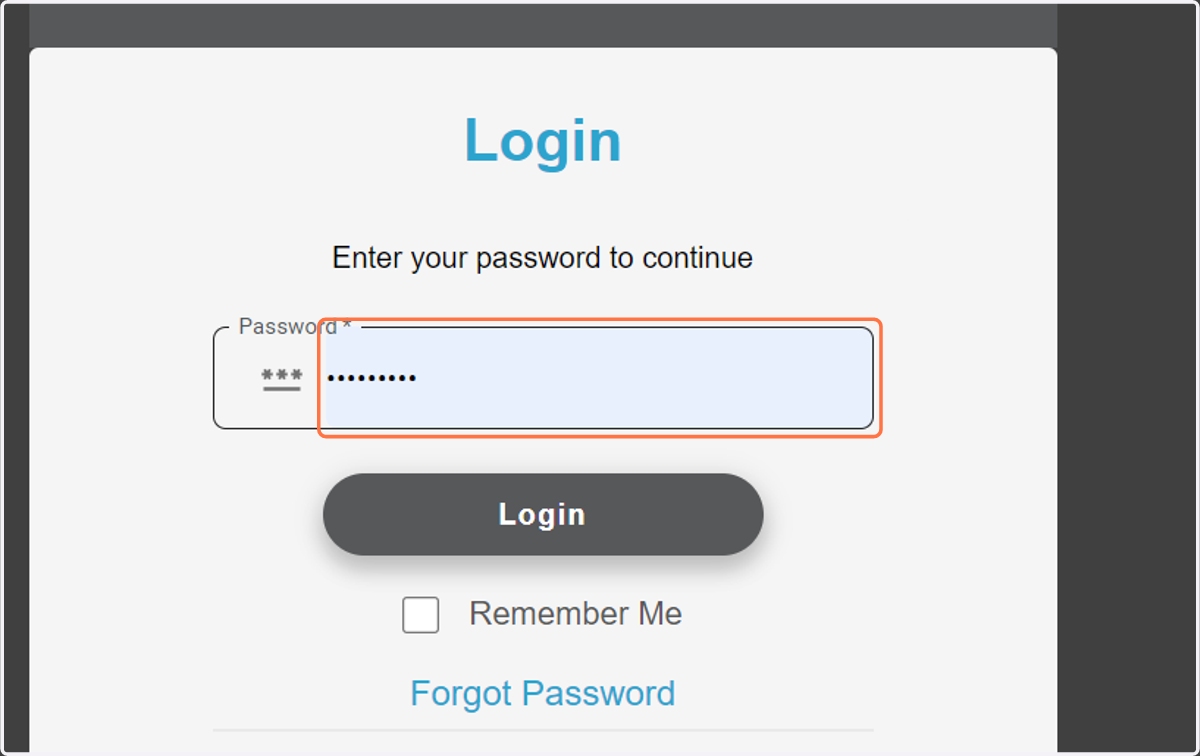
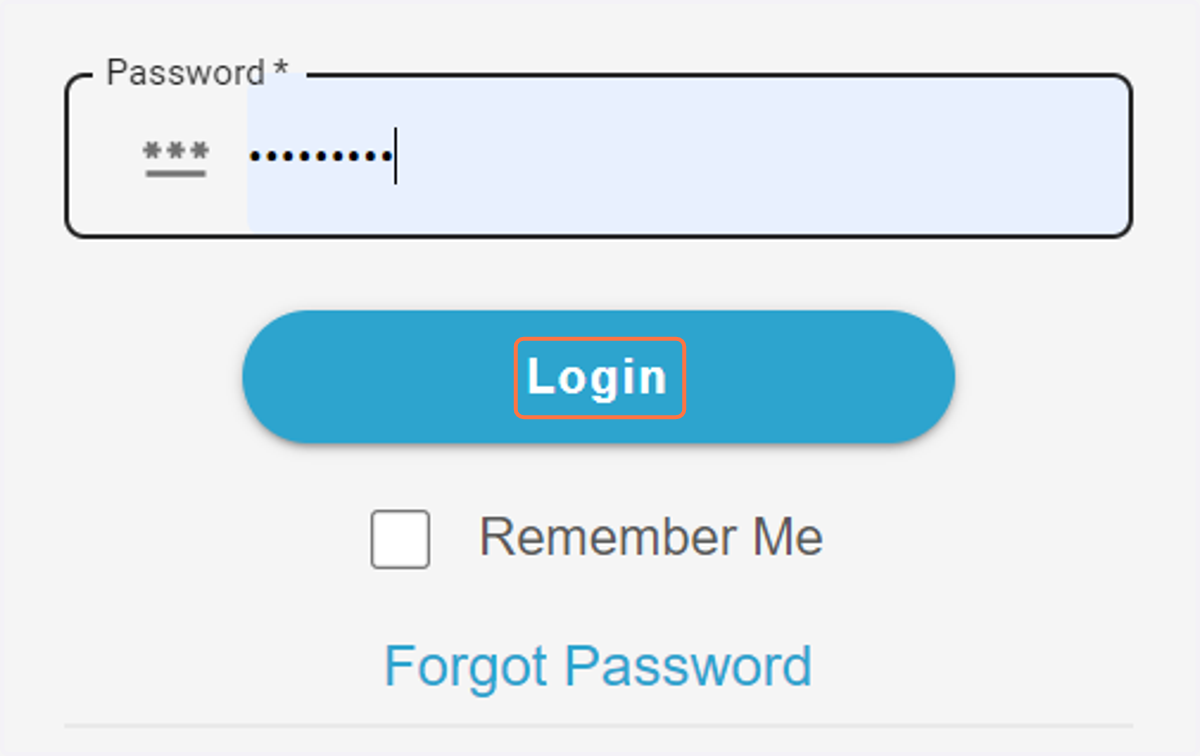
5. Click on Login
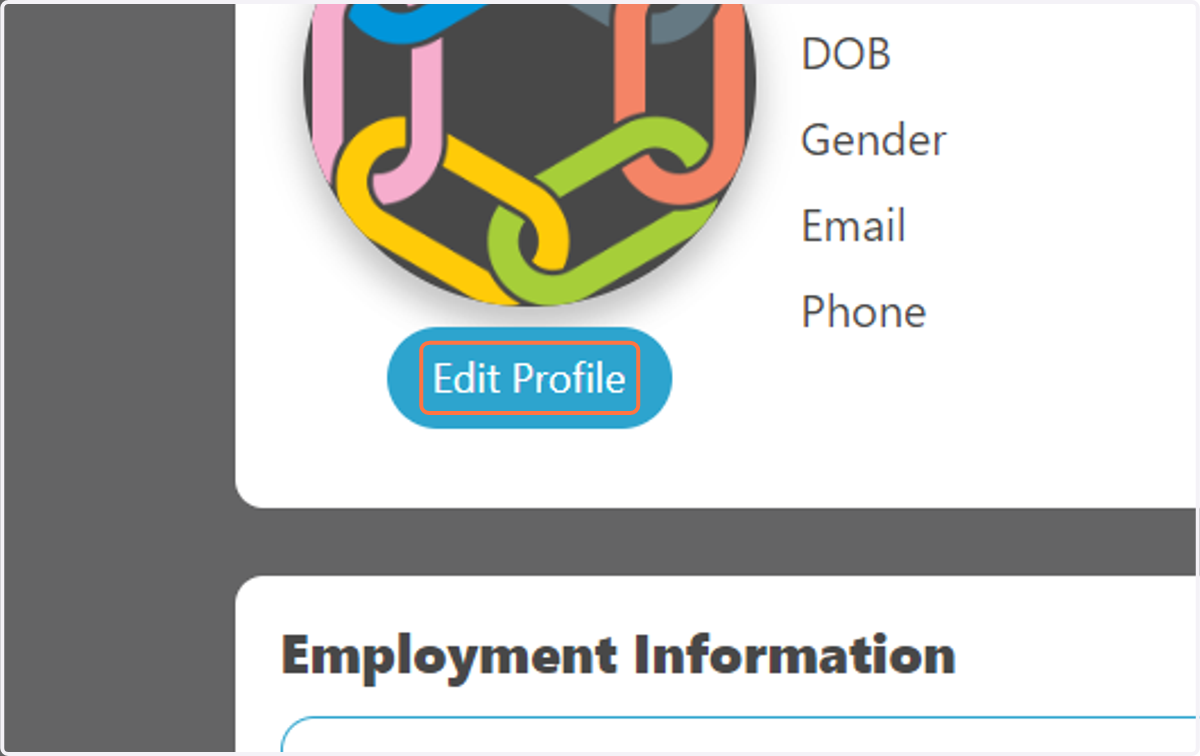
6. Click on Edit Profile
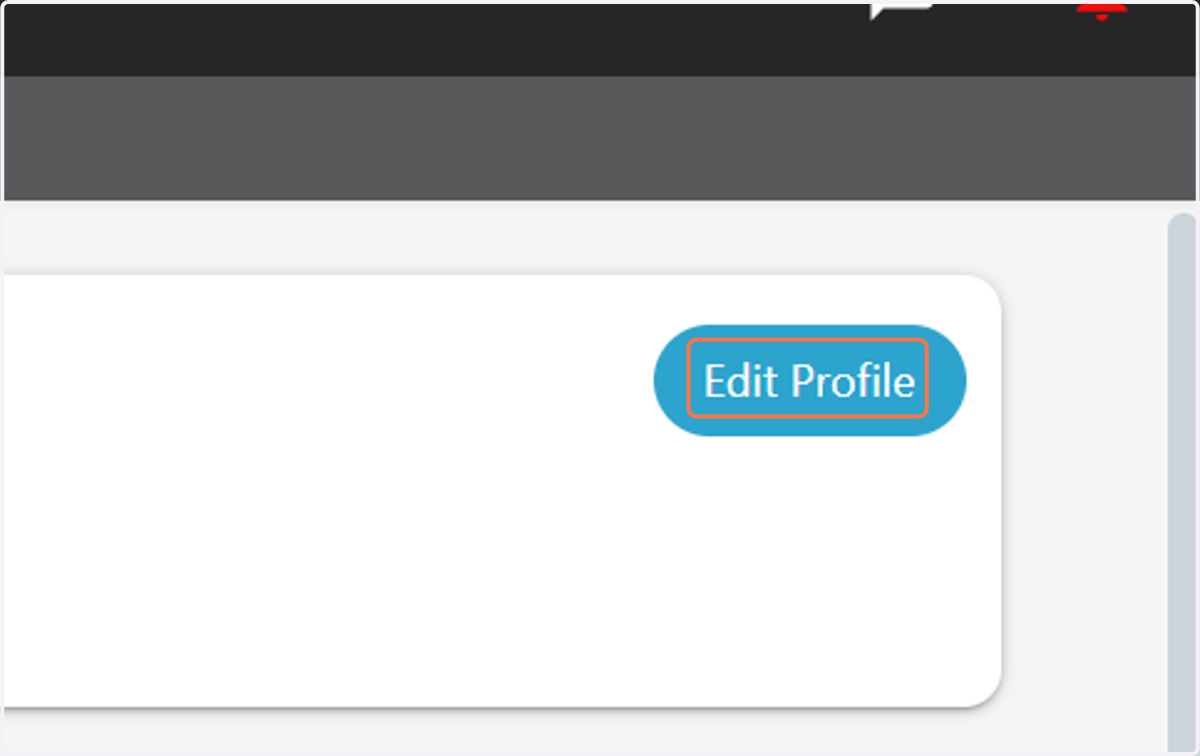
7. Click on Edit Profile
8. Make any necessary changes
Here you are able to change your Name, Date of Birth, Gender, Address, and Contact Information.
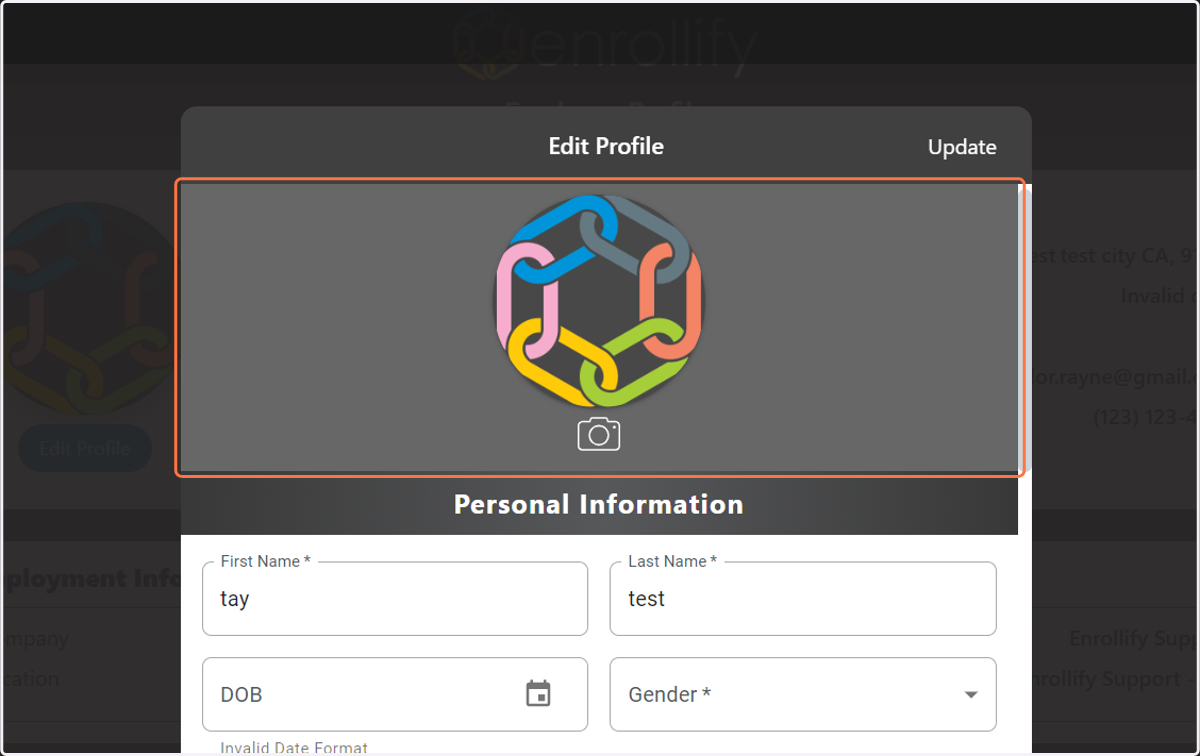
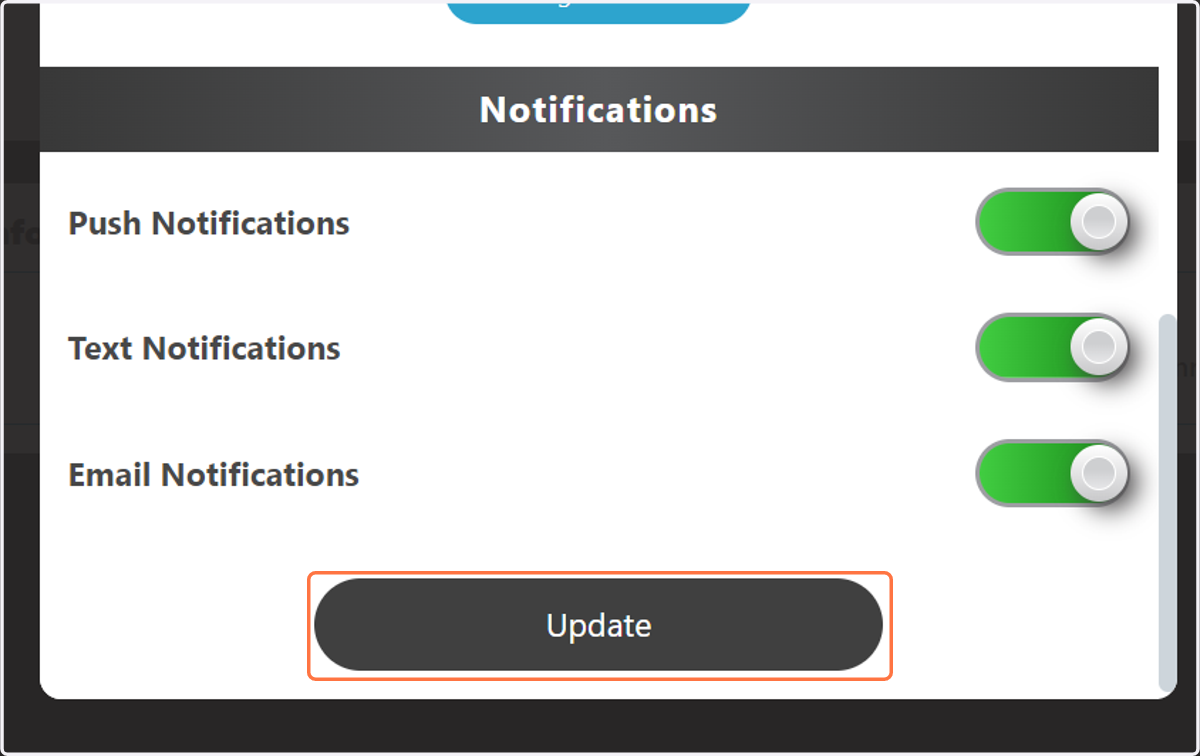
9. Click on Update
10. Exit out