Out Payments to Vendor

Odoo

Settings

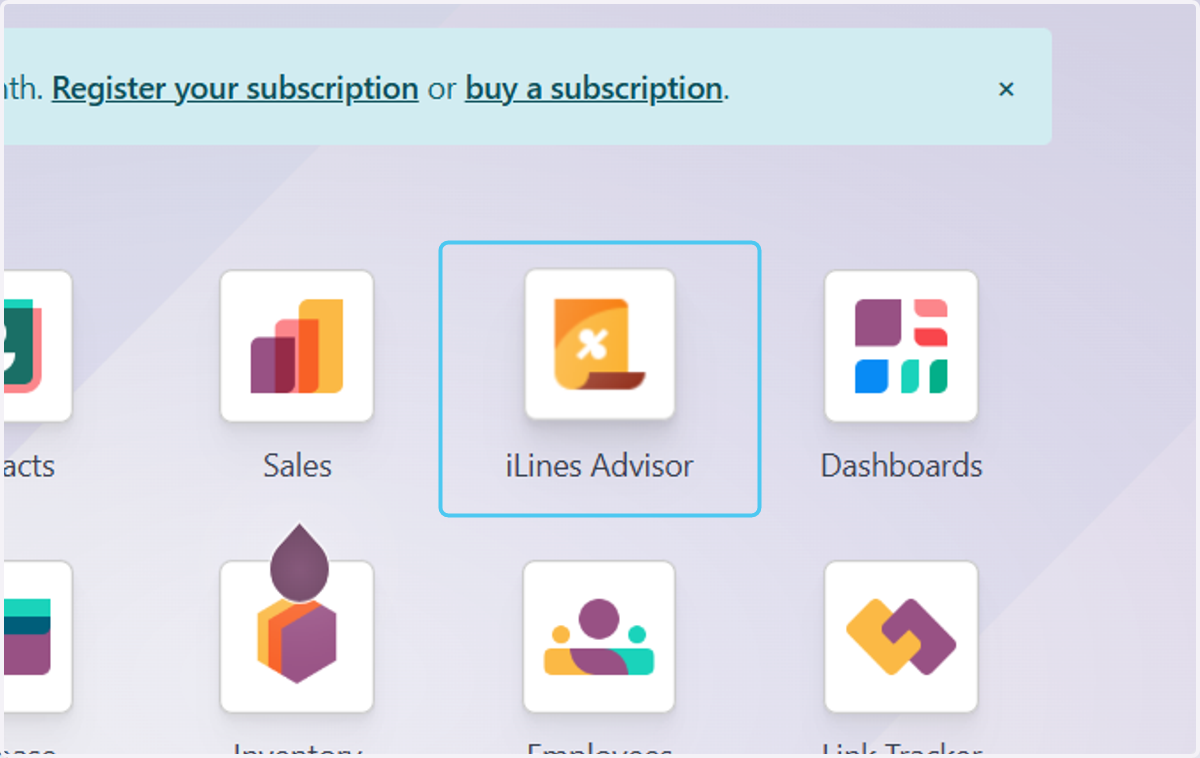
  1. 1. Click on iLines Advisor

    Click on iLines Advisor
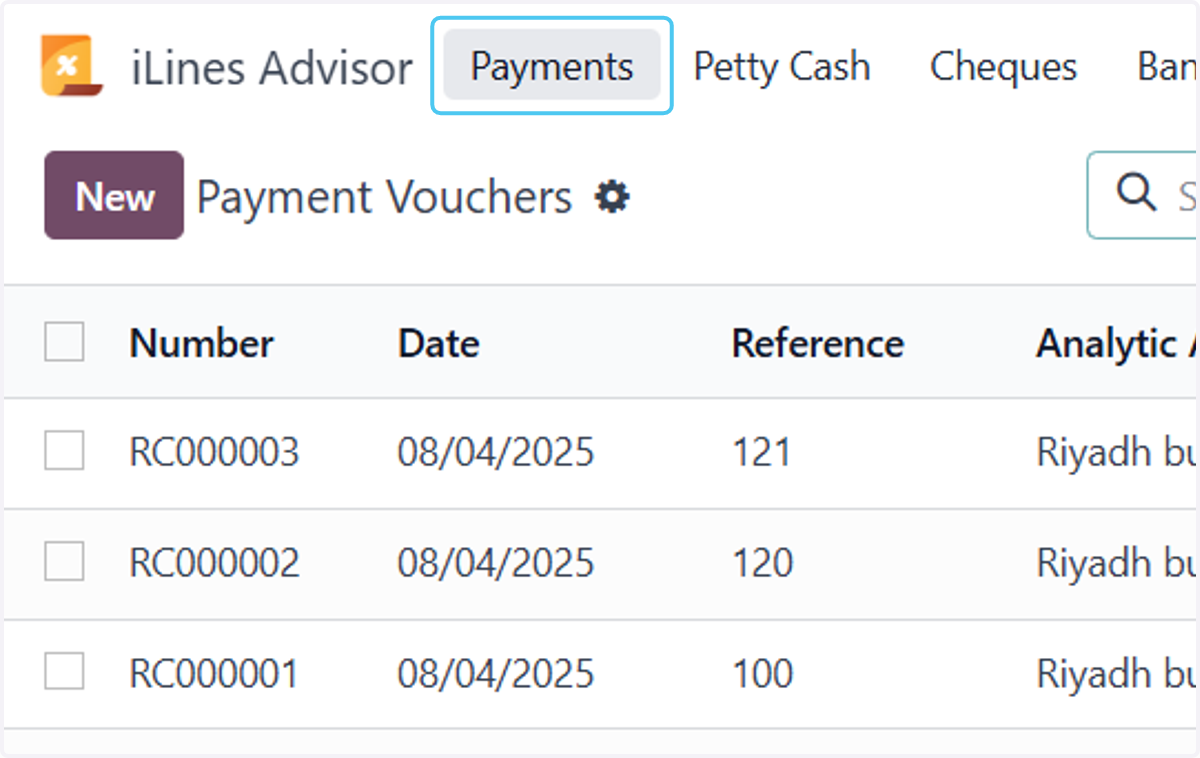
  2. 2. Click on Payments

    Click on Payments
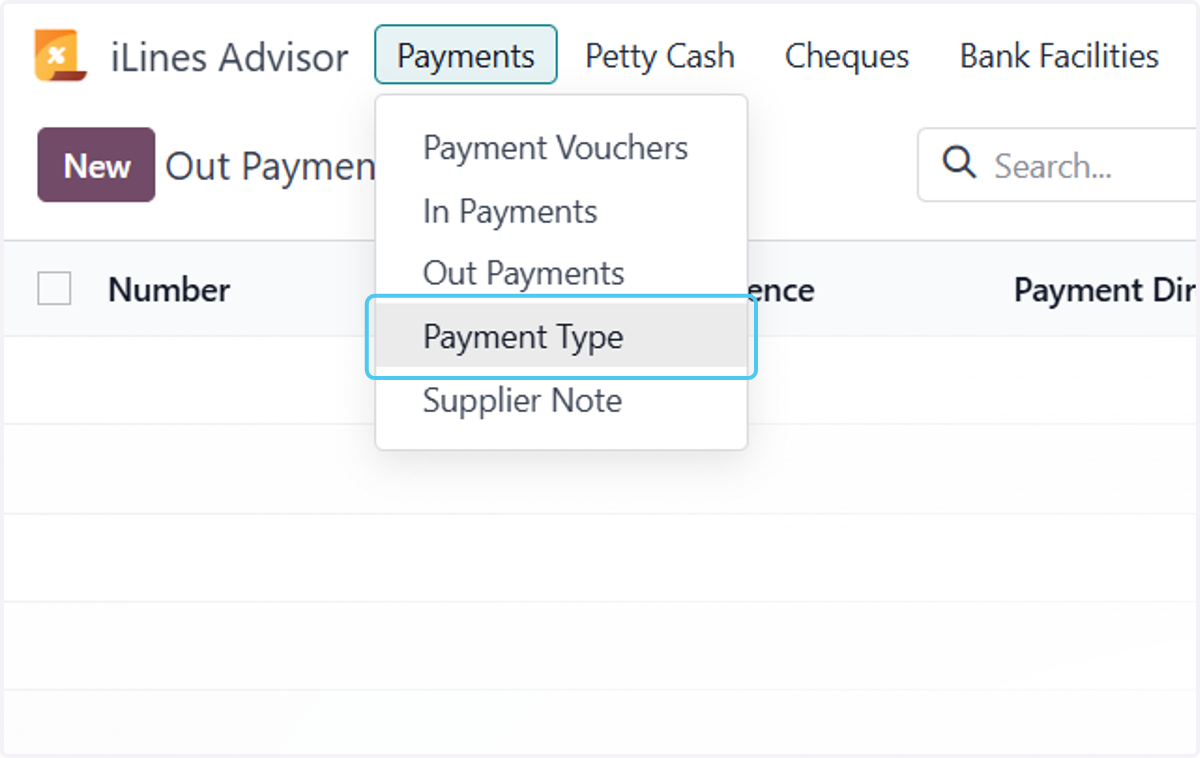
  3. 3. Click on Payment Type

    Click on Payment Type
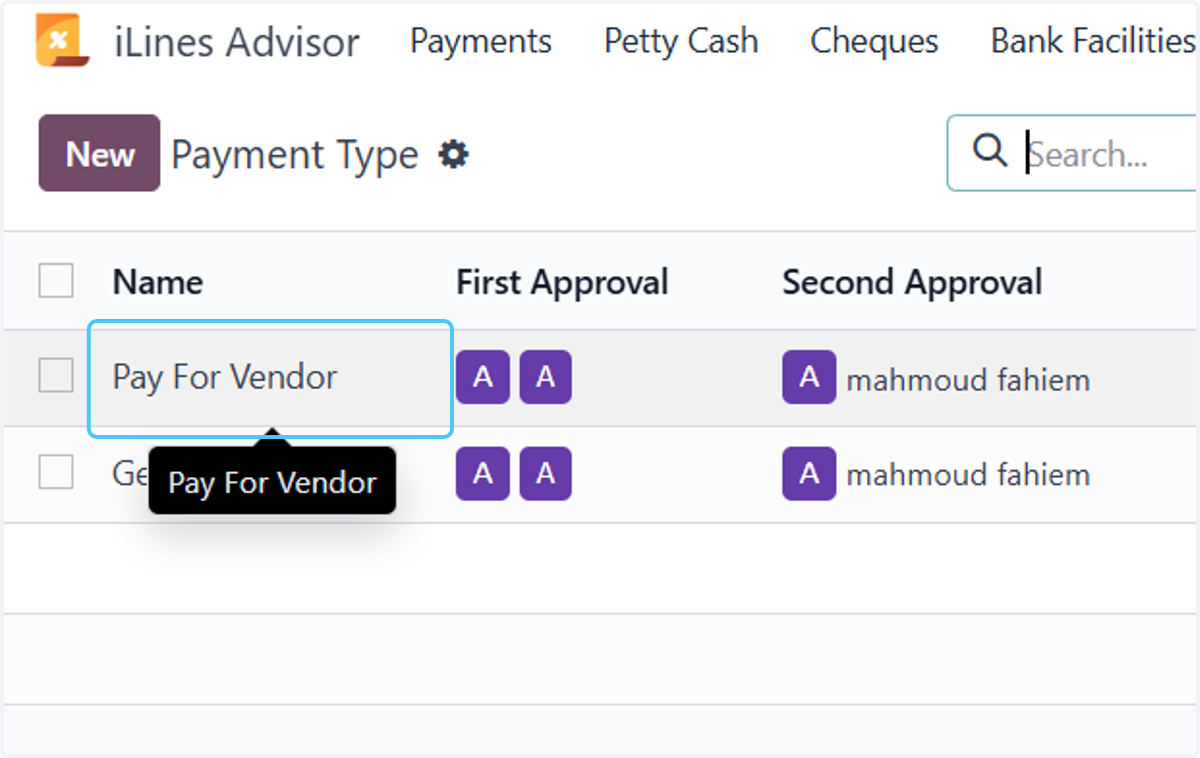
  4. 4. Click on Pay For Vendor

    Click on Pay For Vendor
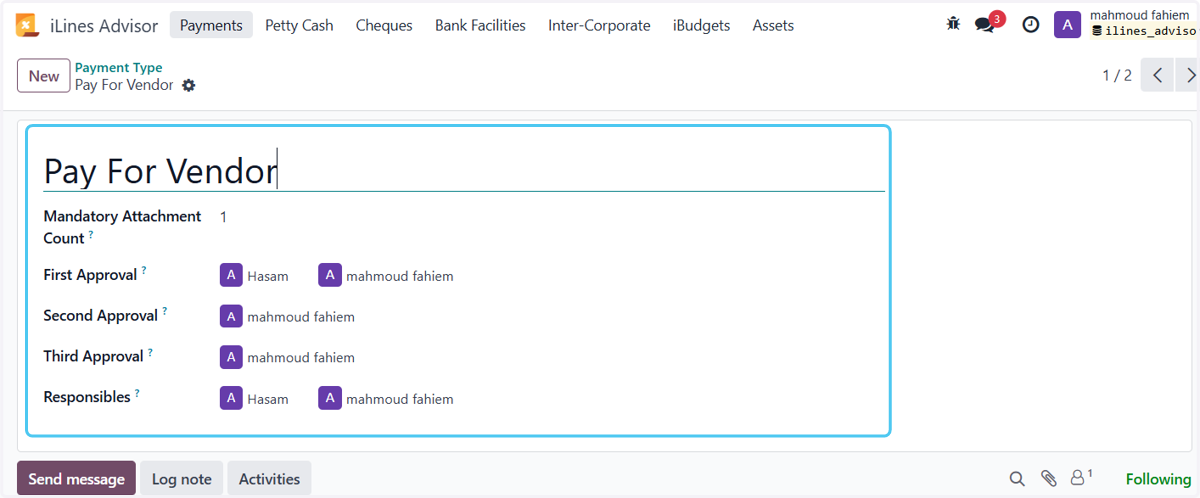
  5. 5. Make type settings

    Make type settings

Operations

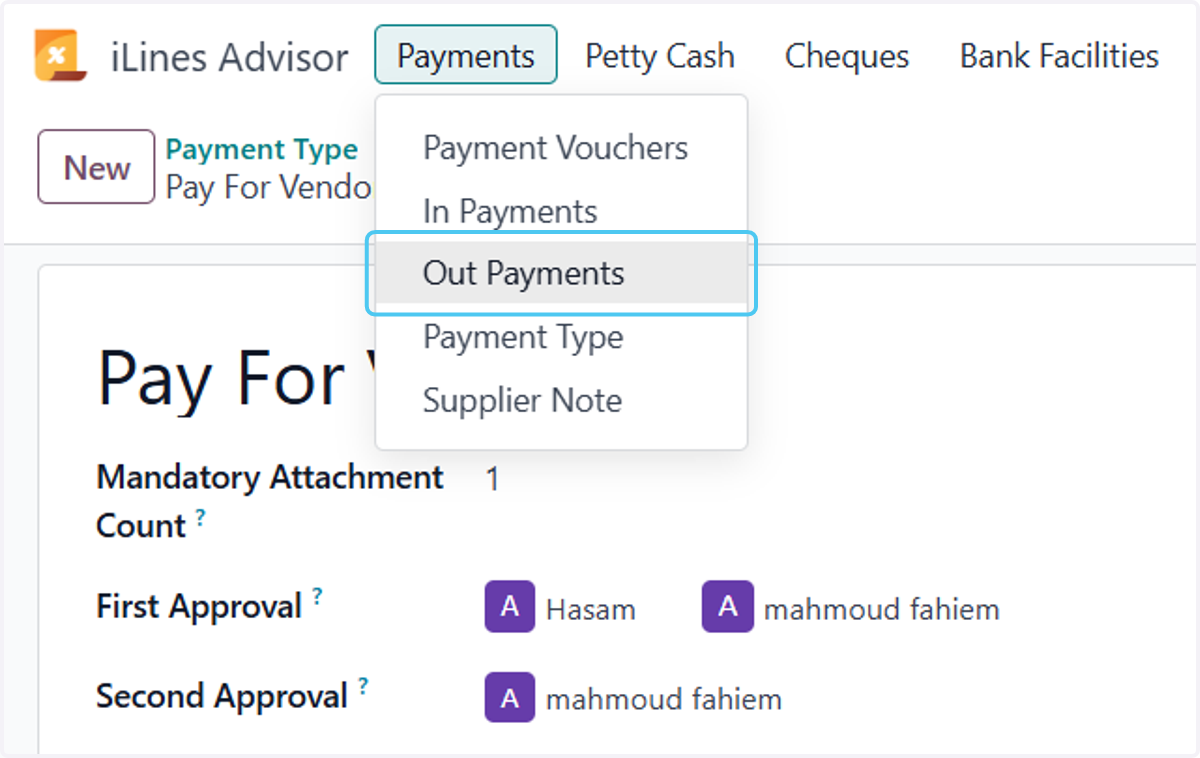
  1. 6. Click on Out Payments

    Click on Out Payments
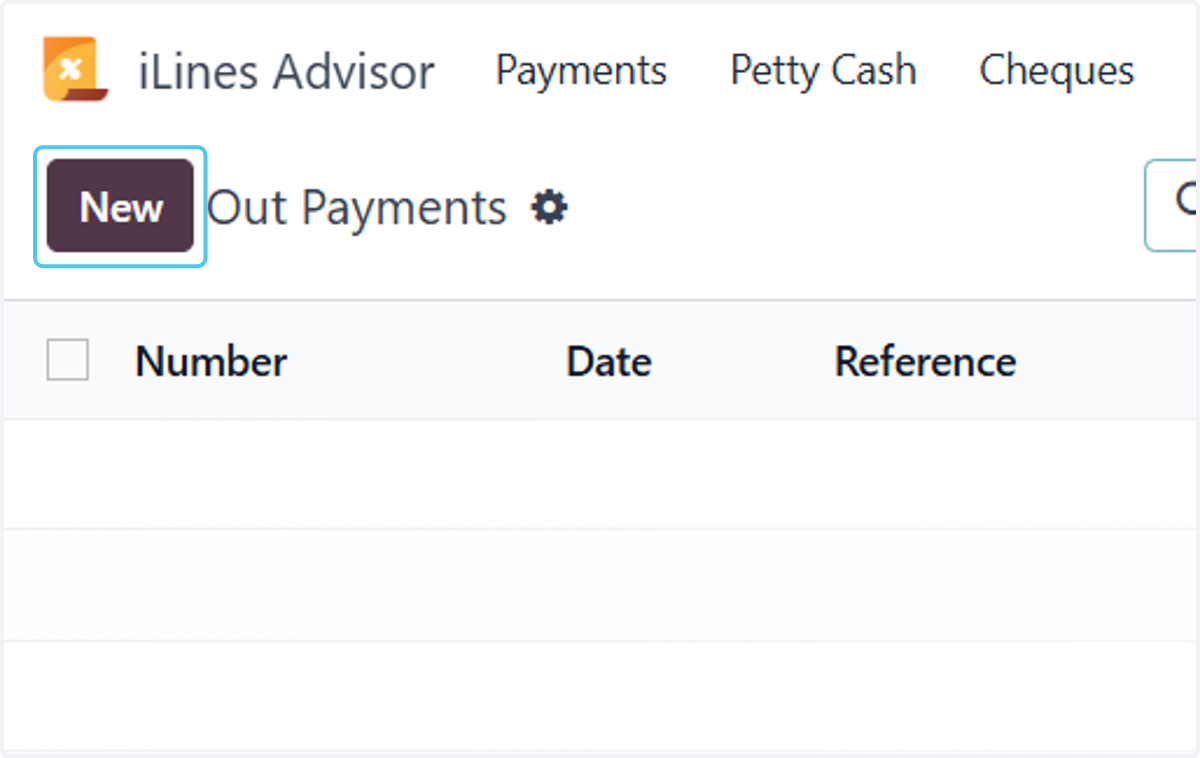
  2. 7. Click on New

    Click on New
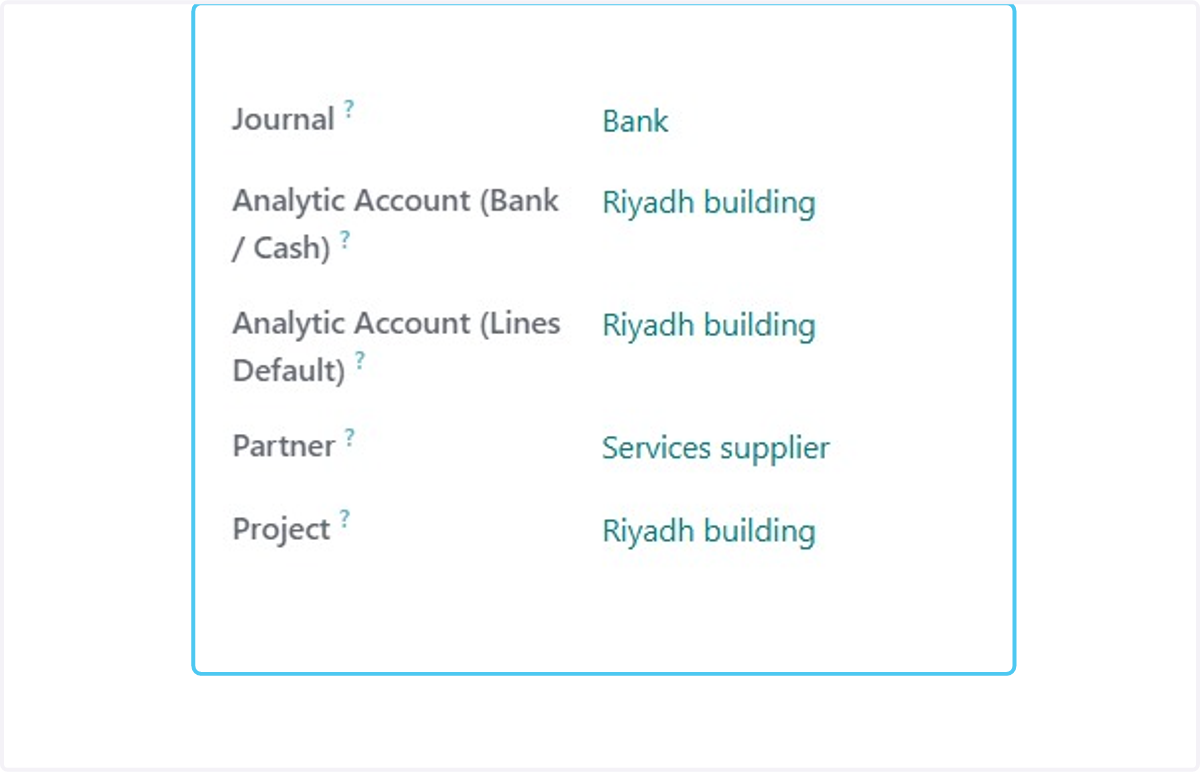
  3. 8. Select the date, type, and write the reference and label.
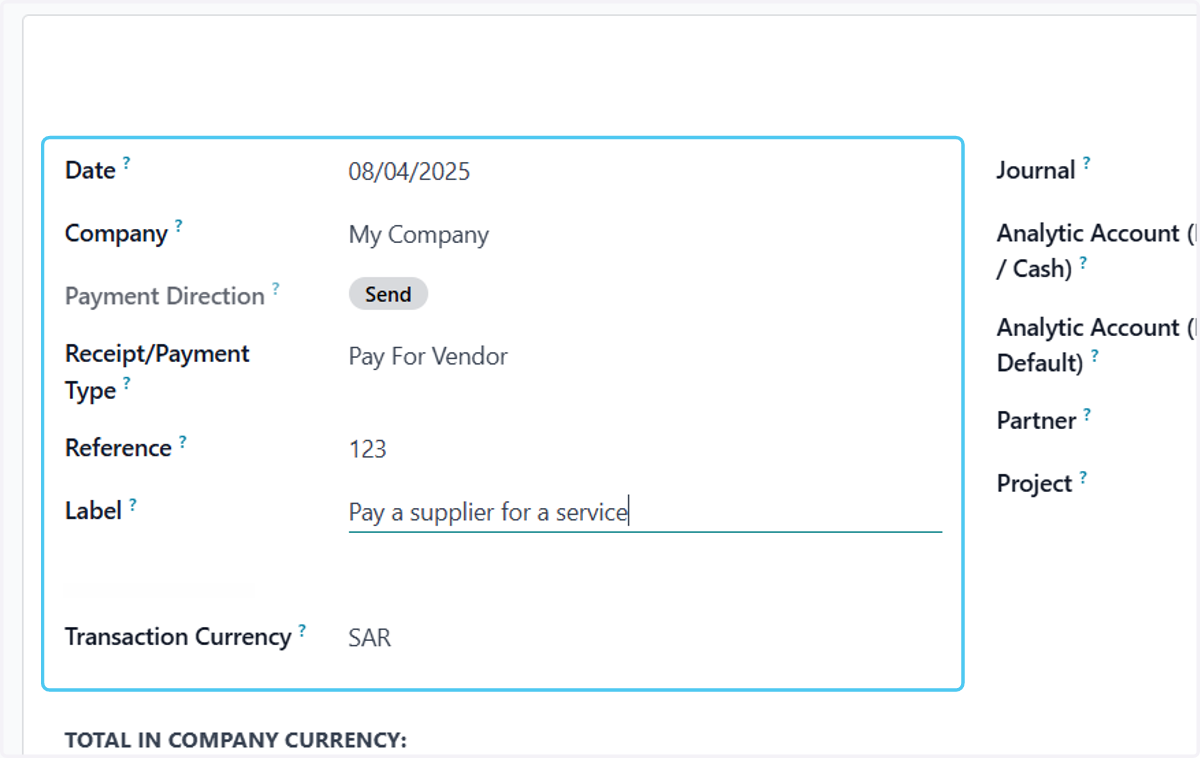
    Select the date, type, and write the reference and label.
  4. 9. Untitled step

    Untitled step
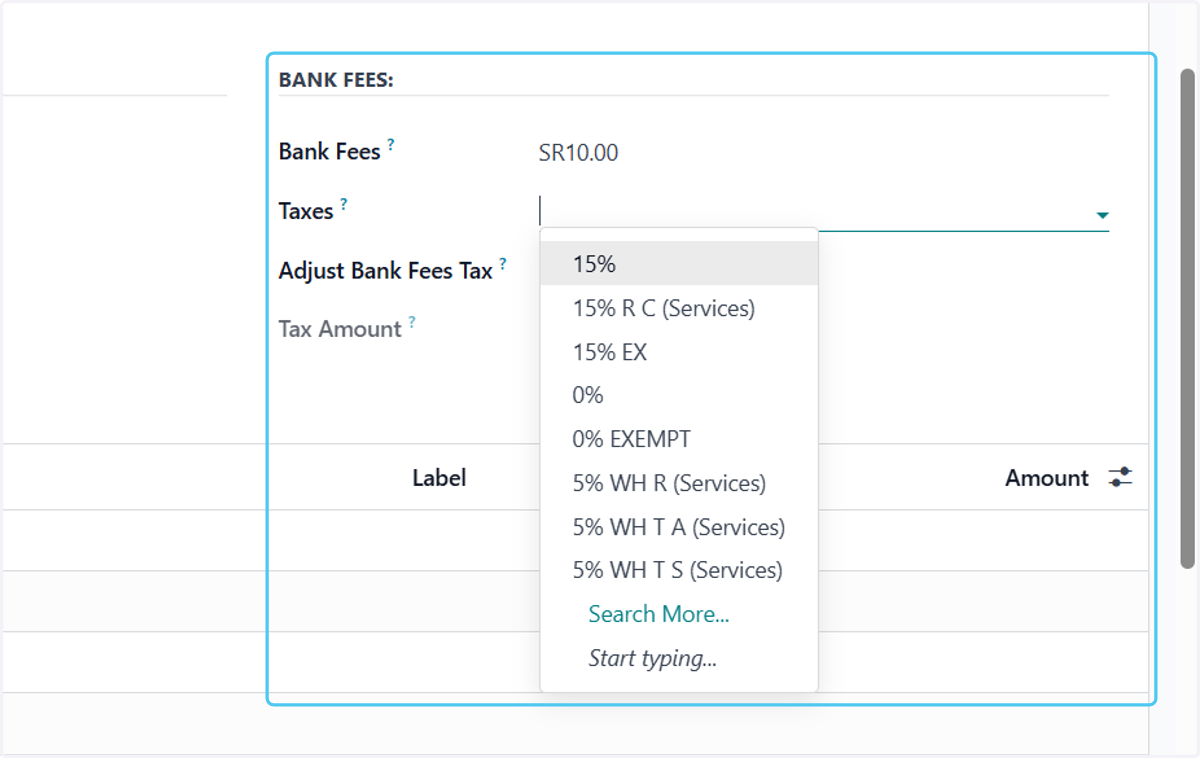
  5. 10. Click on 15%

    Click on 15%
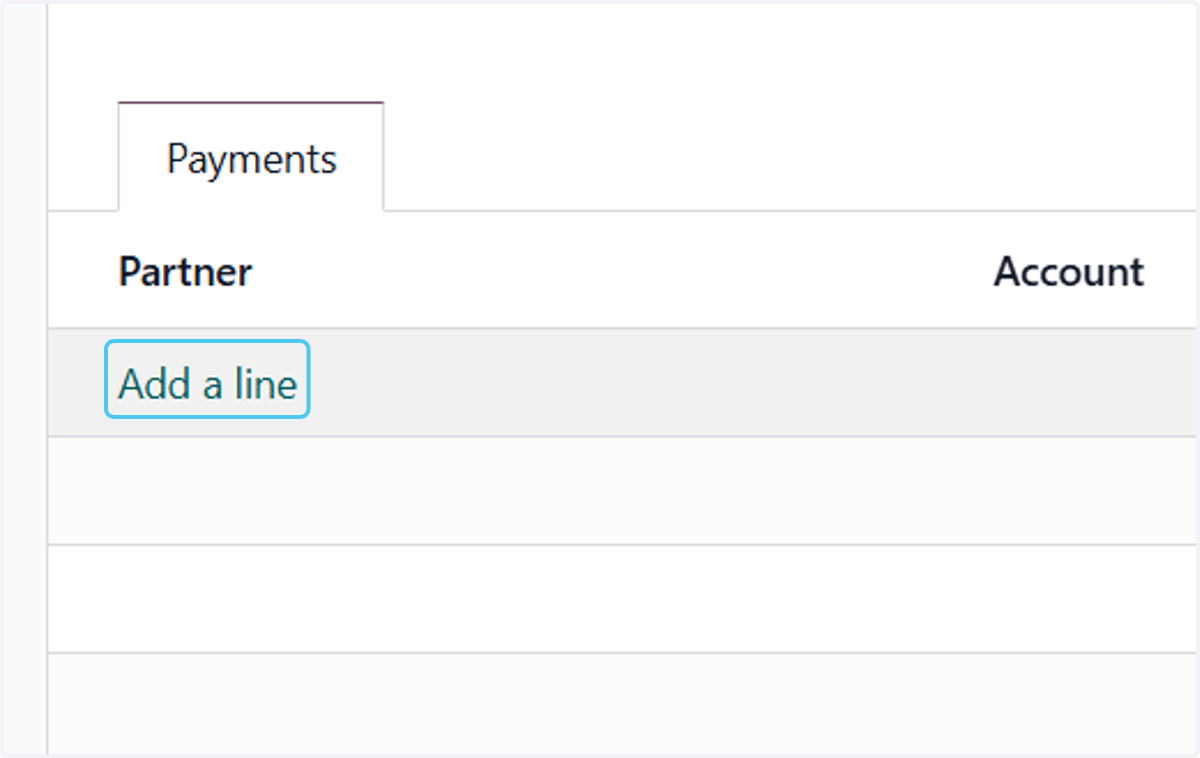
  6. 11. Click on Add a line

    Click on Add a line
  7. 12. The vendor will be automatically, then select the payables account.
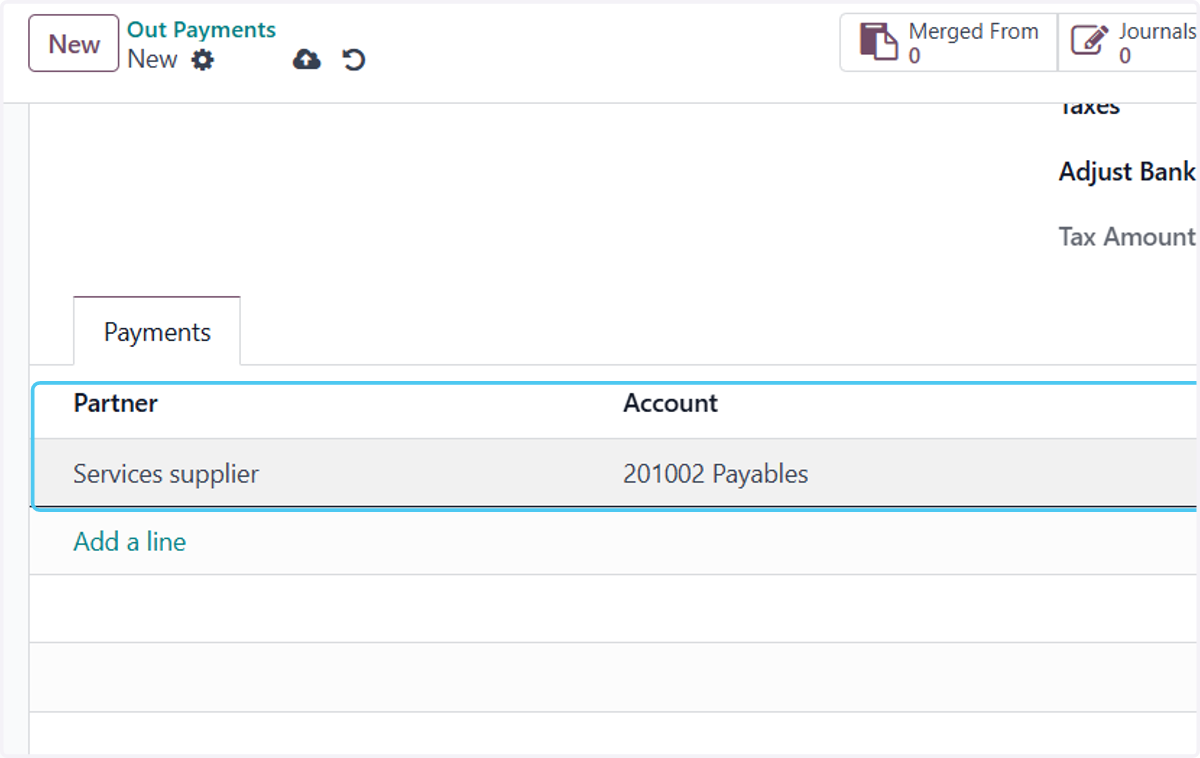
    The vendor will be automatically, then select the payables account.
  8. 13. Writing the label and the amount

    Writing the label and the amount
  9. 14. Click on Attach files to add attachment
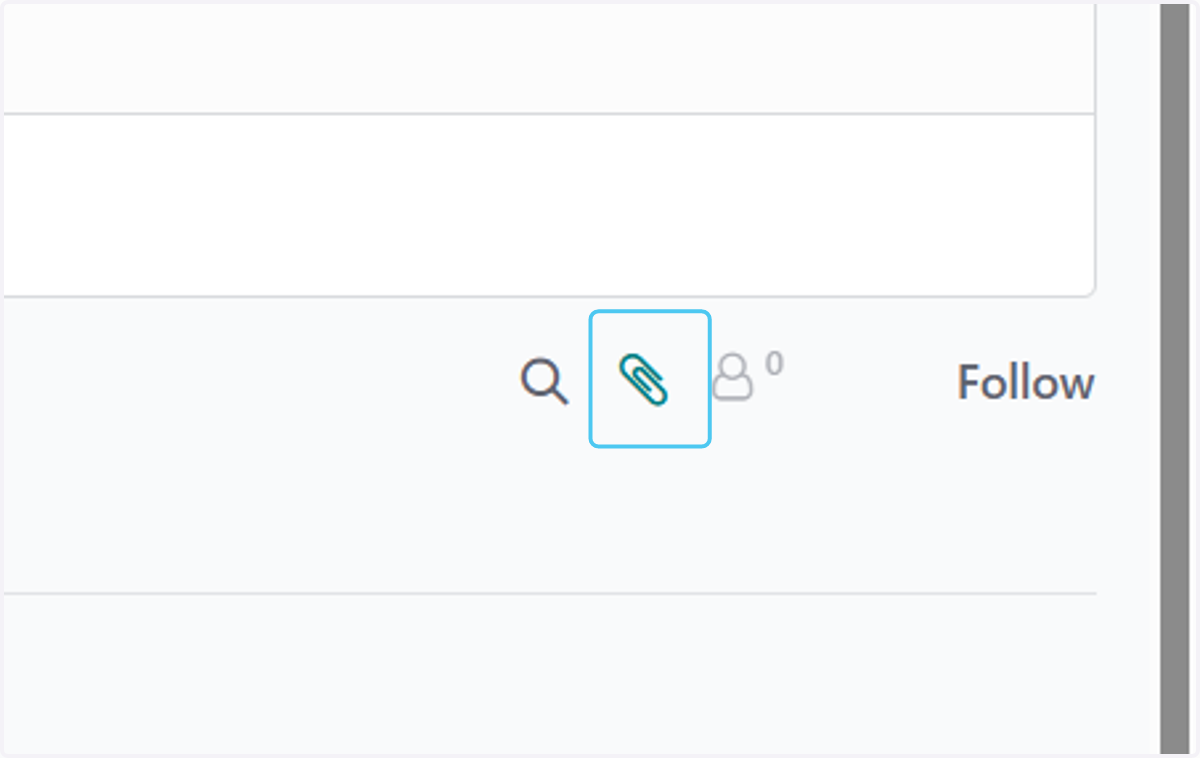
    Click on Attach files to add attachment
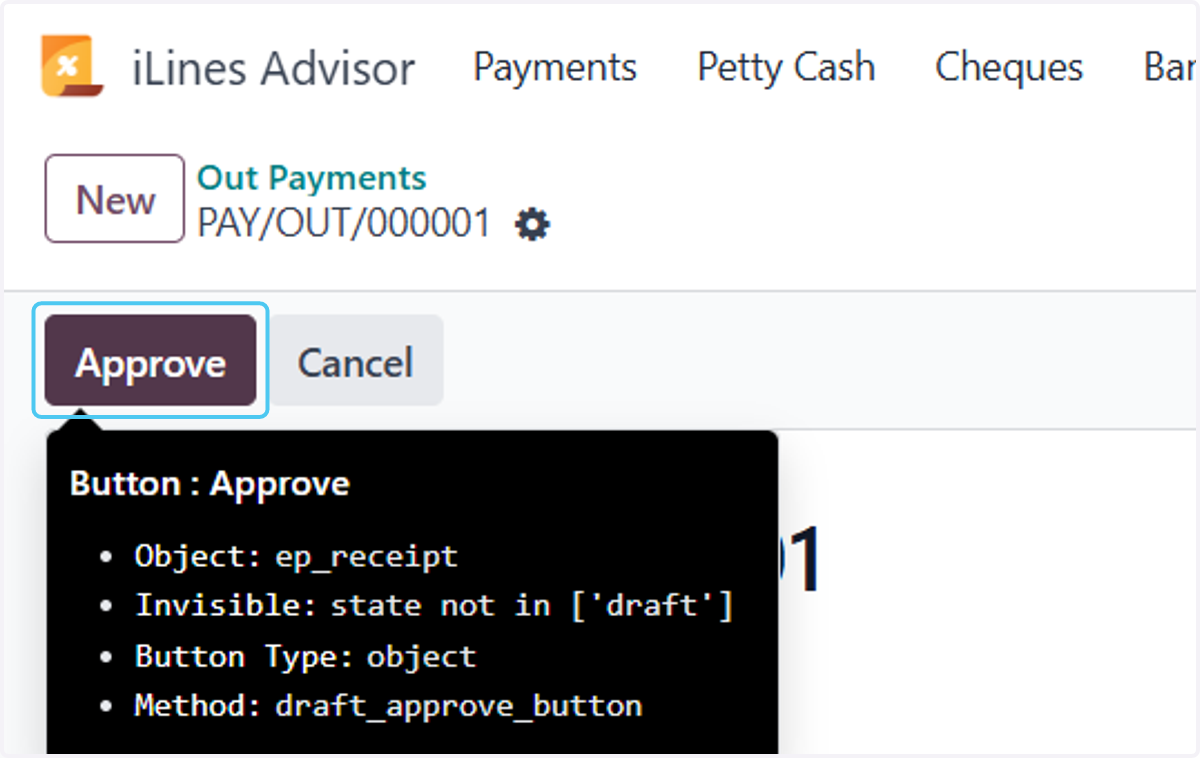
  10. 15. Click on Approve

    Click on Approve
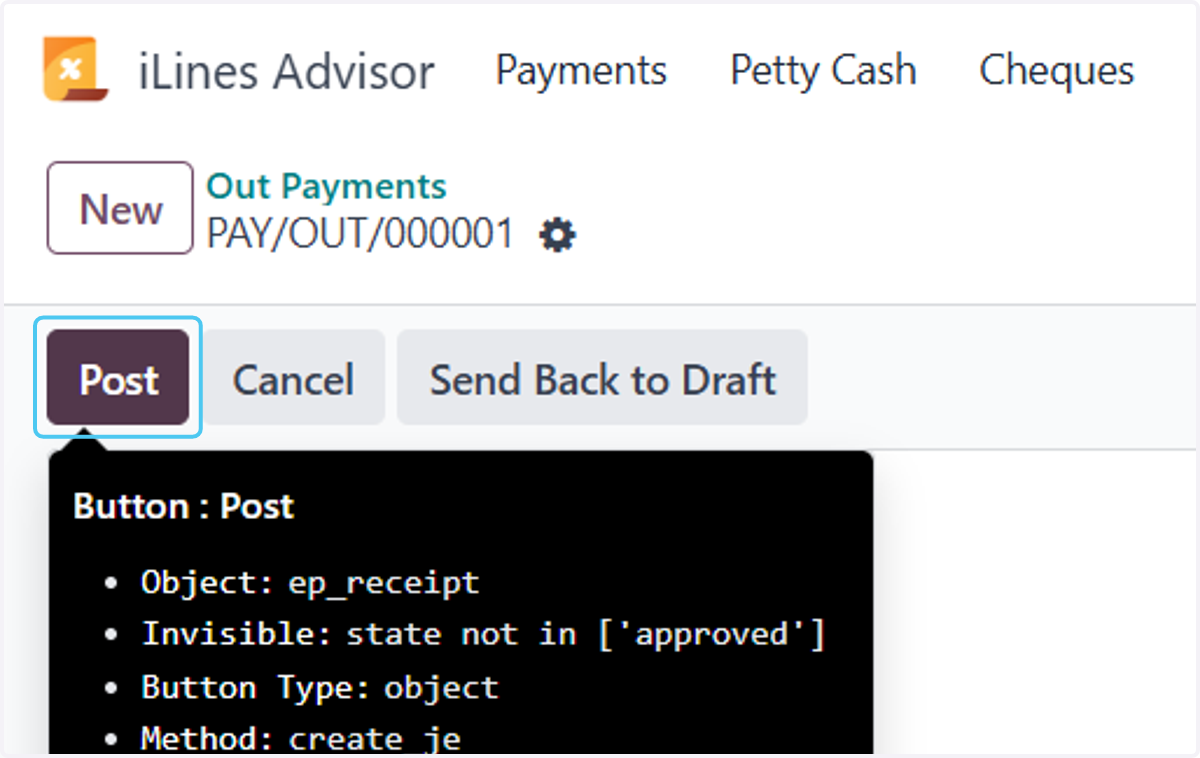
  11. 16. Click on Post

    Click on Post