Adding a Client to Dubsado
Dubsado
1. Go to Dubsado log in page
Log in using your credentials saved in your password manager
2. Select the business you want to add the client to

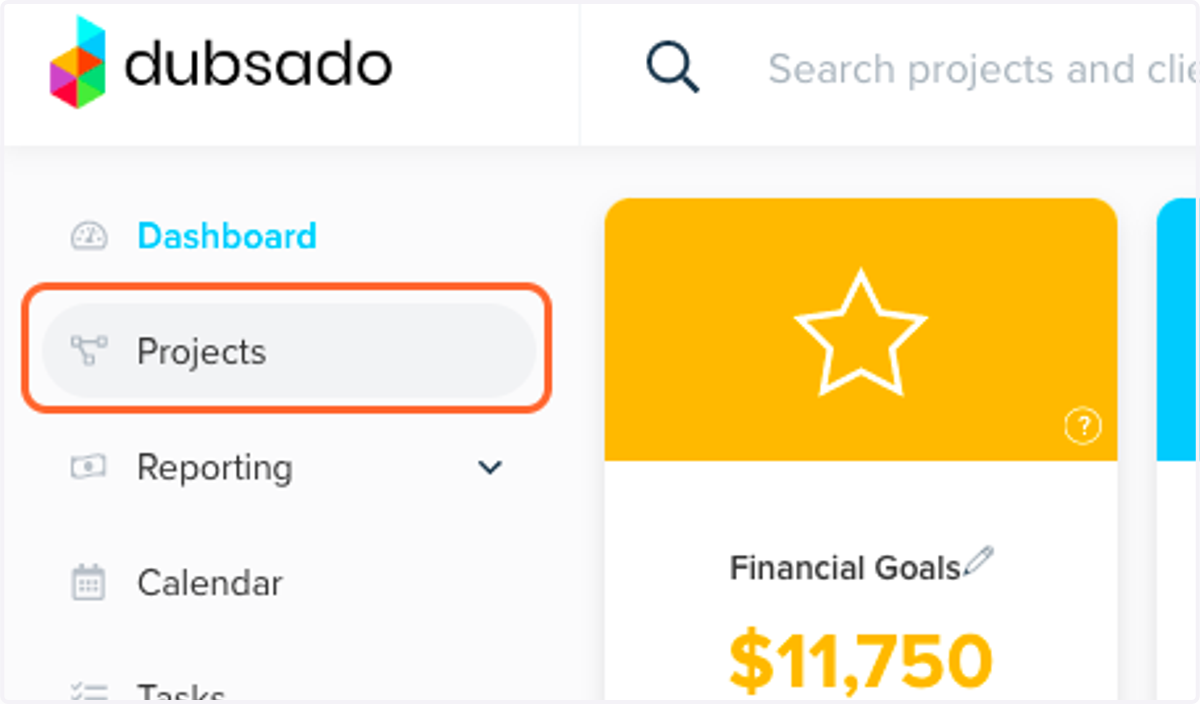
3. Click on Projects
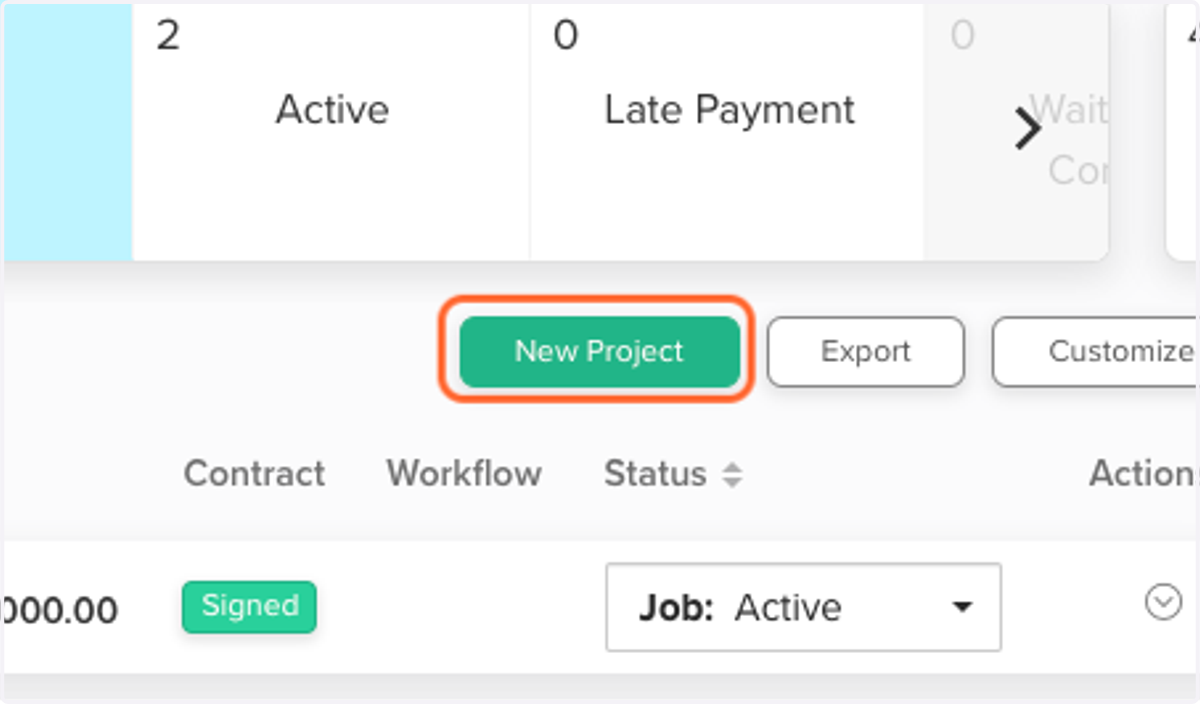
4. Click on New Project
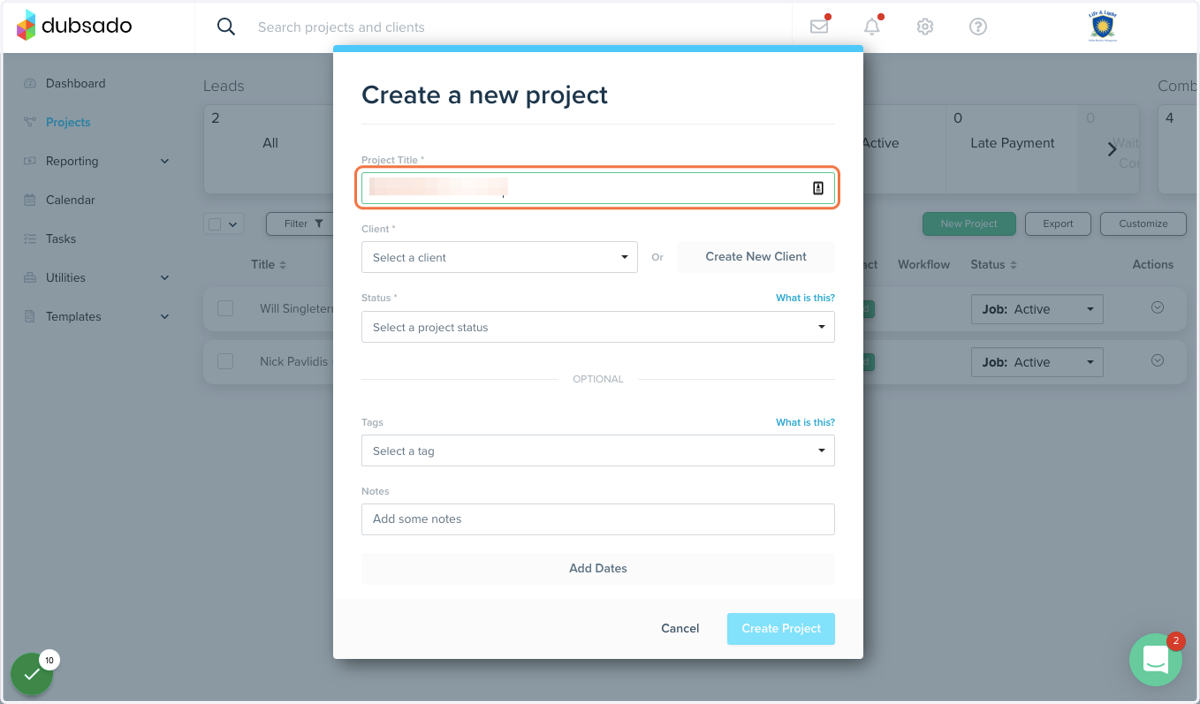
5. Type a Project Title
The project title can be whatever you want. It can be the business name or the name of an individual. It can also include the product or service that this project is for.
Dubsado
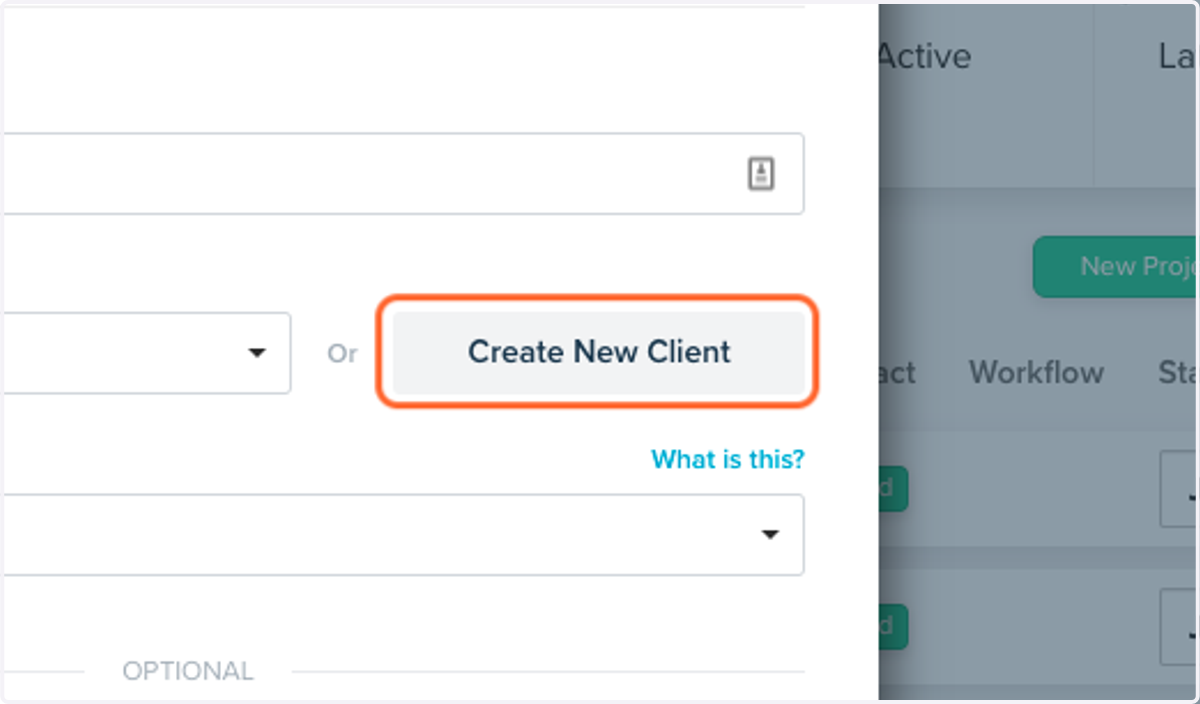
6. Click on Create New Client
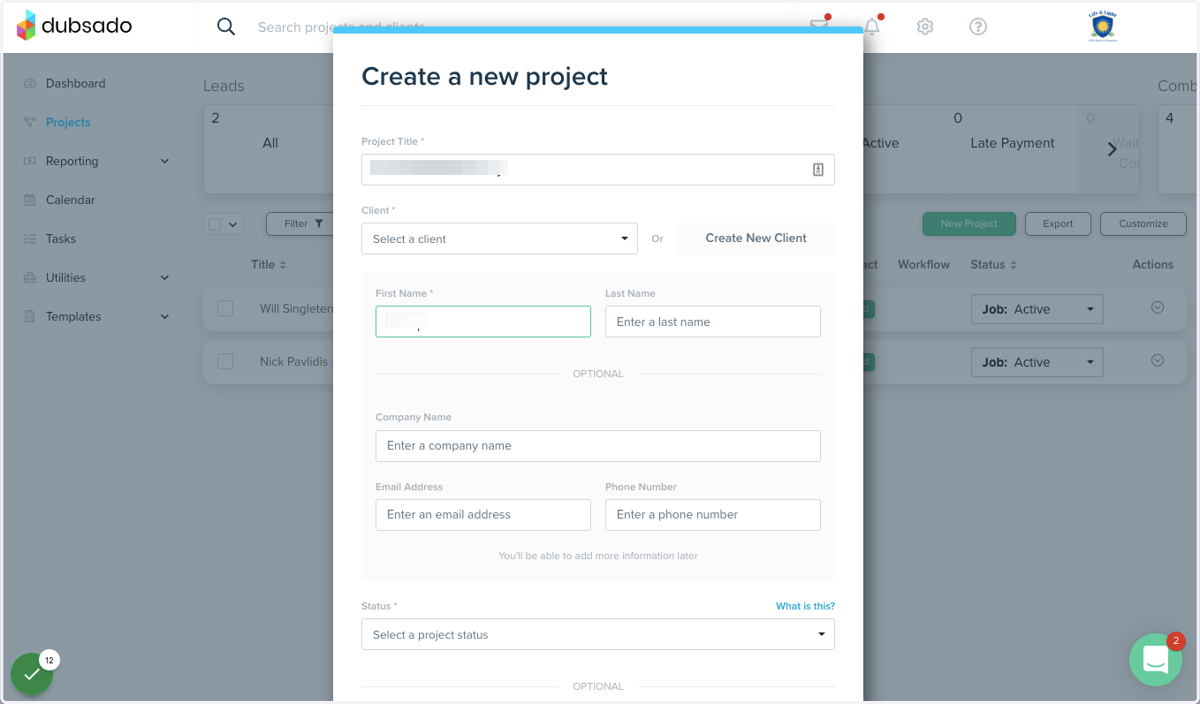
7. Type in the name of the person or contact
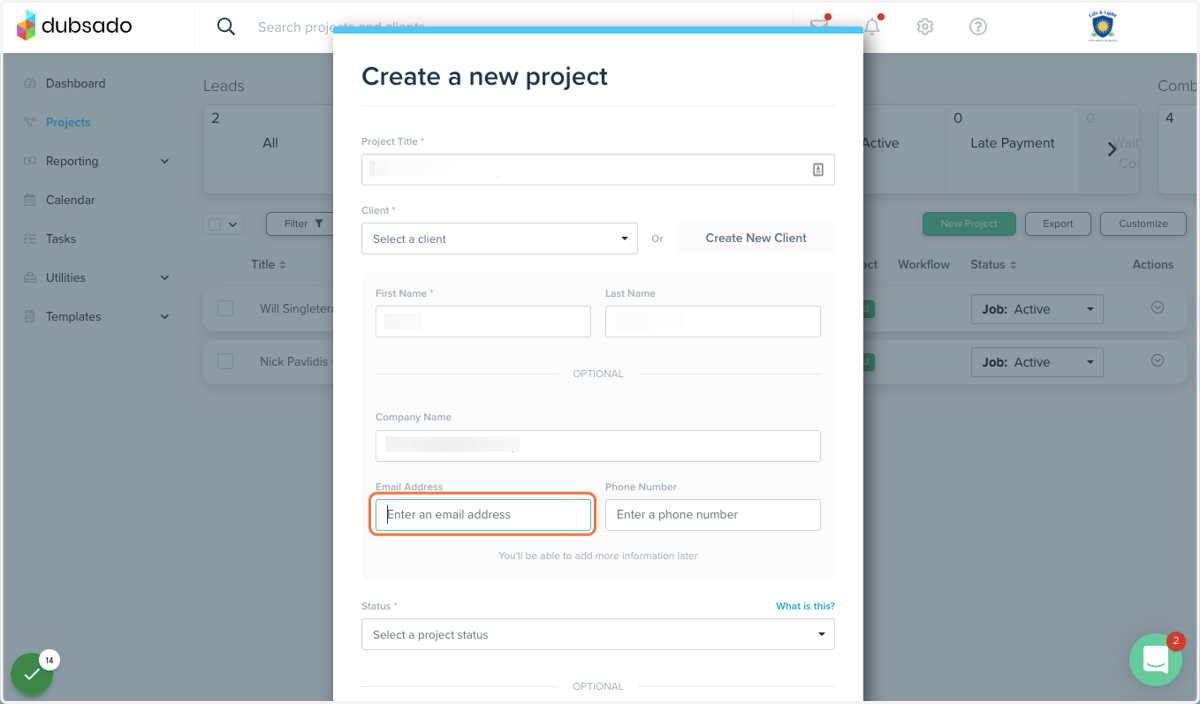
8. Type the business name (if applicable), email, and phone number
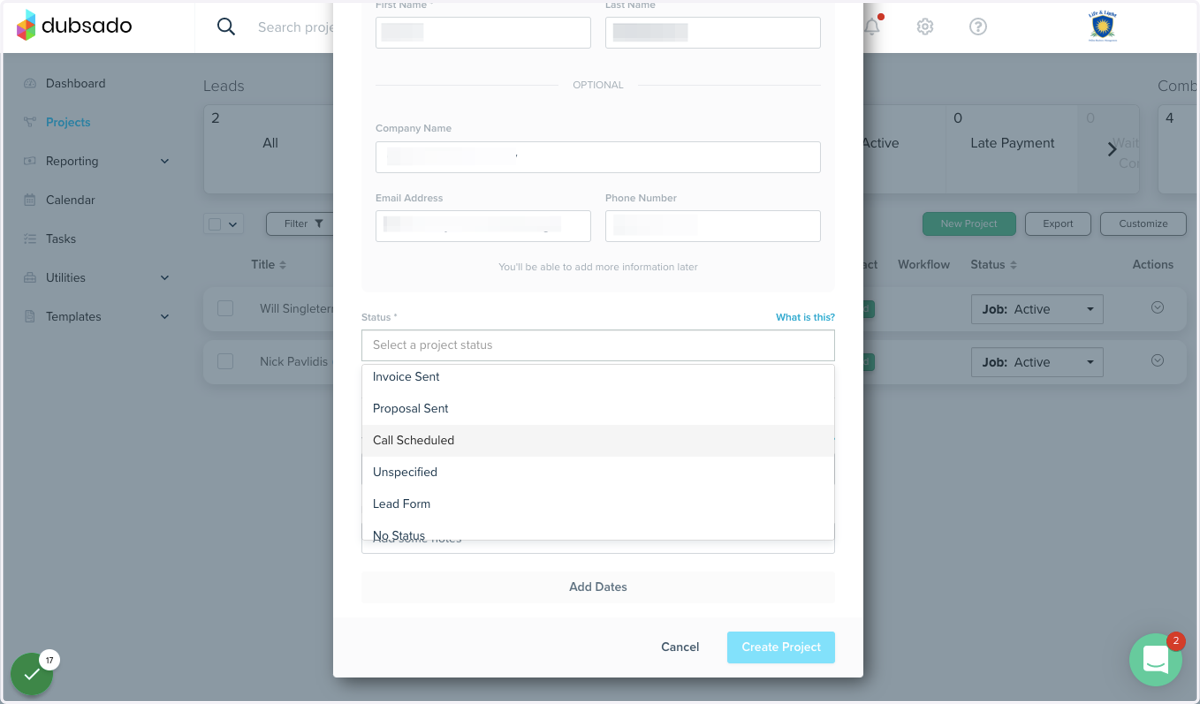
9. Click on Status *…
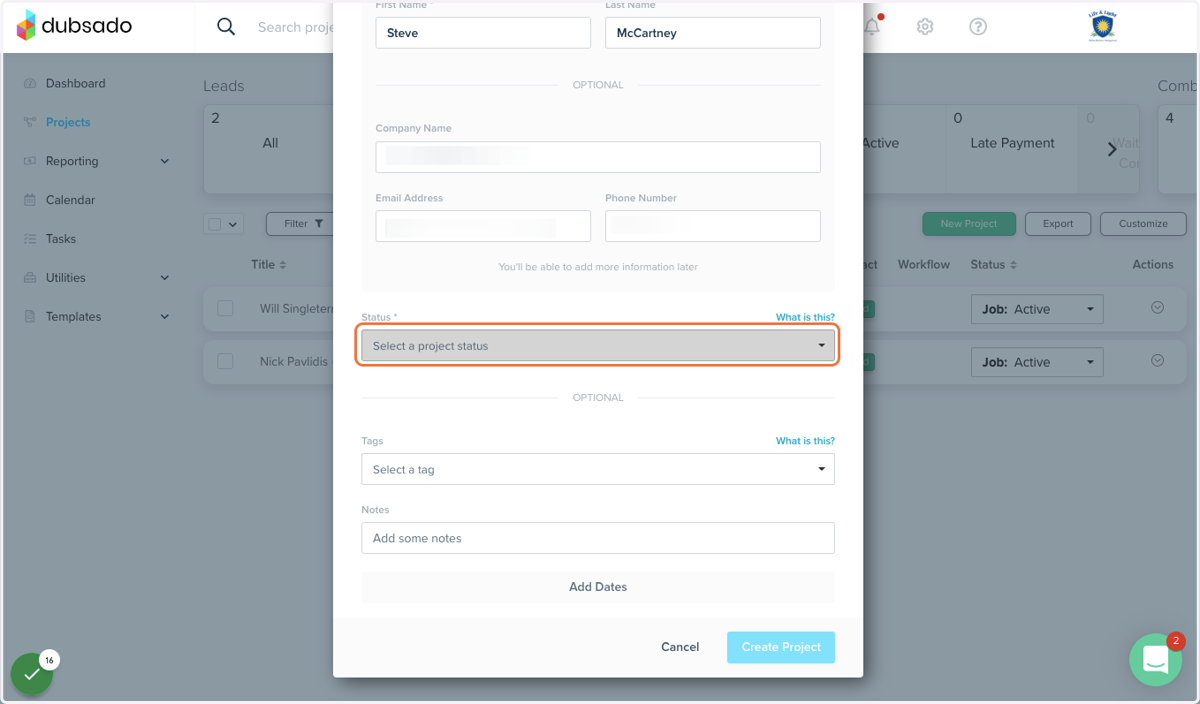
10. Click on Status and select the one that applies
This can always be changed later, so do not stress on this too much
11. Click on Create Project
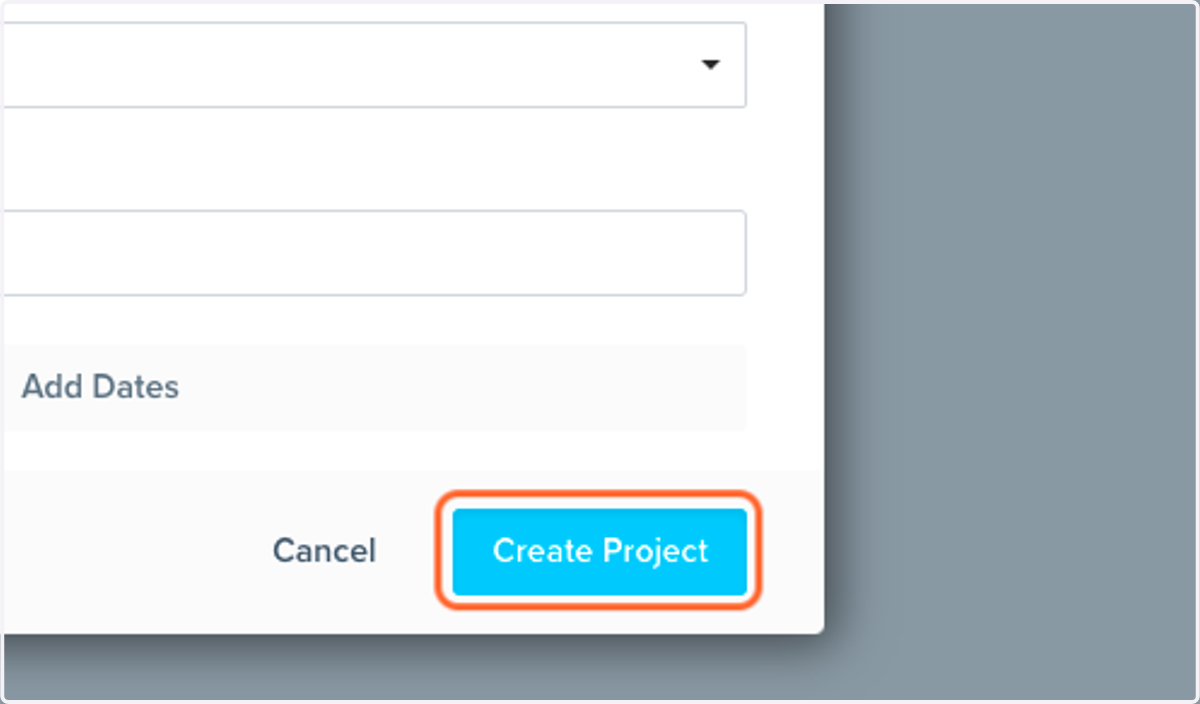
This will create the new project and client for you